

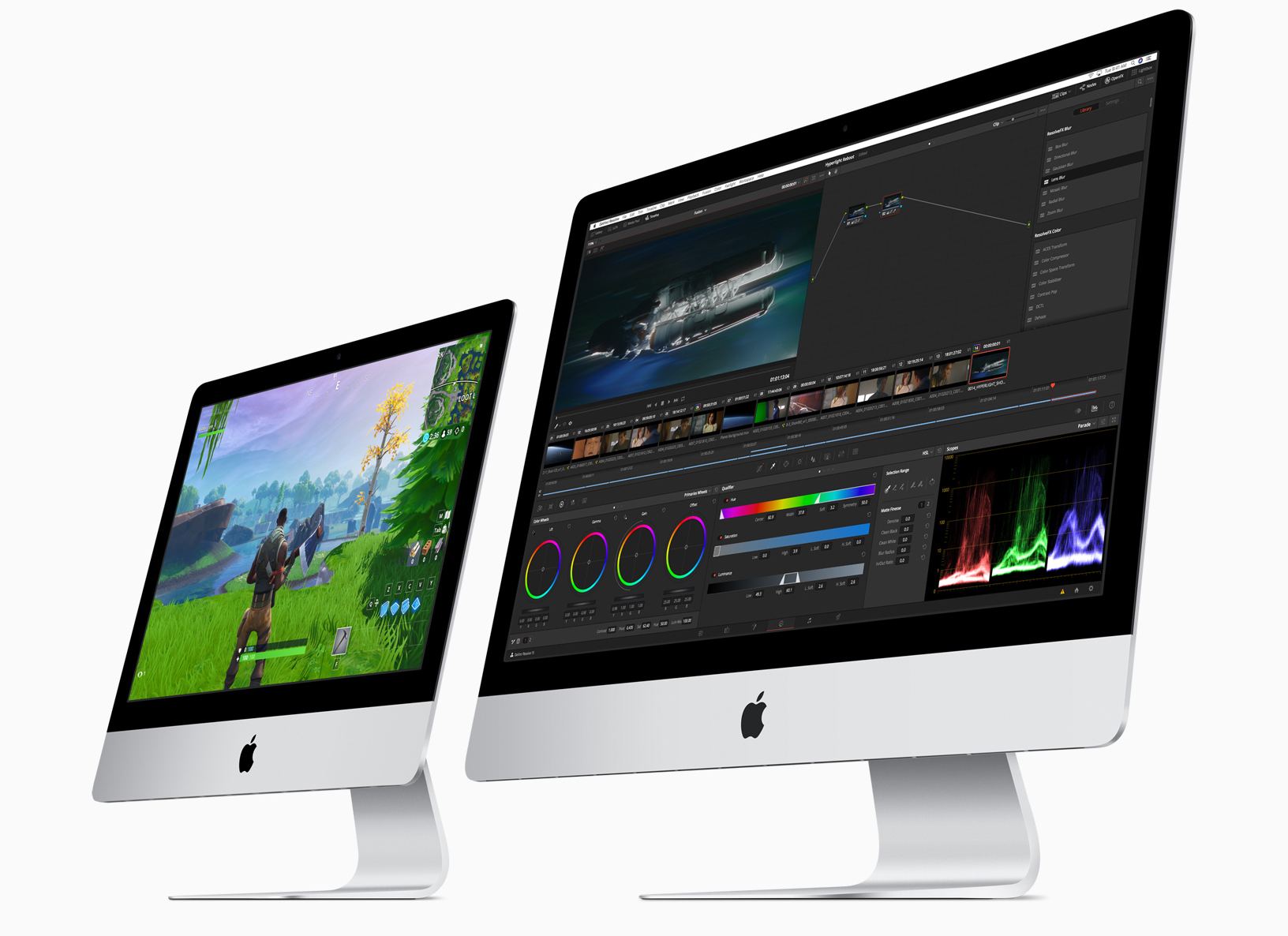
Today, Apple has updated its online store with improved iMacs. Although the iMac Pro models were updated in December 2017, the non-Pro version hadn’t seen an update since June 2017, the longest time ever between iMac revisions according to MacRumors. The new iMacs, which were announced via a press release, include new base models and custom-build options for the 21.5 and 27-inch models that will allow customers to configure an iMac that rivals the specs of the lower-end iMac Pro models.
Posts in news
The New 21.5 and 27-inch iMacs: The MacStories Overview
The 10.5-inch iPad Air and Fifth-Generation iPad mini: The MacStories Overview
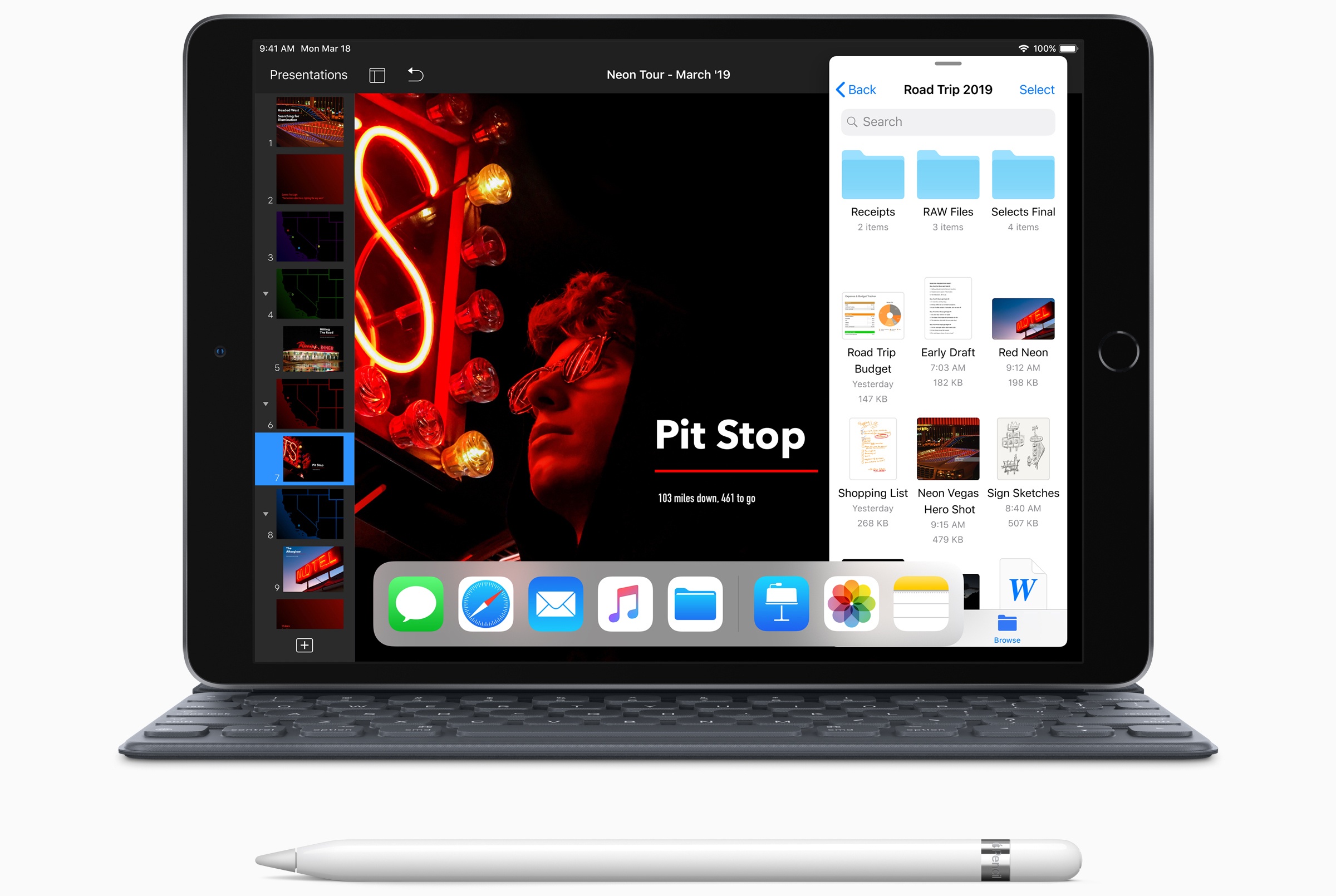
Today Apple has updated its online store with two major new products now available: an iPad Air with a 10.5” display, and a long-overdue fifth-generation iPad mini that includes Apple Pencil support.
Stanford Medicine Presents Results of the Apple Heart Study
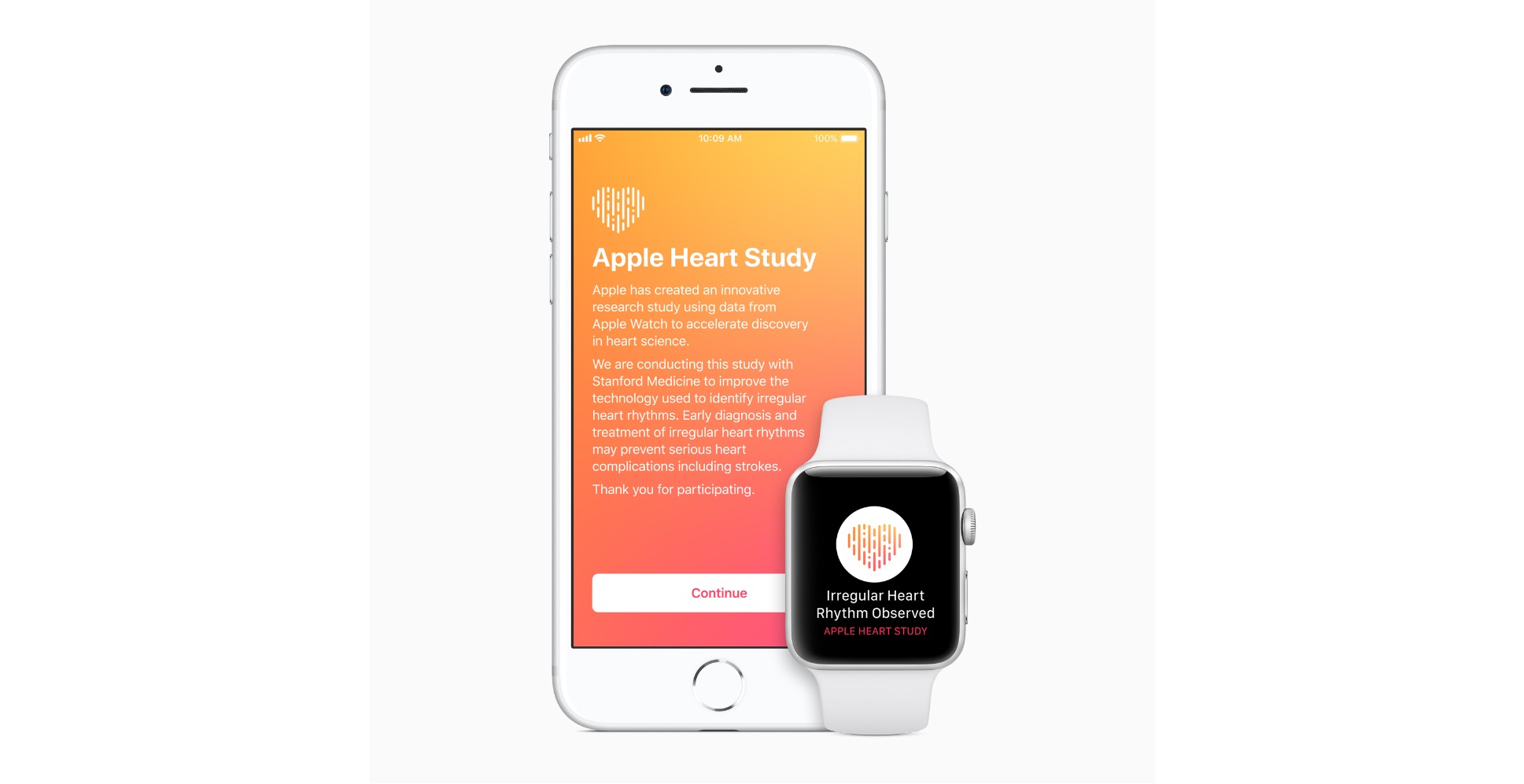
Over 400,000 people participated in the Apple Heart Study, which used the Apple Watch to collect irregular heart rhythm data from participants for eight months. When an irregular rhythm was detected and suggested the possibility of arterial fibrillation, the Watch sent the user a notification. Study participants who got the notification were contacted telephonically by a doctor and given an electrocardiogram patch for further monitoring.
This weekend, Stanford Medicine reported the results of the study at the American College of Cardiology’s Annual Scientific Session and Expo in New Orleans. The study showed that 0.5% of participants received irregular rhythm notifications putting to rest concerns in some quarters that the Apple Watch’s sensor would overburden health professionals with false positives. In a press release, Jeff Williams, Apple’s Chief Operating Officer said:
We are proud to work with Stanford Medicine as they conduct this important research and look forward to learning more about the impact of Apple Watch alongside the medical community. We hope consumers will continue to gain useful and actionable information about their heart health through Apple Watch.
We’re still in the early days of the potential healthcare benefits of wearable devices like the Apple Watch, and it’s encouraging to see results like these, which show the potential good that can come from arming people with information to help them get the care they need.
Apple Responds to Spotify’s Claims of Anticompetitive Behavior
In a lengthy response, Apple has addressed many of the allegations leveled against it by Spotify earlier this week. As we reported, Spotify has filed a complaint with the European Commission alleging that Apple’s treatment of the music streaming service is unfair and anti-competitive. Today, Apple fired back with a response to many of Spotify’s contentions.
Apple denies it has blocked access to its products and updates. To the contrary, the company says it has approved over 200 updates to Spotify’s app and reached out to inquire about the adoption of features like Siri and AirPlay 2. Apple says the only time it has requested changes to Spotify’s apps is when the company ‘has tried to sidestep the same rules that every other app follows.’
Apple also takes issue with what it characterizes as Spotify’s desire for the benefits of a free app without being free. Long gone are the days when apps were either free or paid. Spotify, like many other apps, offers a free music streaming tier. Spotify doesn’t pay Apple anything for those free users or users that sign up for streaming through other channels like mobile carriers. For Spotify’s paid subscribers, Apple receives 30% in year one and 15% after that for access to its platform and payment system, which the company says Spotify is unfairly trying to sidestep.
Finally, Apple claims that Spotify’s complaints against it are just one facet of a pattern of actions that are in Spotify’s economic interests but are damaging to musicians and the music industry. As evidence of this, Apple raises recent moves by Spotify against songwriters after the US Copyright Royalty Board required Spotify to increase royalty payments.
I don’t know whether Apple’s actions constitute unfair and anti-competitive behavior under EU law. Separate and apart from the legalities of the situation though, Spotify’s complaints have struck a chord because they come at a time when new online app stores are taking a significantly smaller cut of revenue. Spotify has other legitimate complaints, like its frustrations with App Review, but what seems to really be driving the dispute is how much Apple charges for access to the App Store and its payment system. Now more than ever, Apple’s 30% cut looks like a bad deal even when that cut is reduced to 15% for the second year of subscriptions.
What makes this dispute unique is that Spotify competes with Apple Music and is big enough to grab public attention and raise the stakes for Apple by getting European regulators involved. Usually, this sort of fight would play out privately, but by making their disagreement very public and involving regulators, Spotify may have taken the outcome out of its and Apple’s control.
Apple Announces WWDC 2019 Kicks Off June 3
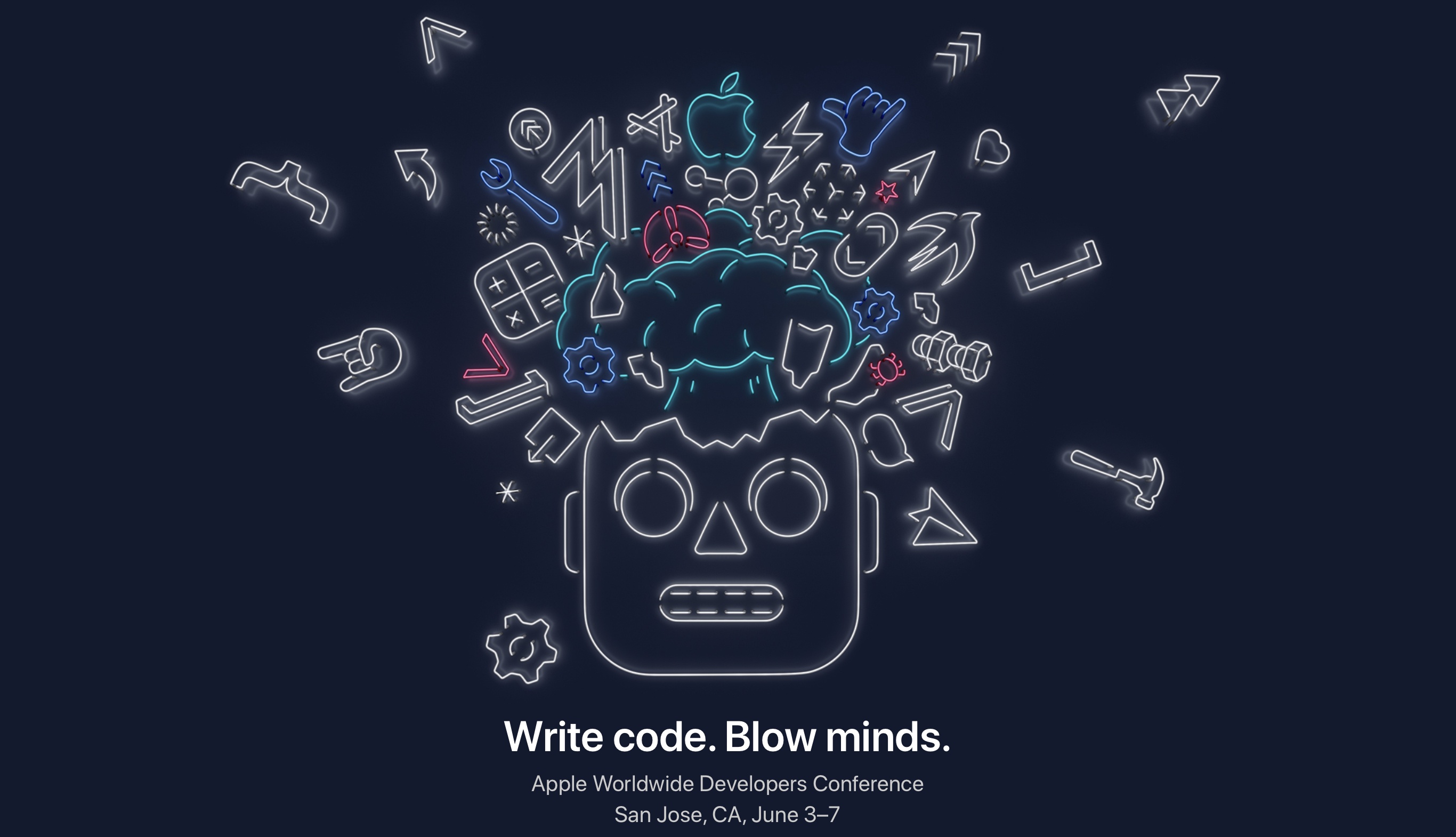
Today Apple announced the dates for WWDC 2019. The annual developer conference will take place June 3-7, hosted for the third year in a row at the McEnery Convention Center in San Jose, California.
WWDC is where Apple traditionally lays out its software plans for the year ahead, with major new OS versions like iOS 13 and watchOS 6 expected to be unveiled in detail. The conference typically kicks off with a keynote address where these software updates are previewed, so mark June 3 as the day to find out all about what improvements will come to your Apple devices later this year. From Apple’s press release:
“WWDC is Apple’s biggest event of the year. It brings thousands of the most creative and dedicated developers from around the world together with over a thousand Apple engineers to learn about our latest platform innovations and to connect as a community,” said Phil Schiller, Apple’s senior vice president of Worldwide Marketing. “Our developers are incredibly passionate about creating the next generation of mind-blowing experiences for the world through apps. We can’t wait to get together with them and share what’s next.”
The keynote is usually live-streamed around the world, but any developers interested in attending the full conference in person can apply for a ticket. Winners of the ticket lottery are chosen randomly, but all submissions must be in by March 20th.
Students and STEM organization members can apply for WWDC scholarships by submitting a Swift playground that demonstrates their creativity. Scholarship applicants must have submissions in by March 24th, and will be notified of their status by April 15th.
Twitter’s iOS App Makes the Camera More Prominent Than Ever
Twitter today announced a change to its iOS app that will be rolling out over the next few days: the in-app camera has been redesigned, and it will now be only a left-swipe away from your timeline.
https://twitter.com/twitter/status/1105815777616191489?s=21
The new camera placement models that of Instagram, which has long enabled quick camera access via a horizontal swipe on your feed. Though this change for Twitter doesn’t come with an entirely new feature, such as Stories, it does condense a couple existing features into an easier-to-access location.
Upon opening the new camera screen, you can tap the Capture button to snap a quick shot for tweeting, or hold down that button to record video clips that can be strung together and shared as a single video – both of these features existed before in the tweet compose screen, but they’ll now be more prominent than ever. The new camera interface also grants quick access to Twitter’s live-streaming feature, which previously was also limited to the compose screen. The idea here is that sharing photos, video, or livestreams of current happenings should be as seamless as possible.
As demonstrated in the video above, photos and video captured by the new camera are formatted in a special way. Casey Newton of The Verge describes the new look: “Once you’ve snapped your image, a colorful chyron appears on top, ready to add an optional location and caption. You can change the chyron from the default blue to one of five other colors.”
Though Twitter’s new camera doesn’t bring with it big feature changes, it does serve as a key indicator of direction for the company. By providing a new, prominent method for accessing the camera, Twitter is signaling that it likely has more camera-focused moves up its sleeve for the future.
Spark Launches Email Delegation Feature for Teams
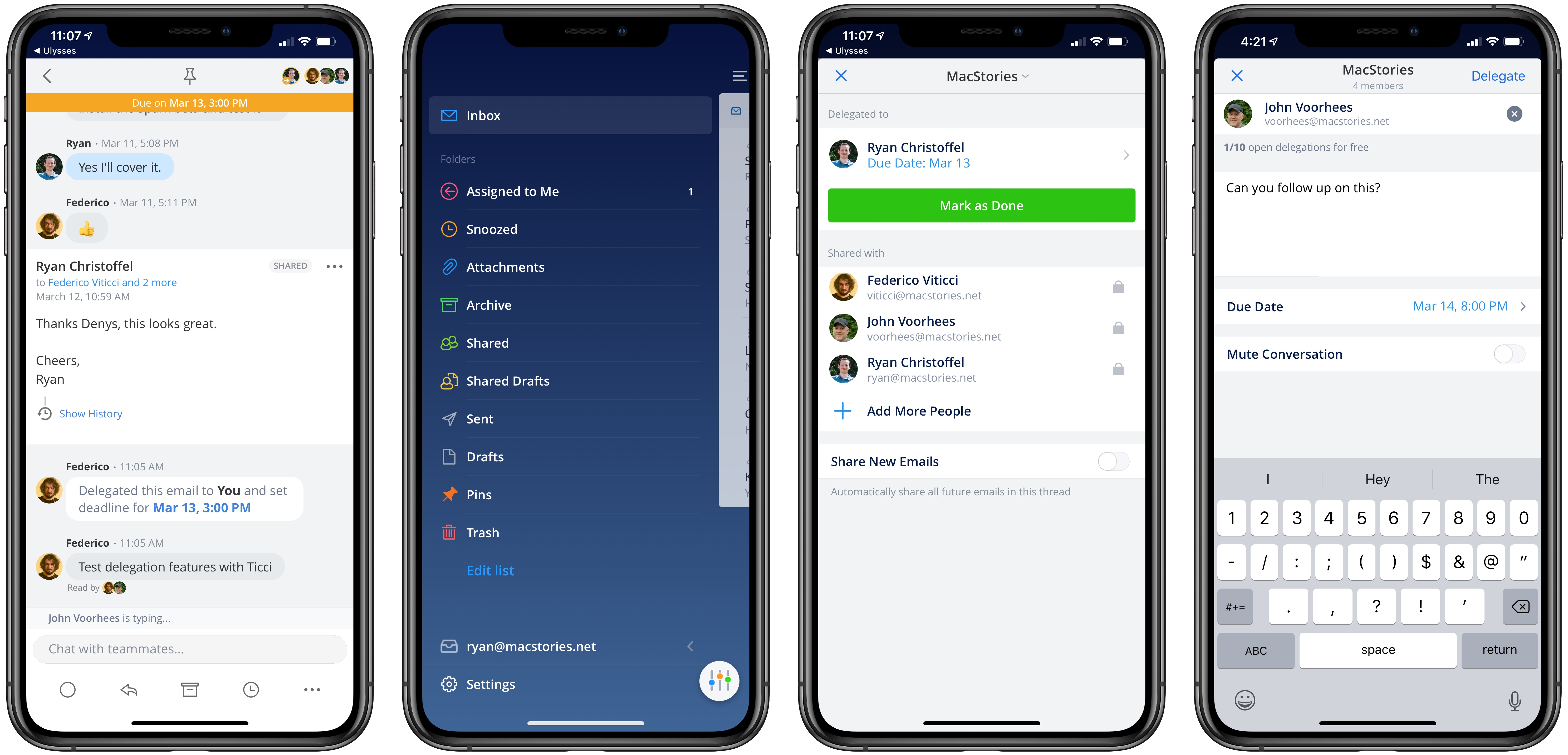
Today Spark launched a new Delegation feature for teams, which is available on both the Mac and iOS. Delegation enables team members to assign emails to one another, with optional due dates attached, and follow the progress of those emails over time. It’s a feature that addresses well the workflows a manager or executive may have with their assistant or other team members.
A Remastered Version of Rolando Is Returning to the App Store April 4th as Rolando: Royal Edition

Rolando was one of the earliest break-out games on the App Store when it debuted in 2008. Millions of fans downloaded the game, which featured colorful round characters that you maneuvered through four worlds with the help of the iPhone’s accelerometer. However, as Federico highlighted in his story on app preservation last summer, the ngmoco-published title disappeared in 2017 when it wasn’t updated to support Apple’s 64-bit architecture.
Today though, Rolando’s developer, HandCircus, announced that Rolando is coming back on April 4th as Rolando: Royal Edition. According to a report by TouchArcade, the game is a remaster of the original title:
…beyond a beautiful overhaul with the brilliant 2.5D aesthetic of the game’s sequel, as well as the expected graphical polish to seamlessly fit into the 2019 App Store, HandCircus have actually overhauled a lot of the levels, interactions and mechanics across the game.
Today’s news comes close on the heels of the launch of GameClub, a startup that plans to bring unavailable classic iOS games back to the platform starting with Hook Champ. TouchArcade’s former Editor-In-Chief Eli Hodapp is GameClub’s VP of Business Development.
Federico’s closing commentary from last summer’s story sums up the state of game and app preservation and his hopes for the future well:
It doesn’t have to be this way. I want to believe that, over the next decade, Apple and third-party developers will learn to appreciate the history of the App Store. And that they will treat its back catalogue as something more than a nuisance with an expiration date. Because sometimes it can be useful, and perhaps even fun, to marvel at how far we’ve come by looking back at how it all began.
I couldn’t agree more. So many classic iOS games have fallen by the wayside and are now unplayable that it was heartening to see that HandCircus is bringing back Rolando and learn more about GameClub’s efforts. Two announcements isn’t a trend, but I hope it’s a sign that momentum is building behind preservation in the iOS game and the broader app industry. The time feels right to revisit these classics.
Rolando: Royal Edition is available to pre-order on the App Store for $1.99 and comes with iMessage stickers that are available today.
Apple Announces March 25th Event at the Steve Jobs Theater

Today Apple announced a special event at the Steve Jobs Theater for March 25, 2019, at 10:00 am Pacific time. Matthew Panzarino of TechCrunch posted an image of the press invitation to Twitter:
https://twitter.com/panzer/status/1105186663158800384
According to Panzarino’s tweet, the email invitation, which says simply ‘It’s show time,’ played a short film reel countdown animation, which suggests the event will be used to announce Apple’s much-anticipated video streaming service. In addition to a video service, there have been rumors that the company will use the event to announce a magazine service that will expand on its existing Apple News product.