This Week's Sponsor:

Dropzone 5

Improve your Drag-and-Drop Workflow


Posts in news

PageTurn Uses Facial Recognition for Hands-Free Navigation of PDFs, Perfect for Musicians

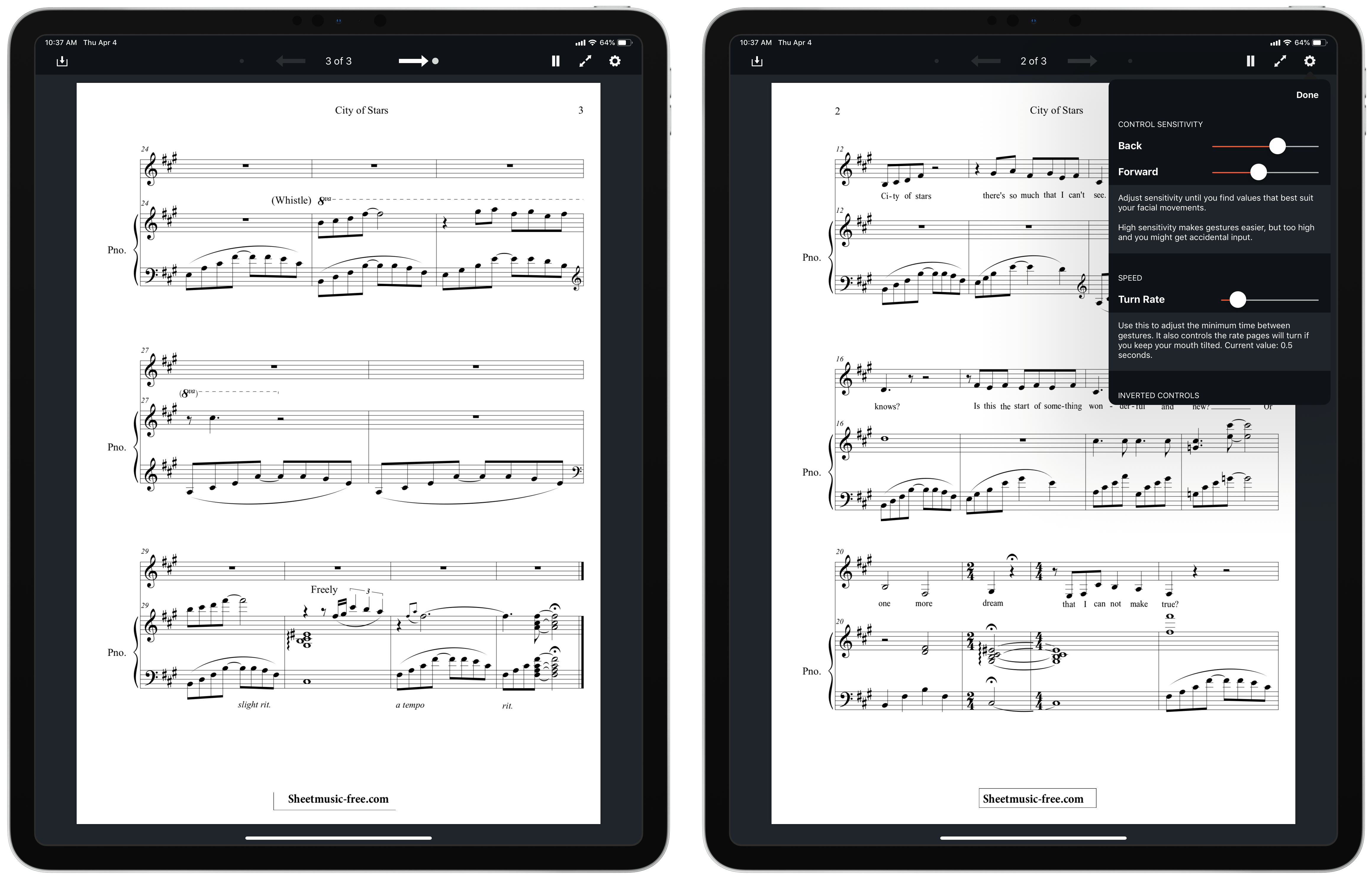
Developer and musician Stephen Coyle just released a new app that enables hands-free page turning of PDFs via facial expressions. The aptly-named PageTurn utilizes the power of the TrueDepth camera system found in all iOS devices that support Face ID – the iPhone X, XR, XS, and XS Max, plus the 2018 iPad Pros – to enable turning pages of a PDF using only your face.

There are two options of facial gestures available to control page turning: mouth control, which is the default, or wink control. Mouth control works by tracking the movement of your mouth: if you move it right, you’ll advance forward a page, while moving it left goes back a page. Wink control advances forward with a right wink, and goes back with a left wink. With both of these options, PageTurn provides the ability to set sensitivity so you can customize each gesture to whatever’s most comfortable for you. It feels odd at first making these gestures to turn pages, but in my experience it quickly became comfortable.

PageTurn was designed primarily for musicians, who often bear the unenviable task of turning pages of sheet music while both their hands are occupied playing an instrument. It works with any PDF though, so readers can have hands-free page navigation as well. You can get PDFs into the app via the import button in the upper-left corner, which opens a Files picker, or if you have a PDF open in another app, you can copy it to PageTurn using the share sheet.

PageTurn is a simple utility, but for those who could benefit from it – musicians in particular, and also users with accessibility needs – it’s a potentially revolutionary tool that enables new ways of doing a common task that weren’t previously possible. The app is a shining example of the creativity of indie developers.

Beats Announces Powerbeats Pro Wireless Workout Headphones

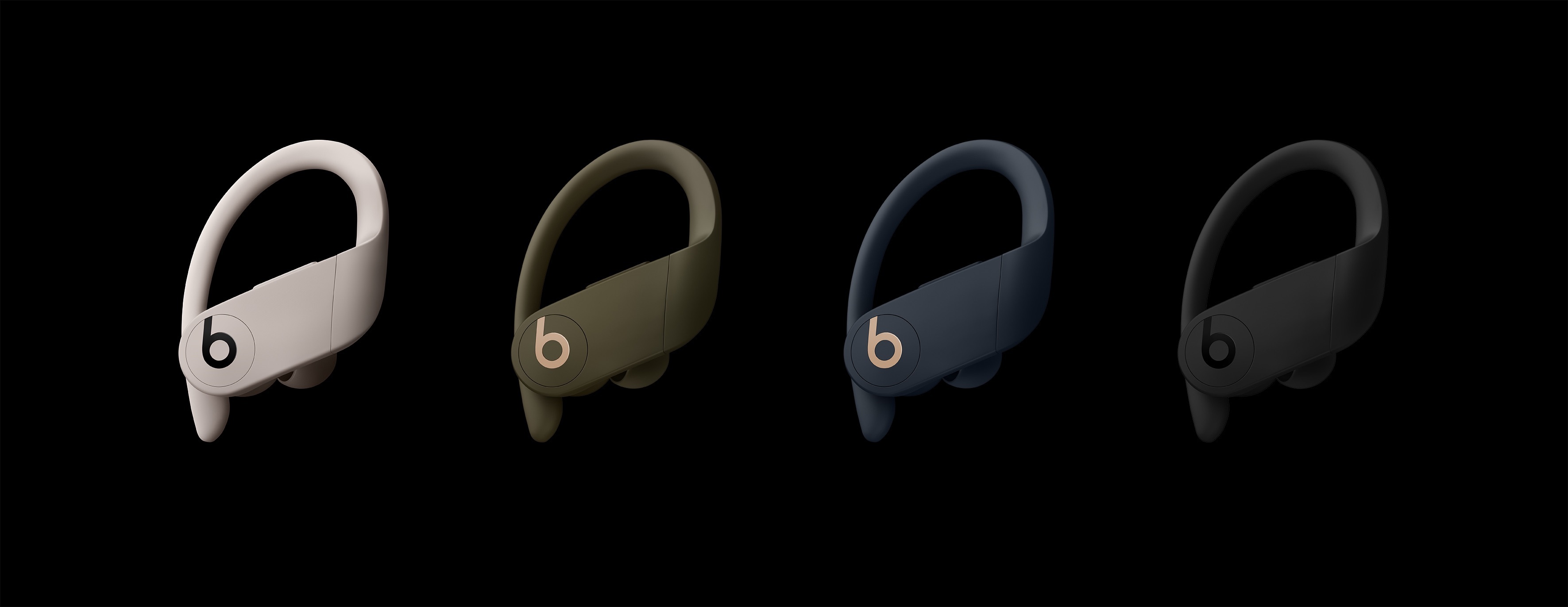
Apple subsidiary Beats has announced the Powerbeats Pro, $250 H1-powered workout-oriented headphones that dispense with all wires. Apple purchased Beats in 2014 and has incorporated some of its technologies like the W1 chip into its Powerbeats and Beats Solo3 headphones, but until now, Beats didn’t offer headphones that competed directly with AirPods.

The Powerbeats Pros aren’t entirely a surprise. As Guilherme Rambo reported for 9to5Mac last week, iOS 12.2 includes hidden images of the Powerbeats Pro headphones. However, the new headphones’ official announcement provides additional details.

The Powerbeats Pros will be available starting in May in the US and 20 other countries and come in four different colors: black, ivory, navy, and moss. The water and sweat resistant Pros are a significant step up from the existing Powerbeats because they are truly wireless in the same way AirPods are wireless. Unlike the original Powerbeats, which will continue to be available and have a wire that connects one ear to the other and wraps around your head, the Pros are independent wireless headphones that benefit from the quick connectivity afforded by the H1 chip. The Powerbeats Pro also include physical controls and charge via a Lightning connector using an AirPods-like charging case instead of the micro USB connector used in the Powerbeats model. However, unlike the latest iteration of AirPods, Powerbeats Pro do not support wireless Qi charging.

Also, the H1 chip means that the Powerbeats Pro headphones can be controlled with ‘Hey Siri’ commands. There are four sizes of headphone tips to fit a range of ear sizes, and the earhook that wraps around your ear is adjustable. Beats says that the new headphones have up to 4 hours more battery life than AirPods for a total of 9 hours of playback time, which exceeds 24 hours when charged using the case.

The Verge got early access to the Powerbeats Pro and has a hands-on review of the headphones. The assessment by Chris Welch is generally positive, and although I haven’t had the opportunity to try the Powerbeats Pros yet myself, they look like a good option for anyone for whom AirPods don’t fit well and who works out regularly. That said, at $250, the Powerbeats Pros are pricey compared to competing third-party products, so it’s worth considering other available options before purchasing the Pros.


Apple Spotlights the Use of Its Products at Work in ‘The Underdog’

The Caffè Macs pizza box was already something of a legend, but now it has its own Apple video too.

Earlier today, Apple posted a three-minute video title ‘The Underdogs’ which tells the story of a group of co-workers who stumble into the opportunity to pitch their idea for a round pizza box to their bosses. One of the group is rear-ended in a company parking lot at the start of the day. To make amends, a meeting to pitch the box is arranged.

The quartet of co-workers gets to work turning a simple sketch of a round pizza box into a finished product in a few days’ time. They use a combination of Macs, iPhones, iPad Pros, and the Apple Watch running a variety of apps including Microsoft Office apps like Excel, a 3D-design tool, and an AR app to get the job done. The video closes with the tag line ‘This is Apple at Work’ as the group jumps into an elevator on their way to make their presentation.

The video is nicely done capturing the frantic pace of a the group as they try to make the most of the opportunity presented to them. As Cabel Sasser of Panic notes though, what’s even better about the video is that the pizza box they design is the same pizza box that Apple patented and uses at its Caffè Macs cafeteria at One Infinite Loop in Cupertino.

Apple’s patented pizza box has been featured before including in a 2017 feature onThe Outline.

‘This is Apple at Work’ is featured on a special Apple at Work webpage on Apple.com that showcases how its products can be used in a collaborative work environment. The page walks through each stage of the design of the pizza box and the tools the team in the video uses to create it. The six-part feature even includes a downloadable USDZ augmented reality file of the pizza box featured in the video.

I like this video a lot. It does a great job of telling a compelling story in just a few minutes that’s relatable to a wide audience and demonstrates how Apple believes its products can help solve everyday problems faced by people at work. Whether or not the lives of this quartet of co-workers parallels yours, this is a video worth watching for its sheer comedic entertainment value.


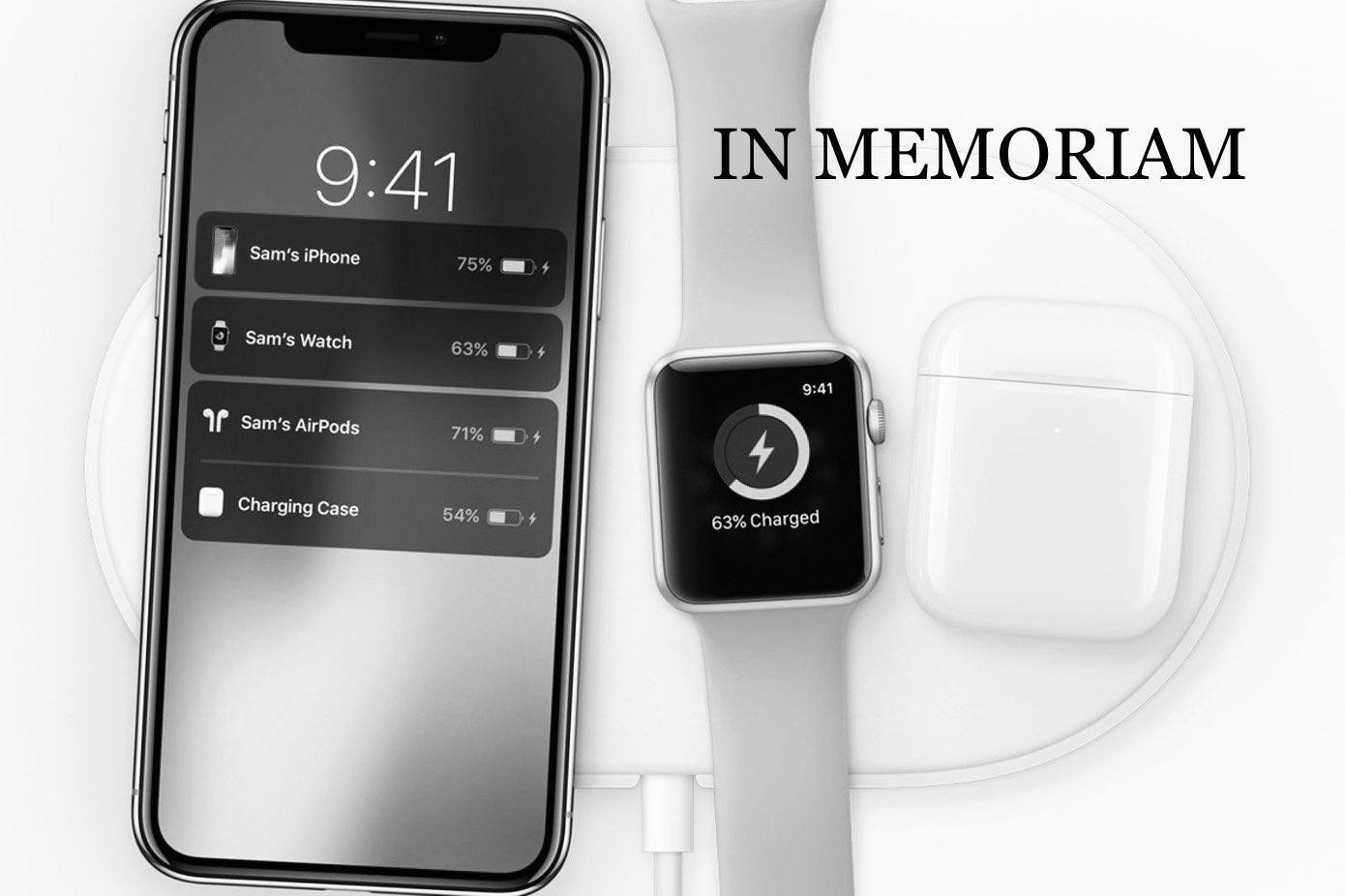
Apple Officially Cancels AirPower

Image via Todd Vaziri.

In a statement first reported by TechCrunch’s Matthew Panzarino, Apple has confirmed that AirPower, the wireless charger with support for multiple devices first announced in September 2017, has been cancelled.

“After much effort, we’ve concluded AirPower will not achieve our high standards and we have cancelled the project. We apologize to those customers who were looking forward to this launch. We continue to believe that the future is wireless and are committed to push the wireless experience forward,” said Dan Riccio, Apple’s senior vice president of Hardware Engineering in an emailed statement today.

Read more


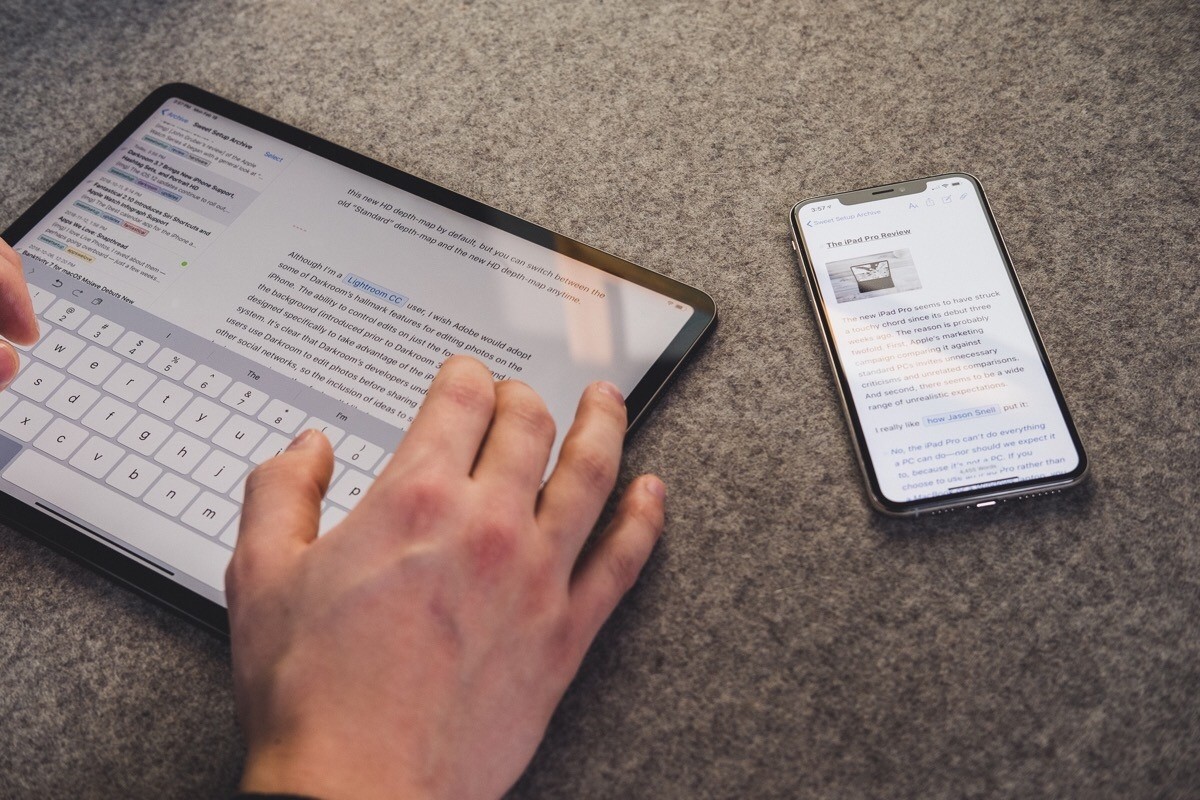
The Sweet Setup Launches Revised and Expanded ‘Learn Ulysses’ Course

In August 2017, The Sweet Setup introduced a video course designed to equip users to get the most out of Ulysses, the popular Markdown text editor. Today, that ‘Learn Ulysses’ course is being expanded and revised in a major way. Everything has been completely modernized with entirely new videos that replace the previous set, plus the addition of brand new videos, written tutorials, and setups covering a variety of in-depth topics.

Read more


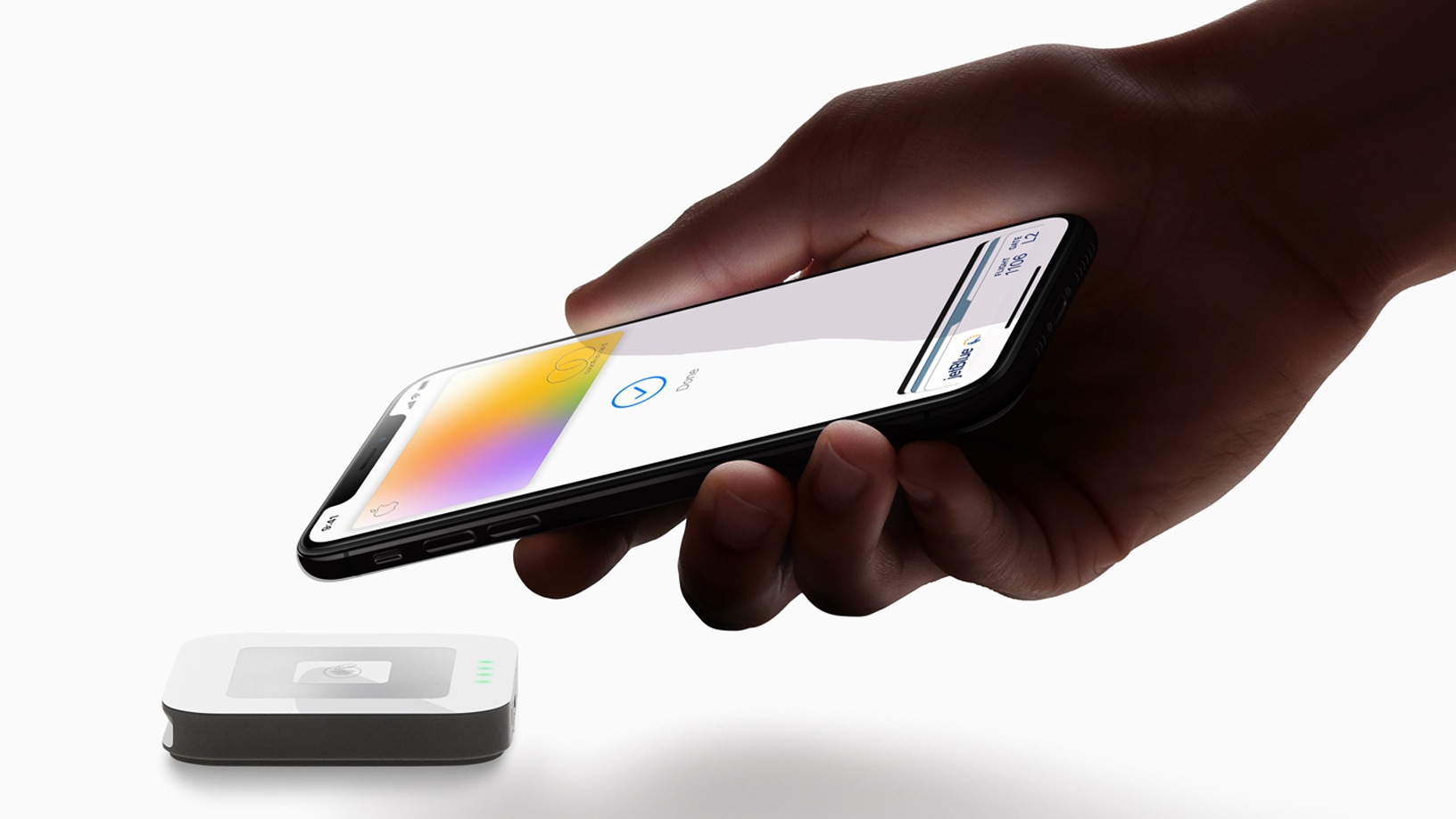
Apple Card: The MacStories Overview

This morning at Apple’s special event in the Steve Jobs Theater at Apple Park, Vice President of Apple Pay Jennifer Bailey took the stage to announce Apple Card. These “Apple” name prefixes are growing tedious, but Apple Card is looking to reduce the tedium which permeates the credit card industry. Apple is championing its credit card as a new industry leader in a variety of areas, including privacy, security, transparency, lack of fees, and fair interest rates. Apple Card gives rewards in cash rather than points, and these “Daily Cash” rewards are distributed to your Apple Cash account every day. If Apple Card can deliver on its promises, it shows real potential to be a disruptor in the often exploitative credit card industry.

Read more


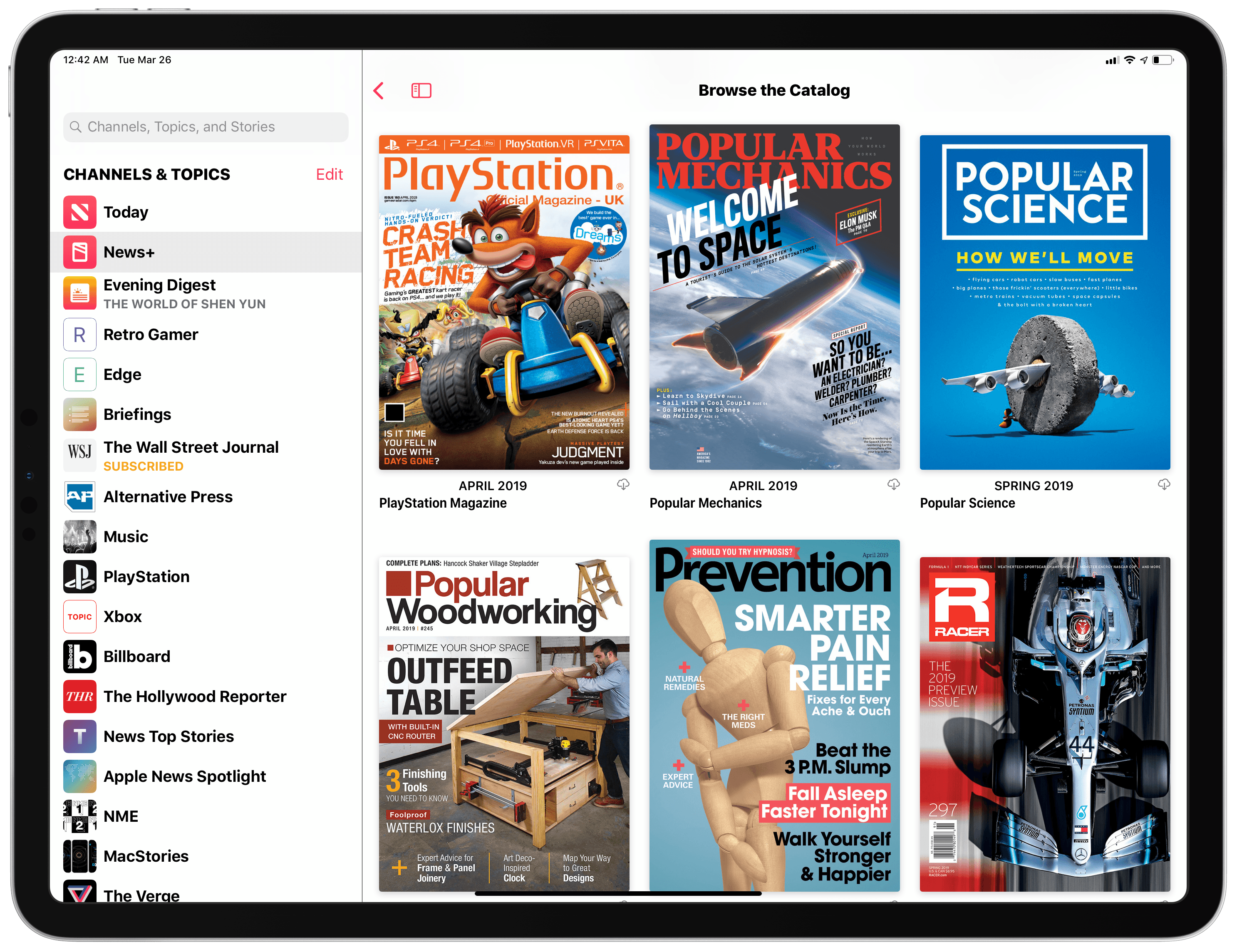
A Complete List of All the Magazines Available for Apple News+ in the U.S. (So Far)

Earlier today, Apple launched Apple News+, a new subscription-based service to gain access to hundreds of magazines in the Apple News app for $9.99/month. You can read my overview and first impressions here.

After taking an initial look at Apple News+ with my US Apple ID and noticing the differences between Apple News Format-optimized magazines and standard “PDF-like” ones, I thought it’d be interesting and useful to compile the full list of all magazines currently available to Apple News+ subscribers in the US.

Below, you will find the complete list of all 251 magazines that are available for Apple News+ in the United States. The list was compiled by checking all the magazines featured in the ‘Browse the Catalog’ section of Apple News+ as well as individual categories. Apple advertises “300 publications” as being available in Apple News+; I believe that the list below is shorter for two reasons:

  • These are only magazines. I didn’t count newspapers (The Wall Street Journal and Los Angeles Times) and digital publishers.
  • Apple News+ just launched. Some magazines may not have gone live yet. In fact, I had to add a few more right before posting this article.

To create this list, I manually opened each magazine and annotated whether its latest issue was using Apple News Format or the standard, PDF-like format. Magazines that support Apple News Format are labeled with “(ANF)” in the list. The split between Apple News Format magazines and standard magazines is fairly even: 125 magazines are using the richer Apple News Format in their latest issue, while 126 of them are relying on traditional PDFs (likely the format the old Texture service was using).

In simpler terms, this means that 49.8% of the magazines I counted in this list are using Apple News Format. As I wrote in my overview earlier today, I hope more and more publishers will switch to the mobile-friendly, more versatile Apple News Format in future issues.

That being said, you can find the complete list of 251 magazines I found in Apple News+ below. If I missed any, please let me know.

Read more


Apple Arcade: Our Overview of Apple’s New Gaming Subscription Service

Today at the Steve Jobs Theater, Apple detailed a variety of services it plans to launch from now through the end of the year. In addition to the expected services for video, news, and an iOS-integrated credit card, perhaps the event’s biggest surprise was Apple Arcade, a gaming subscription service debuting this fall. Apple Arcade will feature no games currently on the App Store, but will instead serve as the only way you can play 100+ new games on iOS.

Read more