John is MacStories' Managing Editor, has been writing about Apple and apps since joining the team in 2015, and today, runs the site alongside Federico.
John also co-hosts four MacStories podcasts: AppStories, which covers the world of apps, MacStories Unwind, which explores the fun differences between American and Italian culture and recommends media to listeners, Ruminate, a show about the weird web and unusual snacks, and NPC: Next Portable Console, a show about the games we take with us.
Enjoy the latest episodes from MacStories’ family of podcasts:
Comfort Zone
Matt finally found a new use for the action button, Niléane is here to fix your Finder, and Chris raises the bar in the challenge in a way no one saw coming.
MacStories Unwind
This week, Federico gets silly with the Vision Pro, and John learns about crypto – typical Unwind stuff.
Magic Rays of Light
Sigmund and Devon share their hopes for the next Siri Remote and recap Apple Original medical drama Berlin ER.
Club MacStories: Weekly and monthly newsletters via email and the web that are brimming with apps, tips, automation workflows, longform writing, early access to the MacStories Unwind podcast, periodic giveaways, and more;
Club MacStories+: Everything that Club MacStories offers, plus an active Discord community, advanced search and custom RSS features for exploring the Club’s entire back catalog, bonus columns, and dozens of app discounts;
Club Premier: All of the above and AppStories+, an extended version of our flagship podcast that’s delivered early, ad-free, and in high-bitrate audio.
Enjoy the latest episodes from MacStories’ family of podcasts:
AppStories
This week, Federico and I revisit the fast-paced world of artificial intelligence to describe how we use a variety of AI tools in our everyday workflows.
This episode is sponsored by:
Notion – Try the powerful, easy-to-use Notion AI today.
NPC: Next Portable Console
This week, Federico and I hold down the fort without Brendon, discussing U.S. Switch 2 pre-orders, Super Mario Kart World, upcoming hardware from Epilogue, Playdate’s Season 2, Razer Remote Play, and more.
NPC XL
This week on NPC XL, Federico and I flip out over the Retroid Pocket Flip 2, sharing their first 24-hours with the clamshell handheld.
Club MacStories: Weekly and monthly newsletters via email and the web that are brimming with apps, tips, automation workflows, longform writing, early access to the MacStories Unwind podcast, periodic giveaways, and more;
Club MacStories+: Everything that Club MacStories offers, plus an active Discord community, advanced search and custom RSS features for exploring the Club’s entire back catalog, bonus columns, and dozens of app discounts;
Club Premier: All of the above and AppStories+, an extended version of our flagship podcast that’s delivered early, ad-free, and in high-bitrate audio.
If search is the primary form of navigation, as in Safari, Maps, or Callsheet, it should be at the bottom. If a search bar is just used for filtering content already on screen, then it can make more sense to leave it at the top, as scrolling is probably the more natural way to find what you’re looking for (the Settings app is a good example of this). So I’m delighted at the rumours that iOS 19’s Tab Bars can adapt into Search Bars when needed. I think it’ll be [a] big improvement and allow for more flexible navigation patterns with less code.
But Ben didn’t just provide pointers on how tab bars should be used. They also explained that tab bars:
should support actions and context menus,
accommodate more than five tabs,
and allow for user-generated tabs, something that is common on macOS.
It’s a great post, well worth studying as we wait to see whether and how far Apple will go in modifying the tab bar. As Ben notes, the tab bar has been around since the beginning of the iPhone, has changed very little, and is due for a redesign. I agree.
The Lost Crown was released at the beginning of last year. Developed by Ubisoft Montpellier in France, the game was released to critical acclaim and won an Innovation in Accessibility Award at The Game Awards in 2024, but Ubisoft was unhappy with the game’s sales. The comeback of the celebrated series sold around 300,000 copies in its opening weeks, totaling around $15 million in revenue. In today’s “blockbuster or bust” gaming world, that wasn’t enough. Ubisoft released the Mask of Darkness story DLC in the fall but disbanded the team behind the game.
However, Ubisoft wasn’t finished trying to recoup its investment in The Lost Crown. The company called on its Da Nang studio to port the game to other platforms, starting with the Mac last December. The same group also adapted the game for the iPhone and iPad.
Today, The Prince of Persia: The Lost Crown is available everywhere. It’s on the Xbox Series X and S, Xbox One, PS4 and PS5, Switch, PC, Android, and other platforms, with Android being the latest addition alongside the iPhone and iPad.
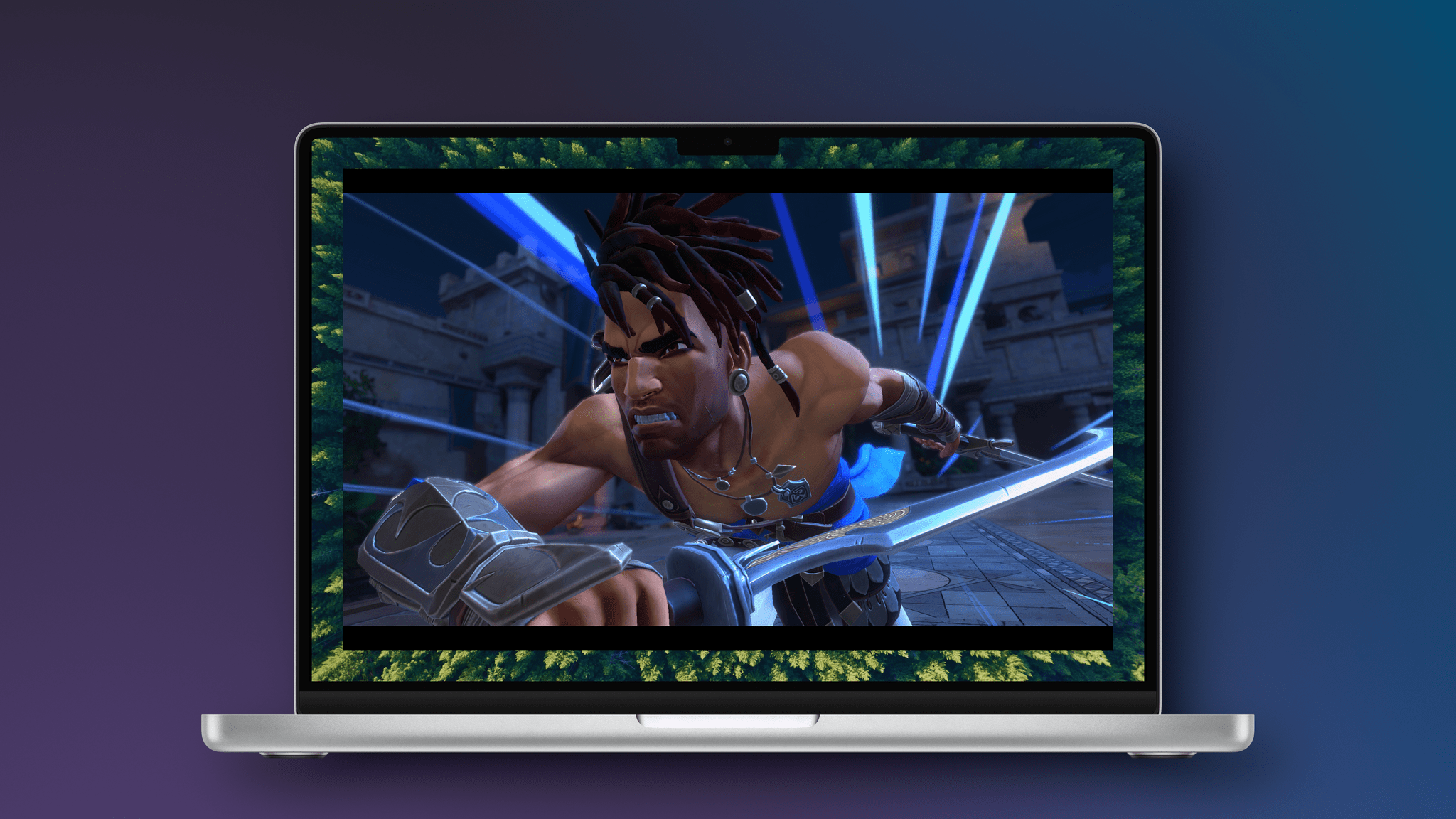
If you’re a console or PC gamer, it would have been hard to miss The Lost Crown’s release in early 2024. The game follows Sargon, a warrior in an imagined version of ancient Persia, who is tasked with trekking to Mount Qaf to save Prince Ghassan. Along the way, there are puzzles to solve and a fun combination of platforming and fluid combat. It’s a shame the game didn’t fare better because it’s an absolute gem.
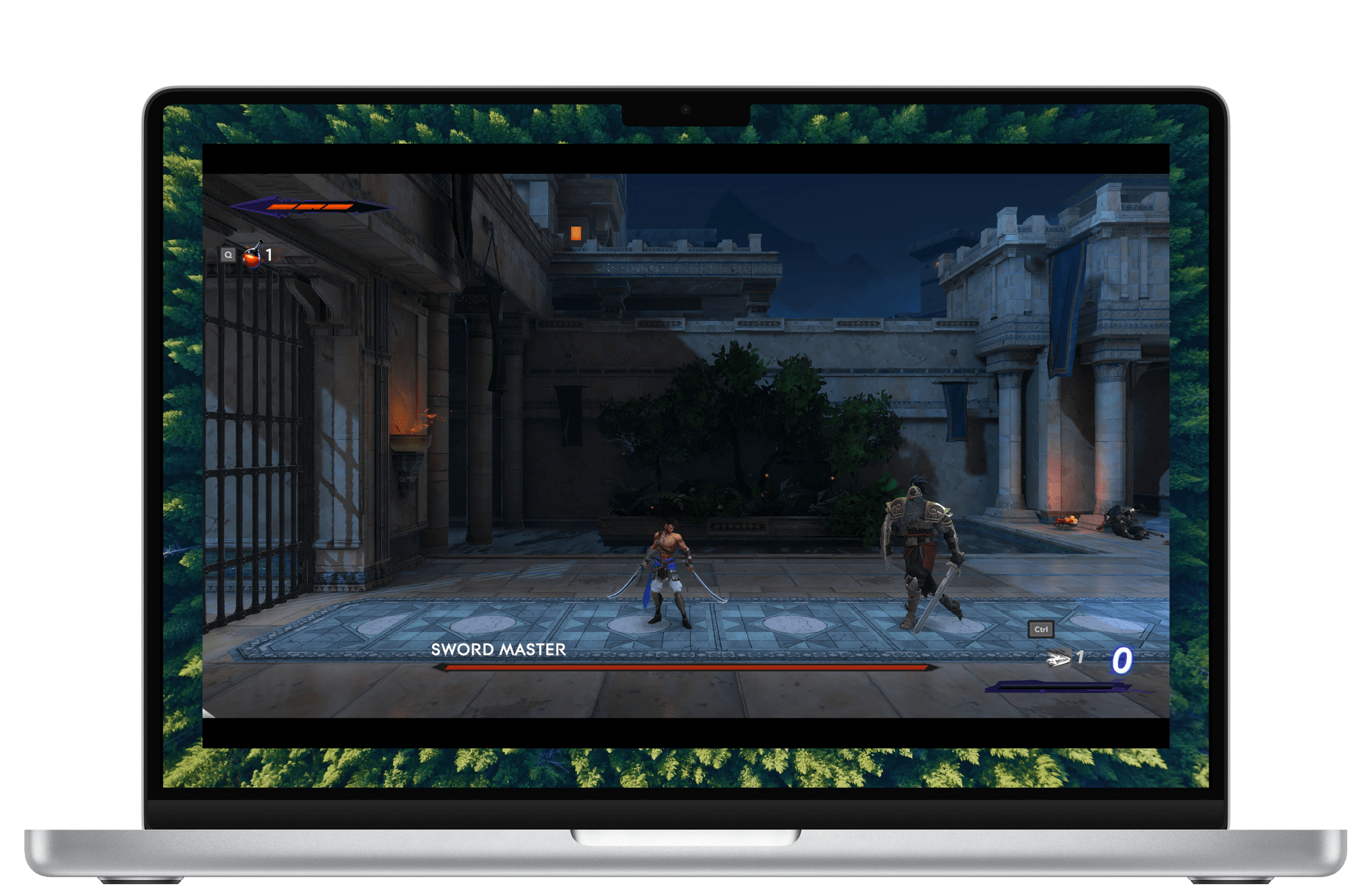
I’ve played at least the opening level of The Lost Crown on an M1 MacBook Air, M4 Max MacBook Pro, iPhone 16 Pro Max, M4 iPad Pro, and Sony PS5. Ultimately, the game ran well on all five devices, but there were differences. The PS5 was the smoothest of all, and the game looked phenomenal on my OLED TV.
As you’d probably expect, the game runs very well on an M4 Max MacBook Pro and M4 iPad Pro, although both got quite warm, and I could clearly hear the MacBook Pro’s fans when I removed my headphones. In both cases, I noticed a little hitch in the frame rate from time to time when transitioning from one area of the map to another, but it wasn’t a big deal in either case. The Lost Crown’s gorgeous artwork and sound design really shine on both devices, too.
The worst experiences were on the iPhone and M1 MacBook Air, for different reasons. The iPhone 16 Pro Max handled the game well, and it looked great, but the game is a lot more fun on a bigger screen. I noticed more frame rate hitches on the M1 MacBook Air than on any other device, but I didn’t really expect the game to be playable, so it was a pleasant surprise to find that it worked.
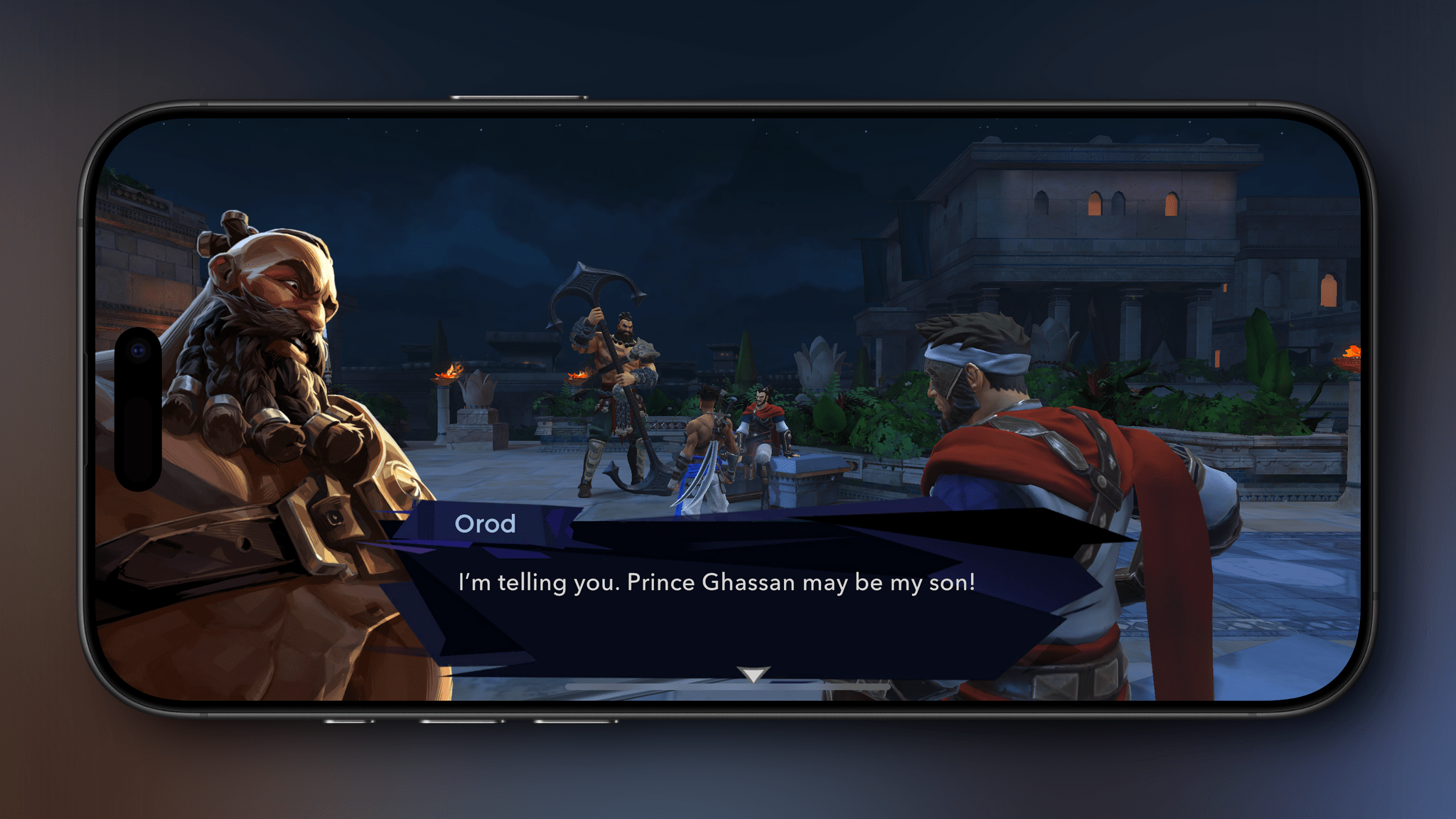
Dialogue scenes work better on the iPhone than combat where everything is tiny.
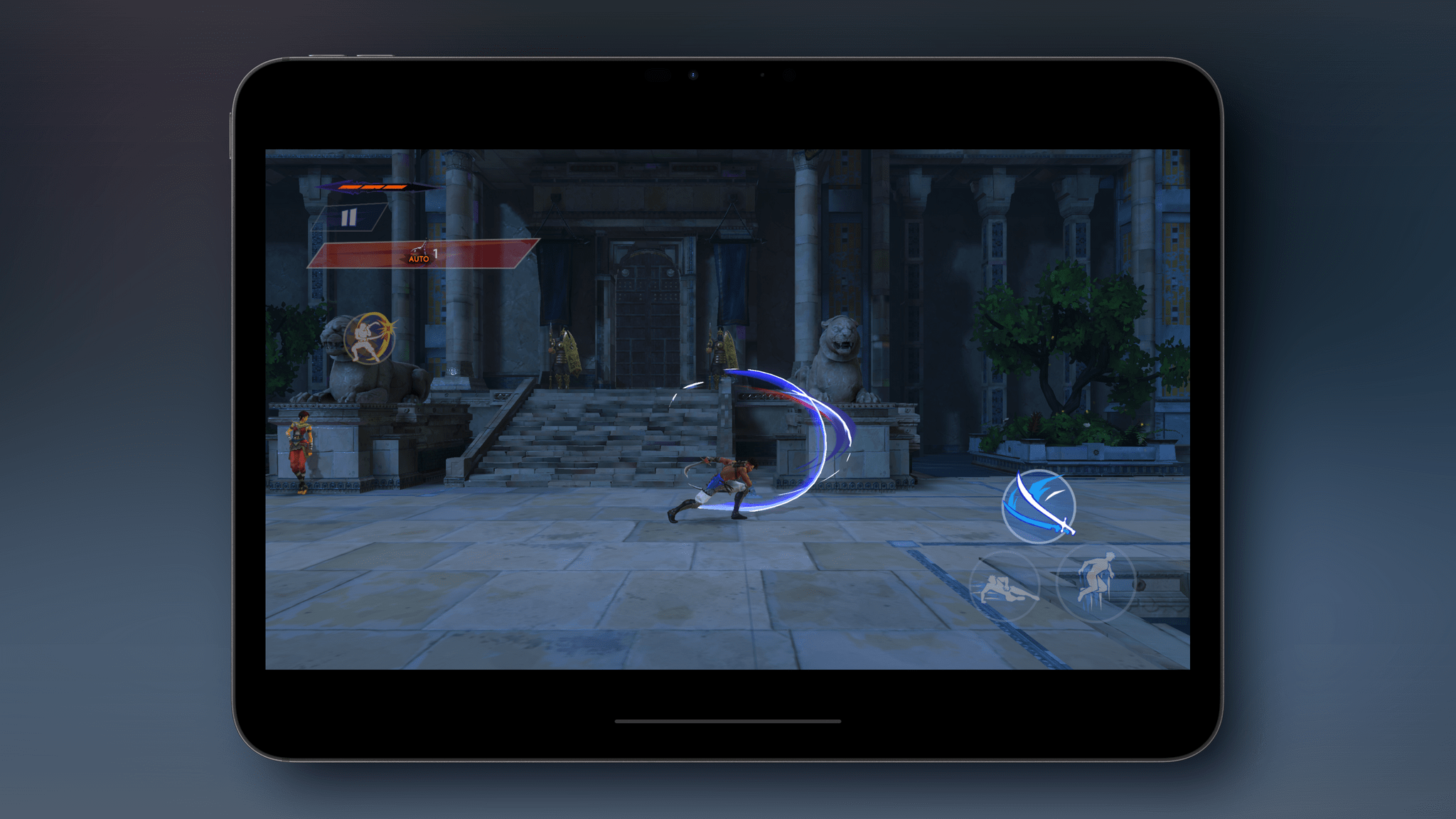
Both the iPhone and iPad versions of the game have been adapted for touch. There are on-screen touch controls, but I’d highly recommend using a controller instead. The onscreen controls are well done, but The Lost Crown’s combat feels much, much better with a controller. If you’re looking for a good controller for iPhone or iPad, check out our Setups page for a few recommendations.
An example of the mobile version’s touch controls.
The mobile versions of The Lost Crown have added automatic parrying and healing potion use, as well as a new option to slow down time during combat, all of which are designed to make the game more touchscreen-friendly. I’m glad those options are there, but again, you really should use a controller with this game. It’s also worth noting that none of the Apple platform versions of the Lost Crown include the DLC, and the Mac version is capped at 60 fps; that doesn’t bother me, but I know it’s an issue for others. The Lost Crown also supports cloud saves if you have an Ubisoft Connect account, but the saves only work Mac-to-Mac or among iOS and iPadOS devices, which stinks.
Finally, we need to talk about the princely price Ubisoft is charging for The Lost Crown on the Mac. The game is $40, which is less than the $60 launch price over a year ago, but now, you can pick it up for as low as $15–$25 on other platforms, depending on whether it comes with the DLC. Given that difference, it’s hard to recommend the Mac version of Prince of Persia: The Lost Crown unless you have no other way to play it.
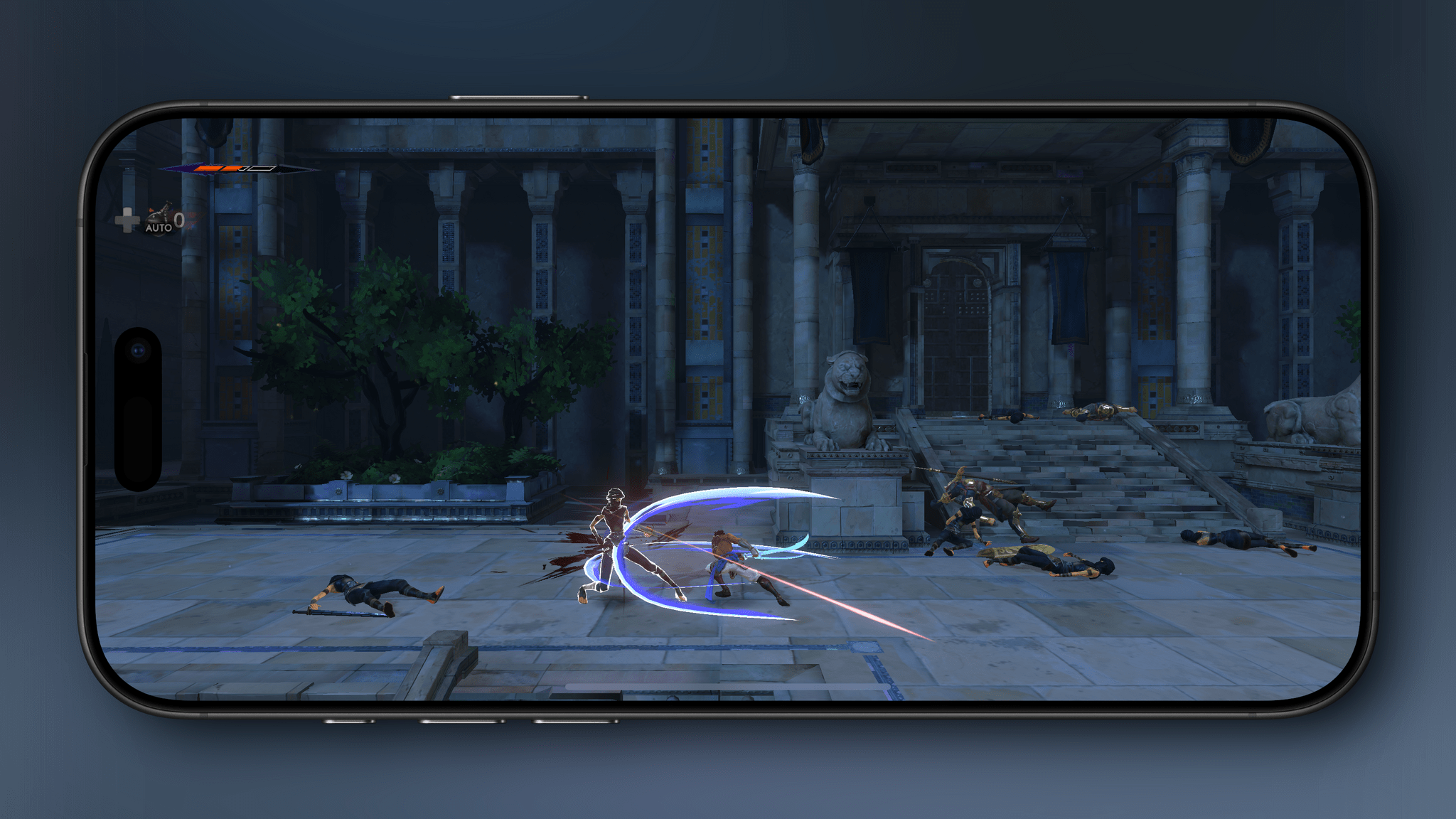
Playing on iPhone with a controller.
The iPhone and iPad versions are much more reasonable. First of all, you can download and play the tutorial level of the game for free to see if The Last Crown is for you, which I appreciate. Second, until May 5, the full game is available for $9.99 – the best deal available anywhere. There’s no guarantee you’ll ever have the option to play the DLC on either device, but $10 is fair for anyone who prefers to play games on their iPhone or an iPad. After May 5, the price is set to rise to $14.99, which is in line with console versions of the game that don’t come with the DLC.
So in the final analysis, there’s not much to commend the Mac version of The Prince of Persia: The Lost Crown if you have any other way of playing it because it’s more than double the price of PC and console versions. The iPhone and iPad versions are a closer call, especially while the game is on sale for $10. The Lost Crown looks great on both and plays well (though not perfectly), but any iPhone’s screen is a little small for a game like The Lost Crown. That said, if your preference is for portability or you don’t have the option of a PC or console, The Prince of Persia: The Lost Crown is worth downloading on your iPhone or iPad to try the free tutorial level.
Club MacStories: Weekly and monthly newsletters via email and the web that are brimming with apps, tips, automation workflows, longform writing, early access to the MacStories Unwind podcast, periodic giveaways, and more;
Club MacStories+: Everything that Club MacStories offers, plus an active Discord community, advanced search and custom RSS features for exploring the Club’s entire back catalog, bonus columns, and dozens of app discounts;
Club Premier: All of the above and AppStories+, an extended version of our flagship podcast that’s delivered early, ad-free, and in high-bitrate audio.
In a press release issued today, the European Commission (EC) announced that it has fined Apple €500 million for violations of the EU’s Digital Markets Act. The EC also fined Meta €200 million.
Under the DMA, app developers distributing their apps via Apple’s App Store should be able to inform customers, free of charge, of alternative offers outside the App Store, steer them to those offers and allow them to make purchases.
The Commission found that Apple fails to comply with this obligation. Due to a number of restrictions imposed by Apple, app developers cannot fully benefit from the advantages of alternative distribution channels outside the App Store. Similarly, consumers cannot fully benefit from alternative and cheaper offers as Apple prevents app developers from directly informing consumers of such offers. The company has failed to demonstrate that these restrictions are objectively necessary and proportionate.
…to remove the technical and commercial restrictions on steering and to refrain from perpetuating the non-compliant conduct in the future…
The Commission also closed its investigation into Apple’s user choice obligations under the DMA, finding that the company’s browser choice screen and interface for setting new default apps to satisfy the DMA’s requirements.
An unnamed Apple representative speaking to CNN criticized the fine:
A representative for Apple said the fine is “yet another example of the European Commission unfairly targeting” the company and forcing it to “give away (its) technology for free.” It added that it plans to appeal the decision.
We have spent hundreds of thousands of engineering hours and made dozens of changes to comply with this law, none of which our users have asked for. Despite countless meetings, the Commission continues to move the goal posts every step of the way.
The EC’s fines aren’t surprising given the long history and tenor of the investigation. What remains open as a point of potential future disputes is Apple’s compliance with the EC’s new order. As stated by its representative to CNN, Apple also plans to appeal today’s decision.
Club MacStories: Weekly and monthly newsletters via email and the web that are brimming with apps, tips, automation workflows, longform writing, early access to the MacStories Unwind podcast, periodic giveaways, and more;
Club MacStories+: Everything that Club MacStories offers, plus an active Discord community, advanced search and custom RSS features for exploring the Club’s entire back catalog, bonus columns, and dozens of app discounts;
Club Premier: All of the above and AppStories+, an extended version of our flagship podcast that’s delivered early, ad-free, and in high-bitrate audio.
Not long ago, Isaac Marovitz, the developer behind Whisky, the open source WINE front-end that made it easy to play Windows games on a Mac, announced the project had come to an end. Whisky is how Niléane got Cities: Skylines 2 running on an M2 MacBook Air in 2023, and the project was well-regarded in the gaming community for its ease of use. In shutting down the project, Marovitz encouraged Whisky users to move to CrossOver, a paid app by CodeWeavers.
“I am 18, yes, and attending Northeastern University, so it’s always a balancing act between my school work and dev work,” Isaac Marovitz wrote to Ars. The Whisky project has “been more or less in this state for a few months, I posted the notice mostly to clarify and formally announce it,” Marovitz said, having received “a lot of questions” about the project status.
It’s always a shame to see a project as popular and polished as Whisky discontinued. Some gamers may not like that CrossOver is a paid product, but I’m glad that there’s an alternative for those who want it.
To me though, the popularity and fragility of projects like Whisky highlight that a better solution would be for Apple to open its Game Porting Toolkit to users. The Game Porting Toolkit is built on CrossOver’s open source code. However, unlike the CrossOver app sold to gamers, Apple’s Game Porting Toolkit is meant for developers who want to move a game from Windows to Mac. It’s not impossible for gamers to use, but it’s not easy either. I’m not the first to suggest this, and Valve has demonstrated both the technical and commercial viability of such an approach with Proton, but as WWDC approaches, a user-facing Game Porting Toolkit is near the top of my macOS 16 wish list.
This week, Federico and John revisit the fast-paced world of artificial intelligence to describe how they’re using a variety of tools for their everyday workflows.
On AppStories+, John shares his theory of the way we’ll look at AI models in the future.
I’ve always suffered from seasonal allergies, but things got worse when I moved to North Carolina, and global warming isn’t helping. In the spring, there is so much tree pollen that it blankets everything outside in a fine dusting of greenish yellow that peaks in April, until it’s finally washed away by the rain. There...
Long Ago: Habit & Life Tracker Long Ago, the habit and life tracker by Oscar Bazaldua, received a big update this week with version 1.3, adding a fully native Apple Watch app so you can log activities and follow progress right from your wrist. The new watch complications mean your activity stats are always...














 Federico
](https://cdn.macstories.net/banneras-1629219199428.png)
