John Voorhees

5415 posts on MacStories since November 2015

John is MacStories' Managing Editor, has been writing about Apple and apps since joining the team in 2015, and today, runs the site alongside Federico. John also co-hosts four MacStories podcasts: AppStories, which covers the world of apps, MacStories Unwind, which explores the fun differences between American and Italian culture and recommends media to listeners, Ruminate, a show about the weird web and unusual snacks, and NPC: Next Portable Console, a show about the games we take with us.

First Impressions: Final Cut Pro for iPad

Today, Apple released Final Cut Pro for iPad alongside Logic Pro. I’ve been testing the app for about a week with sample projects from Apple and some drone footage I shot with one of my kids during the winter holidays. Like Logic Pro for iPad, Apple has packed a lot of sophisticated features into Final Cut Pro for iPad, but with one crucial difference. Whereas Logic Pro projects can be sent back and forth between the iPad and Mac versions of the app, Final Cut Pro projects cannot.
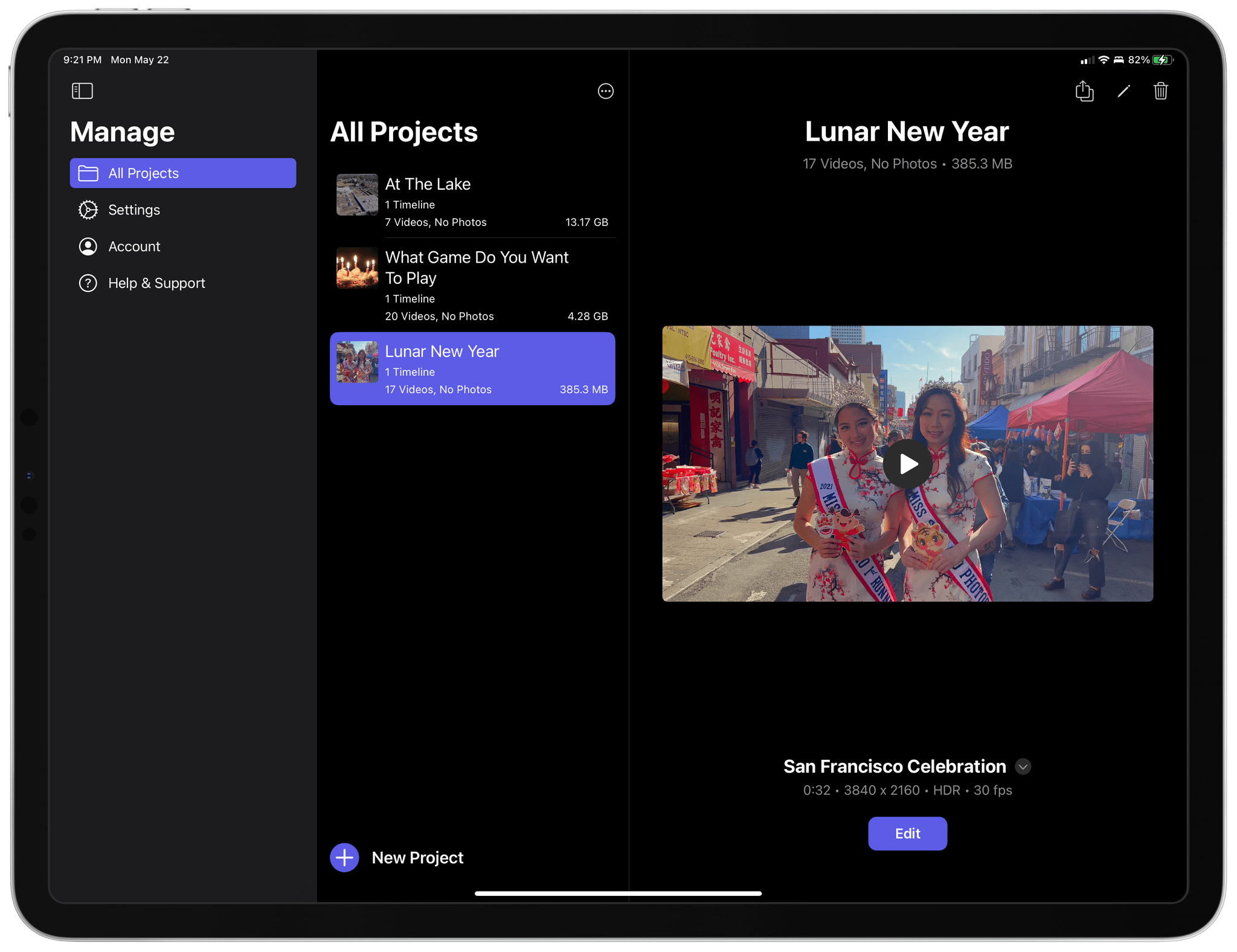
Managing Final Cut Pro for iPad projects.

Managing Final Cut Pro for iPad projects.

Final Cut for iPad projects can be opened in Final Cut for Mac, but once they’re on the Mac, they can no longer be opened on the iPad. Nor can projects started in Final Cut Pro for Mac be opened on the iPad. That will be a significant downside for people who already work in Final Cut Pro for Mac, but for creators with a mobile-first workflow or who want to try Final Cut Pro for the first time without paying the Mac version’s steep price, compatibility will be a non-issue.
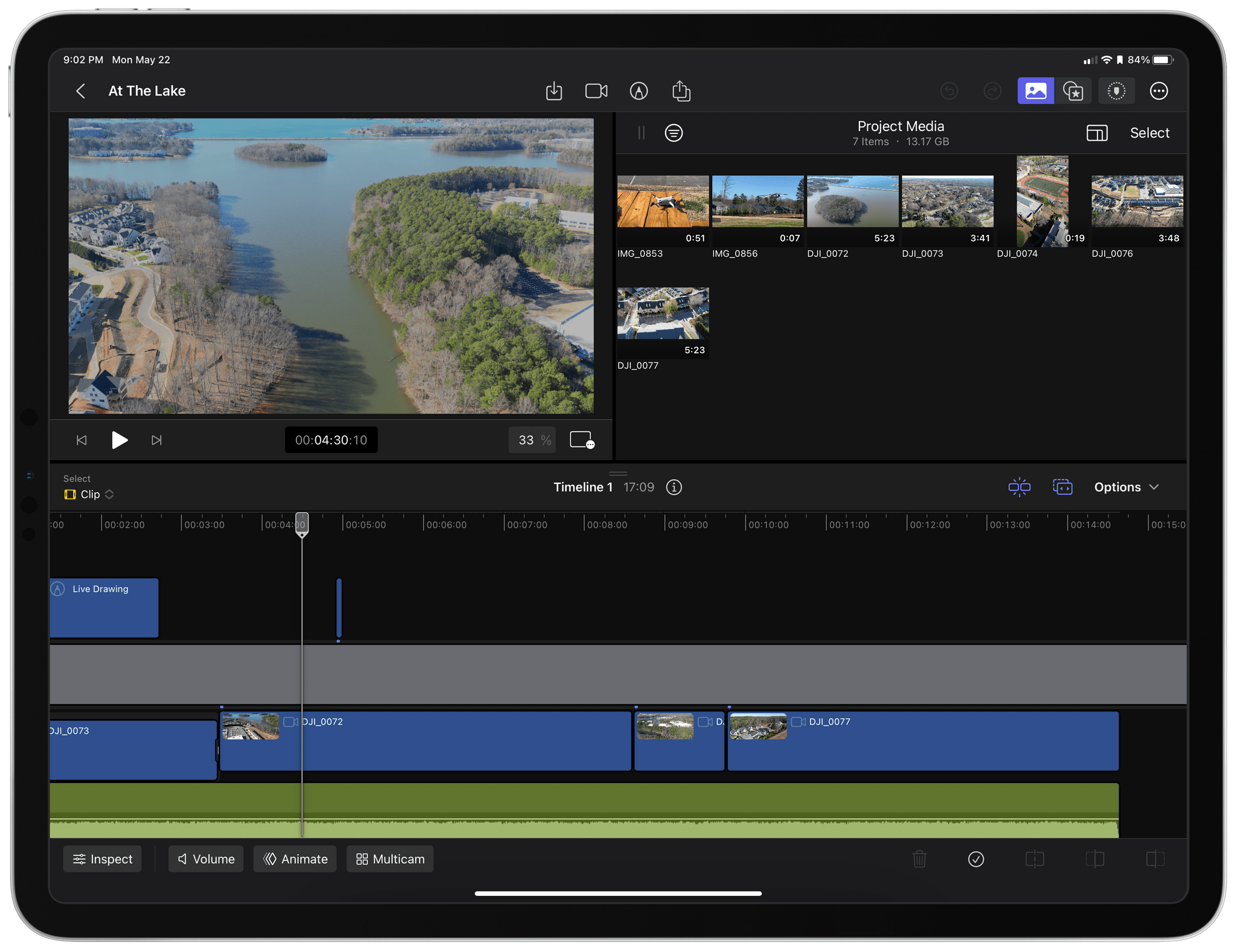
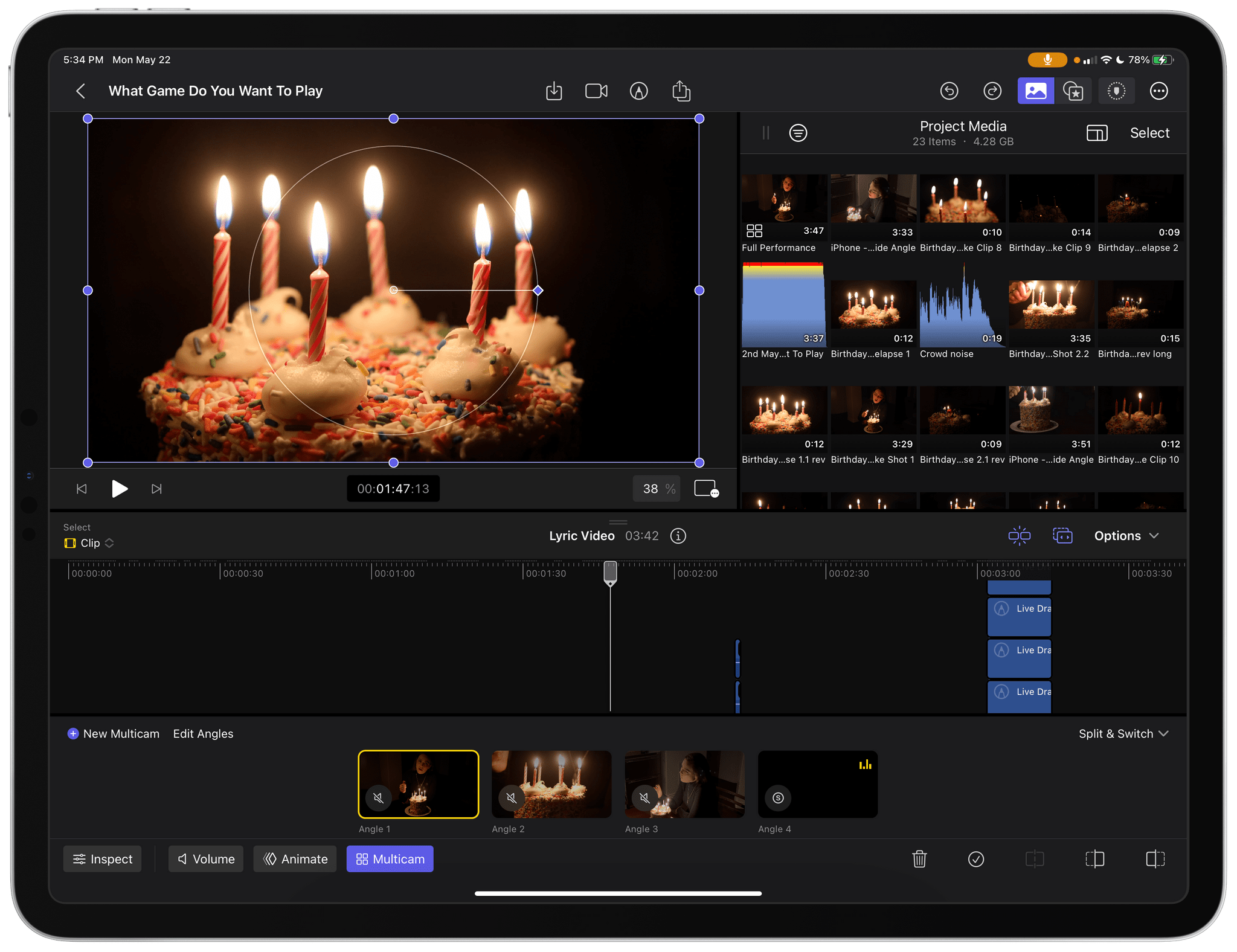
My early experiments with Final Cut Pro for iPad with some drone footage I took in December.

My early experiments with Final Cut Pro for iPad with some drone footage I took in December.

That’s the camp I fall into. I don’t edit a lot of video, and except for testing Final Cut Pro for iPad, I would probably have dropped my drone clips into iMovie, added a few transitions, and called it a day. That sort of editing is absolutely possible in Final Cut Pro, too. However, the app allows you to do far more, as the two sample projects I’ve been studying make clear.
Read more


MacStories Hands-On: Podcast Editing with Logic Pro for iPad

I was as surprised as anyone when Apple announced that Logic Pro was coming to the iPad. I was excited too. Logic Pro is an app I use every week to produce MacStories’ podcasts, and I’d wanted the freedom to do that work on the iPad for a very long time.

However, my excitement was tempered by skepticism about whether the kind of work I do would be supported. Logic Pro for the Mac is designed for music production. It’s a very capable podcast production tool, too, but editing podcasts uses only a tiny fraction of Logic Pro’s tools. With the focus on music production in Apple’s press release announcing the iPad version, I wondered whether the subset of production tools I use would find their way onto the iPad or not.

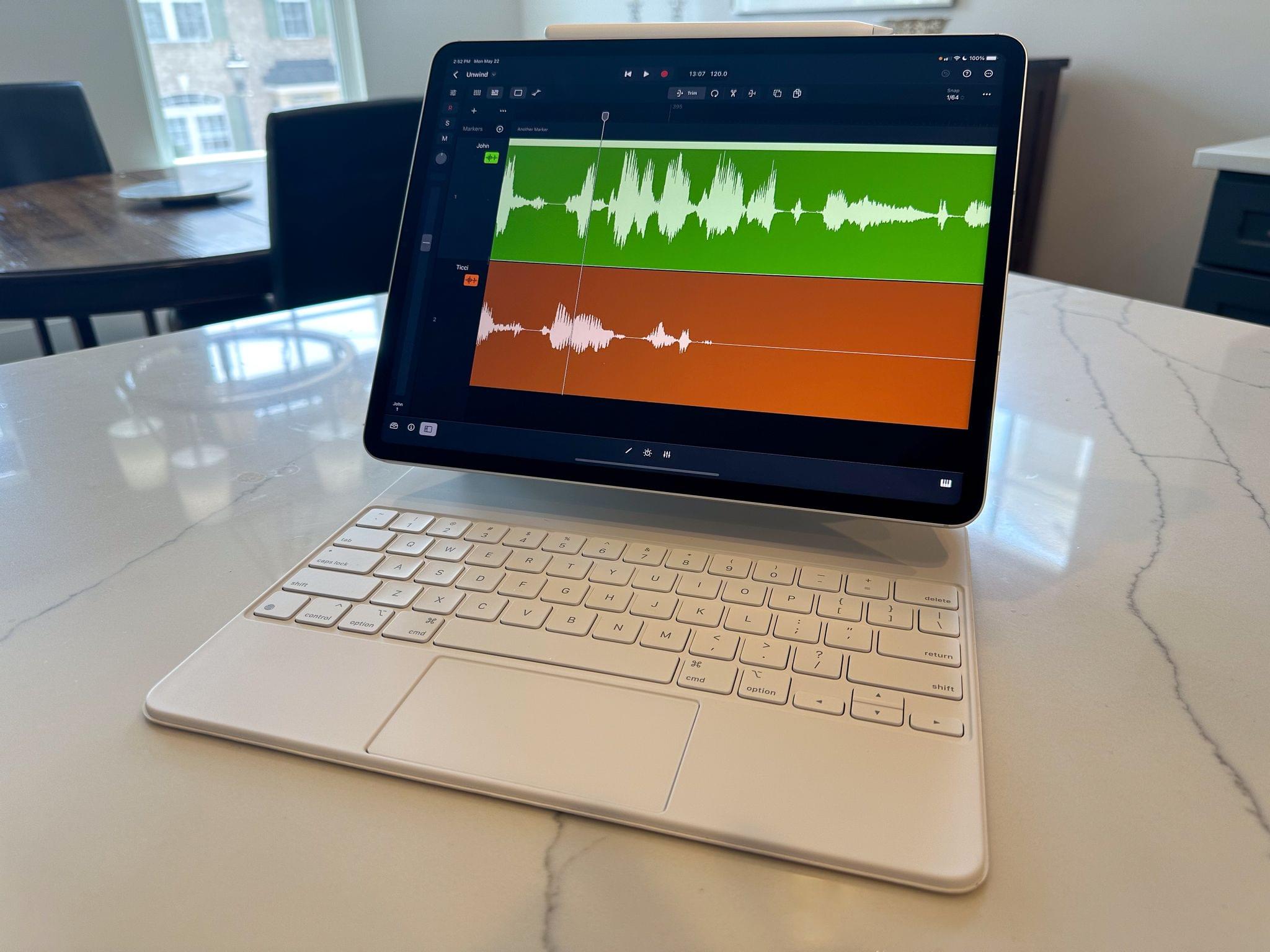
Music production projects are typically much more complex than podcast edits.

Music production projects are typically much more complex than podcast edits.

So, when Apple offered to send me a 12.9” M2 iPad Pro with a Magic Keyboard and Apple Pencil last week to test Logic Pro for iPad, I jumped at the chance to see what it could do. Since last week, I’ve played with Logic Pro’s music-making tools, which I’ll cover below. They’re impressive, but I’ve spent most of my time putting the app through a more personal, real-world test: podcast editing. After some initial exploration of Logic Pro’s UI to get my bearings, I created a project, dropped in the audio tracks from last week’s episode of MacStories Unwind, and started editing.

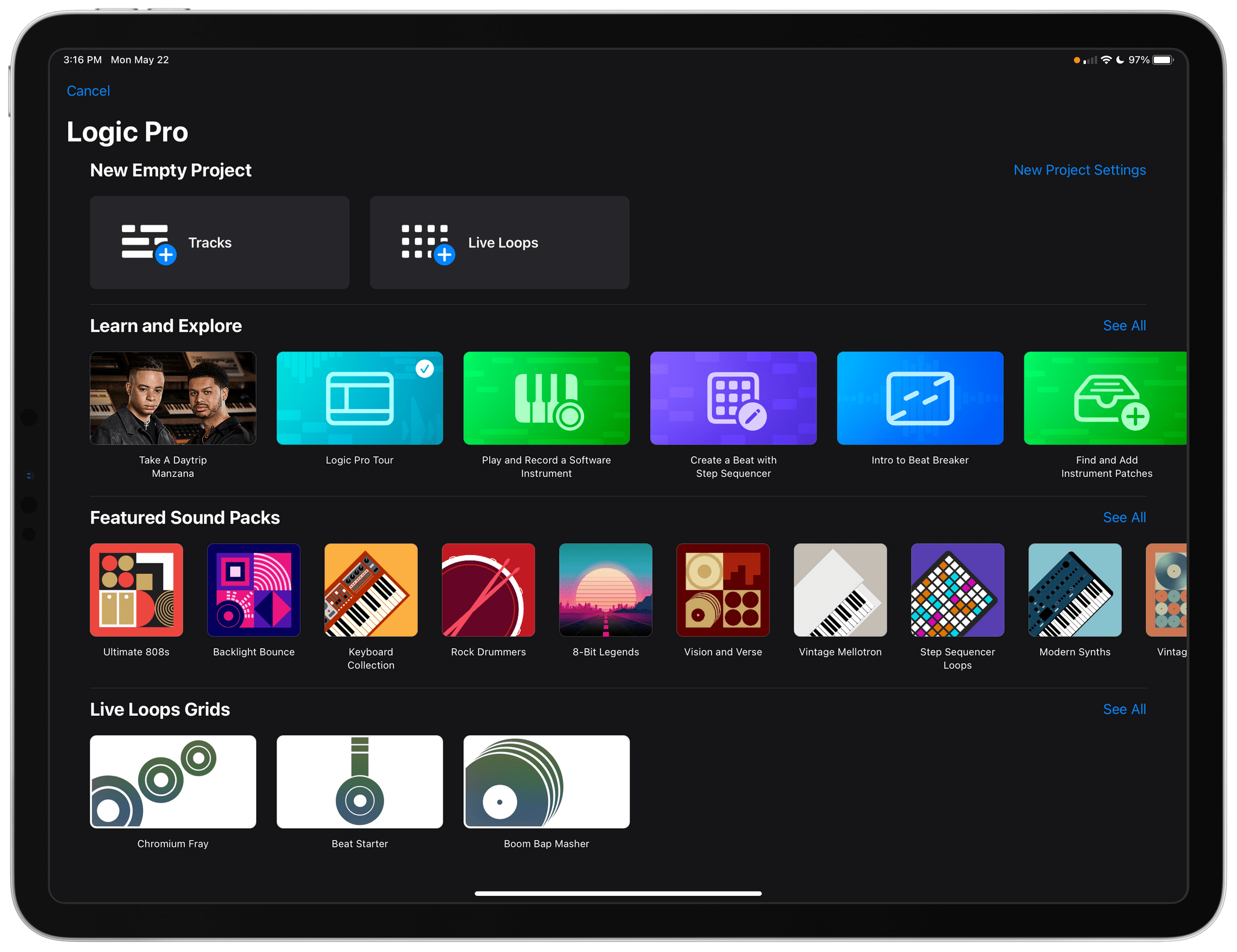
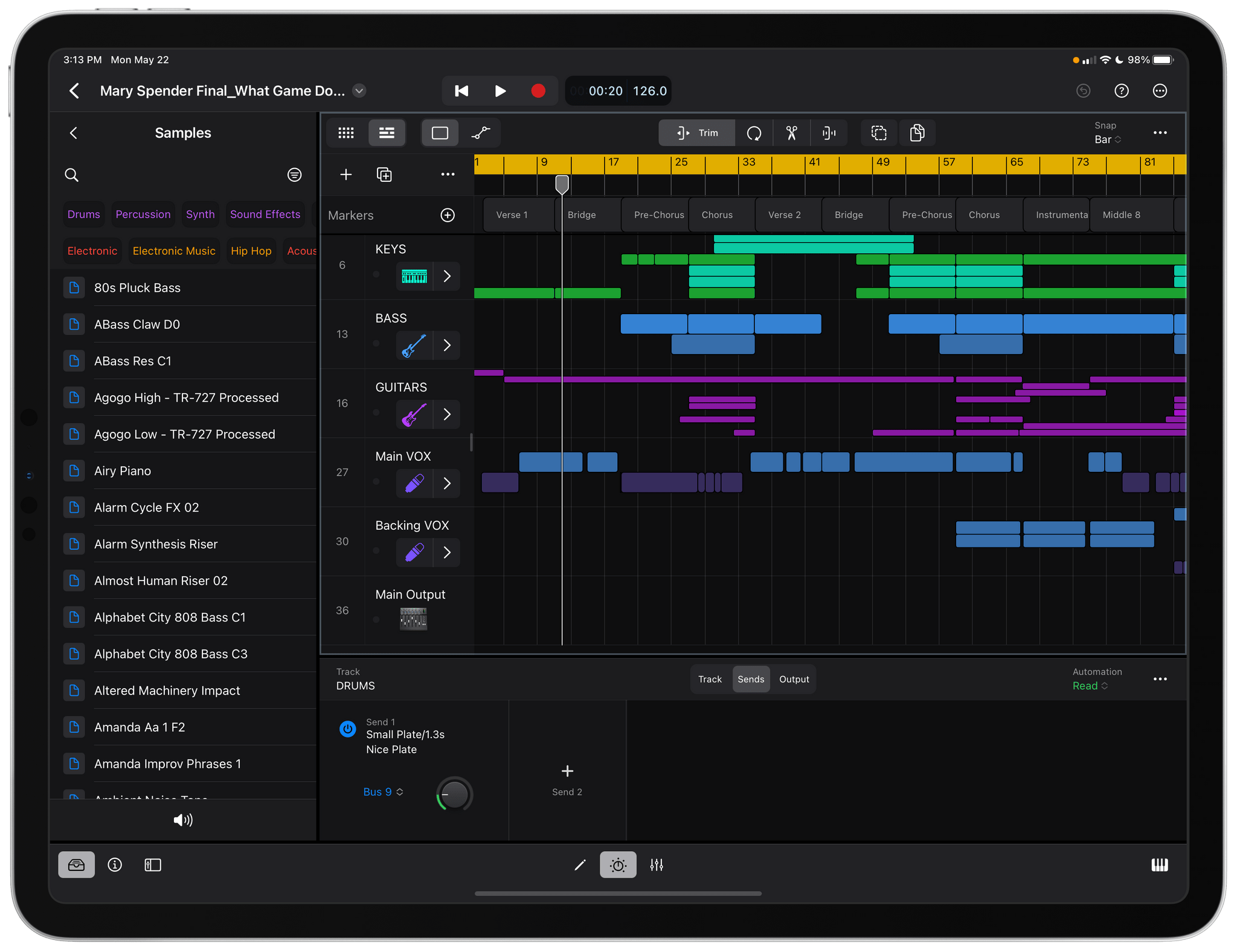
Logic Pro for iPad includes a collection of lessons to help you learn the app, along with a catalog of sound packs and loops.

Logic Pro for iPad includes a collection of lessons to help you learn the app, along with a catalog of sound packs and loops.

What I found is that Logic Pro for iPad is a remarkably capable alternative to the Mac version. The app comes with limitations and frustrations, like any first version of a complex new app, but it’s also the real deal. Logic Pro for iPad isn’t a companion app to the Mac version. The iPad version doesn’t match the Mac app feature-for-feature, but it’s not a watered-down version of the desktop version either. Instead, Logic Pro for iPad delivers on the promise of the iPad’s hardware in a reimagined way that we haven’t seen enough of with so-called ‘pro’ apps.

There’s a lot of ground to cover between my podcasting experiments and the music production features of Logic, so let’s dive in.

Read more


Ivory for Mac Review: Tapbots’ Superb Mastodon Client Comes to Apple Desktops and Laptops

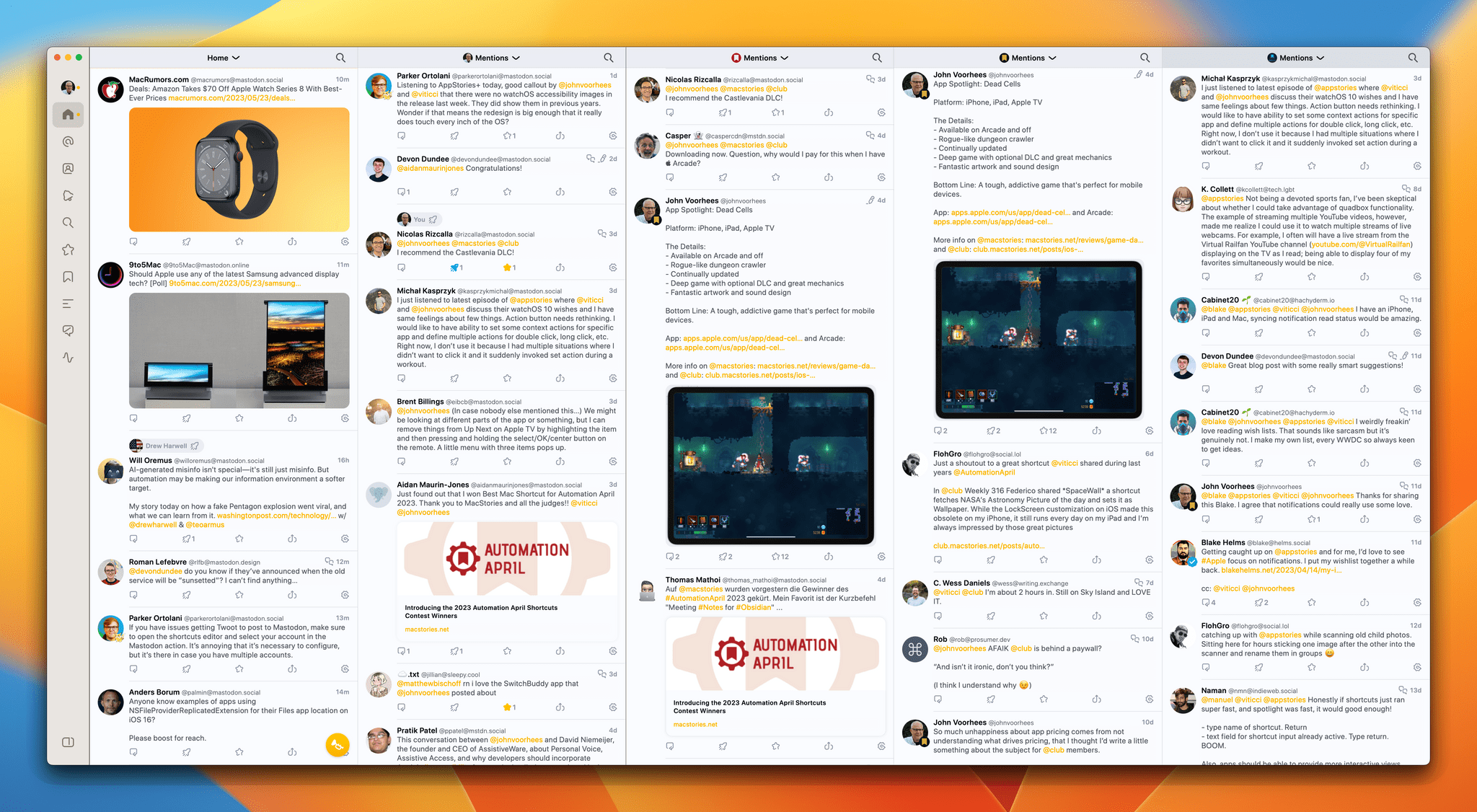
Ivory, Tapbots’ Mastodon client, is now available on the Mac, and like its iOS and iPadOS counterparts that Federico reviewed in January, Ivory for Mac is every bit as polished.

A lot has changed since Ivory was released on the iPhone and iPad. At the time, there were hardly any native Mastodon apps for the Mac, so I was using Elk in a pinned Safari tab. That’s changed. There are several excellent native apps now, including Mona, which I reviewed earlier this month. What Ivory brings to the growing field of native apps is what we saw with iOS and iPadOS: impeccable taste and snappy performance that few other apps can match.

By now, most MacStories readers are probably familiar with the table stakes features for Mastodon clients. Ivory ticks all of those boxes. Also, if you’ve already tried Ivory for iOS or iPadOS, you’ve got a big head start on the Mac app because they’re very similar. However, if you’re new to Ivory, I encourage you to check out Federico’s review of Ivory for the iPhone and iPad because I’m not going to cover that same ground again. Instead, I want to focus on the Mac version’s unique features and the details that make it such a compelling choice for Mac users.

Read more


Our macOS Wishes

AppStories+ Deeper into the world of apps

AppStories Episode 330 - Our macOS Wishes

0:00
41:00

AppStories+ Deeper into the world of apps

This week, Federico and John share their wishes for macOS 14.

Read more


App Debuts

Skylight Forecast Skylight is one of the most unique uses of weather data I’ve seen. It’s from Lux Optics, the makers of Halide, and predicts the best times and conditions for taking outdoor photographs based on weather conditions and other atmospheric data. Because it’s using weather data, the app is subscription-based, which is unusual for...


Interesting Links

[[John]] TechCrunch interviewed Kevin Systrom about his app Artifact, which hopes to become the intermediary layer between writers and their readers, a goal that has been tried many times before and never worked. (Link) In a story that we’ll likely see played out with many companies, The Verge links to a report by The Wall...


The Need for App Migration Assistant

It’s been a hard month. Thanks to both hardware and software issues with my Mac Studio, I wound up rebuilding my desktop setup from scratch twice. The first time was bad, but the second time around was brutal. Once my hardware issues were resolved, I restored my Mac from a Time Machine backup, which took...


When A Task Manager Is Too Much Overhead

Sometimes, any task manager is just too much. I have plenty of busy days, but they’re not always busy in the same way. Sometimes I’ve got a big project that requires long hours of focused work. For those days, any task manager will do. However, other days are the kind where the ground is constantly...