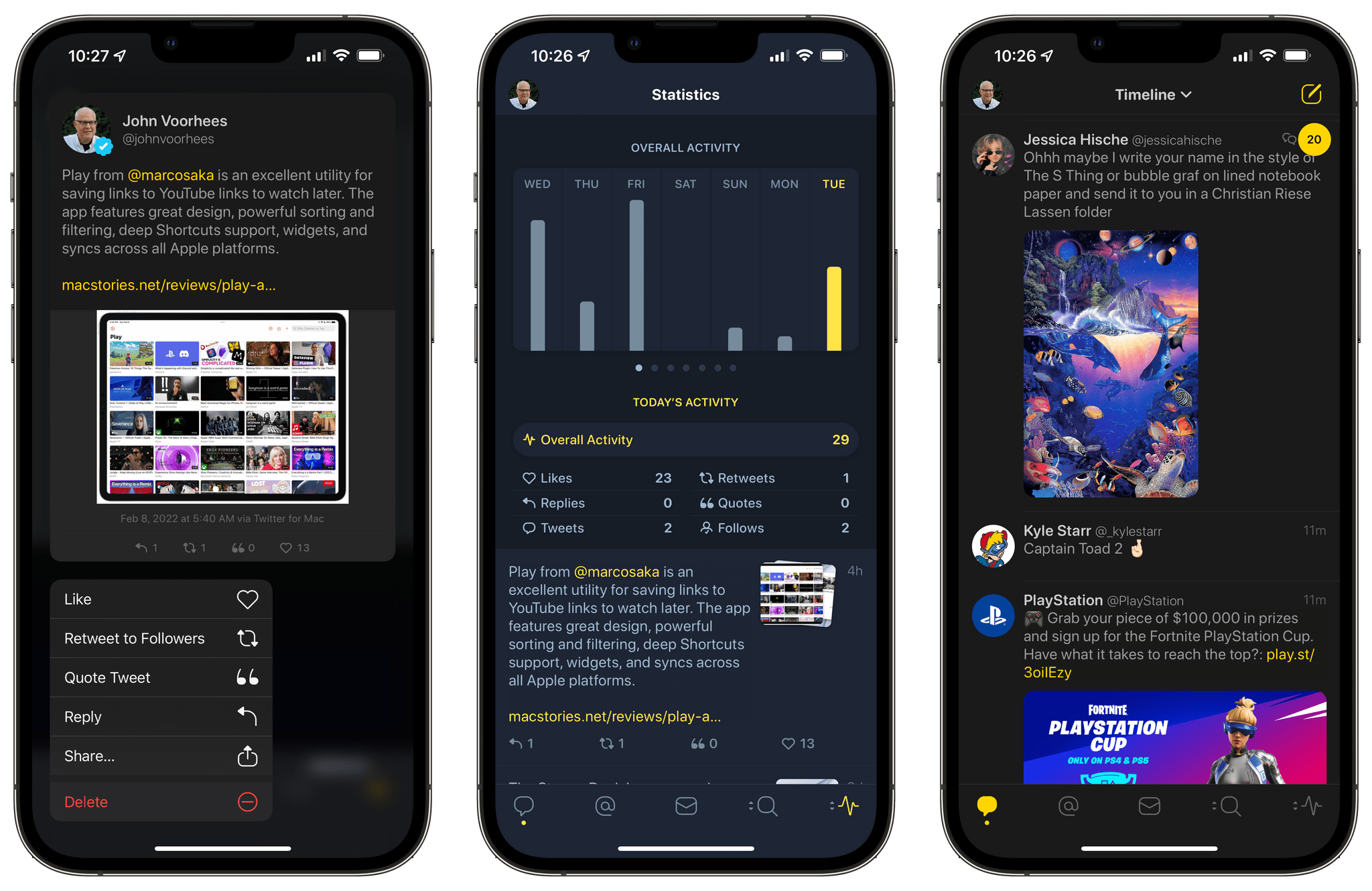
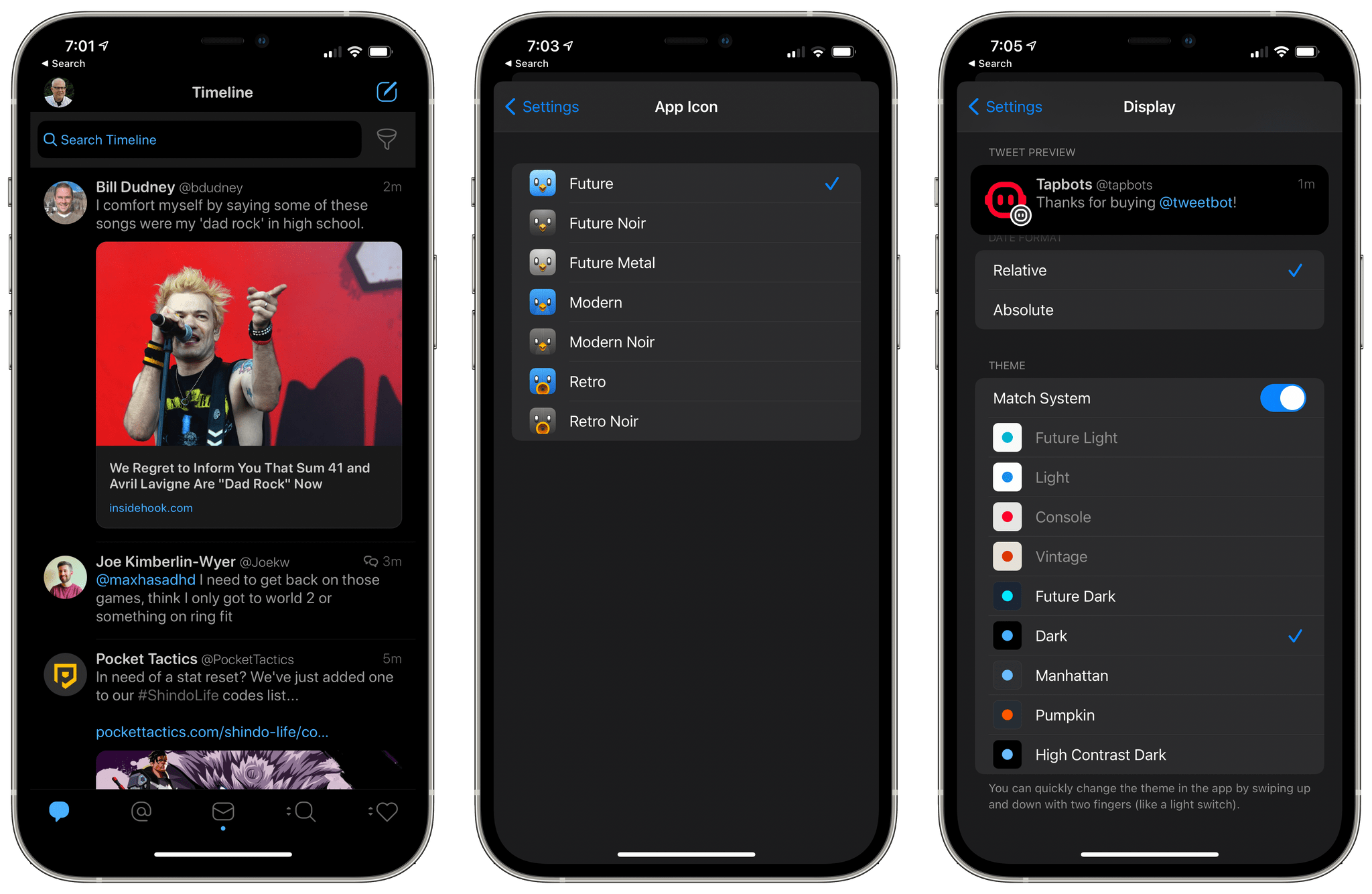
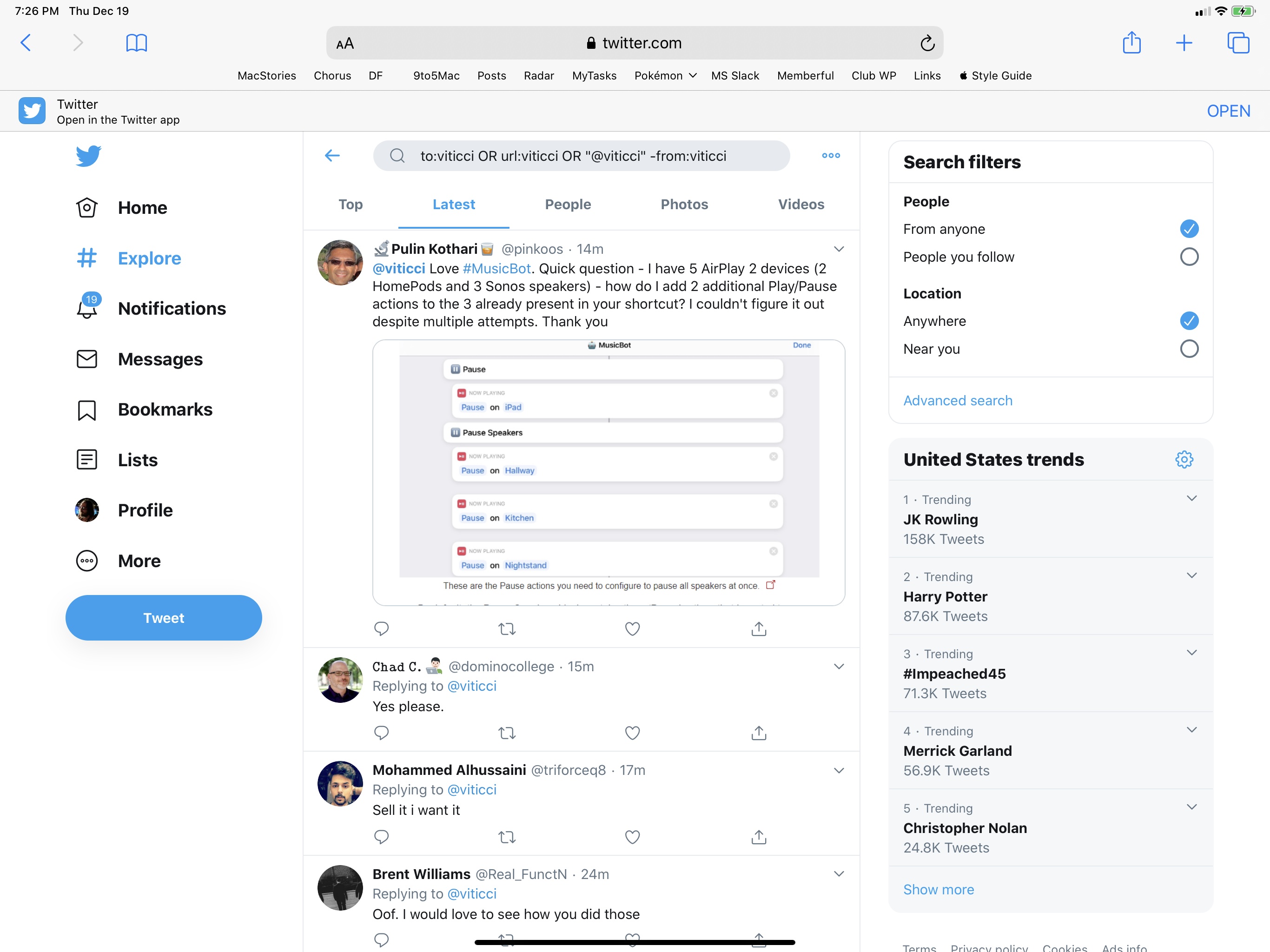
Nice update to one of my most-used iOS apps.

The new version adds compatibility with the new Twitter API, changes the calendar viewer to a thin bar that runs across the top of the timeline, and brings performance improvements alongside a clearer design.

I use Tweet Library on a daily basis to search my entire Twitter archive. The new calendar makes it easier to move between months/years, and the app is much faster when loading tweets.

After nearly two years, Twitter updated its official Mac client today. The app, which was presumed “dead” several times, has been updated to include Retina graphics, support for uploading photos, and 14 new languages. Twitter also says “more improvements” will come.

In a tweet, project lead Ben Sandofsky has announced he’s “taking a break” from Twitter for iOS to focus on the Mac version full-time.

One of the updated Mac App Store screenshots reads “Search in real time. Multitask. Express yourself.” — and I found the use of “multitasking” particularly interesting as many often suggested Twitter didn’t care about their Mac app because of the existence of Twitter.com.

The app doesn’t come with any additional changes, but I’m curious to know if Twitter will update it to include its latest additions to the iOS client, namely Cards, the Connect tab, and Discovery. As for OS X itself, it’d make sense for Twitter to consider Mountain Lion’s existing notifications (which currently open in the Twitter website). There’s no doubt Twitter for Mac has a quite a bit of catching up to do after two years.

In case you missed it, here’s my original review of Twitter for Mac from January 2011.

Apr
18
2013

Music

Earlier today, Twitter released its official #music app.[1] This first release, like Vine before, is iPhone-only with a web counterpart. I believe that Music, more than Vine, can give an indication of the direction Twitter may take in regards to its media strategy. But first, I’d like to highlight two excerpts from Twitter’s blog post announcing Music:

Twitter and music go great together. People share and discover new songs and albums every day. Many of the most-followed accounts on Twitter are musicians, and half of all users follow at least one musician. This is why artists turn to Twitter first to connect with their fans — and why we wanted to find a way to surface songs people are tweeting about.

Today, we’re releasing Twitter #music, a new service that will change the way people find music, based on Twitter. It uses Twitter activity, including Tweets and engagement, to detect and surface the most popular tracks and emerging artists. It also brings artists’ music-related Twitter activity front and center: go to their profiles to see which music artists they follow and listen to songs by those artists. And, of course, you can tweet songs right from the app.

“Tweets and engagement” are key factors of the algorithm Twitter is using to “detect and surface” tracks, both popular and emerging. The fact that half of all users (active or not) follow at least one musician on Twitter is an important metric to keep in mind. (more…)

From the Twitter blog:

Today, we’re releasing Twitter #music, a new service that will change the way people find music, based on Twitter. It uses Twitter activity, including Tweets and engagement, to detect and surface the most popular tracks and emerging artists. It also brings artists’ music-related Twitter activity front and center: go to their profiles to see which music artists they follow and listen to songs by those artists. And, of course, you can tweet songs right from the app.

The new app isn’t available on the App Store yet (tip: to check, refresh Twitter’s page in iTunes using CMD+R). Twitter #music will launch with direct support for iTunes previews, plus Rdio and Spotify streaming for users who have accounts on those service. I’m interested to see how Twitter will handle the login process for Rdio and Spotify, but based on what I’m reading, it sounds like a good idea. Maybe Twitter does have the network infrastructure and willingness to do social music right.

I’ll leave more thoughts for a review. In the meantime, check out Twitter’s official #music landing page, and Joanna Stern’s preview of the app at ABC News.

Feb
14
2013

TweetLibrary

Like many others, I got access to my Twitter archive last night.

The option, launched a few months ago, enables you to download a complete archive of all your tweets and retweets inside a .zip file that contains CSV and JS archives with a nice HTML page you can browse. With over 50,000 tweets since February 15, 2009, my .zip file weighed at around 9 MB. Seeing tweets from four years ago has a strange effect in that it shows the ephemeral nature of 140 character-long status updates in better context. In other words, I used to tweet “good morning” and “goodnight”; with time, I lost my good Twitter manners.

The Twitter archive was a feature I had been anticipating for quite a while. As you know, I have been a strong proponent of solutions to archive and search your Twitter account – such as Manton Reece's Tweet Library, Cue (formerly Greplin), and CloudMagic. Prior to the rollout of the Twitter archive, all these solutions allowed you to search your most recent tweets (Cue and CloudMagic) or download the past 3200 (Tweet Library); none of them could, per Twitter's API limit, access your entire Twitter history.

(more…)

Tweetbot for iPhone 2.6 Adds Custom POIs, Header Images

Tweetbot 2.6 is out today on the iPhone, and it’s a minor update from the previous 2.5 version. There are, however, two changes I would like to cover.

Tweetbot 2.6 comes with support for Twitter’s new header images for profiles. You’ll have to upload them directly from Twitter’s website – you can’t upload new ones in Tweetbot – but the app will display them nicely in user profiles, just like Tapbots’ other app, Netbot.

Tweetbot 2.6 also lets you create custom POIs for locations. If you think a location is incorrect, or simply would like to customize the location Tweetbot finds, click on the location in the compose screen, and create a custom POI. Be aware that other Tweetbot users will then be able to use the POI, as it’s based on Twitter’s geolocation features and the address of the location.

Tweetbot 2.6 is a minor, but nice update. Get it from the App Store.

Use Twitter for iOS with App.net

Developed by Steve Streza, Apparchy is a proxy server that lets you use the official Twitter apps for iOS with App.net. Built for the App.net hackathon that took place yesterday, Apparchy provides a functional API that lets the official Twitter clients work with App.net. As Streza explains on his personal blog:

Today I shipped the first alpha of Apparchy, which turns Twitter’s official iOS apps into App.net clients. You sign up for a free account on apparchy.net, add your app.net account, and then log into the Twitter app with your Apparchy username and password. Then, the Twitter app will start loading data from app.net through the Apparchy API. You can view your stream, your mentions, your profile, your followers, and your friends, as well as post, reply, star, and repost. It’s not entirely complete, and some parts of the app will have no data or return nothing, but the core experience is pretty good.

I have set up Apparchy with my App.net account, and it works just as advertised. Some Twitter-related features and UI elements aren’t obviously compatible with App.net, but for the most part, Apparchy is indeed reliable as a Twitter=App.net bridge. There are some bugs, so use caution if you already rely on Twitter for iOS for your Twitter accounts.

If you, like me, don’t use Twitter for iOS but have it on your device, delete your existing accounts and set up Apparchy. I don’t like Twitter for iOS, but this is a cool experiment nevertheless.

Oct
22
2012

I communicate with my team through iMessage. We’ve tried many “communication services” over the years, yet, since last Fall, we’ve always come back to Apple’s solution. It’s not perfect for us, its reliability is far from 100%, but it works.

As we keep using iMessage every day, there’s one category of “media” we’re constantly sharing: Twitter URLs. We find some cool piece of information or news on Twitter, we share it with the team. Linking back to tweets has, in a way, become our favorite type of commentary for fun, news-hunting, and everything in between.

Twitter.com URLs, though, aren’t the best way to jump back to a tweet, especially when you’re on a mobile device. When you’re on a Mac, clicking on a Twitter link will open a new browser tab, which doesn’t really bother us as we’re used to opening background tabs on our computers. But on the iPhone and iPad, it can become annoying: there’s a limit of 8 Safari tabs on the iPhone, you get yanked out of Messages, and, most of the time, mobile.twitter.com URLs just don’t work. In our team chat, we’ve speculated the “Not Found” errors we’ve seen may be related to how Tweetbot generates Twitter URLs when you hit “Copy Link to Tweet”: instead of using status in the URL slug, it uses statuses, which seems to be the reason behind erroneous redirecting on mobile devices.

We’ve come to the conclusion that we want to be able to easily copy twitter.com URLs and turn them into links based on Tweetbot’s URL scheme. Using a simple tweetbot:// URL, you can use Twitter’s status ID – the same you receive when you copy a link – to open a single tweet directly in Tweetbot. And the best part is, the same URL scheme works consistently across Tweetbot for iOS and Tweetbot for Mac. As everyone on the MacStories team is already using Tweetbot, the solution seemed obvious – plus: no more browser tabs.

The problem was finding a way to convert twitter.com URLs easily, without having to remember complex combinations of keystrokes and commands. Furthermore, as I promised my team I’d come up with a way, I had to figure out a solution to do text conversion directly on iOS.

As a result, I’ve come up with an AppleScript, a Keyboard Maestro macro, and a simple Python script to transform Twitter URLs into their Tweetbot counterparts. (more…)

Recently relaunched under a new name, Manton Reece’s Watermark is one of my favorite web services. Seamlessly integrated with Twitter, Watermark is an archiving tool that, through filters and custom collections, lets you archive and search your entire timeline. From our previous coverage:

Tweet Marker Plus was one of my favorite services to provide the kind of Twitter functionalities that Twitter the company always ignored: powerful search and filtering tools, collections, and additional browsing options. Like Cue, Tweet Marker Plus has proven to be a worthy addition to my workflow to retrieve tweets and leverage the information shared on the platform every day.

I use Watermark on a daily basis to retrieve tweets that have been shared in my timeline — status updates that would be hard to retrieve using Twitter’s web interface, let alone the official apps. Twitter never invested in powerful archiving and filtering tools, and Watermark provides a fantastic backup solution to know that, in the background and automatically, your timeline will be archived and made searchable for the future. This is important for online data preservation, a subject I’ve been exploring for the past year.

Today’s update to Watermark introduces yet another option to make sure your data will always be with you: automatic Dropbox export. Available in Watermark’s settings, once authorized with Dropbox the service will create archives of filters, collections, and your own tweets as .csv files. For your tweets, the 10,000 most recent ones will be saved, whereas filters and collections are limited to 1,000 for now. As Manton writes on his personal blog:

Dropbox sync fixes that. Watermark can now automatically copy tweets (and App.net posts) from your saved filters and custom collections to CSV files on Dropbox. For example, search Watermark for “iPhone 5”, click “Save as filter”, and the most recent 1000 tweets matching that query will appear in a file called “iPhone_5.csv” on Dropbox. It keeps running in the background, so the files are updated every hour as new tweets matching the search are downloaded by Watermark, even if you aren’t signed in.

Like I said, I use Watermark every day, and being a Dropbox fan as well, it’s great to see the two services coming together. I feel like Dropbox is becoming, for many, the de-facto “filesystem for the web”, and it only makes sense for a service like Watermark, which aims at freeing data from the pressure of Twitter, to gain an export option based on it. Right now, tweets are saved in .csv files with their ID, author’s username, date, service (Twitter or App.net), message, and original URL. In a future version, I hope Manton will consider some kind of plain text export option as well, though that might be tricky; right now, I’m comfortable with the structure of .csv archives.

Watermark is a service I highly recommend, and it’s only $5 per month.