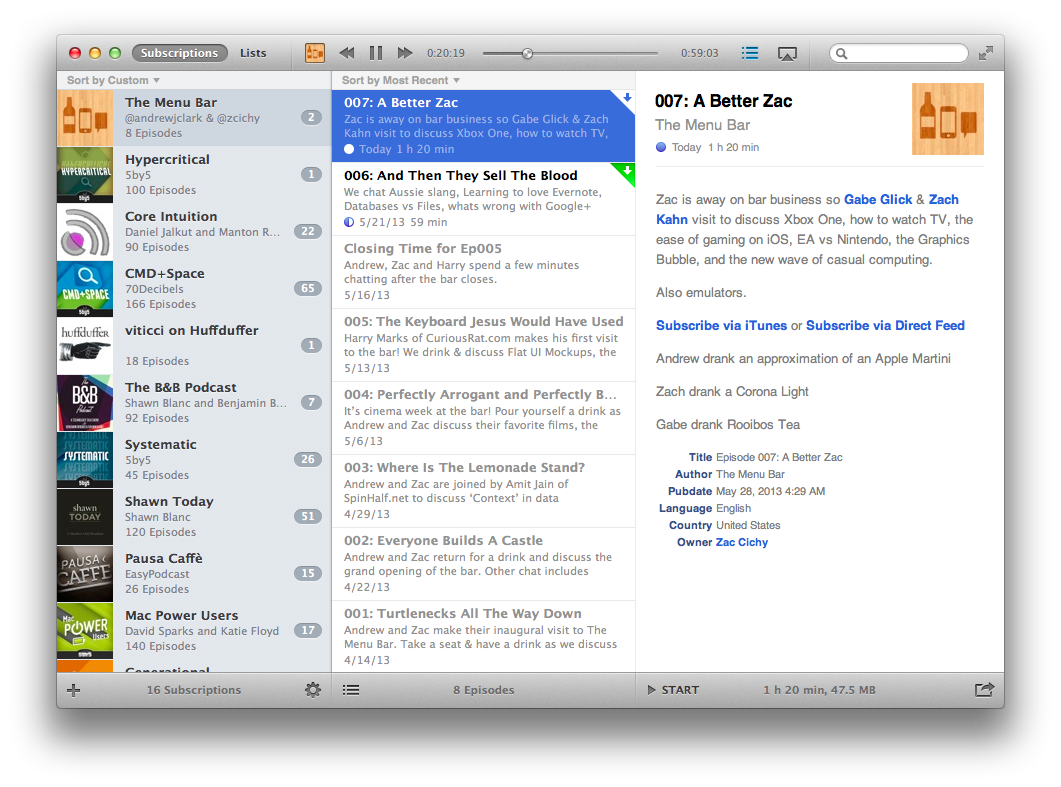
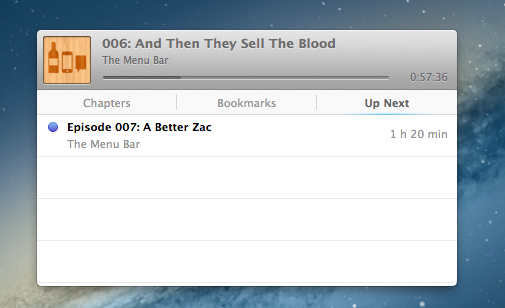
The Vemedio team once again worked with Marcelo Marfil to create a wonderful UI that is easy to understand, and looks beautiful. The interface has many of the same components as the iOS counterparts, but restructured nicely for the Mac. You have two main views; Subscriptions and Lists. Like on iOS, Subscriptions show your full list, while Lists are the equivalent of Playlists on the iPhone and iPad —showing your default and custom lists.
I look forward to playing more with the app. From what I’ve seen so far, it looks good, but, being a beta, sync reliability will need more time.
Instacast 3 is both iterative and something different. No longer divided into separate iPhone and iPad apps, Instacast 3 is universal, also eschewing the in-app purchase model introduced with Instacast 2. And at its core, iCloud sync has been gutted and replaced with Vemedio’s own syncing solution that’s faster and less error prone (an in-house solution that works with WebDAV.). On the iPad, Vemedio has completely redesigned their Twitter-for-iPad inspired interface in favor of a more parallel experience with the iPhone. Just as Apple makes small iterations to their hardware, Vemedio has made small iterations to their software.
It’s not hard to talk about the latest and greatest features of Instacast 2.0 when the developer has dutifully written his own epic walkthrough of his app’s new features. Instead of having to decipher release notes and a summary of bullet point features, Martin Hering of Vemedio has already published an in-depth write-up of everything “version two” has to offer, which includes a couple pro-tips here and there for those who aren’t skimming paragraphs and looking for bolded words. The mini-manual will be a handy reference for getting adjusted to Instacast’s tap-and-hold friendly UI and advanced features.
With the features already explained in great detail, I don’t feel the need to recap everything Instacast 2.0 has to offer or explain how it works, but I do want to share some of my experiences with the app post-upgrade. There are lots of little changes that have been made and thus lots of little habits that had to be relearned. While some of the changes take some getting used to, others have been improved upon so well that I could not think of going back to an older Instacast. Upgraded player controls, playlists, and bookmarks add a new pro-layer of control without dampening the player’s aesthetic or user experience. Additional sharing features strive to strengthen online discussion around podcasts thanks to commenting and an HTML5 audio player.
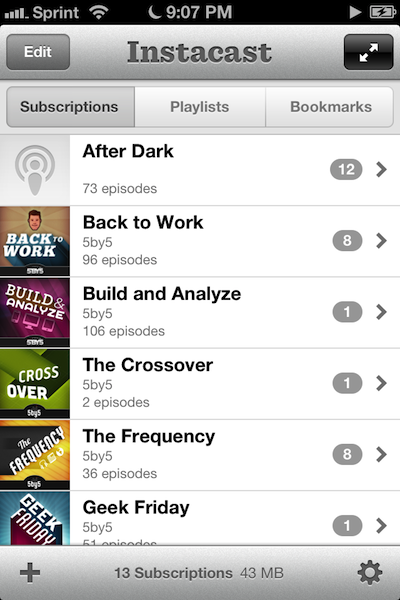
I remember when I first reviewed Instacast for the iPhone back in March, declaring it the Twitter of Podcast apps. While possibly dramatized, what Instacast has done for mobile podcasts is what Loren Britcher did for Twitter apps. The interface, lightweight and smooth, capitalizing on common sense gestures and thoughtful design elements, quickly made Instacast one of my favorite iPhone apps. Instacast is the only non-Apple app that has a spot on my iPhone’s dock. An intelligent conversation, a good laugh, and Geek Friday are always just a tap away.
Instacast got smarter. Sure there were times when enhanced podcasts didn’t work or a wonky update caused weird crashes, but they were fixed and plenty of new features were added. Continuous playback always kept a friendly voice on the loudspeaker. Later, iCloud syncing was added in preparation for future updates. Future updates that of course would finally see Instacast taking on bigger endeavors.
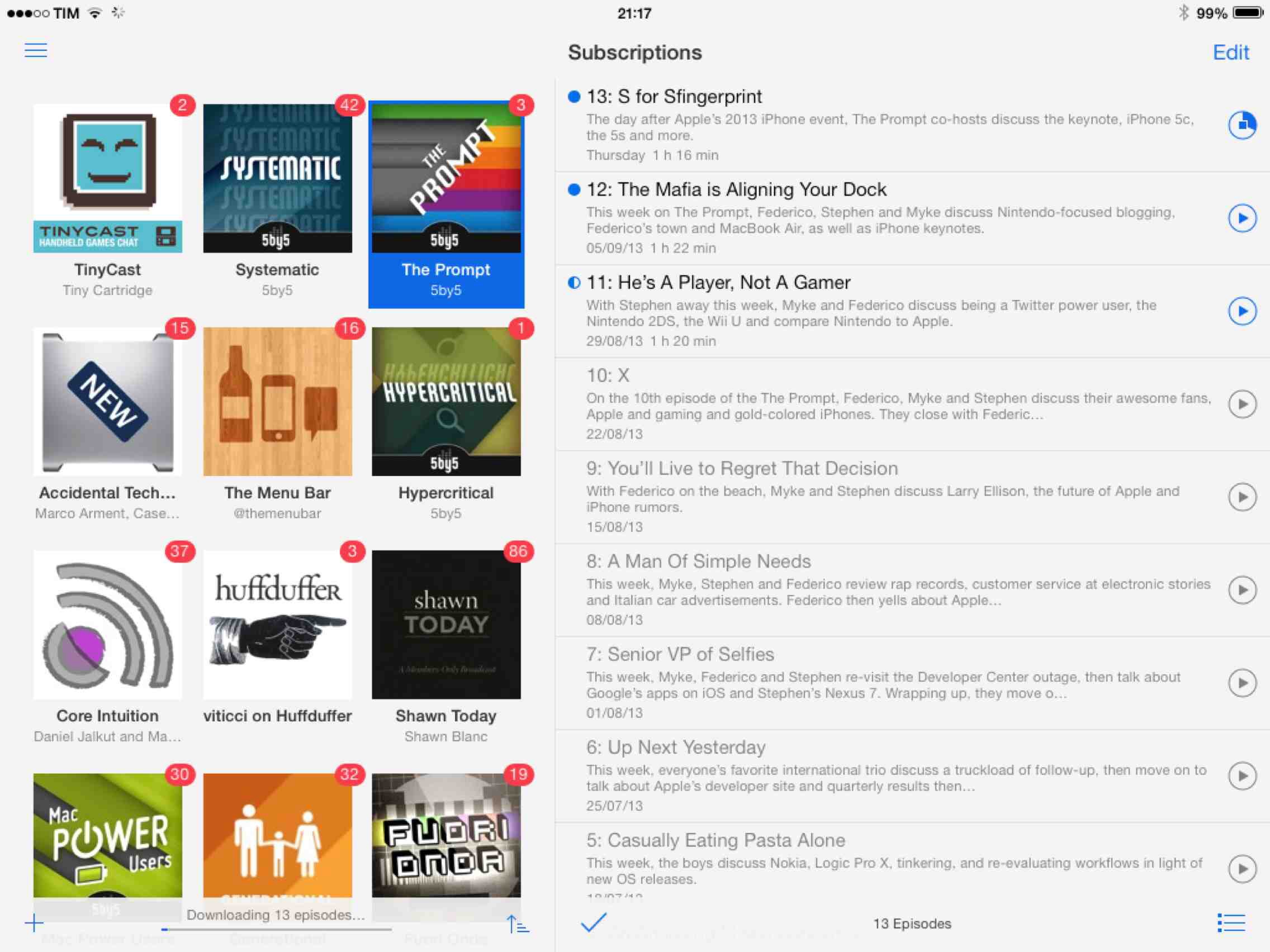
There were lots of days on the couch when I thought about Instacast coming to the iPad. Until recently of course, I hadn’t known what to expect before I was invited to take a look at the first beta. I imagined that Instacast, containing a library of podcasts, would take on a form similar to iTunes. I imagined the interface as a grid, where you would easily scroll through podcast cover-art and see badges revealing the number of unplayed episodes. How silly!
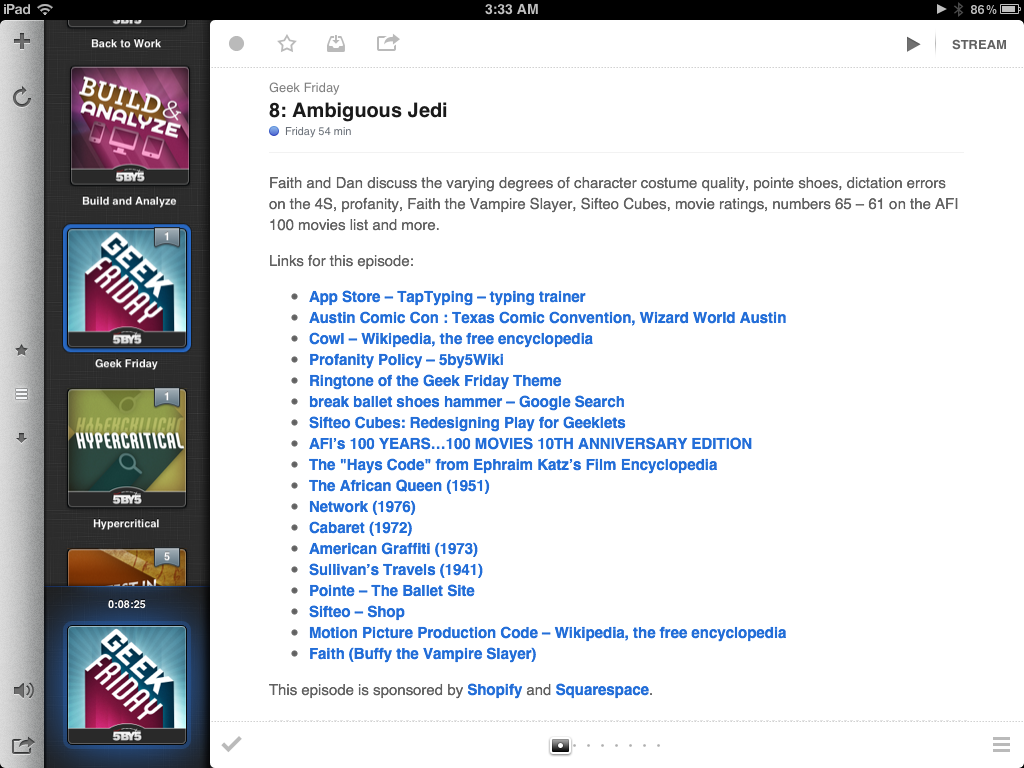
Martin Hering first hinted at the design in September, and I later had the privilege of revealing more of the interface near the end of October. An excited Joshua Schnell and Myke Hurley have also been eager to share the new interface, giving it due praise on the App Orchard and at Macgasm. The hype around Instacast HD for the iPad has been astounding, and for good reason. Instacast HD is incredible.
If you have a day job and had just started upgrading your iOS devices when you got home yesterday evening, it’s likely haven’t even spent a few hours with iCloud yet. The premise is pretty amazing, even if the initial majority of it is between iOS devices. If you think automatically syncing spreadsheets and documents across iCloud from your iPad to iPhone is cool, that’s just the tip of the iceberg. Beyond document syncing, iCloud opens up a world of added convenience that wasn’t available previously. Just think about being able to sync your Angry Birds progress between devices. But we can take that even further. What if we could sync something like RSS feeds between devices? Now you’re thinkin’.
Instacast goes beyond simply syncing your lists of podcasts. It remembers to update which episodes you’ve marked as played, it remembers to add new podcasts you’ve subscribed to across devices, and it even remembers what episode you were listening to. The last item is the magical part: it syncs track position and loads that episode you were listening to in the now playing window if you pause the podcast and want to pick up from another device later. Resuming a podcast is as simple as tapping the up arrow after a refresh. Now this? This is amazinger.
This is one of the best use cases for iCloud. Instacast syncs lots of data to keep everything in sync. While there’s not much I can add beyond Martin’s blog post on Vemedio, the wow-factor can’t be emphasized enough.
With the amount of data being synced, there are some things to remember about Instacast’s iCloud sync. Geeks will immediately try, two devices in hand, to see how instant syncing is. If you don’t allow Instacast to get its data in the cloud, you may run into conflicts where your impatience could overwrite the changes you wanted to save. I imagine this is more true for big podcast libraries. You treat it like you treat Tweet Marker — it’s all designed to be very casual. With that said, syncing shouldn’t take five minutes, but I wouldn’t expect it to be split-second instant. A pull-to-refresh will sync changes down from iCloud while uploading takes place automatically.
Instacast 1.4 has a new audio engine inside for iOS 5 compatibility, bringing back scrolling titles on the lock screen (a bigger deal if you were an early iOS 5 adopter) and adding Apple TV support for AirPlay. If you want to get caught up on what Instacast does and how great it really is, check out our previous reviews.
Instacast is simply my favorite podcast player on iOS, and I’m delighted to say that Instacast has now reached version 1.3 and is available for download in the App Store. Instacast 1.3 brings lots of new features to the fold, including improvements for clearing out cached tunes, a download waiting list, chapter lists (super useful for podcasts like the Mac Geek Gab), video airplay for those Revision3 podcasts, and “group sorting” in the All Episodes list that bundles together similar episodes. There’s a lot to talk about, so let’s dive right in.
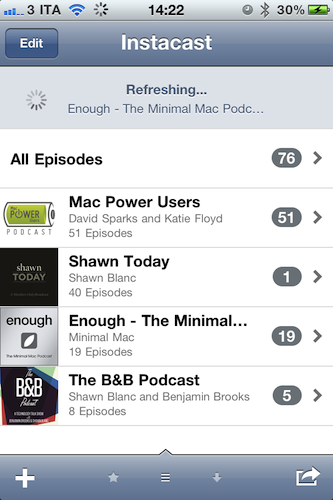
You should have realized by now Instacast has become our favorite way of consuming audio and video podcasts here at MacStories. Whether it’s the latest episode of Shawn Today or tips from Merlin Mann on “Back to Work”, Instacast is the best way to keep podcasts organized and up-to-date without using iTunes (and thus USB sync) on your iPhone. Instacast packs a lot of features into a simple and elegant interface that’s backed by a powerful engine to refresh all your subscriptions, download episodes, stream them over WiFi and 3G and even send audio to an external speaker over AirPlay. Instacast is the Twitter of podcast apps, and it got a lot better in version 1.2 — approved a few hours ago.
Instacast 1.2 adds Dropbox integration to import / export an OPML file for all subscriptions. OPML support has also been introduced in this update, alongside the possibility to share the file via email with your friends. If you’re familiar with RSS readers, you know what to expect from OPML importing. If you’re really serious about your podcasts and you don’t want to miss anything from the authors, Instacast now allows you send show notes to Instapaper and Read It Later. The podcasts I’m subscribed to usually have brief descriptions and a few notes, but I can see why some people would like to Instapaper longer ones.
Instacast 1.2 also brings dozens of stability improvements and bug fixes, as well as minor features like “copy podcast URL to clipboard”, sharing options and auto-refresh for subscriptions. It’s a very good update (now we can’t wait for the iPad version, already in the works) and you can find it here at $1.99.