Ustream, the popular web service to broadcast and interact with live events, updated its iPhone app back in March to unify the broadcasting and chatting features in a single package that allowed users to record and engage in conversations in the chat room at the same time, providing additional social features for Facebook and Twitter sharing as well. With a new update released today and now available on the App Store, Ustream is bringing native support to iPad owners with a brand new app that’s been completely redesigned to take advantage of the iPad’s larger screen. The update is universal, so you’ll need to update your existing Ustream iPhone app to get the iPad version.

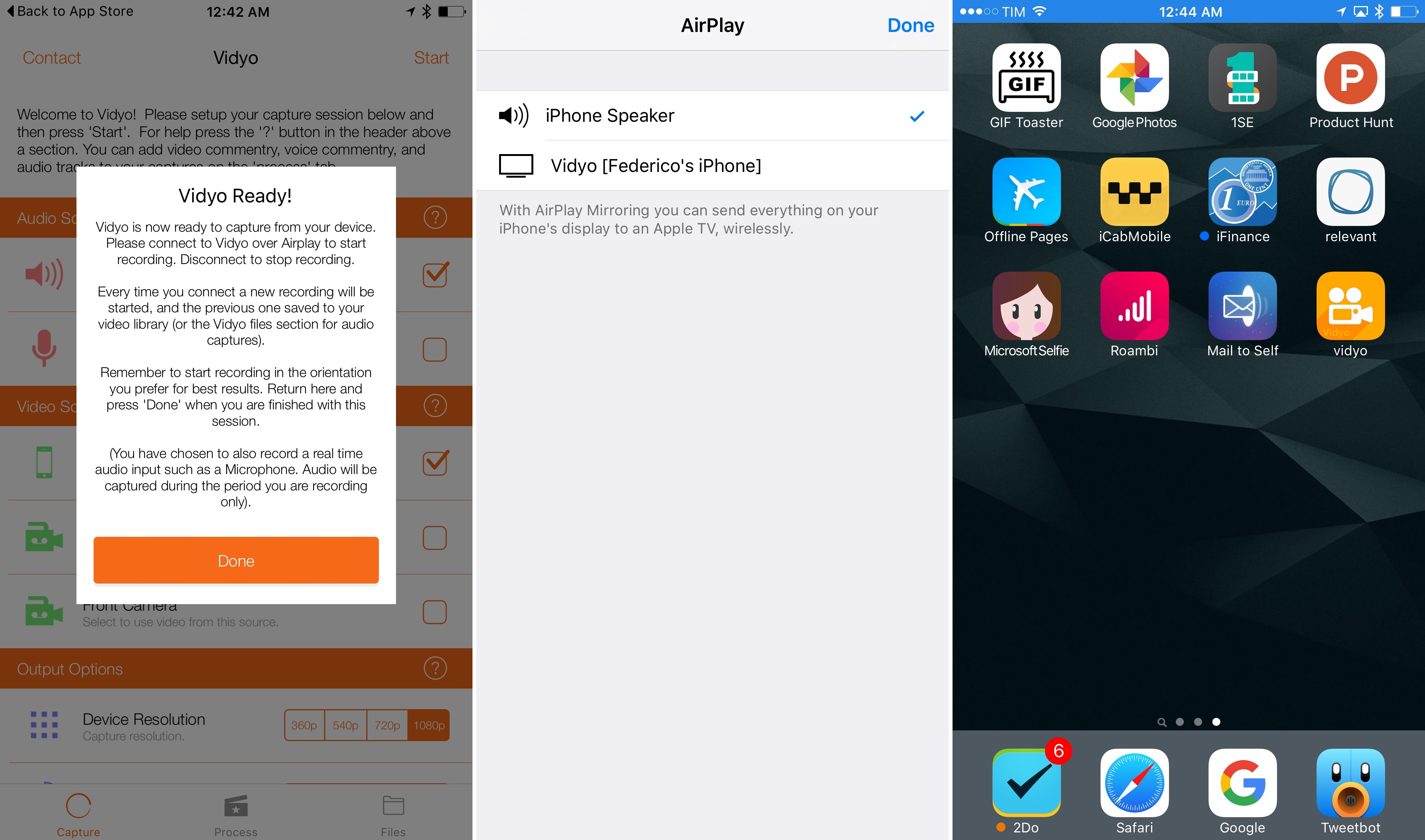
Just like the iPhone app, Ustream for iPad will let you broadcast and interact with your audience from a single interface that, on the iPad, lays out video, audio, chat and social controls in a semi-circular overlay control popup similar to Grazing’s slidepad. You can flip cameras and adjust audio, or if you want to see what’s happening online, head over the social stream to hear what people are saying on Twitter and Facebook about your show, or simply pop into the chat room dedicated to your broadcast. Obviously, you can also watch live shows and participate in the chat room — Ustream’s iPad app lets you check on popular, live and featured shows right from the homepage, so if you’re a heavy Ustream user you’ll always have something to tune into. Among the new features, Ustream also touts “Airplay support for true social interactive viewing of the chat and social stream”.

Ustream already had a very solid iPhone app, and this new iPad version contributes to making the service a complete solution that works on any web browser, and now iOS devices as well. Get the app here for free.

When I first covered the 4.5 update for Airfoil, which added extended AirPlay support and remote controls for compatible apps, a reader suggested an interesting hack or, better, workflow for wireless audio in the comments: given Airfoil’s capability of sending audio from a single source to multiple speakers or devices at once, it was possible to send audio from iOS to the Mac using AirServer, and then pass along data from AirServer (which acts as an AirPlay receiver on the Mac) to speakers recognized by Airfoil. Later, another reader chimed in to say that, considering Airfoil’s recent improvements, there was no need to install a separate app — Airfoil Speakers itself could handle the AirPlay stream from iOS to OS X, and then be used as an input source in Airfoil. When combined with an app like Reemote, this setup would allow you to send audio from an iPhone or iPad to the Mac wirelessly, from the Mac to another set of speakers or computers, and then control everything from iOS. (more…)

Apple doesn’t just make a handsome phone — the iPhone has plenty of unique features that separate it from the competition. A pair of new iPhone commercials are taking the stage tonight, putting AirPlay and FaceTime in the spotlight. The commercials, both featuring the same catchy background jingle we’ve become familiar in the “If you don’t have an iPhone” series, show off just how easy it is to use the iPhone for sharing photos, videos, and conversations across the Apple TV, Mac, and iPad. While the commercials do come off a bit bumptious as usual in this series, the AirPlay commercial does a great job of showing off just how easy it is to stream media to your television or play music wirelessly through your home stereo system. AirPlay is something I’ve come to love in iOS 4 on my iPad and iPod touch, and I’m glad to see it getting its own air time in Apple’s latest set of commercials. Past the break we’ve posted both videos for your viewing enjoyment.

[via Apple]

(more…)

Jul
8
2011

Instead of connecting to your iPhone or iPod touch from your Mac, what if you had the convenience of setting it up as a receiver right from your pocket? That’s the quick summary of Airfoil Touch 2, which is now available on the App Store for free. If you happen to have a setup consisting of multiple Airfoil enabled machines, or you don’t want to bounce between multiple rooms to make music streaming happen, Airfoil Touch 2 has a convenient setup where you can now “reverse connect” by selecting the appropriate input node on your Wi-Fi network.

Artwork and metadata are now transferred to your iOS device when streaming music, and an improved equalizer can be customized to fit your mood. Most importantly, however, is the built in remote controls for changing tracks and pausing music right from your pocket. You can’t browse your library, but you can skip over a poor playlist choice when streaming on the network. If you’re listening to music from your pocket, the music controls on your dangling white earbuds can also control playback. When you want to browse the web or play a game, Airfoil Touch 2 works in the background and in conjunction with the multitasking tray for easy media control.

Rogue Amoeba have been making steady improvements to their Airfoil apps, and if you haven’t check it out, there’s been some recent updates to the parent app for the Mac (that’s just reached version 4.5) that’s worth checking out.

[via Under the Microscope: Rogue Amoeba Blog]

Back in December we reviewed Airfoil 4, an update to Rogue Amoeba’s powerful audio tool for OS X that streamlined the process of sending audio content from various applications to external speakers, computers or Apple TVs, also using the new AirPlay technology. Airfoil 4.5, a major update released today and free for existing customers, builds upon the excellent feature set of version 4 to deliver an even easier AirPlay integration that will allow iOS users to beam any kind of audio from any iOS app to the Airfoil Speakers app running on a Mac. This new functionality may sound very similar to other desktop AirPlay receivers like AirServer, and indeed it is, with the exception that Airfoil Speakers runs in its (beautiful) standalone window that, among other things, visualizes music controls and album artworks even during a wireless AirPlay session.

Rogue Amoeba explains:

First and foremost, Airfoil Speakers for Mac can now receive audio from your iOS device! Launch Airfoil Speakers, and it will appear in the list of AirPlay devices on iOS. When you play audio in an app on your iPhone, iPod Touch, or iPad, you can select Airfoil Speakers from the AirPlay list, and you’ll hear the audio right on your Mac.

The new, powerful Airfoil Speakers are now compatible with iTunes on any Mac or PC and MacStories favorite Radium as well. Similarly to The Iconfactory’s latest update to Take Five for Mac, Airfoil 4.5 can now control apps like Spotify, Rdio and Radium so you’ll see control buttons alongside album artworks and track titles when grabbing audio from these sources. This change is welcome as you won’t be forced to switch to the original application to see what’s playing anymore.

Last, Rogue Amoeba says they’ve added support for AirPlay devices “from companies like iHome, JBL, and many more”, and that AirPlay-enabled hardware will work with Airfoil out of the box with no further configuration needed.

Airfoil 4.5 is a free update for licensed owners of Airfoil 4, and a license key can be purchased here at $25 to unlock the full app (free trial is available). With the much improved Airfoil Speakers utility, at this point we can’t help but recommend Airfoil if you’re looking for a simple, good-looking and powerful solution to manage audio in your house, room or office, and integrate it with Apple’s AirPlay.

AirServer is a great Mac utility we’ve covered a couple of times in the past months which, of all the unofficial AirPlay solutions we’ve tried, impressed us because of its stability, steady flow of updates and overall support from the developers. For those who missed it, AirServer installs on your OS X machine as a menubar utility with a System Preferences panel that will make your Mac appear as an AirPlay receiver on your local network. This means you’ll be able to send music, videos and photos from any iOS device (or another computer) to your Mac, wirelessly through AirPlay. The app already supports OS X Lion and iOS 5, letting you send content back and forth between an iPad 2 running the latest iOS beta and a Mac powered by a Lion Developer Preview.

AirServer has now made the leap to iOS, and it’s available in the Cydia Store at $4.99. The concept is the same of the Mac version, except it runs on jailbroken devices: an iPhone, iPod touch or iPad can become an AirPlay receiver capable of displaying photos, videos from apps and Safari or music thanks to the AirPlay technology. Several apps on the App Store have tried to do this before, but Apple started pulling them after a few weeks so it makes sense for AirServer to go the Cydia way with a paid utility.

If you’re a fan of AirServer on the desktop and you have a jailbroken device, you should download AirServer for iOS to complete the picture and have AirPlay always available on any computer, iPhone or iPad. Check out the promo video after the break.
(more…)

According to iLounge, developers of peripherals for iOS and OS X claim high licensing and production costs for the relatively new AirPlay and Thunderbolt standards will slow down the adoption of such technologies from third-party manufacturers.

AirPlay, officially introduced with iOS 4.2.1 in November 2010, allows iOS users to beam audio or video content to compatible AirPlay speakers, AirPort Express stations, and Apple TVs 2nd-gen. By working closely with a company called BridgeCo, Apple built a wireless system that directly interacts with iOS and Mac devices to receive audio streams, as well as artist’s information and other playback data. For video, AirPlay enables users to send video stored locally or from the web to an Apple TV on the same WiFi network. Since AirPlay’s announcement in September at the iPod event, both Apple and BridgeCo stressed how third-party adoption would bring hundreds of AirPlay-enabled products to the market. Until now, however, most of these products have been in high-end range of consumer prices, with Philips only recently exploring price points below $300. iLounge reports implementing AirPlay adds $100 to the final product’s price:

Our sources have described the AirPlay technologies as considerably more expensive to incorporate than Apple’s standard docking Made for iPod/iPhone/iPad Dock Connectors, and noted that Apple is very heavily pushing developers to adopt the wireless technologies despite the costs involved.

Similarly, the cost of adding a Thunderbolt port to an external drive is said to roughly match the price of a low-end drive, which we assume is somewhere below $99 as well. For this reason, it’s likely Thunderbolt will only find its way in high-end professional products in the immediate future, and quite possibly the factor behind Apple’s decision to leave the iPad 2 without a Thunderbolt port, rather relying on wireless sync introduced with iOS 5 (you might remember rumors before the iPad 2 announcement suggested the device could get Thunderbolt — back then codenamed Light Peak).

A variety of Thunderbolt products from LaCie and Promise, among others, were unveiled in the past months, with all of them seemingly oriented to the pro market and audio/video professionals. Thunderbolt is an I/O technology developed by Intel and Apple that allows for bidirectional 10 Gbps connection over a cable, plus a 10 Watt feed to power other devices and attached peripherals.

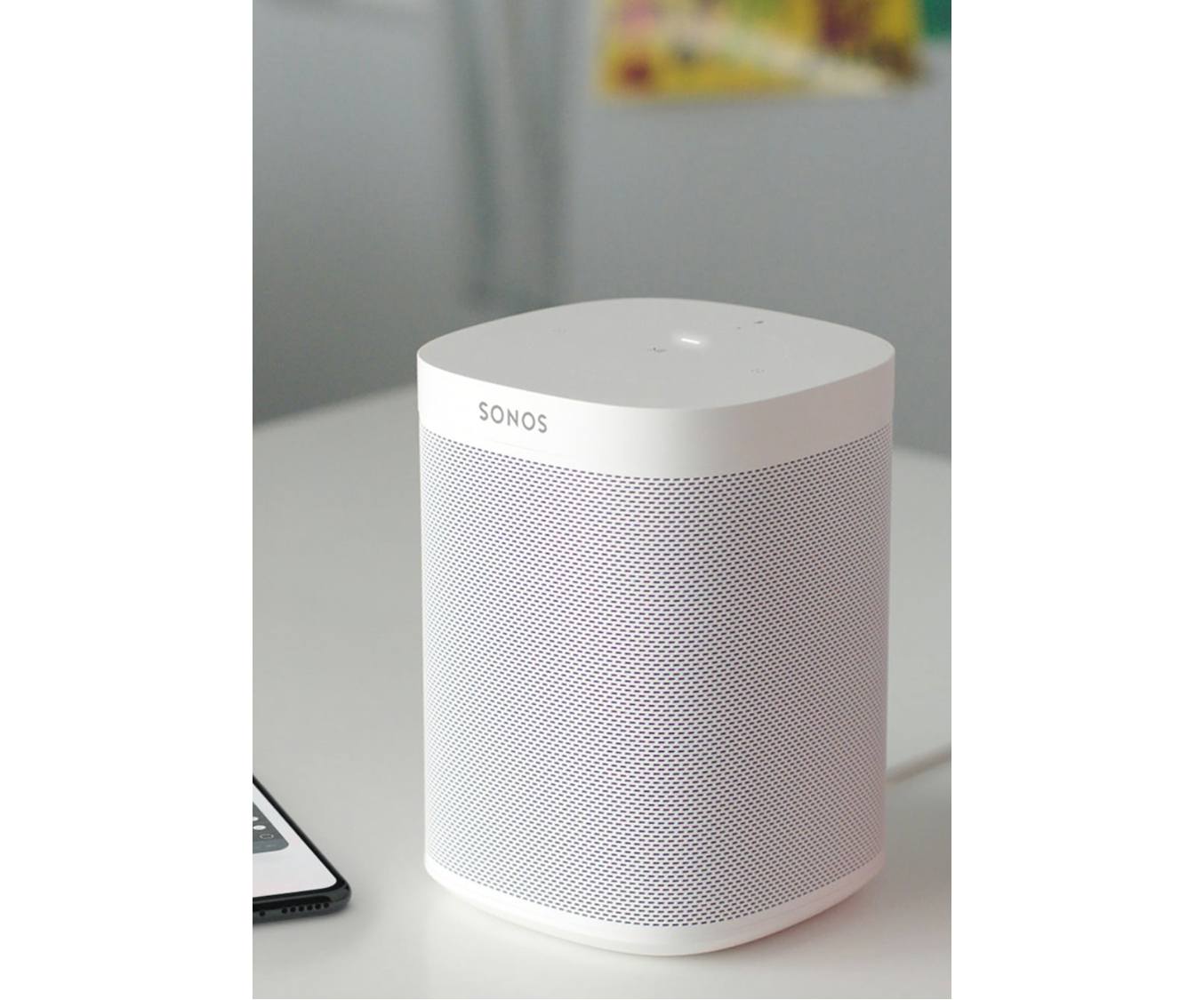
At the CE Week 2011 event in New York City, Philips has unveiled new AirPlay-compatible speakers that will allow Mac and iOS users to beam audio from their devices to the external speakers instantly, without the need of an AirPort Express station. These speakers, in fact, come with AirPlay integration built-in thanks to a wireless chip that uses the licensed AirPlay technology to allow users to stream audio from mobile devices.

Following the Fidelio SoundSphere speaker unveiled back in March, Philips has outed four new products of the Fidelio line, all compatible with AirPlay, as reported by iLounge: the Fidelio SoundSphere DS6800W, the Fidelio DS8800W, the circular Fidelio DS3881W, and the Fidelio AD7000W. With the exception of the DS8800W shipping this July at $400, Philips’ new speakers will be available this holiday season with prices ranging from $229 to $500.

Engadget has also posted a hands-on with Philips’ new AirPlay speakers, you can check out the embedded video after the break and read the original report and with photo gallery here.
(more…)

Kicking off on July 1 at the Roundhouse in London for 31 nights of consecutive live performances from 62 bands, the iTunes Festival 2011 has seen Coldplay, Beady Eye, Arctic Monkeys, Foo Fighters and Mogwai signing up for Apple’s annual initiative, among others. Today Apple released an official app for the iTunes Festival 2011 which, besides letting you check on the schedule for the venue and check out more information about the performing bands, will enable you to follow shows live or on demand “for a limited period from wherever you are in the world”, as well as beam video contents from your iPhone or iPad to an Apple TV or unofficial third-party receiver like MacStories staff favorite AirServer. This is the first time Apple is supporting both the iPhone and iPad with options for live streaming, AirPlay and Apple TV. Apple’s recent experiments with live streaming events include special media events and WWDC keynotes, though they have seemed to refrain from streaming announcements as of lately. It’ll be interesting to see how the app will allow users to watch live concerts come July 1.

You can download the iTunes Festival London 2011 app for free here.