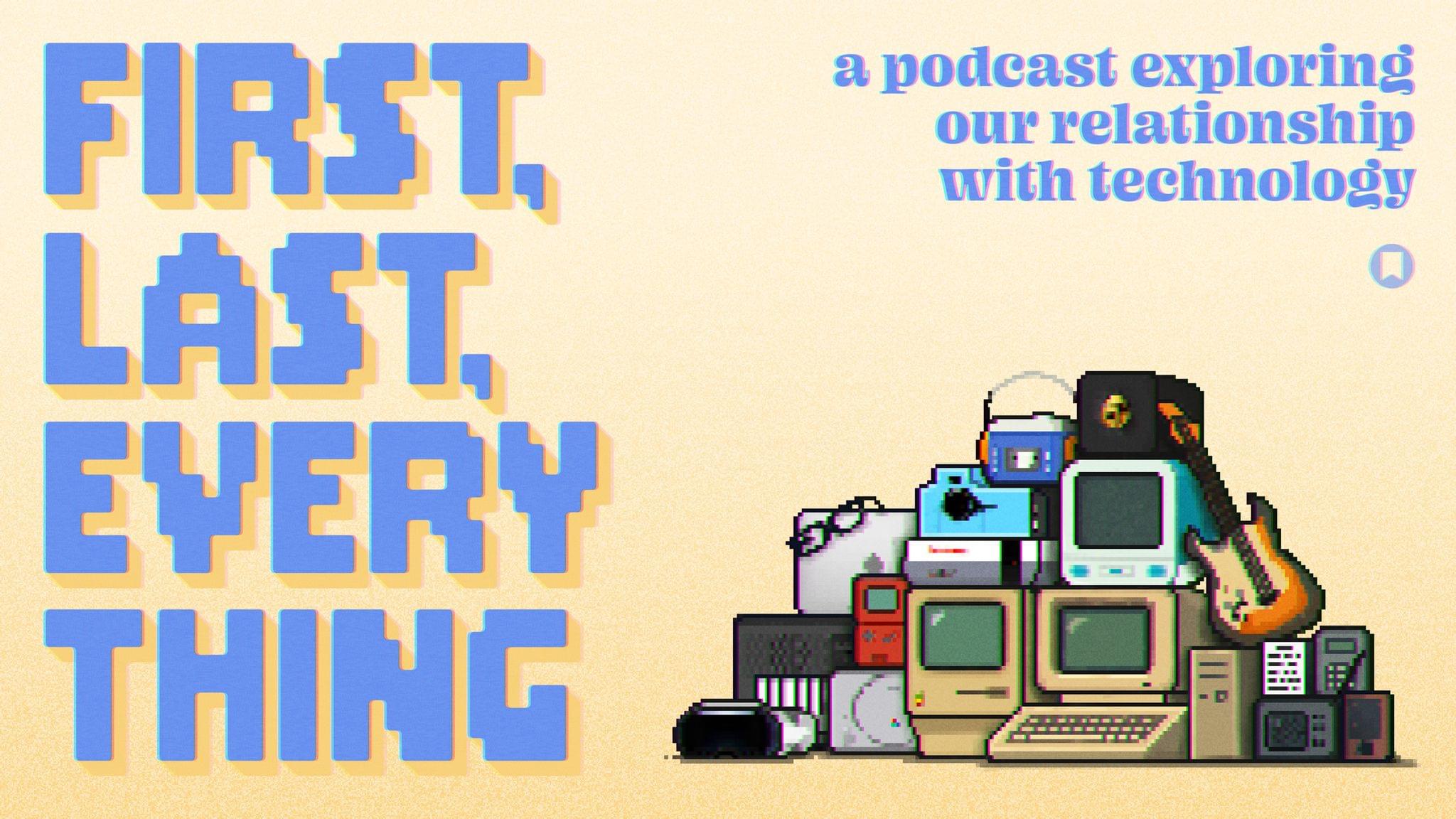
In September of last year, MacStories launched a brand new podcast, ‘First, Last, Everything,’ in which I interviewed guests about their relationship with technology through their first loves, latest obsessions, and the piece of tech that meant everything to them.
In its eight-episode first season, I had some great conversations with people like celebrated icon designer Michael Flarup, Pok Pok founder Esther Huybreghts, YouTube creator Tom Hitchins, and Futurama co-creator David X. Cohen, to name a few.
We covered a huge range of topics from Waymo cars to the Amiga 2000, electric guitars to the Macintosh Plus, and beyond. I also enjoyed taking listeners on a weekly journey with the ‘Something’ segment, during which I talked about a piece of tech that flopped, was ahead of its time, or has simply been forgotten.
I’m looking forward to doing it all again with a whole new bunch of guests. Kicking off the new season is Emmy and Webby award-winning YouTube creator Becca Farsace. You may recognize Becca from her time at The Verge, but since 2024, she’s been striking out on her own. Becca is such fun to talk to and a true inspiration. You can listen to that episode right now.
Club MacStories: Weekly and monthly newsletters via email and the web that are brimming with apps, tips, automation workflows, longform writing, early access to the MacStories Unwind podcast, periodic giveaways, and more;
Club MacStories+: Everything that Club MacStories offers, plus an active Discord community, advanced search and custom RSS features for exploring the Club’s entire back catalog, bonus columns, and dozens of app discounts;
Club Premier: All of the above and AppStories+, an extended version of our flagship podcast that’s delivered early, ad-free, and in high-bitrate audio.
Earlier today, Kerry Provenzano released the latest episode of Paper Places, a Relay show that features interviews with writers about writing. This month, Kerry interviewed me all about how I got into tech writing, running MacStories, and my writing process. It was a lot of fun, and covered a lot of ground that I haven’t talked about much elsewhere.
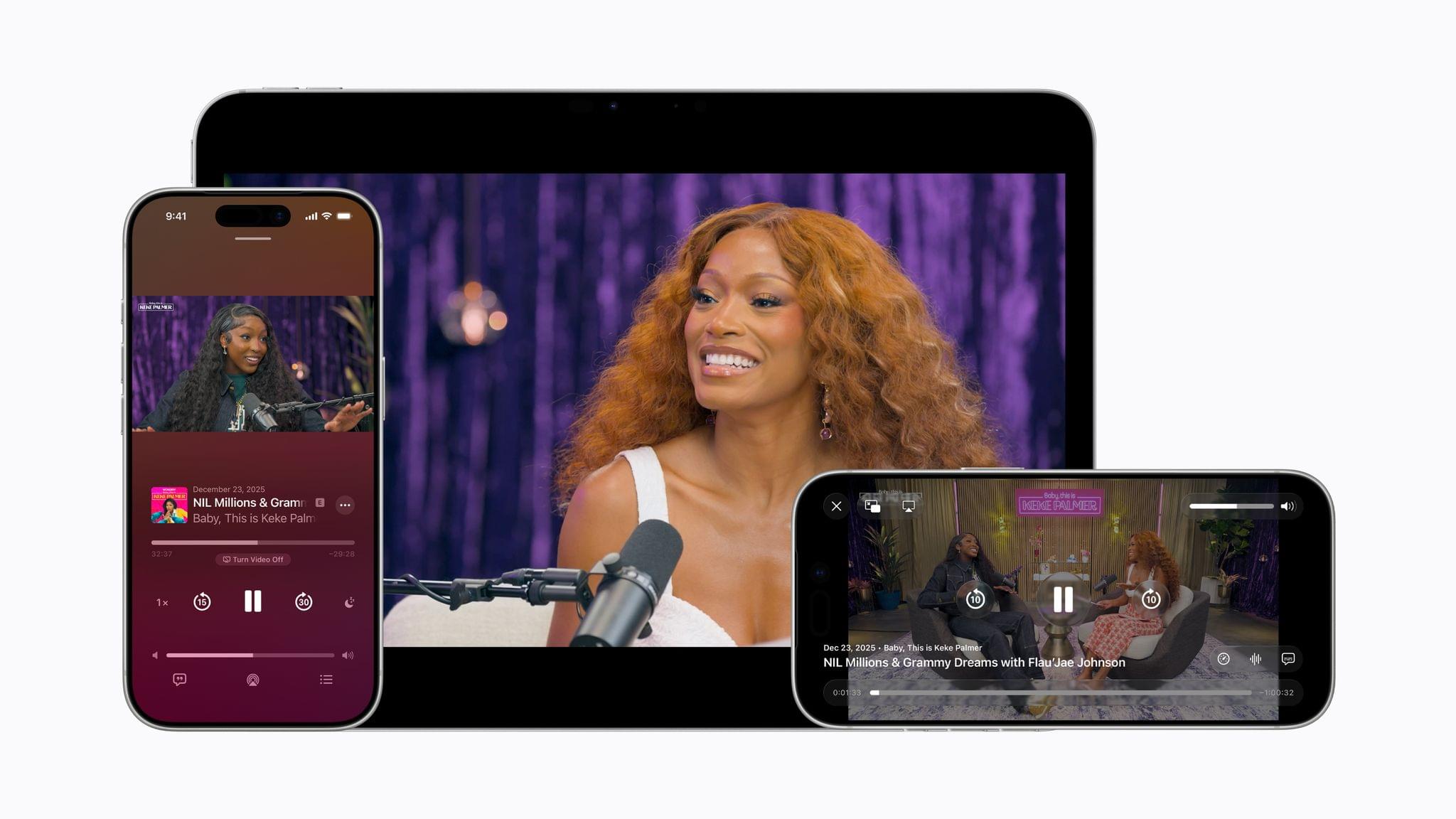
Apple announced today that beginning with the betas of iOS, iPadOS, and visionOS 26.4, which were released earlier today, the Apple Podcasts app will add video streaming. The feature is based on HTTP Live Streaming, known as HLS, that will allow listeners to switch between an audio-only version of a show and the video version. At launch, the feature will be available via Acast, ART19, Triton’s Omny Studio, and SiriusXM, which includes SiriusXM Media, AdsWizz, and Simplecast, with more to come in the future.
Apple’s HLS implementation will also support dynamic ad insertion. Advertisers will be charged an impression fee by Apple to include their ads. Podcast hosting companies and producers will not be charged to distribute HLS versions of shows through Apple Podcasts. It will be interesting to see if hosting companies charge podcasters a premium to deliver video versions of shows.
By bringing a category-leading video experience to Apple Podcasts, we’re putting creators in full control of their content and how they build their businesses, while making it easier than ever for audiences to listen to or watch podcasts.
I’ve been wondering for a while whether Apple would do more with video podcasts. This is an interesting move, but the launch is limited, applying to a handful of podcast hosting companies. That means the lineup of shows that support the feature will be limited at first, but with time, it could become standard across most podcasts. The move is clearly designed to counter YouTube, which has rapidly grabbed audience share from Apple and others, with its video-centric approach to podcasts.
Club MacStories: Weekly and monthly newsletters via email and the web that are brimming with apps, tips, automation workflows, longform writing, early access to the MacStories Unwind podcast, periodic giveaways, and more;
Club MacStories+: Everything that Club MacStories offers, plus an active Discord community, advanced search and custom RSS features for exploring the Club’s entire back catalog, bonus columns, and dozens of app discounts;
Club Premier: All of the above and AppStories+, an extended version of our flagship podcast that’s delivered early, ad-free, and in high-bitrate audio.
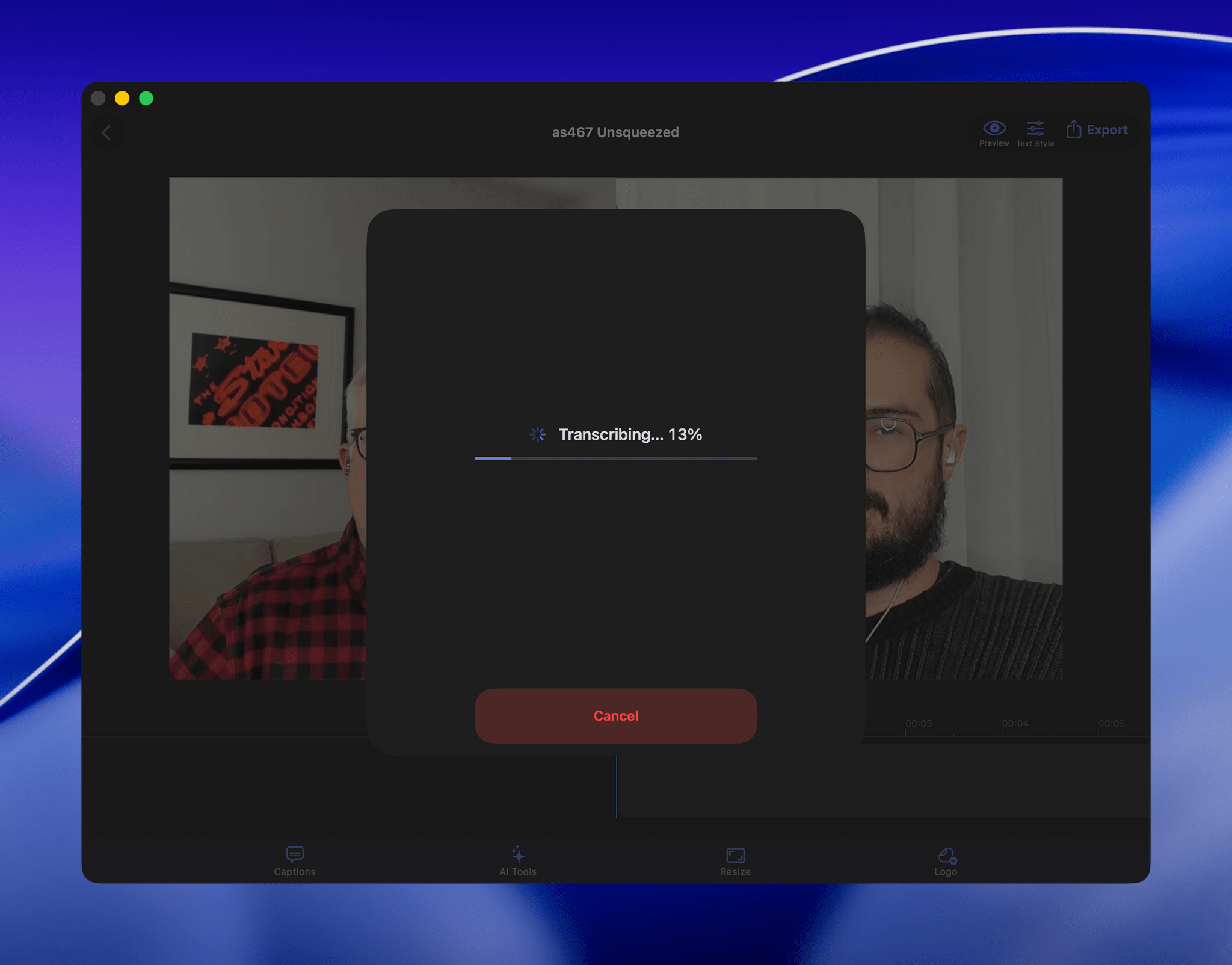
[Update: Due to the way parakeet-mlx handles transcript timeline synchronization, which can result in caption timing issues, this workflow has been reverted to use the Apple Speech framework. Otherwise, the workflow remains the same as described below.]
When I started transcribing AppStories and MacStories Unwind three years ago, I had wanted to do so for years, but the tools at the time were either too inaccurate or too expensive. That turned a corner with OpenAI’s Whisper, an open-source speech-to-text model that blew away other readily available options.
Still, the results weren’t good enough to publish those transcripts anywhere. Instead, I kept them as text-searchable archives to make it easier to find and link to old episodes.
Since then, a cottage industry of apps has arisen around Whisper transcription. Some of those tools do a very good job with what is now an aging model, but I have never been satisfied with their accuracy or speed. However, when we began publishing our podcasts as videos, I knew it was finally time to start generating transcripts because as inaccurate as Whisper is, YouTube’s automatically generated transcripts are far worse.
VidCap in action.
My first stab at video transcription was to use apps like VidCap and MacWhisper. After a transcript was generated, I’d run it through MassReplaceIt, a Mac app that lets you create and apply a huge dictionary of spelling corrections using a bulk find-and-replace operation. As I found errors in AI transcriptions by manually skimming them, I’d add those corrections to my dictionary. As a result, the transcriptions improved over time, but it was a cumbersome process that relied on me spotting errors, and I didn’t have time to do more than scan through each transcript quickly.
The process was sped up considerably when Claude Skills were released. A skill can combine a script with instructions to create a hybrid automation with both the deterministic outcome of scripting and the fuzzy analysis of LLMs.
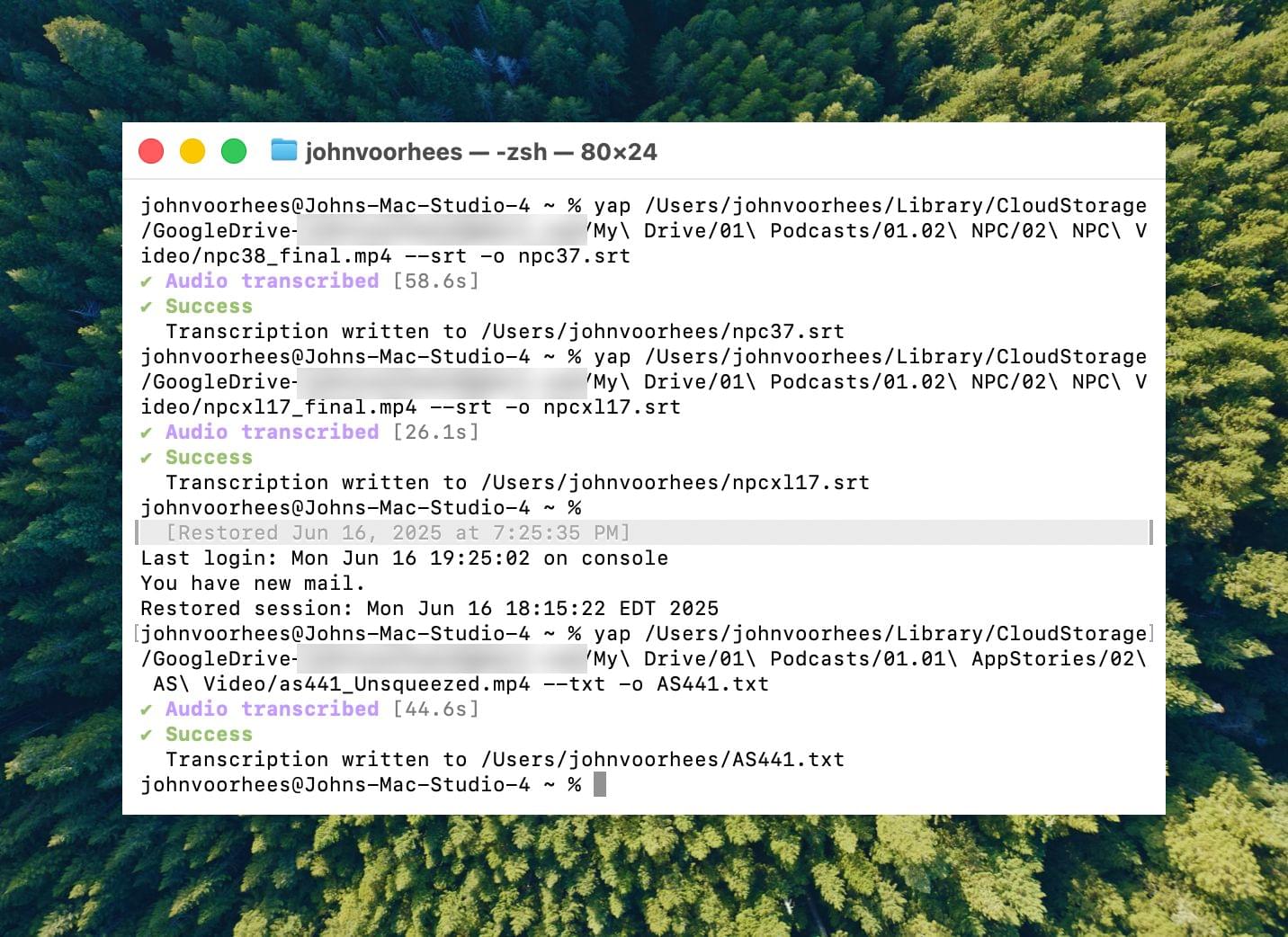
Transcribing with yap.
I’d run yap, a command line tool that I used to transcribe videos with Apple’s speech-to-text framework. Next, I’d open the Claude app, attach the resulting transcript, and run a skill that would run the script, replacing known spelling errors. Then, Claude would analyze the text against its knowledge base, looking for other likely misspellings. When it found one, Claude would reply with some textual context, asking if the proposed change should be made. After I responded, Claude would further improve my transcript, and I’d tell Claude which of its suggestions to add to the script’s dictionary, helping improve the results a little each time I used the skill.
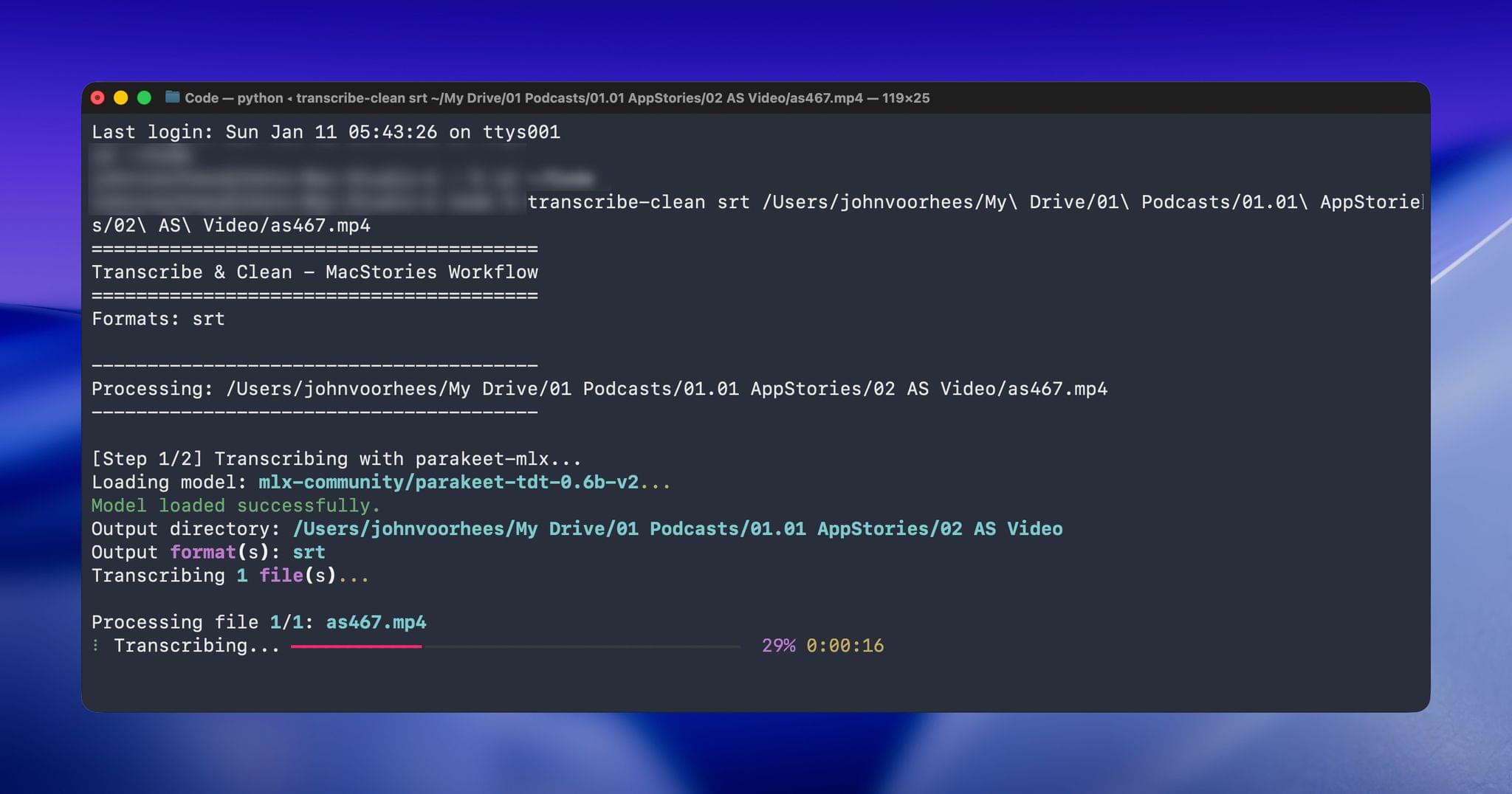
Over the holidays, I refined my skill further and moved it from the Claude app to the Terminal. The first change was to move to parakeet-mlx, an Apple silicon-optimized version of NVIDIA’s Parakeet model that was released last summer. Parakeet isn’t as fast as Apple’s speech APIs, but it’s more accurate, and crucially, its mistakes are closer to the right answers phonetically than the ones made by Apple’s tools. Consequently, Claude is more likely to find mistakes that aren’t in my dictionary of misspellings in its final review.
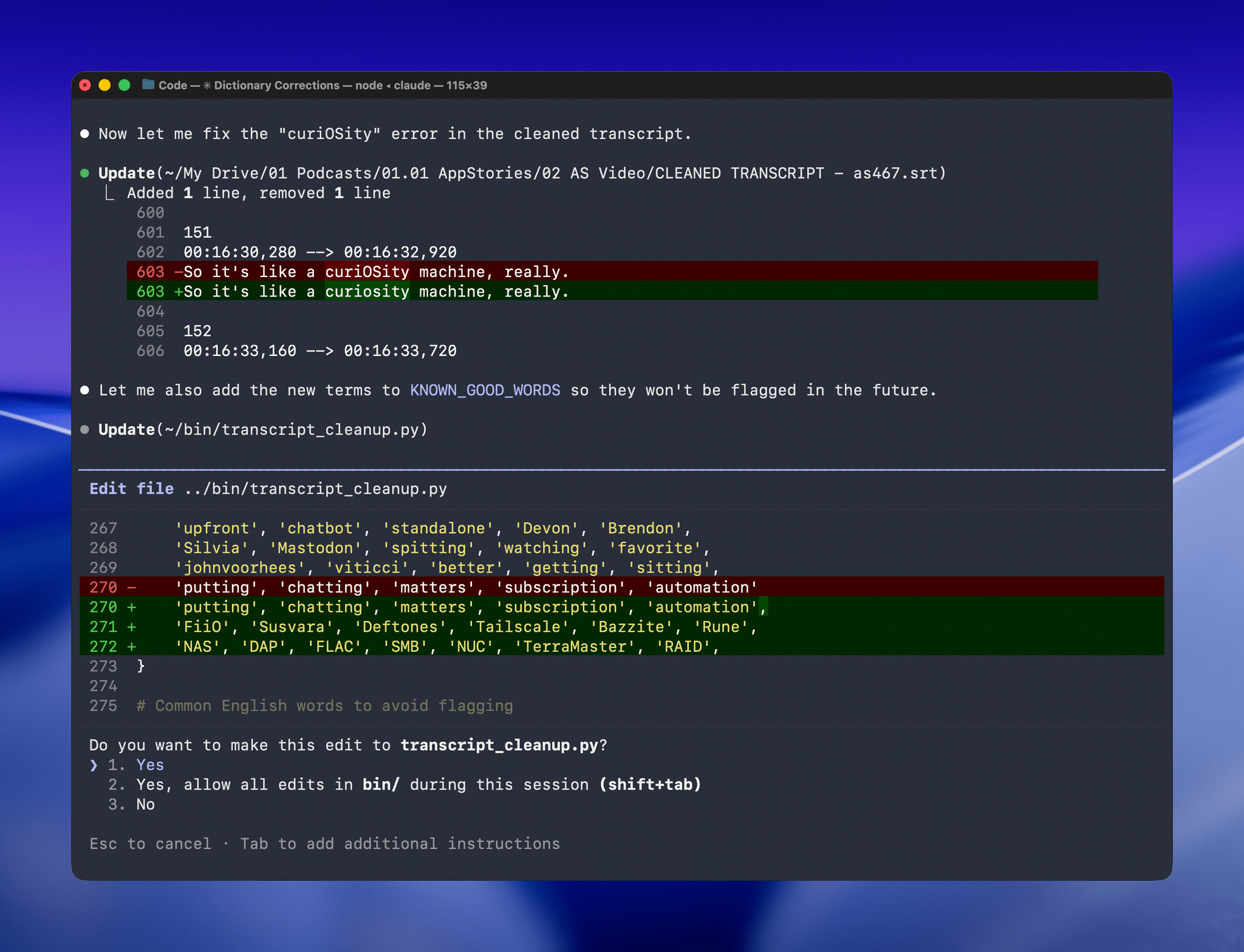
Managing the built-in corrections dictionary.
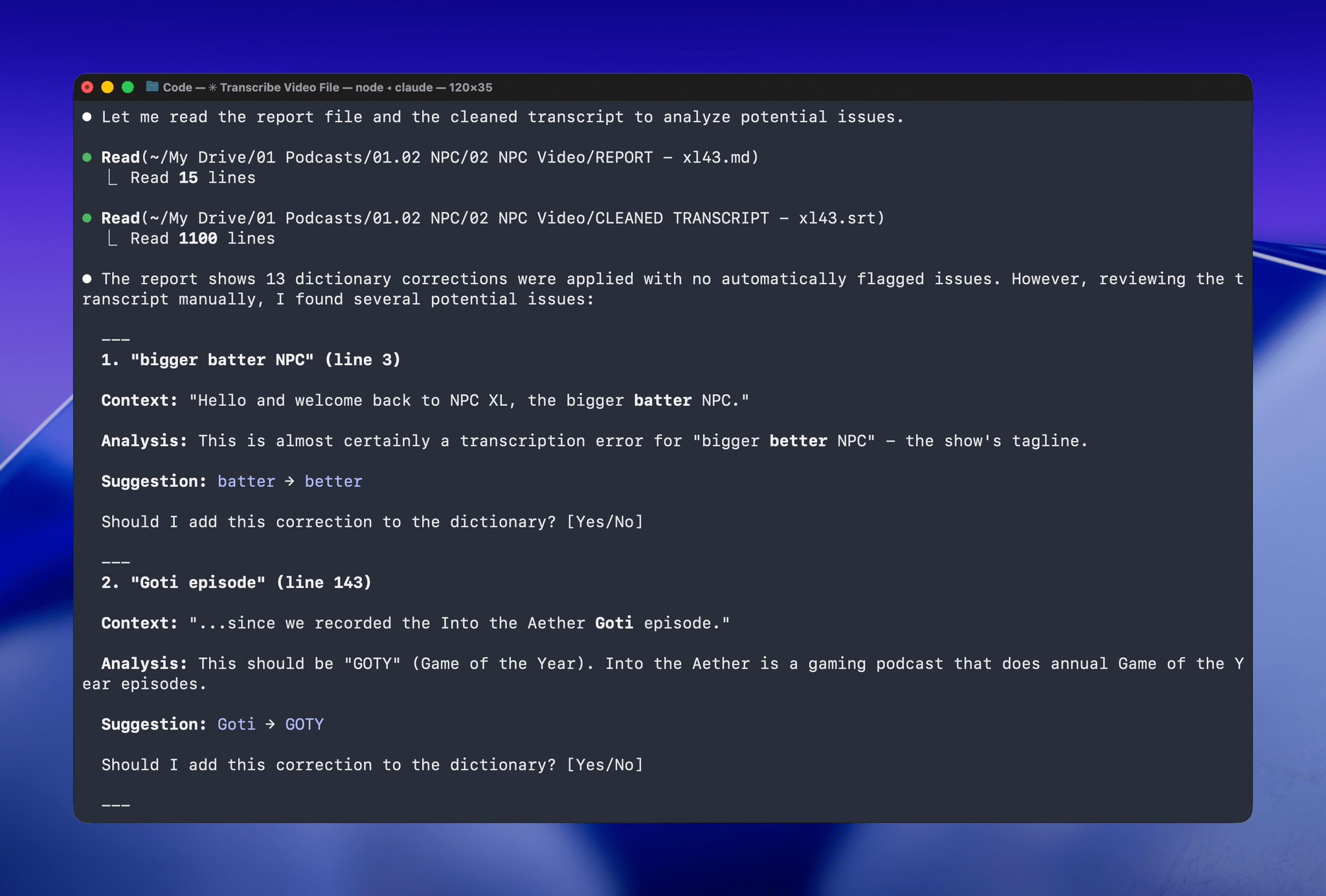
With Claude Opus 4.5’s assistance, I rebuilt the Python script at the heart of my Claude skill to run videos through parakeet-mlx, saving the results as either a .srt or .txt file (or both) in the same location as the original file but prepended with “CLEANED TRANSCRIPT.” Because Claude Code can run scripts and access local files from Terminal, the transition to the final fuzzy pass for errors is seamless. Claude asks permission to access the cleaned transcript file that the script creates and then generates a report with suggested changes.
A list of obscure words Claude suggested changing. Every one was correct.
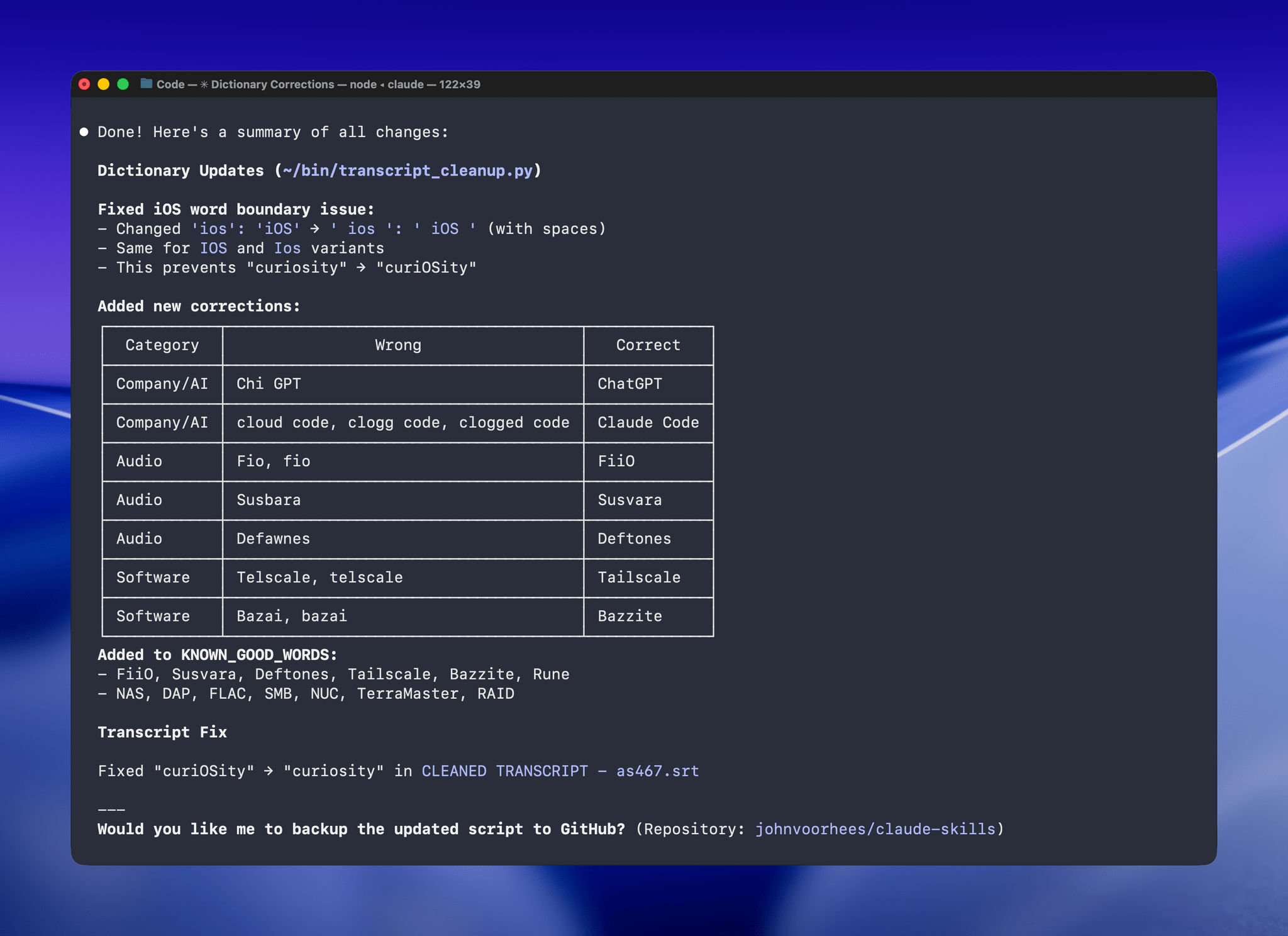
The last step is for me to confirm which suggested changes should be made and which should be added to the dictionary of corrections. The whole process takes just a couple of minutes, and it’s worth the effort. For the last episode of AppStories, the script found and corrected 27 errors, many of which were misspellings of our names, our podcasts, and MacStories. The final pass by Claude managed to catch seven more issues, including everything from a misspelling of the band name Deftones to Susvara, a model of headphones, and Bazzite, an open-source SteamOS project. Those are far from everyday words, but now, their misspellings are not only fixed in the latest episode of AppStories, they’re in the dictionary where those words will always be corrected whether Claude’s analysis catches them or not.
Claude even figured out “goti” was a reference to GOTY (Game of the Year).
I’ve used this same pattern over and over again. I have Claude build me a reliable, deterministic script that helps me work more efficiently; then, I layer in a bit of generative analysis to improve the script in ways that would be impossible or incredibly complex to code deterministically. Here, that generative “extra” looks for spelling errors. Elsewhere, I use it to do things like rank items in a database based on a natural language prompt. It’s an additional pass that elevates the performance of the workflow beyond what was possible when I was using a find-and-replace app and later a simple dictionary check that I manually added items to. The idea behind my transcription cleanup workflow has been the same since the beginning, but boy, have the tools improved the results since I first used Whisper three years ago.
Club MacStories: Weekly and monthly newsletters via email and the web that are brimming with apps, tips, automation workflows, longform writing, early access to the MacStories Unwind podcast, periodic giveaways, and more;
Club MacStories+: Everything that Club MacStories offers, plus an active Discord community, advanced search and custom RSS features for exploring the Club’s entire back catalog, bonus columns, and dozens of app discounts;
Club Premier: All of the above and AppStories+, an extended version of our flagship podcast that’s delivered early, ad-free, and in high-bitrate audio.
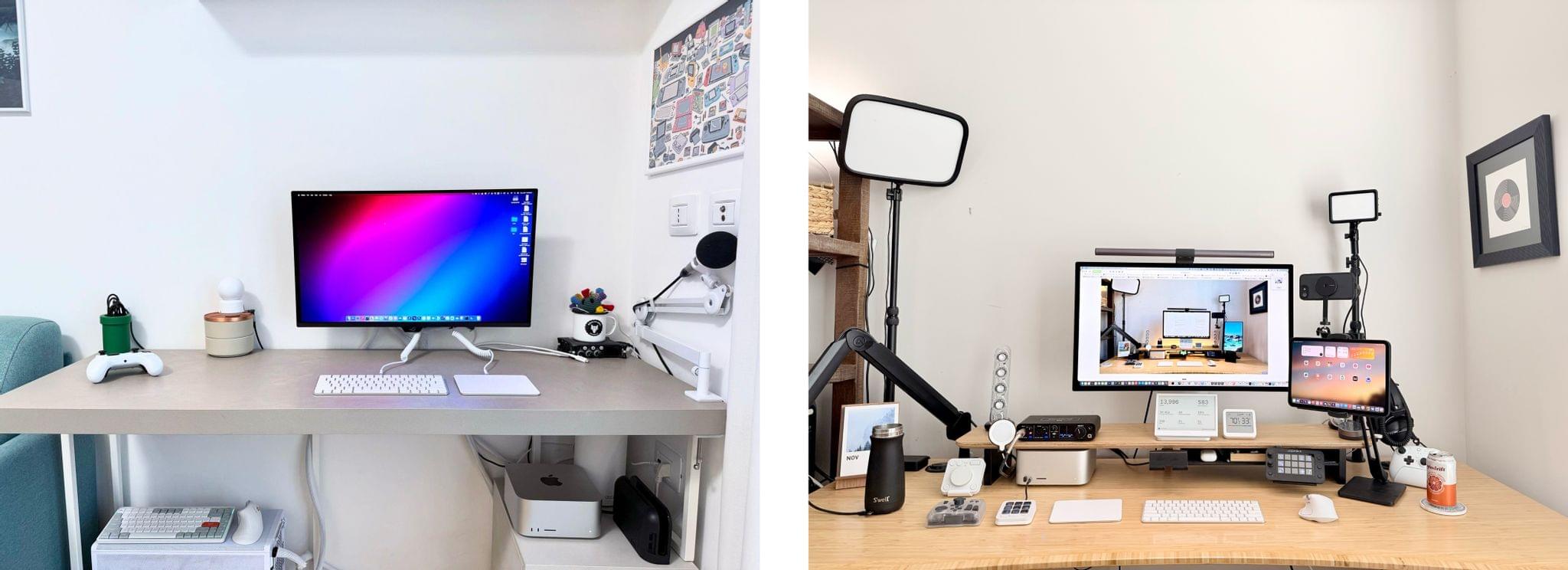
Our desk setups. Federico (left) and John (right).
As we head into the final weeks of 2025, Federico and I figured it would be a good time to update the MacStories Setups page. There’s an ebb and flow to the gear and apps we test each year, and as the fall OS update season fades into the past, it’s not unusual for one or both of us to take stock of our setup and make changes. That’s been very true for both of us this year, but in different ways.
Federico has been focused on simplifying his hardware setup and testing a long list of apps and services. In contrast, I’ve made fewer gear cuts, focusing more on strategic changes to the gadgets I use and settling on a core set of work apps.
The result is that Federico’s hardware setup changes have primarily been updates to his Apple and portable gaming gear. He made the transition from the iPhone 16 Pro Max to the iPhone Air, and couldn’t be happier with the result. He also replaced the M4 iPad Pro with the latest M5 model and moved from the AirPods 4 to the AirPods Pro 3.
Both of us ditched our previous Apple Vision Pro head strap solutions for the Apple Dual Knit Band, which has been a big upgrade. It’s comfortable, and having one dial to adjust both bands is both clever and far simpler than other solutions I’ve tried.
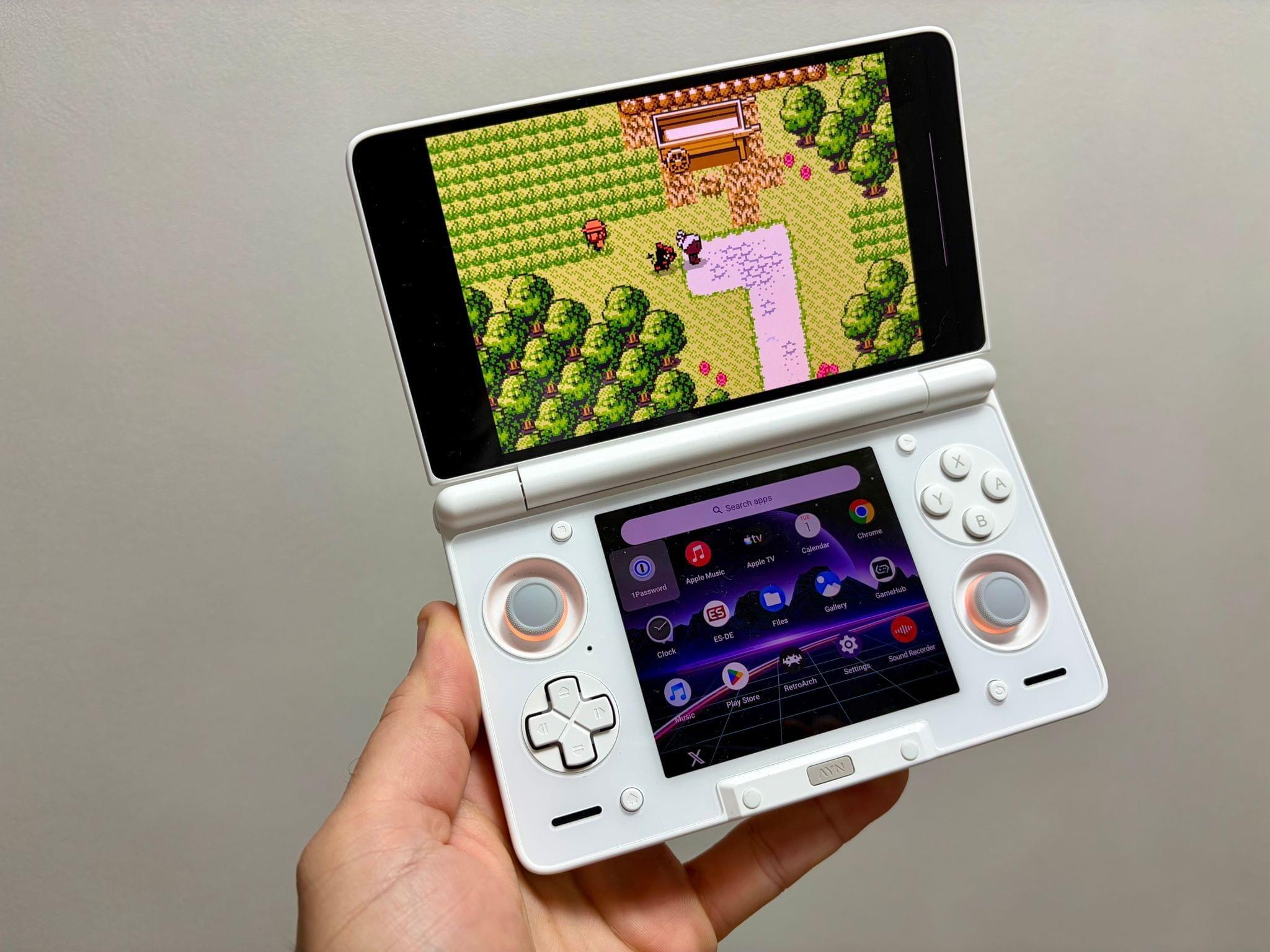
Ayn Thor.
Federico also added the Ayn Thor to his handheld gaming lineup. The Thor, which I also bought this fall, is a dual-screen OLED gaming handheld that runs Android. It’s perfect for emulating dual-screen systems like the Nintendo DS and 3DS, but it has also been excellent for game streaming and testing the emerging world of emulating SteamOS on Android. If game tinkering is your thing and this sounds intriguing, we have two episodesof NPC: Next Portable Console that go in-depth on the Ayn Thor.
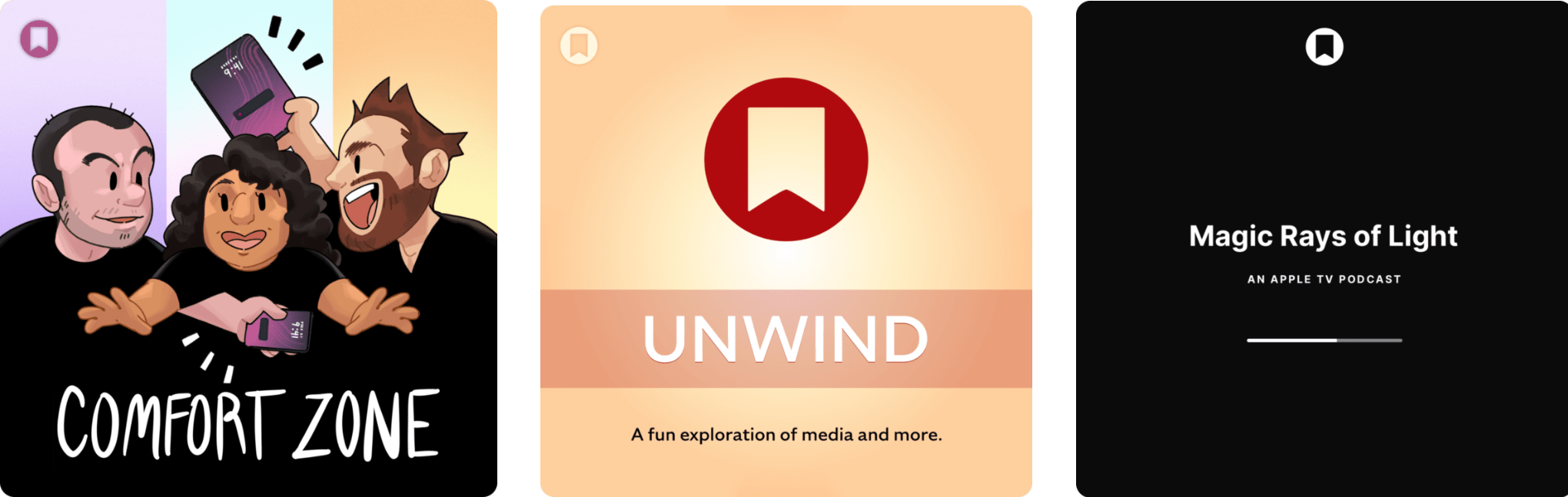
Enjoy the latest episodes from MacStories’ family of podcasts:
Comfort Zone
Niléane gets sporty and frosty, Chris is drowning in new Apple products, and Matt oversees the battle for the nicest iPhone wallpaper (where everyone wins).
MacStories Unwind
This week, Federico tries to recover from a rough week, John brings some Southern cooking to the show, Federico has a long backlog of videogames to attend to, and John has an Apple TV+ show and an album to share.
Magic Rays of Light
Sigmund is joined by 9to5Mac editor-in-chief Chance Miller to highlight Paul Greengrass’s emotional California fire triumph-over-disaster movie, Apple Music’s next Super Bowl half-time show headliner, and the indefinite postponement of The Savant.
Club MacStories: Weekly and monthly newsletters via email and the web that are brimming with apps, tips, automation workflows, longform writing, early access to the MacStories Unwind podcast, periodic giveaways, and more;
Club MacStories+: Everything that Club MacStories offers, plus an active Discord community, advanced search and custom RSS features for exploring the Club’s entire back catalog, bonus columns, and dozens of app discounts;
Club Premier: All of the above and AppStories+, an extended version of our flagship podcast that’s delivered early, ad-free, and in high-bitrate audio.
Enjoy the latest episodes from MacStories’ family of podcasts:
AppStories
This week, Federico and John follow up after a week with new Apple hardware and dig into watchOS and visionOS 26.
On AppStories+, John is mixing up his link and data organization systems - again.
This episode is sponsored by:
Claude – Get 50% off Claude Pro, including access to Claude Code.
NPC: Next Portable Console
This week, AYANEO introduces it’s most affordable handheld yet, but it’s not part of its budget line of devices. Plus, Qualcomm’s new chips pack a punch and the GDP Win 5 pack a punch, while Sony expands its Pulse line with desktop speakers.
This week on NPC XL, Federico’s disenchantment with the Sony PS5 kicks off a conversation about what’s been a very weird console generation.
First, Last, Everything
This week, Jonathan is joined by Esther Huybreghts. Esther is the Co-founder of the multi-award-winning app, PokPok. Since the app launched in 2021, it’s won an App Store award, an Apple Design award, and many other commendations. Pok Pok was also recently included on TIME’s list of the 100 Most Influential Companies of 2025. Pok Pok is a really special app, and Esther talked about its inception, plans for the future, and staying strong against negative – and sometimes hateful – feedback.
Club MacStories: Weekly and monthly newsletters via email and the web that are brimming with apps, tips, automation workflows, longform writing, early access to the MacStories Unwind podcast, periodic giveaways, and more;
Club MacStories+: Everything that Club MacStories offers, plus an active Discord community, advanced search and custom RSS features for exploring the Club’s entire back catalog, bonus columns, and dozens of app discounts;
Club Premier: All of the above and AppStories+, an extended version of our flagship podcast that’s delivered early, ad-free, and in high-bitrate audio.
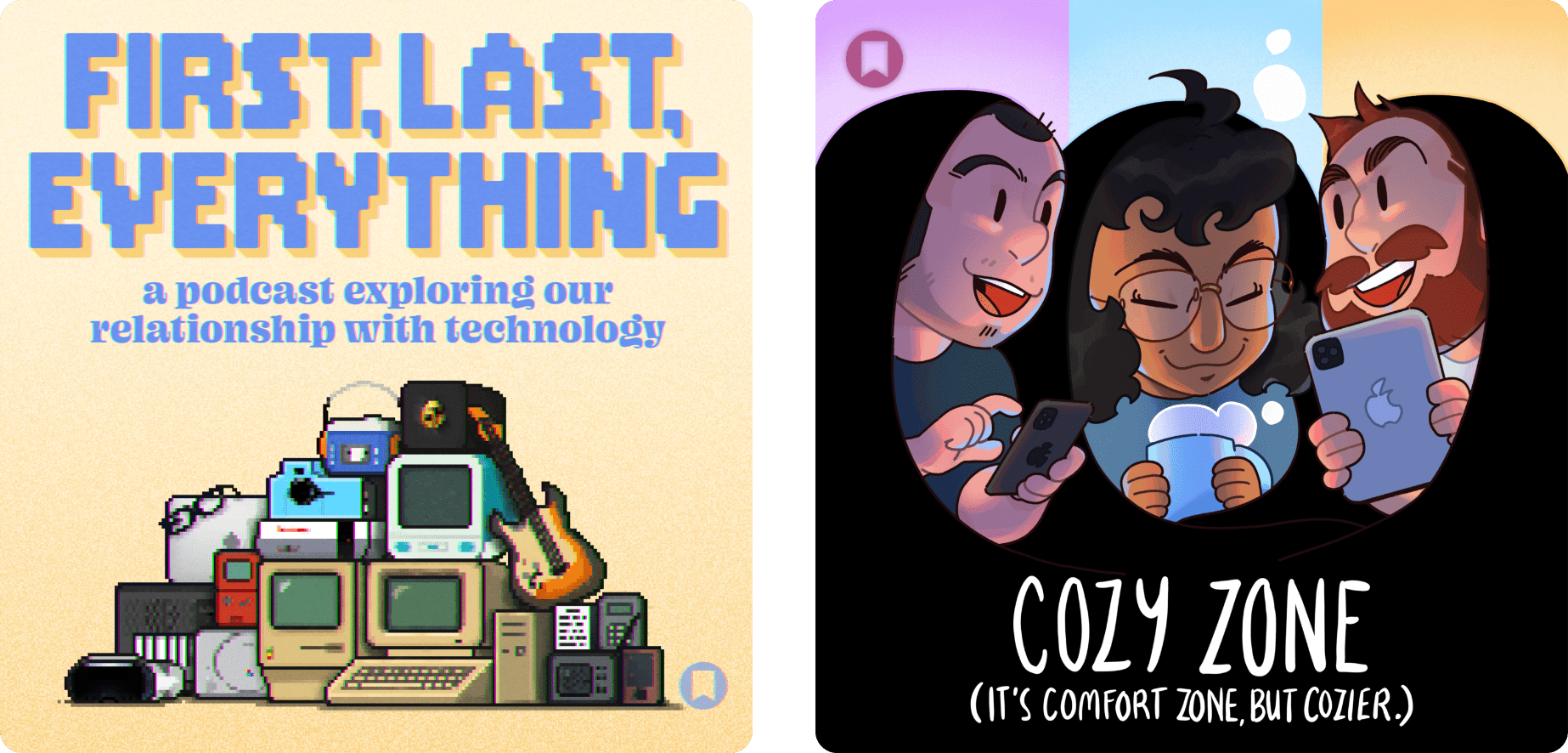
First, Last, Everything is a brand new MacStories podcast that explores people’s relationships with the technology that has shaped their lives. Each week, Jonathan Reed – who is a regular contributor to MacStories Weekly, our Club community manager on Discord, and the author of our annual watchOS reviews and other stories – gets to know a guest through three pieces of tech:
the one that first inspired them,
their latest obsession, and
the thing that’s meant everything to them.
From apps and computers to weird gadgets and more, Jonathan and listeners get to know someone from the unique perspective of the technology they love. Plus, in each episode, Jonathan shares an aside about a bit of technology you may have never heard of during the ‘Something’ segment.
Jonathan is a great interviewer and has a fantastic slate of guests lined up for season one of First, Last, Everything. You’ll hear new perspectives from familiar voices as well as brand new ones. Gadgets are fun, but it’s the people who use them that bring them to life through their stories. If you’re curious about technology, how others use it, and how new perspectives could inform your tech use, First, Last, Everything is your kind of show.
First, Last, Everything is a seasonal podcast, with new episodes releasing every Tuesday throughout the season. Season one includes eight episodes that will take the show well into the fall. Then, after a brief break, the podcast will be back with a new slate of interviews.
As someone who cares a lot about the human side of technology, I’m absolutely in love with this show. Federico and I dabbled with a similar concept years ago, so I’m really happy to see Jonathan putting his own spin on the idea and bringing together such a great lineup of guests that I’d love to spoil for everyone but will keep as a surprise.
You can listen to the first episode with YouTuber Tom Hitchins, whom, coincidentally, Federico and I hung out with a lot at WWDC this year, today. You can find Tom on his YouTube channel, Byte Review, or his website, Kiroku.co.uk, where he’s making calm, aesthetic videos about Apple products, creating wallpapers and Lightroom presets, and selling stickers and other great products. I think you’ll love the interview.
As we’re fond of saying, you can get First, Last, Everything wherever you get your podcasts. The show is still rolling out across the Internet, so it may show up in some places before others, but you can always visit macstories.net/podcasts/first-last-everything for links to the show on Apple Podcasts, Overcast, Pocket Casts, Spotify, and good, old-fashioned RSS. Plus, you can follow the show on Mastodon and Bluesky.
We’re equally excited to bring you Cozy Zone, a members-only extension of Comfort Zone hosted by Matt Birchler, Niléane, and Chris Lawley. It was a no-brainer to add Comfort Zone to MacStories, and the reaction from listeners has been beyond our expectations. It’s the perfect blend of information and entertainment sprinkled with the hosts’ weird obsessions.
In each weekly bonus episode of Comfort Zone, Matt, Niléane, and Chris invite listeners to join them in the Cozy Zone, where they’ll cover extra topics, invent wilder challenges and games, and share all their great (and not-so-great) takes on tech. The show is an excellent way to get to know the hosts better and participate in the fun you already enjoy on Comfort Zone. Here’s the trailer.
The first episode of Cozy Zone is being released publicly so everyone can get a taste of it right now. You’ll find it today in the Comfort Zone feed and on YouTube. Going forward, Cozy Zone will be audio-only for now, but if we hear from enough listeners who want it, we’ll work on making video versions a regular option, too. The first episode is available to watch here:
Episode 1 of Cozy Zone is available in the Comfort Zone audio-only podcast feeds too.
You can get cozy with the Comfort Zone crew for just $5/month or $50/year, which not only makes the bonus episodes possible, but supports Comfort Zone, too. The gang has already recorded the first few episodes, and they’re great. We think you’ll love them as well. To keep up with Cozy Zone, be sure to follow the existing Comfort Zone accounts on Mastodon and Bluesky.
Finally, thanks to everyone who reads MacStories and listens to our shows. It means a lot to us. We have no shortage of ideas of ways we can make MacStories even better than it was yesterday or is today, but without you all reading, listening, and spreading the word about what we do to your friends and family, it wouldn’t be possible. The MacStories community is strong and the kind of foundation that has allowed us to weather fundamental shifts in the online media world. Thank you for all you’ve done and continue to do for MacStories.
Club MacStories: Weekly and monthly newsletters via email and the web that are brimming with apps, tips, automation workflows, longform writing, early access to the MacStories Unwind podcast, periodic giveaways, and more;
Club MacStories+: Everything that Club MacStories offers, plus an active Discord community, advanced search and custom RSS features for exploring the Club’s entire back catalog, bonus columns, and dozens of app discounts;
Club Premier: All of the above and AppStories+, an extended version of our flagship podcast that’s delivered early, ad-free, and in high-bitrate audio.
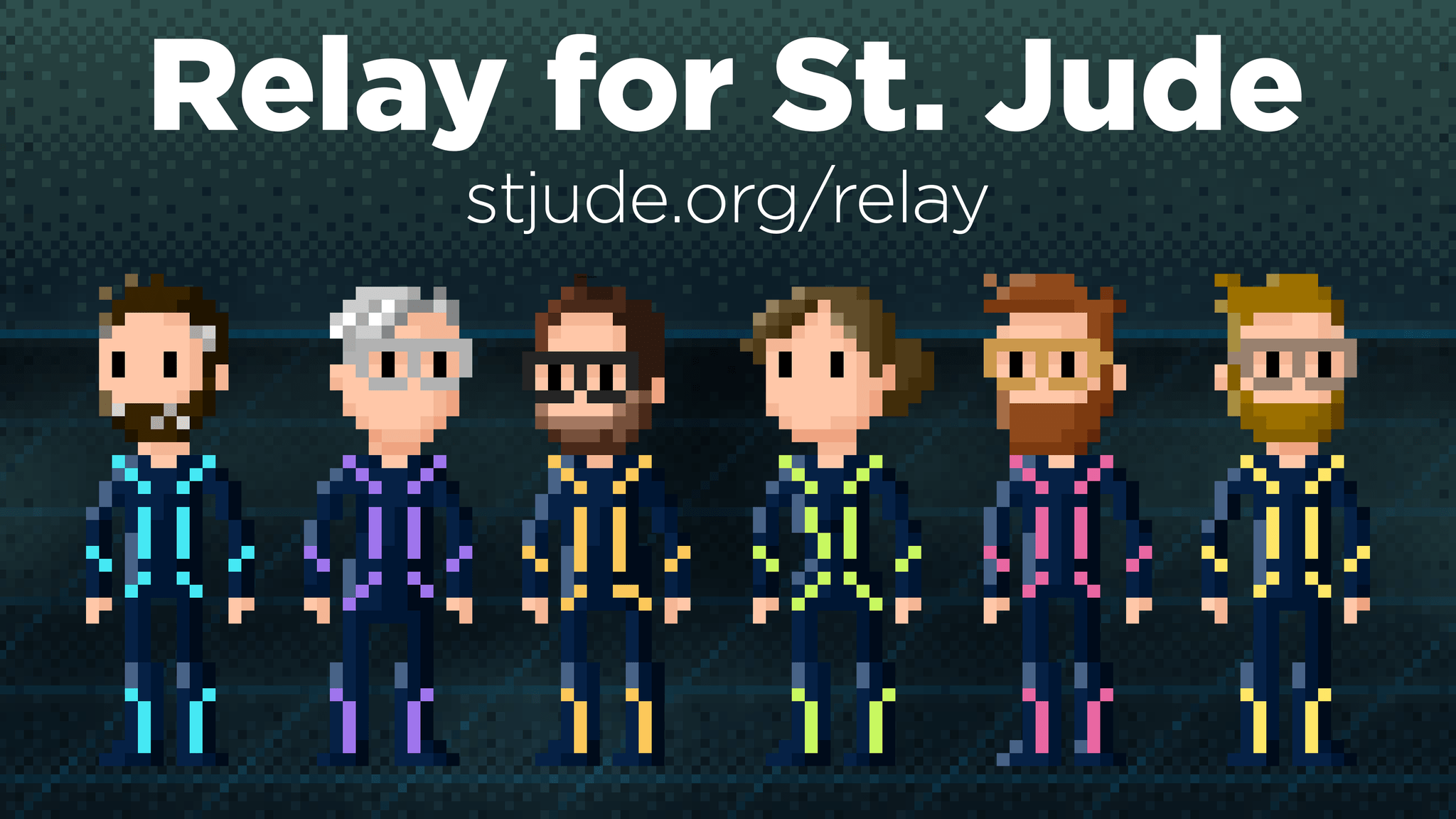
Today, Relay kicked off its annual fundraiser for St. Jude Children’s Research Hospital to help combat childhood cancer. We’d love it if MacStories readers joined us in supporting this cause.
[St. Jude] is leading the way the world understands, treats and defeats childhood cancer, and other life-threatening diseases. If that sounds expensive, it’s because it is, but the bill isn’t passed to the families of patients. At St. Jude, no child is denied treatment based on race, religion or a family’s ability to pay.
Relay, which has raised over $4 million for St. Jude over the years, will be raising money through the end of September. Thanks in advance for checking out Relay’s fundraiser for St. Jude and to all who donate.