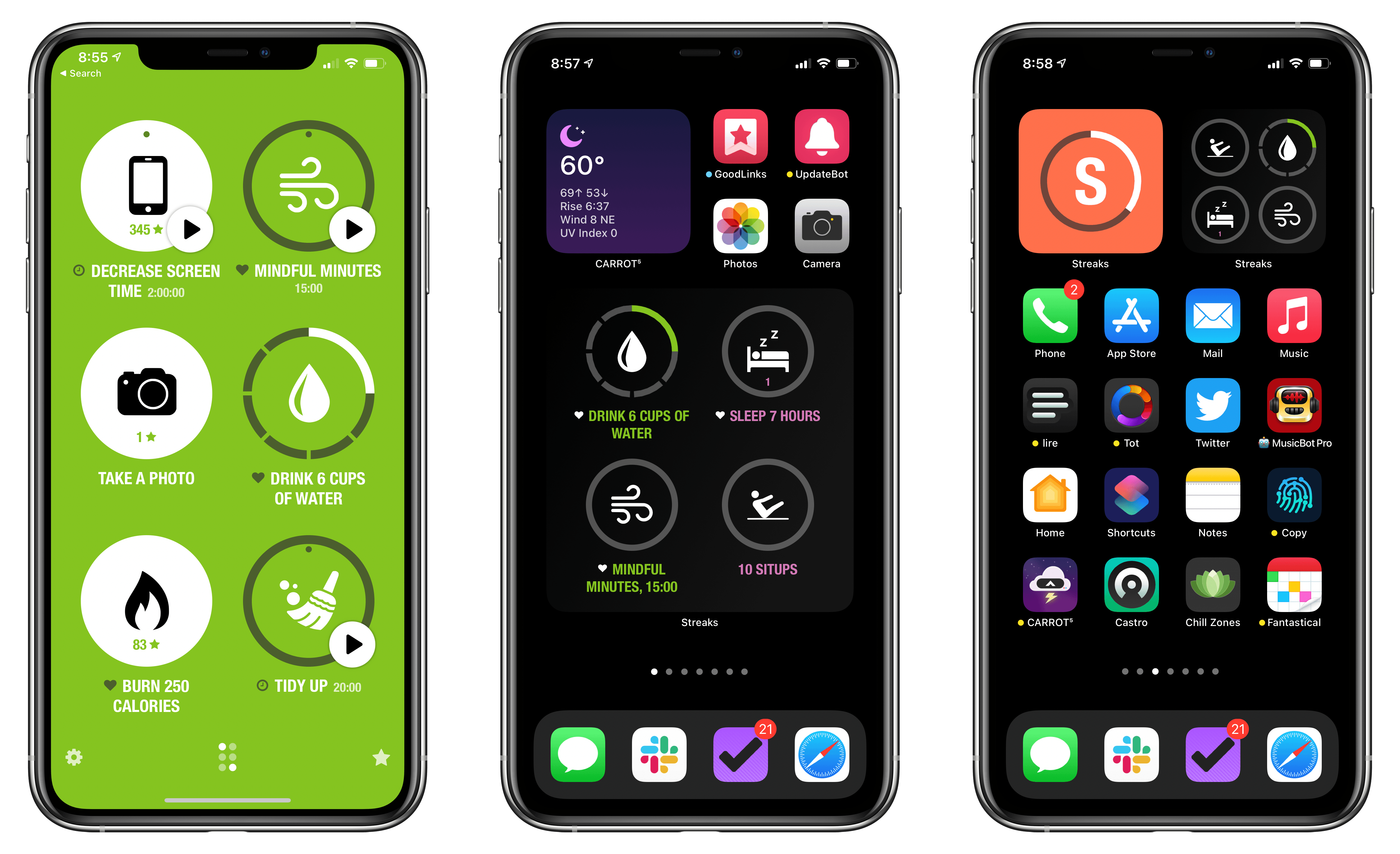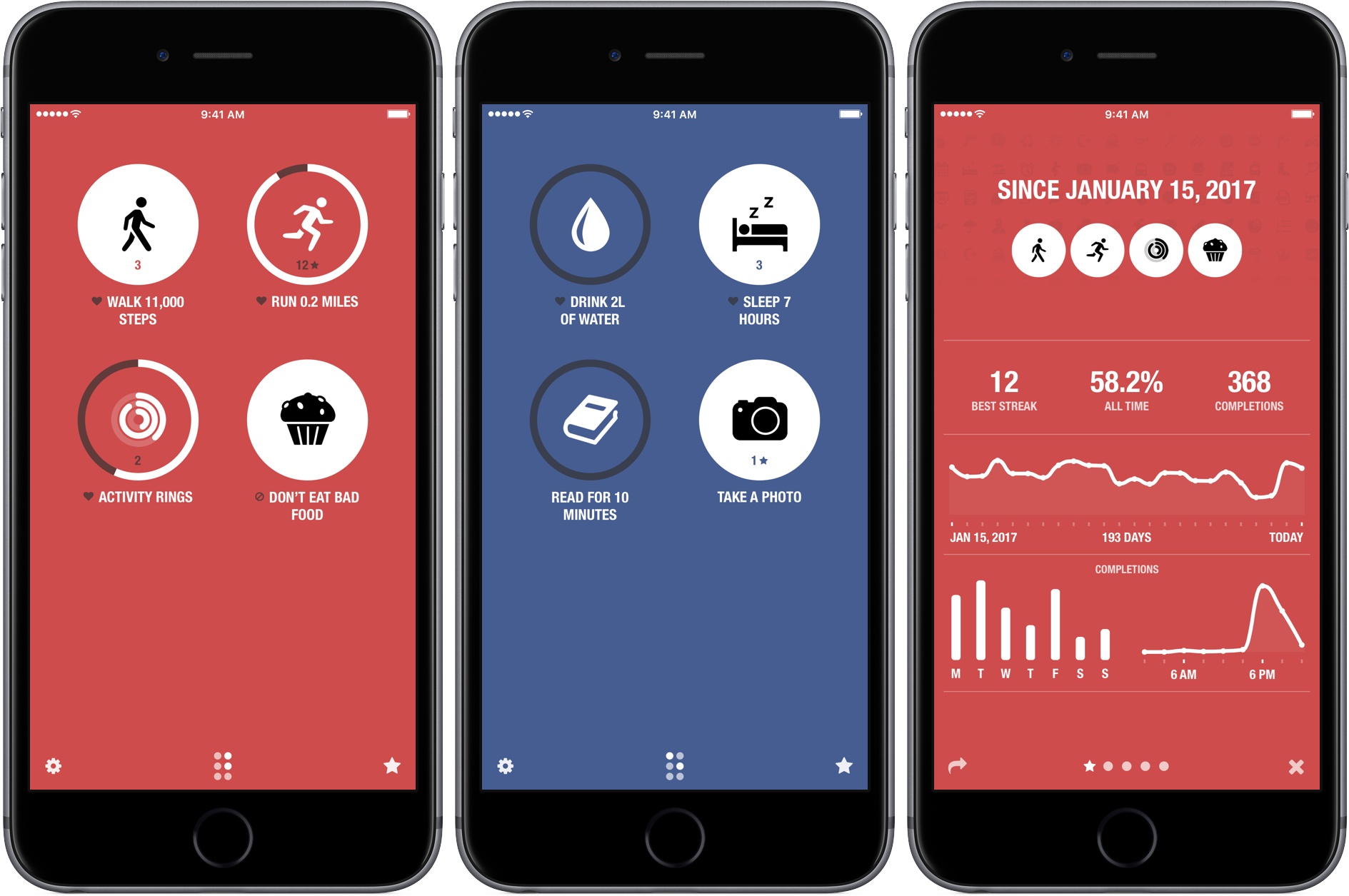
Habit tracking apps have proliferated across the App Store in recent years, but Streaks by Crunchy Bagel, which is the first one I ever tried and reviewed, is still one of my favorites. This week it’s been updated with a trio of highly-customizable widgets, a library of watch faces, plus some design changes, new iPad features, and other updates.
Posts tagged with "fitness"
Streaks 6 Brings Habit Tracking to Your Home Screen With Extensively Customizable Widgets
The New Fitness App in iOS 14
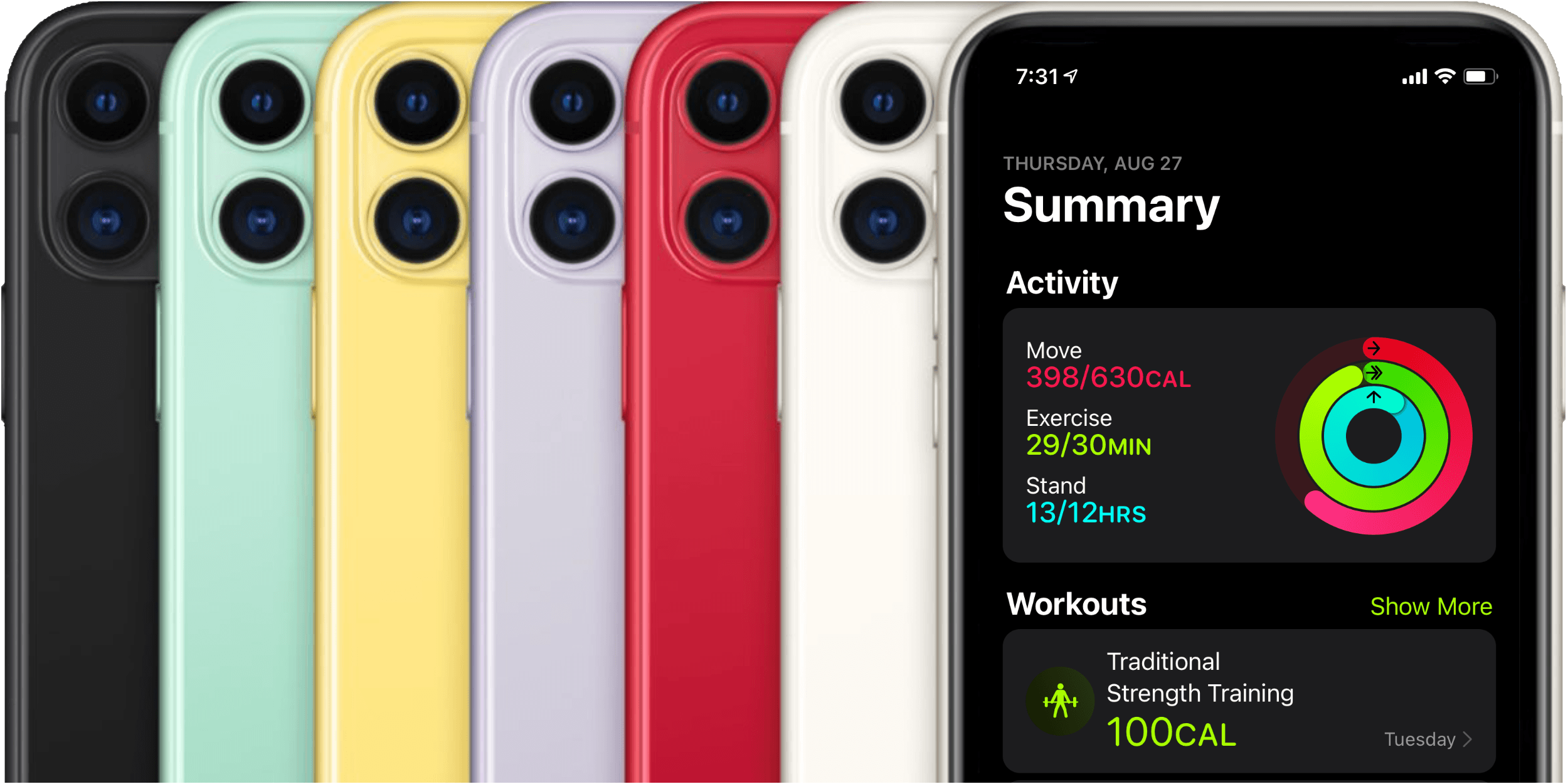
Last year Apple introduced Activity Trends, a new feature for tracking your fitness over time. Trends complemented the Apple Watch’s classic Activity rings feature, and found its home alongside the rings in the iOS Activity app.
Activity rings are binary metrics: did you or did you not meet your goal for moving, exercising, or standing today? Trends, on the other hand, track your past year of activity through rolling 90-day windows, and inform you as to whether you’re improving or declining. If necessary, Trends then suggest improvements such as walking a little more than usual each day or standing for a bit longer each hour. Together, Activity Trends and the classic Activity rings seek to help you develop and maintain an overall healthy lifestyle across a handful of monitored metrics.
Last year, Trends got their own tab in the Activity app alongside the four tabs that had existed previously: History, Workouts, Awards, and Sharing. These tabs always felt a bit sparsely populated for my tastes, and it seems that Apple agreed. In iOS 14, Apple has redesigned the Activity app, consolidating its tab structure, and renamed the app ‘Fitness.’
Streaks 4 Adds iPad Support, Timed Tasks, HealthKit Improvements, and Siri Shortcuts
There are a lot of habit trackers on iOS, but Streaks was one of the first and remains the gold standard against which I measure all other trackers. Even as Crunchy Bagel has added new features and customization options, Streaks’ simple, elegant design has remained at the center of its user experience. That’s important because habit tracking only works if it’s easy to log events. Even the slightest friction makes it too easy to abandon your efforts.
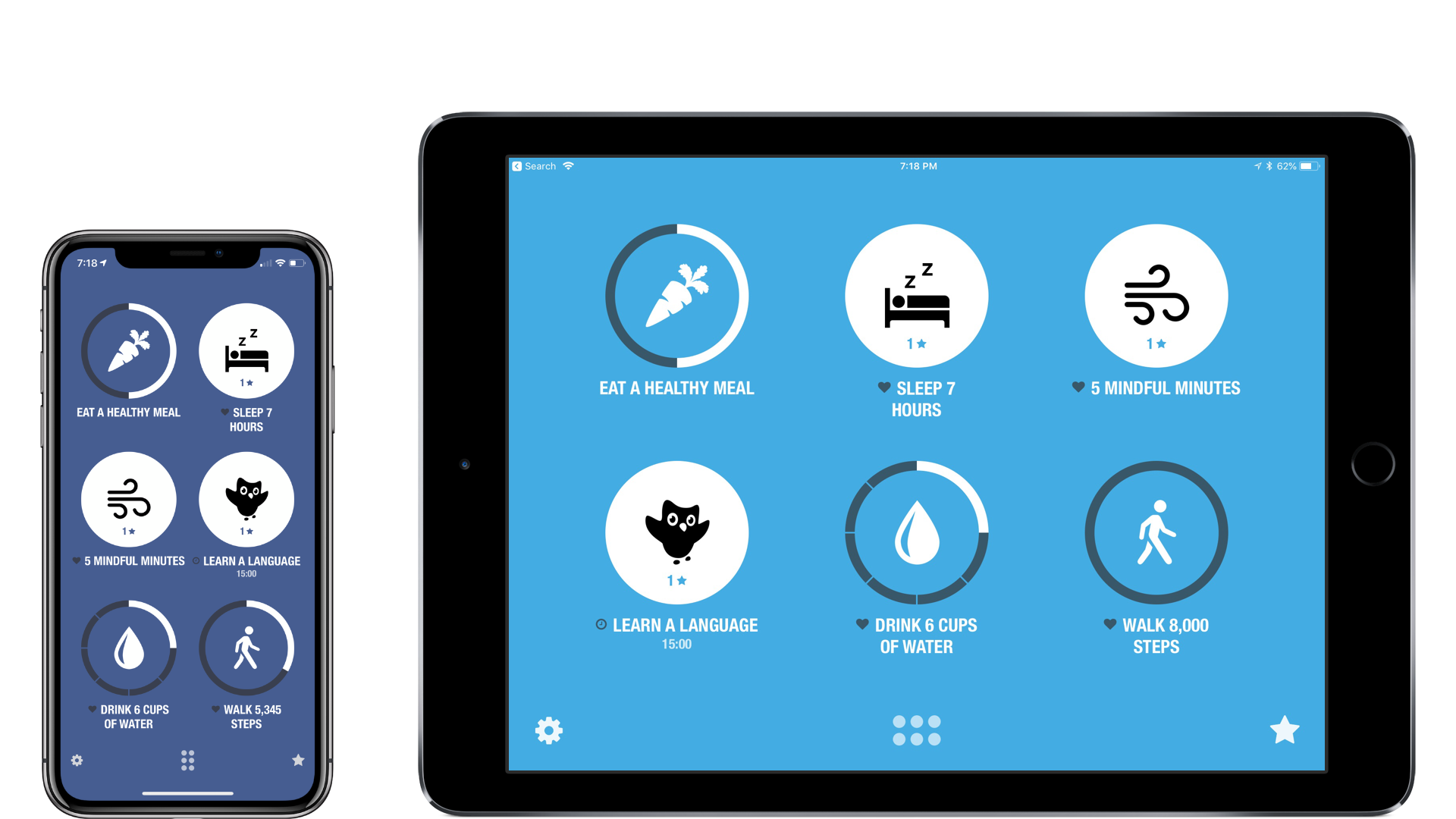
I’ve reviewed Streaks 2 and last summer’s major 3.0 update before, so I won’t cover that ground again here. Instead, I’ll focus on what’s new: an all-new iPad app, timed tasks, improved health tasks, and Siri shortcuts.
Apple Celebrates US National Parks with Apple Pay Donation Program and Fitness Challenge
Apple is celebrating US National Parks by donating $1 for every purchase made in an Apple Store, on apple.com, and at its retail locations in the US from August 24th through 31st to the National Park Foundation.
Tim Cook, Apple’s CEO said:
“America’s national parks are treasures everyone should experience, and we’re proud to support them again this month by donating a dollar for every purchase made with Apple Pay at one of our stores,” said Apple’s CEO Tim Cook. “These awe-inspiring places are our national inheritance, and Apple is doing our part to pass them on to future generations — just as extraordinary, beautiful and wild as we found them.”
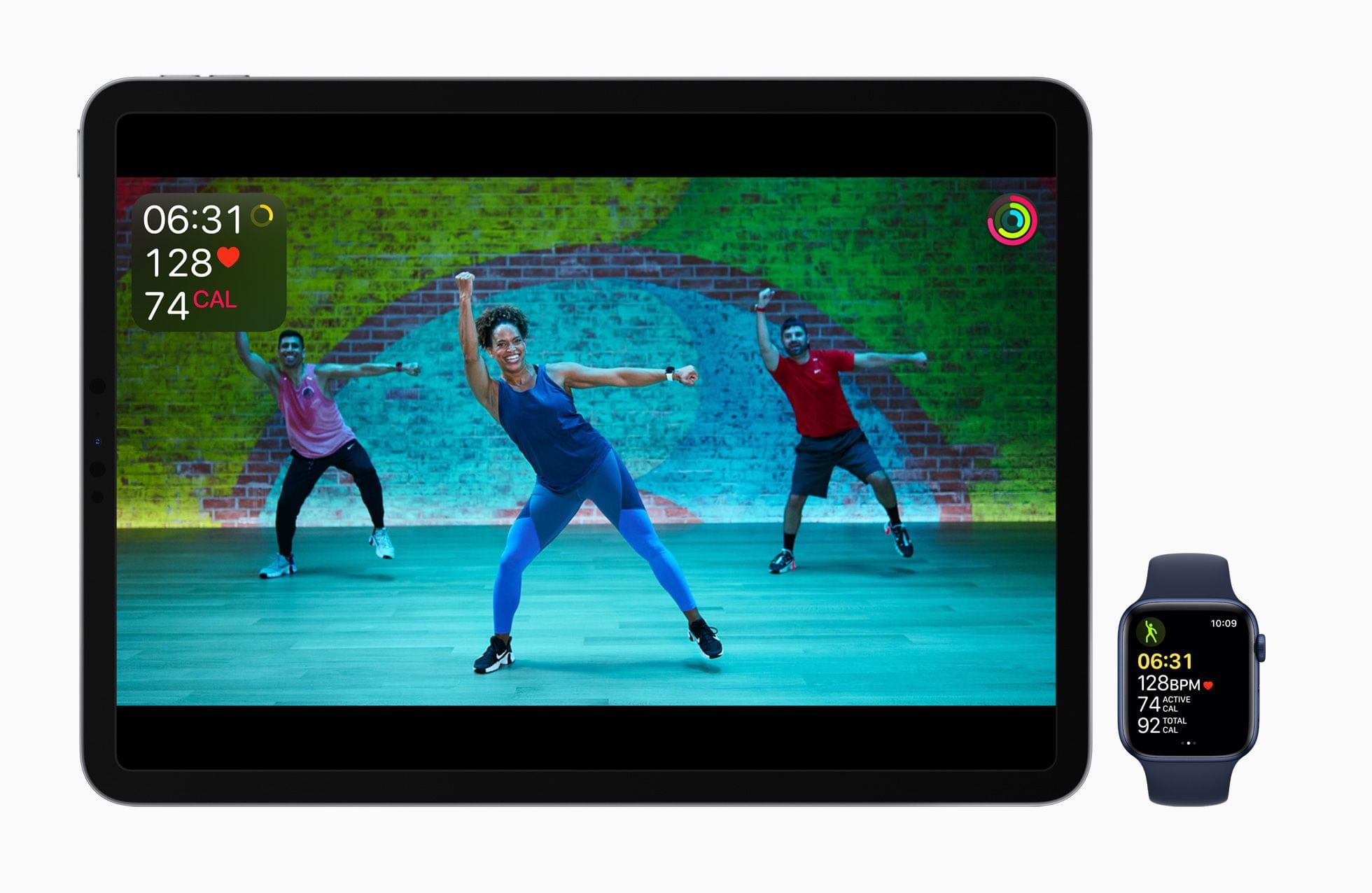
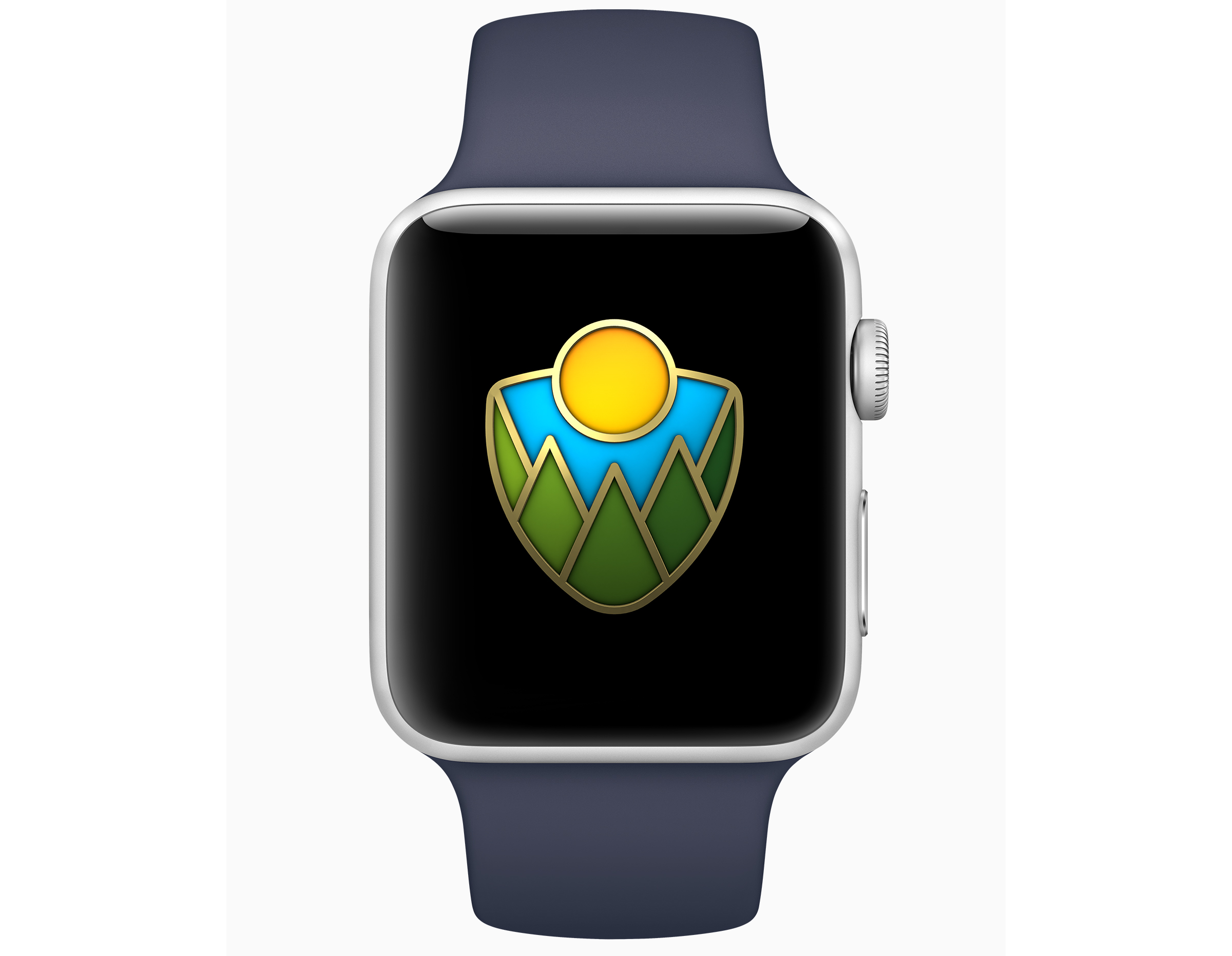
In addition to the its fundraising efforts, Apple has announced a fitness challenge for September 1st. To commemorate the 50th anniversary of Redwood National Park, Apple Watch users who log a 50 minute workout that day will earn a special award in the Activity app and stickers that can be used in the Messages app. The App Store also plans to feature apps for discovering the US national park system.
Second Life: Rethinking Myself Through Exercise, Mindfulness, and Gratitude
“There’s something in your latest scan that we need to double check.”
Here’s what I’ve learned about cancer as a survivor: even once you’re past it, and despite doctors’ reassurances that you should go back to your normal life, it never truly leaves you. It clings to the back of your mind and sits there, quietly. If you’re lucky, it doesn’t consume you, but it makes you more aware of your existence. The thought of it is like a fresh scar – a constant reminder of what happened. And even a simple sentence spoken with purposeful vagueness such as “We need to double check something” can cause that dreadful background presence to put your life on hold again.
A Behind-the-Scenes Look at Apple’s Fitness Lab→
Men’s Health got a behind the scenes look at the fitness lab where Apple fine-tunes the Apple Watch algorithms that track your health and fitness. Like so many things Apple does, the numbers are staggering. According to Jay Blahnik, Apple’s director of fitness for health technologies:
‘Our lab has collected more data on activity and exercise than any other human performance study in history…. Over the past five years, we’ve logged 33,000 sessions with over 66,000 hours of data, involving more than 10,000 unique participants.’ A typical clinical trial enrolls fewer than a hundred participants.
Men’s Health also takes a look at the motivational messages coming to watchOS 4 and talked to Blahnik about the thinking behind the feature:
“We wanted to really make it easier for people to encourage each other, as well as smack-talk when the moment calls for it,” says Blahnik. “That’s why we have phrases like ‘Shazam’ and ‘You’re on fire.’ I share my activity with about 20 people, and whenever I see what someone else has done, it spurs me to train a little harder. It’s also a fun way to stay in touch.”
The refinements that Apple has made to watchOS 4 seem minor in print, but having tried the beta for about a month, I’ve been pleasantly surprised at the impact they’ve had, especially with respect to the fitness features of the Watch. Now more than ever, it feels like Apple has figured out what the Watch does best and is putting all its wood behind those arrows.
Pedometer++ Updated With Achievements and a Redesigned Widget
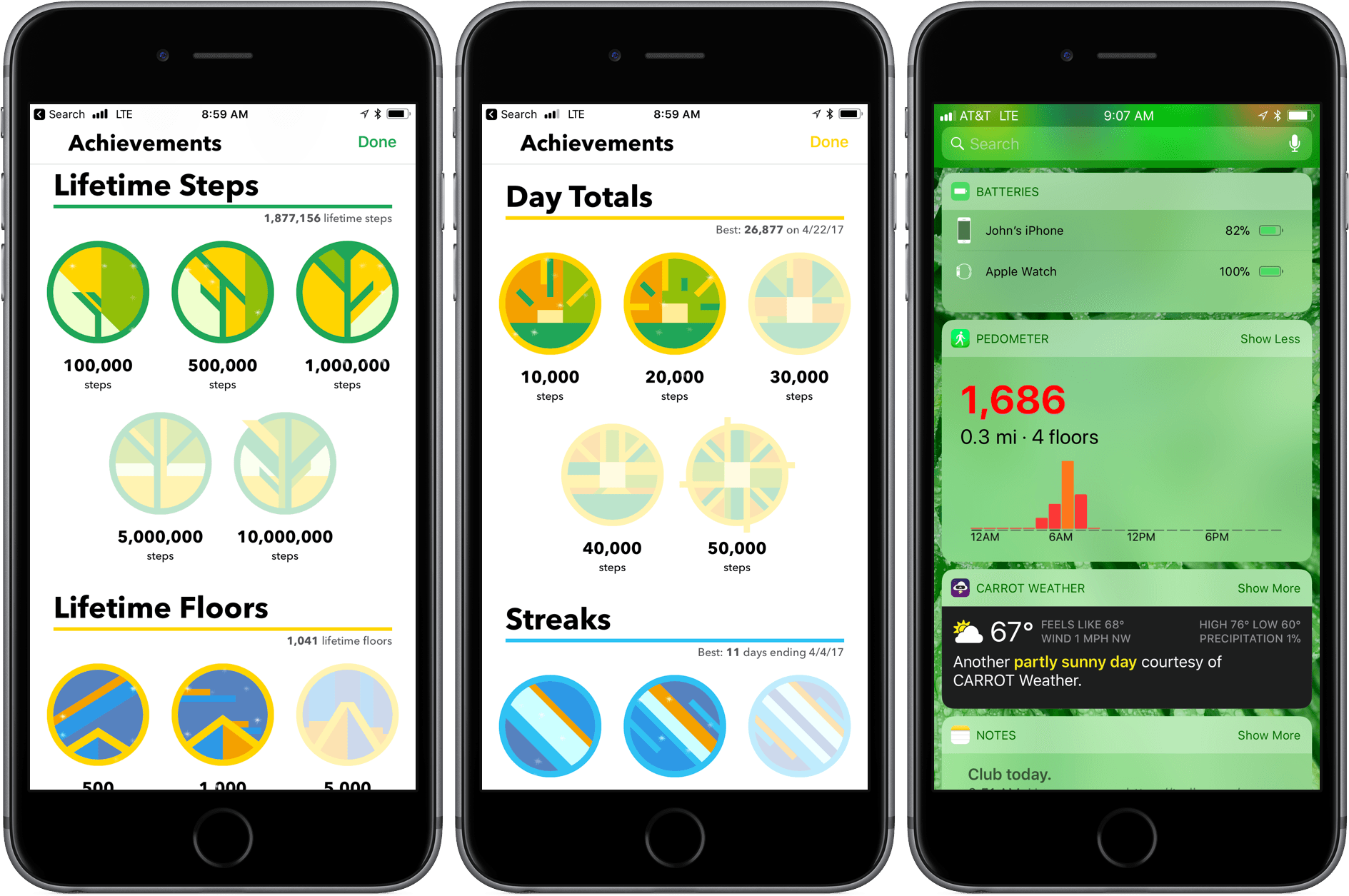
Pedometer++ 3.0 is here with new ways to motivate you to get moving and view your step counts. David Smith’s step counting app has been on the App Store since the introduction in 2013 of the iPhone’s M7 chip that collects motion data. Since then, Smith has continuously refined the app by enhancing visualizations of your step counts, adopting new technologies like the Apple Watch, and adding ways to motivate users like the delightful confetti that’s launched when you reach your step goal.
Streaks 3 Review
Streaks helps you set personal goals and stick to them using a combination of reminders and tracking. One of the hallmarks of the app, and what undoubtedly won it an Apple Design Award in 2016, is its obsessive attention to ease-of-use. By the very nature of its mission, Streaks is an app in which you shouldn’t spend a lot of time. Whether it’s in the main app, widget, or Apple Watch app, Streaks is designed to remove the friction of turning goals into habits by tracking tasks in a way that doesn’t become tedious, which makes it important to be able to mark items as completed quickly and easily.
It’s been interesting to watch Streaks evolve. As Streaks has added functionality and customization options with each version, the simplicity of its design has remained the app’s core design principle. One of the app’s most opinionated design decisions from the start was to limit users to tracking just six goals. Limiting the number of goals was meant to constrain users to an achievable number of goals and helped reduce complexity.
When I heard that Streaks was doubling the number of goals that can be tracked and adding in-depth statistics and other customizations, I immediately wondered whether that could be pulled off while maintaining Streaks’ signature design. The answer is a resounding ‘yes.’ Version 3.0 of Streaks not only remains true to its roots, but it’s also the best version of the app yet.
Tempo Creates a Beautiful Training Log for Runners With Health App Data
I love running with my Apple Watch, but I’m not a fan of most running apps; too many want to update me constantly about my progress while running. Other apps want me to share my runs on social networks. That’s not for me. I’d rather have an app parse the data collected after I’m home and can spend some time with it, which is precisely why I’ve enjoyed using Tempo.