Posts tagged with "featured"

iOS 8: Our Complete Overview and First Impressions

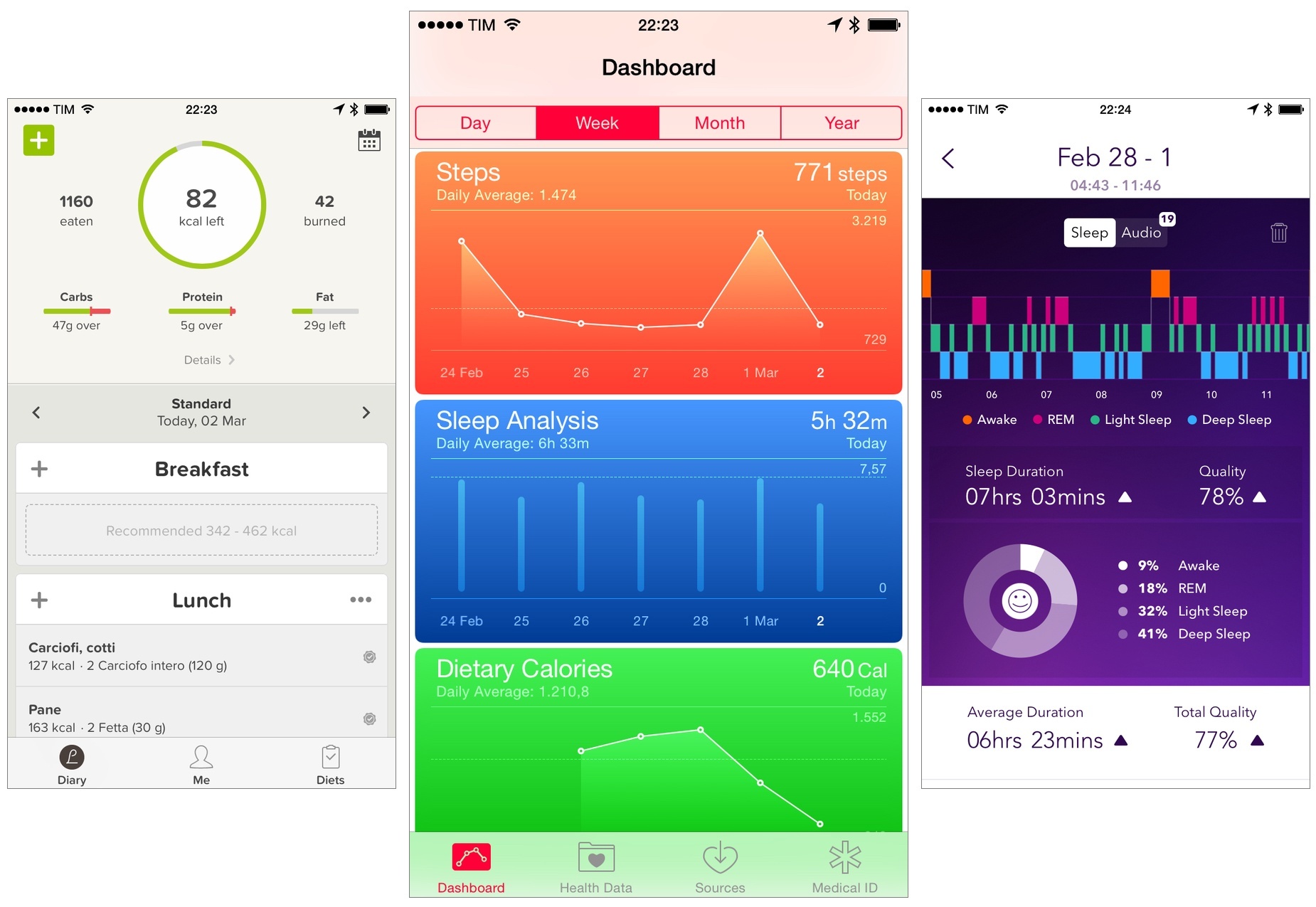
iOS 8, the next major version of Apple’s mobile operating system, was unveiled earlier today at the company’s WWDC 2014 keynote. Shipping this Fall, iOS 8 focuses on refining the bold new look launched last year with iOS 7, but, more importantly, it puts the spotlight on new user features, apps, and developer technologies.

Apple CEO Tim Cook kicked off his iOS presentation noting that iOS 8 would be a “giant release” aimed at highlighting two different stories: end-user features and developer functionalities. The dual narrative of iOS 8 was the underlying theme of the entire segment, starting with improvements to existing iOS apps (Messages, Safari) and features like Notification Center’s Today view to the promising Extensibility APIs and HomeKit.

“iOS 8 offers simpler, faster and more intuitive ways to use your device with incredible new features like iCloud Photo Library, a new Messages app, the QuickType keyboard and an entirely new Health app,” said Craig Federighi, Apple’s senior vice president of Software Engineering. “We’re also giving developers amazing new tools to make managing your health and your home from your devices an integrated, simple and secure experience.”

Read more


OS X Yosemite Overview

Apple today unveiled OS X Yosemite, the next major version of their Mac operating system. Introduced by Apple’s Senior Vice President of Software Engineering, Craig Federighi, Yosemite brings a big new redesign to the Mac that is reminiscent of last year’s iOS 7 redesign. Continuity between OS X and iOS is also a huge aspect to the Yosemite release, including a so-called ’Handoff’ feature, instant hotspots, and support for making phone calls and sending text messages from a Mac. Beyond that, Notification Center now includes the ‘Today’ view from iOS (with support for widgets), a brand new ‘Spotlight’ and big improvements to Mail, Safari and the new iCloud Drive.

 “Yosemite is the future of OS X with its incredible new design and amazing new apps, all engineered to work beautifully with iOS,” said Craig Federighi, Apple’s senior vice president of Software Engineering. “We engineer our platforms, services and devices together, so we are able to create a seamless experience for our users across all our products that is unparalleled in the industry. It’s something only Apple can deliver.”

Read more


Editorial 1.1: Another Step Forward for iOS Automation

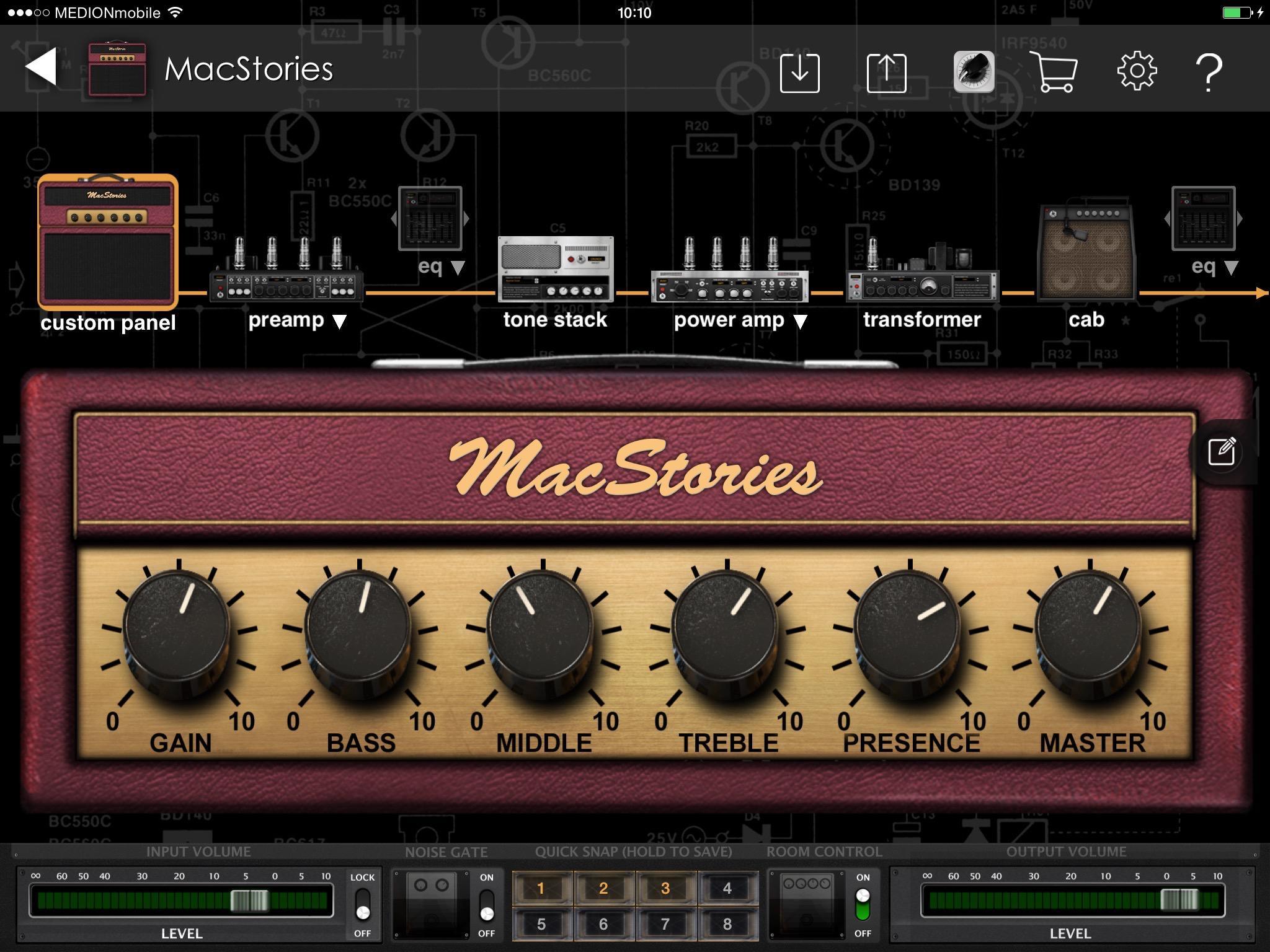
Editorial, Ole Zorn’s text automation tool and Markdown editor for iOS, has changed the way I work on my iPad.

Combining an elegant text editing experience with a powerful workflow system based on actions and a built-in Python interpreter, Editorial reinvented iOS automation and explored new horizons of what could be achieved with inter-app comunication on an iPad. Editorial can be just a text editor, but its true potential and versatility are revealed by an Automator-inspired interface that is the foundation for workflows to automate text editing, web services, image manipulation, and more – all on an iPad, without needing a Mac. Editorial sits at the forefront of the post-PC era, and it’s become an indispensable tool for my professional life.

Editorial came out on August 15, 2013. Over the past nine months, I’ve seen Editorial go from a minor 1.0.1 release to a feature-packed, redesigned 1.1 that feels like a 2.0 update – the kind of deep, fundamentally different version of an app that several developers would charge for as a separate product on the App Store.

It’s undeniable that Zorn should have released an update with fixes and basic iOS 7 compatibility sooner, but it’s important to note that Editorial 1.0 (aside from minor issues) kept working well on iOS 7, and Zorn documented the development process with notes and screenshots on the app’s forums. As an Editorial user and reviewer, it’s been a long journey from version 1.0 in August 2013 to today’s 1.1 release, but it’s been worth it.

Editorial 1.1 brings a plethora of design changes, Markdown improvements, and automation breakthroughs that, just ahead of iOS 8, represent a major milestone for Markdown text editors and iOS automation. Editorial 1.1 may be a text editor on the surface, but, in reality, it’s a small revolution for iOS power users.

Read more


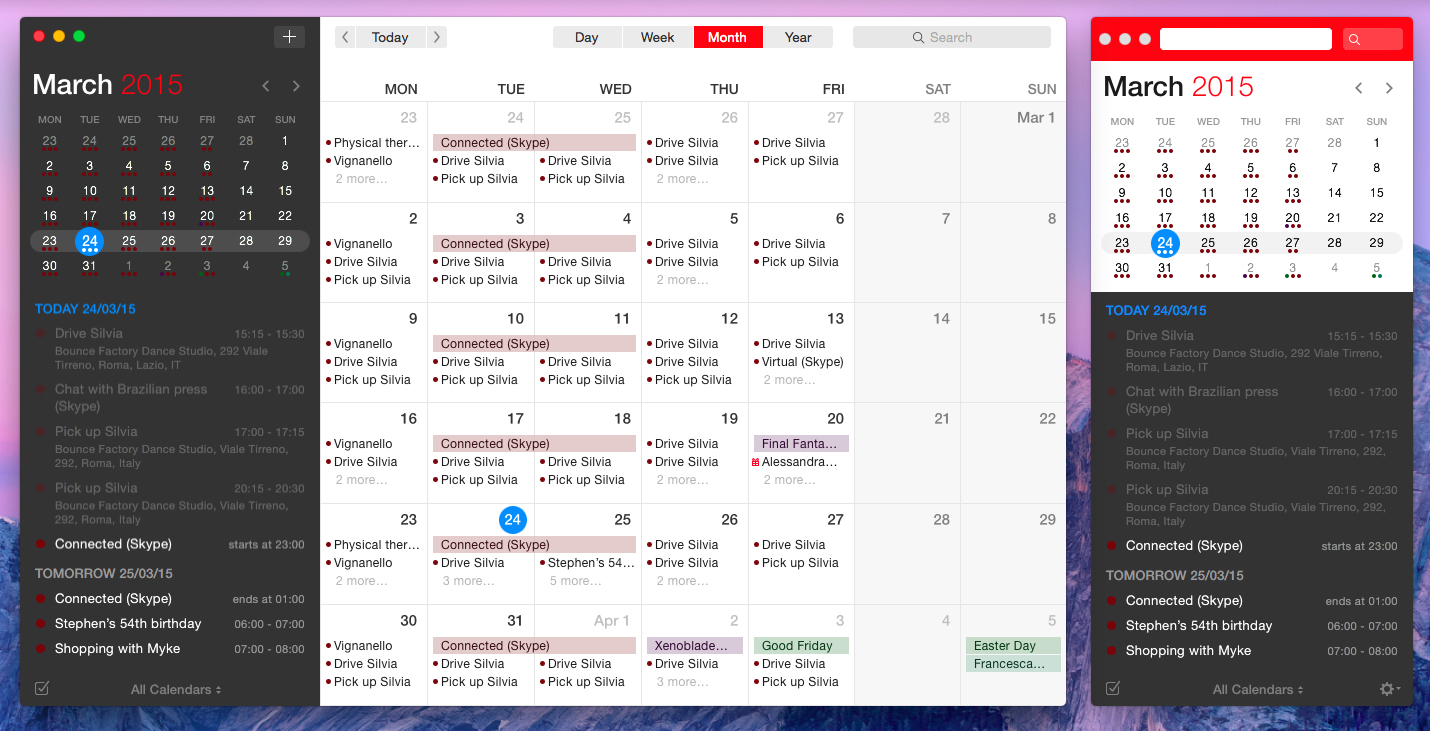
OmniFocus 2 for Mac from a Reminders User’s Perspective

There was a time when I thought that I needed a powerful GTD app to be productive. Over the years, I’ve come to realize that all I need, really, is just a list of things to remember and some calendar events. I’ve been using Apple’s Reminders and Calendar with iCloud as my primary todo systems for over a year now, and my schedule hasn’t been disrupted by a cataclysm of missed appointments and overflowing todo lists.

It’s with this mindset that I approached OmniFocus 2 for Mac, released today as a new version of The Omni Group’s popular GTD software: fundamentally, I don’t need the app. But as an old OmniFocus user who switched over to Apple’s less flexible Reminders and stayed with it in spite of its (sometimes disarming) simplicity, I thought it’d be interesting to evaluate OmniFocus 2 with a fresh pair of eyes and a genuine curiosity for the work put into this new version.

Read more


Screenshotter Lets You Find and Organize Screenshots on iOS

I’ve written about the problem with organizing screenshots in the iOS Camera Roll before, as it’s one of the long-standing limitations/design decisions of iOS that I find most antiquated and counter-intuitive.

From my iOS 8 Wishes article:

Give screenshots their own album. Years ago, the consensus used to be that only geeks took screenshots of their devices, but the rising trend of people sharing screenshots of message conversations and Instagram pages now says otherwise. For this reason, I find it surprising that Apple still insists on grouping photos and screenshots together – they’re separate media types and there should be an option to exclude screenshots from the main view and iCloud backups.

Screenshotter is a free iPhone app developed by the Cluster team that’s been released today and that shows a glimpse of a good idea that I hope Apple will offer as a built-in feature in iOS 8.

Read more


Mapping The International Availability of Entertainment Services

It is 2014 and we live in a rapidly globalizing world. Unfortunately, that is not always apparent from the technology press, which focuses primarily on developments in the US. That is not meant as a slight against others who write about technology – it is just the reality. But thanks to our global and interconnected world, companies increasingly need to be able to do well in more than just one geographical market to succeed and grow. Additionally, customers outside the US are more aware than ever (thanks to the Internet and technology press) of new products available in the US and will place loyalty in the companies that bring those products to their country too.

It was this train of thought that led me to write a trilogy of so-called ‘Mapping’ posts in 2012 which covered three main topics: the availability of entertainment services across the world, the expansion of Apple Stores internationally and the rollout of various iPhones and iPads after their US launch. All are still available to be viewed, but as significant time has passed, please bear in mind that they are no longer current.

Today I am back to revisit the topic of entertainment services. The purpose, as was the case last time, is to see the international availability of entertainment services from Apple, Google, Microsoft and Amazon. Not only have we updated the information on all of these, but we have also added data about the availability of Rdio, Spotify, Deezer, Netflix, Hulu, Kobo, and Nook. Hopefully, with the aid of new maps and graphs included, you will get a better picture of how these entertainment services fare in catering to today’s global market of consumers.

Technical notes on the interactive content

This article is a bit different to most others we run on MacStories as it includes interactive graphs and maps. Most importantly, if you are reading this from an RSS reader or read-it-later service such as Pocket or Instapaper, we would suggest you read this article in a web browser as those interactive elements form a big part of this article and will unfortunately not be visible in those services. If you are on an iPhone or iPad, don’t worry, we have made sure they work and look perfectly fine on those devices as well.

When you come across the interactive maps, there are a few things to be aware of. Firstly, they are interactive in the sense that you can zoom in (pinch to zoom on iOS, buttons in the top-left for Macs/PCs) and take the map full screen (button in the top-right corner). In order to compare the worldwide availability of various services, you simply need to click or tap on the service names that are listed directly below the map and the map will update with relevant countries shaded to indicate availability.

Read more


Apple Highlights Best App Store Releases In “Best Of April” Section

With today’s weekly App Store refresh, Apple has launched a new curated section highlighting the best app and game releases of April 2014, called “Best of April”. The new showcase, available on the iPhone and iPad App Store but absent from the Mac App Store, suggests Apple’s intention to start offering a monthly recap of the App Store’s best releases, handpicked and curated by the App Store’s editorial team.

Read more


iOS 8 Wishes

With iOS 7, Apple profoundly altered the foundations of their mobile operating system’s design and functionality, and I want to believe that iOS 8, likely due later this year, will allow them to keep building towards new heights of user enjoyment, design refinement, and exploration of features suitable for the post-PC era. The transition to iOS 7 hasn’t been perfectly smooth, but, less than two months away from WWDC, there’s clear, promising potential on the horizon: plenty of new iOS low-hanging fruit.

Read more