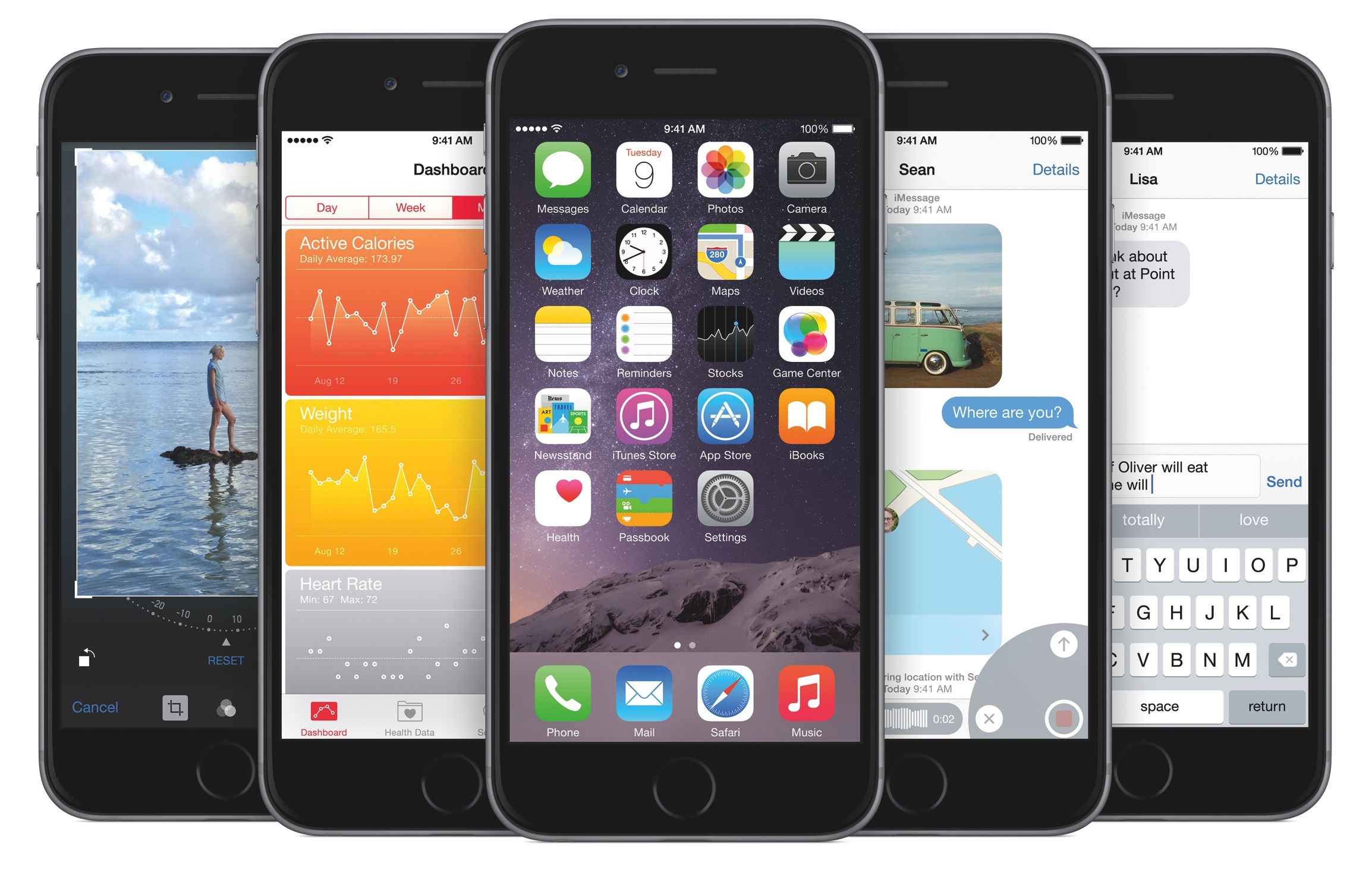
I concluded last year’s assessment of iOS 8 on a positive note:
The scope of iOS 8’s changes will truly make sense as developers keep building brand new experiences over the coming months. iOS has begun to open up, and there’s no stopping at this point.
For some Apple observers, it’d be easy – and justifiable – to argue that Apple is “done” with improving iOS given the software’s maturity and sprawling app ecosystem. With long-awaited technologies such as action extensions, widgets, custom keyboards, folders for iCloud, and external document providers finding their way to iPhones and iPads, iOS has seemingly reached a zenith of functionality, an ideal state with no low-hanging fruit left to lust for.
Except that iOS 8 wasn’t a culmination aimed at ending on a high note. As I wrote last September, the changes introduced with iOS 8 laid the foundation for a more flexible, customizable, and ultimately more powerful mobile OS that would pave the road for the next several years of iOS updates.
There’s always going to be new low-hanging fruit in iOS. And 2015 is no exception.
iOS 8 changed how I work on my iPhone and iPad. For years, I had been entertaining the idea of going all-in with iOS, but I was never able to take the leap. I couldn’t manage to leave my MacBook behind and let my workflow rely on iOS apps. My lifestyle dictates being able to write, communicate with others, and manage MacStories from anywhere, free from the constraints of a MacBook. Thanks to iOS 8 and the improved hardware of the iPad Air 2, I chose the iPad as my primary computer – and instead of being cautiously concerned about the trade-offs of iOS, I just felt relieved.
The iPad, for me, is a product of intangibles. How its portable nature blurs the line between desktop computers and mobile. How a vibrant developer community strives to craft apps that make us do better work and record memories and enjoy moments and be productive and entertained. The iPad, for me, is a screen that connects me with people and helps me with my life’s work anywhere I am. Transformative and empowering, with the iPad Air 2 being its best incarnation to date. Not for everyone, still improvable, but absolutely necessary for me. And, I believe, for others.
Liberating. The iPad is a computer that lets me work and communicate at my own pace, no matter where I am.
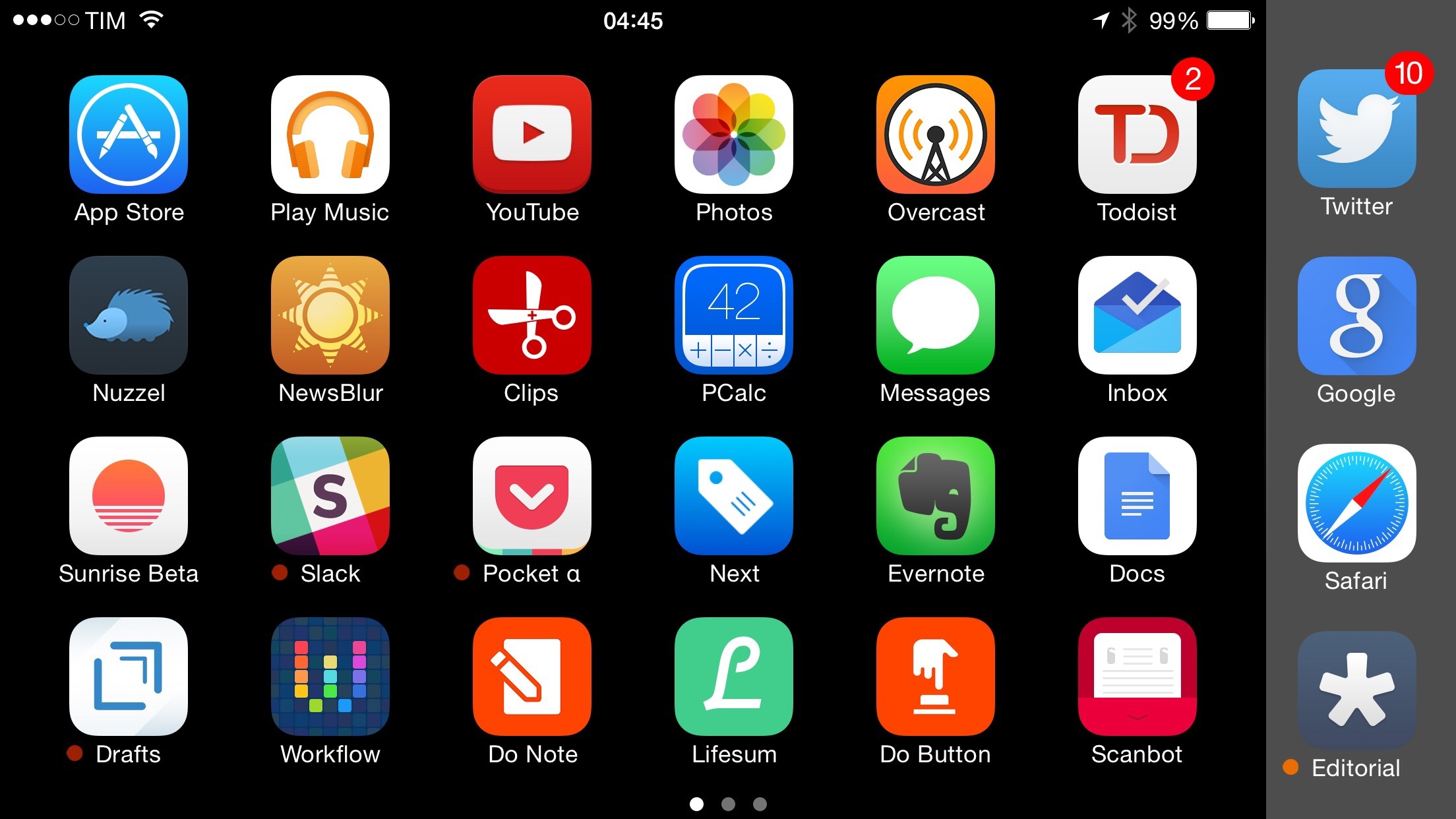
Beyond the conceptual implications of using a portable 10-inch screen as a computer every day1, extensions and widgets had the strongest practical effect on me. The ability to push select pieces of information to widgets and the objectification of apps through extensions have allowed me to augment the apps I use with functionalities taken from other apps. I can automate Safari with the Workflow extension; I can copy multiple bits of text in a row and trust that a clipboard manager will hold them all for me. For someone who works on iOS, version 8.0 was a massive change with far-reaching potential for the future.
As with every year, I’ve been pondering where I’d like to see iOS go next. Software is never done, but iOS 8 made a compelling argument for the maturity of the platform – if anything, from a feature checklist perspective. That’s not how I look at it, though: I suspect that the next major version of iOS – likely to be called iOS 9 – will use the visual and technical foundation of iOS 7 and iOS 8 to unlock new levels of integration and communication between apps, iCloud, gestures, and voice input.2
While it’s possible that Apple will bring some of the design expertise and taste acquired when finalizing the Watch UI back to iOS, that won’t be the focus of this article. Instead, like every year since 2012, I’ll elaborate on the software additions and corrections I would like to see on iOS, from the perspective of someone who works from an iPad and even came to appreciate the iPhone 6 Plus.
For context, you can check out my old wishes for iOS 6, iOS 7, and iOS 8 to reflect on my motivations and what Apple ended up announcing at past WWDCs.
Read more