Unhand Me! – Preventing Unwanted iOS Device Handling

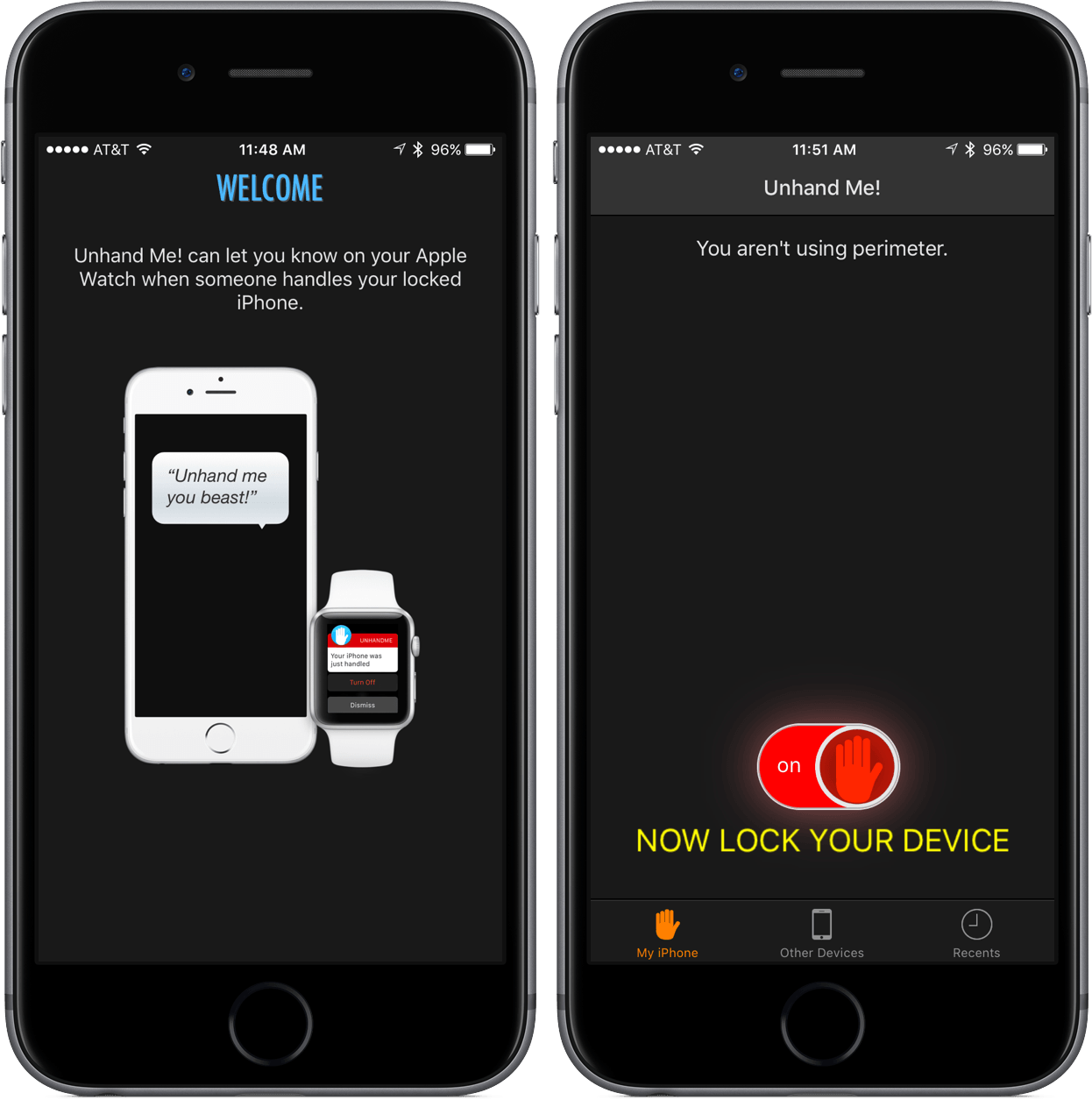
Unhand Me! comes at a time of Apple Watch app confusion. Some developers have chosen to create apps that keep most of their functionality for the Watch; other Watch apps are smaller versions of iOS apps with some added features.

Unhand Me!, which is an app that notifies you when your iOS device has been handled, is an attempt at the latter. Through actionable notifications or the Watch app, Unhand Me! can be a must-have for those who own an Apple Watch. But even for the smartwatch skeptics, this app is one to strongly consider downloading for the safety of both your hardware and data on your iPhone and iPad.

Read more


How Apple Watch Keeps Time

From The Telegraph’s interview with Apple’s Kevin Lynch on the timekeeping features of Apple Watch:

Apple built its own Network Time Protocol (NTP) servers at various locations to ensure the delivered time is as close as possible to Stratum One accuracy, the time server which keeps the Apple Watch within microseconds of Stratum Zero devices - the highest possible quality for time references.

Once the time reaches the Apple Watch, the team worked to ensure it remains accurate, he says. Each device uses a temperate controlled crystal oscillator to counteract the natural drift that clocks and watches tend to experience over time.

I’m not sure any human watch wearer would ever notice a 50-millisecond difference – especially when waiting for midnight at a New Year’s Eve party – but still, fascinating tech.

Permalink

Twitter for Mac 4.0

Every couple of years, I find myself writing that Twitter for Mac hasn’t been abandoned.

Today’s one of those days again, as Twitter has released version 4.0 of its new Mac client with design changes and support for some of the new Twitter features.

Here’s Jason Snell:

The new app supports inline video playback, animated GIFs, group DMs, muting, and tweet-quoting support, all major Twitter platform features that previously weren’t supported by the Twitter for mac app. Previously, you had to click on a quoted tweet URL to view that tweet—not fun—and on a tweet URL to open a browser window to watch video or animations. Yuck. This is much better.

That’s good news, of course, but the problem is – it looks like Twitter shipped a ton of bugs and regressions in this release, while still missing some of the latest additions for mobile platforms and the web. From a quick scan of my timeline today:

I’ve seen dozen of other people lamenting poor performance, odd behaviors on OS X, and random bugs with Twitter accounts. That doesn’t inspire a lot of confidence, especially after you read that the app was apparently outsourced to developers outside of Twitter. Even more baffling: Twitter Moments – one of Twitter’s biggest product releases of 2015 that got its own (confusing) TV commercial – aren’t supported in the new Mac app.

That’s disappointing, but I find some solace in the fact that I’ll get to write about these bug fixes in 2017.

Permalink

Quiver 3: A Notebook That Adapts to How You Work


Research is a big part of all my projects, but I’ve never found a research app that fits my needs. My ideal research app is more than just a text editor or other app that I get by with. I want a tailor-made app designed from the ground up with research in mind that is lightweight and fast, even if I stuff it full of hundreds of notes with all kinds of embedded media. Just as important though, the app should sort and search my notes in a manner suited to the way I work, not the way the app wants me to work. It’s a tall order and one that nobody has pulled off before to my satisfaction, which is why I was so excited to discover Quiver 3.

Quiver, by Yaogang Lian of HappenApps, bills itself as programmer’s notebook, but it has evolved into much more than that. At the highest level, Quiver uses an organizational metaphor like Evernote, with individual notes organized into notebooks. But it’s at the note level where things get interesting.

Read more


Curiosity: A Contextual Wikipedia Reader

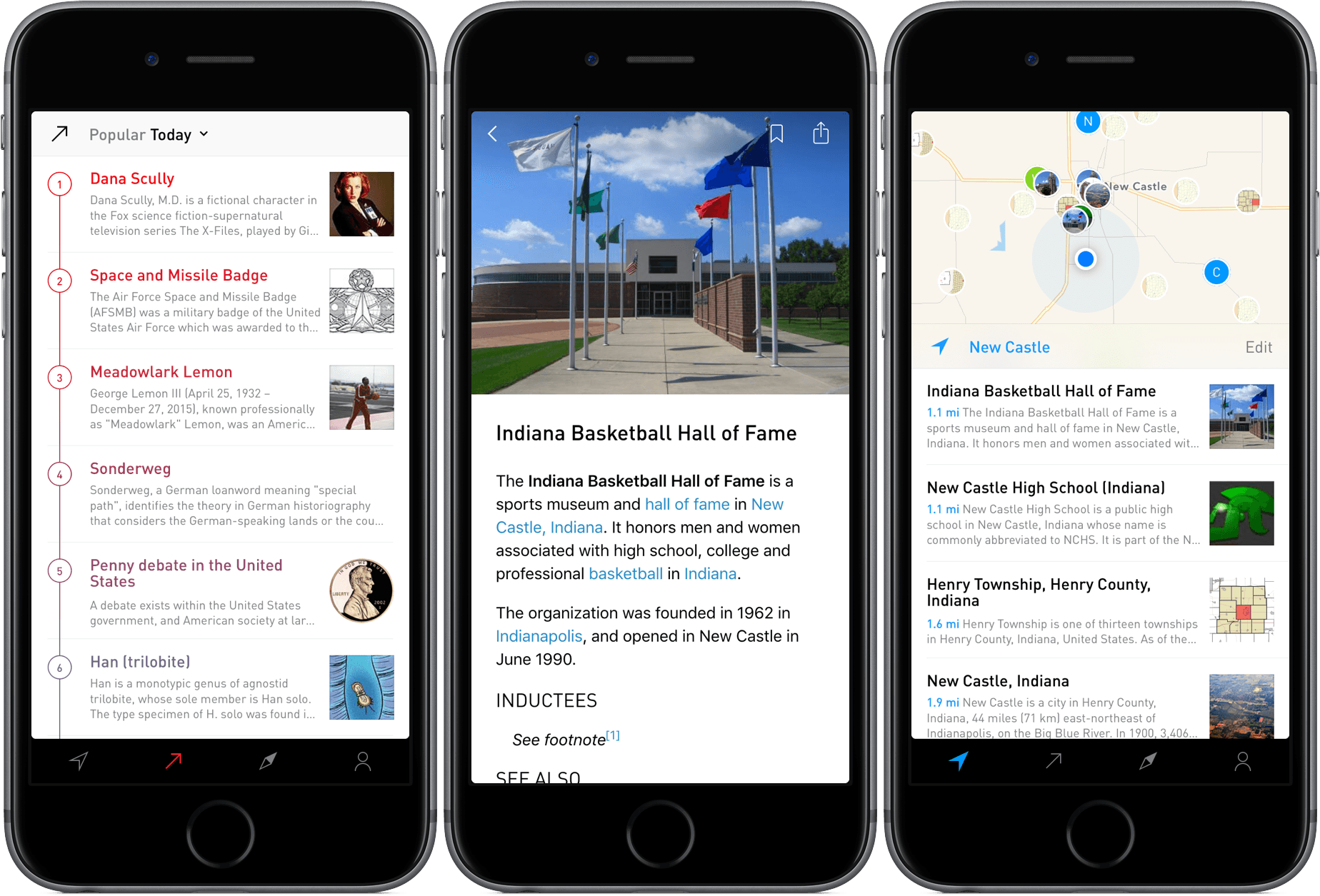
Billed as “the easiest way to discover and learn about the world around you,” Curiosity is a Wikipedia reader for the – well – curious. By pulling location data from the user’s iPhone, Curiosity provides a map with the locations of nearby points of interest and displays the corresponding Wikipedia pages. Sometimes, it’s a city or county page; in other instances, it can be an interesting landmark, school, or business.

But Curiosity, developed by the two-man team at Tamper, isn’t just for location-based Wikipedia browsing – the app also sports two other information tabs titled Popular and Explore. Both of these sections allow for a deep Wikipedia article reading experience based on relevant topics and curated collections.

With the added You section, which lets the user view bookmarks and history, the app rounds out as a shining example of the power of location-focused data and curation.

Read more


Apple’s 2015: Year In Review

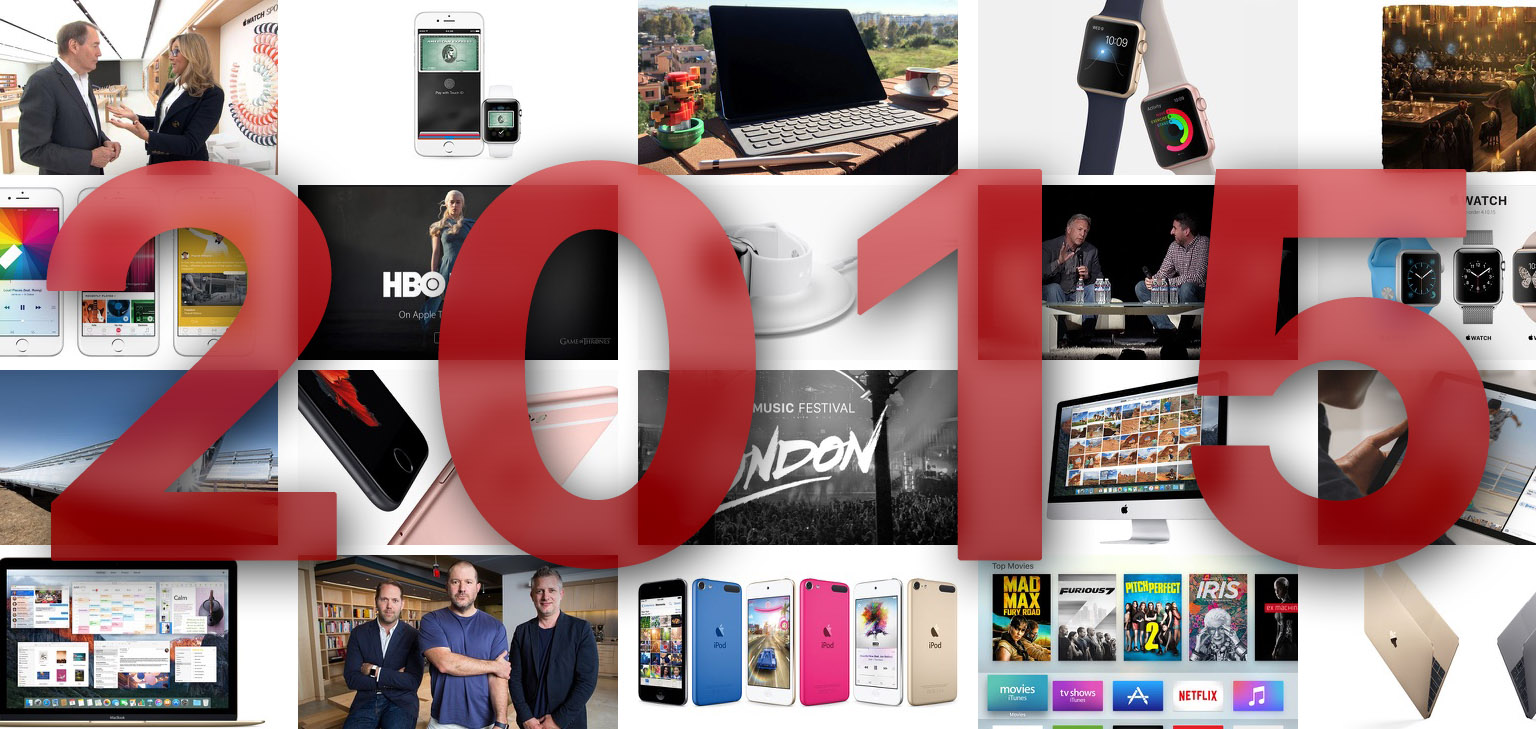
2015 was a big year from Apple, arguably its biggest yet. Over the course of the past twelve months we’ve seen Apple release the MacBook, Apple Watch, iPhone 6s and 6s Plus, iPad Pro, new Apple TV, refresh the MacBook Air and iMac, and even release updated iPods. Then there’s all the new software from iOS 9 to OS X El Capitan, to watchOS 2, and even the unveiling of tvOS.

In assembling this story, I thought about how I could present the information in a way that wouldn’t be overwhelming and would hopefully be unique from everyone else’s “year in review” stories. As you can see below, I choose to display it in an interactive widget. You’ll be able to see at a glance which months were significant for Apple, and for what reason (iPhone, Mac, TV, etc). Then you can dive into a particular month and swipe across to get summaries of the big stories from Apple. If you want to learn more about a particular story, there’s a link that’ll take you to the full story.

Read more


Emulate Classic Game Consoles with the New Apple TV

A must-read guide by Andrew Cunningham if you’ve considered emulating classic games (for me, that means SNES, Game Boy, and Game Boy Advance) on a new Apple TV:

Right now there are two notable emulation projects targeting tvOS. One is a distant relative of the MAME arcade emulator, though it doesn’t seem as though it’s being maintained. Another, Provenance, is the one we’ll be spending the most time with. It’s a multi-system emulator that supports most major 8- and 16-bit consoles, including the NES, SNES, Sega Master System, Sega Genesis, Sega CD, Game Boy, and Game Boy Advance.

That’s basically it for now, but more consoles could show up in the future. Provenance is already heavily based on open source code from OpenEmu and other projects, so anyone with a little patience could port other emulators without much extra work.

That’s my kind of holiday side-project, too.

Permalink