Lire RSS Client Adds Deeper iOS 11 Drag and Drop Support

At the end of last year in my annual Must-Have Apps roundup, I covered lire, an RSS client for iPhone and iPad that, despite having been around for several years, had flown under my radar until its iOS 11 update.

I wrote:

I settled on lire, an RSS reader that’s been around for years and that never grabbed my attention before. lire has been fully redesigned for iOS 11, taking advantage of Apple’s large title design style to neatly indicate different folders and sections. In addition to a clean design that feels good on the iPhone X and iPad Pro, lire has two peculiarities: it supports all the most popular RSS services (including Inoreader) and it comes with its own text extraction tool to load the full text of truncated stories. The full-text option can be enabled on a per-site basis, and it works well in combination with caching for read articles. lire looks native to iOS in a way that the official apps by Inoreader, NewsBlur, and Feedly don’t, and it’s actively supported by its developer with frequent updates.

I’ve been using lire in combination with Inoreader since November; four months later, I still haven’t found any other RSS reader that mixes iOS 11’s aesthetic with support for all the most popular RSS services. Unlike other apps, lire looks native to iOS 11 and it lets you choose the sync service you prefer. Plus, the ability to load specific websites in full-text mode and a pure black theme make lire a fantastic reading experience on the iPhone X as well.

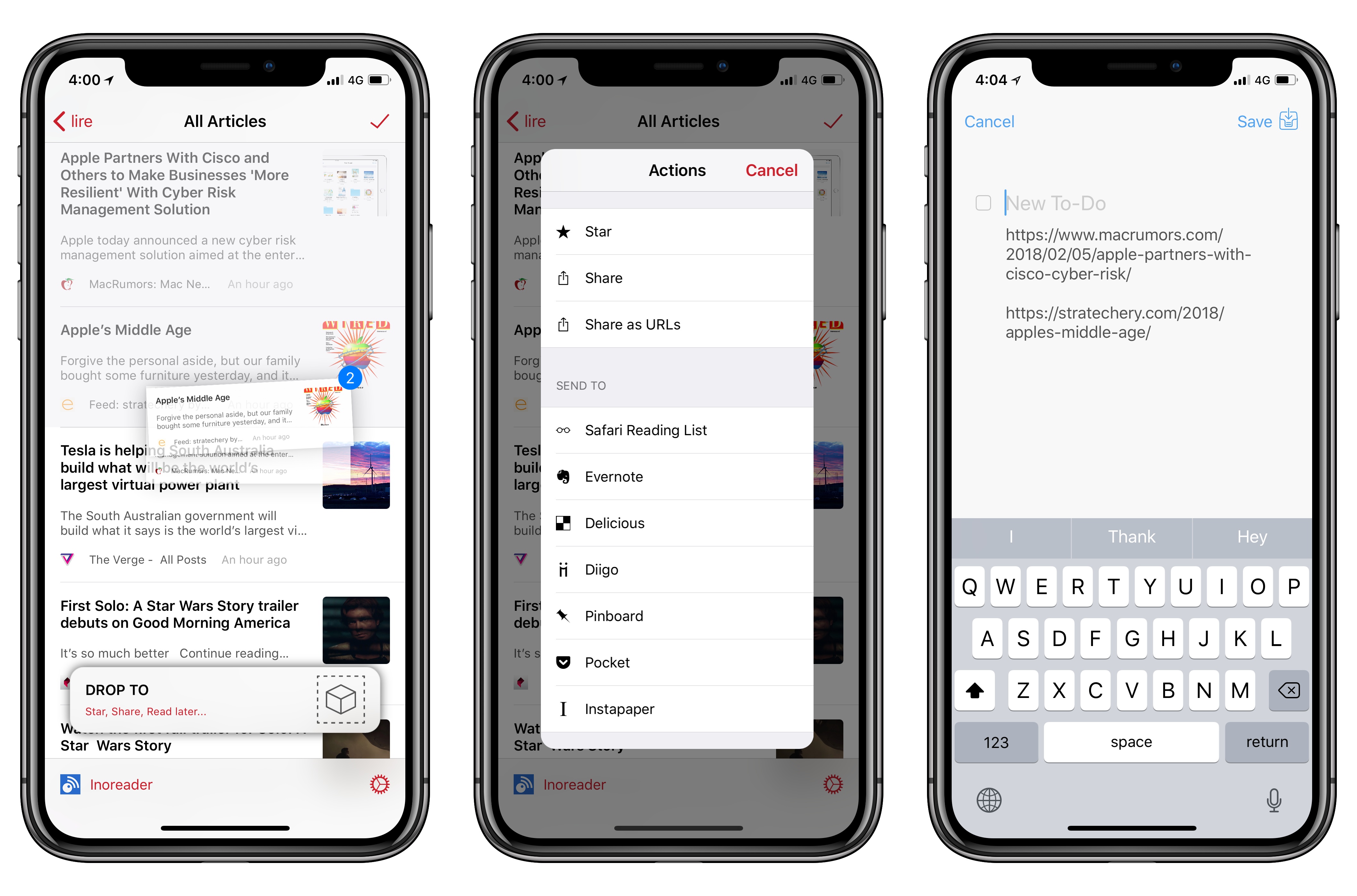
With today’s 3.0.32 update, developer Kunal Sood has brought deep integration with iOS 11’s drag and drop to lire, shipping one of the best implementations of the feature on both the iPhone and iPad. Which isn’t surprising considering that lire’s drag and drop enhancements have been directly inspired by Bearalready a terrific example of what developers can build with drag and drop in iOS 11.
Read more


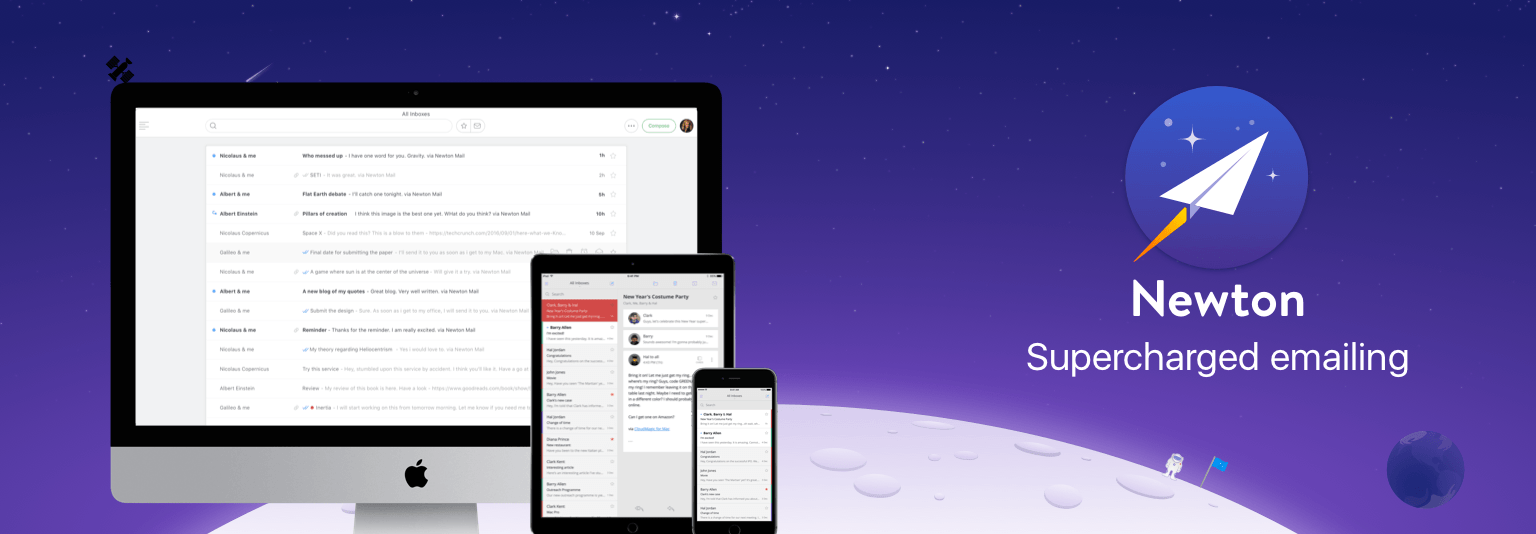
Newton: Supercharged Email with Space-Age Features [Sponsor]

Reliability is essential when it comes to email. Newton has you covered with rock-solid messaging, lightning-fast push notifications, sync across all your devices, and modern email management tools.

Life doesn’t just happen at your desk. Email streams in all day whether you’re working at your desk or out running errands. With Newton, you can keep on top of it all regardless of where you are because Newton works seamlessly across platforms.

What makes Newton stand out from the crowd is its simple, elegant design and flexibility. Newton supports all your email accounts whether they’re based on IMAP, Gmail, iCloud, Office 365, or another platform. The app also features modern functionality that you won’t find in many other email client. For example, with Newton, you can request read receipts and quickly find attachments. You can also schedule emails to be sent later, which is handy if you work unusual hours or with people across the world. Newton can even tidy up your inbox by putting things like newsletters to the side until you have time to look at them.

Newton works with your calendar too, eliminating the need to leave your messages when you want to add an event to your calendar. Other key features include integrations for saving email messages to Evernote, Trello, Todoist, Pocket, and other apps, snoozing messages, and sender profiles, so you know more about the people with whom you interact. It’s a powerful set of features that make it easier to manage your inbox by getting actionable items out of your email and putting them where they belong.

Harness the power of Newton to get control of your email once and for all. You can learn more on Newton’s website or go download it now and start your free trial immediately.

Thanks to Newton for sponsoring MacStories this week.


Sebastiaan de With Tackles RAW Photo Editing

Editing RAW photo files can be intimidating for beginners. There are a seemingly endless number of adjustments that can be made, and it’s not always clear what each does. However, if you take the time to learn the tools and shoot RAW images on your iPhone or another camera, the results can be stunning.

Sebastiaan de With, the designer of Halide, an excellent RAW camera app for iPhone, has published the second in a series of articles about shooting and editing RAW photos. As de With explains at the outset of this second article in the series:

This guide will walk you through the basics of RAW editing and adjustment. Most of these pointers also apply to editing RAW files from other cameras, but some parts focus on iOS editing workflows and how to transfer your RAW files from your iPhone to your Mac or PC.

The remainder of the article is full of great tips and eye-opening examples of what can be done on a Mac or iOS to edit RAW photos. If you’re interested in photography on any platform, this is a must-read article. In an upcoming installment de With will cover advanced editing and editing with depth channels.

Permalink

Apple Q1 2018 Results: $88.3 Billion Revenue, 77.3 Million iPhones, 13.2 Million iPads Sold

Apple has just published its financial results for Q1 2018. The company posted revenue of $88.3 billion. Apple sold 13.2 million iPads, 77.3 million iPhones, and 5.1 million Macs during the quarter.

“We’re thrilled to report the biggest quarter in Apple’s history, with broad-based growth that included the highest revenue ever from a new iPhone lineup. iPhone X surpassed our expectations and has been our top-selling iPhone every week since it shipped in November,” said Tim Cook, Apple’s CEO. “We’ve also achieved a significant milestone with our active installed base of devices reaching 1.3 billion in January. That’s an increase of 30 percent in just two years, which is a testament to the popularity of our products and the loyalty and satisfaction of our customers.”

Read more


ARKit 1.5 Opens a Whole New Realm of Possibilities

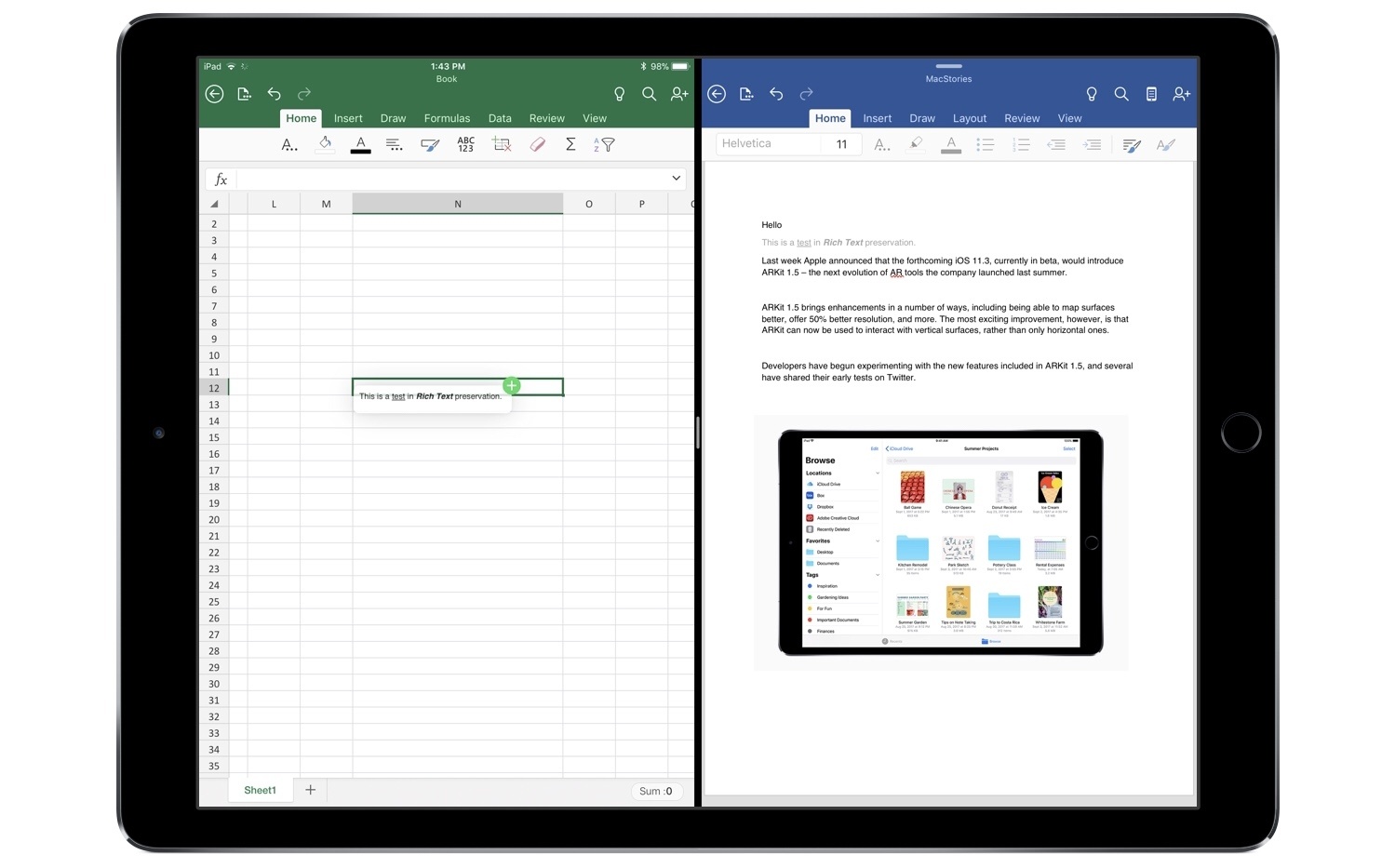
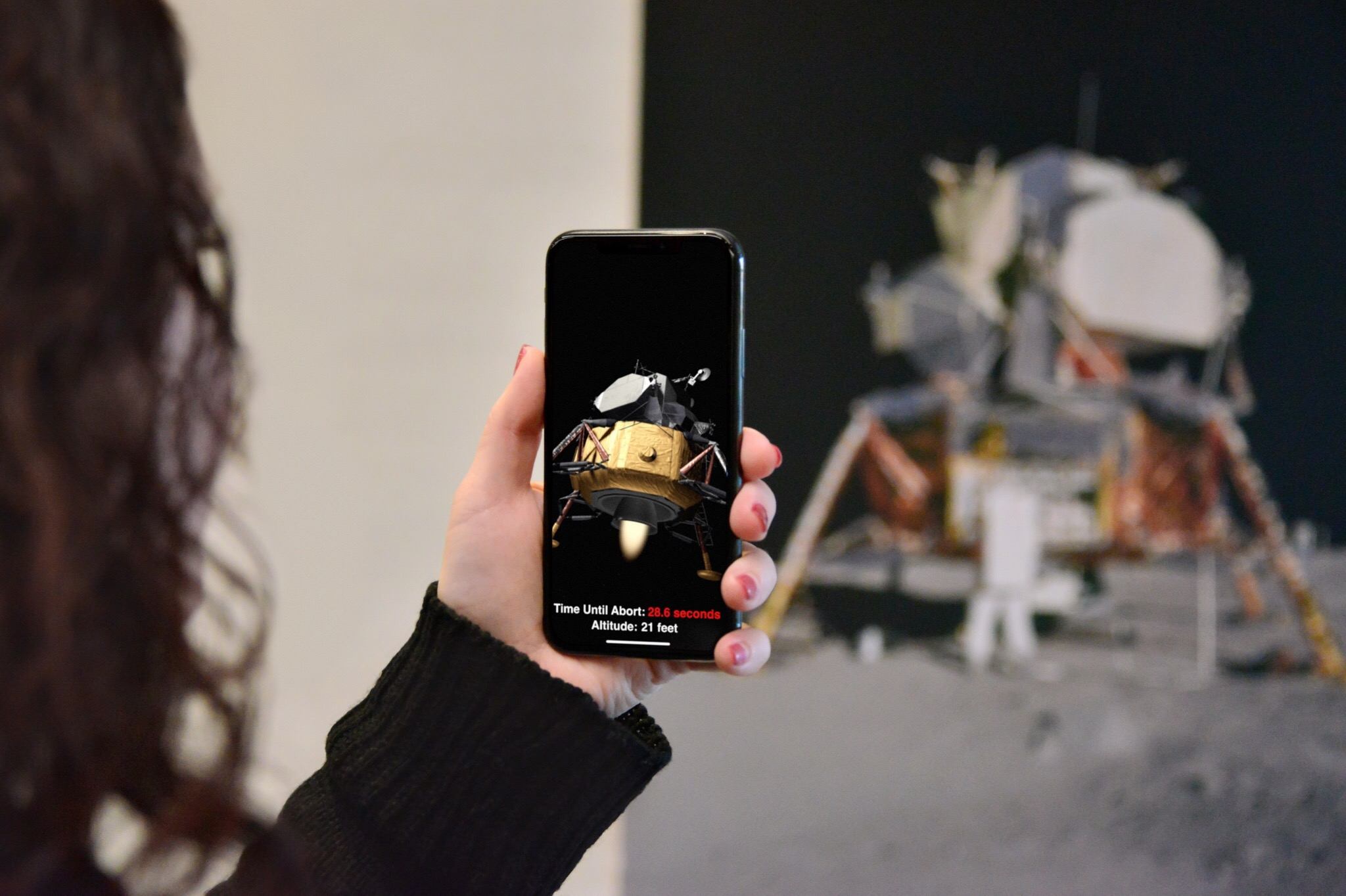
Last week Apple announced that the forthcoming iOS 11.3, currently in beta, would introduce ARKit 1.5 – the next evolution of AR tools the company launched last summer.

ARKit 1.5 brings enhancements in a number of ways, including being able to map surfaces better, offer 50% better resolution, and more. The most exciting improvement, however, is that ARKit can now be used to interact with vertical surfaces, rather than only horizontal ones.

Developers have begun experimenting with the new features included in ARKit 1.5, and several have shared their early tests on Twitter.

Read more


Connected, Episode 178: The Tiny Heads Trend

It’s January, so it’s time to spin up the iPhone rumor machine, but first Stephen and Federico consider what a “Snow Leopard” iOS release could look like. Lastly, one of them has switched to DuckDuckGo.

On this week’s episode of Connected, we talk about recent rumors of iOS 12 and I explain why I’ve been using DuckDuckGo as my search engine for the past couple of weeks. You can listen here.

Sponsored by:

  • Squarespace: Make your next move. Enter offer code WORLD at checkout to get 10% off your first purchase.
  • Anchor: Radio, reinvented.
  • PDFpen, from Smile: Everything you need for more powerful PDF editing.
Permalink

Questioning the Snow Leopard Moment

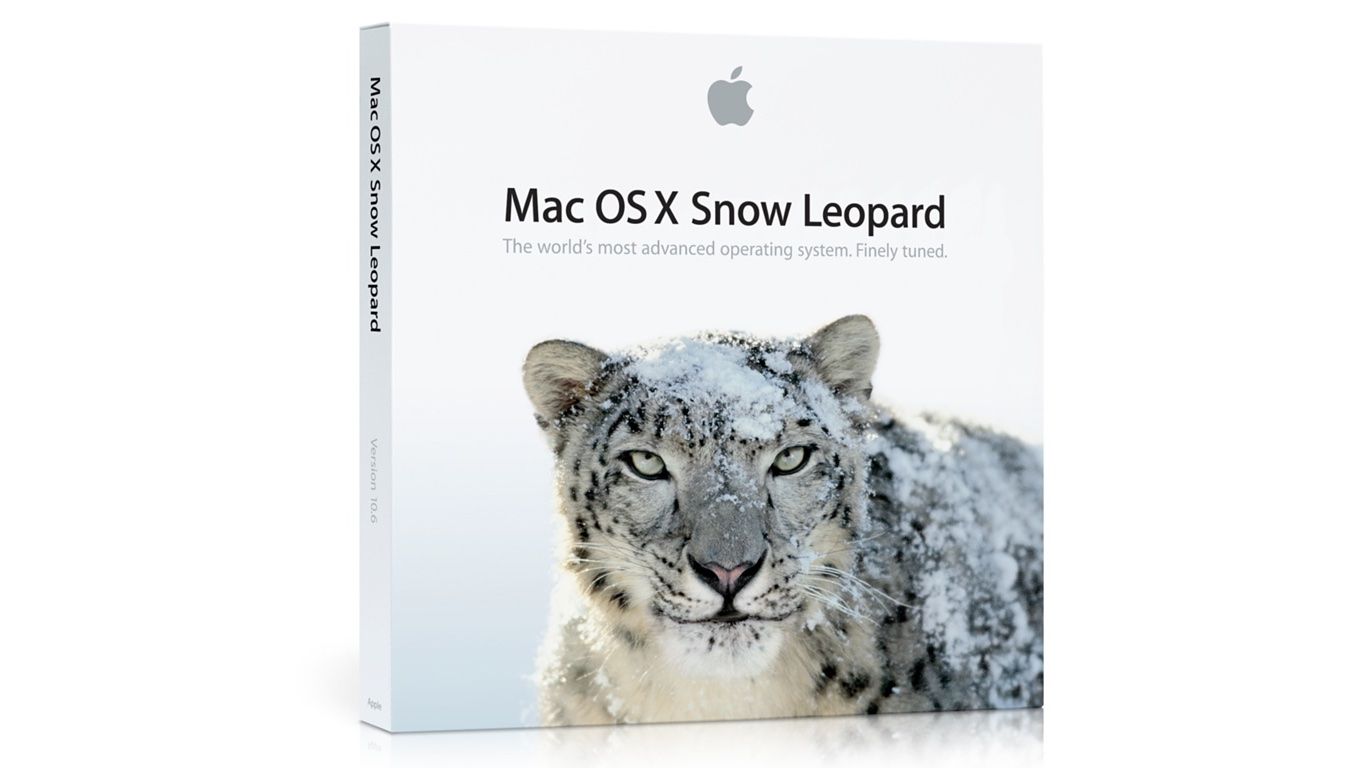
If you’ve followed Apple for any length of time, you’ve no doubt encountered someone reminiscing about Mac OS X Snow Leopard or wondering whether the time was right for some products’ ’Snow Leopard’ moment. Snow Leopard, which was released in 2009, has become synonymous with a software release focused on stability and bug fixes instead of new features.

Michael Steeber at 9to5Mac takes an in-depth look at the legend behind Snow Leopard and questions whether it’s deserved. As Steeber notes, Snow Leopard was marketed as having no new features, but it was far from bug-free. Nonetheless, the release’s marketing message, a general perception that the quality of Apple’s software declined in subsequent years, and other factors, have led to Snow Leopard’s mythological status. As Steeber puts it:

…a kernel of truth persists underneath the mythology. Improvements to iOS and macOS, no matter how small, contribute to a better experience for everyone. Fixing bugs might not be as marketable as shiny new Animoji or a fresh design, but maintenance can only be deferred so long. If Apple can knock stability out of the park in 2018, maybe the legend of Snow Leopard can finally be put to rest.

I suspect Snow Leopard’s reputation, which has become conventional wisdom at this point, will persist regardless of what happens this year. Still, it’s instructive to see how we got to this point and worth noting for the next time a similar meme circulates.

Permalink