How the Stanford Heart Study App Saved Jason Perlow

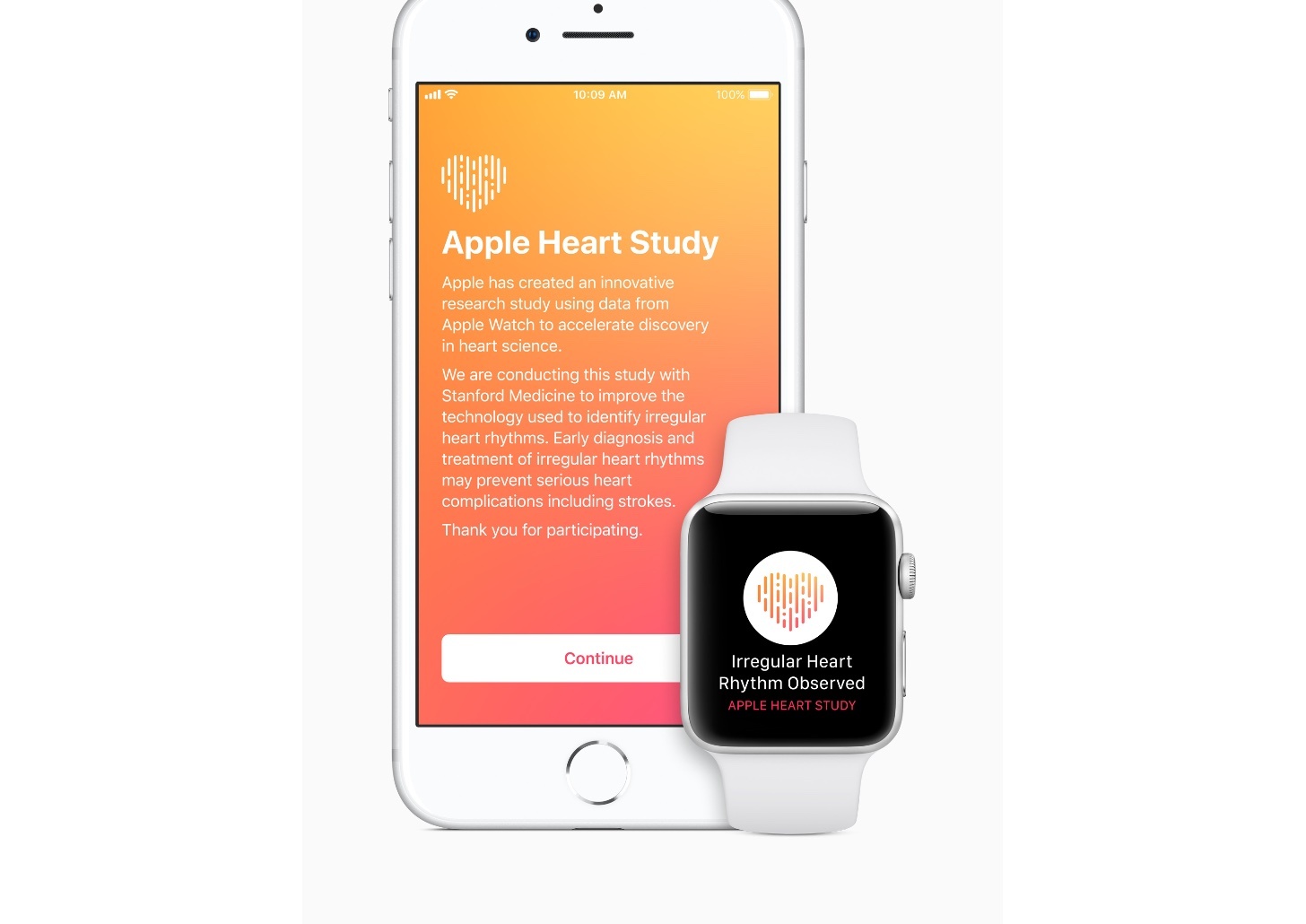
Last fall, Apple launched the free Heart Study app in partnership with Stanford University. The study, which was closed to new participants in August and has begun to end for some early participants, was available to US residents over 22 years old with an Apple Watch Series 1 and newer. The app used the Apple Watch to monitor the user’s heart rate for atrial fibrillation, a leading cause of stroke.

Over the course of the Stanford study, stories have surfaced of instances where it discovered dangerous Afib conditions that were undiagnosed before. One such recent story comes from ZDNet writer Jason Perlow. A self-described Apple critic, Perlow purchased a refurbished Series 2 Nike+ Apple Watch earlier this year to test it.

Skeptical about whether the device would be something he would use much, Perlow nonetheless signed up for the Heart Study. Within a few days, Perlow received a notification asking him to contact a doctor at Stanford. The Heart Study app had detected signs of previously-undiagnosed atrial fibrillation. Perlow had the condition treated by a team of heart specialists, but as he concludes:

I owe my life to my Apple Watch. Because it started this whole machine rolling. And I was very lucky to have my Afib caught during the last three months of public enrollment in the Heart Study, which ended in early August.

I participated in the Heart Study too. Like Perlow, I forgot about it for long stretches. I’m fortunate that I didn’t receive the sort of alert Perlow did, but in September, Stanford sent me a notification that my participation in the study was ending. It turns out that over the course of 188 days, Stanford collected 1,743 heart measurements from me. Multiply that by the thousands of people in the study, and the potential the Apple Watch has for medical research is remarkable, while at the same time helping individuals like Perlow one at a time.

Permalink

Compiling and Exporting Chapters for My iOS 12 Review with Drafts 5

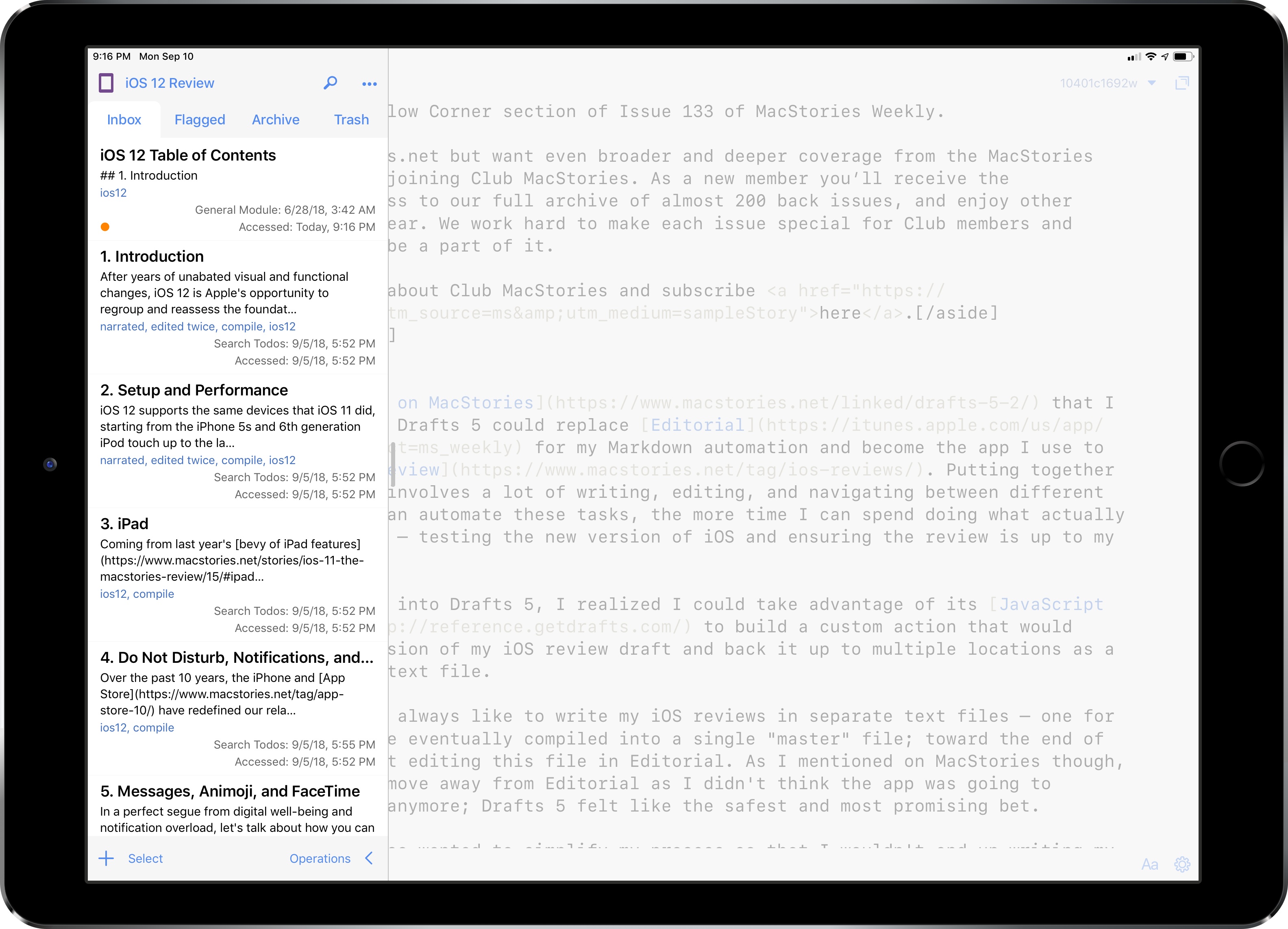
Back in June, I wrote on MacStories that I was evaluating whether Drafts 5 could replace Editorial for my Markdown automation and become the app I use to write my annual iOS review. Putting together these longform pieces involves a lot of writing, editing, and navigating between different sections; the more I can automate these tasks, the more time I can spend doing what actually matters for the review – testing the new version of iOS and ensuring the review is up to my standards.

Once I started looking into Drafts 5, I realized I could take advantage of its JavaScript automation engine to build a custom action that would compile the latest version of my iOS review draft and back it up to multiple locations as a single Markdown (.md) text file.

Read more


Three Years of Club MacStories

When I introduced Club MacStories three years ago, I had no idea our crazy plan for a members-only newsletter would eventually grow into a key component of MacStories that now makes up for roughly half of its annual revenue. I remember reading a final version of my announcement post and telling my girlfriend we’d be lucky to hit 100 members in the first month. It took less than 30 minutes to surpass that number after the announcement went live. I couldn’t be more grateful to all the readers who signed up, keep reading Club MacStories to this day, and spread the word among their friends and family.

Read more


Timing: Automated Time Tracking So You Can Focus on Your Work Instead [Sponsor]

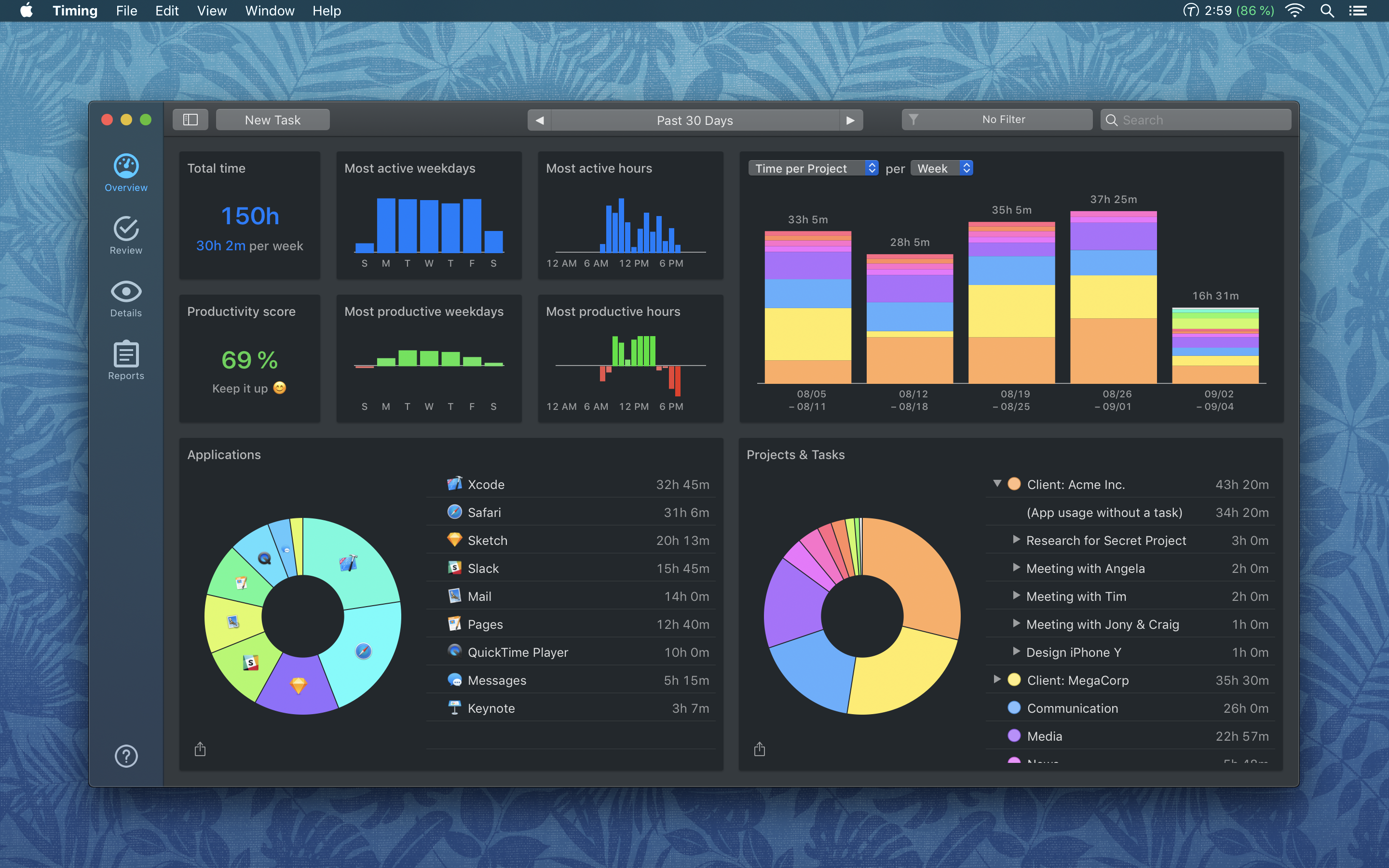
Timing for macOS is the first step to recapturing your most precious resource: time. Before you can find lost time though, you need to understand how you are spending it. But manual time tracking interrupts your workflow, and it’s too easy to lose track of what you’ve done. That’s where Timing comes in. It’s different because Timing automatically tracks how you spend time on your Mac and syncs the data across all your Macs.

Timing shows you how much time you spend per app, website, and document, and categorizes that time into projects. Timing helps you be more productive by analyzing how you are wasting time too. Best of all, Timing keeps on top of the latest Mac technologies with features like a the Dark Mode seen above, which is coming with the introduction of macOS Mojave. The app includes automation features to help you save more time by doing things like automatically categorizing activities too. The app can even ask you what you did when you return to your Mac, so you never forget to track a meeting.

Stop worrying about time and focus on doing your best work instead with Timing. Download a 14-day free trial today and save 10% when you decide to buy.

Our thanks to Timing for sponsoring MacStories this week.


Connected, Episode 208: It’s Ugly and I Want It

New iPhones are just around the corner, so it’s time to talk about rumors and solidify predictions.

On this week’s episode of Connected, our final predictions for next week’s Apple event, as well as the rest of 2018. You can listen here.

Sponsored by:

  • Squarespace: Make your next move. Enter offer code CONNECTED at checkout to get 10% off your first purchase.
  • Simple Contacts: Contact lens prescriptions from home: Use offer code CONNECTED20 for $20 off your first order of contact lenses
  • Linode: High performance SSD Linux servers for all of your infrastructure needs. Get a $20 credit with promo code ‘connected2018’
Permalink


Apple Music Debuts Global and Country-Specific Top 100 Lists

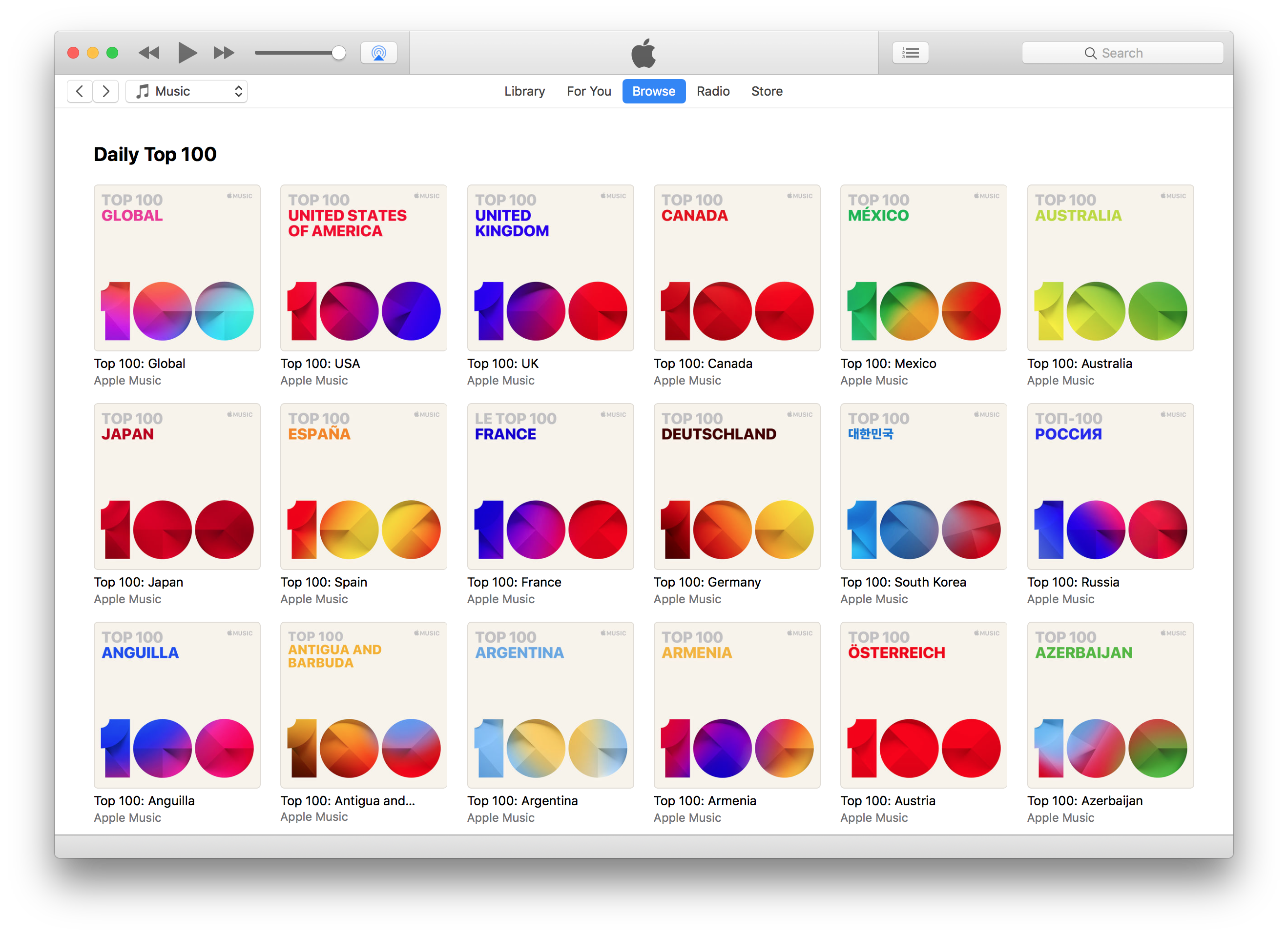
Today, Apple Music added 116 Top 100 charts to its iOS Music app and iTunes on the Mac. The charts, consisting of a global Top 100 chart and a Top 100 chart for each country where Apple Music is offered, are part of a new Top Charts section of Apple Music’s Browse tab. Despite some reports that the charts are limited to the iOS 12 and macOS Mojave betas, I have been able to access them in iTunes on macOS High Sierra and iOS 11 too.

According to Rolling Stone, which was given a demonstration by Apple Music executives, the charts are based on Apple Music streams only and are updated every day at Midnight Pacific time.