

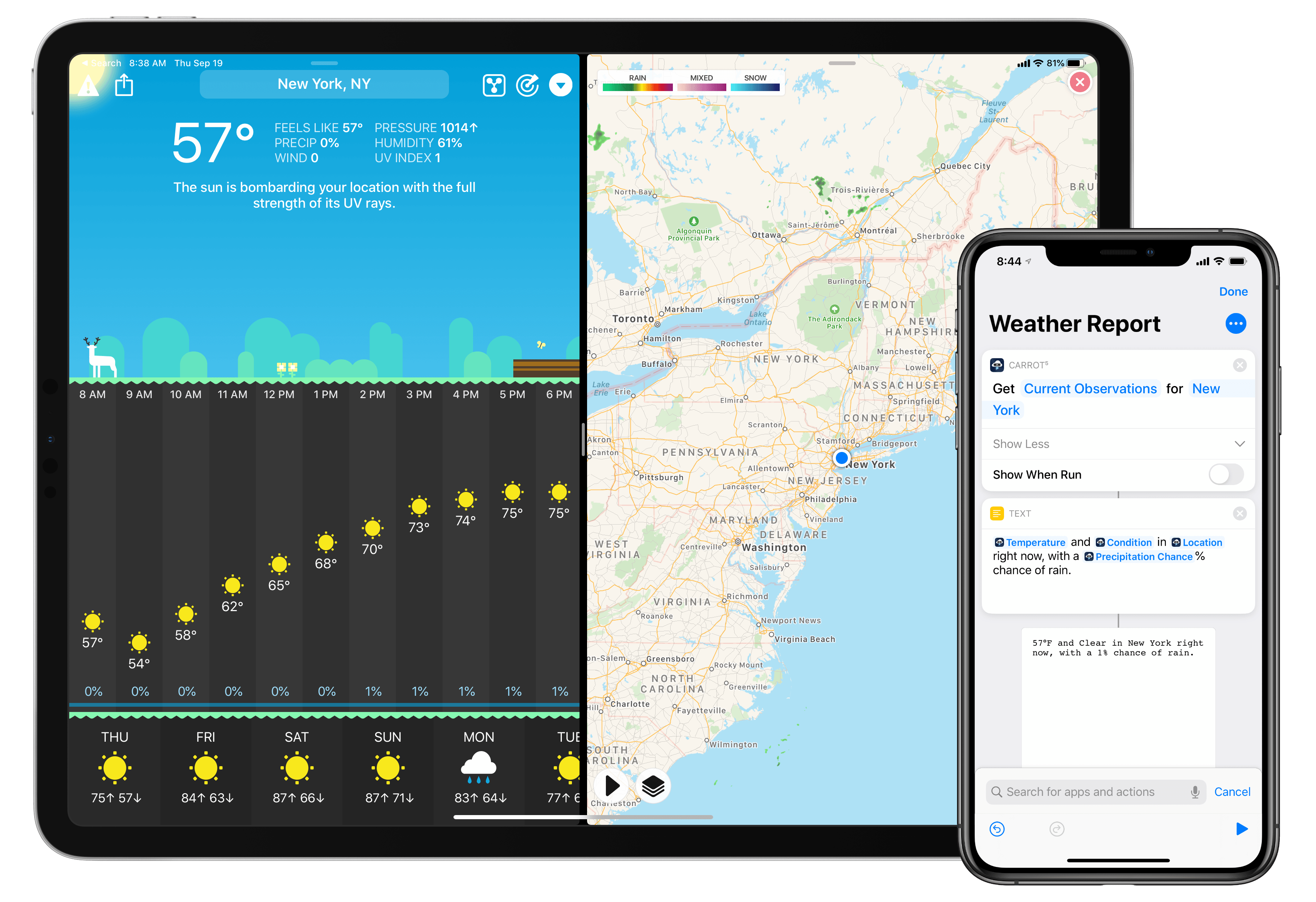
The malevolent weather app CARROT Weather was updated this week to add support for the new capabilities provided by iOS 13 and the forthcoming iPadOS update. This latest version enables more powerful automations in the Shortcuts app, integration with the system dark mode, multiwindow support on iPad, and a fully independent watchOS 6 app. It’s the same CARROT app, but supercharged with all the new possibilities Apple just introduced for its software platforms.
CARROT Weather Adopts iOS 13 Shortcuts, Dark Mode, Multiwindow, and More
LookUp 6 Review: The Biggest Update Yet for the Best Dictionary App
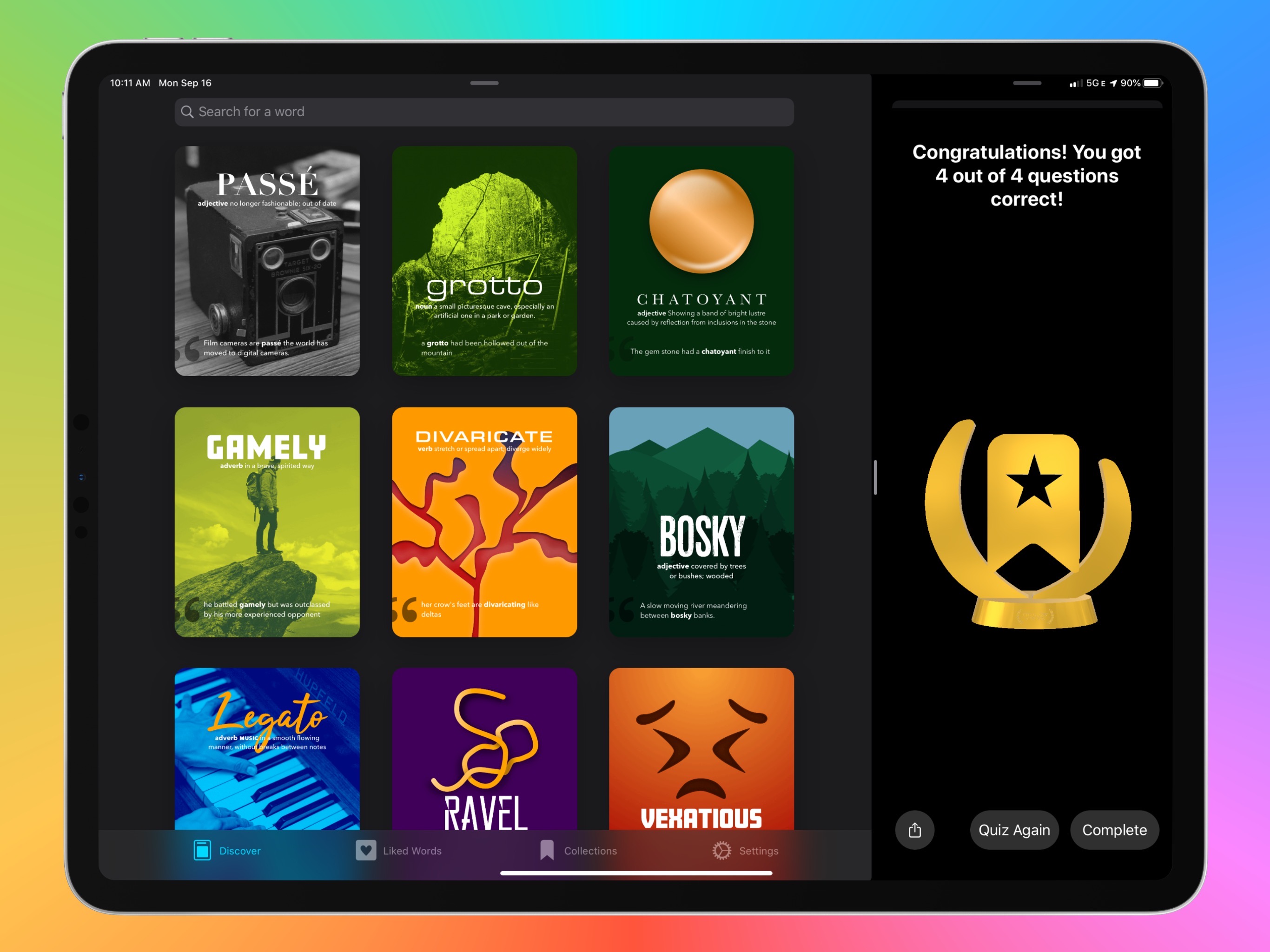
The average life cycle of an app typically consists of two phases: the app’s early days often bring a host of significant updates as it strives toward feature maturity; however, once that level of maturity is achieved, the updates become more iterative and unsurprising, largely aimed at keeping pace with new OS technologies. LookUp 6 defies that normal pattern. The sixth major version of the excellent iOS dictionary app weds two important themes: adopting all the relevant functionality enabled by Apple’s latest OS releases, while simultaneously adding substantial features like quizzes, translation, full navigation via keyboard, and more. Despite how modern and feature-rich LookUp already was, version 6 sets the app on even stronger footing at the dawn of Apple’s latest software releases.
iOS and iPadOS 13 Review Extras: eBooks, Wallpapers, Shortcuts, Podcasts, and Making Of
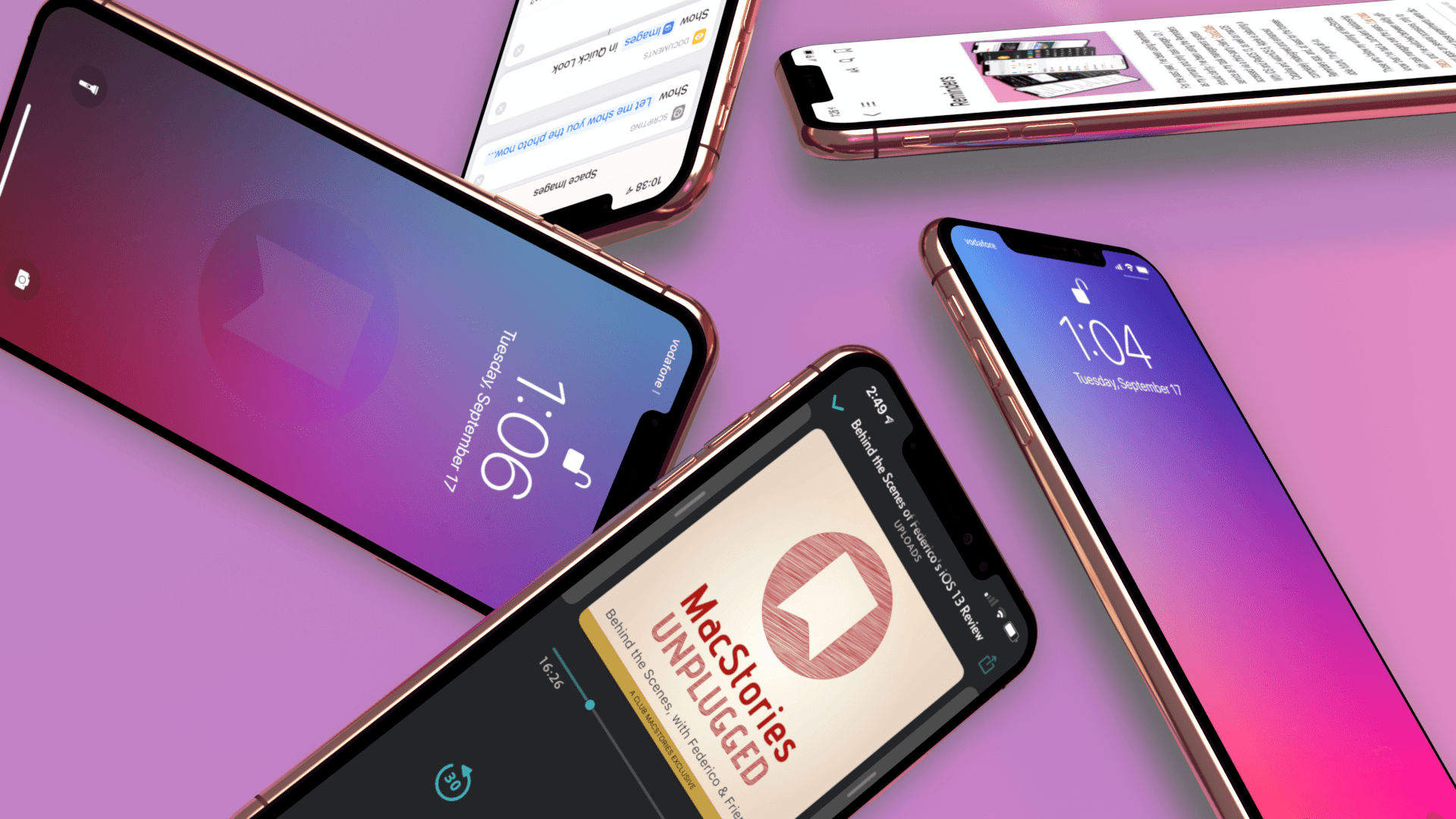
Today, Apple released iOS 13, watchOS 6, and Apple Arcade, and tomorrow, the iPhone 11, 11 Pro, 11 Pro Max, and Apple Watch Series 5 will begin arriving on doorsteps worldwide. The publication of Federico’s iOS and iPadOS 13 review makes it a big day for MacStories too, which has evolved in recent years into a multi-week affair when combined with the Club MacStories anniversary, our iOS 13 app coverage, and related podcasts.
As in the past, the centerpiece of our coverage is Federico’s iOS and iPadOS 13 review. We’re also excited to share Alex Guyot’s comprehensive watchOS 6 review with you tomorrow, as well as a long list of app updates and debuts that spotlight the new features of iOS 13 that we will be publishing in the coming days.
We’ve got a lot more in store though, including a bunch of Club MacStories exclusives.
Among the Club-only extras this year are two eBooks, a set of stunning desktop and mobile wallpapers, advanced shortcuts, and bonus podcast episodes. Check out all of the details after the break. If you’d like to learn more about the Club or sign up to take advantage of all these extras, plus perks from previous years, please visit //www.macstories.net/club.
iOS and iPadOS 13: The MacStories Review
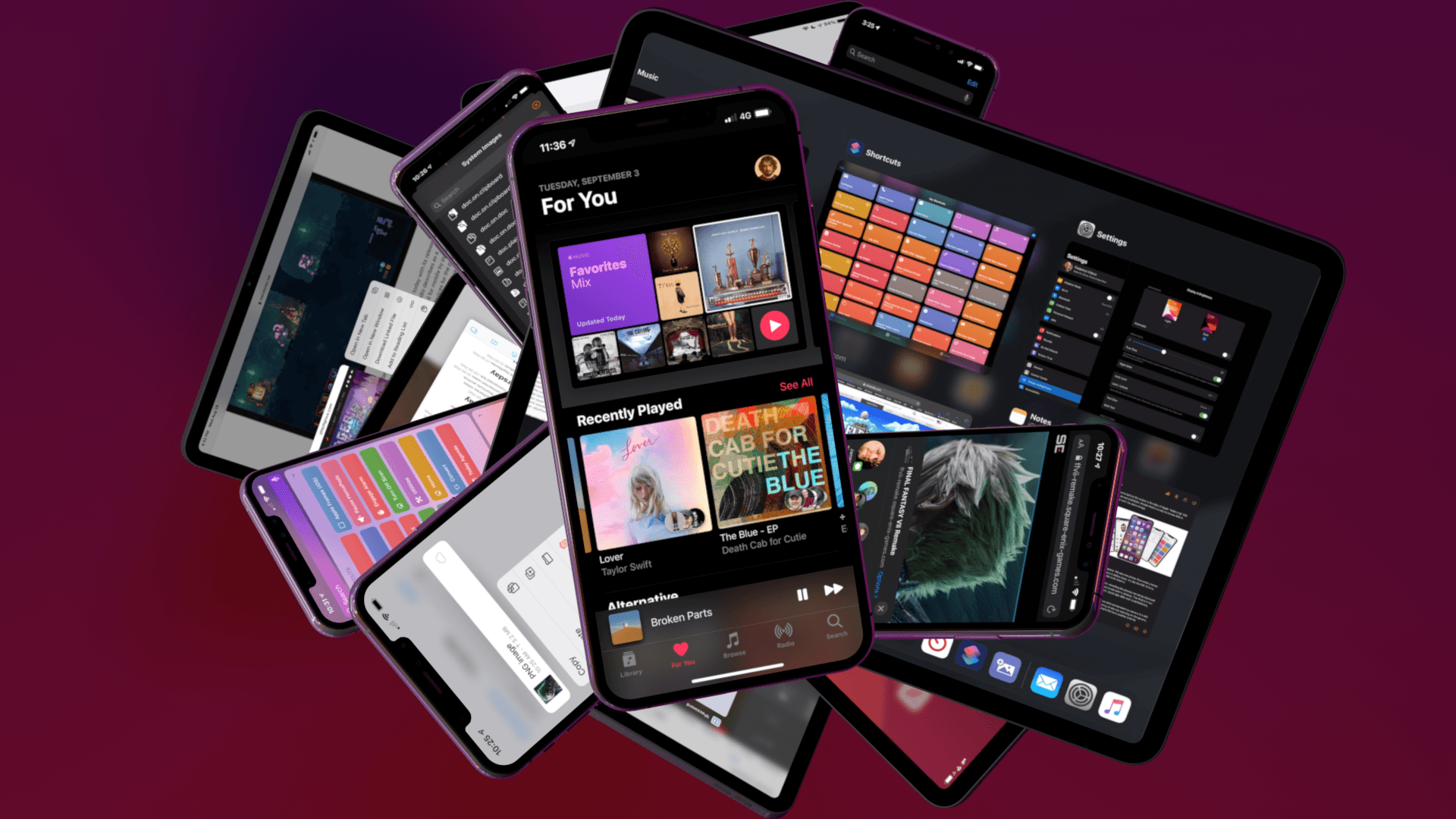
Following years of a judicious union between platforms, it’s time for iPad to embark on its own journey.
Credits
This review wouldn’t have been possible without the help, feedback, and existence of the following people, animals, beverages, and apps:
- My girlfriend Silvia, for her patience, love, design skills, photos and videos, and wisdom
- Brian King, for bringing this review to life with his amazing animations and 3D graphics
- Ryan Christoffel, for his superb editing skills and incredible patience
- John Voorhees, a friend and amazing colleague
- Alex Guyot, for his work at MacStories and help this summer
- Zelda and Ginger, for keeping me company while I was writing the review
- Brett Terpstra
- Alessandro Vendruscolo, who made the web layout happen (again)
- Simon Støvring, for helping me with JavaScript and saving me dozens of hours with Scriptable
- Finn Voorhees, who wrote my custom image upload scripts
- James Thomson
- Myke Hurley
- Stephen Hackett
- iA Writer, Drafts, Working Copy, Timery, Shortcuts, and MindNode – essential apps that helped me create this story
- Every app developer who sent me betas during the summer
- Every engineer at Apple who always makes reviewing iOS (and now iPadOS!) each summer fun
– The Workflow team, for still staying hungry and foolish - @TiccisEspresso – more than ever, I couldn’t have done this without your daily assistance
- Every Club MacStories member
And finally, every MacStories reader, for allowing me to keep doing what I love. Thank you.
Austin Mann on the iPhone 11 and 11 Pro Cameras→

Every year I look forward to Austin Mann taking the latest iPhones through their paces somewhere in the world. This year, Mann is on tour with cellist Yo-Yo Ma in China where he went out into the countryside to capture some stunning portraits and landscapes.
Mann’s review covers the new Ultra Wide lens, Night Mode, Smart HDR improvements, and ability to capture outside the frame, along with wishes for additional improvements. Mann’s take on Night Mode:
As long as I can remember, the top question I’ve received from iPhone photographers, beginners and pros alike, is How can I shoot better pictures in low light? This year’s addition of Night mode is the answer to the question. It’s easy to use, crazy powerful, and because it’s automatic it will completely change how everyone shoots on their iPhone.
Mann confirms what seemed to be the case from the photos that Apple showed off last week at its event in Cupertino – Apple has implemented Night Mode in a way that doesn’t try to turn night into day:
One thing I love about Apple’s approach to Night mode is the strategic balance of solving a technical problem while also caring deeply about artistic expression. When you look at the image above, it’s clear their team didn’t take the let’s-make-night-look-like-day approach, as some of their competitors have. Instead, it feels more like an embrace of what it actually is (night) while asking, “How do we capture the feel of this scene in a beautiful way?”
How Apple accomplishes Night Mode is interesting. As Mann explains:
From what I understand, the way Night mode actually works is the camera captures a bunch of short exposures and slightly longer exposures, checks them for sharpness, throws out the bad ones and blends the good ones. On a traditional dSLR/mirrorless camera, a 5 second exposure is one single, continuous recording of the light throughout the duration of the shutter so any movement (of subject or camera) is recorded.
But with iPhone 11 Pro the rules are different… it’s not capturing one single continuous frame but blending a whole bunch of shots with variable lengths (some shorter exposures to freeze motion and longer shots to expose the shadows.) This means the subject can actually move during your exposure but still remain sharp.
If you’ve been wondering about the new Ultra Wide camera on the new iPhones or the other new features of the camera app, be sure to check out Austin Mann’s full review for great technical and artistic insights about what Apple has accomplished with its new cameras as well as some absolutely fantastic examples of what they can do.
Apple Watch Series 5 Review Roundup: All About the Always-on Display

The Apple Watch Series 5 will go on sale this Friday, and the first reviews for the product are now being published. This year’s Watch update comes with a far shorter feature list than usual: it includes an always-on display, built-in compass, and expanded LTE bands that enable Emergency SOS even when traveling internationally. The prime focus of early reviews is, as expected, the Watch’s always-on display.
PCalc 3.9 Adds Dark Mode and the Latest Shortcuts Features, Expanding the App’s Automation Capabilities
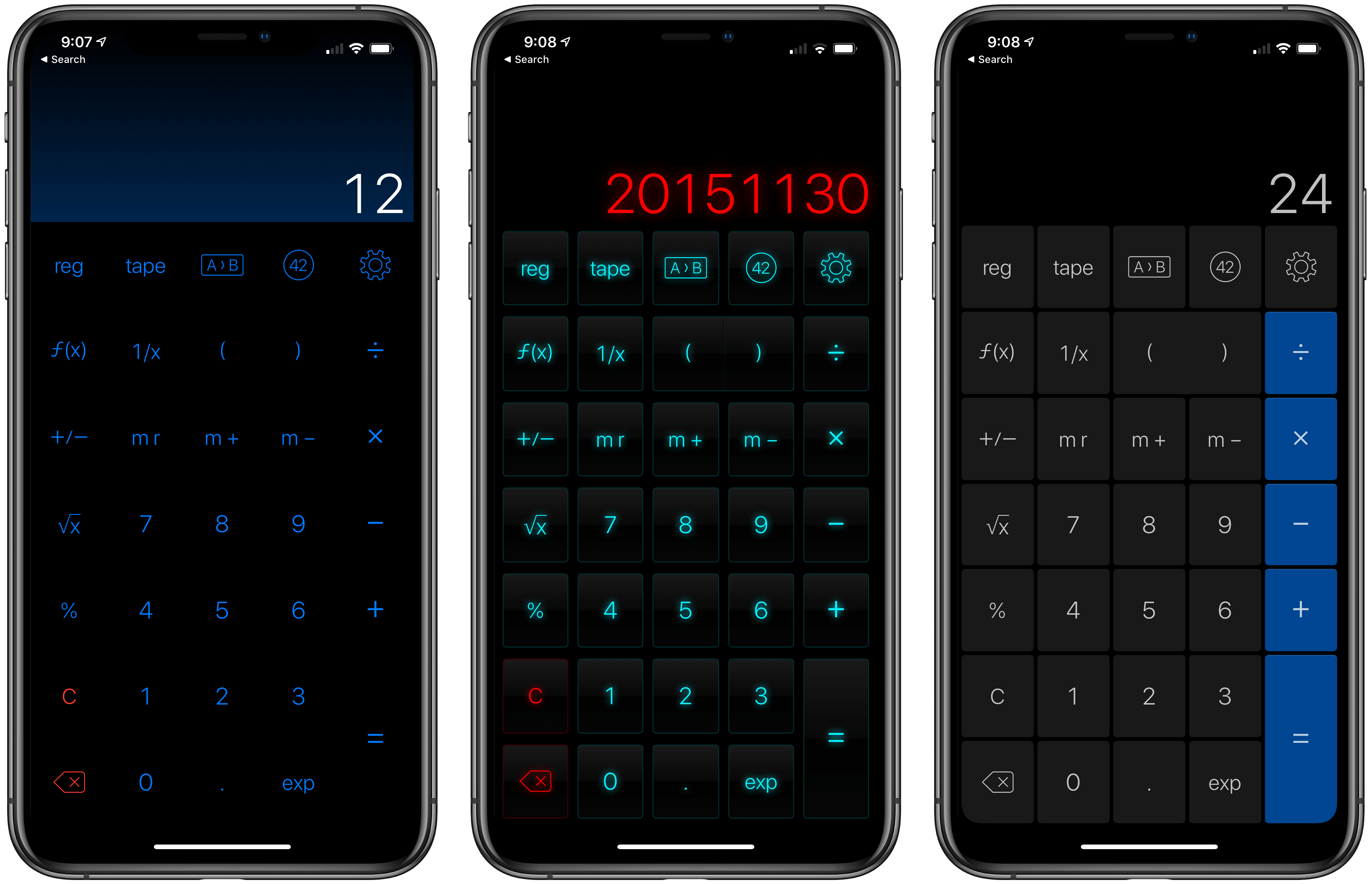
Last year when Siri shortcuts debuted on iOS 12, developer James Thomson added one of the first and best implementations for creating custom shortcuts with his calculator app PCalc. However, iOS 12 required PCalc to rely on the system clipboard as a means of passing inputs to calculations and then outputting the results, which added complexity to shortcuts that used PCalc actions. iOS and iPadOS 13 free PCalc of that constraint, and with the addition of parameter support and the conversational Siri shortcuts coming in iOS and iPadOS 13.1, PCalc’s automation features are vastly more powerful.
Federico’s review of PCalc 3.8 featured a shortcut called PCalc Currencies, which is a terrific example of what a PCalc-based shortcut looked like in iOS 12. The shortcut coverts Euros to US Dollars and British Pounds. The first step is to pass the number of Euros to the shortcut from the system clipboard and then create a variable to store that value. Next, the shortcut uses PCalc’s conversion action to calculate the US Dollar equivalent, store it in a separate variable, and then do the same for pounds. The final step displays the results using each of the three currency variables. In total, the shortcut uses twelve actions, many of which involve moving data on and off the clipboard.
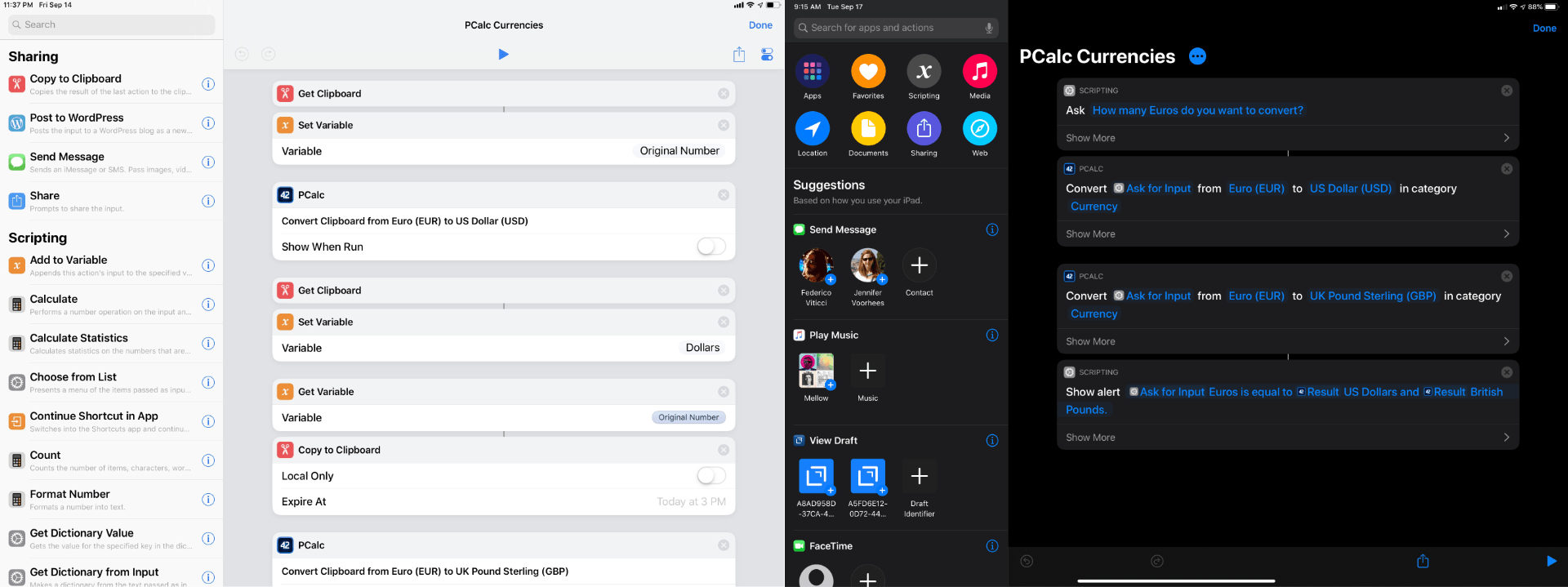
With PCalc’s new Shortcuts actions, we can reduce the number of actions from twelve to just four. It’s a fantastic demonstration of the power that iOS and iPadOS 13 add to third-party shortcut actions and the reduction in complexity that can be achieved with even a relatively simple shortcut. Okay, let’s update Federico’s shortcut.
iPhone 11 and 11 Pro Review Roundup: The King of Cameras?
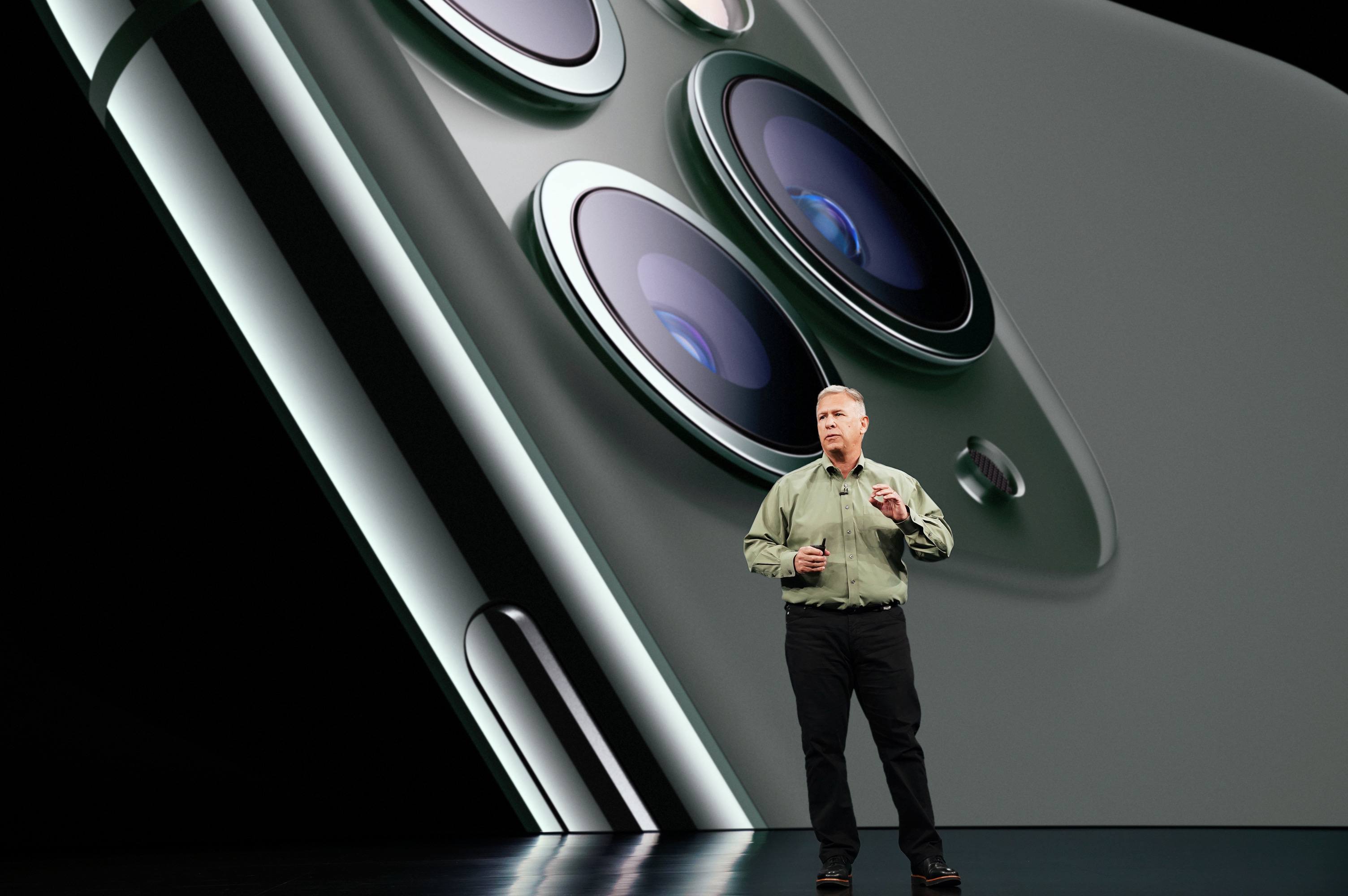
Today the first reviews for the iPhone 11 and 11 Pro dropped, and they should inspire excitement in anyone planning to pick up a new iPhone later this week. Apple’s claims for massive battery life increases on the Pro models seem to have proven true, Face ID is better than before, and each device is more durable than before too, but the cameras are where this year’s iPhones truly shine. In years past the iPhone was the undisputed camera king, and with the 11 and 11 Pro Apple is building a compelling case why that’s true once more.
AppStories, Episode 129 – The Apps of Apple’s Fall Event→
On this week’s episode of AppStories, we dive into the new and updated apps announced at Apple’s fall keynote including Compass, Camera, and the upcoming Apple Arcade game subscription service.
Sponsored by:
- Linode – High performance SSD Linux servers for all of your infrastructure needs. Get a $20 credit.
- Setapp, from Macpaw – More than 100 powerful apps for your Mac.
- Direct Mail – Create and send great looking email newsletters with Direct Mail, an easy-to-use email marketing app designed exclusively for the Mac.

AppStories Episode 129 - The Apps of Apple’s Fall Event
0:00
37:48
37:48





