Pixelmator Pro: Professional Image Editing Tools That Anyone Can Use [Sponsor]

Pixelmator Pro proves that powerful Mac image editors don’t need to be complex. The app, which is the successor to the original Pixelmator, is designed for ultimate ease of use. It’s the ‘image editor for the rest of us’ who want a native Mac app that’s instantly familiar.

The app introduced a refined, single-window design that puts the focus on your work instead of your tools. Pixelmator Pro features a completely nondestructive editing workflow that allows you to experiment, unleashing your creativity with the confidence that you can always revert any changes you make.

https://vimeo.com/295375647

Pixelmator Pro has full RAW image support and advanced photo editing tools for careful fine tuning. The app also includes extensive machine learning-based tools that can automatically enhance your photos. There’s even a Photos app extension that lets you use Pixelmator Pro inside the Photos app and save your edits nondestructively.

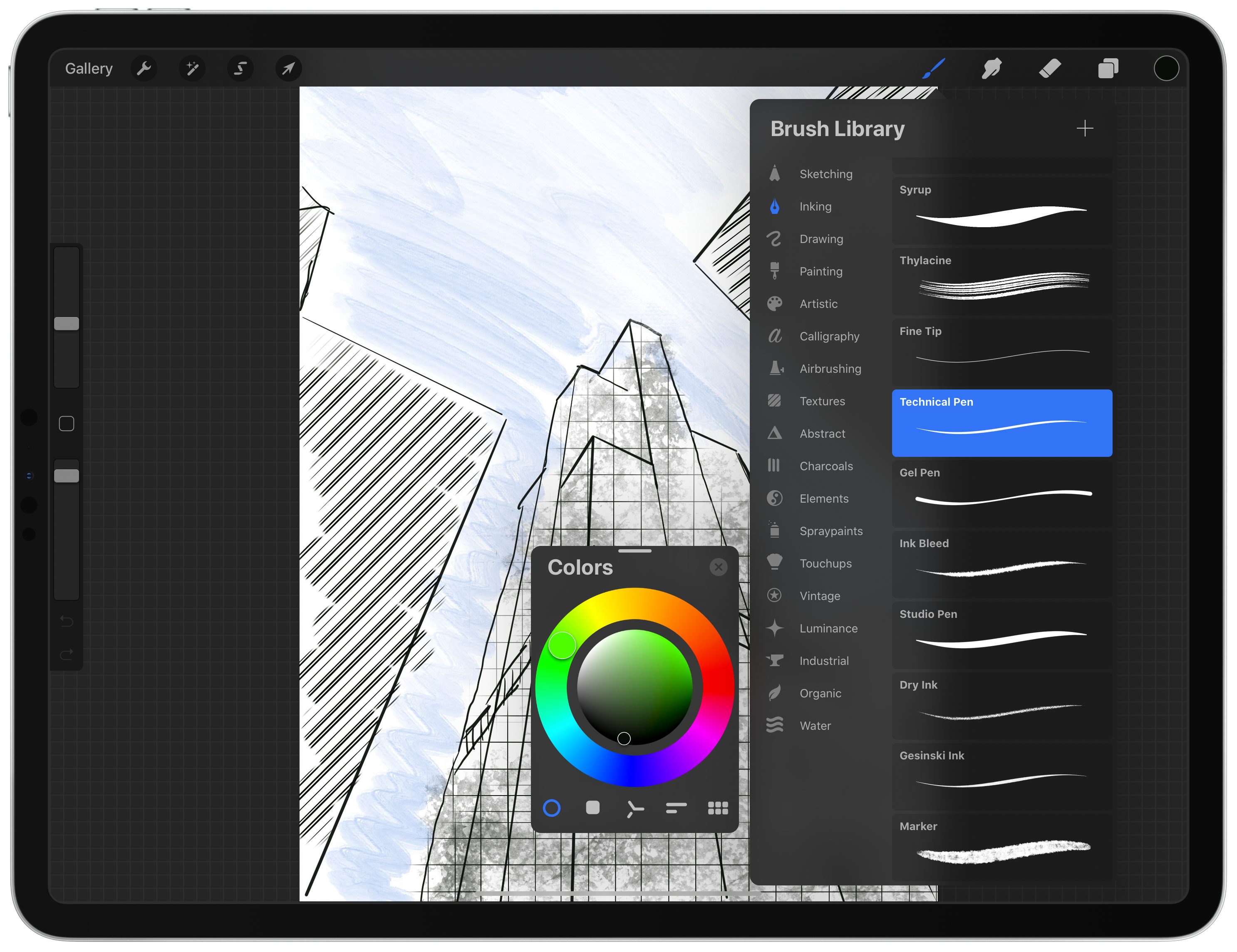
The app isn’t just for photographers though. Illustrators will love Pixelmator Pro for its vector tools and SVG file support, and digital painters will appreciate the app’s powerful painting engine and extensive set of dual-texture brushes.

Best of all, Pixelmator Pro’s features are lightning fast because they’ve been built from the ground up using Apple’s latest technologies like Metal 2, which powers the app’s editing engine. Pixelmator Pro is ready for the upcoming Mac Pro too with full support for multiple GPUs.

To learn more, visit Pixelmator Pro’s website where you’ll find even more details along with terrific tutorials. Then, download the app’s free trial to start editing your images like a pro.

Our thanks to Pixelmator Pro for sponsoring MacStories this week.


Adapt, Episode 12: Conversational Shortcuts and Recreating the Mac’s Desktop

On this week’s episode of Adapt:

Conversational shortcuts make Siri a programmable assistant, and Federico details how that works. Then Ryan commends Federico with a (symbolic) trophy for his creation of a Mac-like desktop environment on the iPad, complete with file and folder launchers.

You can listen below (and find the show notes here), and don’t forget to send us questions using #AskAdapt and by tagging our Twitter account.

AppStories+ Deeper into the world of apps
0:00
01:01:13

Adapt, Episode 12

AppStories+ Deeper into the world of apps

Permalink

Connected, Episode 267: Something Stuck in Your Ear

On this week’s episode of Connected:

Federico and Myke break down the new features of iOS 13.2 and watchOS 6.1, before giving their first impressions on the AirPods Pro.

You can listen below (and find the show notes here).

AppStories+ Deeper into the world of apps
0:00
01:25:54

Connected, Episode 267

AppStories+ Deeper into the world of apps

Sponsored by:

  • ExpressVPN: High-Speed, Secure & Anonymous VPN Service. Get 3 months free with a 1-year package.
  • Pingdom: Start monitoring your website performance and availability today, and get instant alerts when an outage occurs or a site transaction fails. Use offer code CONNECTED to get 30% off.
  • Freshbooks: Online invoicing made easy.
Permalink

FS Bookmarks: A Shortcut to Reopen Files and Folders Directly in the Files App

A couple weeks ago on our iPad-focused podcast Adapt, Ryan challenged me to figure out a way to turn the iPad’s Home screen into a desktop-like environment with icons to reopen files and folders directly in the Files app. At first, I thought it couldn’t be done: unlike the Mac’s Finder, Files doesn’t let you create aliases to folders or place files on the Home screen; the Shortcuts app can create Home screen icons, but it doesn’t have access to documents located outside Shortcuts’ iCloud Drive container.

As I detailed on Adapt yesterday, I’m happy to introduce FS Bookmarks, a shortcut that lets you create direct launchers for files and folders stored in the Files app. FS Bookmarks is a hybrid Shortcuts-Scriptable tool that takes advantage of a native Files API (which I will call “bookmarks”) to expose the filesystem path of any file or folder stored in the Files app.

With the launchers created via FS Bookmarks, you’ll be able to reopen any document in the Files app (in Quick Look preview mode) or navigate to any folder you want to quickly access. Best of all, you don’t need to know or even see Scriptable’s JavaScript code at all: FS Bookmarks takes care of installing the necessary scripts for you; you just need to pick the files and folders you want to create launchers for, and that’s it. FS Bookmarks was designed to abstract the complexity involved with retrieving the filesystem paths used by the Files app.

Read more


Adobe Creative Cloud App Brings Thousands of New Fonts to iPhone and iPad

Today Adobe released an update to its Creative Cloud app on iPhone and iPad which introduced a set of thousands of fonts that can now be installed on those devices via the new font provider system Apple added in iOS and iPadOS 13. Once installed, fonts from Creative Cloud can be used within any other app that supports custom fonts. The Creative Cloud app is a free download, and all users can download 1,300 fonts in the app for free; users with a Creative Cloud subscription, however, have access to a whopping 17,000 fonts.

Read more


Apple TV+ Now Available: Here’s Its Full Launch Lineup

Apple TV+ is now available, a video subscription service that Apple has been working on for over two years now. The new streaming service debuts in over 100 countries, and can be accessed now inside the TV app on iPhone, iPad, Mac, Apple TV, Roku and Amazon Fire TV devices, and select smart TV manufacturers, as well as from tv.apple.com.

Apple TV+ costs $4.99 per month, but all users are offered a 7-day free trial; also, anyone who has purchased a new iPhone, iPad, Mac, Apple TV, or iPod touch since September 10 will receive a free year of service. Finally, even if you don’t subscribe at all, Apple has made the first two episodes of all of its series available for free viewing in the TV app.

While the cost of entry is low for Apple TV+, what you get for the price is also fairly limited at the moment. Apple has branded TV+ “the first all-original video subscription service,” which means there’s no back catalog of legacy content, only brand new shows and movies that have never been released before. This angle could be spun as a positive thing in some respects, because many streaming consumers these days care most about new content, but it also means you can quickly watch everything TV+ has to offer and be stuck waiting for more content.

Here’s the full lineup of everything Apple TV+ offers today:

Read more


Apple Updates the HomePod with Multi-Voice Support and Ambient Sounds, Plus iPhone Handoff, Shortcuts, and HomeKit Functionality

On Monday, Apple released audioOS 13.2 for the HomePod and before the end of the day US-time pulled it when users started reporting that it was bricking their HomePods. In addition to bricking some HomePods, other users, myself included, had trouble setting up multi-voice support. I also heard from others who had trouble getting the update to install in the first instance. Today, shortly after Apple’s earnings call concluded, the company released audioOS 13.2.1, which includes the same features and presumably fixes the issues users experienced.

Read more