
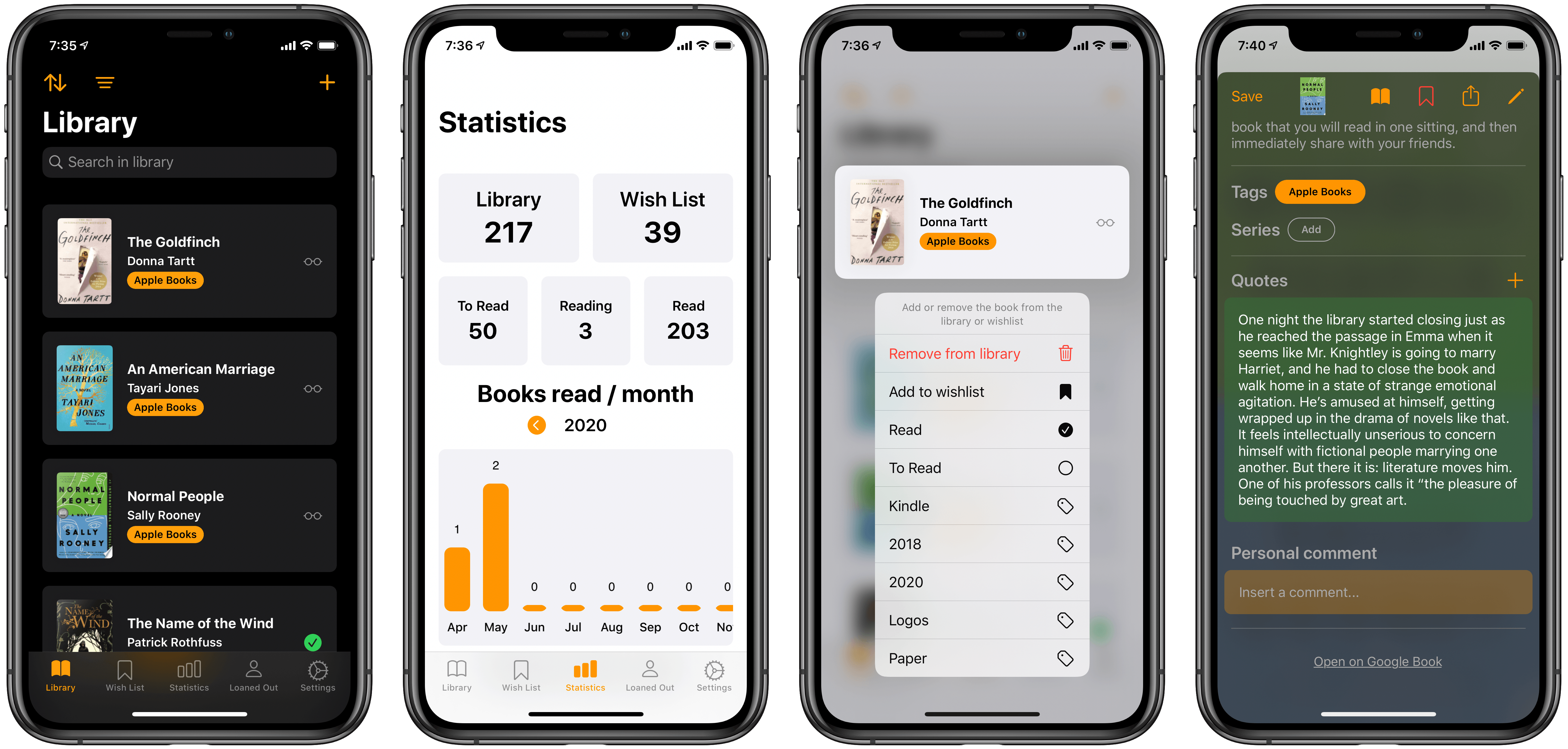
Earlier this year I reviewed Book Track, a new book library manager that debuted across iPhone/iPad and Mac. I noted that the app offered a strong foundation to build upon, but its young age showed in the absence of several valuable features. One such feature, library importing, has been added since then, and today’s 1.2 update introduces a handful of excellent additions as well: reading status, statistics, quote entries, and loan status. This promising app is evolving faster than I had even hoped.
Book Track Adds Reading Status, Statistics, Quote Entries, and More
Concepts: Where Ideas Take Shape [Sponsor]
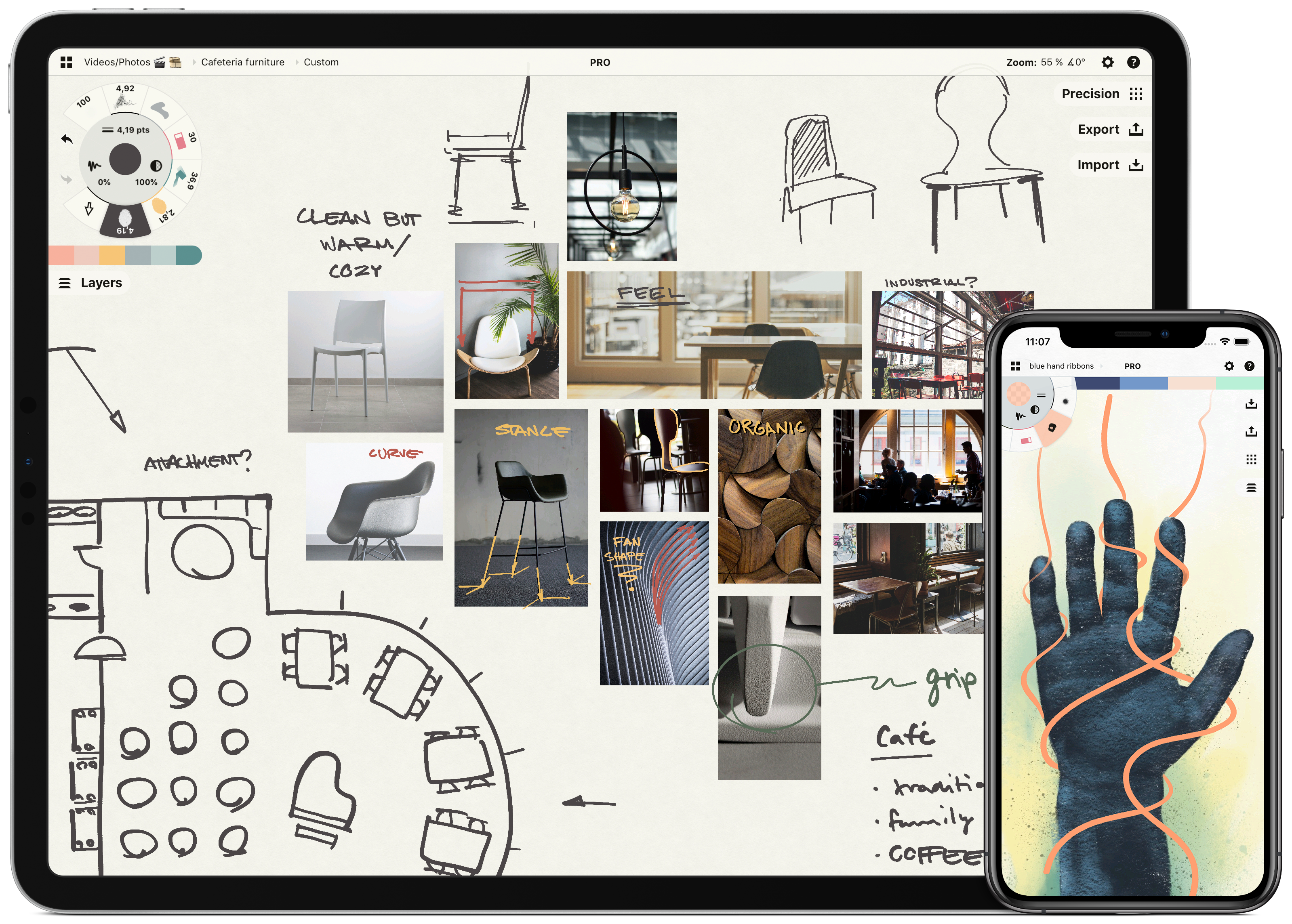
Concepts is a powerful creative ally to help you think, explore, and sketch your ideas. Stretch your mind past the limits on an infinite canvas, using fluid pens and brushes in designer COPIC colors. Used by creative professionals for note-taking, mind mapping, drawing, storyboarding, graphic design, product iteration, and architectural planning, Concepts lets you sketch, communicate and present your ideas with a flexible, customizable workflow.
Built from the ground up for iPad’s touch interface, Concepts combines vector drawing with natural touch gestures to maximize your creativity. Everything you draw can be edited, moved, and reorganized, allowing you to interact with your ideas at a deeper level. Drag and drop images and objects for fast ideating and mood boards, use layers, and grid layouts to organize your work and apply shape guides, measurement, and scale features for more precision drawing.
Concepts comes with a free, built-in presentation mode that lets you connect via AirPlay or cable to a large display for graphic discussion and sharing during events. It works with apps like Zoom or Reflector for instant virtual whiteboarding too. Once final, export and share multiple file types (JPG, PNG, SVG, PDF, DXF, PSD) for flexible work between teams and apps.
The app comes free as a basic sketching tool, with the ability to unlock 200+ libraries of brushes, objects, and services via subscription or one-time purchase. Sketch, explore, and share your ideas infinitely with Concepts.
Download Concepts today for free and give it a try. To learn more about how Concepts can help you explore your ideas, visit concepts.app.
Our thanks to Concepts for sponsoring MacStories this week.
 MacStories Weekly: Issue 223
A Shortcuts Wishlist→
I wish I could quote a single section of Jordan Merrick’s Shortcuts wishlist, but I can’t because I agree with all of it. If you’re a heavy Shortcuts user, you’ve likely come across at least a couple of the limitations Merrick points out (lack of folders and struggling to navigate long shortcuts).
As we look ahead at WWDC 2020, it’s also a good time to link back to my What’s Still Missing from Shortcuts section from the iOS and iPadOS 13 review. Hopefully, a few items will be checked off this list in iOS 14.
MacStories Unwind: An Interview with Craig Federighi and Picking an iPad Pro






This week on MacStories Unwind:
MacStories
- iPadOS and Pointer Support with Craig Federighi
- My 11-inch iPad Pro Experiment
- Apple Refreshes the 13-inch MacBook Pro with a New Keyboard, More Storage, and Updated Processors and RAM
- Apple Announces WWDC Will Begin June 22
Club MacStories
- MacStories Weekly
- Infuse
- The MacStories Team’s iPad Home Screen Widgets
- A six-month check-in on TV+
- MacStories Interview with Rodrigo Araujo, the developer of Charty
- Brian King’s Home Screen
AppStories
- AppStories, Episode 161 – The Apps Federico Will Use For His Annual iOS Review
- AppStories, Episode 162 – iPadOS and Pointer Support with Craig Federighi
Unwind
- Federico’s Picks:
- Wake Up, Sunshine by All Time Low
- CybertronVGC on YouTube: Videos on competitive Pokémon play
- John’s Pick:
- Home on TV+
Sponsored by:
SoundSource – Superior sound control from Rogue Amoeba
My 11-inch iPad Pro Experiment
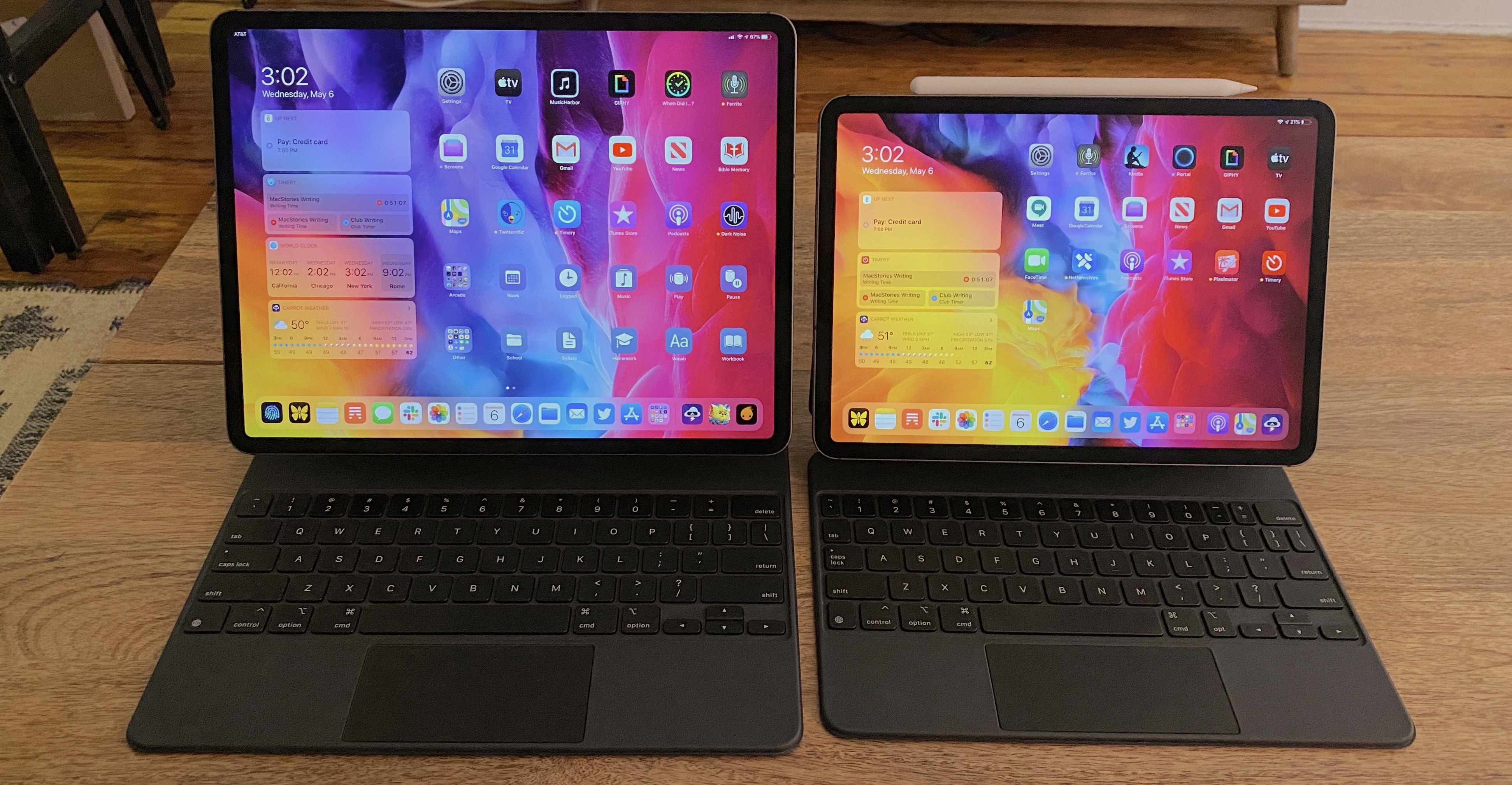
If you’re in the market for an iPad Pro, choosing the ideal model size is not easy. It used to be simpler, back when the big option was made bigger by its bezels, and the small option had a significantly smaller display. I’ve used a 12.9-inch iPad Pro as my primary computer for five years, and have been very happy with it, but as the smaller iPad Pro’s display has grown, I’ve become more intrigued by it.
2017’s 10.5-inch iPad Pro was the first smaller model that tempted me. 2016’s 9.7-inch simply wasn’t enough; as an iPad user since 2010, I knew what a 9.7-inch display was like, and it wasn’t suited for my needs as a primary computer. But the screen bump in 2017 was intriguing, so I gave it a test run for a couple weeks. My takeaways: it was a fine device, but Split View was a bit too cramped, and since I mainly used my iPad at home rather than lugging it around regularly, sticking with the larger model made more sense for my needs.
Recently, however, I embarked on another test of the smaller iPad Pro. On the latest episode of Adapt, the iPad-focused podcast I do with Federico, I challenged us both to try doing our work on the 11-inch iPad Pro rather than our usual 12.9-inch setups. In my mind, it was the perfect time to try the smaller size again because a lot has changed since my 2017 experiment.
First, the smaller iPad Pro’s display has gotten larger yet again. The gap between 11 and 12.9 inches is relatively narrow. Also, while the current pandemic has forced me to work from home more than ever, prior to this global crisis I was taking my iPad on the go more regularly. In 2017 I lived in the suburbs of Dallas, whereas now I call Manhattan home, so it’s much easier to just walk out my front door and visit a local coffee shop, park, or some other public space to get work done.
Finally, the concept of the iPad as a modular computer has been another motivator to try the 11-inch model. I normally use my 12.9-inch iPad Pro exclusively in “laptop mode” with a hardware keyboard attached. But lately I’ve been wondering if that approach is too limited, causing me to miss out on the full potential of the device’s versatility. Using my iPad Pro not just as a laptop, but also as a tablet or in a desktop configuration sounds intriguing, and for several reasons I’ll detail later, I think the 11-inch model is better suited to these alternate setups.
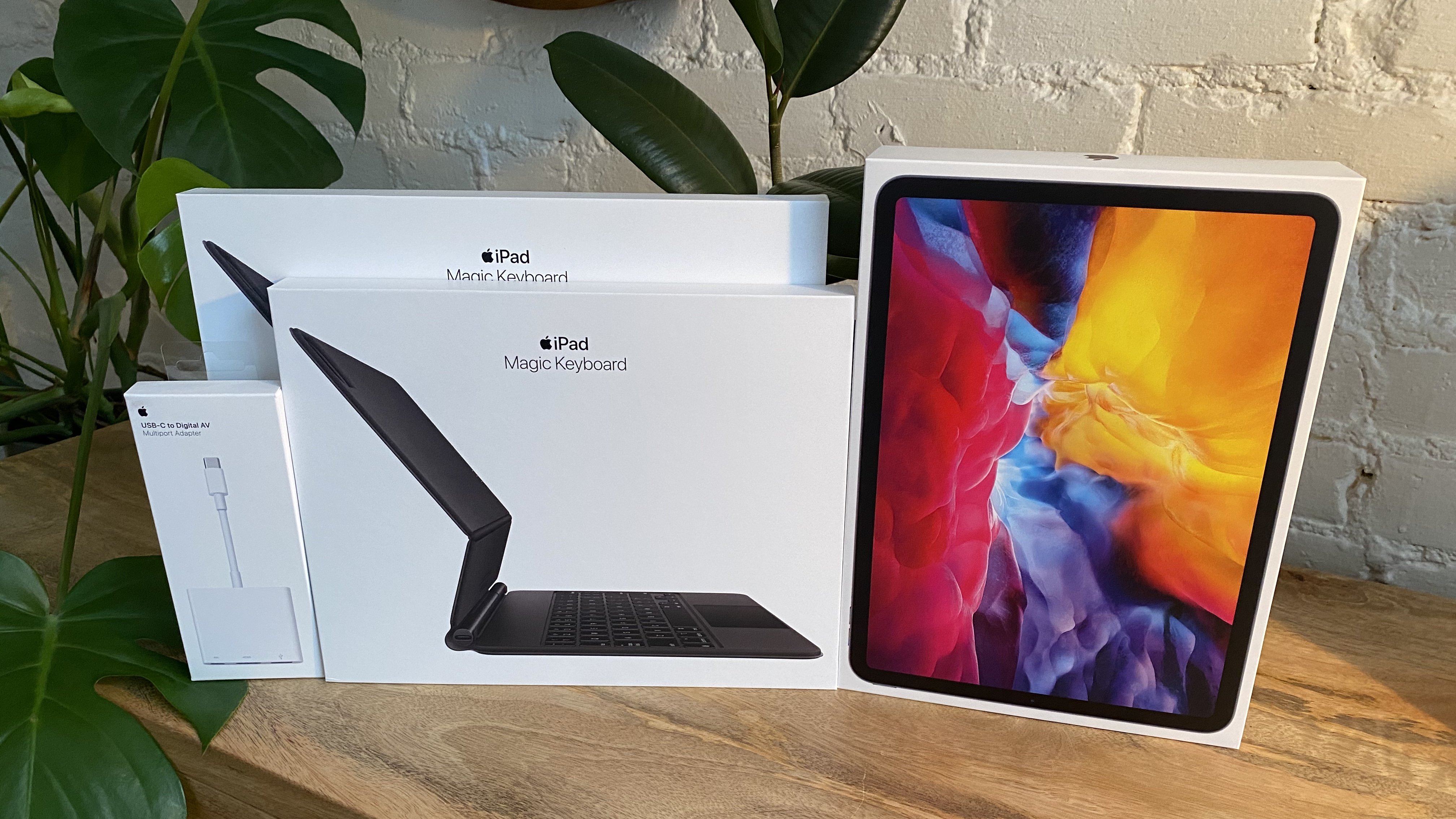
So a few weeks ago I ordered an 11-inch iPad Pro alongside the Magic Keyboards for both the 11- and 12.9-inch models; I also bought a USB-C Digital AV Multiport Adapter so I could connect my iPads to an external display. All of these purchases made possible a comprehensive comparison of the two iPad Pro sizes, spanning tablet, laptop, and desktop configurations, for the purpose of determining which iPad was best for me. As I mentioned, I was already pretty happy with my 12.9-inch model, so my focus was especially on trying the 11-inch and evaluating its unique strengths.
Here is what I learned from my experiment, and my decision on the iPad I’ll be using moving forward.
iPadOS and Pointer Support with Craig Federighi
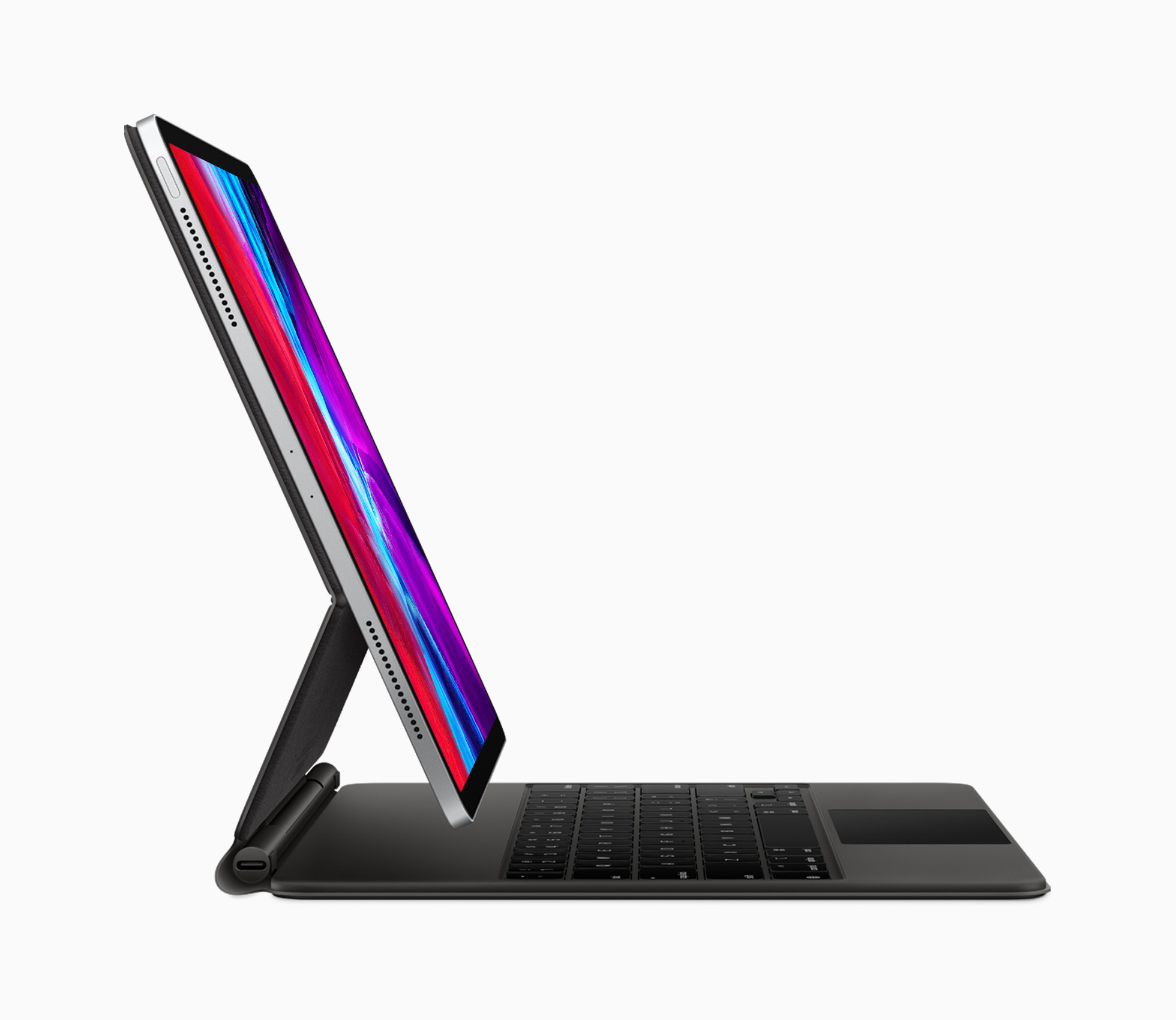
It has been quite a couple of months for the iPad and iPadOS. It started with the new iPad Pros and the Magic Keyboard with Trackpad, which were announced on March 18th. That was promptly followed by iPadOS 13.4, which wasn’t your typical late-cycle OS release. Along with modifier key remapping, key up/down events for developers, iCloud Drive shared folders, Mail toolbar adjustments, and new Memoji sticker reactions, Apple surprised everyone by revealing mouse and trackpad support.
The announcements came at a momentous juncture for the iPad, which turned 10 on April 3rd. As Federico explained on the anniversary, the iPad, and especially the iPad Pro, has become a modular computer that has stayed true to its tablet roots, while gaining the ability to transform to suit its users’ needs. Nowhere is the iPad’s modularity more evident than with the release of the Magic Keyboard with Trackpad.
Against that backdrop, Federico was fortunate to have the opportunity to once again chat with Craig Federighi, Apple’s Senior Vice President for Software Engineering, for a special episode of AppStories about iPadOS and its new pointer support. Although the COVID-19 pandemic prevented the interview from being conducted in person as it was last year at WWDC, FaceTime facilitated a terrific conversation that delves deep into the latest changes to iPadOS and what they mean for users and developers alike.
Thank you to Craig Federighi for taking the time for the interview, everyone at Apple who helped arrange it, and as always, thank you for listening to AppStories. We hope you enjoy the show.

AppStories Episode 162 - iPadOS and Pointer Support with Craig Federighi
0:00
49:50
49:50
Sponsored by:
Apple Announces WWDC Will Begin June 22
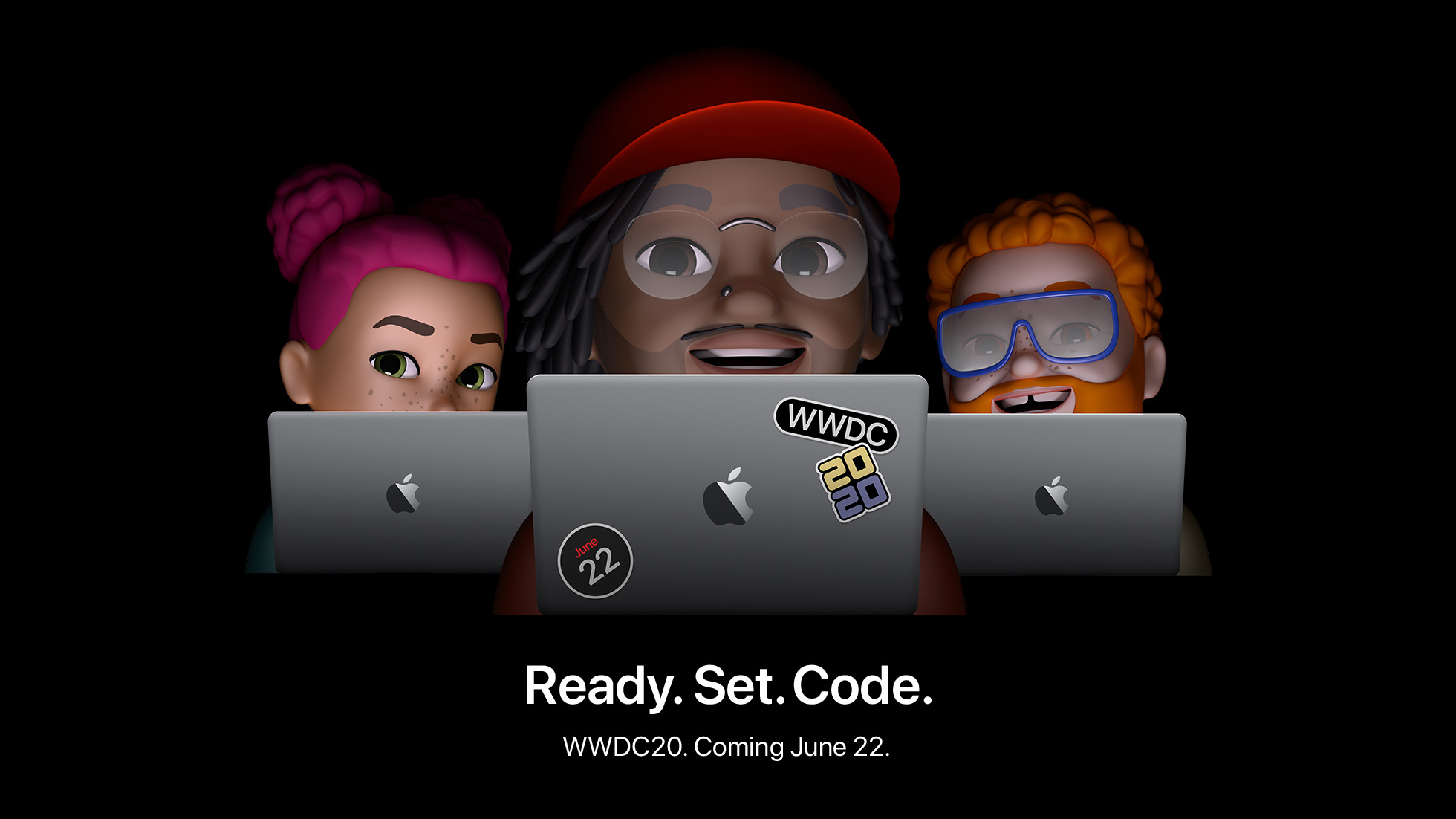
Apple has announced that its annual WWDC conference, which will be online-only this year, will be held beginning June 22, 2020. The company also announced the Swift Student Challenge, in which students can submit a Swift playground that creates an interactive scene between now and May 17th.
The online-only conference will be held through the Apple Developer app and Apple’s Developer website.
In Apple’s press release, Phil Schiller is quoted as saying:
“WWDC20 will be our biggest yet, bringing together our global developer community of more than 23 million in an unprecedented way for a week in June to learn about the future of Apple platforms,” said Phil Schiller, Apple’s senior vice president of Worldwide Marketing. “We can’t wait to meet online in June with the global developer community and share with them all of the new tools we’ve been working on to help them create even more incredible apps and services. We look forward to sharing more details about WWDC20 with everyone as we get closer to this exciting event.”
Commenting on the Swift Student Challenge, Craig Federighi says:
“Students are an integral part of the Apple developer community, and last year WWDC saw attendance from more than 350 student developers spanning 37 different countries,” said Craig Federighi, Apple’s senior vice president of Software Engineering. “As we look forward to WWDC20, although our gathering will be virtual this year, we want to recognize and celebrate the creative contributions of our young developers from around the world. We can’t wait to see this next generation of innovative thinkers turn their ideas into a reality through the Swift Student Challenge.”
Students can learn more at developer.apple.com/wwdc20/swift-student-challenge. Winners chosen from the entrants will win an exclusive WWDC20 jacket and pin set.
Additional information about sessions and other programming announcements will be made through the Apple Developer app, on the Developer website, and by email.
AppStories, Episode 161 – The Apps Federico Will Use for His Annual iOS Review→
This week on AppStories, we discuss the apps Federico uses to research, write, and edit his annual iOS and iPadOS review, including the changes he anticipates making this year and the new apps he’s considering.
Sponsored by:
- Linode – Cloud Hosting and Linux Servers. Get a $20 credit.
AppStories Episode 161 - The Apps Federico Will Use for His Annual iOS Review
0:00
45:20
45:20