Apple Announces iTunes U and iBooks Author Will Be Discontinued

iBooks Author will become unavailable soon.

iBooks Author will become unavailable soon.

Today through two new support pages that have been posted on Apple’s website, the company announced that iTunes U will be discontinued at the end of 2021 and iBooks Author will become unavailable much sooner: on July 1, 2020.

While both announcements are noteworthy since they concern software with long histories, signs of these moves have been visible for years. iTunes U has received minimal investment of late as Apple has redirected resources to its Classroom and Schoolwork platforms. iBooks Author, similarly, has grown stagnant as many of its features have made their way into recent Pages updates.

Apple is recommending that publishers of public iTunes U content move their content over to Apple Podcasts or Apple Books, as appropriate. Private content, on the other hand, is better suited for moving to Schoolwork.

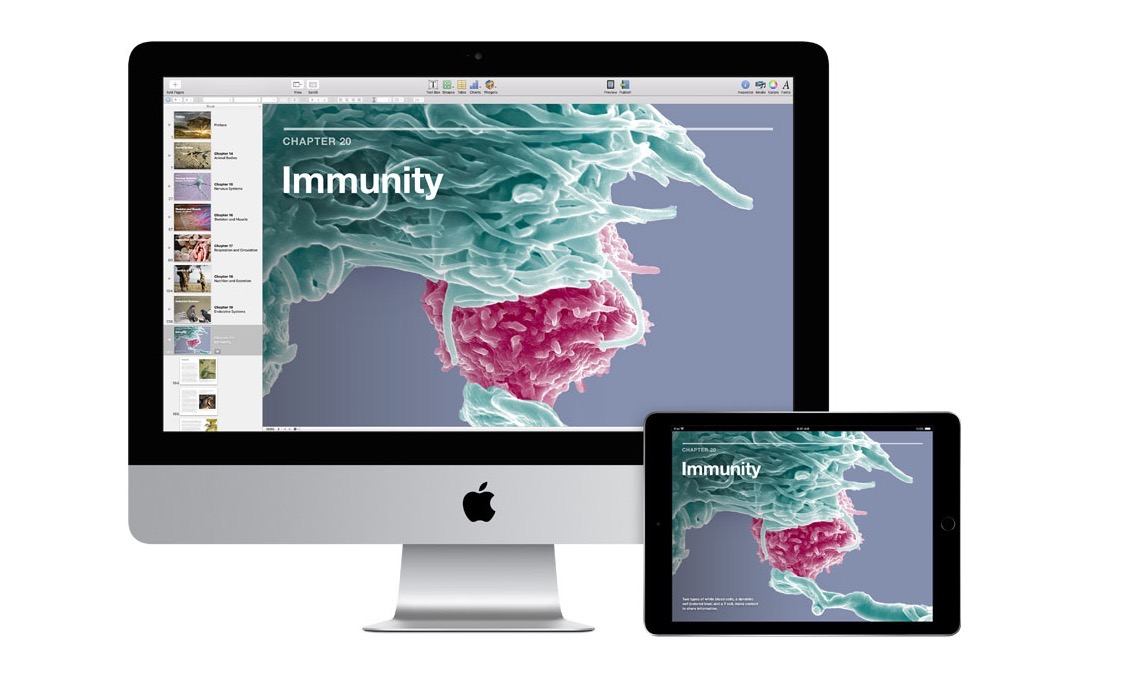
iBooks Author won’t receive any more updates and will become unavailable for download altogether as of July 1. Anyone who already owns the app will be able to continue using it, but Apple encourages everyone to move book creation to Pages. According to the company:

If you have iBooks Author books you’d like to import into Pages, a book import feature is coming to Pages soon. It will allow you to open and edit iBooks Author files (.iba) in Pages.

Hopefully this forthcoming update will also bring Pages’ book creation tools closer to feature parity with what currently exists in iBooks Author, but it’s possible that may not happen for some time.

With WWDC 2020 drawing ever closer, Apple is clearly trying to get any pre-announcements out of the way so the big show can focus on the future rather than the past. In this context, we may see more app- or developer-related announcements over the next couple of weeks.



GoodLinks Review: A Flexible Read-it-Later Link Manager Packed with Automation Options

The original crop of read-it-later apps that date back to the earliest days of the App Store were based on web services maintained by the developers of those apps. Apps like Instapaper and Pocket, the two biggest names in the space, have always been backed by web services that integrate tightly with native apps across Apple’s platforms. It’s a model that worked, and although those apps have continued to evolve and change with regular updates over the years, new entrants into the category were few and far between in this once hyper-competitive category – until now.

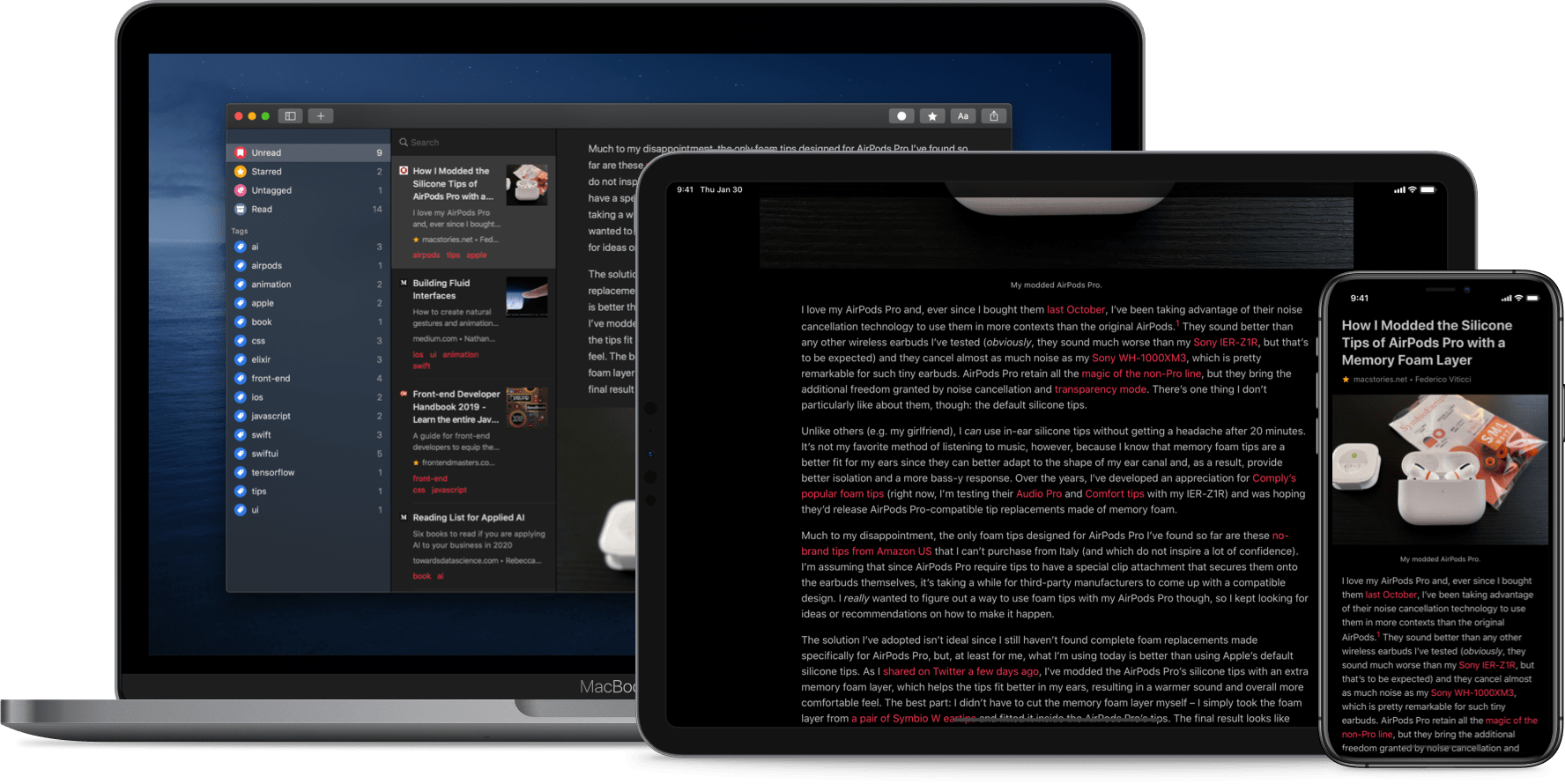
Thanks to relatively recent changes to Apple’s OSes, a new generation of read-it-later apps are emerging. They no longer need to run their own web services and are leveraging the latest OS technologies in new and interesting ways. One of the very best is GoodLinks, a new read-it-later app and link manager released today by Ngoc Luu, the developer of the well-known text editor 1Writer.

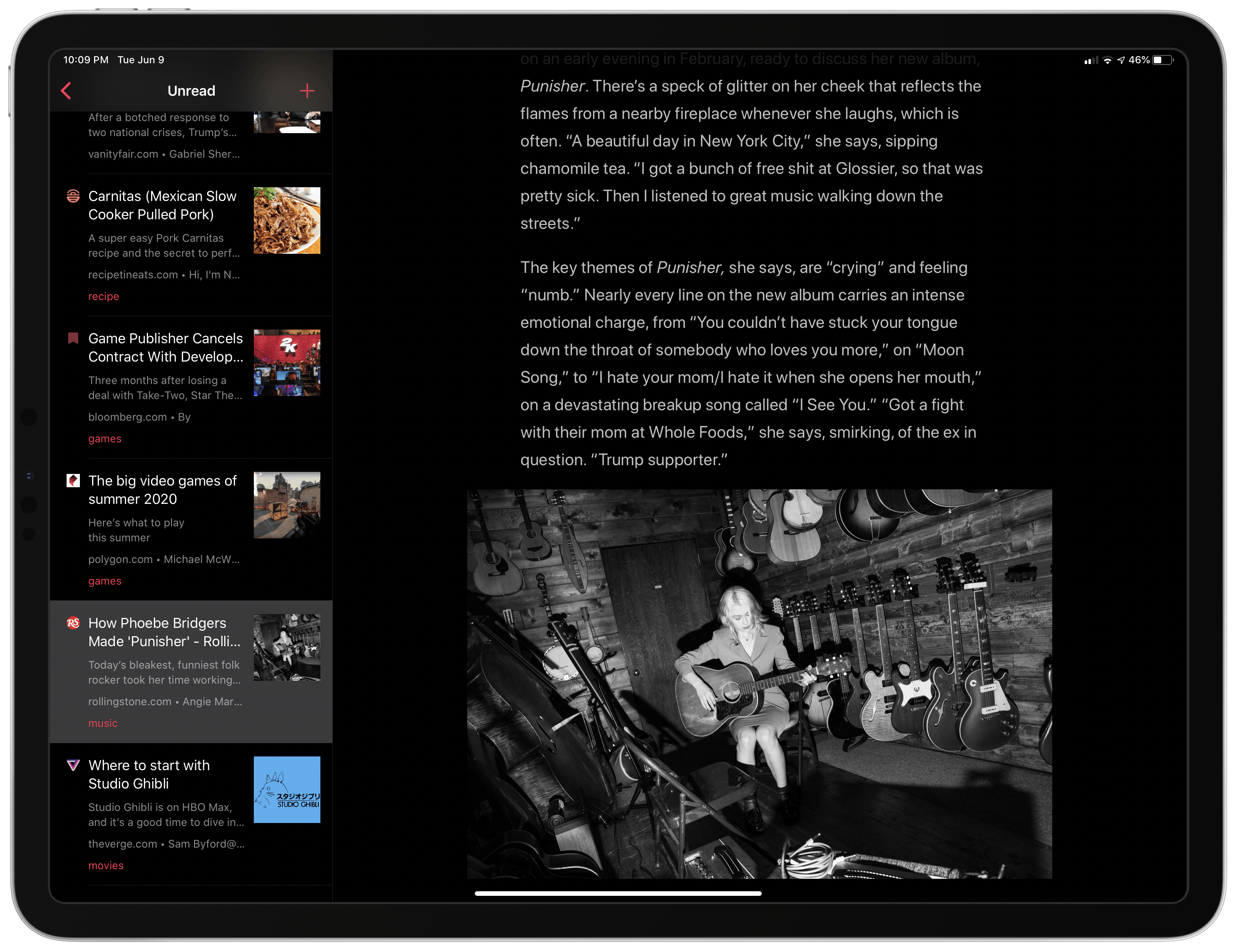
GoodLinks' main UI.

GoodLinks’ main UI.

Since returning to Reeder for the RSS feeds I follow, I’ve been using its read-it-later service, which is terrific. We’ve also covered apps like Abyss and Readit in MacStories Weekly. Like GoodLinks, those apps use iCloud sync to keep articles you save synced across all the devices they support instead of using a developer-maintained web service. That’s a relatively new development for these sorts of apps, but the difference in this new generation of read-it-later apps runs deeper. New features of the OSes on which GoodLinks runs have breathed new life into the category, and its developer has taken advantage of these features to provide new utility to users.

Having settled into a comfortable Reeder workflow, I didn’t expect the way I manage links to be upended anytime soon. However, that’s exactly what has happened since I began using GoodLinks. What grabbed me is a versatility that stems from the fluidity of getting links into the app, managing them, and getting them out again. There’s built-in flexibility to GoodLinks that allows it to adapt exceedingly well to a wide variety of use cases. As with any 1.0 app, there’s room for improvement, but my wishes for GoodLinks are just that: wishes borne of enthusiasm for a terrific app that has quickly found its way into my daily workflow. Let’s dig into the details.

Read more


Pastel Review: A Modern Color Utility for iPad and iPhone

Five years into the iPad Pro era, iPad software is finally starting to catch up to its excellent hardware. Thanks to a mix of software enhancements, business model trends, and key developer tools such as Mac Catalyst, both iPadOS and its third-party app ecosystem have become more accommodating to professional uses.

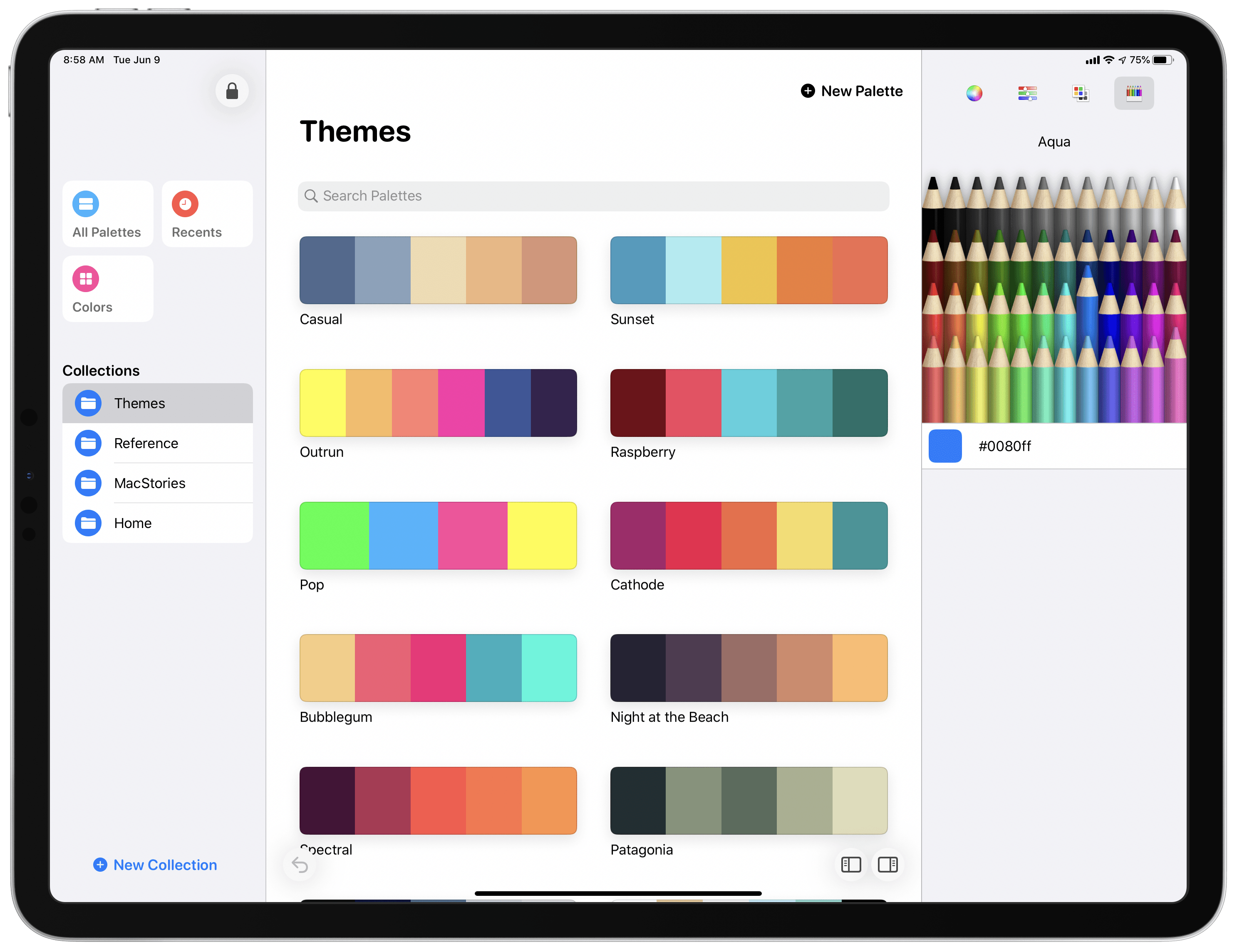
Entering that context is Pastel, the latest app from developer Steve Troughton-Smith. Pastel is a color palette utility for the iPad and iPhone that has a Catalyst-powered Mac version coming soon. The app offers a dedicated home for storing collections of color palettes and individual colors you want to save for reference. It also takes advantage of technologies like drag and drop and context menus to perfectly complement other creative tools on your device.

Read more


How I Use Custom Perspectives in OmniFocus

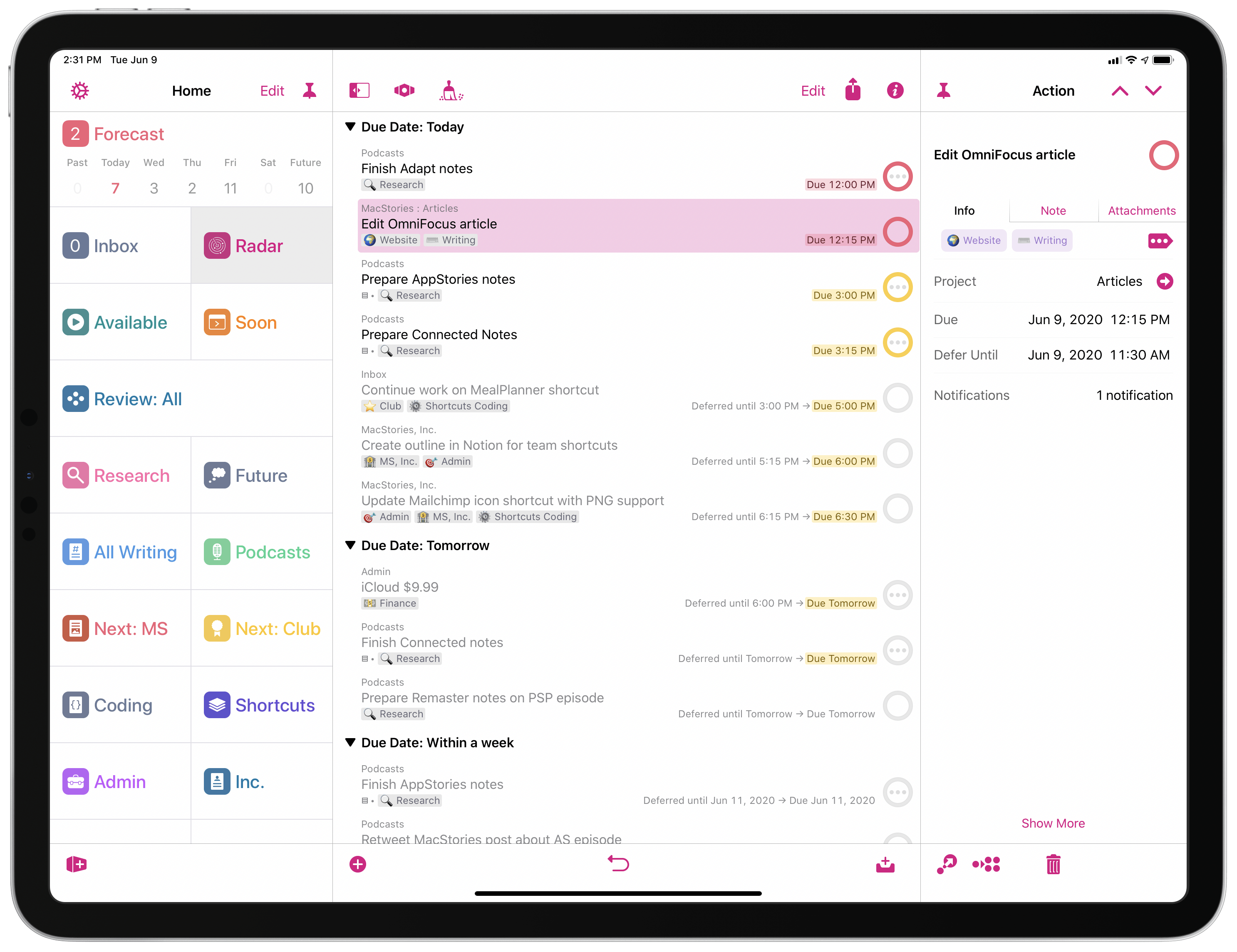
My custom perspective setup.

My custom perspective setup.

A few weeks ago, we released the latest product under the MacStories Pixel brand: MacStories Perspective Icons, a set of 20,000 custom perspective icons for OmniFocus Pro. You can find more details on the product page, read the FAQ, and check out my announcement blog post here. The set is available at $17.99 with a launch promo; Club MacStories members can purchase it at an additional 15% off.

As part of the release of MacStories Perspective Icons (which, by the way, takes advantage of a new feature in OmniFocus 3.8 to install custom icons with a Files picker), I wanted to write about my perspective setup in OmniFocus and explain why custom perspectives have become an integral component of my task management workflow.

Let me clarify upfront, however, that this article isn’t meant to be a primer on custom perspectives in OmniFocus. If you’re not familiar with this functionality, I recommend checking out this excellent guide over at Learn OmniFocus; alternatively, you can read The Omni Group’s official perspective documentation here. You can also find other solid examples of OmniFocus users’ custom setups around the web such as these two, which helped me better understand the power and flexibility of perspectives in OmniFocus when I was new to the app. In this story, I’m going to focus on how I’ve been using perspectives to put together a custom sidebar in OmniFocus that helps me navigate my busy life and make sense of it all.

Read more


Sofa Debuts Modern iPad App, Rich Themes Experience, and More

I suspect I’m not alone in saying that 2020 has been a big year for personal media consumption. The absence of normal social events has meant more time for reading, watching shows and movies, and other forms of relaxation.

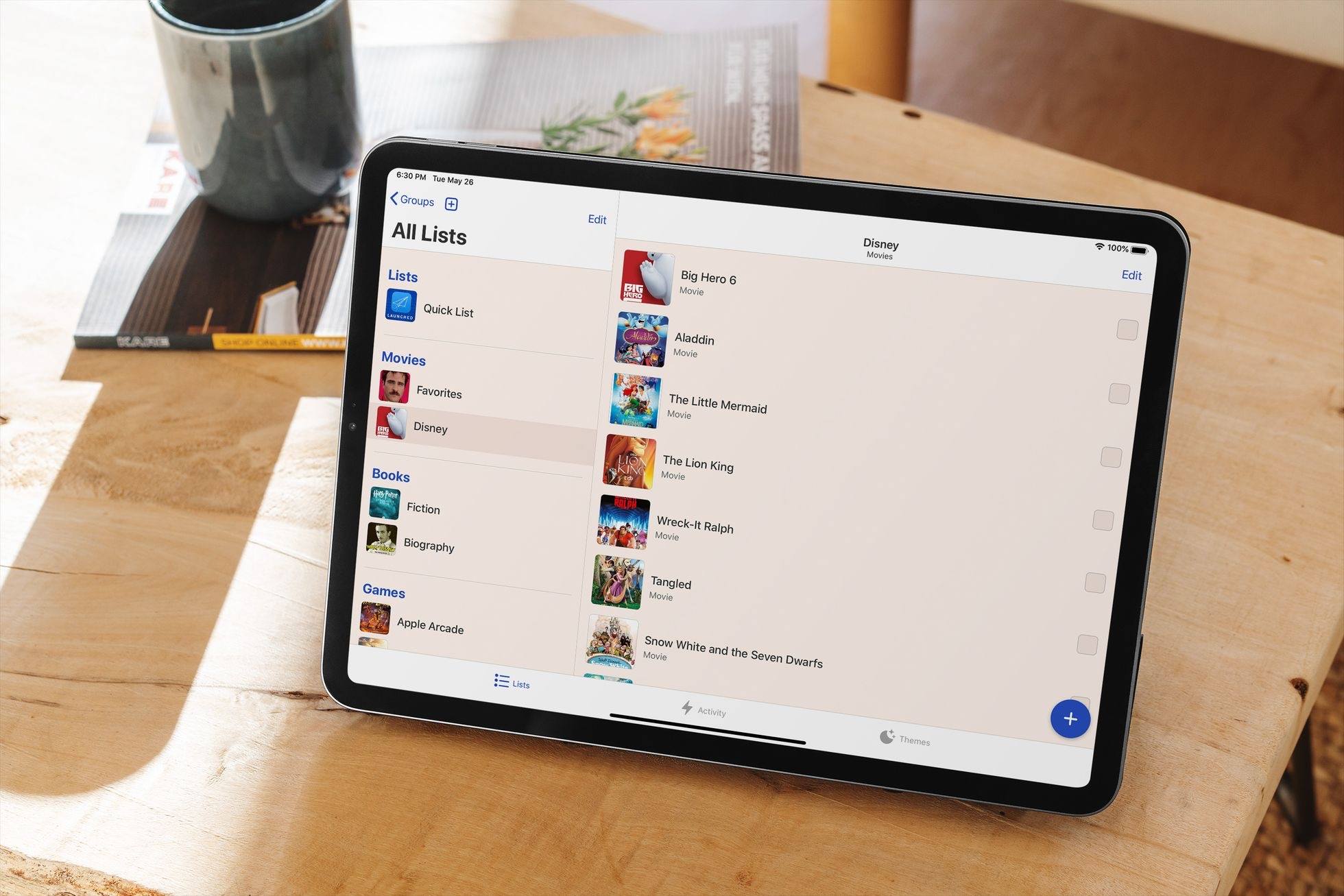
At the end of last year I wrote about how I was using Sofa, a media list app, to track the TV and films I’d watched in 2019. I’ve used the same approach throughout 2020, and it continues to work well for me. The only change is that I’ve been testing a big update to Sofa for the last few weeks that’s available now. Previously exclusive to the iPhone, Sofa now offers a rich iPad experience complete with Split View, Slide Over, and multiwindowing, keyboard shortcuts, and mouse and trackpad support. Additionally, today’s update adds a robust theming system to the app and seamless iCloud syncing. It’s a strong step forward for the app, making it more versatile than ever before.

Read more


Yes Plz: Great Coffee, Delivered to Your Door [Sponsor]

With Yes Plz you can enjoy coffee bar-caliber quality in your own kitchen — and it’s easy when you start with great beans. The best cup of coffee you ever drink should be one you brewed yourself.

Every week Yes Plz releases a new fresh batch from the top coffee farms, expertly roasted, and delivered to your door. Set up a subscription to get coffee weekly, fortnightly, or just when you need it — pause or cancel anytime. No commitments, no fuss.

Delicious beans with no corners cut from longtime leaders of coffee’s “third wave” movement. Try a bag and you’ll be convinced. MacStories readers can take $5 off their first order by signing up here today or using promo code MACSTORIES at check out.

Our thanks to Yes Plz Coffee for sponsoring MacStories this week.


Apple Shares Open Source Resources for Password Manager Apps

Today on Apple’s developer site, the company announced the release of new resources for password manager apps:

Apple has created a new open source project to help developers of password managers collaborate to create strong passwords that are compatible with popular websites. The Password Manager Resources open source project allows you to integrate website-specific requirements used by the iCloud Keychain password manager to generate strong, unique passwords. The project also contains collections of websites known to share a sign-in system, links to websites’ pages where users change passwords, and more.

The open source project can be accessed on GitHub.

Apple has continually deepened its investment in the area of password management with iCloud Keychain upgrades in recent years and new APIs for third-party apps. Today’s announcement takes things a step further down the path of openness and collaboration, enabling apps to share important site-specific information with one another so that users have the best, most secure experience possible no matter their choice of password manager.

Permalink

MacStories Unwind: A Message from MacStories, Apple’s Response to Racism, Notes Shortcuts, and a New HomeKit Camera

AppStories+ Deeper into the world of apps
0:00
29:38

AppStories+ Deeper into the world of apps


This week on MacStories Unwind:

MacStories

Club MacStories

  • MacStories Weekly
    • Tempo for Runners
    • Apple TV Channels: A Great TV Experience That’s Failing by Ryan
    • A new webpage to PDF workflow from Federico
    • Q&A, links, apps, and more

AppStories

Unwind Picks