Make GIFs From Your iPhone With Giffer!

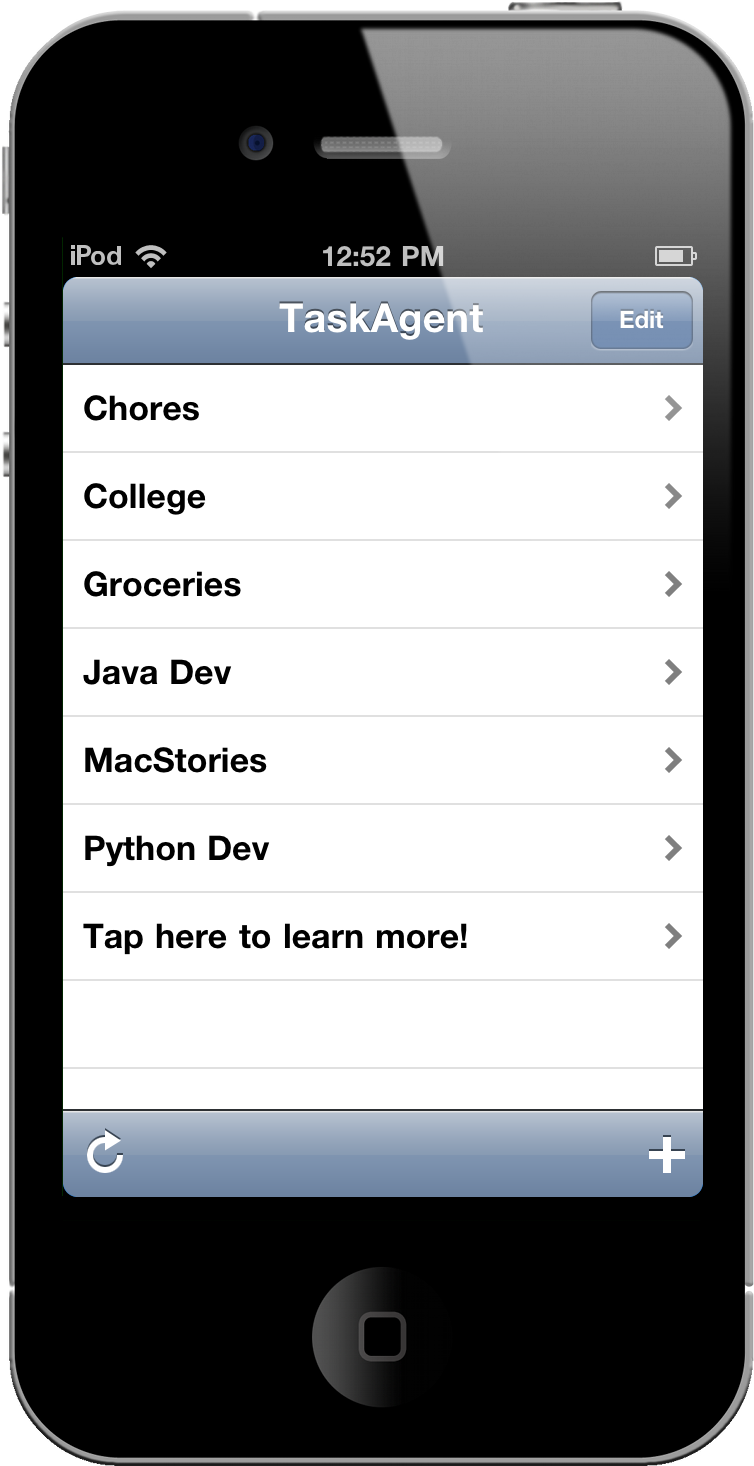
If you’re looking to create the next hit animated .gif for Internet laughs, Giffer! for the iPhone can chain photographs together to create those animated favorites. While you can’t take photographs from Giffer!, you can choose from several pics in your library to link together a series of images for quick animations which can be shared to Facebook, Twitter, or copied to the clipboard for easy pasting into MMS or an online message board. The animations are super easy to create: simply add photos from the library, adjust a few settings like frame delay and background color, give your .gif a name, and you’re off watching your creation in a mobile theater. It’s very cool, I love the button styles in the app, and you’ll find lots more to like once you’ve embarrassed a few friends on Facebook. Giffer! is only a $1.99 in the App Store.


MacStories Product Review: XtremeMac Play-Through Sleeve

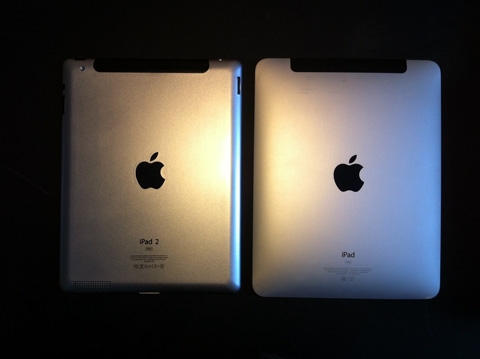
“Protection Transparente.” Two words couldn’t more boldly describe the hybrid case + sleeve XtremeMac is hoping to find the niche market for. An iPad sleeve is an iPad companion for those who want the protection of case, but still appreciate the naked qualities of aluminum when in use. A middle ground was met somewhere as a plastic shield was added to reveal the iPad’s display, yet the full body coverage of neoprene padding couldn’t quite constitute a case. Today, we look at the weird offspring dubbed the Play-Through Sleeve.

Read more


New MacBook Pros: February 24th

According to two separate reports from Italian websites SlideToMac and iSpazio posted this morning, the next generation of MacBook Pros – due an update – is going to be released next week, with shipments to Italian resellers starting in the next few days to ensure a late February launch. MacRumors has now independently confirmed that the new MacBook Pros will be released on Thursday, February 24th.

We’ve since heard reliable confirmation that this information is accurate and that the expected release date is next Thursday, February 24th. The move would be a bit unusual for Apple to launch new machines on a Thursday. So, if you are about to buy a new MacBook Pro, wait until next week.

This morning, iSpazio also posted the rumored model numbers of the new units (MC720, MC721, MC723, MC724, and MC725) which will likely sport a new design inspired by the MacBook Airs (dubbed by Apple on its website as the “next generation of MacBooks”) and the new powerful Sandy Bridge chips.

In the past weeks, rumors of stock running low suggested the MacBook Pro line was going to be updated relatively soon. At this point, it looks like next week we’ll be able to get our hands on the new generation of MacBook Pros.


Google Docs Can Now Preview Apple Pages Files

Good news for Mac users who rely on Google Docs for their document management needs: the popular online service added support today for 12 more file types – most notably including Apple’s Pages and Adobe’s Illustrator and Photoshop. The full list of supported files below:

  • Microsoft Excel (.XLS and .XLSX)
  • Microsoft PowerPoint 2007 / 2010 (.PPTX)
  • Apple Pages (.PAGES)
  • Adobe Illustrator (.AI)
  • Adobe Photoshop (.PSD)
  • Autodesk AutoCad (.DXF)
  • Scalable Vector Graphics (.SVG)
  • PostScript (.EPS, .PS)
  • TrueType (.TTF)
  • XML Paper Specification (.XPS)

The Docs online viewer has thus become a full-featured solution to preview the most popular file formats. In December, Google brought desktop document editing to the iPad.


MacStories Product Review: Just Mobile UpStand for iPad

There are hundreds of iPad stands available on the market, but until a few weeks ago none of them managed to stay on my desk for more than two days. Not even Apple’s own dock for iPad, which is a $29 tiny piece of plastic that could work as a stand to hold the iPad upright, but only works in portrait mode. In the past three weeks, however, I’ve been using the Just Mobile UpStand for iPad and haven’t really looked back to find another solution.

The UpStand is an elegant and simple product to hold your iPad in landscape and portrait modes – there’s not really much else to say about it, but read along past the break to see why I decided to use the UpStand as my iPad stand of choice. Read more


#MacStoriesDeals - Friday

Sorry for the lack of iOS apps today, there are no great deals but check out some from this week, many are still great! Here are today’s deals on iOS, Mac, and Mac App Store apps that are on sale for a limited time, so get ‘em while they’re hot!

Read more


Apple’s Retail Plans: Open The Biggest Chinese Store in Shanghai

Apple may be planning to open the world’s largest Apple Store in Grand Central, but it looks like the company has some big plans for China, too. The Wall Street Journal reports Apple will open the biggest store in China in Shanghai – in Nanjing Road precisely – as the news has been confirmed by an Apple spokeswoman after an initial report from Beijing Youth Daily.

The Chinese newspaper reported Apple’s Vice President of Retail Ron Johnson said the company is looking for new locations to handle the traffic of Chinese Apple Stores – which apparently are visited by 40,000 people on average every day, four times the U.S. average traffic. Indeed, at the latest earnings call in January Apple confirmed four stores in China reported the highest revenue and highest traffic. Apple is clearly investing a lot of resources in China retail development with a new distributor set to open more than 500 retail stores.

Joining two stores each in Beijing and Shanghai, the Nanjing Road store will be Apple’s fifth in China, where the company has recently ramped up its retail presence. China is the world’s largest mobile market by number of subscribers and the second largest PC market, with more Internet users than any other nation.

Apple has previously said it plans to open 25 stores in China this year, but Mr. Johnson said the plan to open bigger stores may set this schedule back.

The new store is rumored to follow the other location in Shanghai to feature a unique design and experience, and we have no doubts Apple will put their designers and architects to hard work to build another impressive store to accomodate Shanghai’s heavy traffic.


New Chrome Beta Is Faster, Includes Revamped Settings UI

Today Google released a major update to Chrome beta for Mac and Windows, which includes features that have been available in the developer channel for a few weeks. Namely, Chrome beta now comes with encrypted sync for passwords (sync happens through your Google account and can handle passwords, bookmarks, extensions, history and settings on every machine running Chrome), improvements in Javascript speeds and a completely redesigned settings UI.

The new settings sport a much cleaner design organized in three different tabs sitting in a vertical panel on the left. Most of all, the Settings now open as a new Chrome tab and not as a standalone popup window. Buttons have been redesigned as well and now look more in line with other Google products. You can search through settings items with a search field on the left, copy a direct URL to a specific settings page without having to re-navigate manually through menus and tabs.

As for Javascript improvements, the official Google Chrome blog reports:

In our new beta release, JavaScript is as quick as a bunny. With a new speed boost that we previewed in December, Chrome’s JavaScript engine V8 runs compute-intensive JavaScript applications even more quickly than before. In fact, this beta release sports a whopping 66% improvement on the V8 benchmark suite over our current stable release.

The new beta also introduces preliminary support for GPU-accelerated video; Google claims content in full-screen mode should see a decrease of CPU usage “by as much as 80%”. Of course you’d have to be running compatible graphics hardware to see the benefits of GPU acceleration.

You can go download the Chrome beta for Mac here. Check out the demo video of the new settings UI below. Read more


A Must-Have Mac Utility: App Tamer

Over the past weeks, I’ve noticed my MacBook Pro (unibody late 2008) has started feeling the weight of the years of intensive usage. I replaced my internal hard drive with an SSD last year, and while overall performances have increased (especially when open and closing applications or large files) clearly the computer’s fans aren’t the same anymore. I might hold to buy a new computer until this one really dies, but in the meantime I’ve begun looking out for some utilities that could help me better manage the software running on my Mac all the time. Read more