Last year I wrote an about retro gaming on iOS. I’ve had a lot of fun playing games on the platform, especially through emulation. Much of what I wrote last year is still applicable today, but I thought I’d revisit the topic with a focus on the state of emulation on iOS and all of the software and accessories you’ll need to get started.
There’s not much to say about the M3 MacBook Airs that Apple revealed earlier this week. Last year’s M2 redesign was universally praised, and this year’s M3 version one-ups it with support for two displays, faster Wi-Fi 6E, and performance improvements, thanks to the M3 processor.
The truth is, unless you’ve been waiting to plug in a second monitor to a MacBook Air, this upgrade isn’t going to blow anyone away—and that’s okay. The chips keep getting faster, 2022’s MacBook Air design refresh remains great, and the 15-inch model offers a large screen for people who don’t need MacBook Pro prices or features. The MacBook Air is Apple’s most popular Mac, and now it’s even better.
One additional tidbit from Jason about the exterior design that I found interesting is the new coating on the midnight MacBook Airs:
The single change to the exterior of the M3 Air to previous versions is a new fingerprint-resistant anodization seal on the dark “midnight” models, which do show fingerprints more than the others. This is apparently the same approach that Apple took with the Space Black M3 MacBook Pro.
Be sure to check out Jason’s full review for more details on the screen resolutions supported by the new Airs and benchmark tests.
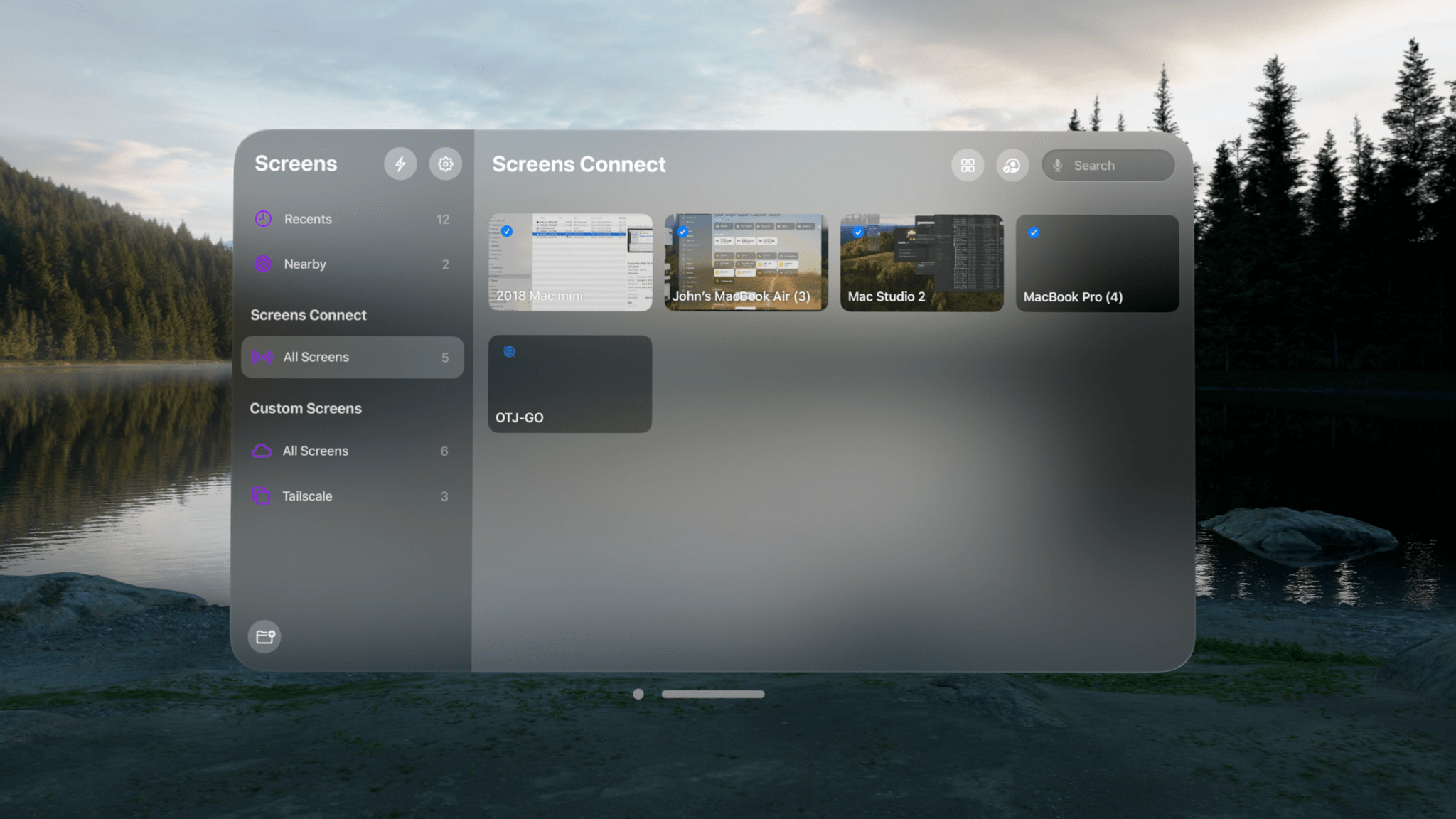
Late last week, Joe Kimberlin released GameTrack 5.4, an update to the iOS, iPadOS, and visionOS versions of the app that enables new ways to access your favorite games and navigate the app’s UI. Of course, the Vision Pro version of GameTrack is completely new since the last time I wrote about the app, too. So, let’s take a closer look at the latest iOS and iPadOS updates, as well as the visionOS version, which has become one of my favorite media management apps for Apple’s headset.
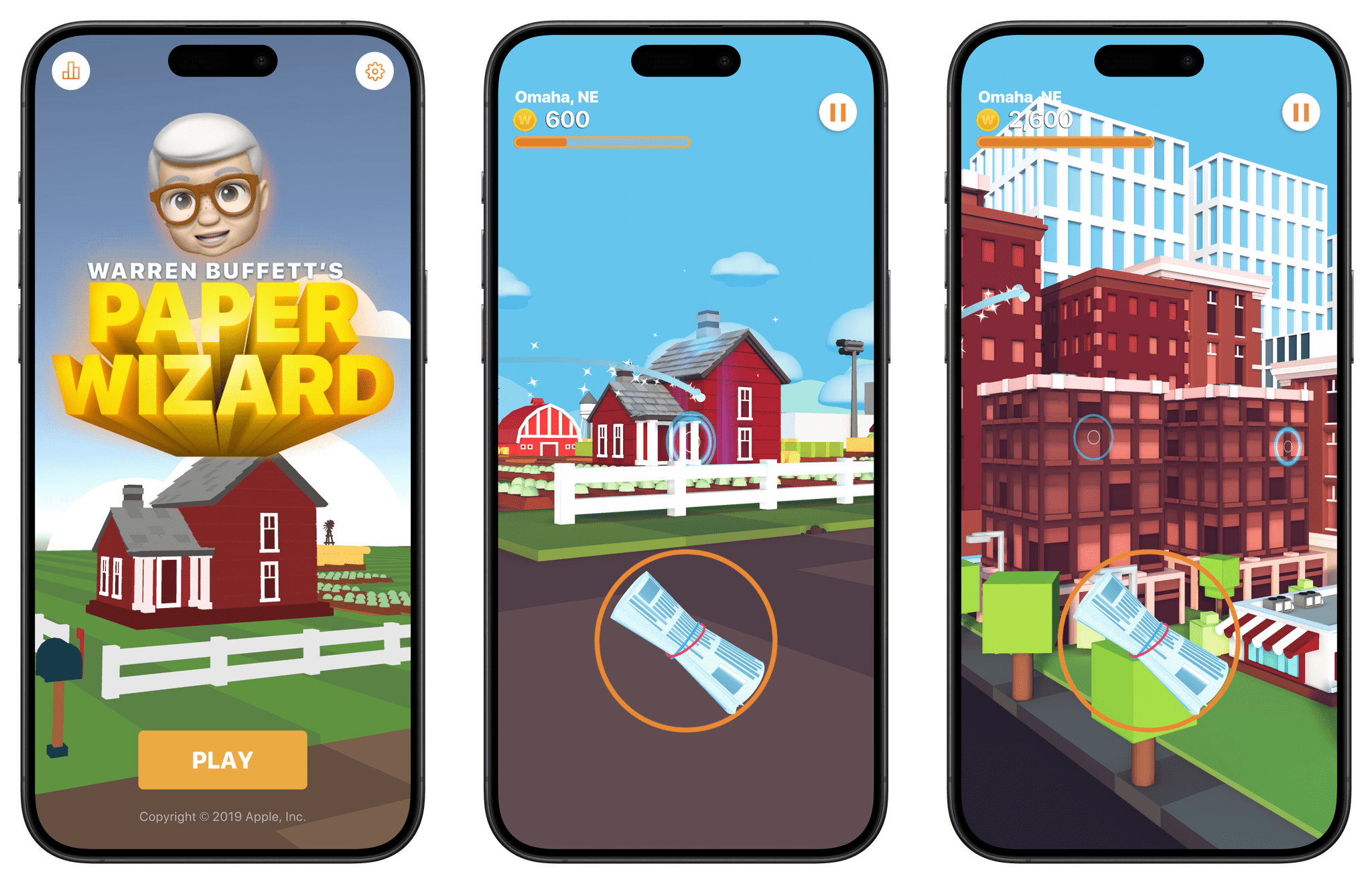
This week on Magic Rays of Light, Sigmund and Devon are joined by MacStories Managing Editor John Voorhees to take another look at Ridley Scott’s Napoleon upon the film’s streaming debut. They also dive into March releases on Apple Arcade and share who they think will take home the gold at this weekend’s 96th Academy Awards.
Apple’s iOS 17.4 update is primarily about adapting iOS to EU’s Digital Market Act Regulation. But the company has also released a new API called FinanceKit that lets developers fetch transactions and balance information from Apple Card, Apple Cash, and Savings with Apple.
If you use an Apple Card and a budgeting and financial tracking app, you’ll know why this is a big deal. I’ve been tracking my expenses with Copilot for over a year now, and I was pleased to see in Mehta’s story that Copilot, along with YNAB, Monarch, have teamed up with Apple to be the first third-party apps to use FinanceKit.
Before FinanceKit, I could only track my Apple Card expenses by importing a CSV file of my transactions one time each month when a new statement appeared in the Wallet app. Not only was that laborious, but it defeated the purpose of an app like Copilot, which otherwise lets you see where you stand with your budget in real-time. The process was such a bad experience that I used my Apple Card a lot less than I would have otherwise. Now, those Apple Card transactions will be recorded in Copilot, YNAB, and Monarch as they’re made, just like any other credit card.
Today, Apple released iOS and iPadOS 17.4, the fourth major updates to the operating systems that launched in September and Federico reviewed on MacStories.
iOS 17.4 is a significant release, bringing major platform changes to iOS in Europe as part of Apple’s response to the European Union’s Digital Markets Act (DMA), as well as a handful of new features, including transcripts in Apple’s Podcasts app, new emoji, multilingual updates to Siri, and more.
Let’s dive in, starting with the main changes for iPhone owners in the EU.
This week on AppStories, Federico introduces the world to the MacPad, a hybrid Mac/iPad that he built from an M2 MacBook Air and 11” iPad Pro, and I quiz him on the build process, software involved, and what it’s like to use.
Nom Nom: Healthy, fresh food for dogs formulated by top Board Certified Veterinary Nutritionists. Prepped in our kitchens with free delivery to your door. Get 50% off.
Notion: Do your most efficient work with Notion AI. Try it free today.
It all started because I wanted a better keyboard for my Vision Pro. I had no idea that, in looking for one, I’d accidentally create the hybrid Apple computer of my dreams.
As I quickly discovered after working on the Vision Pro daily, you can get by without an external trackpad, but a keyboard is necessary if you want to type something longer than a passcode. That’s where my journey began: if I wanted to write and edit articles on the Vision Pro, what would the best keyboard-trackpad setup be?
Over the past few weeks, I’ve tested all the options at my disposal. I started with an Apple Magic Trackpad and Keyboard, which I then placed inside a Twelve South MagicBridge (it was too uncomfortable to put on my lap for longer stretches of time). Next, I tried using differenttypes of “trays” for these two accessories that offered a laptop-like layout (comfort was better, but lack of palm rejection was an issue). I even attempted to revive an old Brydge keyboard and use it with the Vision Pro, but, alas, third-party trackpads aren’t supported on visionOS at the moment.
Eventually, I settled on the solution that I should have known was coming for me all along: the best keyboard and trackpad combo for a Vision Pro is a Mac laptop. So I started using my MacBook Air every day, taking advantage of Mac Virtual Display and Universal Control to get work done with the Vision Pro in a mix of classic desktop apps and new visionOS experiences. I’ll write more about this soon, but, so far, it’s felt powerful and flexible in a way that iPadOS hasn’t made me feel in a while.
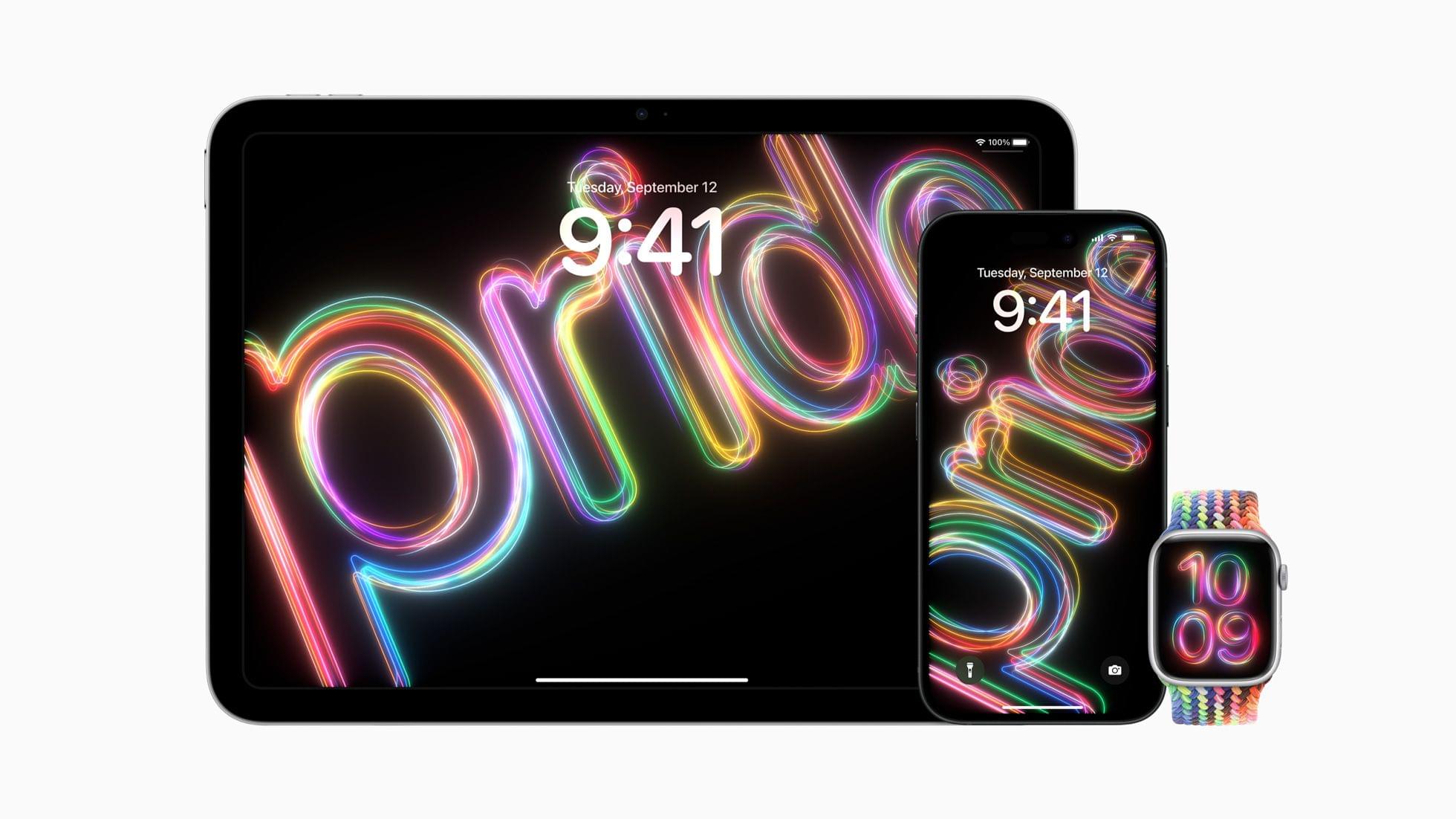
As has become a tradition, Apple released new colors of some of its cases and Apple Watch bands today. The new Silicone Case colors are Soft Mint, Sunshine, Light Blue, and Pink and come in all iPhone 15 model sizes. No new colors are available for the FineWoven cases.