Posts in roundups

A Screenshot Is Worth a Thousand Words

OneShot, Screenshot++, and Napkin

OneShot, Screenshot++, and Napkin

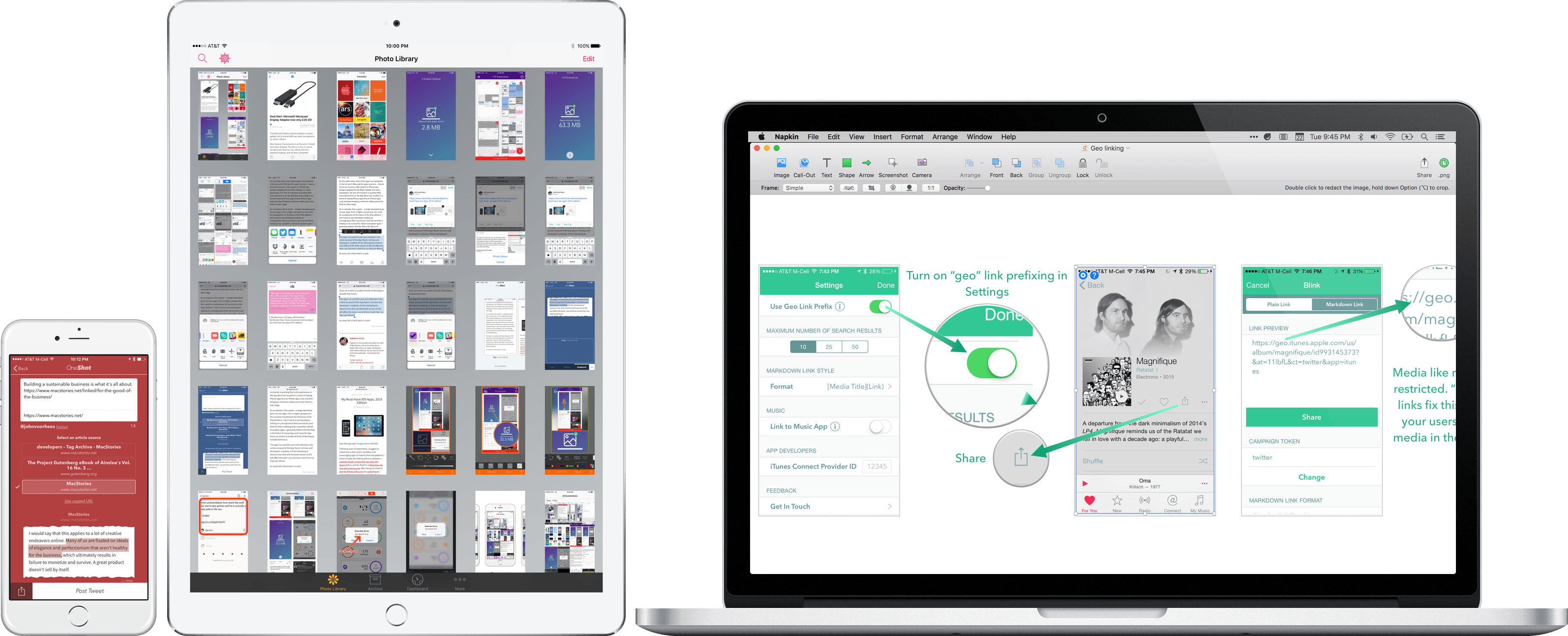
The easiest way to make a point about an app is often with a screenshot. This is especially true on Twitter with its 140 character limit, but it is equally true in a wide variety of other contexts. Designers use screenshots to communicate with clients and developers, or create mood boards and Pinterest-style collections that convey a look and style visually. Developers create screenshots to market their apps and writers use them to illustrate ideas for readers.

Regardless of the context, every screenshot is fundamentally about communication. But sometimes, a quick screenshot isn’t enough – you want to call out a feature or perhaps you have so many screenshots you need a tool to manage them. That’s where screenshot apps come in.

Screenshot apps tend to fall into one of two categories: managers and editors. On iOS, screenshot management apps dominate, likely because until Apple added a ‘Screenshots’ album to the Photos app with iOS 9, there was no good way to separate screenshots from snapshots of family and friends. On the Mac there are fewer apps, but their feature sets tend to be deeper.

The screenshot app market intrigues me. Although most apps address one of a couple basic problems, execution varies widely and there are gaps in functionality, especially on iOS. As a result, the screenshot app category is somewhat fragmented, but in a good way, leaving room for interesting solutions from clever developers.

Screenshots serve an important role at MacStories as revealed by the number of Federico’s 2015 must-have apps sprinkled throughout this article.1 After all, any post about apps that you read here is likely to include at least a few screenshots. But what works for MacStories may not serve your needs. Therefore, this article casts a broad net to provide an overview of the top screenshot apps on iOS and Mac and help you find the apps that meet your specific needs.
Read more


#MacStoriesDeals 2015 Holiday Edition: Best Deals for iPhone, iPad, and Mac Apps & Games

Every year, thousands of iOS and OS X software deals are launched for the holidays. At MacStories, we handpick the best deals for iOS and Mac apps and collect them in a single post with links to buy or share discounted products directly. You don’t have to be overwhelmed by app deals; we take care of finding the best stuff for you.

Bookmark this post and come back to find updated deals starting today through next week. Updates will be listed as new entries at the top of each category. For real-time updates, you can find us as @MacStoriesDeals on Twitter.

Read more


My Must-Have iOS Apps, 2015 Edition

Over the past year, I’ve gone all-in with iOS.

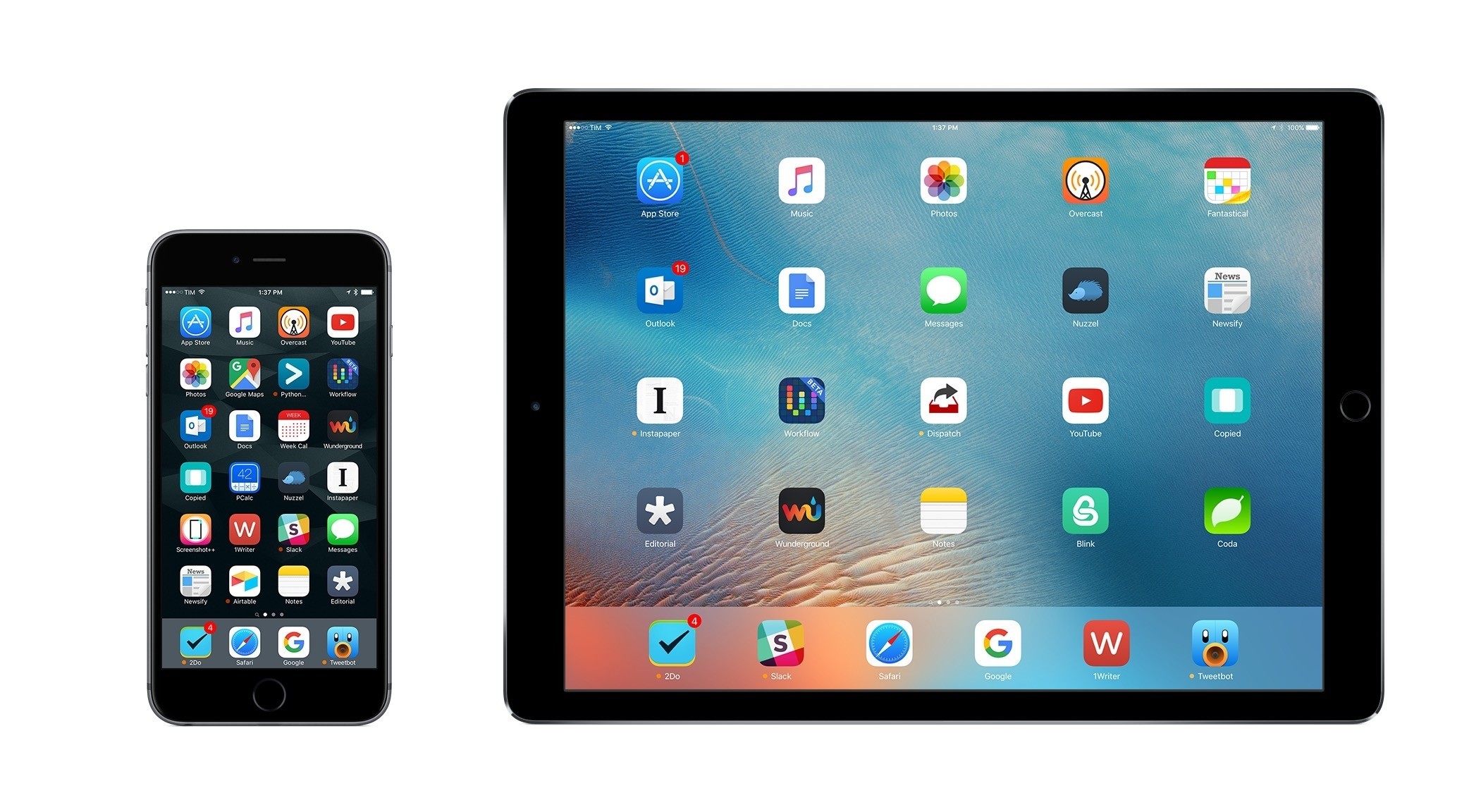
Following years of experiments, struggles to switch from a Mac-centric workflow, and encouraging signs of maturity from the platform, I chose to make the iPad my primary computer. I used the iPad Air 2 more than any other iOS device before, and the iPad Pro is filling that role now with great success. After being convinced to give the iPhone 6 Plus a try by a good friend, I realized that a bigger phone was better for my needs, which resulted in an instant 6s Plus purchase a few months ago. The iPhone isn’t only my pocket computer and Twitter machine – it’s my music, my camera (which I used to shoot this video), my portable gaming device, and my stream of living memories thanks to Live Photos.

At this point, I’m only using my MacBook three hours a week to record two podcasts on Skype. Effectively, all my computing – work or entertainment-related – is done on iOS, and I treat my iPhone and iPad with the same care and respect that others would treat their Retina iMacs and Mac Pros. The iPad Pro in particular is the computer that enables me to write and pay the bills. It’s not just a nice thing to have – it’s the tool upon which my livelihood hinges.

It’s not surprising, then, that I’m just as scrupulous when it comes to the apps I choose to get work done. While part of my job is about discovering new apps, such effort isn’t mandated by a shallow pursuit of “new” without merit. I’m constantly on the lookout for tools that can make me faster, produce better content in less time, and approach what I do in different ways. It’s a functional curiosity, not a shtick. The virtuous cycle of finding new apps, trying them, and documenting what trickles down to my daily workflow is at the very foundation of MacStories.

At the end of the year, I always like to take a couple of weeks to look back on the past 12 months and assess the state of my favorite apps. I’ve been doing this in various forms for five years now, but I’ve kept the same criteria in mind: which apps truly help me work from my iPhone and iPad? What are the tools that let me enjoy my devices for personal and professional use as much as possible?

With the increased importance of iOS 9 and the iPad Pro in my life this year and given some growing trends on the App Store, I thought I’d shake things up a little. Instead of having two separate articles for my must-have iPhone and iPad apps, I combined my 50 picks in a single list and organized them in eight categories.

  • Work Essentials
  • Social
  • News
  • Health
  • Home
  • Entertainment
  • Utilities
  • Photo & Video

I believe this makes sense given that only 7 apps out of 50 are not Universal downloads from the App Store. The vast majority of my favorite apps are available on both the iPhone and iPad and I use them on both platforms; it’s more logical to consider them as single entities.

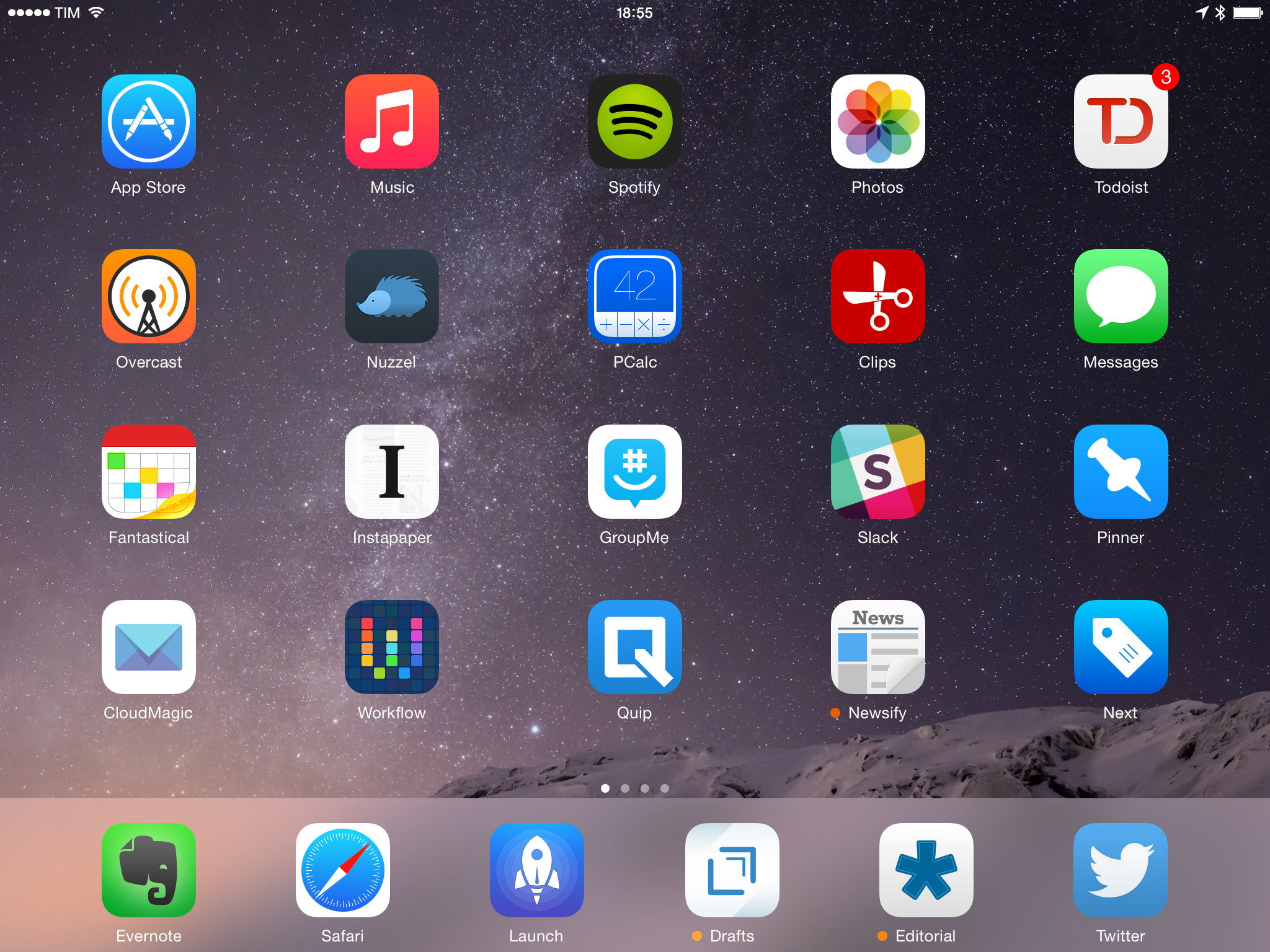
Below, you’ll find my Must-Have iOS Apps for 2015 – the ones that have been essential for my workflow over the past 12 months. At the end of the list, you’ll also find my App of the Year and two Runners-Up. Each app has been listed with a direct link to its App Store page; wherever possible, I included links to previous MacStories coverage as well.

Read more


#MacStoriesDeals Black Friday & Cyber Monday 2015: The Best Deals for iOS and Mac Apps & Games

Every year, thousands of iOS and OS X software deals are launched for Black Friday and Cyber Monday. At MacStories, we handpick the best deals for iOS and Mac apps and collect them in a single post with links to buy or share discounted products directly. You don’t have to be overwhelmed by app deals; we take care of finding the best stuff for you.

Bookmark this post and come back to find updated deals starting today through Monday. Updates will be listed as new entries at the top of each category. This year, we’ve also organized iOS apps in sub-categories to make navigation easier.

For real-time updates, you can find us as @MacStoriesDeals on Twitter.

Read more


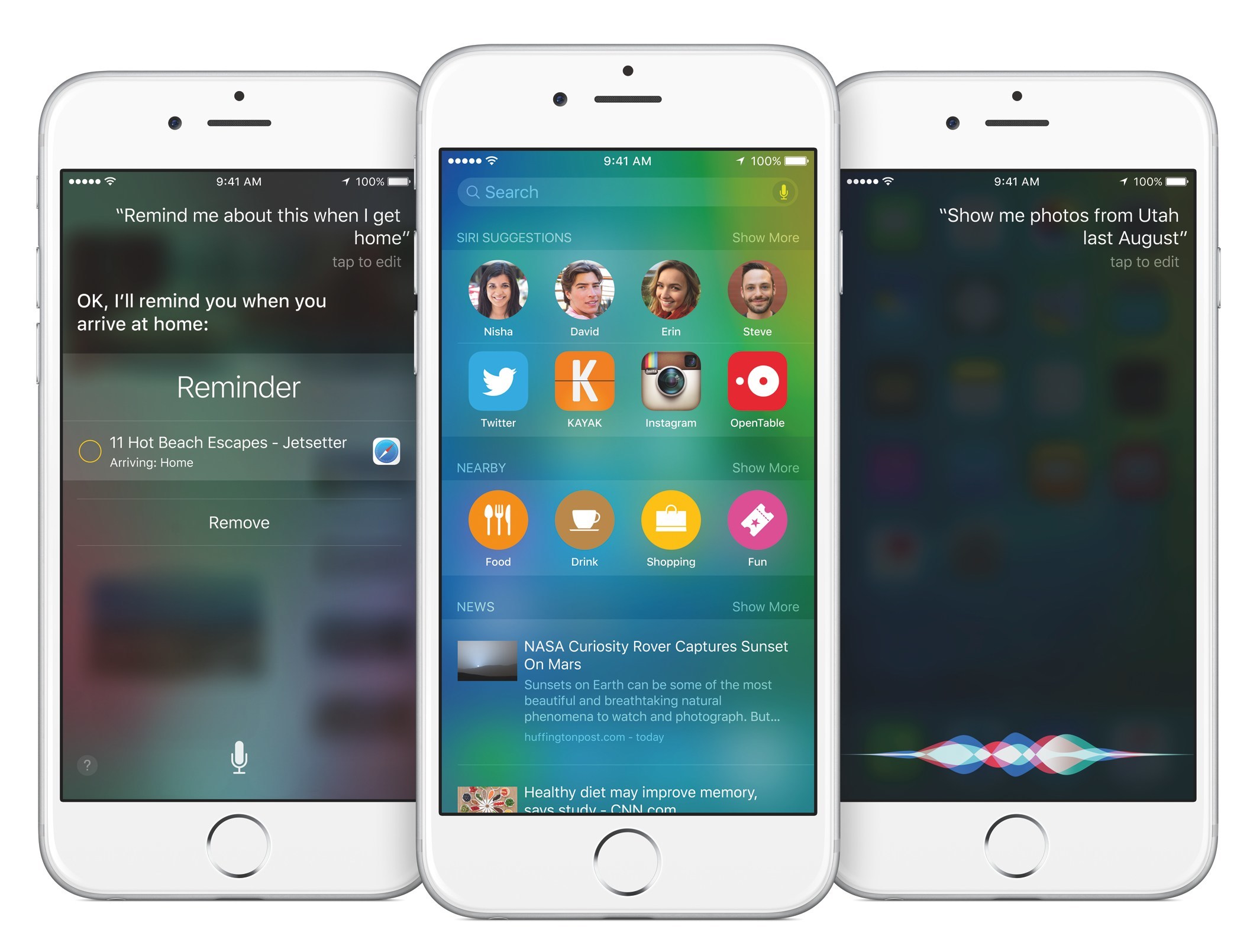
iOS 9: Our Complete Overview and First Impressions

Apple announced iOS 9, the next major version of its mobile operating system, at WWDC 2015 this week, with a focus on iPad productivity, enhancements to built-in apps, better intelligence, and improvements to performance and security.

Part an iterative update aimed at refining missteps and missing features of iOS 8 and part a new beginning for Siri and iPad users, iOS 9 isn’t the “Snow Leopard release” that some tech pundits were asking for. iOS 9 is building upon the foundation of iOS 8 with dozens of new features – many of which could profoundly impact the way we interact with our apps and devices every day.

Read more


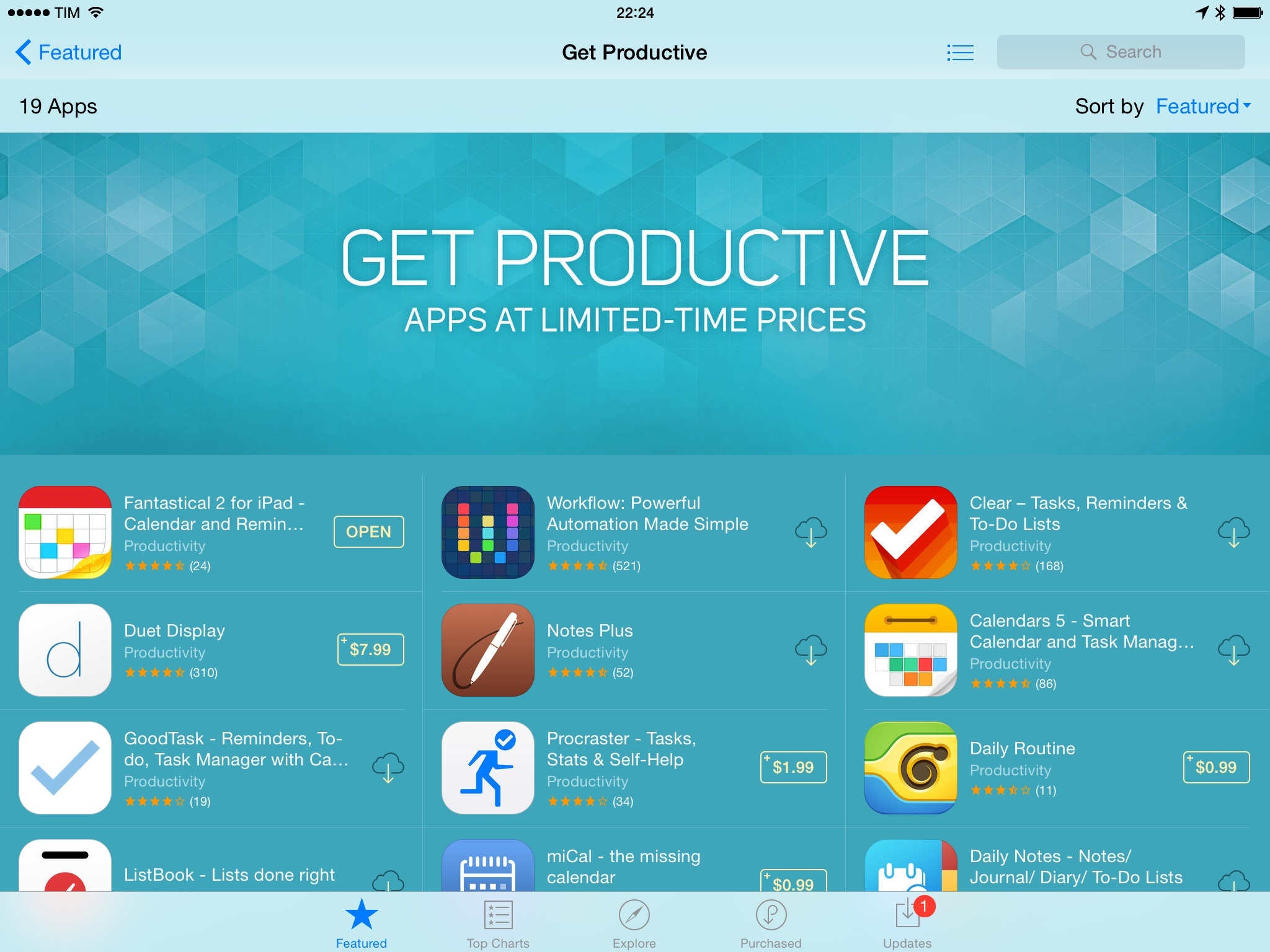
#MacStoriesDeals – ‘Get Productive’ Sale

We’ve collected the best #MacStoriesDeals for January 28, 2015, so be quick and get them! Today, a lot of productivity-related iOS and OS X apps went on sale in what appears to be an organized promotion across the App Store. If new deals become available, we’ll include them at the top of each section.

For more deals, you can find us as @MacStoriesDeals on Twitter.

Update, January 29: Apple has confirmed the App Store sale with a special section called ‘Get Productive’.

Read more


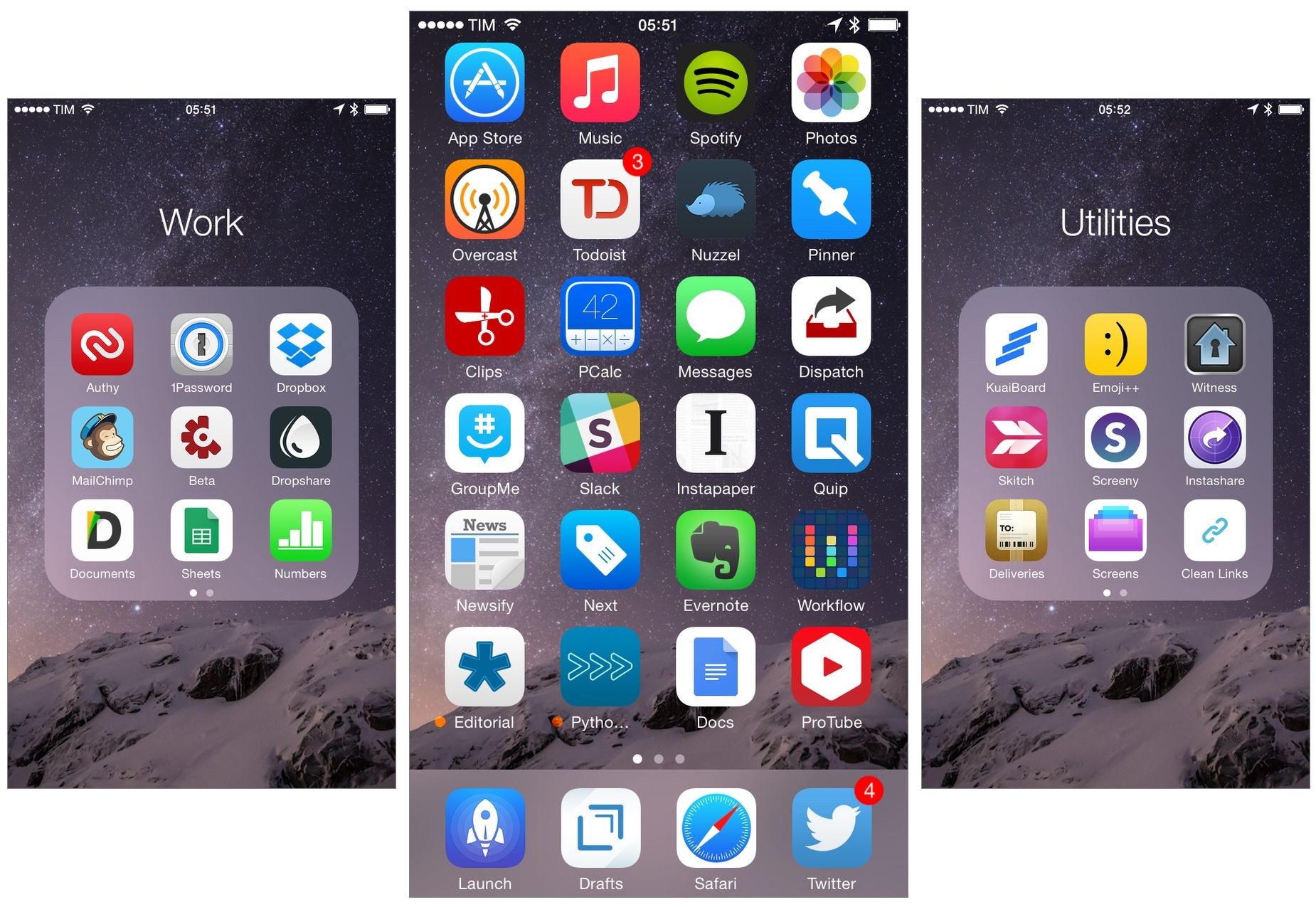
My Must-Have iPhone Apps, 2014 Edition

For the past four years, I’ve been running a series called My Must-Have Apps that, once a year, collects all the apps I find indispensable to get work done on my iPhone, iPad, and Mac. Considering changes to my daily life and workflow, this year only features my must-have iPad and iPhone apps.

The iPhone has changed my professional life, and it’s a powerful and essential pocket computer that I carry with me all the time. But I prefer to get work done on my iPad.

There was a time when I thought that I could work entirely from my iPhone; after upgrading to a cellular iPad two years ago and once I began moving to an iPad-centric workflow, I realized that the tablet was the iOS device that I preferred for writing, reading, doing email, and watching movies. For millions of users, the iPhone turns into a mobile computer as soon as they step away from the comfort of a desk with a Mac. But I’ve come to realize that I’d rather have two iOS devices with me at all times – a smaller iPhone and a bigger iPad – than one that tries to do everything at once. Which is why, ultimately, I decided to go with an iPhone 6 and an iPad Air 2 this year.

In spite of my personal preference, though, I can’t deny the fact that, nowadays, it’s hard to find iOS apps – and especially utilities or productivity-related apps – that aren’t Universal. The trend of “iPad-only” and “iPhone-only” apps has been substantially downsized in recent years – none of the apps on my iPad Home screen are exclusive to the iPad at this point. So while I like and use the iPhone more for listening to music, taking pictures, or monitoring my health data, I still end up installing a text editor, a shortcut launcher, and a Python interpreter on my iPhone because they’re available and because why not. This isn’t an ideal scenario – too many developers are making iOS apps that simply scale across screen sizes without taking advantage of the unique features of each platform – but that’s beyond the scope of this series.

It was tough to compile a list of must-have iPhone apps this year: I’ve already covered most of them in my iPad article, and I don’t use the iPhone as much as my iPad. But at the same time, I realized that, for those times when I needed to work from my iPhone, those smaller iPad apps were absolutely necessary, even if not running on a screen size that I’m comfortable with. And, more importantly, I believe the article can be useful to readers who had no interest in iPad apps and my iPad workflow.

This year, I’ve only covered iPad and iPhone apps, as I practically don’t use a Mac anymore. For apps shared across my iPad and iPhone, I used the same base descriptions, with differences for the iPhone versions noted and rewritten where necessary. This is a remix and addendum to my must-have iPad apps.

In the list below, you’ll find apps organized in seven sections:

  • Work Essentials
  • Social
  • Audio and Music
  • Photos and Screenshots
  • News
  • Health
  • Utilities

At the end of the article, you’ll also find my iPhone App of the Year and a Runner-up. Each app has a direct iTunes link, and, where possible, I’ve included links to previous MacStories coverage as well.

Read more


#MacStoriesDeals 2014 Holiday Edition: Best Deals for iPhone, iPad, and Mac Apps

The holidays are upon us once again! #MacStoriesDeals is the best place to find great deals for iOS apps and games, Mac software, and more.

Every year, thousands of iOS and OS X software deals are launched for the holidays. We handpick the best ones and collect them in a single post with links to buy or share discounted products directly. You don’t need to be overwhelmed by holiday deals because we take care of finding the best stuff for you.

Bookmark this post and come back to find updated deals starting today through Christmas. Updates will be listed as new entries at the top of each category.

You can find us as @MacStoriesDeals on Twitter.

Read more


My Must-Have iPad Apps, 2014 Edition

For the past four years, I’ve been running a series called My Must-Have Apps that, once a year, collects all the apps I find indispensable to get work done on my iPhone, iPad, and Mac. Considering changes to my daily life and workflow, this year will only feature my must-have iPad and iPhone apps. As with last year, I want to start from the iPad.

Over the past two and a half years, my workflow has become increasingly iOS-centric. Changes in my personal and professional life have convinced me that iOS is the best platform for me, with a rich ecosystem of apps that allow me to work faster and more efficiently no matter where I am. This year, my iPad has essentially replaced my MacBook Air, which I now primarily use to watch movies and record podcasts.

There’s a few tasks that I still can’t get done on an iPad, but the list is shrinking, and, thanks to iOS 8, developers are coming up with new ways to make working on iOS more feasible and pleasant. I don’t use my iPad as a computer just to prove a point or because it’s a popular topic among readers and listeners of Connected: I need my iPad, the apps it runs, and the workflows I’ve created to automate what I do on iOS.

It is with extreme seriousness, then, that I take a look at the apps I consider my “must-haves” each December and compile them in a list for MacStories. This allows me to sit down and calmly evaluate how I use my devices, the software I depend on, and how much the way I use apps has changed in 12 months.

This year, I’ll only cover iPad and iPhone apps, starting with the iPad. In the list below, you’ll find apps organized in eight sections:

  • Work Essentials (apps that I need and use for work every day)
  • Social
  • News & Links (apps to read and discover interesting news)
  • Audio (apps for music and podcasts)
  • Calculators
  • Images
  • Extensions, Widgets, and Keyboards
  • Everything Else

At the end of the article, you’ll also find a few statistics about this year’s collection as compared to last year’s and my iPad App of the Year. Each app has a direct iTunes link, and, where possible, I’ve included links to previous MacStories coverage as well.

Read more