

Yeti is all about quick capture and effortless export. Yeti’s main interface is dominated by four colorful buttons that allow you to capture your thoughts with a note, a photo or video, audio, or a sketch. What you create is stored on iCloud Drive in one of a handful of non-proprietary formats that can be easily opened in other apps. And while Yeti does an admirable job of making it fast and easy to record information on your iPhone, the lack of support for capturing data from other devices or apps, will limit Yeti’s utility for some people.
Posts in reviews
Capture Ideas Quickly and Easily With Yeti
TaskPaper 3 Conceals Its Power Beneath a Simple Interface
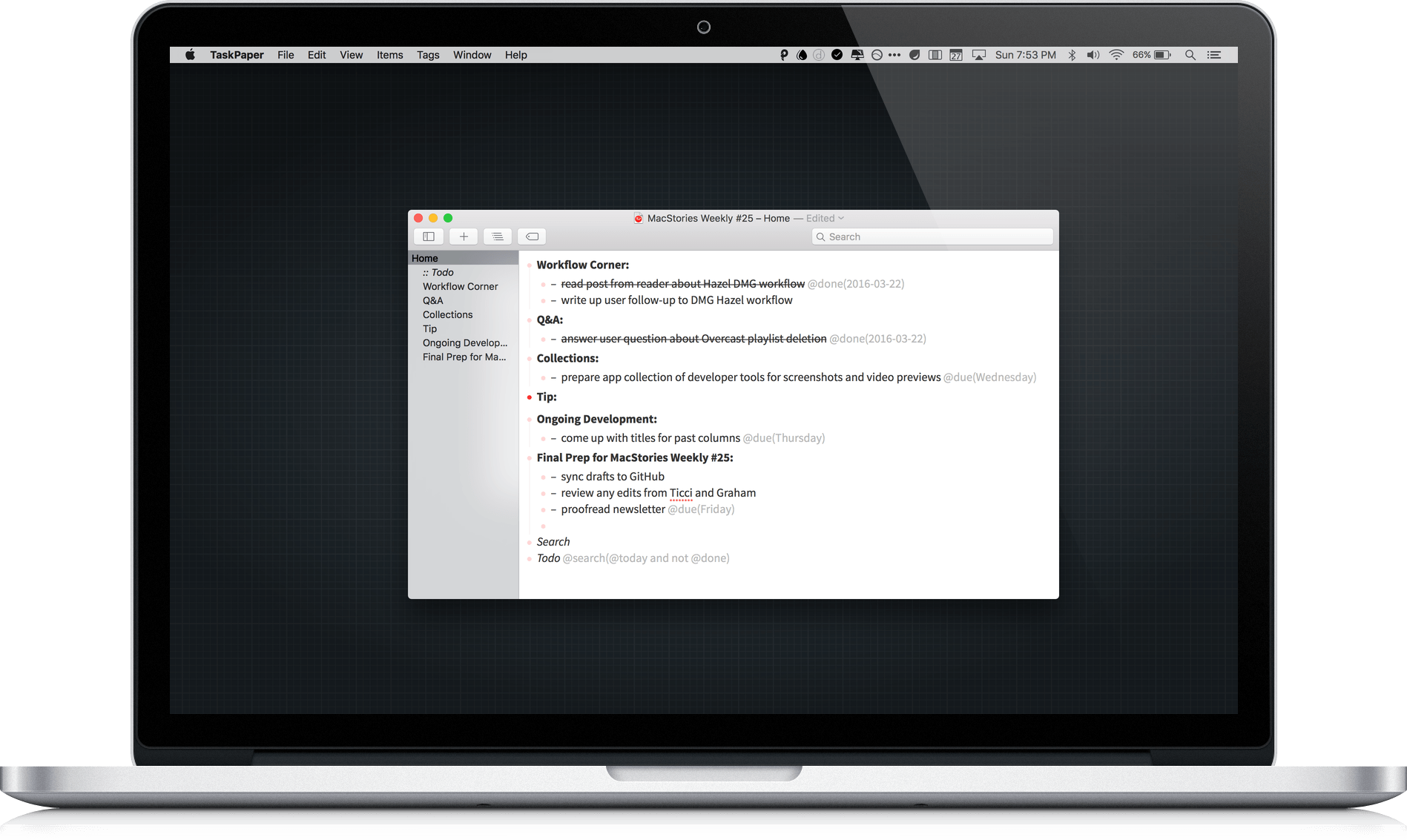
TaskPaper 3 by Hog Bay Software is a deceptively simple task manager. The cornerstone and greatest strength of TaskPaper is plain text, which is portable, adaptable, and as future proof as you can get. Using a simple syntax reminiscent of Markdown and an abundance of keyboard shortcuts, Taskpaper’s straightforward interface conceals considerable power under the hood.
DeskConnect Brings Fast File Transfers Between iOS and OS X
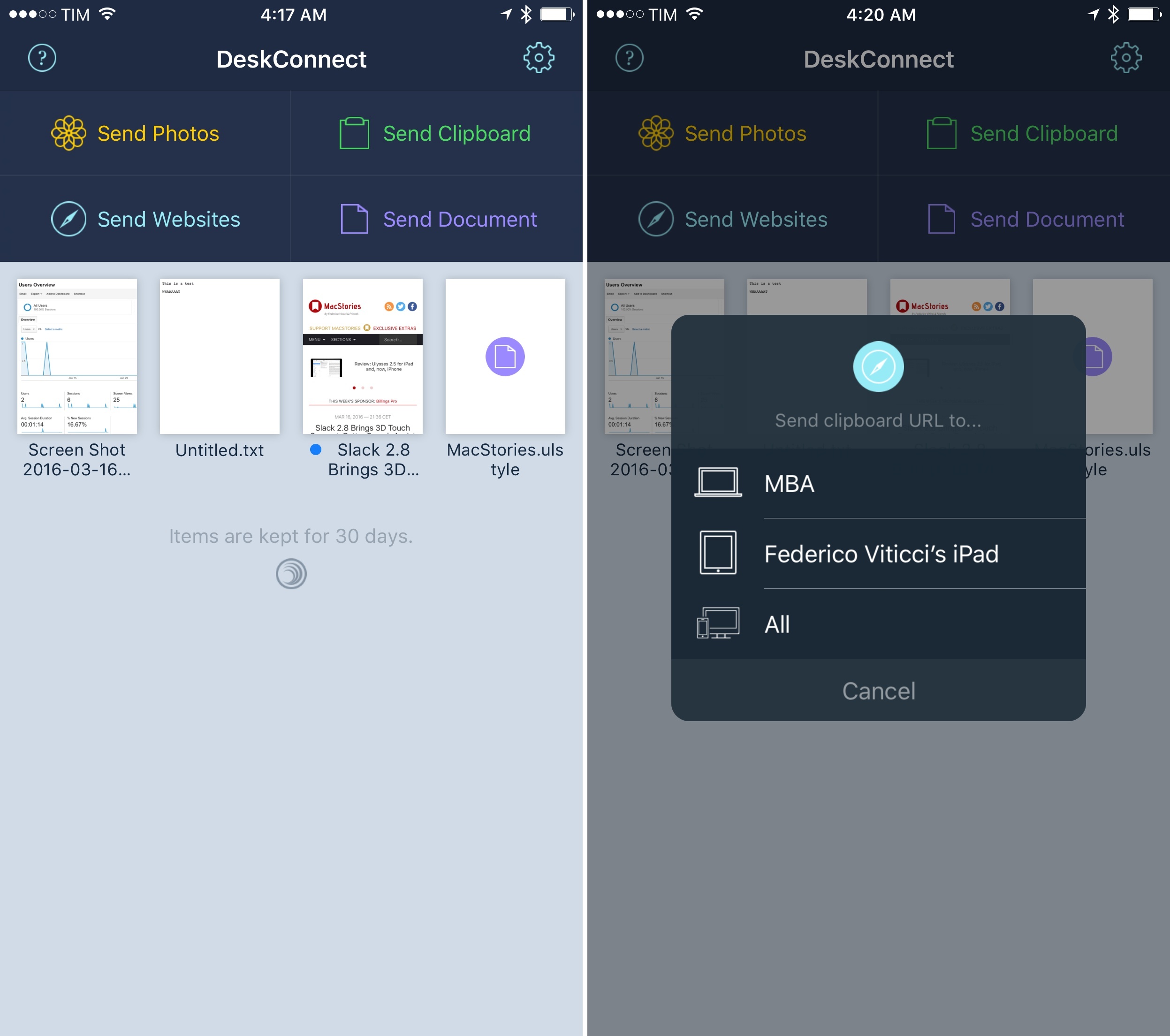
Before he co-founded Workflow, Ari Weinstein was the creator of DeskConnect. Originally born out of a hackathon, DeskConnect was a Mac and iOS utility to speed up the process of transferring bits of text and files between devices. Based on a cloud service and built with speed in mind, DeskConnect predated Apple’s Continuity efforts with AirDrop in iOS 8 and OS X Yosemite; when it launched in the summer of 2013, DeskConnect was featured by Apple on the Mac App Store and it ranked in the top charts for several consecutive days.
However, after Weinstein and Workflow co-founders Conrad Kramer and Nick Frey began working on the app that would later win an Apple Design Award, DeskConnect was put on the shelf so the team could focus on their powerful take on iOS automation. They never forgot about DeskConnect, though. With a major redesign and adoption of modern iOS technologies, DeskConnect’s comeback, launching today on the App Store, brings an even faster way to share documents, photos, and just about anything across multiple devices. After testing the new DeskConnect for the past couple of weeks, it’s impossible not to be impressed with its simplicity and speed.
Scanner Pro 7 Adds OCR and Workflows
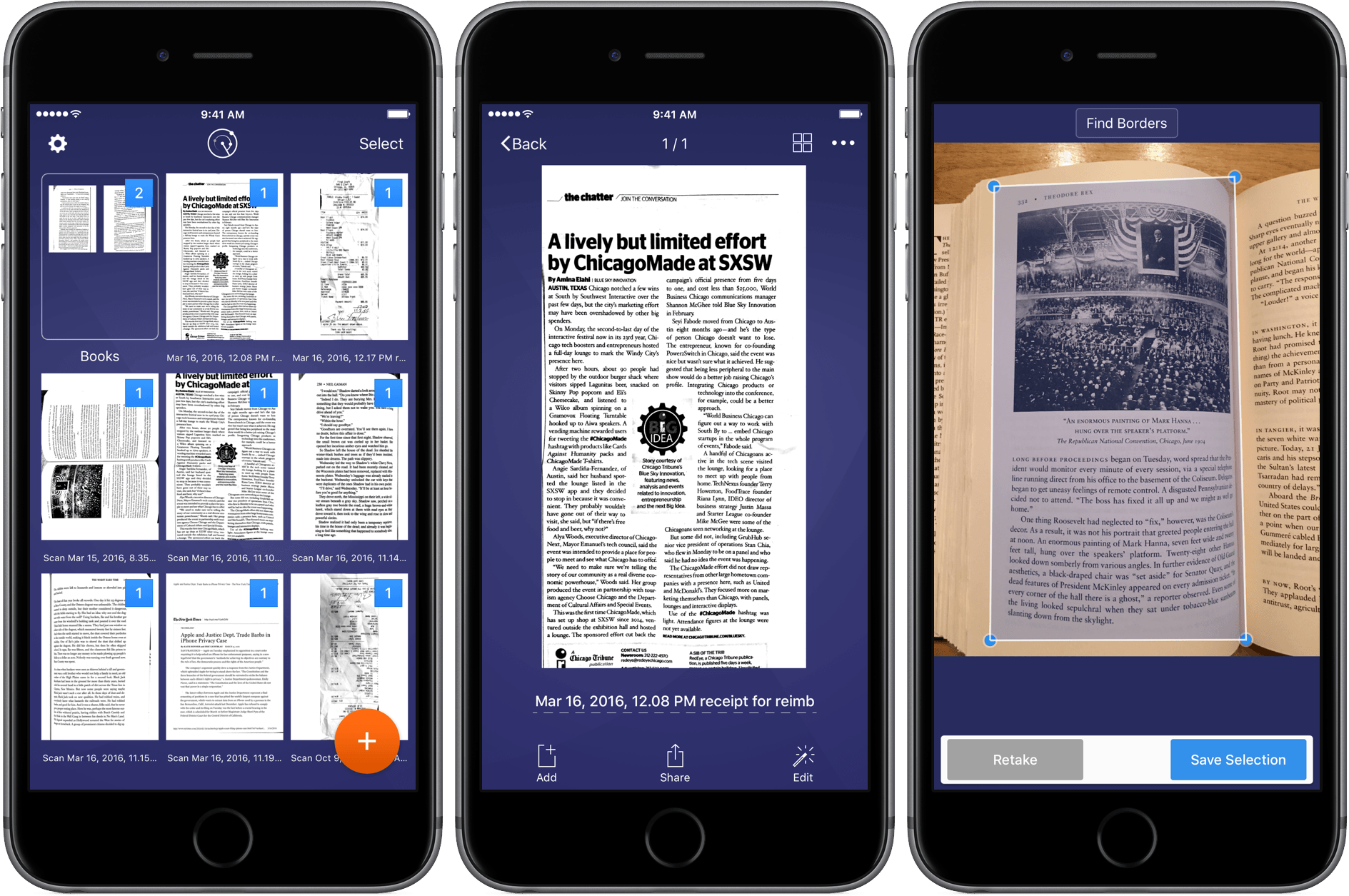
Scanning apps have become a big category on iOS. There are a lot of great options and the quality and diversity of the category creates a healthy competitive atmosphere that means frequent updates and innovations, which are great for customers. Today, Readdle launched version 7 of Scanner Pro, which adds optical character recognition (OCR), distortion correction, and a cool new trick – workflows. With Scanner Pro 7 you can chain multiple actions together and fire them off with just one tap.
Thumb.Run Review: A Beautiful, Charming Racer
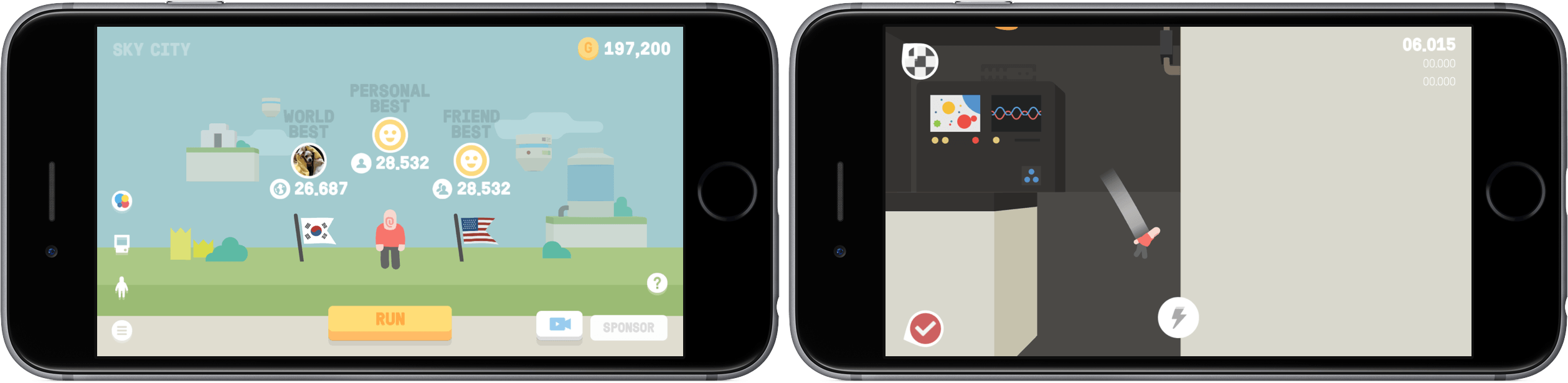
In a world of ever-increasing video game complexity, some games stand out as being ones that can captivate despite high-def graphics and intense gameplay. It’s certainly not easy, of course, and the ones that try have their work cut out for them.
After becoming addicted to Thumb.Run over the past week, the speedy racing game has caught my eye as a fulfillment of what’s mentioned above.
Handsome B&W Filters with Black
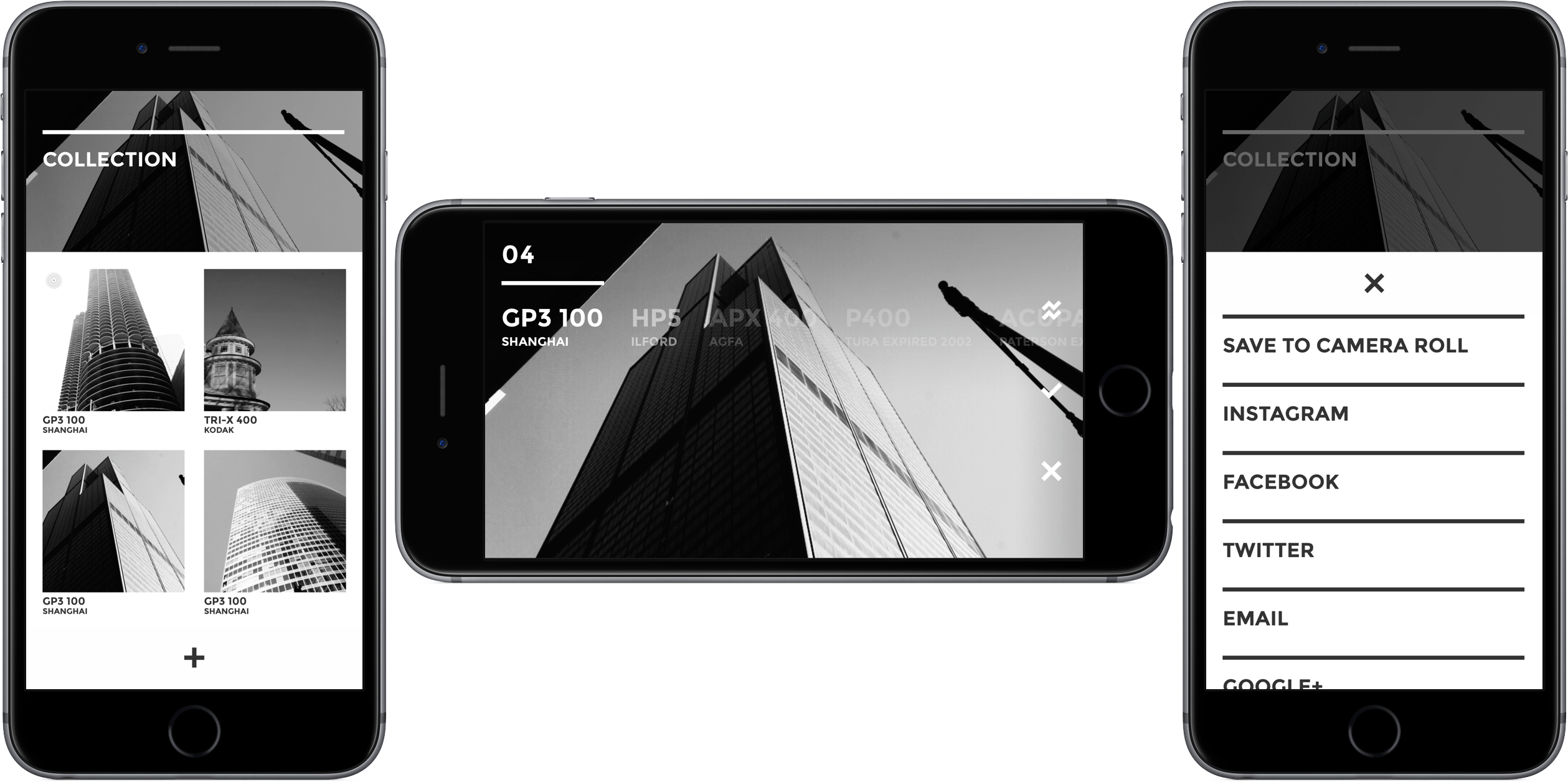
There was a time when I would download just about any photo editing app and give it a try. But like many things, I found that having too many tools led to paralysis of choice. I would want to edit a photo, but I couldn’t decide which app had just the right filters I was looking for.
These days I use the built-in Photos app for most of my photo editing, but I keep a handful of other apps around, and periodically add one or two to the mix on a trial basis. Not many of those trial photos apps stick, but recently I’ve been trying Black by Peter Stojanowski, which features ten attractive black and white filters based on classic film types and a few manual controls, and it’s stuck with me.
Turn Your Mac Into a Media Server With AirParrot 2 and AirParrot Remote
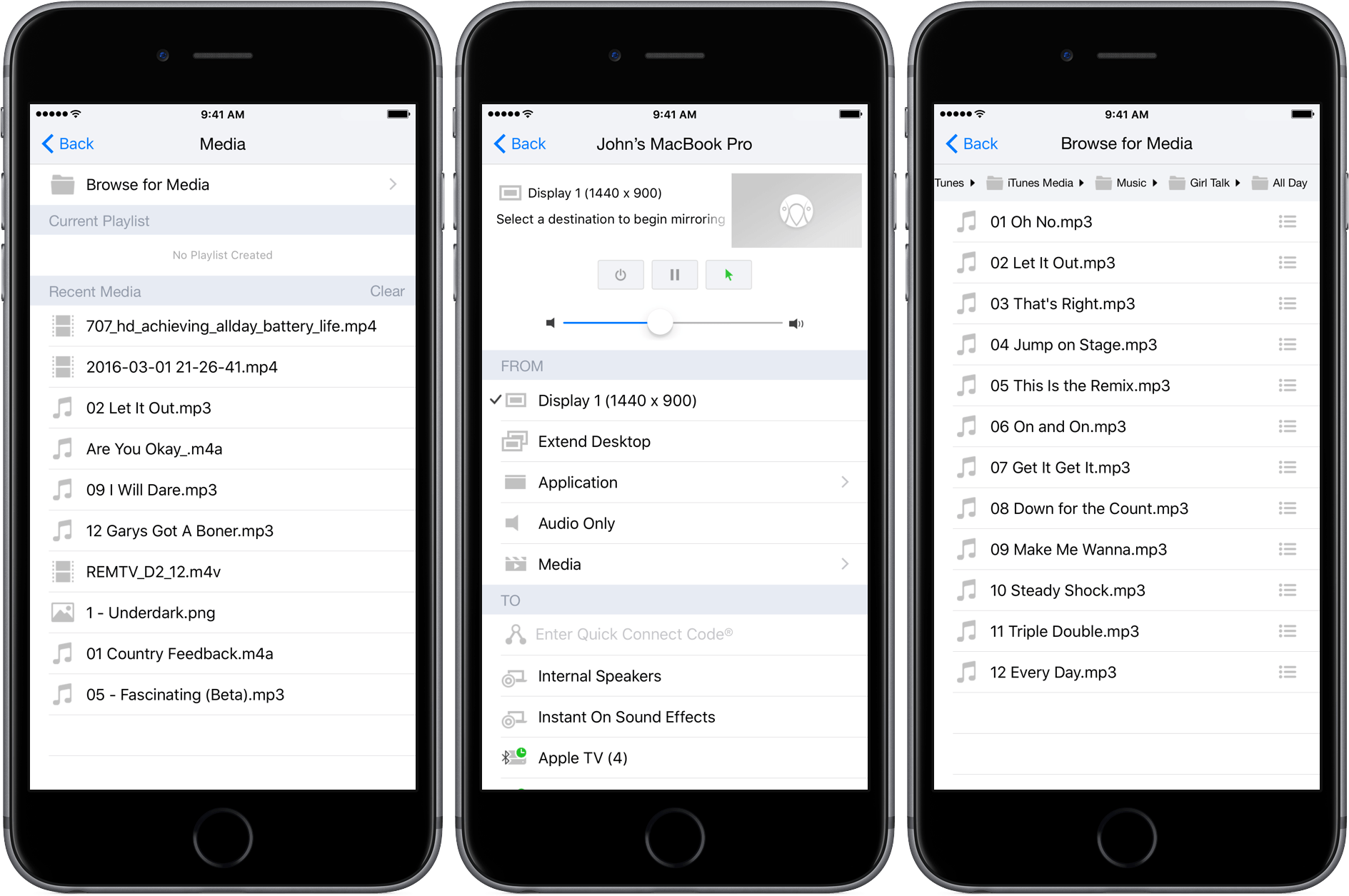
Shortly after reviewing AirFoil for Mac, which acts as a hub for routing audio to multiple devices and has an iOS remote control app, I heard that Squirrels was planning something similar for its AirParrot product. AirParrot 2 for Mac acts as a hub for sharing your Mac’s screen, apps, and media to devices like the Apple TV. With an update to AirParrot and the release of AirParrot Remote for iOS, you can now control the streaming of your Mac’s screen, apps, and media remotely from your iPhone or iPad.
Wikipedia’s New Focus on Discovery
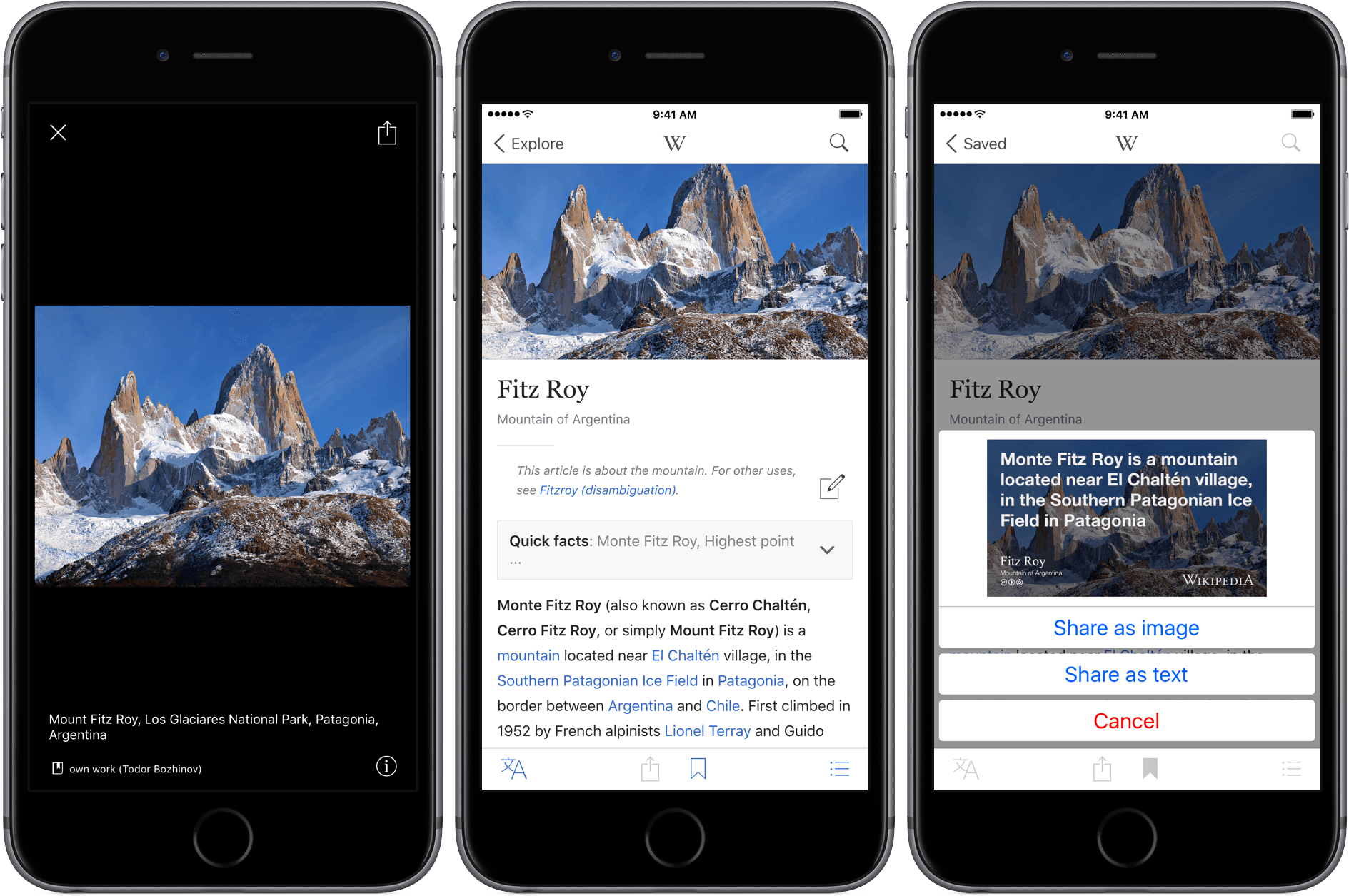
For a long time, Articles by Sophiestication Software was my favorite Wikipedia app on iOS. But Articles is showing its age because it hasn’t been updated since September 2013 when developer Sophia Teutschler took a job on the UIKit Frameworks team at Apple.
Wikipedia has had its own official app for years, but for much of that time it wasn’t very good. Apps like Articles filled the gap, presenting a cleaner, better-designed experience. After years of using Articles, I lost track of Wikipedia’s iOS app, but was pleasantly surprised when I downloaded the just-released version 5, which has evolved into a great all-around Wikipedia utility.
Review: Ulysses 2.5 for iPad and, now, iPhone
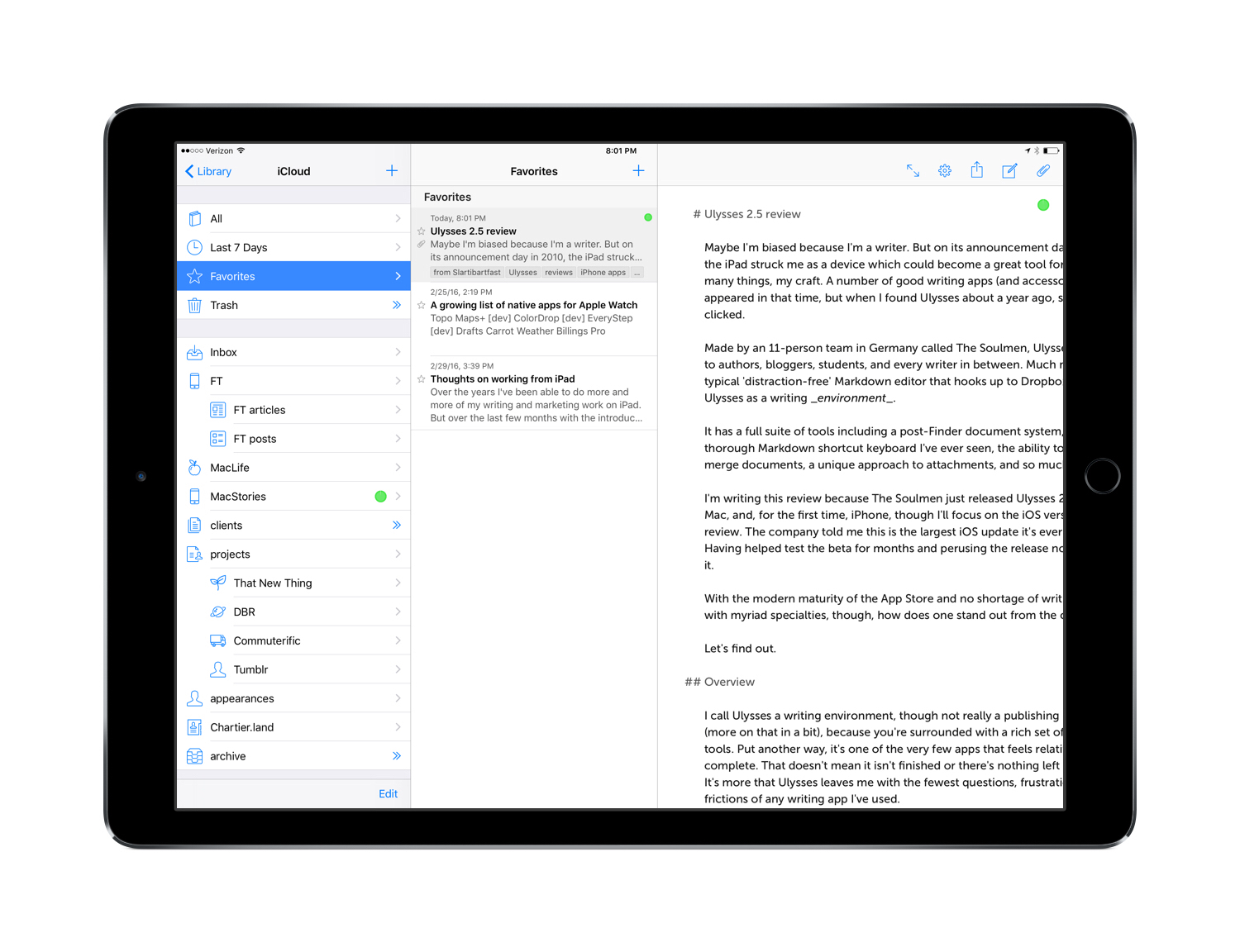
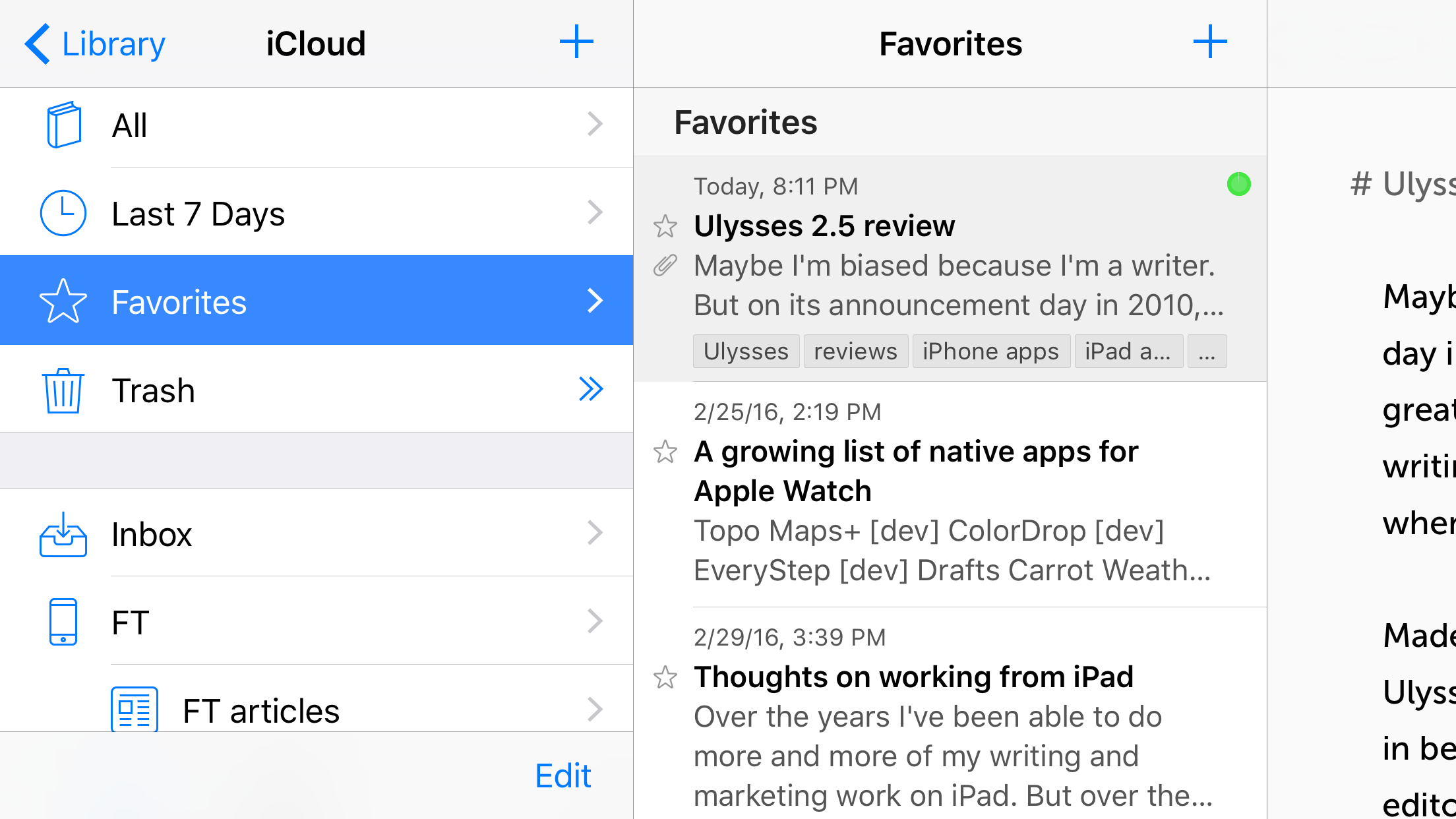
Maybe I’m biased because I’m a writer, but when it was announced in 2010, the iPad struck me as a device which could become a great tool for, amongst many things, my craft. A number of good writing apps (and accessories) have appeared in that time, but when I found Ulysses about a year ago, something clicked.
Made by an 11-person team in Germany called The Soulmen, Ulysses is pitched to authors, bloggers, students, and every writer in between. Much more than a typical ‘distraction-free’ Markdown editor that hooks up to Dropbox, I think of Ulysses as a writing environment. It has a full suite of tools including a post-Finder document system, the most thorough Markdown shortcut keyboard I’ve ever seen, the ability to split and merge documents, a unique approach to attachments, and so much more.
I’m writing this review because The Soulmen just released Ulysses 2.5 for iPad, Mac, and, for the first time, iPhone, though I’ll focus on the iOS version for this review. The company told me this is the largest iOS update it’s ever released, and having helped test the beta for the last couple of months and perusing the release notes, I believe it. Surprisingly, not only is this major upgrade that makes the iPad edition universal, it’s free to existing owners.
With the modern maturity of the App Store and no shortage of writing apps with myriad specialties, though, how does a premium app stand out from the crowd?
Let’s find out.