This Week's Sponsor:

Copilot Money

Copilot Money, The Best Money Tracker, Launches on the Web – Limited-Time: Get 26% Off + 2 Months Free


Posts in reviews

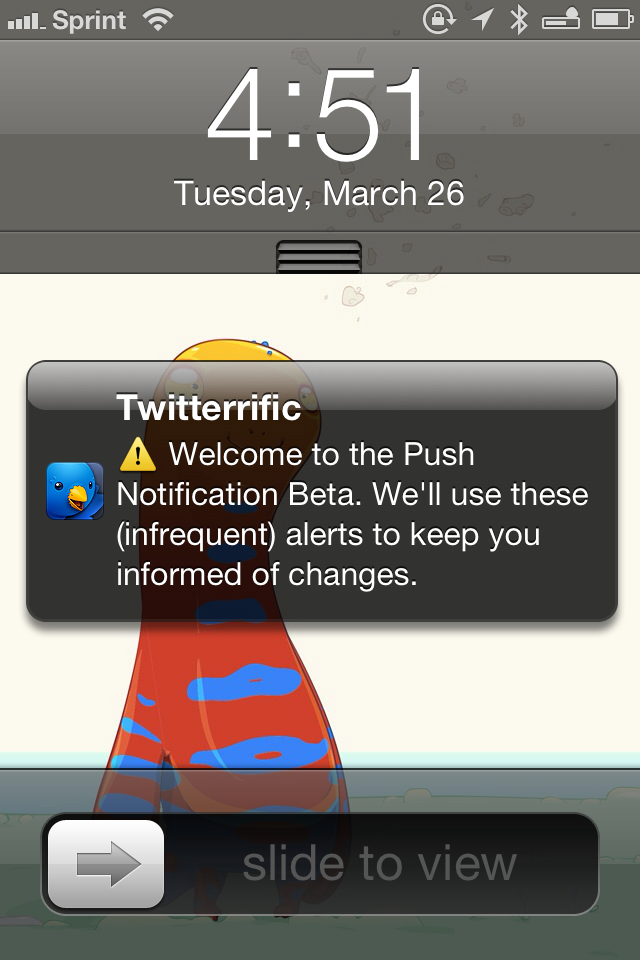
Twitterrific 5.2: Push Notification Rollout, Profile Banners, and Storify for Discussions

Push Notification Beta Alert

Push Notification Beta Alert

Redesigned from the ground up, Twitterrific launched last December with a fresh design that pleasantly surprised long time fans of the app. Breaking ground on the original iPhone, Twitterrific has relatively stayed the same for years, subtracting unnecessary features and focusing on delivering a robust core experience. Today, people expect more from their Twitter clients, such as the ability to mute hashtags and receive push notifications for follows and replies. The Iconfactory addressed the former through their last update with muffling, a simple way to shush users, hashtags, and domains on the timeline. Yesterday, The Iconfactory began addressing the latter by introducing push notifications in Twitterrific 5.2.

Read more


Wingman – Your GitHub Code Concierge

On the surface Wingman is a simple menu bar application that integrates with a Github account to manage projects. As you dive deeper into the app you will find more robust features that help accomplish routine tasks such as the ability to create separate branches for features, bugs, hotfixes, and releases. What makes Wingman so simple to use is not the minimal interface, actually it is the “Task Driven Workflow” that is easy to understand for developers and non-developers alike.

All actions in Wingman start with a task. For example, if you have a bug in your project you would like to work on, you would start by clicking the Wingman icon in the menu bar (or by hitting command+enter on the keyboard) and arrowing down to your repo for that project. If you have already loaded the project then a sub menu will display the available tasks you can perform for that project (e.g. Work on a new bug fix or Work on a new feature). As an example, I chose Work on a new bug fix. Wingman will ask for a name to associate with the bug fix and it even allows you to select a pre-existing GitHub Issue or create a new one at that time. Wingman then goes in to action doing all the work required to create a separate branch for the bug fix as well as cloning it to your local computer. The automated tasks are quick and reliable in my experience. The integration with GitHub Issues is perhaps my favorite part of Wingman. Having a paid account with GitHub for a while now, I love tools that really help me get my moneys worth out of the service. I have been using Wingman with a couple of projects in private repos associated with a GitHub organization account and it has worked flawlessly.

Read more


A Month with Mailbox

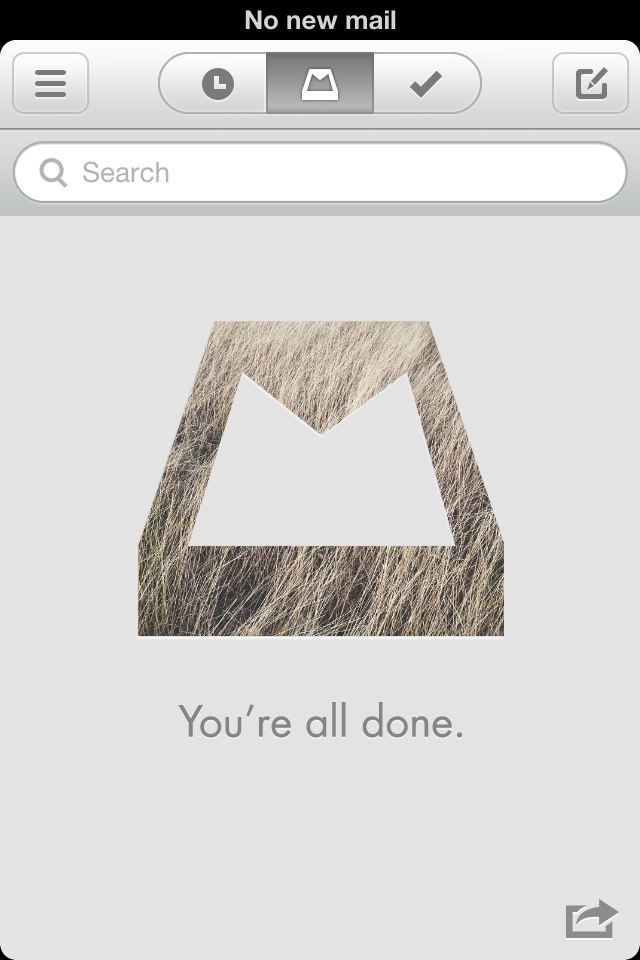
Mailbox, Inbox Zero

Mailbox, Inbox Zero

Orchestra, the company originally behind Mailbox, set out to redesign the traditional mobile email app by transforming the inbox into a to-do list. Recently acquired by Dropbox to the tune of $100 million, Mailbox has been making waves in the media on the promise of helping people act-on their email more quickly and efficiently. Anticipation for the free email app began late 2012 and came to boil over as the app launched in February, thanks to an incredible amount of press attention and clever marketing through Twitter.

Questionably, Mailbox launched with a reservation system to cope with demand. Available on a first come, first served basis, Mailbox was initially only available to those who signed up for the service early-on. So far, over a million people have signed up to use the app, and the company has filled over 500,000 reservations according to a recent TechCrunch interview with Mailbox founder Gentry Underwood.

Mailbox has had its fair share of both praise and criticism. Understandably there’s a healthy amount of skepticism over whether Mailbox actually helps you deal with the bulk of email people receive in their inboxes.

I gave Mailbox my phone number before much of the recent press, leaving me with a reservation somewhere in the early 20,000s. My reservation was filled relatively quickly. As I downloaded the app, I decided I’d pass on early impressions to get a good feel for whether Mailbox could be my daily driver on the iPhone.

As Mailbox is structured around the principles of Inbox Zero, the actions that can be performed are built on top of making quick decisions about what’s necessary to keep. With mobile in mind, Mailbox is designed to help people quickly archive, delete, snooze, or put email in a “do someday” list. People are always checking their phones throughout the day, so why not give people an easier way to weed out the things that don’t matter?

Read more


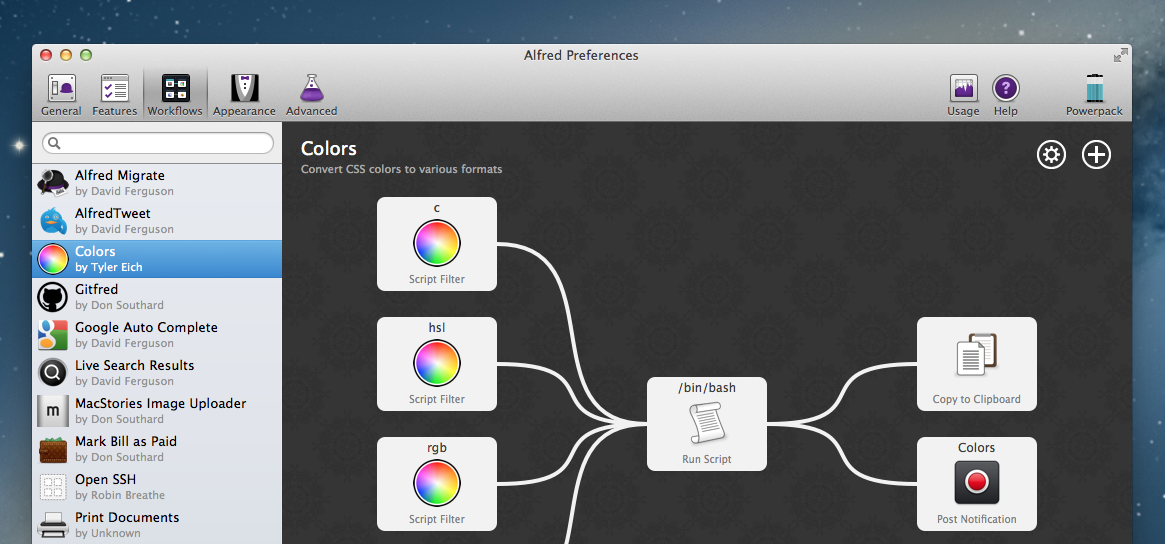
Alfred 2: Rewritten From The Ground Up, Workflows, Themes, and More

Alfred is one of the few apps that I can honestly say have changed the way I use my Mac. I remember the first time I downloaded Alfred back in 2010, the 0.4.1 beta had just been released. I was frustrated with the complexities of Quicksilver and wanted to try something different so I downloaded that early version of Alfred. I remember thinking it was nice, had a small handful of useful features, but ultimately I got bored and deleted it. I hadn’t even given the app another thought until Apple launched the Mac App Store and Alfred was one of the apps to be initially available in the store. I downloaded the free version and not even a week later I had purchased the PowerPack. I lost countless hours of my life scripting extensions to do anything and everything. Over the next 2 years the app received incremental upgrades adding new features with each release. This led to an overwhelming and hard to navigate labyrinth of settings and preferences.

Alfred 2 doesn’t feel like an incremental upgrade to the original app. I think it could be better described as a fresh start. Rebuilt from the ground up, Alfred 2 sports a more logical preference structure that has been simplified for easy navigation without losing any features from version 1. Most notably, the developers replaced extensions with more powerful workflows. The user interface is larger, cleaner, and has new Retina-ready icons.

Read more


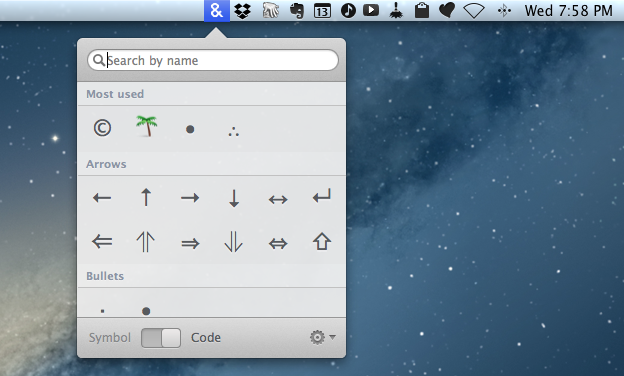
Characters for Mac

Special characters are the bane of my scripting hobby. In dealing with text on a daily basis and constantly playing around with scripts and macros to make text editing faster, I inevitably come across the occasional Unicode Error that increases my headache and coffee consumption rate. Which is why, if you have the same issues with Python, I recommend watching this video that Dr. Drang kindly sent me a few weeks ago on Twitter.

Characters for Mac is a menubar app that wants to make the process of copying special character effortless and simple for both users and developers. Read more


Glui: Simple Image Annotations With Dropbox Sharing

Glui

Glui

While I like Skitch, some people haven’t been thrilled with the app after the Evernote acquisition and especially after Evernote shipped a version with several Evernote-specific features. Even after an update that re-added functionality that had been removed, some users still don’t like the Evernote-centric approach Skitch has taken. Personally, I use Evernote on a daily basis and don’t mind about the deeper integration – I actually like it a lot – but I have sometimes wished the Skitch app could be a bit faster or simpler for quick annotations.

Glui is an interesting proposition for those who have been looking for a Skitch alternative without the new Skitch features. Read more


Pinbrowser for Pinboard

pin

pin

There’s been a rise in popularity for Pinboard clients lately, and I very much like this trend. I use Pinboard on a daily basis to save and discover links of interest, and I really appreciate the business model of the service. On iOS, I use Pinbook to save links (primarily thanks to a bookmarklet) and Pushpin to browse Popular and Network bookmarks on my iPhone. Pinbrowser is a new Pinboard app focused on letting you browse the Popular feed, users, and tags.

Read more


Launch Center Pro 1.1

LCP

LCP

Released in December 2011, App Cubby’s Launch Center re-ignited interest in iOS URL schemes – shortcuts to automate communication between apps and get specific things done faster with less manual tapping and interactions. Its direct sequel, Launch Center Pro, was released in the summer of 2012 and doubled down on the entire idea of automating iOS tasks by providing a “Home screen for your actions” to allow users to better and more visually organize their shortcuts.

Launch Center Pro 1.1, released today, focuses on improving three key aspects of Launch Center Pro: native in-app actions, the Action Composer, and TextExpander support in URLs. Read more