


Razer, best known for making mice and keyboards for gamers, announced a keyboard case for the 12.9” iPad Pro that features mechanical backlit keys with twenty levels of brightness and a kickstand that allows for multiple viewing angles. Razer’s keyboard, dubbed the Razer Mechanical Switch Keyboard, connects over Bluetooth and includes what Razer calls an Ultra-Low-Profile Mechanical Switch that it says delivers ’the exact same performance and feel as a full-fledged mechanical keyboard.’ With backlighting enabled, Razer estimates you will get 10 hours of battery life. With backlighting turned off, however, Razer says its keyboard will last a whopping 600 hours. Razer’s keyboard is available for purchase in the US for $169.99 with other countries to follow.
Posts in news
Razer Launches Mechanical Switch Keyboard for iPad Pro
Spotify Launches Two New Radio Shows→
Swedish streaming service Spotify is launching two new radio shows today, both of which feature musicians talking about the kind of music that they like listening to while they’re making their art. The first, AM/PM, will feature artists like electronic music pioneer Jean-Michel Jarre and Terry Hall of ska icons The Specials talking about the music they listen to in the mornings before work, and in the evenings after a day spent creating. The second, Secret Genius, speaks to the songwriters and producers behind major songs, and features the actually-pretty-well-known James Blake, among others.
Looks like Spotify’s “In Residence” radio shows which launched last year were successful enough for Spotify to commission these two new shows. The comparison to the radio shows on Beats 1 is unavoidable, but it’s a good move on Spotify’s part. They may not be for everyone, but those Beats 1 shows are one of the best benefits of the launch of Apple Music. Spotify’s radio shows aren’t live like some of those on Beats 1 are, but I don’t think that makes a great deal of difference to their appeal to listeners.
Speaking of live radio and Beats 1, I’d be very interested to find out how many people listen to Beats 1 live, compared to how many just listen to the recorded radio shows when it is most convenient for them.
Open Casting Call Posted for Apple’s ‘Planet of the Apps’ Reality TV Show→
Earlier this year it was announced that Apple was planning to launch its first original TV series about the “app economy.” Now, Apple has posted an open casting call for the unscripted reality series, which we now know is called Planet of the Apps.
The show is being co-produced with Propagate, a newly launched production company co-owned by Ben Silverman, best known for The Biggest Loser, and Howard T. Owens of MasterChef Junior fame. Will.i.am will also have a hand in producing Apple’s reality series.
The casting call is open to legal residents of the US, and it requires you to have a functioning app (for iOS, macOS, tvOS or watchOS) by October 21. The show will also incorporate elements of mentorship, marketing and promotion (“featured placement in the App Store at the end of the show”), and even funding from “top-tier VCs”.
Executive producers will.i.am, Ben Silverman, and Howard Owens are teaming up for an unscripted series about the world of apps and the talented people that drive its innovation. They’re looking for developers with the vision to shape the future, solve real problems, and inspire change within our daily lives. “We can really tell their stories as we explore how apps are developed and created and incubated,” says Silverman.
If you’re interested in potentially applying to be a part of Planet of the Apps, you can visit their website which contains more information on the requirements and application process.
Shooting takes place from “late 2016 to early 2017” with no official broadcast date just yet, though the website does note that the show will “reach millions of viewers around the world on Apple platforms”. Also yet to be announced are the tech experts and mentors, and these will be announced in “the coming weeks”.
I’m not sure why they’re calling the series “Planet of the Apps”, a name which appears to inexplicably riff on the “Planet of the Apes” science fiction franchise. I hope that by the time the series goes to air it has a different, better, name.
Pokémon GO’s Spectacular Launch
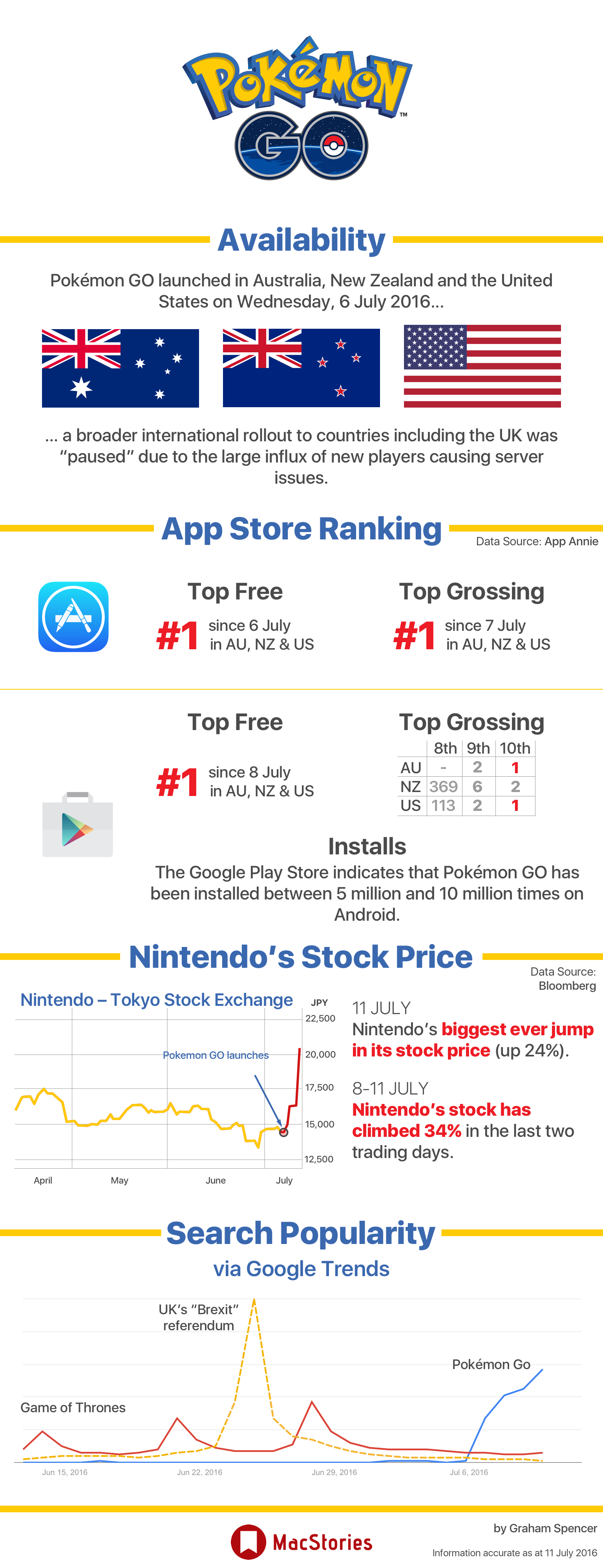
Pokémon GO launched last week, and it has quickly captured the attention of millions who are now playing the augmented reality game created by Niantic in collaboration with The Pokémon Company (which is partially owned by Nintendo). After launching in Australia, New Zealand and the United States, the staggering popularity of the game appeared to catch Niantic off-guard, which had to make the decision to temporarily pause the international rollout. However, there are reports today that the game’s European and Asian rollout will commence “within a few days”.
Despite the limited geographical rollout thus far, Pokémon GO has been a huge early success in Australia, New Zealand and the United States. Across almost every publically accessible metric, across iOS and Android, the game has done incredibly well. Most notably, Pokémon GO has been the number 1 free app and number 1 top grossing app on the iOS App Store essentially since it launched.
It is early days, but given the quite spectacular launch that Pokémon GO has experienced, here’s an infographic that attempts to capture its early success.
https://twitter.com/jamescroft/status/752014907999002624
https://twitter.com/kylesethgray/status/752368208435253248
Igloo: An Intranet You’ll Actually Like [Sponsor]
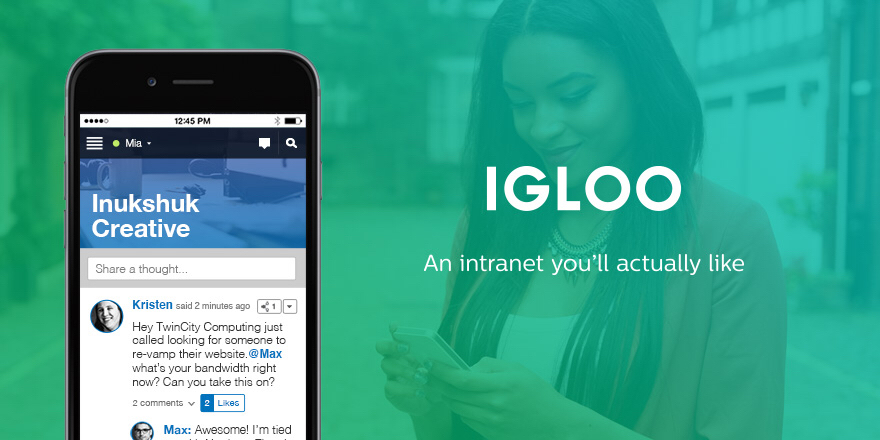
Information is coming from everywhere: email, files, chat, the 30+ cloud-based apps we use every day — it’s getting harder to keep things simple. Igloo is a modern intranet that makes sense of the modern world.
Stay connected with people by using newsfeeds and integrated chat apps; get the information you need with (easy to navigate and secure) file storage and apps you already use like Zendesk and Salesforce; and keep work moving with instant notifications and document controls.
The modern workplace is anywhere with an internet-connected device — and a modern intranet like Igloo works wherever you do.
See what your company has been missing and try Igloo for free today.
Our thanks to Igloo for sponsoring MacStories this week.
Apple to Add Organ Donor Option to Health App→
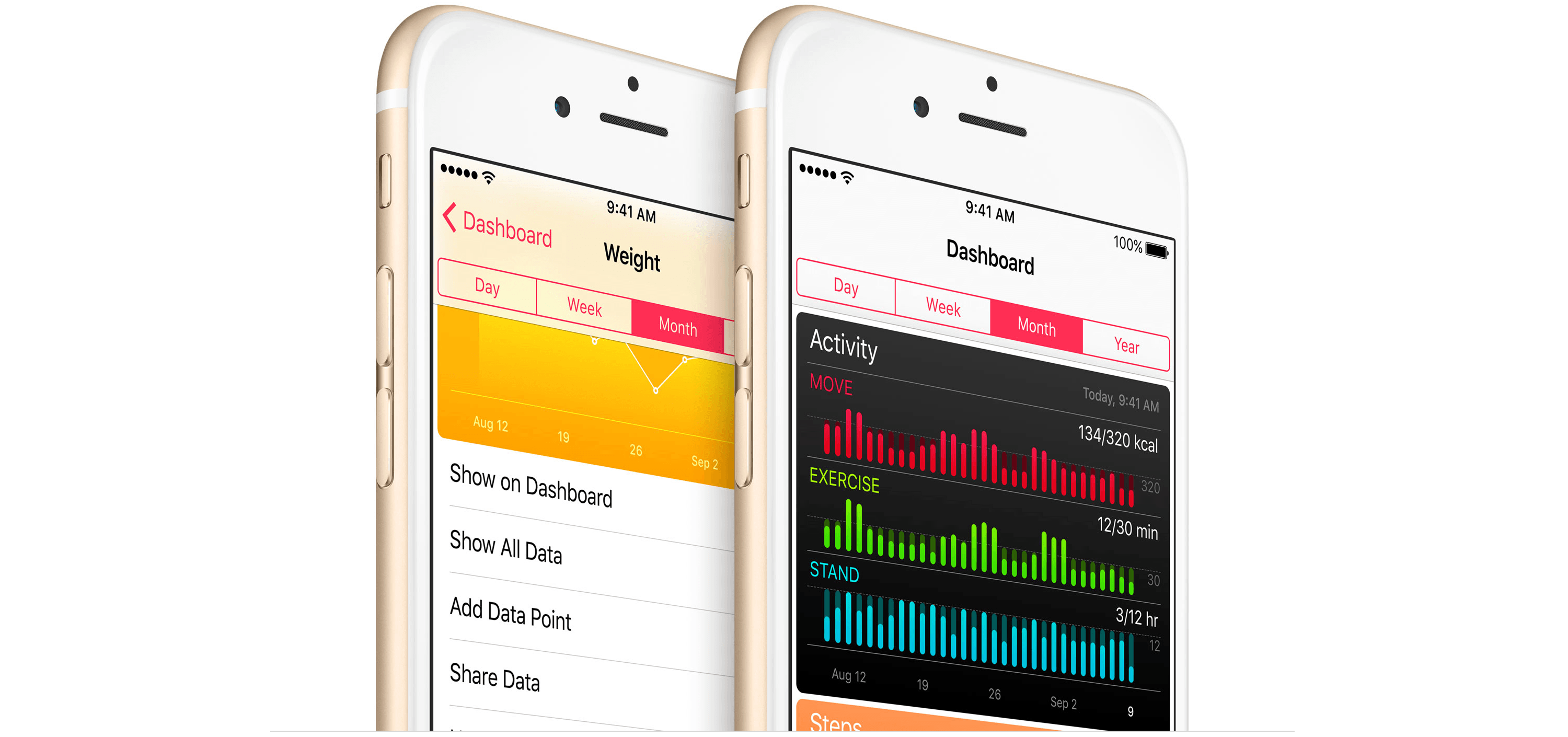
Update: Apple and Donate Life America, which maintains the National Donate Life Registry in the US, issued a press release that provides further detail regarding the plan to add organ donor registration to the iOS Health App:
Through a simple sign up process, iPhone users can learn more and take action with just a few taps. All registrations submitted from iPhone are sent directly to the National Donate Life Registry managed by Donate Life America. The ability to quickly and easily become a nationally-registered donor enables people to carry their decision with them wherever they go.
As Jeff Williams, Apple’s chief operating officer, explains:
Apple’s mission has always been to create products that transform people’s lives. With the updated Health app, we’re providing education and awareness about organ donation and making it easier than ever to register. It’s a simple process that takes just a few seconds and could help save up to eight lives…
The organ donation feature will be added to the Health app as part of iOS 10, which is scheduled for release as a free update this Fall.
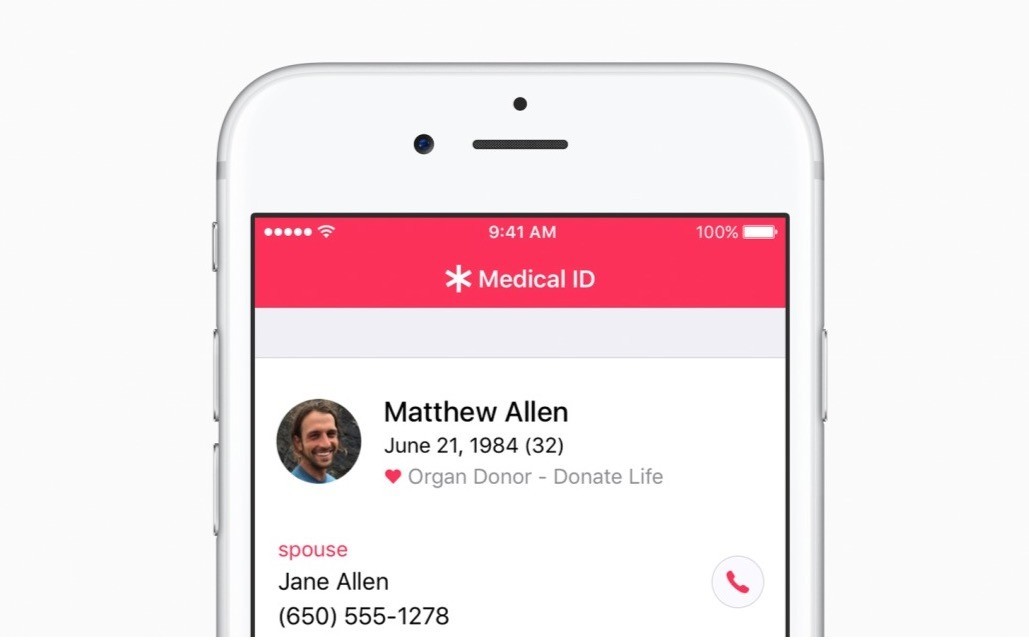
MacRumors (via CNBC) reports that Apple plans to add a button to its Health app this Fall that will make it easy for US customers to sign up for the national organ donor registry. Tim Cook, who spoke to the Associated Press, said that he hopes the new feature will make it easier for people in need of organ transplants to quickly find a compatible donor. The number of people in need of organ transplants has long exceeded the number of donors in the US, causing people in need to have to wait, which Cook said hit home for Apple when Steve Jobs waited for a liver transplant in 2009.
NASA and Apple Music Team Up For Visions in Harmony
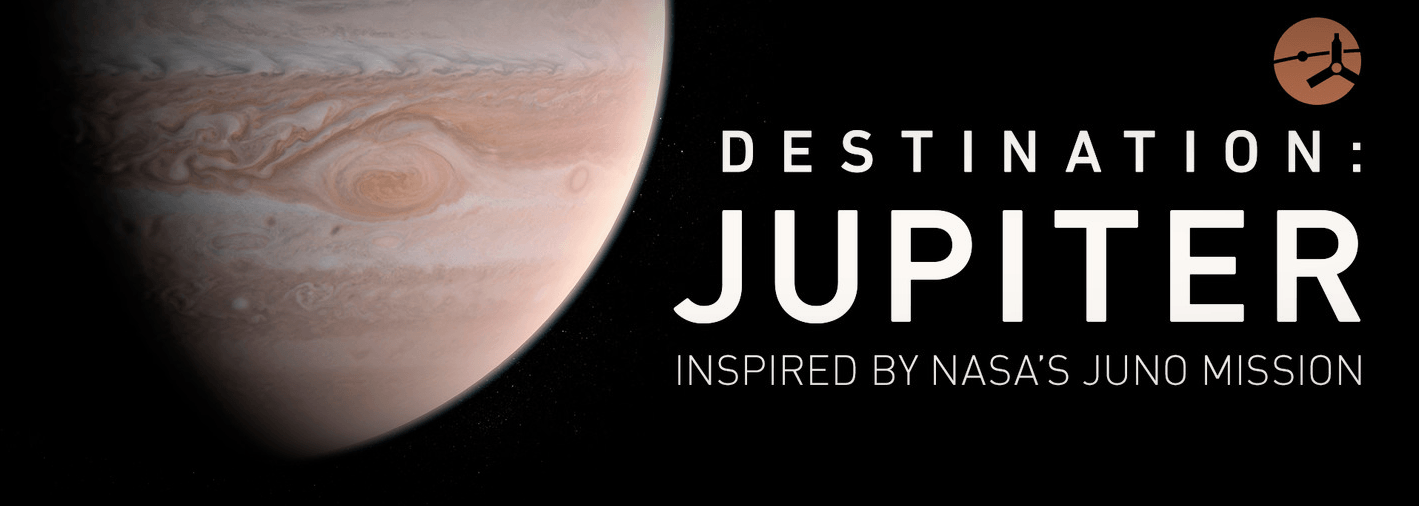
In 2011 NASA launched the Juno spacecraft, which is expected to reach Jupiter’s orbit on July 4th. To commemorate the event, which will be the closest look we have ever had of Jupiter, Apple and NASA debuted a short film called Visions in Harmony. The film, which is about nine minutes long, features interviews Scott Bolton, the principal investigator for the Juno project, and musical artists Corinne Bailey Rae, Quin, and Daye Jack. The soundtrack for the film is Juno, a composition by Trent Reznor and Atticus Ross.
Apple has created a special ‘Destination: Jupiter’ section of Apple Music that features the free film and eight exclusive tracks from the artists that appear in Visions in Harmony and other artists. A note on the page from NASA and Apple encourages everyone to check back for further updates as Juno approaches Jupiter.
Facebook Shutters Paper→
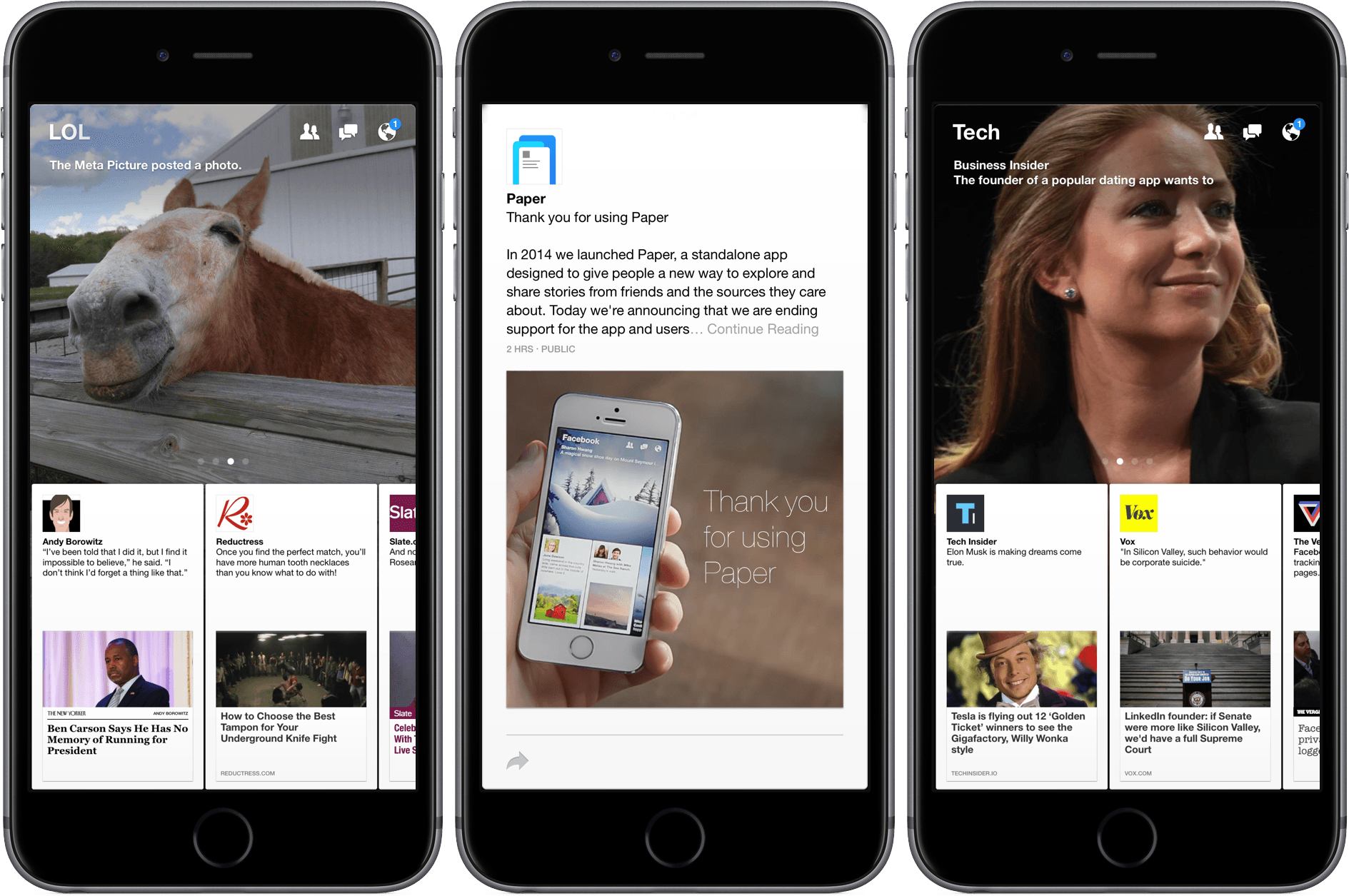
The Verge reports that Facebook is removing Paper, its design-forward alternative Facebook client, from the App Store today.
Paper was notable for the novel animations it used to guide you through the app — tap on a link and it would unfold like a letter; pull down on the story and it would fold back up, returning you to the feed.
Paper was one of the first products launched by Facebook from Creative Labs an experimental design and development group within Facebook that hired numerous high-profile designers around 2011, including Mike Matas. Matas’ early career highlights include stints at Delicious Monster and Apple where he had a hand in several of the interface elements of the original iPhone, iPad and OS X. He left Apple to found Push Pop Press with the goal of reimagining digital books. Push Pop Press had one product, an interactive version of Al Gore’s book Our Choice.
In August, 2011, Facebook acquired Push Pop Press. The animations and other design elements of Facebook’s Paper, which debuted in early 2014, were heavily influenced by Matas’ and Push Pop’s work on Our Choice and critically acclaimed at the time for their innovations, but the app never caught on with Facebook users. Facebook closed the Creative Labs group last December and Matas left Facebook earlier this year, so the shuttering of Paper is not surprising.
Facebook users who previously downloaded Paper can continue to use it until July 29, 2016, after which Facebook has said the app will no longer work.
Amazon Kindle Devices and Apps Add Page Flip Navigation→
Amazon has introduced the digital equivalent of saving your place in a book as you flip to another page. The feature, called ‘Page Flip,’ lets you pin the current page in the corner of the screen while you scroll through an eBook. While you browse through a compatible book in the Kindle iOS app or on Android devices, Fire tablets, and Kindle devices, a small thumbnail of the page where you started is displayed in the corner of the screen. To return to where you started, you simply tap the thumbnail.
Amazon has posted a video to YouTube that does a good job comparing the feature to doing the same thing in a paper book: