Posts in news

Twitter Delays Transition to New API That Threatens Third-Party Clients

Last April, Twitter announced that it would deprecate parts of its API that third-party Twitter clients rely on for their apps. Originally, Twitter planned to replace the functionality with a new Account Activity API on June 19, 2018. The trouble is, Twitter hasn’t provided third-party developers with access to the new API, which jeopardizes core functionality of those apps.

With the API transition looming, the makers of Twitterrific, Tweetbot, Talon, and Tweetings created a website to alert their users about the impact the changes to third-party Twitter clients:

After June 19th, 2018, “streaming services” at Twitter will be removed. This means two things for third-party apps:

  1. Push notifications will no longer arrive
  2. Timelines won’t refresh automatically

If you use an app like Talon, Tweetbot, Tweetings, or Twitterrific, there is no way for its developer to fix these issues.

We are incredibly eager to update our apps. However, despite many requests for clarification and guidance, Twitter has not provided a way for us to recreate the lost functionality. We’ve been waiting for more than a year.

The site encourages users to express their feelings about the situation to Twitter’s developer account with the hashtag #BreakingMyTwitter.

The response from unhappy Twitter users was swift. By the end of the day, Twitter announced that it would delay the API transition to an unspecified date in the future and provide at least 90 days notice to third parties before shutting down the old APIs.

Although it is good news that Twitter’s transition to the Accounts API has been put off, it doesn’t solve the issues that it raises for third-party developers.

Tension between Twitter and third-party developers isn’t new. Still, when Jack Dorsey returned to Twitter as CEO in 2015, he said he wanted to repair relationships with developers. It’s impossible to know if this latest episode represents a strategic shift for Twitter or mere indifference toward third-party developers. Either way, it’s a shame to see third-party Twitter clients, which pioneered many features that users love, under threat yet again.

Downie: Elegant and Efficient Video Downloads for Your Mac [Sponsor]

Downie for Mac makes downloading video from the web as simple as dragging and dropping a URL. From your browser, drag a URL to Downie’s menu bar icon or onto its Dock icon from sites like YouTube, Youku, Bilibili, Vimeo, and many more to immediately download a video. The app supports video downloads for over 1,000 different sites, and the list keeps growing.

Downie is efficient and organized. Instead of downloading now, queue up downloads for later. It’s a great way to process dozens of videos while you sleep and aren’t using your Internet connection for something else. Downloads can be organized autmatically into folders too based on source and playlist, saving you the hassle of organizing them yourself.

When you use Downie, you also know you’re getting the best version of a video that’s available. For example, unlike many other download apps, Downie can grab the 4K version from YouTube if one is available. It’s that sort of attention to detail, combined with attentive support, frequent updates, and localization that makes Downie a great choice for video downloads.

Downie has a special 25% discount just for MacStories readers. All you need to do is use this link to purchase the app. The same great deal applies to the Downie and Permute bundle if you use this link. Permute is a great companion to Downie that lets you convert video between a wide variety of formats. You can use the coupon code 905E0C5D at checkout to get either discount too.

Expand your video collection the easy way, with Downie.

Our thanks to Downie for sponsoring MacStories this week.


Apple Releases watchOS 4.3 with iPhone Music Controls, Portrait Nightstand Mode, and More

Following iOS 11.3, Apple also released watchOS 4.3 to the public today. The updated Apple Watch software, first released as a developer beta in January, brings a variety of improvements for music playback, a smarter Siri watch face, and bug fixes.

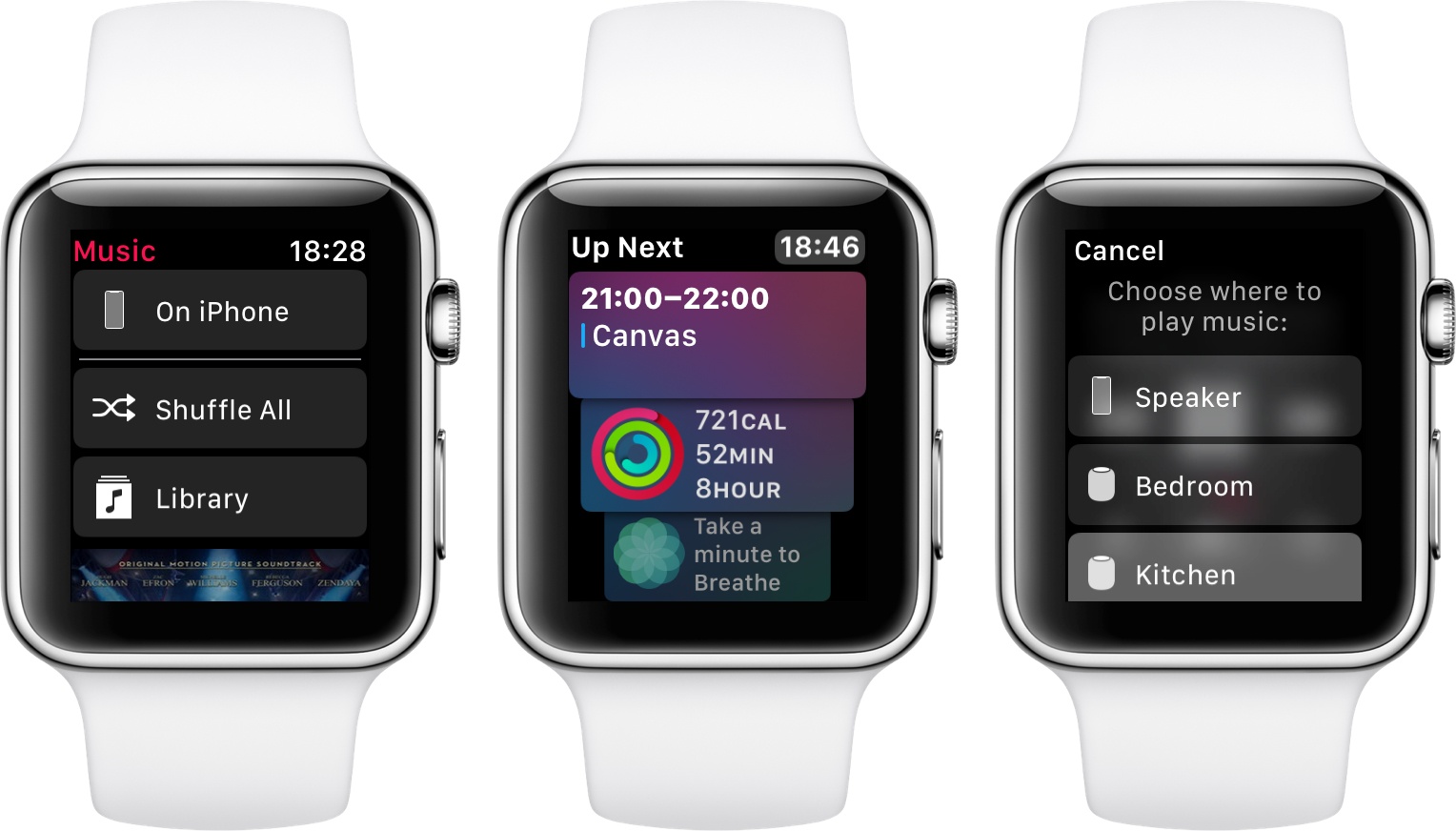
In watchOS 4.3, Apple has restored the ability to browse the entire iPhone music library and control iPhone music playback from the Watch. The lack of full iPhone playback control was one of the most criticized aspects of the Music app refresh on watchOS 4, and it’s nice to see Apple rectify this feature with today’s update.

Also on the music front, watchOS 4.3 allows HomePod owners to control playback and adjust volume of the speaker directly from the Watch. In the Now Playing screen, you can tap on the AirPlay icon (in the bottom left corner) to instantly connect to a HomePod on the same WiFi network, after which you’ll be able to spin the Digital Crown to adjust its volume – all without having to connect to the HomePod through the iPhone first. As someone who routinely listens to Music via the kitchen HomePod while doing something else around the house, I’ve greatly enjoyed the ability to connect and change volume from my wrist.

There are a couple of noteworthy additions to the Siri watch face in watchOS 4.3. First, a new Activity card provides you with a handy summary of the progress you’re making toward closing your rings. The card is updated in real-time during the day, so you can glance at it without opening the main Activity app. Furthermore, on days when one of your Apple Music mixes gets an update, the Siri watch face will bring up a card with a thumbnail preview of the playlist and a message that tells you an updated version of the mix is available.

Lastly, in addition to various bug fixes, watchOS 4.3 brings support for portrait orientation in Nightstand mode (likely in preparation for the company’s AirPower charging mat) along with a refreshed charging animation. I’ve long charged my Watch using a portrait-oriented Belkin Valet charger that sits on my desk, and I like how Nightstand mode is now an option for me.

As I wrote earlier this month, the changes introduced in watchOS 4.3 have helped me enjoy the benefits of Apple’s ecosystem as they integrate the Watch more deeply with my iPhone and HomePods. The update is available now, and you can read our original review of watchOS 4 here.


AgileBits Announces 1Password 7 Beta for the Mac

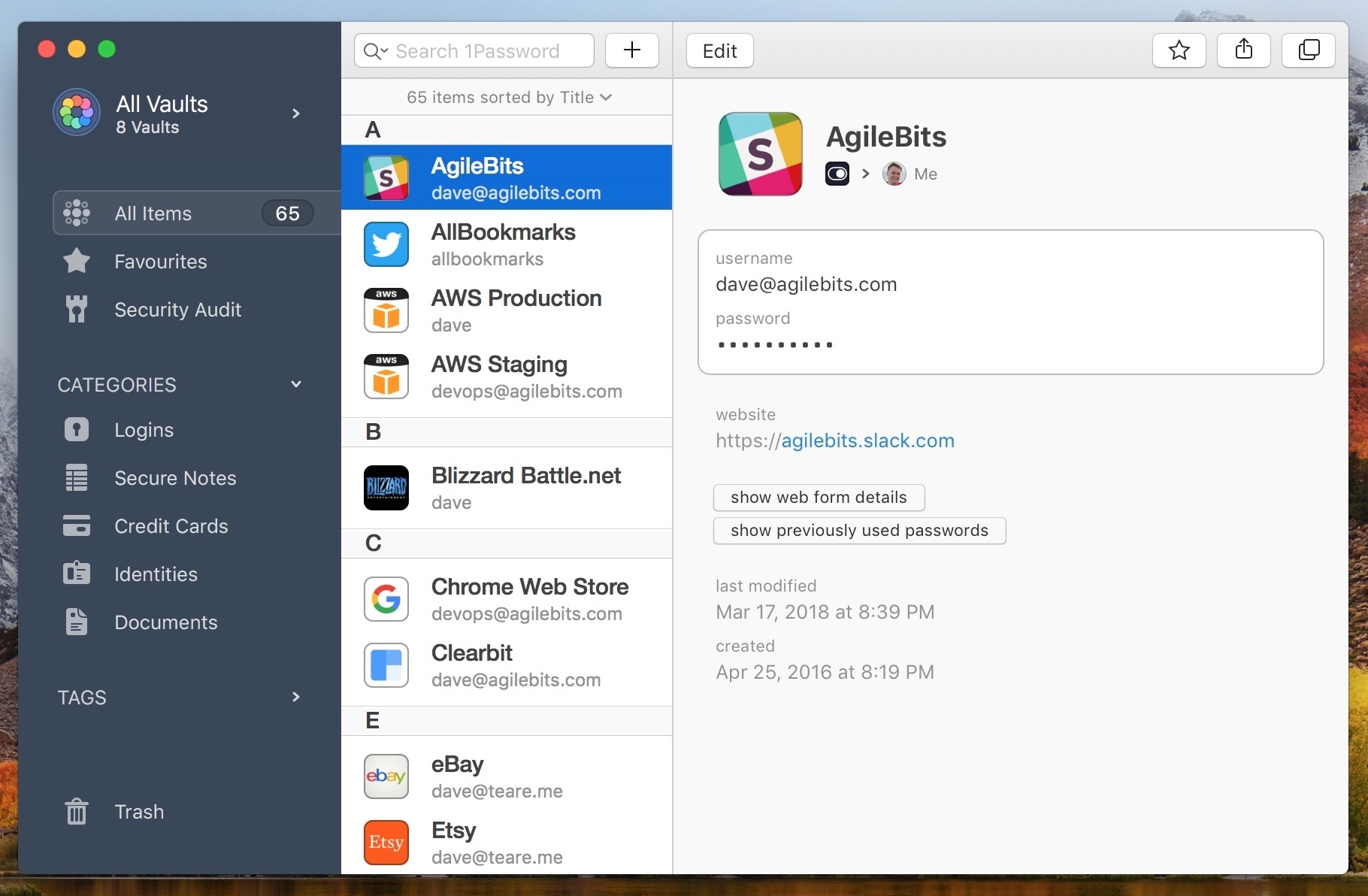
AgileBits has announced a public beta for the next Mac version of 1Password. The company says there are more features to come during the beta, but what was released today already includes many new features and a refreshed design. I particularly like the new dark-themed sidebar, which is reminiscent of Slack’s default theme. It has a more modern look and serves the purpose of focusing users’ attention on the selected items.

The newly-collapsible sidebar comes with enhanced utility too. You can drag items between vaults or onto the ‘New Vault’ button to create a vault containing the item you drag onto it. That should reduce a lot of friction if you use multiple vaults. You can also edit a vault’s name, description, and avatar from the sidebar.

I’m a fan of the Courier Prime font, which is one of a few fonts I switch between to write. AgileBits has added a custom version to 1Password called Courier Prime Bits that should make passwords more readable, so it’s easy to distinguish between characters like the number one, a lowercase l, and a pipe character.

In addition, the beta adds:

  • Rich text formatting to secure notes
  • Easy access to multiple pop-out ‘sticky windows’ for stored items
  • A new under-the-hood architecture that should make everything faster
  • Several other smaller improvements

Even without the additional features that AgileBits expects to add during the beta, 1Password 7 for Mac is shaping up to be a big release. I haven’t had a chance to try the beta yet, and betas come with the usual caveats about bugs, but so far I like what I’ve seen a lot.


Twitterrific for Mac and iOS Adds New Muting and Muffling Features, Plus Video

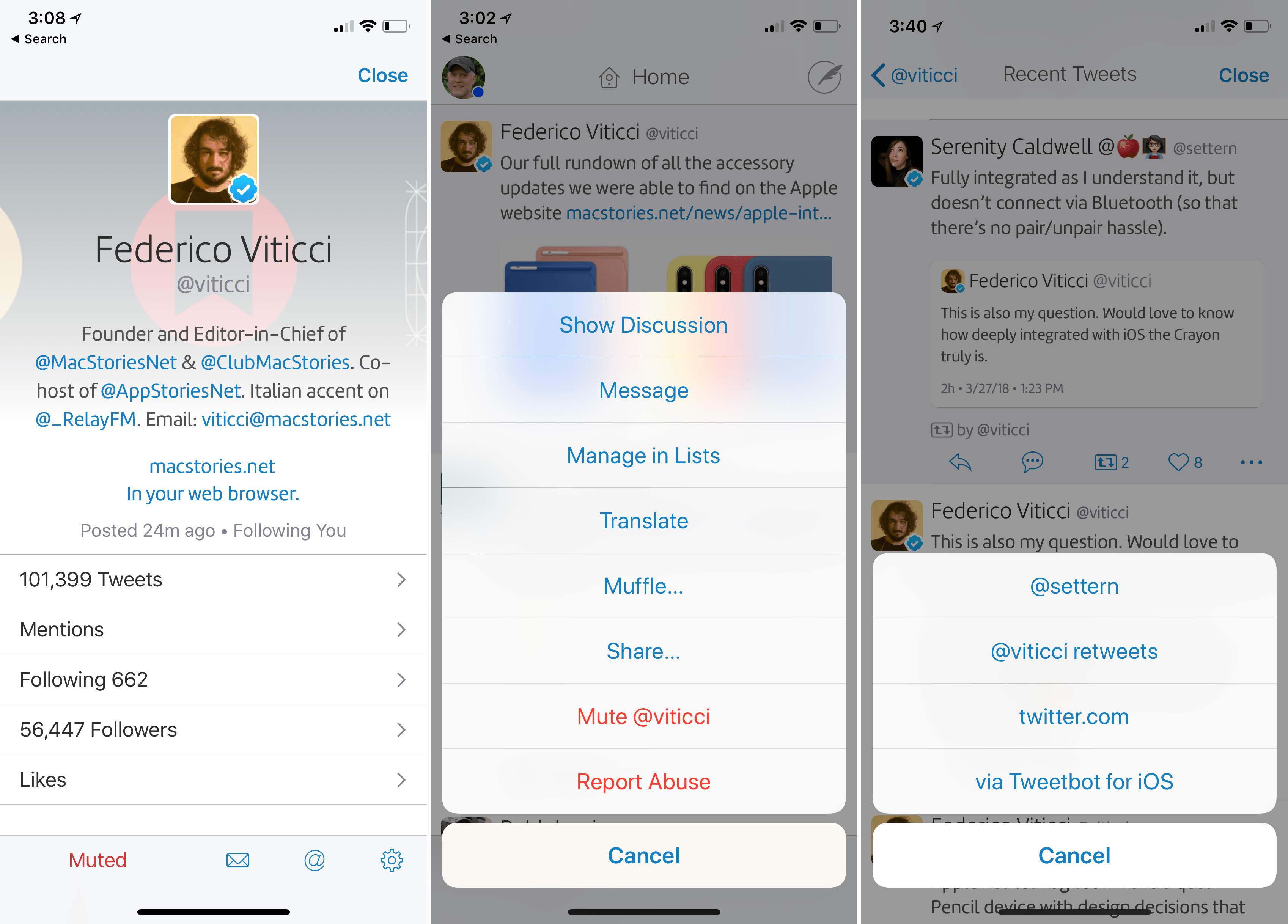
Twitterrific, for iOS and the Mac, has a unique, fine-grained approach to what you see in your Twitter timeline using a combination of muffles and mutes. Muffles are rules that partially hide tweets from your timeline, while mutes hide tweets entirely.

With the update to Twitterrific for Mac and iOS today, The Iconfactory has migrated muffles of users that were set up as mutes to Twitter’s mute system. Mutes can be created from the action menu that’s accessible from any tweet or a user’s profile. With the new system, a mute created in Twitterrific will sync cross-platform to all copies of Twitterrific you use and also register as a mute with Twitter, so muted users’ tweets won’t show up on Twitter.com either. Muting prevents push notifications of a muted user’s tweets too.

All other muffle rules are unaffected by the change to mutes, but The Iconfactory has also extended the way muffles work. Any muffle can be applied to everyone in your timeline or just a specific person. For example, you can muffle all retweets, all retweets by a specific person, all retweets of a specific person’s tweets, or all retweets by a specific person of another person’s tweets. You can also muffle quoted tweets, quotes of particular tweets, or mentions of someone. There is a knowledge base article on The Iconfactory’s website that covers all the possibilities.

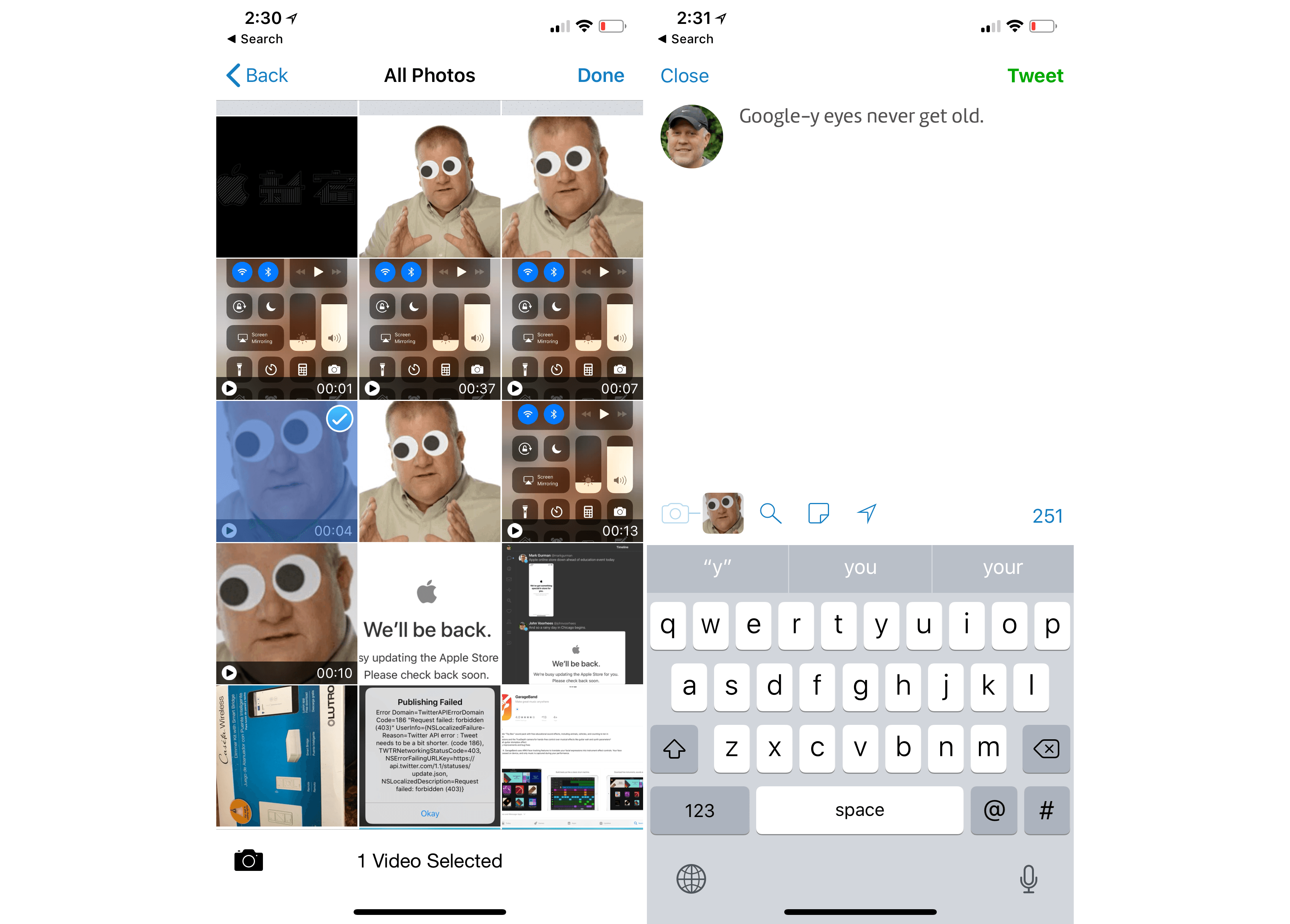
The Twitterrific update also adds support for video attachments to tweets. Videos must be less than 140 seconds long, but that’s the only limitation. On iOS, videos can be added from your photo library, if you long-press the camera icon, from any file provider, or with the app’s share extension.

The rate of updates to Twitterrific for the Mac and iOS continues to impress me and I love the addition of even more granular controls over my timeline that sync across iOS and macOS. If you haven’t tried Twitterrific in a while, it’s worth a look.

Twitterrific is available on the App Store for iOS and on the Mac App Store.


Apple Introduces New Spring Colors for iPhone and iPad Accessories; Space Gray Mac Accessories Now Available

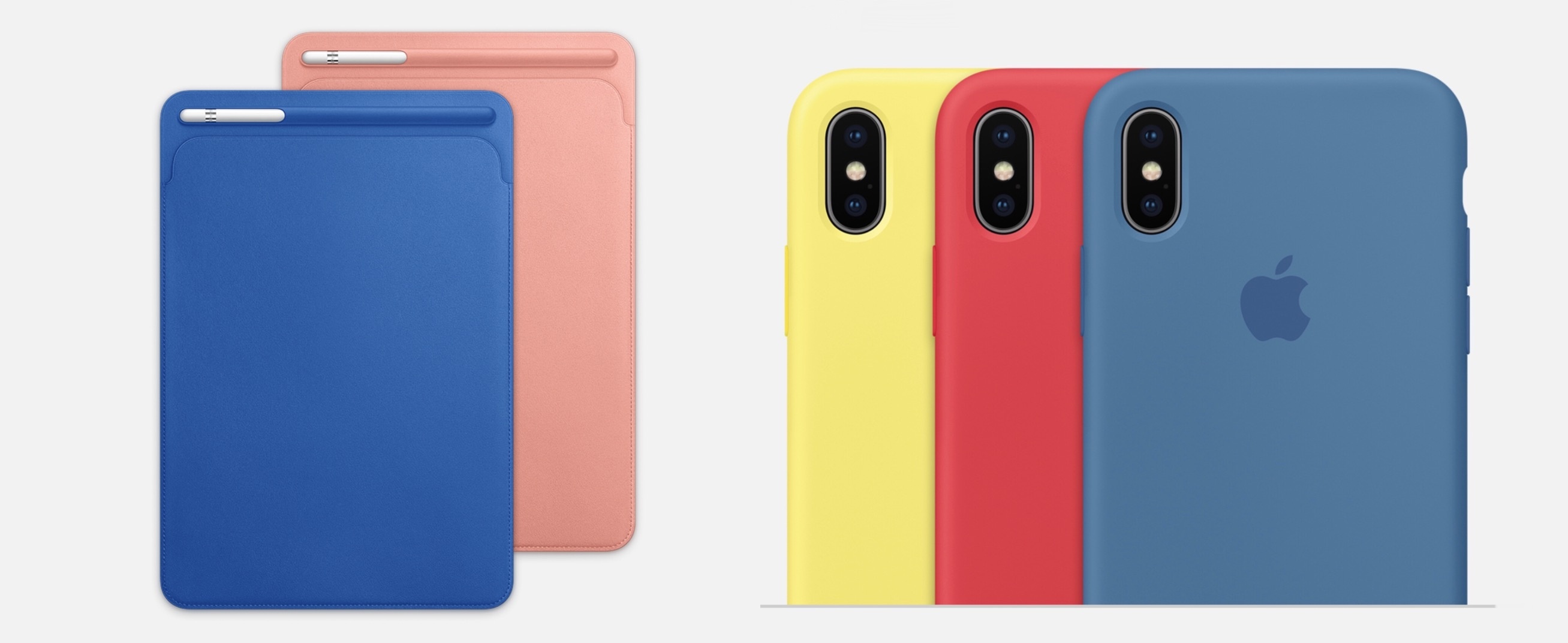
Alongside the launch of new Apple Watch bands, which were first previewed in a press release last week, Apple has also updated its lineup of iPhone and iPad accessories today following its Chicago event. The updates include new colors for the iPad Pro Smart Cover and Leather Sleeve, with similar new shades for iPhone cases. Also, in a surprise debut, the Space Gray Mac accessories that ship with the iMac Pro are also now available for separate purchase.

Read more


Apple Extends the Everyone Can Code Curriculum and Adds Everyone Can Create

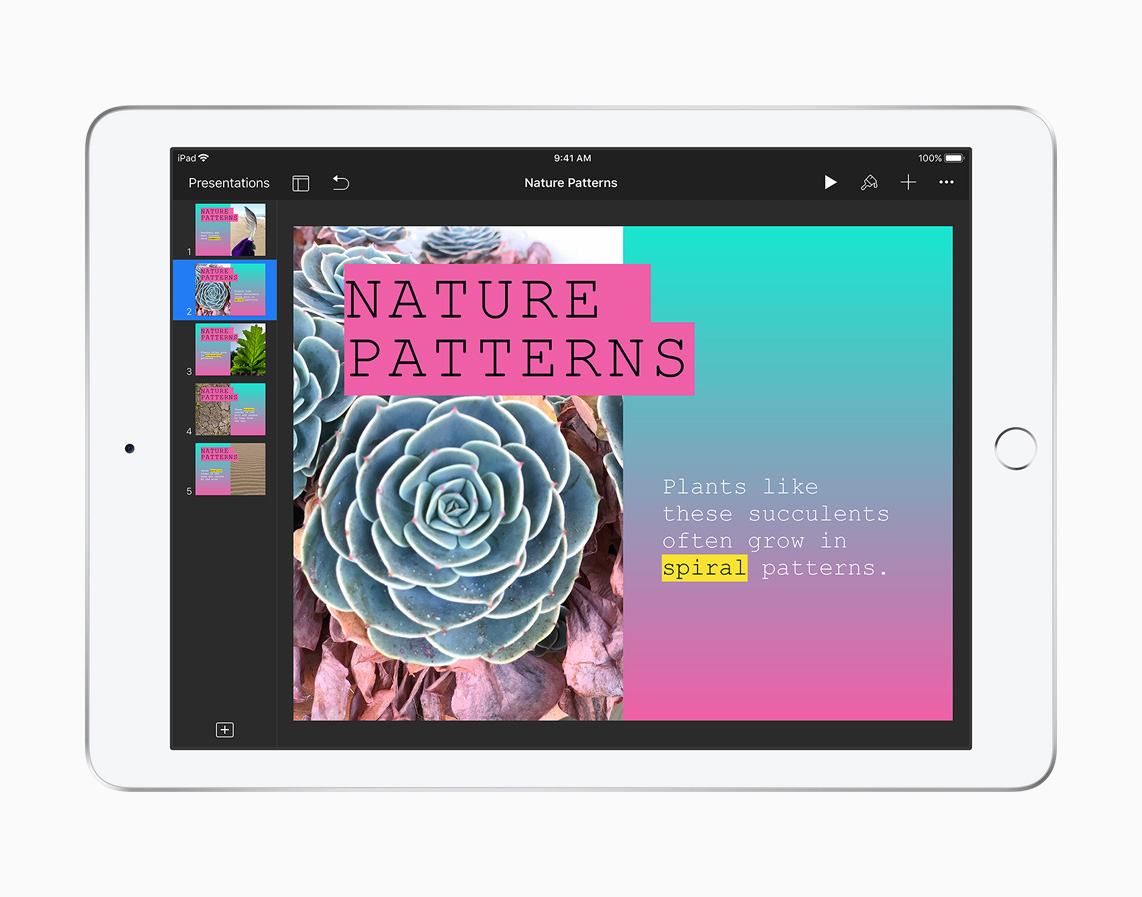
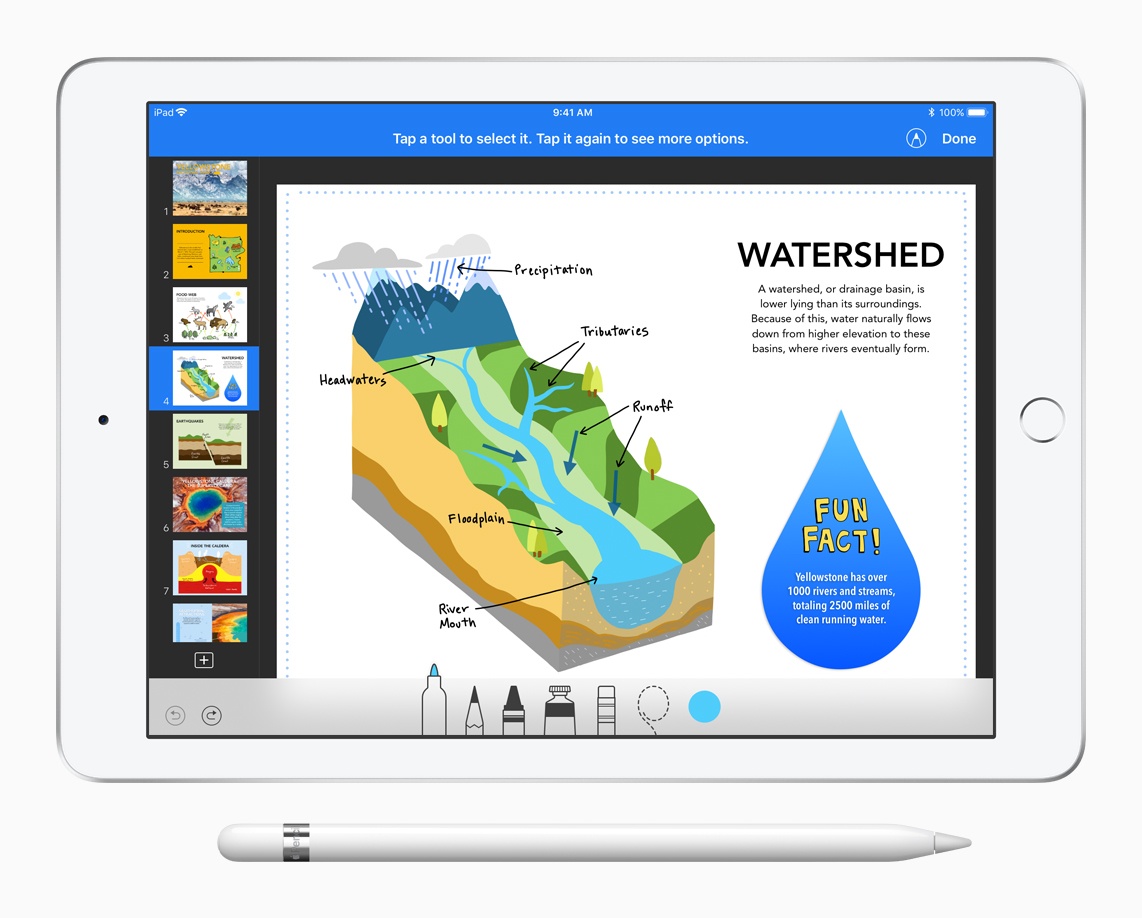
Everyone Can Code is a curriculum that Apple created to teach students the Swift programming language. Much of the information shared about the curriculum by Apple at its education event in Chicago today wasn’t new. However, the company did announce a new ARKit module that will be available inside Apple’s Swift Playgrounds app.

Apple also introduced a new curriculum called Everyone Can Create:

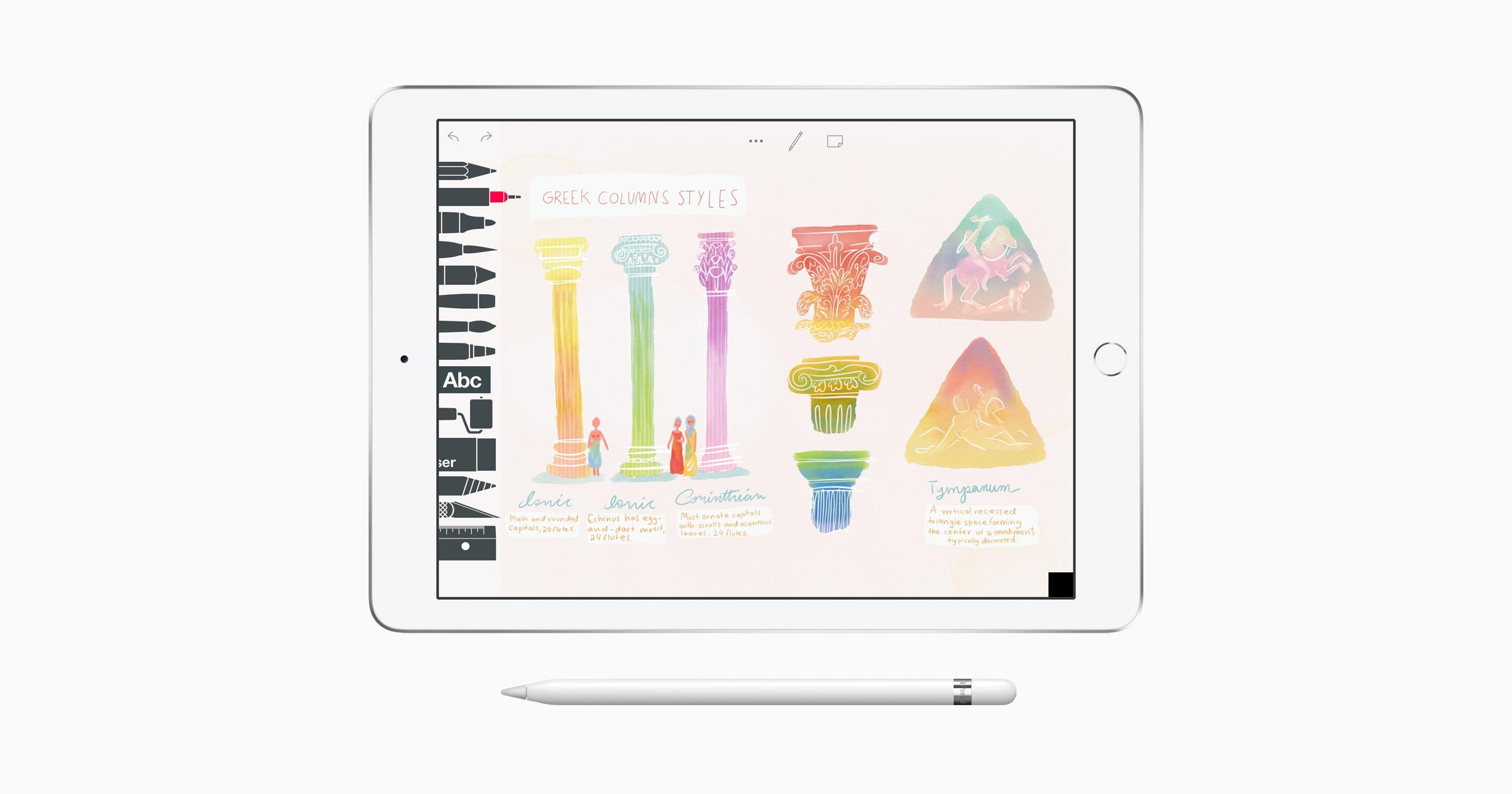
Everyone Can Create is a new, free curriculum that makes it fun and easy for teachers to integrate drawing, music, filmmaking or photography into their existing lesson plans for any subject. The new curriculum joins Apple’s successful Everyone Can Code initiative as one-of-a-kind programs for teachers that keep students excited and engaged.

Available now as a preview, new materials will continue to be added throughout the summer so teachers can use them beginning this fall. In addition, Apple Stores will provide training as part of their Today at Apple programs beginning later this spring.

The curriculum focuses on four creative areas: music, video, photography, and drawing. Everyone Can Create includes a teacher guide, student guide, lessons, ideas, and examples to assist teachers who want to incorporate the new curriculum into existing subjects like math and history.

Although the new curriculum shares a similar name with Everyone Can Code, Everyone Can Create’s approach is quite different. It’s designed to fit with existing subjects taught in schools, supplementing teachers’ lessons in new and interesting ways that leverage the power of the iPad.

You can follow all of our Chicago education event coverage through our March 27th event hub, or subscribe to the dedicated March 27th event RSS feed.