Posts in news

The New 9.7” iPad: Our Complete Overview

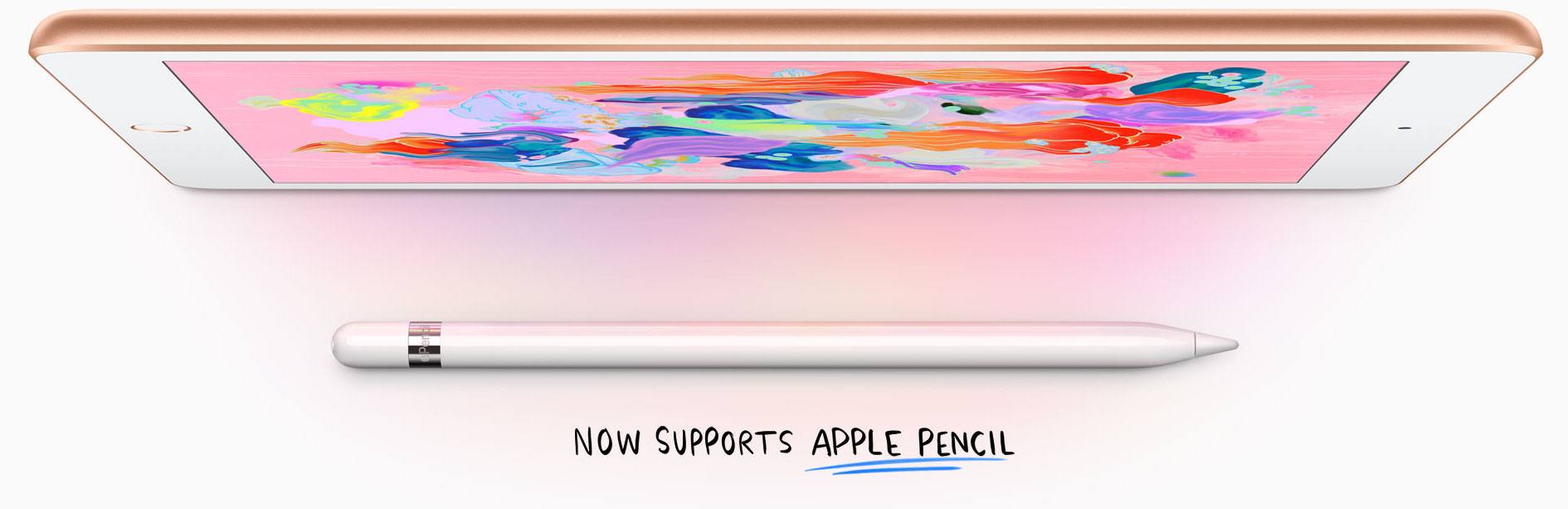
At their education event held in Chicago earlier today, Apple announced an update for the 9.7” iPad model that, while not adopting all the features from the more powerful iPad Pro line, brings support for the Apple Pencil and includes the A10 Fusion chip.

“iPad is our vision for the future of computing and hundreds of millions of people around the world use it every day at work, in school and for play. This new 9.7-inch iPad takes everything people love about our most popular iPad and makes it even better for inspiring creativity and learning,” said Greg Joswiak, Apple’s vice president of Product Marketing. “Our most popular and affordable iPad now includes support for Apple Pencil, bringing the advanced capabilities of one of our most creative tools to even more users. This iPad also has the power of the A10 Fusion chip, combined with the big, beautiful Retina display, advanced cameras and sensors that enable incredible AR experiences simply not possible on other devices.”
Read more


Apple Updates GarageBand and Clips for iOS with School-Friendly Features

Just as Apple’s education event keynote concluded at Lane Tech College Prep High School in Chicago, Apple released updates to the company’s GarageBand and Clips iOS apps.

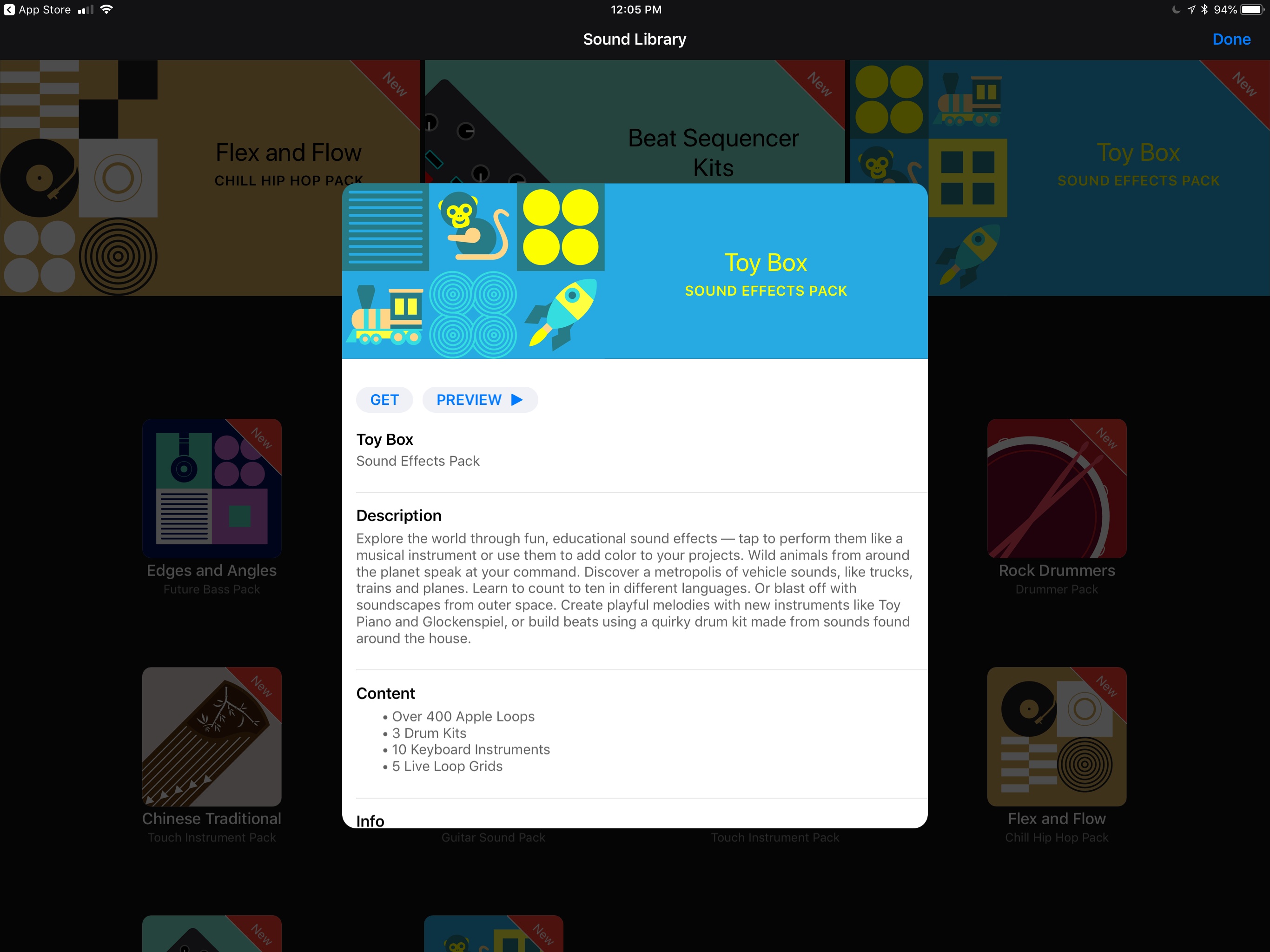
GarageBand has been updated with a downloadable ‘Toy Box’ sound pack that includes sound effects like animals, vehicles, and people counting to ten in different languages. There’s a ‘Modern Wah’ guitar stompbox effect too. If you’re an iPhone X user, the update uses ARKit and the TrueDepth camera to let you control effects like guitar wah and synth parameters hands-free using only facial expressions.

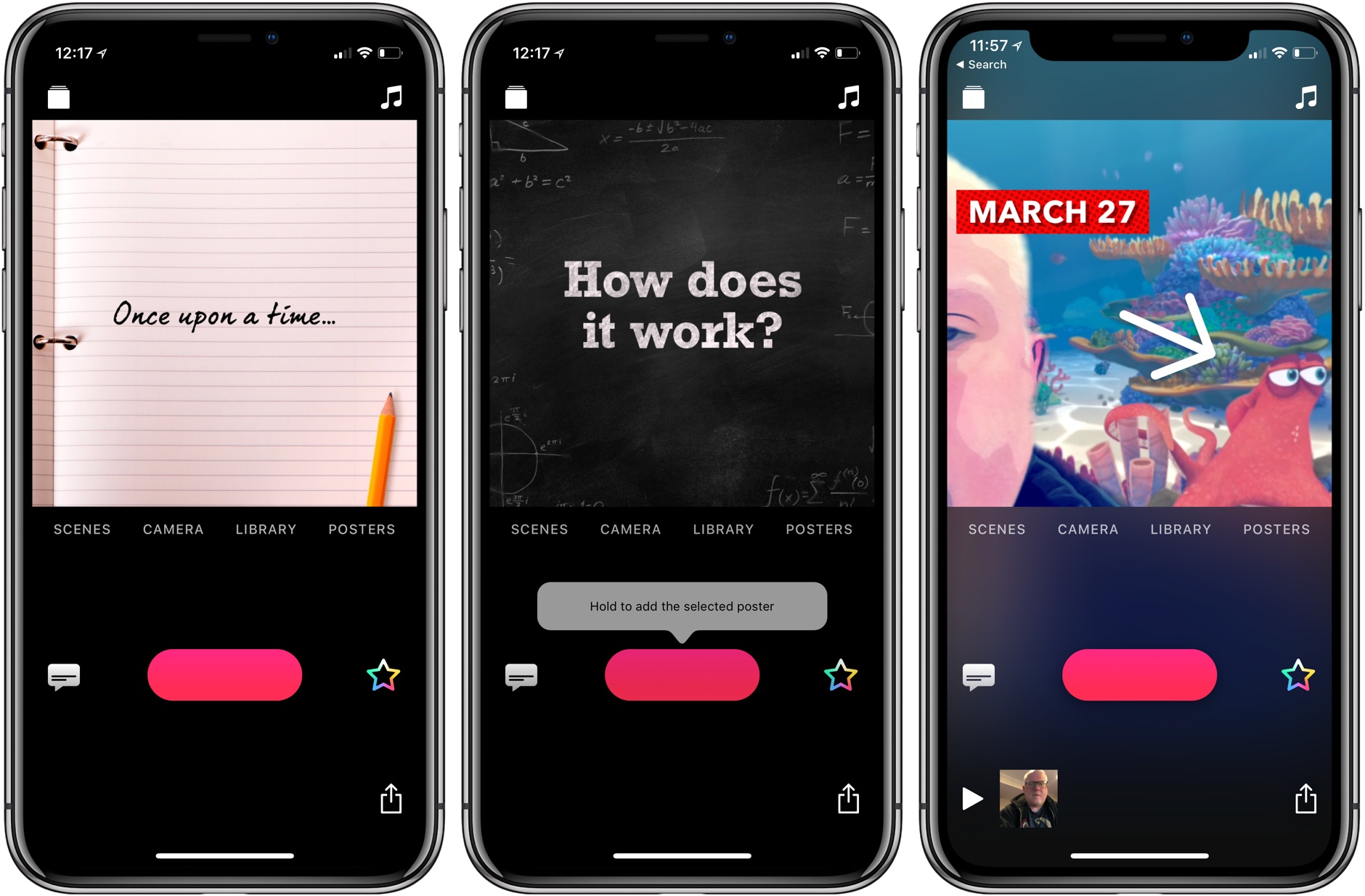
Clips was updated too. Version 2.0.3 adds new Live Title styles with new fonts, colors and layouts, animated labels (some with new drop shadows), stickers, and posters. Among the many new options are several that will work well in the classroom, including chalkboard and notebook posters, hand drawn arrows, circles, underlining, and more. There are two new Pixar movie selfie scenes too: one set on a reef from Finding Dory and the other on the Scare Floor from Monsters, Inc.


You can follow all of our Chicago education event coverage through our March 27th event hub, or subscribe to the dedicated March 27th event RSS feed.


Chicago Education Event Video Now Available

Apple has posted the video of its education event keynote held earlier today at Lane Tech College Prep High School in Chicago. The video can be streamed here, as discovered by Guilherme Rambo, and a higher quality version should be made available soon through iTunes (on the Apple Keynotes podcast).


You can follow all of our Chicago education event coverage through our March 27th event hub, or subscribe to the dedicated March 27th event RSS feed.


Apple Introduces New Schoolwork iPad App, Classroom for Mac, and ClassKit Framework for Developers

Education was the sole focus of today’s Apple event in Chicago, and a big part of that story was software: Apple introduced a brand new iPad app for teachers and students called Schoolwork, an upcoming Mac version of its existing iPad Classroom app, and it also launched a new ClassKit framework that enables third-party developers to integrate their educational apps with Apple’s own broader education system on iOS.

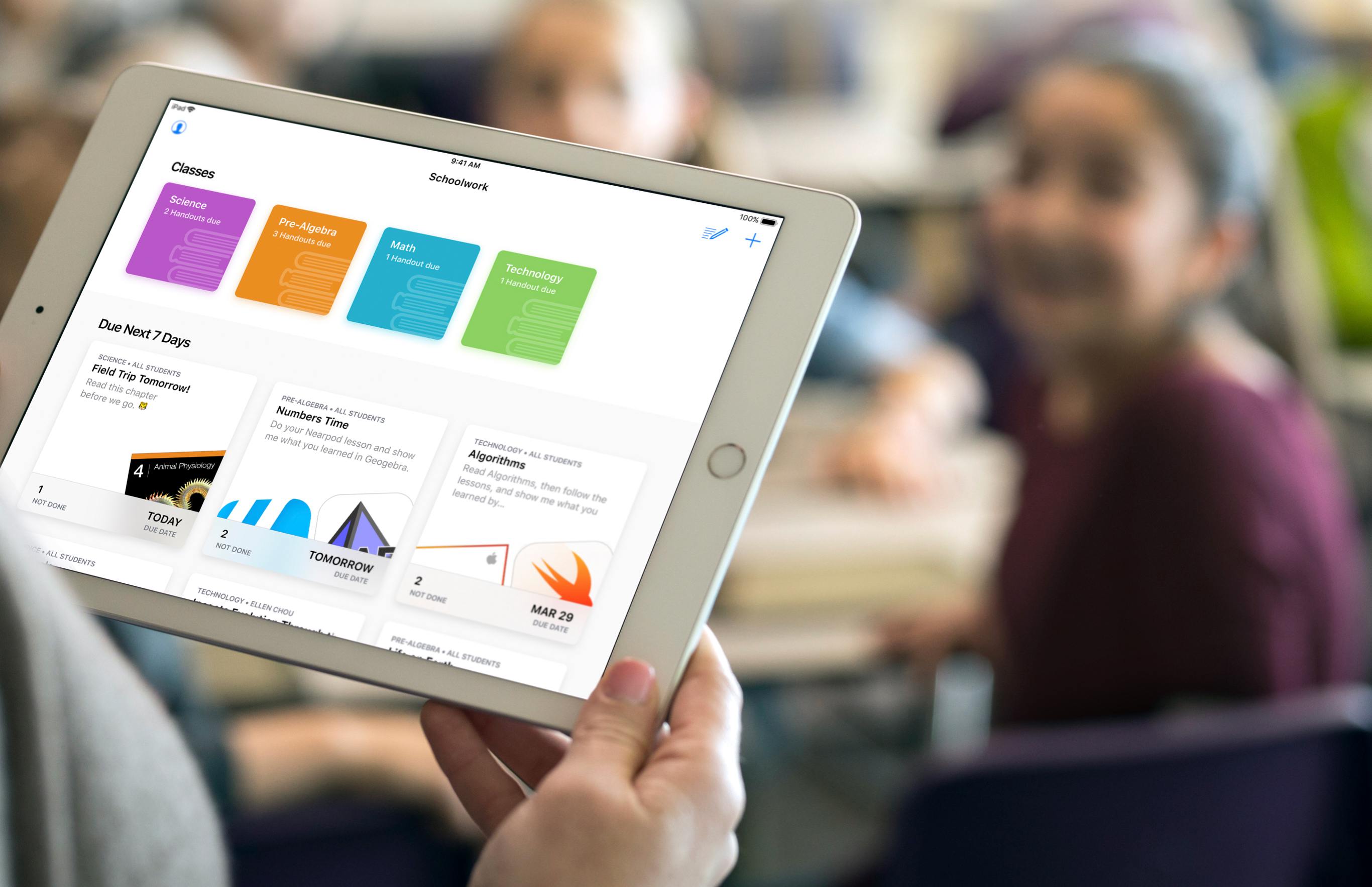
The new Schoolwork app, arriving in June, is meant to serve as a collaborative data-sharing environment for teachers and students. It enables teachers to make assignments in educational apps and track students’ progress on those assignments. In apps with collaboration features, teachers and students can work together on an assignment in real-time. Teachers can also use Schoolwork to send handouts to students. Because of its capabilities, Schoolwork is able to serve as a central schedule hub to keep students organized and on track.

The Mac version of Apple’s Classroom app will also launch in June, as a beta. It will serve the same functions as its existing iPad equivalent. Classroom differs from the new Schoolwork app in that it’s meant for instructors only, not students, and is used for general classroom management. The Classroom iPad app launched two years ago as a tool for school instructors to manage student devices and share files in bulk with the class, among other administrative functions, and it continues serving those purposes today.

With Schoolwork and Classroom, Apple now has a stronger student-teacher app ecosystem than before – but first-party apps weren’t the whole story Apple had to tell. To help further broaden the possibilities of Schoolwork and Classroom, third-party developers now have access to a new ClassKit framework, which will enable third-party educational apps to read and write information into the Schoolwork app, similar to how third-party health apps can use HealthKit to read and write data to Apple’s Health app. Apps can populate assignable content in the app, which teachers can then track the progress of. ClassKit is launching for developers as part of the forthcoming betas for Xcode 9.4 and iOS 11.4.


You can follow all of our Chicago education event coverage through our March 27th event hub, or subscribe to the dedicated March 27th event RSS feed.


Prizmo Go: Quickly Grab Text with Your iPhone or iPad [Sponsor]

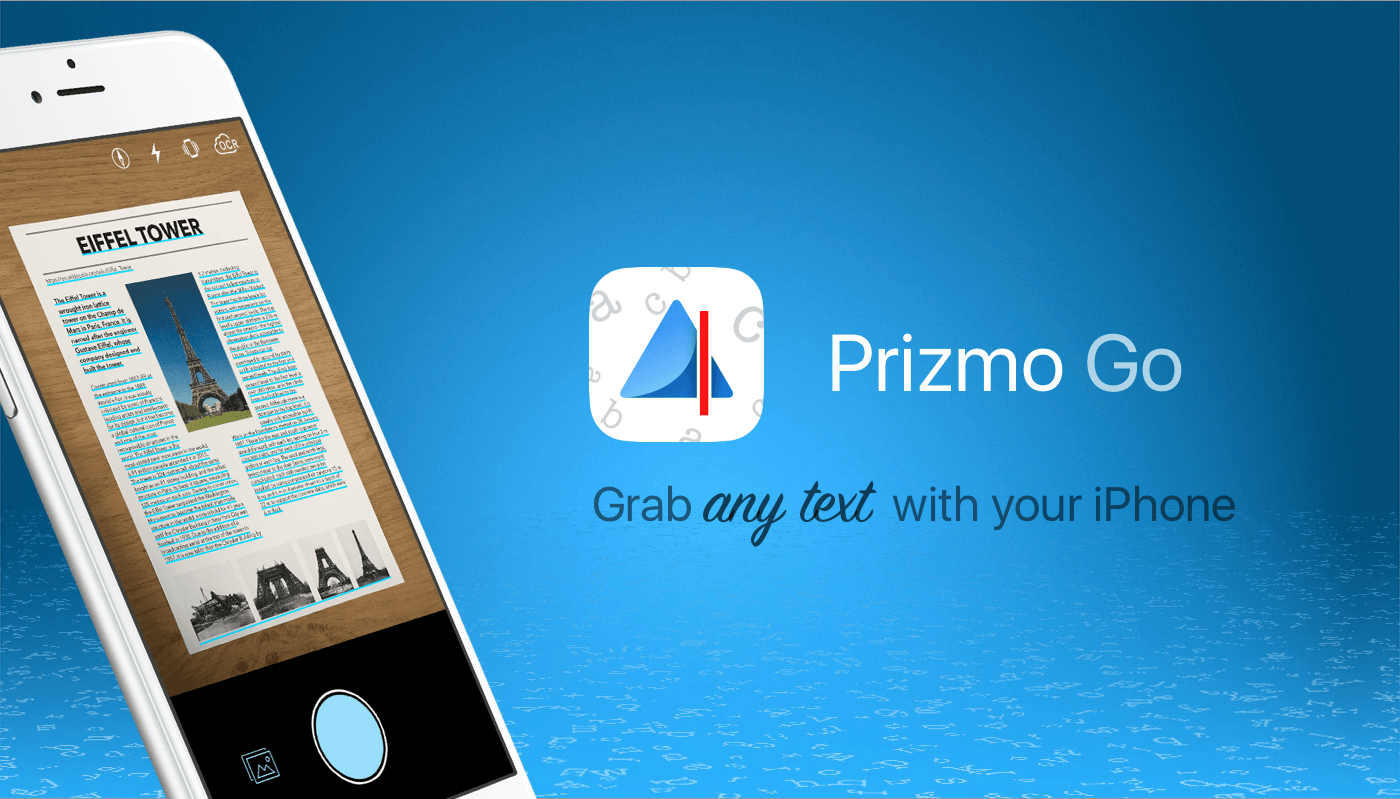
Aim at text. Shoot. It’s yours! Prizmo Go lets you quickly grab text with an iPhone or iPad’s camera. Text is recognized in a blink of an eye, after which you can interact with it in many useful ways in Prizmo Go or send it to another app. If you’ve got a Mac, you can copy/paste it there too. No more retyping. It feels like magic at your fingertips.

Prizmo Go provides rich interactions with captured text. After shooting, text from the original picture is revealed, and swiping through it allows fast and accurate text selection directly from the image. Selected text can be read aloud, or you can tap to go straight to any web URL, call phone numbers, trigger the Mail app from an email address, or reveal physical addresses in Apple Maps and initiate navigation.

Prizmo Go comes with enhancements specifically built for VoiceOver, in addition to spoken guidance prior to capturing text. That, combined with its text-to-speech capabilities, make the app a great companion if you need help reading printed documents.

Prizmo Go has just been updated to version 2.0, which brings handwriting recognition (English only), translation to/from 59 languages, and new, more powerful, built-in neural network-based OCR in more languages.

Prizmo Go 2.0 Export Pack is 20% off ($3.99 instead of $4.99) this week only, so download it on the App Store today. Hint: the discounted Export Pack also entitles you to an introductory subscription price.

Our thanks to Prizmo Go for sponsoring MacStories this week.


Apple’s Chicago Education Event Will Not Be Live-Streamed According to the Apple TV Special Events App

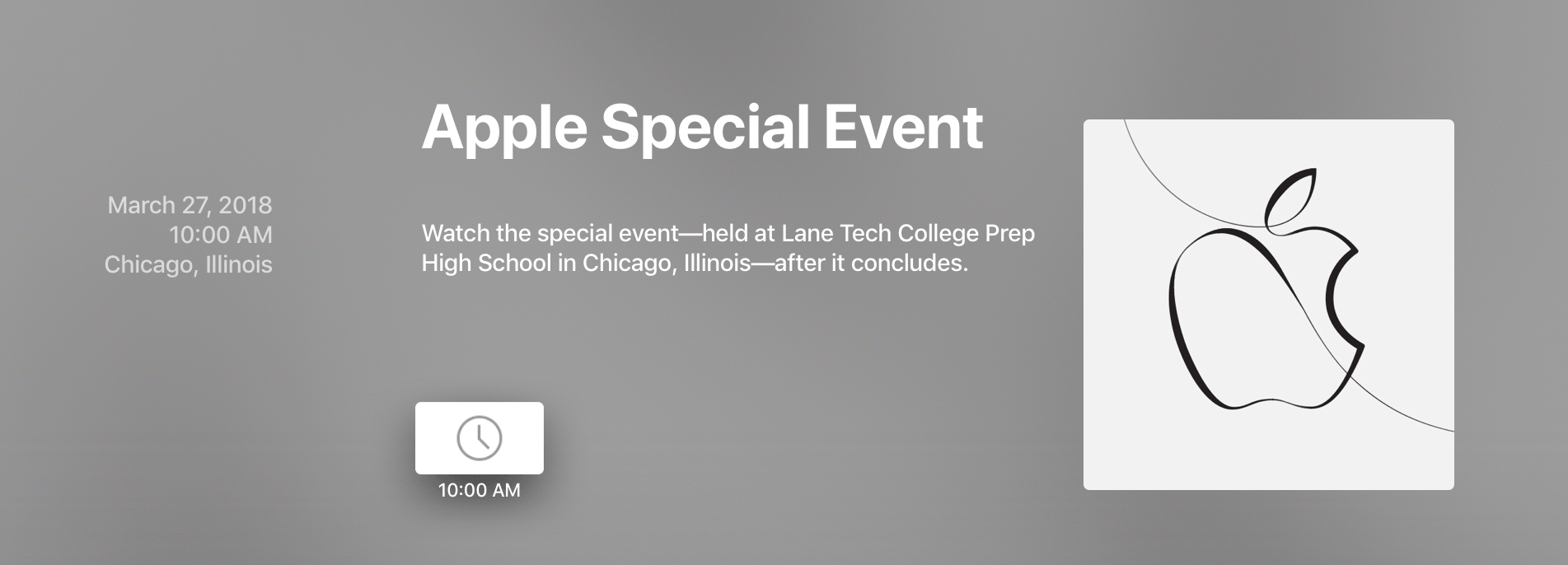
Apple has updated the Apple TV Special Events app with the artwork used in the invitation for its March 27th education event in Chicago. The update to the app encourages users to:

Watch the special event — held at Lane Tech College Prep High School in Chicago, Illinois — after it concludes.

While it’s a shame that the event will not be available for viewing in real-time, it’s not unprecedented. The last event held outside of Cupertino by Apple was another education event that was held at the Guggenheim Museum in New York City in 2012, which likewise was not available for steaming or downloading until after the event had concluded.

In separate news, MSNBC announced that Kara Swisher of recode and MSNBC’s Chris Hayes will interview Apple CEO Tim Cook on April 6, 2018 at 8:00 PM Eastern.

Without more information it is unclear what the interview will cover, but given the proximity in time to the education event, it’s likely that education will be a topic of discussion.


You can follow all of our Chicago education event coverage through our March 27th event hub, or subscribe to the dedicated March 27th event RSS feed.


Apple Store iOS App Updated with New Sessions Tab and Personalization Features

Apple has updated the iOS Apple Store app to version 5.0 with a new Sessions tab and improved personalization.

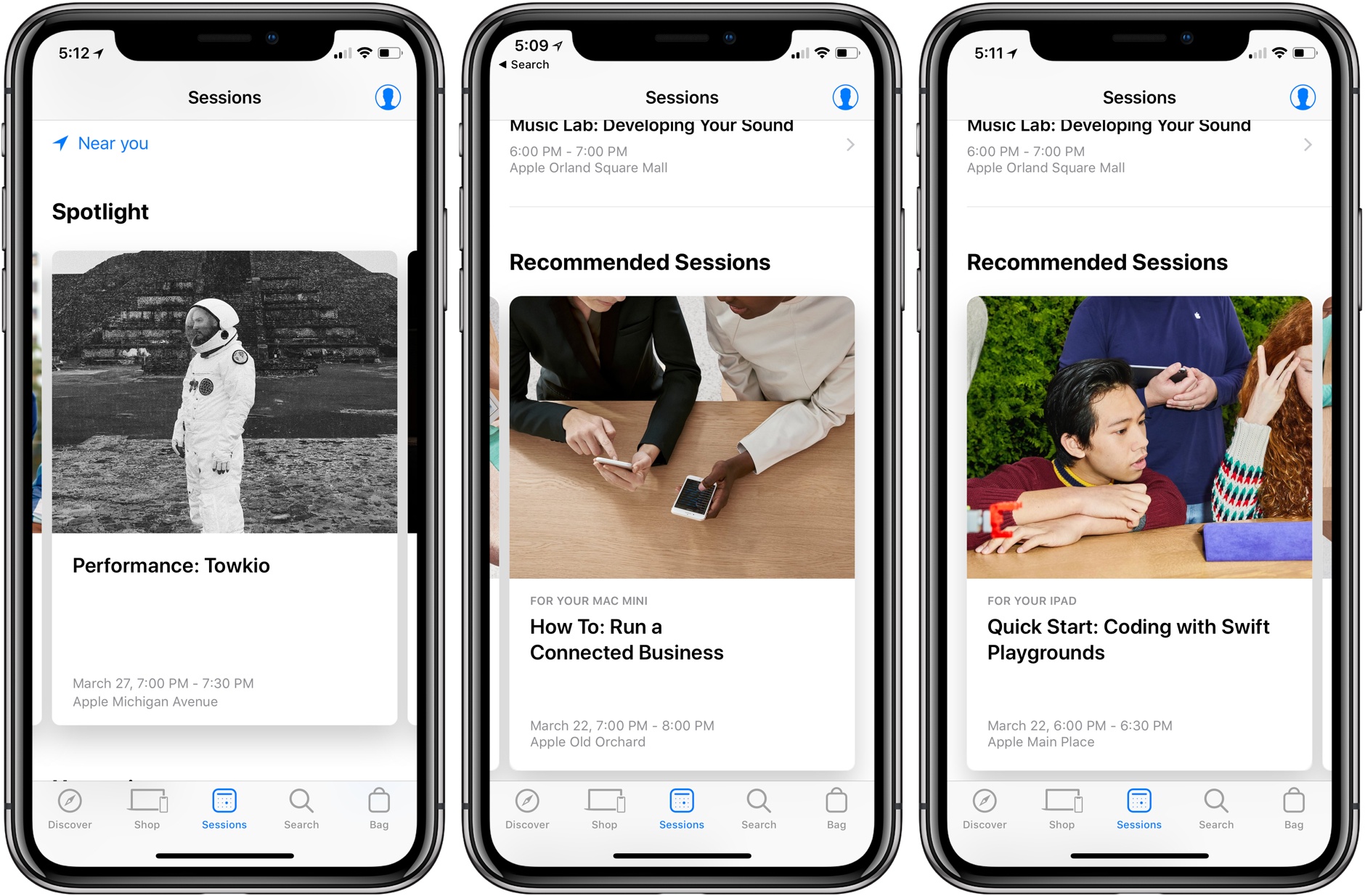
In the center of the tab bar, the new Sessions tab highlights upcoming Today at Apple programs. The tab is broken into Spotlight, Upcoming, Recommended Sessions, and Signature Programs sections. At the very bottom of the page, you can also browse sessions by category.

Recommended sessions are based on the Apple products you owned and perhaps also previous sessions you’ve attended. For example, in my case, the app recommended a Swift Playgrounds session either because my son attended a similar class in December or because I own an iPad Pro and ‘How To: Run a Connected Business’ because I have a Mac mini. The sessions listed were located all over the Chicago area, which I like, except that it made it harder to find sessions at the Apple Store closest to my home.

The app also uses its history of your Apple devices to let you know if accessories you purchase are compatible with the hardware you already own. I like this feature a lot because it spares me the trouble of investigating compatibility myself, and presumably will spare Apple from some returns by customers.

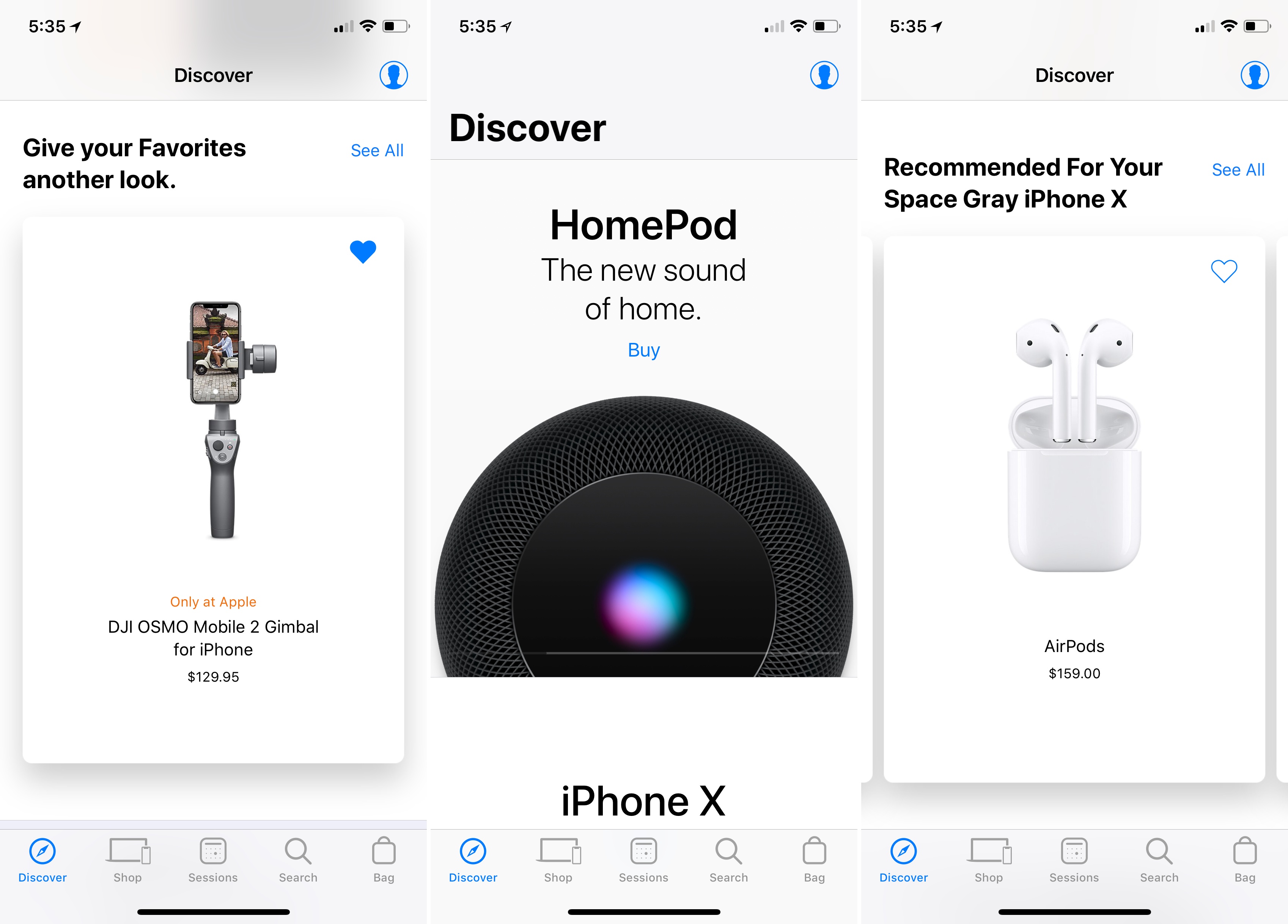
In the Discover tab of the app, your product history is used to provide personalized product recommendations.1 The tab also includes reminders of items you’ve marked as favorites, suggesting you take another look at them, and adds new ways to manage your orders.

In my limited time with the update, I’ve been impressed with the recommendations and greater personalization. Apple Stores are almost always packed with people near my home, so an improved Apple Store app experience is always welcome.

The Apple Store app is available as a free download on the App Store.


  1. Somehow Apple seems to know I put my AirPods through the laundry and need a new pair. 

Apple Publishes Video Promoting the Use of Face ID with Apple Pay

Following on the heels of last week’s video highlighting the power of Face ID as a way to unlock the iPhone X, today Apple released an ad promoting the technology’s use with its Apple Pay service. The new video follows in last week’s tongue-in-cheek footsteps.

Set to Back Pocket by Vulfpeck, the ad follows a young man as he walks through a crowded market. He sees a hat he likes, uses Face ID with Apple Pay to buy it, and the hat flies off the rack and onto his head. Next, he does the same thing with a pair of sunglasses he likes. From there, he uses Face ID and Apple Pay to try on a dizzying array of shirts, suits, and shoes. He even buys a chair as a gift that rockets away leaving a trail of flame. Like the video last week, the ad is fun and does a nice job of conveying how Apple Pay works and how easy it is to use, while also being entertaining.