Posts in news

Steam Link Rejected by App Review

A couple of weeks ago we reported that Valve was preparing to release an app called Steam Link that would allow gamers to stream Steam games to an Apple TV or iOS device over a fast WiFi or Ethernet network. The app was set to debut this week, but it was rejected by Apple’s App Review team. According to a press release from Valve, Steam Link was approved by App Review on May 7th and then rejected on May 10th, one day after Valve announced the app was coming to iOS and tvOS.

According to a tweeted statement by the Steam Database account:

Apple revoked its approval citing business conflicts with app guidelines that had allegedly not been realized by the original review team.

Valve’s statement also notes that other apps with similar functionality are currently available on the App Store. Valve appealed the rejection, which was denied.

Valve said it hopes Apple will reconsider in the future, but for now, it appears that Steam Link for iOS and tvOS is on indefinite hold.


Apple Debuts New Data and Privacy Website in Europe Ahead of GDPR Effective Date

Today, Apple unveiled a new data and privacy website to comply with the European Union’s GDPR legislation that goes into effect on May 25th. The site allows users to copy and correct personally identifiable information associated with their Apple IDs and deactivate or delete their accounts. Although the new copy and deactivation options are only available in the EU, they will be rolling out throughout the remainder of the year to the rest of the world.

Read more


Apple Confirms WWDC Keynote for June 4

In mid-March Apple announced that WWDC 2018 would take place the first week in June, and today the company confirmed that, following past tradition, the keynote for that conference will take place on June 4 at 10:00am Pacific.

Apple is expected to unveil the latest versions of its major operating systems at WWDC, including iOS 12, watchOS 5, and macOS 10.14. If the keynote is anything like last year’s, we may see several hardware products announced too. A live stream for the keynote has not yet been confirmed, but it remains likely since WWDC is one of the prime Apple events of the year.


‘Day One in Depth’ Is a New Video Course from The Sweet Setup

Following its recent courses on Things and Ulysses, today The Sweet Setup has launched a new ‘Day One in Depth’ video course aimed at helping you become an expert of the popular journaling app.

A major strength of Day One is its flexibility – it’s full-featured on both iOS and Mac, supports a host of both system-based and web-based methods for saving content, and therefore it can be used in a way that serves you best at any given moment. There’s a lot to cover about the app, and The Sweet Setup hits all the bases well in the eight videos of its new course, which are titled:

  • Walkthrough of Day One on Mac
  • Walkthrough of Day One on iPad & iPhone
  • Elements of a Journal Entry
  • All the Ways to Create New Entries
  • How to Filter and Search in Day One
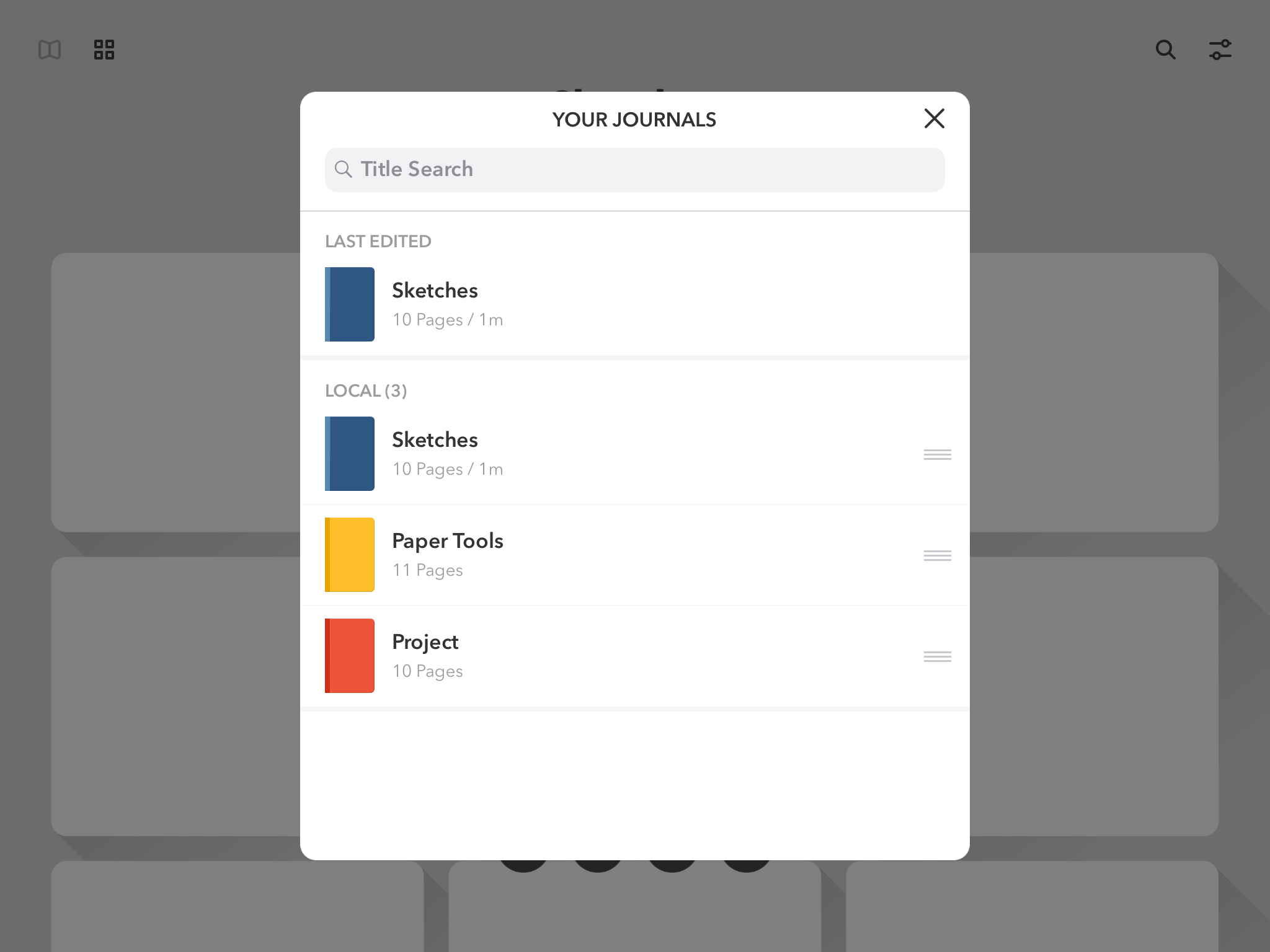
  • How and Why to Use Multiple Journals
  • Cloud Sync, Back Up, and Security
  • Getting Things Out of Your Journal(s)

In addition to these videos, Day One in Depth provides access to nine exclusive articles from The Sweet Setup’s team, covering a wide range of subjects such as how journaling can change your life, a guide to all of Day One’s keyboard shortcuts, ideas for how you may want to use Day One, a 30-day journaling challenge, and much more. While the video course is presented as the main attraction, I found the articles included here invaluable.

I’ve used Day One only casually in my life for the most part – I knew the app had a lot of power to it, but I never took the time to dive in and get the most out of it. If you’re in a similar place and want to change that, this new course is an excellent way to equip yourself for a deeper investment into digital journaling.

‘Day One in Depth’ will normally be priced at $29, but it’s available now at a special launch week price of $23. You can purchase the course here.


Regain Control of Your Inbox with SaneBox’s Customizable Tools [Sponsor]

At its core, SaneBox is about making sure that only your most important messages hit your inbox. Other messages are safely stored in automated folders like the @SaneLater, @SaneBulk, and @SaneNews folders for reviewing later.

But email sorting is just the tip of the iceberg. With custom folders, custom snooze settings, and @SaneReminders, SaneBox takes email management to the next level.

Set up a custom folder and train it by dragging in a few messages. SaneBox will send all messages from the senders to your new folder. It’s a painless way to organize messages for a special project.

SaneSnooze folders can be customized to defer messages anywhere from hours to weeks. SaneBox comes with default snooze folders like @SaneTommorrow and @SaneNextWeek, but adding custom snooze folders lets you set when messages reappear in your inbox with precision.

SaneReminders are a great way to keep on top of tasks. Send yourself a reminder to do something later or get a reminder that someone hasn’t responded to a messages. For example, blind copy [email protected] and the message will show up back in your inbox only if the recipient doesn’t reply within 3 days.

Also, don’t forget that SaneBox works on top of your existing email setup. There’s no app to download or new email account to set up. You can use any email client you want.

Sign up today for a free 14-day SaneBox trial to take back control of your email. MacStories readers can receive a special $25 credit automatically by using this link to sign up.

Our thanks to SaneBox for sponsoring MacStories this week.


Google Introduces YouTube Premium and YouTube Music Subscription Services, Retires YouTube Red Moniker

Google seems to have an affinity for constantly rebranding its products, and today is the latest example of that. Soon, YouTube Red will be replaced by the more costly $11.99/month YouTube Premium service – the good news is that Premium members will get all the benefits of YouTube’s new Music service thrown in too. And if you’re an existing Red subscriber, or sign up quickly before Premium launches, you can lock in the existing $9.99 monthly rate and still get all the benefits of Premium and Music.

YouTube Music is Google’s attempt at taking on streaming services like Apple Music and Spotify directly. Launching May 22nd, YouTube Music will have both a free tier and a paid, $9.99/month option. The main focus here is the paid plan though, as it will be the only way to enable background listening – a pretty important feature for music. Paid subscribers will also benefit from downloads and ad-free listening.

YouTube Music will launch with a new mobile app and desktop player, and use Google’s intelligence to power advanced search capabilities and an aggregation of different song versions you may not find elsewhere. In a confusing move, Google Play Music will continue to exist as a separate service from YouTube Music, but if you’re a subscriber to the former, you get the latter service at no extra cost.

As someone who uses YouTube regularly, but not enough to justify a Red subscription, the new Premium plan definitely seems like a more attractive all-around product, despite the price hike: you get a full-fledged music streaming service, YouTube Originals, and a better viewing experience on the largest video source in the world thanks to downloads, no ads, and background playback, all for $11.99. Spotify and Apple Music subscribers may be content with their chosen services for now, but if YouTube Music truly does become a legitimate contender in the streaming market, it will be hard to resist the allure of YouTube Premium for all the extra perks it offers.

At launch, YouTube Music and Premium will be available in the United States, Australia, New Zealand, and Mexico, and they’ll arrive shortly thereafter in Austria, Canada, Denmark, Finland, France, Germany, Ireland, Italy, Norway, Russia, Spain, Sweden, Switzerland, and the United Kingdom.


Apple Updates Its Website for Global Accessibility Awareness Day

Apple has updated its homepage and accessibility webpage to celebrate Global Accessibility Awareness Day. The event, which Apple has marked in a variety of ways over the years, was created to promote access to technology and foster inclusion for people with disabilities.

Apple’s homepage includes a banner image highlighting the accessibility features of its products with the statement ‘Technology is most powerful when it empowers everyone.’ The Accessibility section elaborates on that idea with a video first published in 2016 and the following:

Taking a family portrait. Catching up over FaceTime. Raising the blinds to let in the morning light. We want everyone to enjoy the everyday moments that technology helps make possible, so we work to make every Apple product accessible from the very start. Because the true value of a device isn’t measured by how powerful it is, but by how much it empowers you.

The remainder of the Accessibility page is organized into sections dedicated to vision, hearing, physical and motor skills, and learning and literacy that outline accessibility features of Apple’s products and demonstrates them with animations and videos.

The updates to Apple’s website and its announcement that it is working with schools for blind and deaf students to help teach them to code is a reminder of the importance of accessibility to the company that hopefully encourages third-party developers to make accessibility a priority too.


Twitter Announces New End-of-Life Date for APIs and Pricing That Affects Third-Party Apps

In April, Twitter delayed a transition to a new API that was expected to have a significant impact on third-party Twitter clients like Twitterrific and Tweetbot. The delay came in the wake of an outcry from users of third-party Twitter clients prompted by developers who banded together to encourage users to complain to Twitter about the API changes that were set to take effect on June 19, 2018. Today, Twitter announced that those changes would go forward on August 16, 2018 – about two months later than originally planned.

Yesterday, in an interview with Sarah Perez of TechCruch, Paul Haddad of Tapbots, the maker Tweetbot, said:

“Twitter has a replacement API that – if we’re given access to – we’ll be able to use to replace almost all of the functionality that they are deprecating,” he explains. “On Mac, the worst case scenario is that we won’t be able to show notifications for Likes and Retweets. Notifications for Tweets, Mentions, Quotes, DMs and Follows will be delayed one to two minutes,” Haddad adds.

He also says that Tweets wouldn’t stream in as they get posted, but instead would come in one to two minutes later as the app would automatically poll for them. (This is the same as how the iOS app works now when connected to LTE – it uses the polling API.)

In addition to announcing transition date, Twitter announced pricing for its new API, and it’s expensive. A subscription covering 100-250 users will cost $2899/month, which works out to over $11 per user for 250 users. Anyone with over 250 users, which would include all the major third-party Twitter clients, is advised to contact Twitter for enterprise pricing. However, the pricing on the API’s lower tiers doesn’t leave much room for optimism.

Third-party clients that can’t or don’t want to pay those prices will have to make do without timeline streaming and push notifications for likes and retweets. Other notifications will be delayed approximately 1-2 minutes according to statements by Haddad to TechCrunch.

For its part, Twitter has made it clear, that the functionality of the old APIs will not be coming to the new APIs:

“As a few developers have noticed, there’s no streaming connection capability or home timeline data, which are only used by a small amount of developers (roughly 1% of monthly active apps),” writes Twitter Senior Product Manager, Kyle Weiss, in a blog post. “As we retire aging APIs, we have no plans to add these capabilities to Account Activity API or create a new streaming service for related use cases.”

We contacted The Iconfactory, the maker of Twitterrific, and Tapbots,1 the maker of Tweetbot, to ask about the impact of the API changes on third-party clients and Twitter users. According to Iconfactory developer Craig Hockenberry:

A lot of functionality that users of third-party apps took for granted is going away. That was the motivation for the apps-of-a-feather.com website - to soften the blow of this announcement.

Hockenberry elaborated that The Iconfactory has reached out to Twitter regarding enterprise pricing for the new APIs, but says that he doesn’t anticipate the pricing will be affordable absent a significant discount.

On the one hand, this latest blow to third-party Twitter clients may be something that some users, including me, are willing to tolerate. On the other hand, this is yet another example of third-party client hostility demonstrated by Twitter stretching back at least five years that doesn’t bode well for the long-term viability of those apps. I asked Hockenberry what he thinks the changes mean to third-party Twitter apps. His response:

Long term, I don’t think there will be any apps other than the official one. I also don’t think Twitter realizes that many long-time users, who are highly engaged on the service, are also the people who use third-party apps. These folks will look elsewhere for their social media needs.

Given Twitter’s repeated hostility towards third-party clients, that’s a hard sentiment to argue against and one that gets my attention more than Twitter’s announcement. I can live with the latest changes to Twitter’s API, but if third-party developers conclude that their time and resources are better spent elsewhere, I expect the end of the Twitter I know and use today is closer than I thought.


  1. As of publication of this post, Tapbots has not responded to our inquiry. ↩︎