Posts in news

Twitterrific for Mac and iOS Adds New Muting and Muffling Features, Plus Video

Twitterrific, for iOS and the Mac, has a unique, fine-grained approach to what you see in your Twitter timeline using a combination of muffles and mutes. Muffles are rules that partially hide tweets from your timeline, while mutes hide tweets entirely.

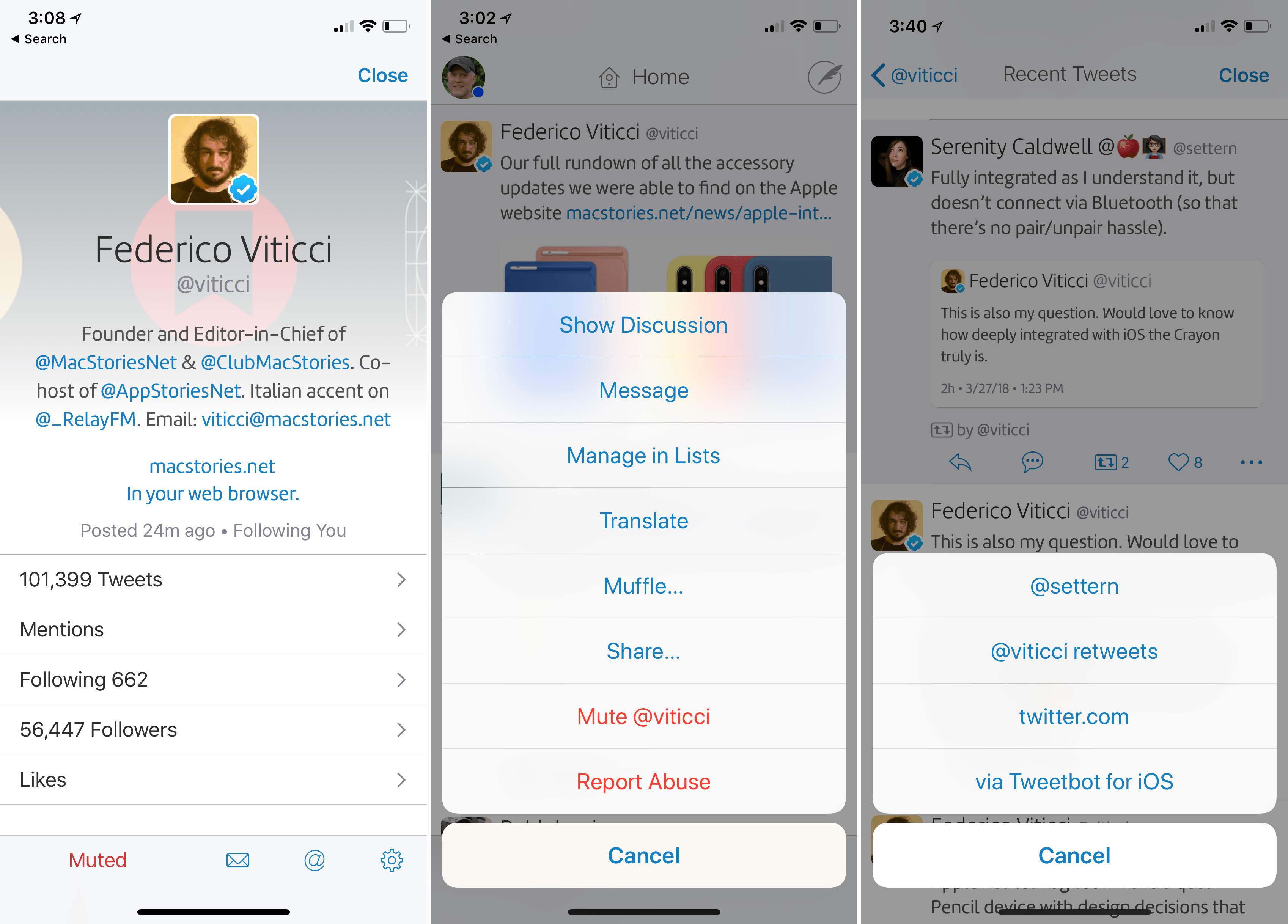
With the update to Twitterrific for Mac and iOS today, The Iconfactory has migrated muffles of users that were set up as mutes to Twitter’s mute system. Mutes can be created from the action menu that’s accessible from any tweet or a user’s profile. With the new system, a mute created in Twitterrific will sync cross-platform to all copies of Twitterrific you use and also register as a mute with Twitter, so muted users’ tweets won’t show up on Twitter.com either. Muting prevents push notifications of a muted user’s tweets too.

All other muffle rules are unaffected by the change to mutes, but The Iconfactory has also extended the way muffles work. Any muffle can be applied to everyone in your timeline or just a specific person. For example, you can muffle all retweets, all retweets by a specific person, all retweets of a specific person’s tweets, or all retweets by a specific person of another person’s tweets. You can also muffle quoted tweets, quotes of particular tweets, or mentions of someone. There is a knowledge base article on The Iconfactory’s website that covers all the possibilities.
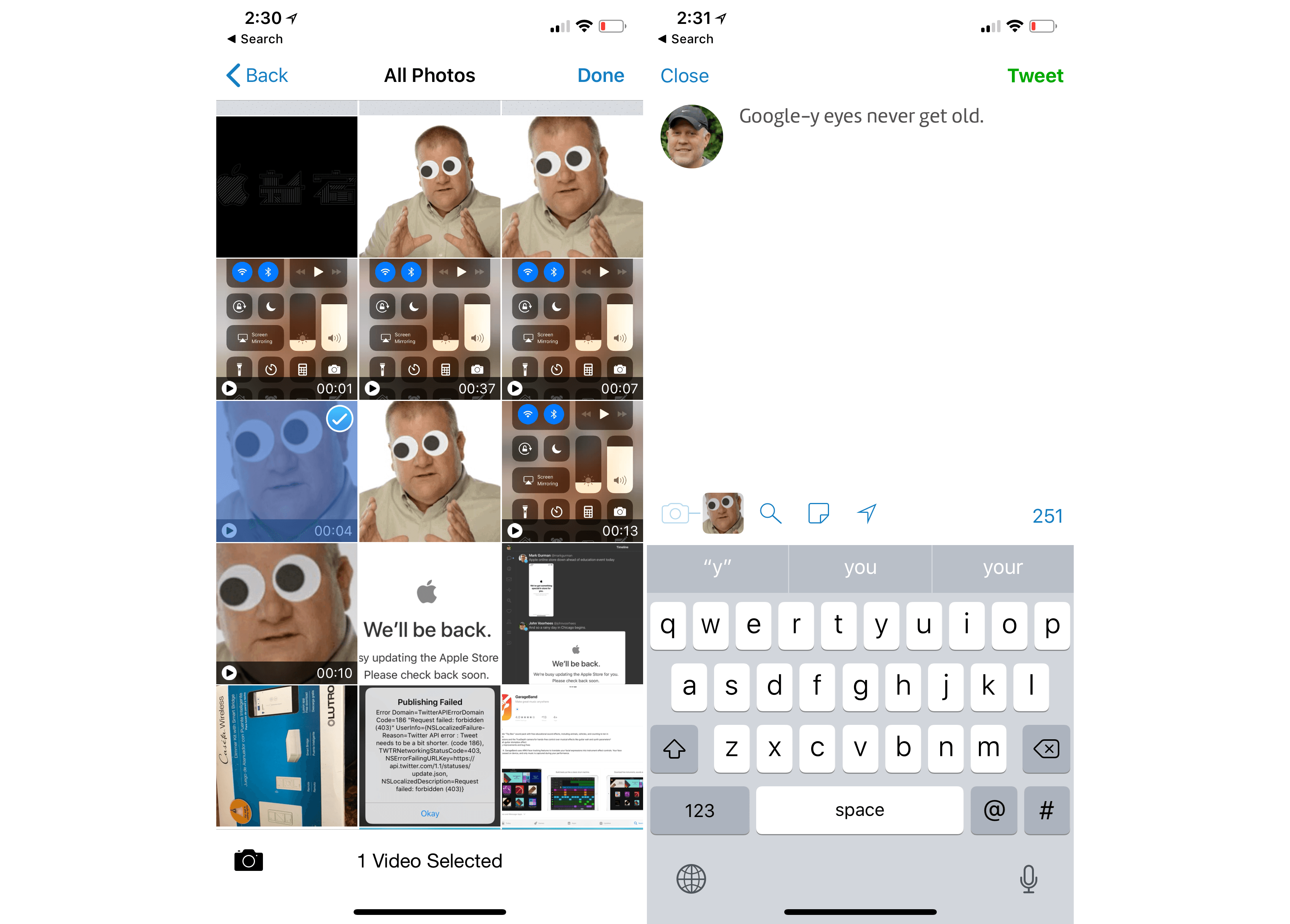
The Twitterrific update also adds support for video attachments to tweets. Videos must be less than 140 seconds long, but that’s the only limitation. On iOS, videos can be added from your photo library, if you long-press the camera icon, from any file provider, or with the app’s share extension.

The rate of updates to Twitterrific for the Mac and iOS continues to impress me and I love the addition of even more granular controls over my timeline that sync across iOS and macOS. If you haven’t tried Twitterrific in a while, it’s worth a look.

Twitterrific is available on the App Store for iOS and on the Mac App Store.
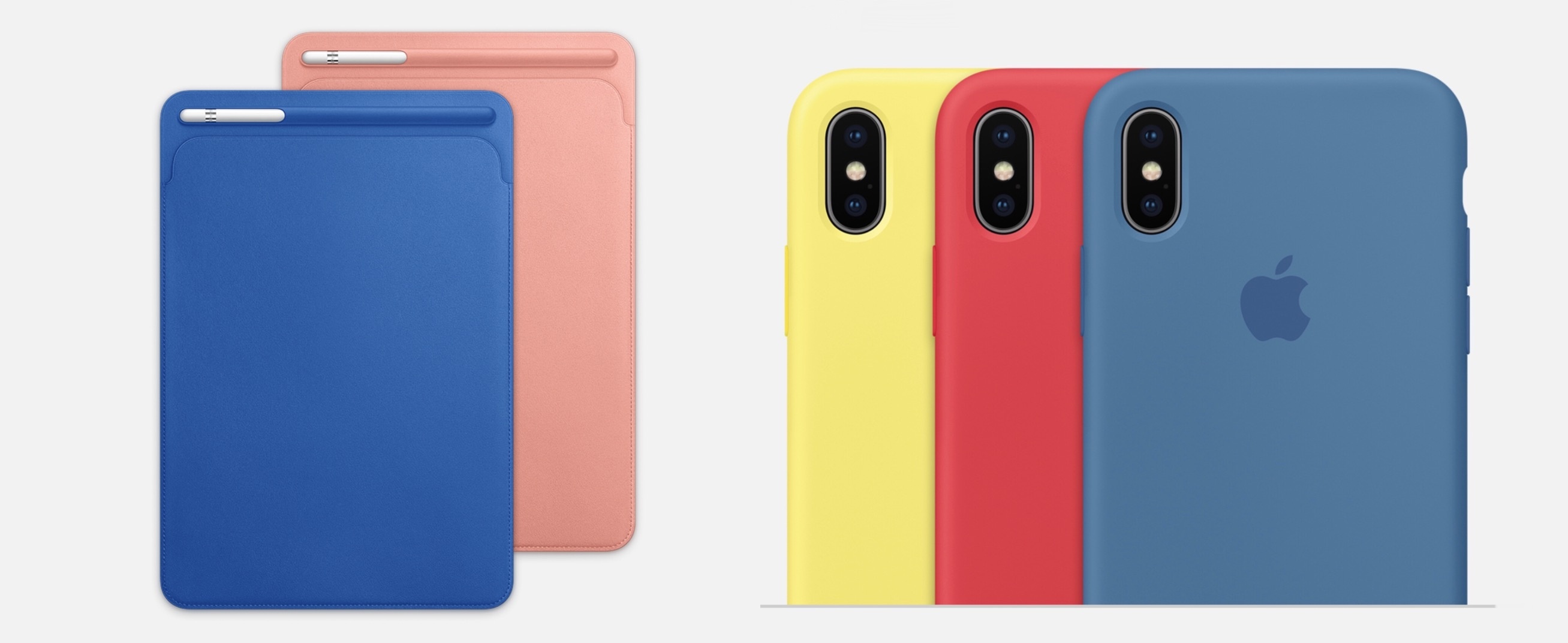

Apple Introduces New Spring Colors for iPhone and iPad Accessories; Space Gray Mac Accessories Now Available

Alongside the launch of new Apple Watch bands, which were first previewed in a press release last week, Apple has also updated its lineup of iPhone and iPad accessories today following its Chicago event. The updates include new colors for the iPad Pro Smart Cover and Leather Sleeve, with similar new shades for iPhone cases. Also, in a surprise debut, the Space Gray Mac accessories that ship with the iMac Pro are also now available for separate purchase.

Read more


Apple Extends the Everyone Can Code Curriculum and Adds Everyone Can Create

Everyone Can Code is a curriculum that Apple created to teach students the Swift programming language. Much of the information shared about the curriculum by Apple at its education event in Chicago today wasn’t new. However, the company did announce a new ARKit module that will be available inside Apple’s Swift Playgrounds app.

Apple also introduced a new curriculum called Everyone Can Create:

Everyone Can Create is a new, free curriculum that makes it fun and easy for teachers to integrate drawing, music, filmmaking or photography into their existing lesson plans for any subject. The new curriculum joins Apple’s successful Everyone Can Code initiative as one-of-a-kind programs for teachers that keep students excited and engaged.

Available now as a preview, new materials will continue to be added throughout the summer so teachers can use them beginning this fall. In addition, Apple Stores will provide training as part of their Today at Apple programs beginning later this spring.

The curriculum focuses on four creative areas: music, video, photography, and drawing. Everyone Can Create includes a teacher guide, student guide, lessons, ideas, and examples to assist teachers who want to incorporate the new curriculum into existing subjects like math and history.

Although the new curriculum shares a similar name with Everyone Can Code, Everyone Can Create’s approach is quite different. It’s designed to fit with existing subjects taught in schools, supplementing teachers’ lessons in new and interesting ways that leverage the power of the iPad.

You can follow all of our Chicago education event coverage through our March 27th event hub, or subscribe to the dedicated March 27th event RSS feed.


The New 9.7” iPad: Our Complete Overview

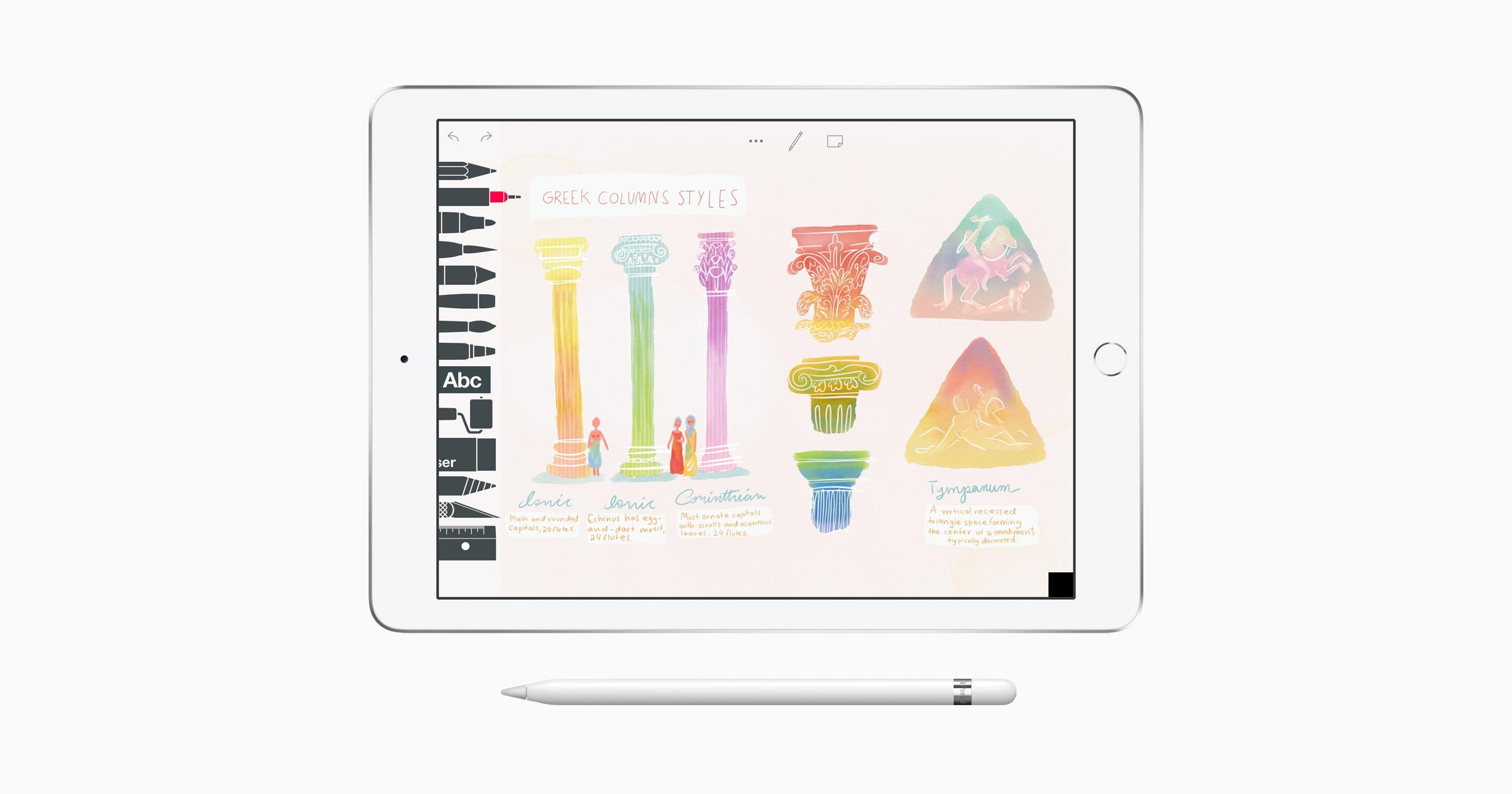
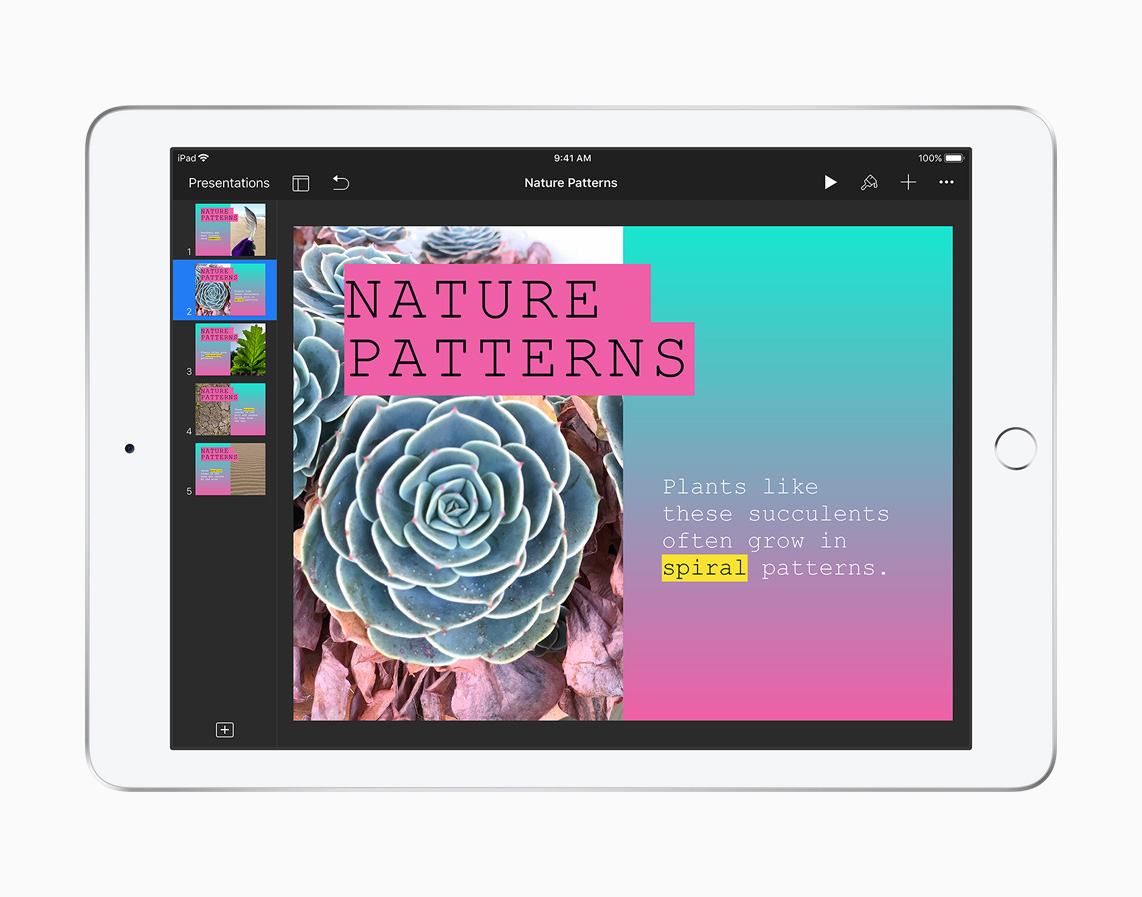
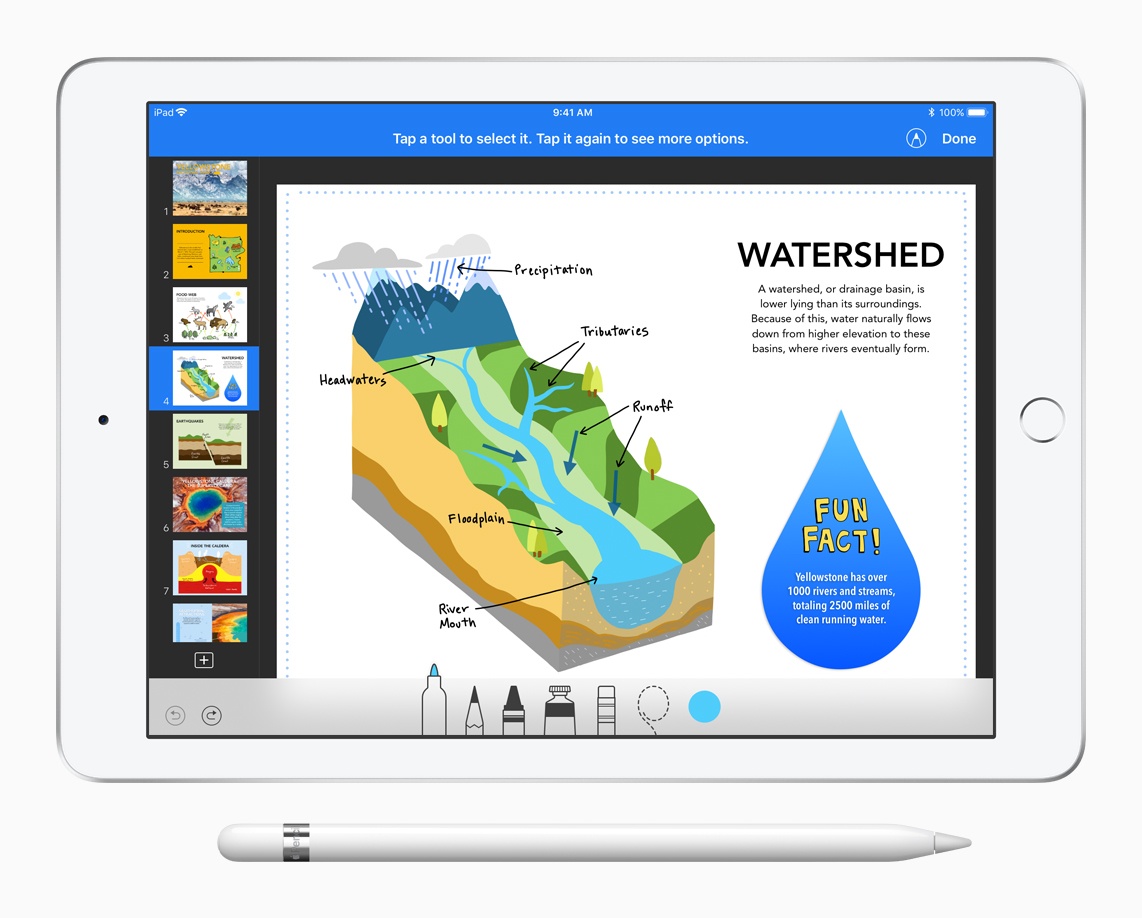
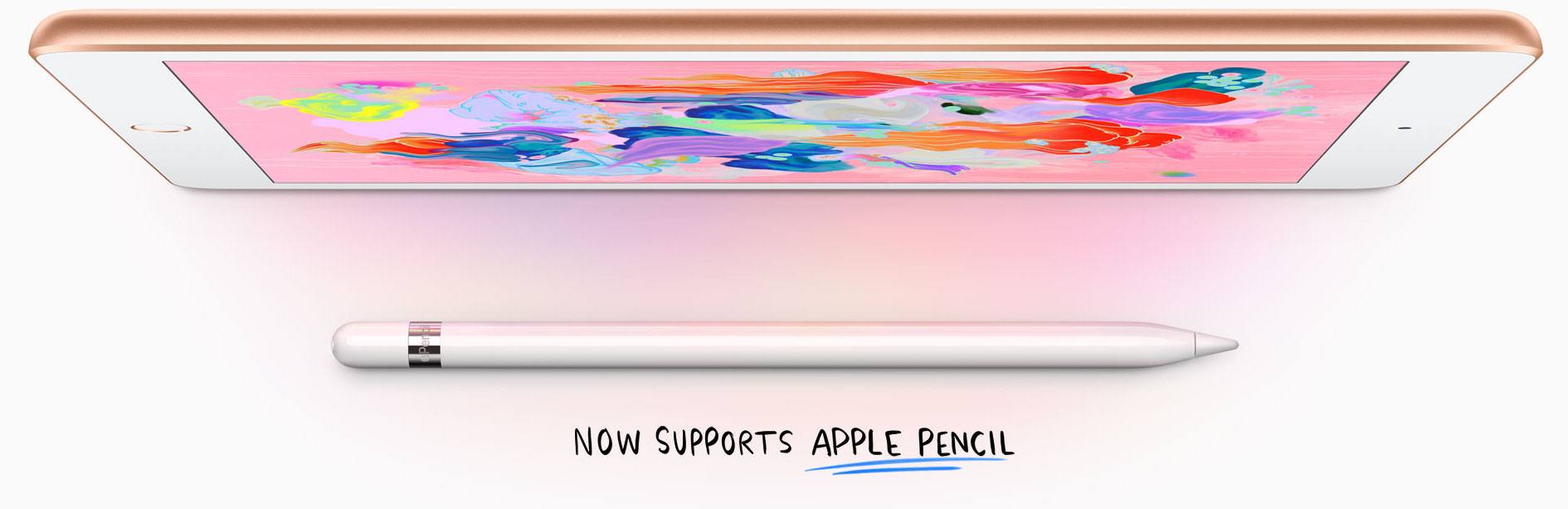
At their education event held in Chicago earlier today, Apple announced an update for the 9.7” iPad model that, while not adopting all the features from the more powerful iPad Pro line, brings support for the Apple Pencil and includes the A10 Fusion chip.

“iPad is our vision for the future of computing and hundreds of millions of people around the world use it every day at work, in school and for play. This new 9.7-inch iPad takes everything people love about our most popular iPad and makes it even better for inspiring creativity and learning,” said Greg Joswiak, Apple’s vice president of Product Marketing. “Our most popular and affordable iPad now includes support for Apple Pencil, bringing the advanced capabilities of one of our most creative tools to even more users. This iPad also has the power of the A10 Fusion chip, combined with the big, beautiful Retina display, advanced cameras and sensors that enable incredible AR experiences simply not possible on other devices.”

Read more


Apple Updates GarageBand and Clips for iOS with School-Friendly Features

Just as Apple’s education event keynote concluded at Lane Tech College Prep High School in Chicago, Apple released updates to the company’s GarageBand and Clips iOS apps.

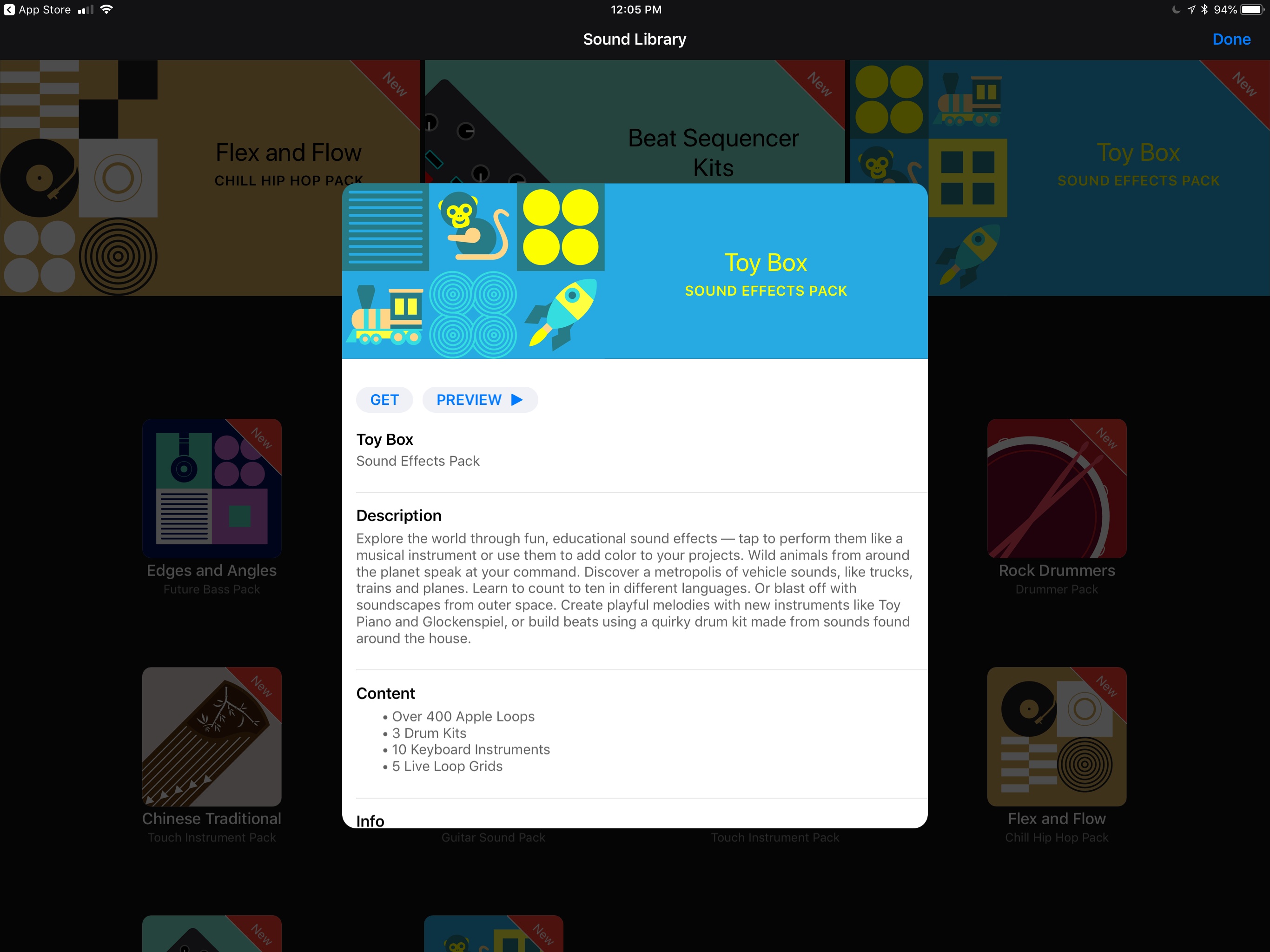
GarageBand has been updated with a downloadable ‘Toy Box’ sound pack that includes sound effects like animals, vehicles, and people counting to ten in different languages. There’s a ‘Modern Wah’ guitar stompbox effect too. If you’re an iPhone X user, the update uses ARKit and the TrueDepth camera to let you control effects like guitar wah and synth parameters hands-free using only facial expressions.

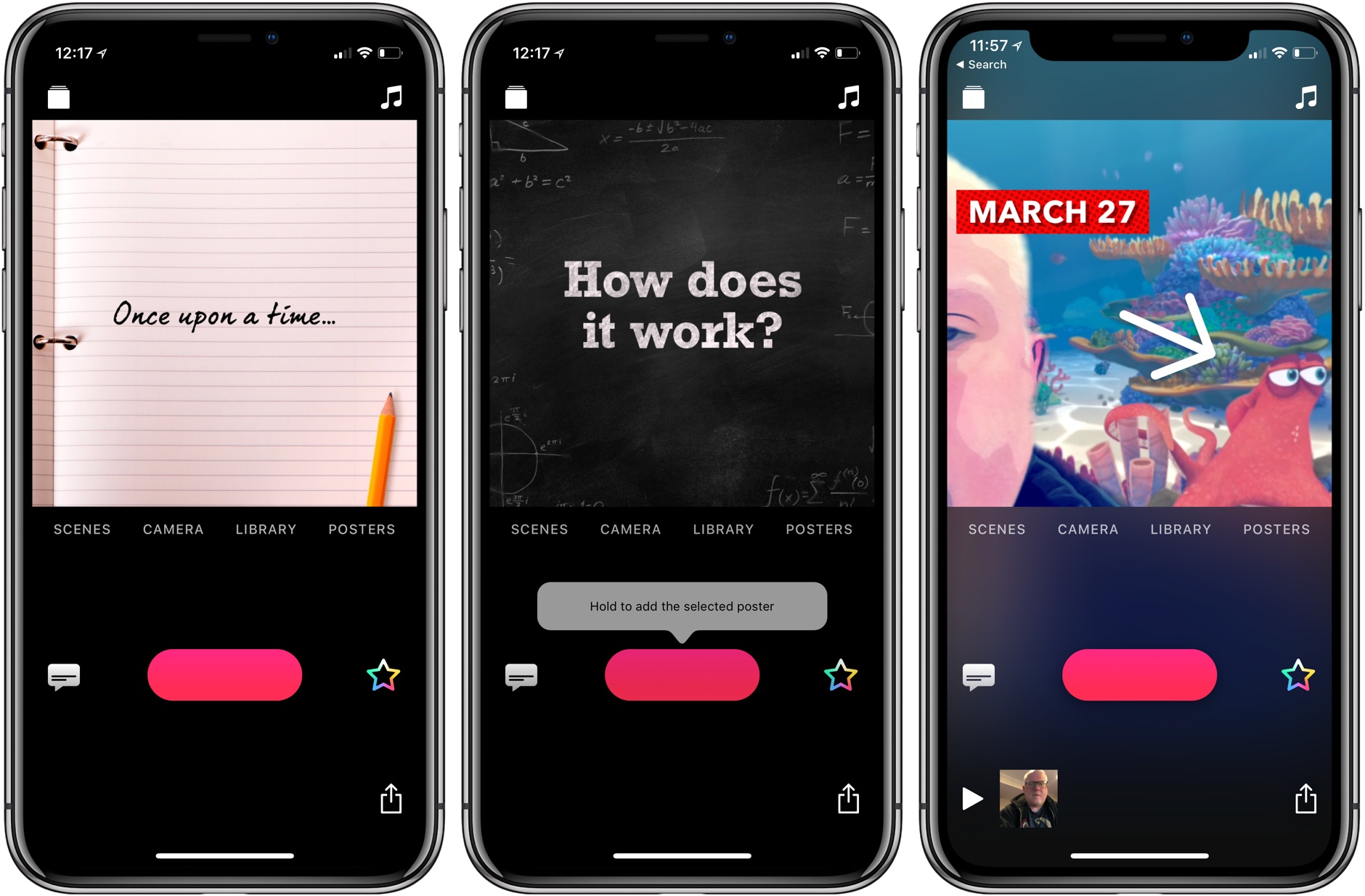
Clips was updated too. Version 2.0.3 adds new Live Title styles with new fonts, colors and layouts, animated labels (some with new drop shadows), stickers, and posters. Among the many new options are several that will work well in the classroom, including chalkboard and notebook posters, hand drawn arrows, circles, underlining, and more. There are two new Pixar movie selfie scenes too: one set on a reef from Finding Dory and the other on the Scare Floor from Monsters, Inc.


You can follow all of our Chicago education event coverage through our March 27th event hub, or subscribe to the dedicated March 27th event RSS feed.


Chicago Education Event Video Now Available

Apple has posted the video of its education event keynote held earlier today at Lane Tech College Prep High School in Chicago. The video can be streamed here, as discovered by Guilherme Rambo, and a higher quality version should be made available soon through iTunes (on the Apple Keynotes podcast).


You can follow all of our Chicago education event coverage through our March 27th event hub, or subscribe to the dedicated March 27th event RSS feed.


Apple Introduces New Schoolwork iPad App, Classroom for Mac, and ClassKit Framework for Developers

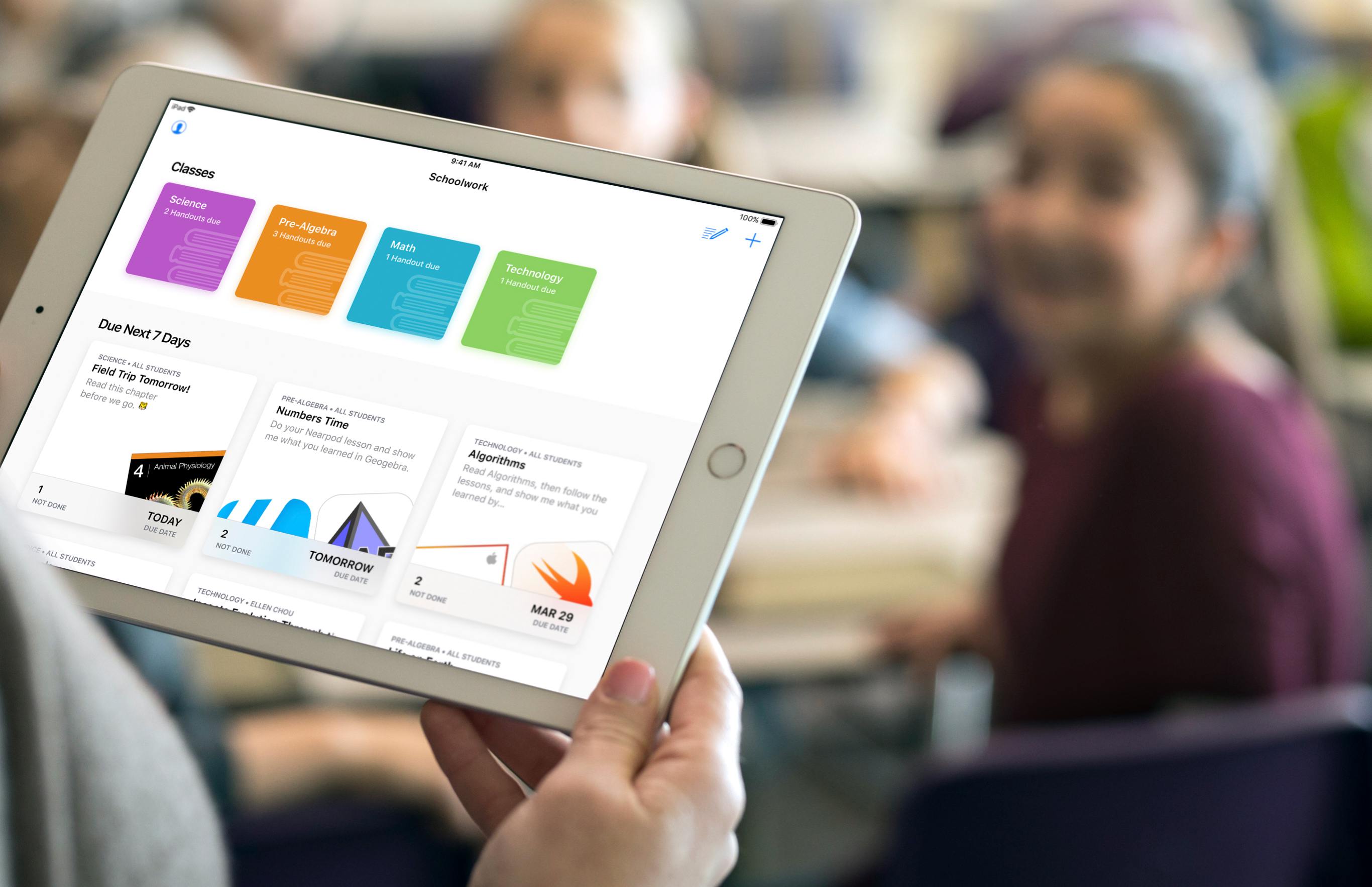
Education was the sole focus of today’s Apple event in Chicago, and a big part of that story was software: Apple introduced a brand new iPad app for teachers and students called Schoolwork, an upcoming Mac version of its existing iPad Classroom app, and it also launched a new ClassKit framework that enables third-party developers to integrate their educational apps with Apple’s own broader education system on iOS.

The new Schoolwork app, arriving in June, is meant to serve as a collaborative data-sharing environment for teachers and students. It enables teachers to make assignments in educational apps and track students’ progress on those assignments. In apps with collaboration features, teachers and students can work together on an assignment in real-time. Teachers can also use Schoolwork to send handouts to students. Because of its capabilities, Schoolwork is able to serve as a central schedule hub to keep students organized and on track.

The Mac version of Apple’s Classroom app will also launch in June, as a beta. It will serve the same functions as its existing iPad equivalent. Classroom differs from the new Schoolwork app in that it’s meant for instructors only, not students, and is used for general classroom management. The Classroom iPad app launched two years ago as a tool for school instructors to manage student devices and share files in bulk with the class, among other administrative functions, and it continues serving those purposes today.

With Schoolwork and Classroom, Apple now has a stronger student-teacher app ecosystem than before – but first-party apps weren’t the whole story Apple had to tell. To help further broaden the possibilities of Schoolwork and Classroom, third-party developers now have access to a new ClassKit framework, which will enable third-party educational apps to read and write information into the Schoolwork app, similar to how third-party health apps can use HealthKit to read and write data to Apple’s Health app. Apps can populate assignable content in the app, which teachers can then track the progress of. ClassKit is launching for developers as part of the forthcoming betas for Xcode 9.4 and iOS 11.4.


You can follow all of our Chicago education event coverage through our March 27th event hub, or subscribe to the dedicated March 27th event RSS feed.