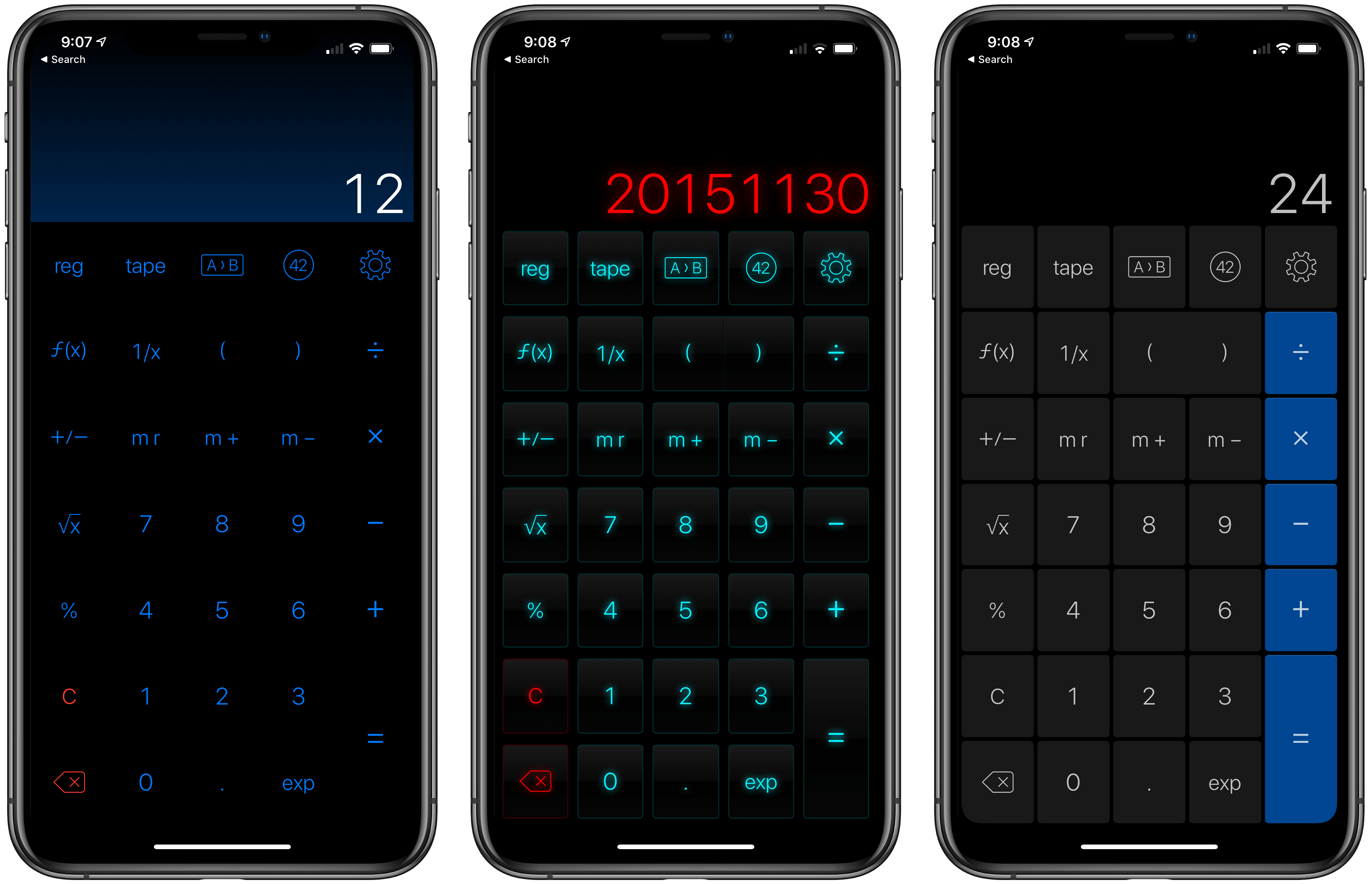
Last year when Siri shortcuts debuted on iOS 12, developer James Thomson added one of the first and best implementations for creating custom shortcuts with his calculator app PCalc. However, iOS 12 required PCalc to rely on the system clipboard as a means of passing inputs to calculations and then outputting the results, which added complexity to shortcuts that used PCalc actions. iOS and iPadOS 13 free PCalc of that constraint, and with the addition of parameter support and the conversational Siri shortcuts coming in iOS and iPadOS 13.1, PCalc’s automation features are vastly more powerful.
Federico’s review of PCalc 3.8 featured a shortcut called PCalc Currencies, which is a terrific example of what a PCalc-based shortcut looked like in iOS 12. The shortcut coverts Euros to US Dollars and British Pounds. The first step is to pass the number of Euros to the shortcut from the system clipboard and then create a variable to store that value. Next, the shortcut uses PCalc’s conversion action to calculate the US Dollar equivalent, store it in a separate variable, and then do the same for pounds. The final step displays the results using each of the three currency variables. In total, the shortcut uses twelve actions, many of which involve moving data on and off the clipboard.
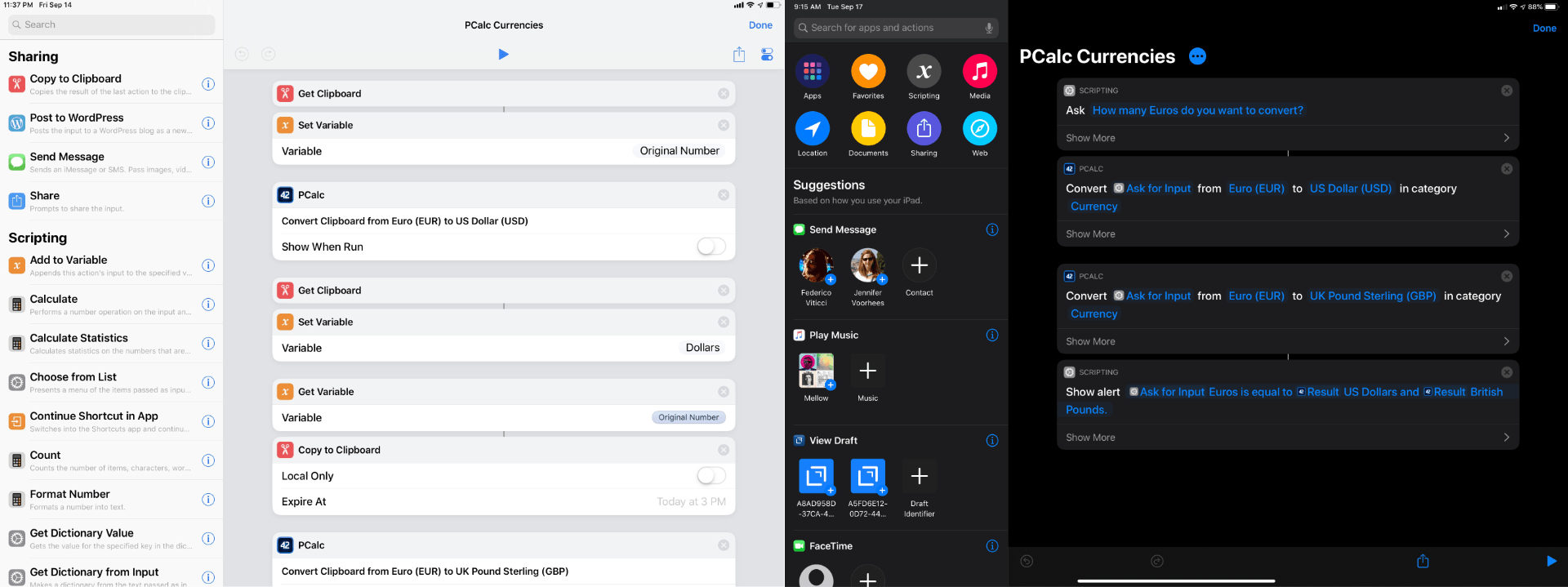
With PCalc’s new Shortcuts actions, we can reduce the number of actions from twelve to just four. It’s a fantastic demonstration of the power that iOS and iPadOS 13 add to third-party shortcut actions and the reduction in complexity that can be achieved with even a relatively simple shortcut. Okay, let’s update Federico’s shortcut.