Posts in reviews

Alfred for Mac Gets Extensions, Growl Support, New Lion Theme

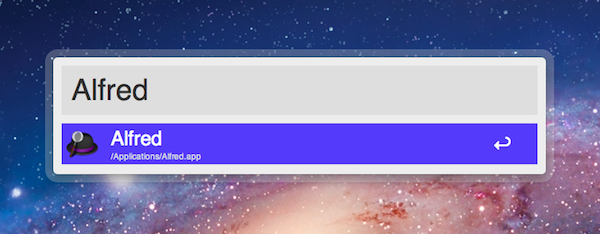
Alfred, the application launcher for the Mac, received a fairly substantial update today which brings important new functionalities such as extension support, Growl integration for action outputs, a new theme inspired by OS X Lion, and several bug fixes. Personally, I’ve been a big fan of Alfred since its first release last year, and I’ve followed the development closely as I switched from Quicksilver (which came back from a long hiatus a few months ago) and started looking into the customizable search and launch environment offered by Alfred. In the past months, in fact, Alfred evolved into a minimal, yet powerful application launcher capable of doing a bunch of other things such as filesystem navigation, clipboard management, AppleScript launching and dictionary. I was particularly impressed with the 0.9 version, which allowed users to assign a keyboard shortcut to any AppleScript on your machine, similarly to how the popular FastScripts lets you pair a shortcut with a script.

Whilst the developers are still planning a major 1.0 release that will likely see the Powerpack (a set of premium additional features) become available as in-app purchase on Lion’s Mac App Store, Alfred 0.9.9 has been publicly released today and, in spite of what the version number suggests, it is a milestone release that sets the path for future Alfred versions and the kind of integration with the system the developers are willing to bake into their application launcher . Read more
HypnoBlocks: A Fast Paced Game Where Racking up Combos is Competitive and Addictive

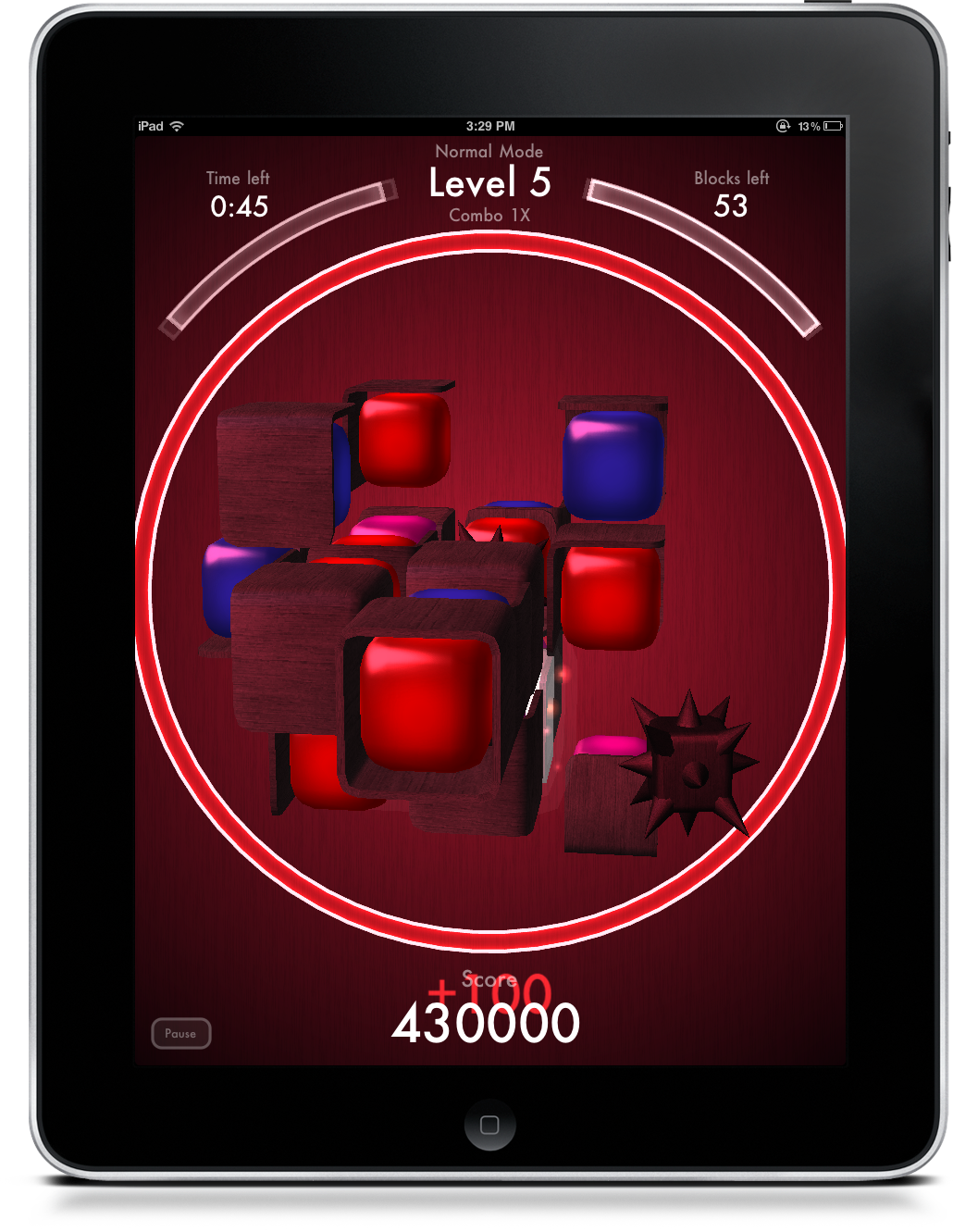
I’m a big fan Ambrosia Software’s titles (Multiwinia is still a blast and they have an excellent solitaire game), and now they’re expanding the lineup with yet another addictive title for the iPad called HypnoBlocks. I’d bet you it was created for the sole purpose to take advantage of my short attention span and drive to be competitive. Two hours later after much cursing and ranting and raving, I found myself hitting the 2nd spot in the global leader boards on Game Center. So HypnoBlocks, you’ve succeeded in bringing out the sweaty yet competitive gamer in me. I was hooked!

Read more


Skyfire VideoQ for iOS Queues Up Flash Video

Skyfire has a new Flash player on iOS that queues up video you want to play on your iOS device by sending the video request through email! Yeah it’s old technology meets… old technology, but lets not dwell on the fact that we do want to watch Flash videos, and that iOS can’t play them. You have your YouTube and your Hulu, but those Funimation videos aren’t gonna play themselves. So whether you see a Flash video on the latest startup from TechCrunch, or you want to watch a segment of The Daily Show, VideoQ is there to convert your Flash video to a format compatible with your iPhone or iPad.

I gave VideoQ a chance on my iPod touch, and the first thing Skyfire asks is for you to send an email from an address you want to register with the company. Also sent in the email is your devices unique ID, which I find somewhat odd. I think that’s a bit skeevy, and I don’t know why Skyfire needs a device identifier, but it’s whatever right? With the email sent, you wait a few seconds to be registered, then VideoQ presents you with a tutorial you can watch to learn about the app.

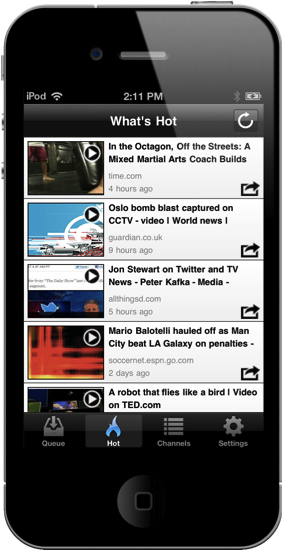
So it breaks down like this: whether you use Safari or another web browser on iOS, you can email that webpage to Skyfire so you can playback that Flash video in VideoQ. VideoQ will show you the videos you’ve queued up (and you can also casually browse hot videos via the appropriate tab). Video playback isn’t spectacular: video is grainy, audio is muffled, and sometimes Skyfire can’t find the video, but in a pinch you can get your Jon Stewart fix on your iOS device. It’s not a replacement for a Mac or PC that can run Flash well, but it can give you some relief while traveling or when mobile. It works most of the time — it’s not perfect — but video is passable despite whatever conversion process Skyfire processes on their servers before serving the content back up to you on demand. I’d say if you watch a lot of flash video (and especially if you want to do it on the iPad), give VideoQ a try.

Skyfire’s VideoQ is $1.99 as a universal app in the App Store.

[found via Reuters]


Sidekick Automates Your Mac’s Settings Based On Your Location

Last week, I ordered a new MacBook Air from Apple’s website. My MacBook Pro was getting old, so I decided it was time for an upgrade – and the new MacBook Airs looked like a worthy upgrade. As with the Apple online store’s tradition, the computer showed up at my doorstep in roughly three days. As soon as I got it, I opened it up, set up my personal information, and connected it to the Internet to start downloading my first apps. I was at my office, and in less than two hours I had my new MacBook Air up and running with my favorite applications, Dropbox, work documents, and so forth. A few hours later, when it was time to go home for dinner, I took my MacBook Air, got home, and placed it on the desk in my room. Thirty minutes later, I opened the MacBook’s lid again, fired up Spotify and Google Chrome, launched MacStories’ internal chat URL, and opened iTunes to check for app updates. Sure, the computer was new, but the pattern of actions that followed the opening of the lid wasn’t uncommon: this is what I do every day after dinner. I fire up some music, talk to my co-workers overseas, and browse iTunes. My laptop may be changing location travelling from my office to my house and everything in between (usually a coffee shop downtown), but the workflow is the same.

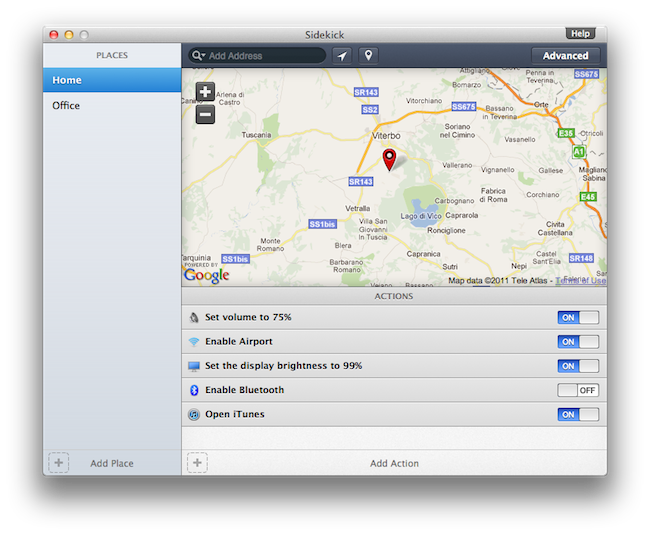
Sidekick, a new app by Oomph, aims at automating the tedious process of changing your Mac’s settings basing on the location of your computer. Read more


MacStories Product Review: The HandStand

The combined weight of the iPad with its aluminum chassis makes for a tablet that can easily slip out of your hand. It’s heavy, the frame offers little grip, and it’s not always comfortable to hold in one hand. While I personally have no problems in just using the iPad 2 naked with or without the Smart Cover, I do recognize the need for third party cases in the market, which offer a verity of grippy textures, widths, and additional functionality that add a personal or professional touch. If we’re aiming for professional and handy, the HandStand by Hub International offers a unique take on appearance and ergonomics by adding a rear grip and elastic strap. Clearly, this is a product designed to address walking around with the iPad and holding it with a free hand.

Read more


Screens for Mac Makes VNC Easy and Organized

I’m a big fan of Edovia’s Screen VNC client for the iPhone and iPad. Whilst I still use LogMeIn when I need to access my computer’s filesystem remotely and I enjoy the service’s social features and network-recognition capabilities (when combined with Hamachi), my basic VNC needs can be easily satisfied with Screens, which provides a very intuitive interface to set up new computers, connect to them, and use them. I don’t recall a single time I haven’t used Screens at least once a day in the past few months to quickly connect to my iMac while I’m on the couch, and fire up some Spotify through the room. For quick connections, Screens is a great app – it even works on 3G and remote Wi-Fi networks thanks to a companion desktop app that will make your Mac available outside your local network.

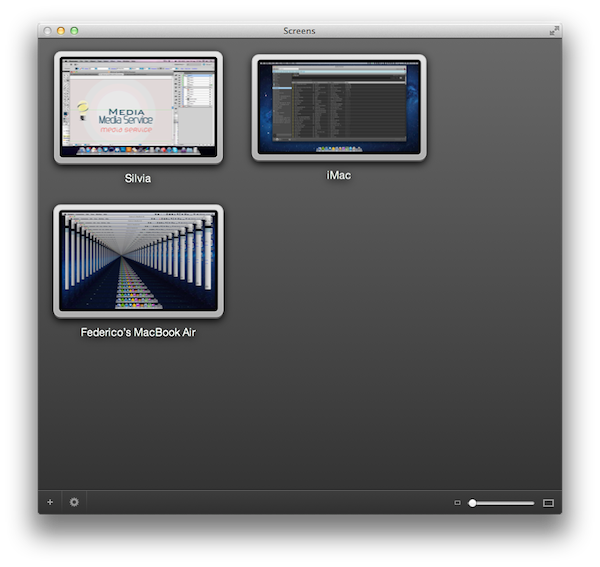
In my overview of the improved Screen Sharing app in OS X Lion, I detailed how Apple enhanced the system utility with new clipboard features, per-user login, and possibility of grabbing a screenshot of the connected machine. With Screens for Mac, released last week, Edovia offers an alternative to Apple’s default Screen Sharing app that doesn’t have new breakthrough functionalities, but dramatically improves the organization of your remote desktops, and gives you more control over what you’re connecting to. Read more


My Weekend with Prowl

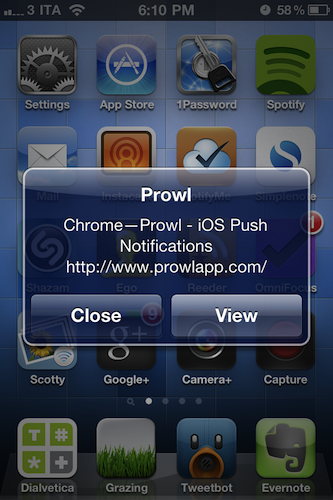
For some reason, I never considered Prowl as a viable alternative to the apps that let iOS devices communicate with a Mac. Prowl has been around since 2009 and, as the name suggests, it is an interface for Growl, the popular Mac notification system that’s getting a major revamp in version 1.3 for its Mac App Store debut. Basically, Prowl is both an iPhone app and a Mac plugin that will send Growl notifications – those Growl notifications you see every day – from your computer to your iPhone in seconds, via push notifications. On the Mac’s side, the app is entirely configurable: in spite of the fact that it’s listed under the Display Options of Growl – and so you could think it’s just a theme – its control panel comes with detailed login and notification settings to keep using a Growl theme you know and love, but at the same time build a bridge between your computer and the aforementioned Prowl for iPhone, which is a list of desktop notifications sent to your phone over the air. Prowl mirrors Growl notifications to your iPhone. Read more


Lion’s QuickTime Player: Screen Recording Improvements and New Sharing Features

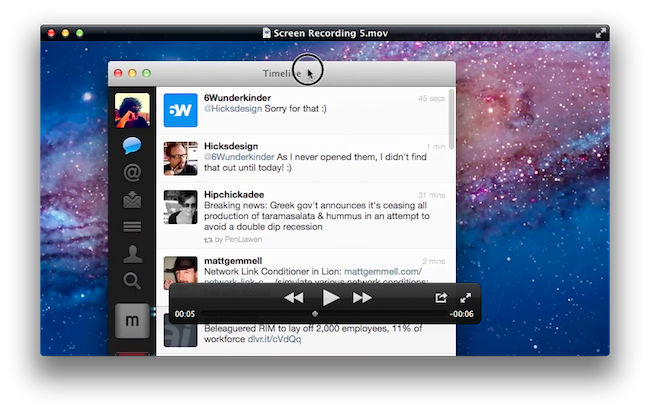
One of the built-in apps that received several interesting improvements in OS X Lion is QuickTime Player, Apple’s default video and music player based on the QuickTime framework that’s capable of handling a variety of audio, video, and picture codecs. Seemingly unchanged from version 10 of QuickTime Player that shipped with Mac OS X Snow Leopard, the new QuickTime Player 10.1 contains a number of changes under the hood, new sharing features, as well as screen recording enhancements built specifically for OS X Lion. Read more


OS X Lion: Screen Sharing Overview

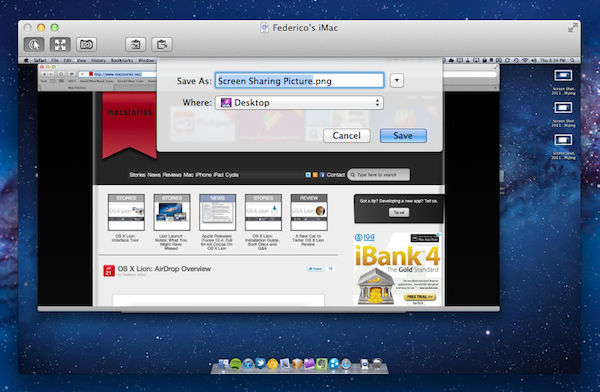
Since yesterday’s launch, we’ve detailed the biggest new features of OS X Lion in our review, covered the installation steps and took a quick tour across Aqua’s new interface elements; we’ve also listed the first five things we usually do when setting up Lion, and collected some of the best tips we received in the comments and via Twitter. After AirDrop, another app that I’ve been using daily on my Macs running Lion for the past few weeks is Screen Sharing, which gained some important improvements on the new OS and the possibility of logging into a user’s account even while it’s not being used, without disturbing who’s currently using a remote computer. Read more