
The last time I wrote about appending text to my Dashboard note in Obsidian in November 2021, I shared two distinct methods to do so, both based on shortcuts. The first one relied on the QuickAdd plugin and its ability to insert text into specific sections of notes in Obsidian; QuickAdd doesn’t support passing text...
 iOS, iPadOS, and macOS Updates In-Depth
 John
John
 A Calliope Update, Shortcuts, A Font Tip, and the Studio Display
It’s been a very busy week on the Club MacStories Discord, and I personally want to thank all the members who continue to participate in our community events, help others, and share cool things. Here are the highlights: In the #developers channel, our Alex posted a quick summary of the new features in the latest...
iPad Air 2022 Review: Refined Balance
iPad Air 2022 Review: Refined Balance
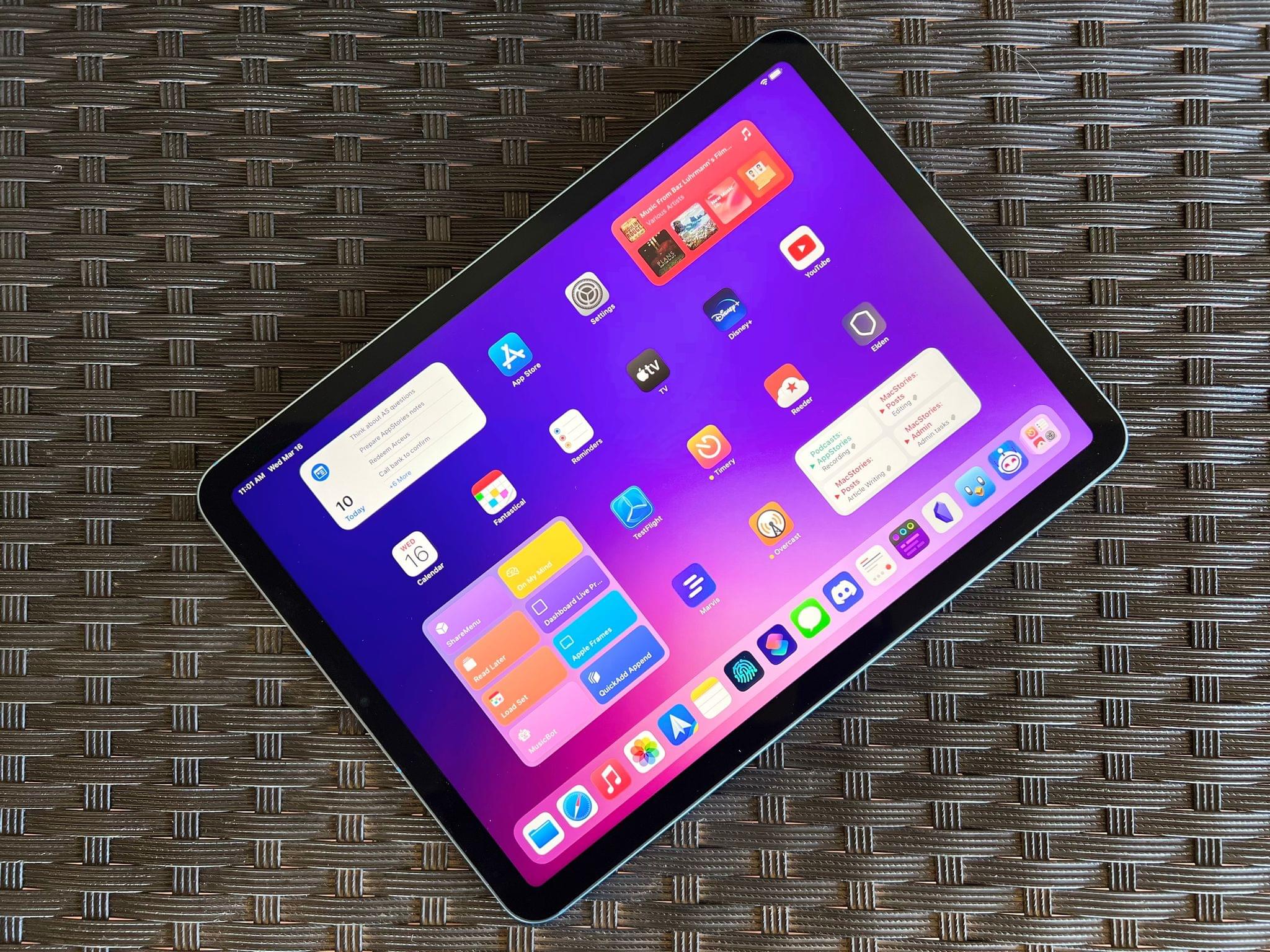
The last time I wrote about the iPad Air in October 2020, I explained how its fourth-generation model intrigued me again. A year and a half later, here I am, once again fascinated by the iPad Air, captivated by its hybrid nature caught between a base model iPad and the aspirations of an iPad Pro.
Here’s why: while the new iPad Air, which goes on sale this Friday starting at $599, doesn’t break any ground for the Air line, I believe it has reached its most balanced state yet.
The new iPad Air catches up with the iPad Pro and iPad mini in supporting 5G networking; it’s the final iPad in the lineup to get Center Stage; like the iPad Pro, it now comes with an M1 chip and the same 8 GB of RAM. The 2022 iPad Air refines what Apple started with the relaunch of this model in 2020 and achieves a balance of features, size, and price that makes it the ideal iPad for most people.
The iPad Air and the features it adds compared to its previous-gen model are, at this point, known quantities. The design, 10.9” display, and implementation of Touch ID are unchanged from the 2020 version; I covered Center Stage (we even built a custom app for it), the M1, and 5G in my 2021 iPad Pro review; the Magic Keyboard, Apple Pencil, and Smart Folio covers are the same ones we’ve been using for years.
The same is true regarding how I see Apple’s pitch for the iPad Air as a product: it’s a distillation of the most essential traits of the Pro line, made accessible to more customers at a lower price point. I wrote this in 2020, and it still applies to the new iPad Air:
While the 10.9” Air won’t replace the 12.9” iPad Pro as my primary machine, I’ve been impressed by this iPad for a different reason: the iPad Air democratizes the notion of “pro iPad”, bringing key features of iPad Pro to more customers, while at the same time looking ahead toward the future of iPad with hardware not seen on the current iPad Pro lineup. The iPad Air sits at the intersection of old iPad Pro features trickling down to the rest of the iPad line and new ones appearing on this model first.
If the “new” features of the iPad Air aren’t new at all and if the strategy behind this product hasn’t changed since 2020, I could reasonably wrap up this story here, right?
Well, not quite. Something happened recently that allowed me to evaluate the new iPad Air from a fresh perspective: Silvia started using my iPad mini and fell in love with it. So when I received a review unit of the new iPad Air from Apple last week, I asked myself: could I use the iPad Air as my secondary iPad, replacing the iPad mini for reading, chatting on Twitter and Discord, and watching YouTube videos, plus doing the occasional note-taking and having a small extra monitor for Universal Control?
I had been feeling like the iPad mini was a bit too small for my hands anyway (hence why I was okay with Silvia taking it); perhaps the new iPad Air could be a good opportunity to reassess its capabilities as a general-purpose tablet for people who want just one iPad in their lives as well as folks who, like me, work on a 12.9” iPad Pro but also want to complement it with a smaller, more focused iPad.
So that’s the experiment I’ve been running for the past six days. Let’s see how it went.
iOS and iPadOS 15.4: Hands-On with Universal Control, Face ID with a Mask, and More
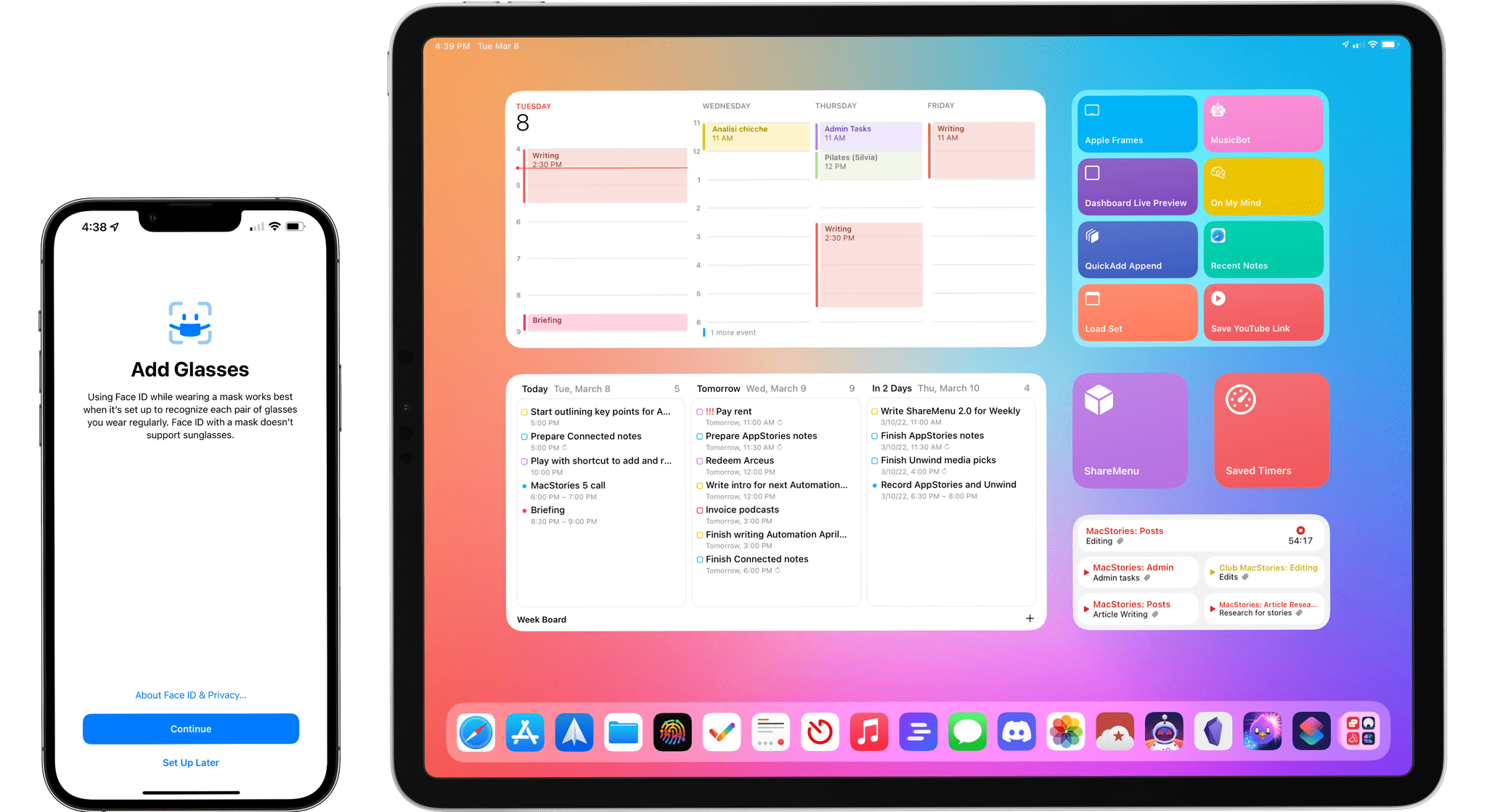
Today, Apple released iOS and iPadOS 15.4. The fourth major updates to iOS and iPadOS 15, originally released in September 2021, offer a long list of miscellaneous improvements and feature tweaks (which I will detail later in the story) as well as two major additions for iPad and iPhone users: the long-awaited Universal Control and the ability to use Face ID while wearing a mask, respectively.
I’ve been testing both iOS and iPadOS 15.4 since the first beta in late January, and I was able to spend some quality time with both of these features and everything else that is new and improved in these releases. Let’s take a look.
Apple Event Impressions: The New iPad Air, Mac Studio, and Studio Display

AppStories Episode 264 - Apple Event Impressions: The New iPad Air, Mac Studio, and Studio Display
0:00
44:27
44:27
This week, Federico and John cover their first impressions of the iPad Air, Mac Studio, and Studio Display, including Federico’s thoughts on where the Air fits into the iPad lineup and John’s take on what to keep in mind when customizing a Mac Studio.
Shortcuts, Stream Deck, Raycast, Bash Script Automations
Here are the highlights from the Club MacStories Discord this week: Inspired by a challenge I proposed to John on AppStories a while back, member Jarrod created a fantastic shortcut that progressively changes the color of your lights depending on how many reminders you’ve completed during the day. I love this. Speaking of John, he...
Logger Is the Missing Console for Shortcuts Power Users
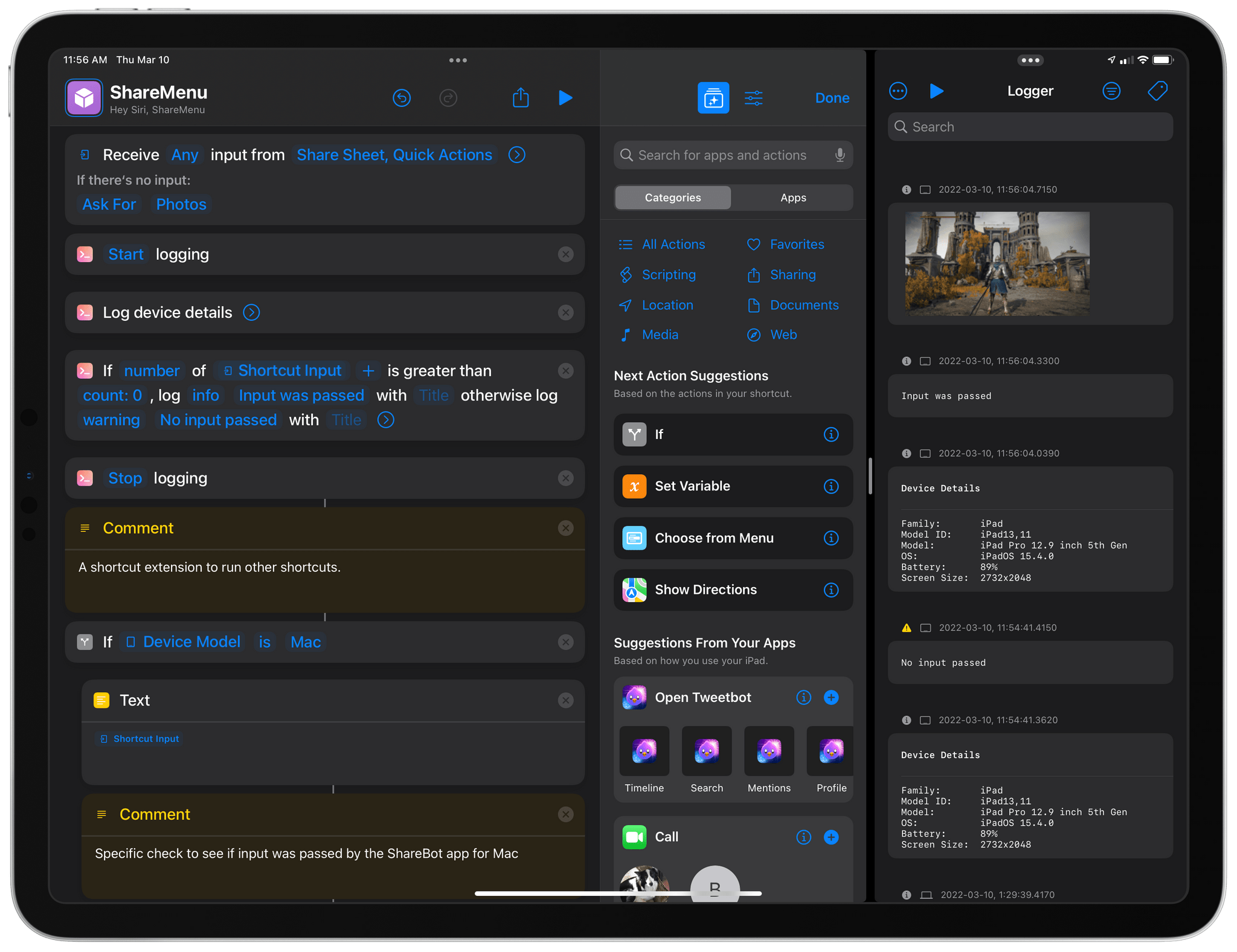
Indie developer Alex Hay has long pushed the boundaries of what third-party developers can build with the SiriKit framework and Shortcuts integrations on Apple platforms.
In late 2019, his Toolbox Pro app redefined what it means to complement Apple’s Shortcuts app with additional actions, creating an entirely new sub-genre of headless utilities designed to provide additional actions with configurable parameters. Recently, Hay introduced Nautomate, another utility that provides users with Shortcuts actions to integrate with the Notion API without having to write a single line of code. And today, Hay is launching Logger, another Shortcuts-compatible app that is similar to his previous ones, but with a twist: rather than adding actions for external services or apps such as Apple Music and Notion, Logger offers actions to create the troubleshooting console that has always been missing from Shortcuts.