Federico Viticci

10779 posts on MacStories since April 2009

Federico is the founder and Editor-in-Chief of MacStories, where he writes about Apple with a focus on apps, developers, iPad, and iOS productivity. He founded MacStories in April 2009 and has been writing about Apple since. Federico is also the co-host of AppStories, a weekly podcast exploring the world of apps, Unwind, a fun exploration of media and more, and NPC: Next Portable Console, a show about portable gaming and the handheld revolution.

New Apps for 2018

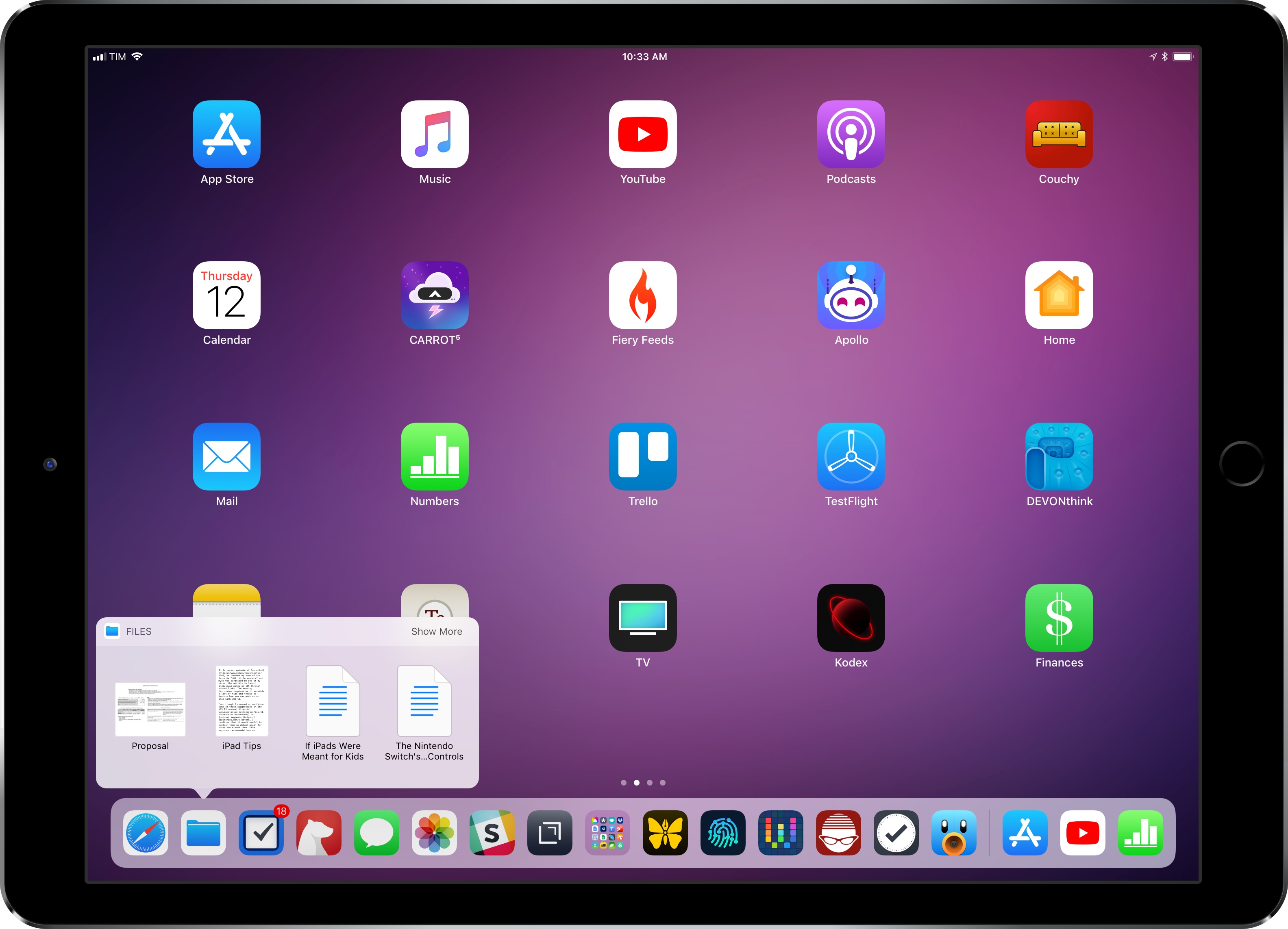
You can download my wallpaper here.

The new year is always an opportunity for me to take some time off work and better understand how I use technology and, more importantly, what I want from the devices I write about. Historically, that meant I would take a short break over the holidays and come back to MacStories with a handful of recommendations for new apps I wanted to test throughout the year, from text editors to finance management utilities and health apps.

This time, the break lasted a little longer. Last year was a particularly stressful one for me, and I felt that I needed to take at least a couple of weeks off all my work projects to clear my mind and make a plan for the year ahead. That turned out to be a fantastic idea: not only was I able to finally relax (to the point where I was craving the website and feeling the urge to write again) – the extended break also allowed me to identify areas of my life that I wanted to act upon immediately and improve in 2018.

This is why, when Myke Hurley asked me on Analog(ue) which big project I was working on for the new year, my first answer was “myself”. My plan for 2018 is to take better care of myself – from multiple perspectives – so I can avoid the stress of 2017, feel more inspired, write more, and, ultimately, be happier. I don’t have a single big “work project” for 2018; my goal is to improve every aspect of my daily routine, in big and small ways, so everything I do can subsequently grow as well. Essentially, I need to fix the foundation before I can build on top of it again.

In addition to new habits (which I detailed in last month’s issue of the MacStories Monthly Log for Club members; you should subscribe if you haven’t yet), this effort involves new apps I’m using to help me along the way. I decided to wait a full month after I came back to work because I wanted to see which ones would actually stick around; what you’ll find below is a collection of apps I’m now using on my iPhone and iPad on a daily basis.

While this type of story isn’t new to longtime MacStories readers, I feel like the 2018 version is more personal and pragmatic. These aren’t advanced automation apps or utilities I’m just experimenting with for the mere sake of geekery; from mental health to time tracking, each of these apps is having a tangible, positive impact on my life that I’d like to highlight.

Read more


The Sweet Setup Launches ‘All the Things’ Video Course

Today The Sweet Setup launched ‘All the Things’, a video course primarily aimed at explaining how to get the most out of Things, the popular task manager for Mac and iOS.

Like they did for their Ulysses screencasts last year, the folks at The Sweet Setup have produced a series of videos covering Things with walkthroughs of its basic features, project organization, as well as more advanced options such as iPad drag & drop and workflows. The videos included in the $29 ‘All the Things’ Basic package are:

  • Walkthrough of Things on the Mac, iPad, and iPhone
  • Anatomy of a Task
  • All the ways to Capture
  • Anatomy of a Project
  • Anatomy of an Area
  • Cloud Sync & Backup
  • iPad drag & drop
  • AppleScripts & Workflows

In addition to the screencasts, the Basic package includes setup interviews with Things users who rely on the app to get work done. I was honored when Shawn asked me to participate in the course, and it was fun to answer his questions about my decision to switch to Things and how I use the app. You can find my interview here.

I’m a fan of The Sweet Setup’s screencast courses. I like Shawn’s style of demonstrating features and how they work in practice, and I think the Basic video package is a great deal at $29 if you’re looking for a way to get started with Things and learn how other people use it.

There’s more, though. In the Pro version of the ‘All the Things’ package, available at $39 for a limited time, you’ll also get access to Shawn’s productivity training videos that contain general tips that work for any task manager. So whether you use Todoist or OmniFocus or something else, videos such as ‘How to Schedule Your Day’ and ‘Weekly Planning & Reviewing’ will likely give you something you can apply to your own workflow. And if you just want these videos without the Things screencasts, that’s also an option at $35.

I watched nearly every video of the ‘All the Things’ Pro bundle over the past week, and – I don’t say this because I was interviewed for this series – I think $39 for the discounted Pro package is great value whether you want to learn Things or optimize the way you work. You can find all the details about ‘All the Things’ and purchase the course here.


Fiery Feeds 2 Review

Fiery Feeds, an RSS client developed by Lukas Burgstaller, has long been among the top choices of iOS power users given its integration with multiple RSS services and ability to create custom actions for sharing articles with other apps. In the aftermath of Google Reader’s demise, Fiery Feeds found its niche as a client that supported a variety of modern RSS services and that also catered to users who had been looking for an alternative to Mr. Reader – which pioneered the idea of a highly customizable and extensible RSS app for iOS long before iOS 9 and the iPad Pro.

With Fiery Feeds 2, released on the App Store today, Burgstaller has largely focused on two fronts: modernizing every aspect of the app, and adopting a subscription-based business model that clearly separates features available for free from those exclusively available to paying customers. In the process, Fiery Feeds has grown into a cleaner, more elegant client that looks nicer on iOS 11 and the iPhone X; at the same time, Burgstaller has been able to extend Fiery Feeds’ appeal with a powerful premium-only feature dubbed Smart Views.

The result, while not perfect or as deeply integrated with iOS 11 as lire, is among the best options for RSS clients on the platform.

Read more


RSS Services and Apps

AppStories+ Deeper into the world of apps

AppStories Episode 42 - RSS Services and Apps

0:00
38:52

AppStories+ Deeper into the world of apps

The RSS sync service and reader app landscape makes it difficult to find the perfect combination of features for the way you read the news. Federico and John sift through the many options and highlight what they look for in modern iOS and Mac RSS clients.

Read more


Loup Ventures’ HomePod Siri Tests

Loup Ventures, a US-based venture capital firm, ran a series of Siri tests on the HomePod to evaluate the assistant’s capabilities on Apple’s new speaker. After 782 queries, Siri understood 99% of questions but only answered 52% of them correctly – meaning, Siri on the HomePod failed to answer one out of two questions. I’d love to see a full data set of the questions asked by Loup Ventures, but, overall, it doesn’t surprise me that the Google Assistant running on the Google Home speaker was the most accurate in every category.

While Apple has clearly a lot of work ahead for Siri on the HomePod (this was the consensus of all the reviews, too), it also appears that Siri simply performs worse than other assistants because it doesn’t support certain domains. Here’s Gene Munster (whom you may remember for his Apple TV set predictions), writing on the Loup Ventures blog:

Adding domains will quickly improve Siri’s score. Some domains like navigation, calendar, email, and calling are simply not supported. These questions were met with, “I can’t ___ on HomePod.” Also, in any case that iPhone-based Siri would bring up Google search results, HomePod would reply, “I can’t get the answer to that on HomePod,” which forces you to use your phone or give up on the question altogether. Removing navigation, calling, email, and calendar-related queries from our question set yields a 67% correct response, a jump from overall of 52.3% correct. This means added support for these domains would bring HomePod performance above that of Alexa (64%) and Cortana (57%), though still shy of Google Home (81%). We know Siri has the ability to correctly answer a whole range of queries that HomePod cannot, evidenced by our note here. Apple’s limiting of HomePod’s domains should change over time, at which point we expect the speaker to be vastly more useful and integrated with your other Apple devices.

Adding new supported domains would make Siri’s intelligence comparable to Alexa (at least according to these tests), but Apple shouldn’t strive for a honorable second place. Siri should be just as intelligent (if not more) than the Google Assistant on every platform. I wonder, though, if this can be achieved in the short term given Siri’s fragmentation problems and limited third-party integrations.

Permalink

Features

For this week’s members section of the Workflow Corner, I decided to highlight an advanced (and insanely powerful) App Store wish list workflow created by Club member Marcin. I’ll be back addressing Workflow Corner requests next week once I manage to get more than 3 hours of sleep each night (who would have thought...


Refreshing a Plex Library on a Local Network

Last year, we rethought our entire media setup around Plex, a Synology NAS, and an Nvidia Shield Pro set-top box. It sounds complex, but it’s actually quite simple: the Synology acts as storage for Plex Media Server, which runs on the Shield as its Tegra chip is fast enough to handle video transcoding and...


Connected , Episode 179: The Tiny Head Pandemic

The boys are joined by Emojipedia founder Jeremy Burge to talk about a rash of App Store rejections regarding the use of emoji. After that, discussion turns to HomePod reviews and the possibilities of watchOS 5.

Another fun episode of Connected this week, with a great discussion about a recent emoji controversy with the Master of emoji himself, Jeremy Burge. You can listen here.

Sponsored by:

  • Linode: High performance SSD Linux servers for all of your infrastructure needs. Get a $20 credit with promo code ‘connected2018’
  • Squarespace: Make your next move. Enter offer code WORLD at checkout to get 10% off your first purchase.
  • Casper: Start sleeping ahead of the curve. Get $50 off select mattresses with the code ‘CONNECTED’.
Permalink

Slack Overhauls Emoji Support Across Platforms

In other emoji-related news, Slack today announced that they’re going to support new emojis (including those from Emoji 5.0 released in 2017) across multiple platforms. If you use Slack on a regular basis, you know that the company has been notoriously slow over the past couple of years in adopting the latest emojis despite having launched features based entirely on them.

As noted by Jeremy Burge at Emojipedia, however, better emojis on Slack have brought a deeper change for Slack users on non-Apple platforms:

Users of iOS or macOS will see the least change to design in this release, as Slack previously defaulted to using Apple designs on all platforms.

Apple’s emoji designs remain the set displayed when accessing Slack on any Apple platform.

Those using on Windows, Android, or any non-Apple platform will see a consistent set between: but it’s not what you might expect. Google’s emoji designs are being used for all non-Apple platforms now as shown by this alert:

And:

While Apple’s emoji font is entirely owned and copyrighted by Apple, Google’s emoji font (named Noto Color Emoji) is provided with an open source license which allows other projects to use this within the terms set out in the SIL Open Font License. Given this, it’s possible that Slack believes it is on firmer ground to be using Noto Color Emoji rather than embedding Apple emoji images on competing platforms.

Jason Snell argues that this move will lead to a different emoji experience for Slack users who access the service from non-Apple platforms:

The result is emoji fragmentation, where different users of Slack will see different versions of the same general concept. Also, users like my friend Erika might prefer one set of emoji designs to another, but they no longer have a choice in the matter.

That’s the bad news. The good news, at least, is that Slack is rolling out support for new emojis, including gender splits and skin tones, that it previously didn’t.

I wonder if Apple’s apparent push toward locking their emoji designs to the iOS ecosystem may have played a role in Slack’s decision to implement an open-source emoji set instead (see also: WhatsApp). Still, I’m happy that I can share all modern emojis on Slack; I’ll have to rethink some of my typical emoji reactions now.

Permalink