
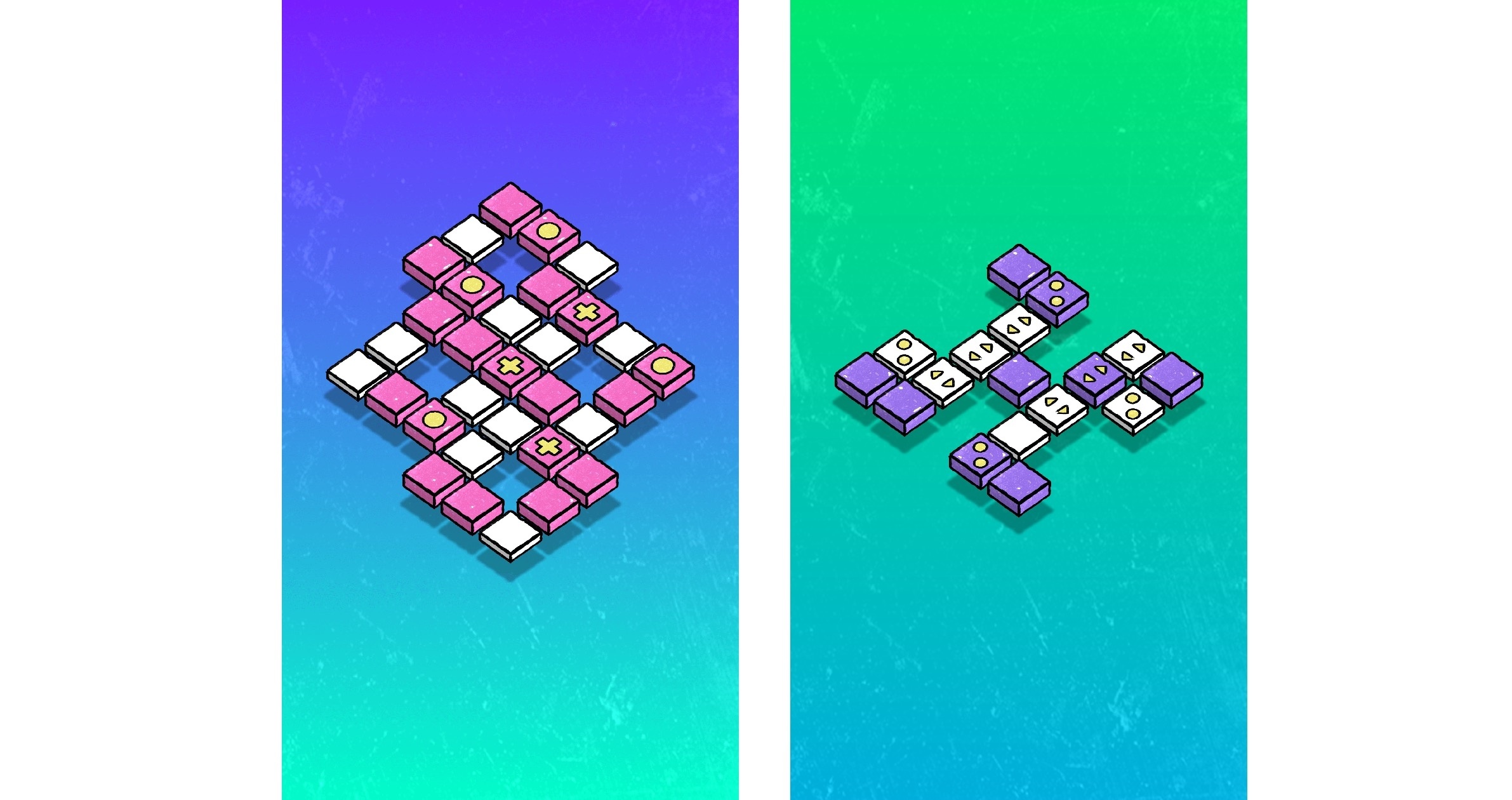
Dropout Games is known for publishing relaxing, stylish puzzle games like Blyss, which we previously covered on MacStories. They are back with WayOut, an elegant Lights Out-style iOS game developed with Ukraine-based developer Konstructors that is easy to learn to play but devilishly difficult to master.
HomePod First Impressions Roundup
In advance of HomePod pre-orders, which began earlier today, Apple invited a handful of writers to hear the HomePod in action. Apple’s smart speaker was met with universal praise for its sound quality but also, some skepticism.
Omni Outlines Its 2018 Plans, Including Updates to OmniFocus for iOS and Other Apps
Every year, The Omni Group reflects on the past year and provides a roadmap for coming year. In 2018, OmniFocus will play a prominent role along with updates to OmniGraffle, OmniPlan, and OmniOutliner.
OmniFocus for iOS has been around since the earliest days of the App Store. One of the biggest changes that will be debuted in OmniFocus 3 for iOS is the elimination of contexts, a Getting Things Done concept that hasn’t aged well. Contexts will be replaced with tags, which can be used like contexts or to indicate other attributes of a task like its priority, location, or time. With tags, Omni is will also introduce manual reordering of tasks within a tag.
The way OmniFocus deals with dates and notifications is being revamped too. With version 3, OmniFocus will add more fine-grained control over repeating tasks. To avoid complexity, The Omni Group’s Ken Case says:
we turned to a design principle called progressive disclosure: we ask you to make simple decisions up front (like checking the option “does this repeat or not”), and as you proceed through the interface we progressively disclose more and more options based on what we already know about the task.
Similar flexibility is being added to notifications, which will include more detail in each notification. OmniFocus is also adding the ability to add multiple custom notifications to single tasks and notifications that will continually badger you until a task is marked as complete, as can be done today in apps like Due.
OmniFocus 3’s design will also be refreshed. Omni hasn’t shared many examples of what the update will look like, but here’s an example from the company’s blog post:
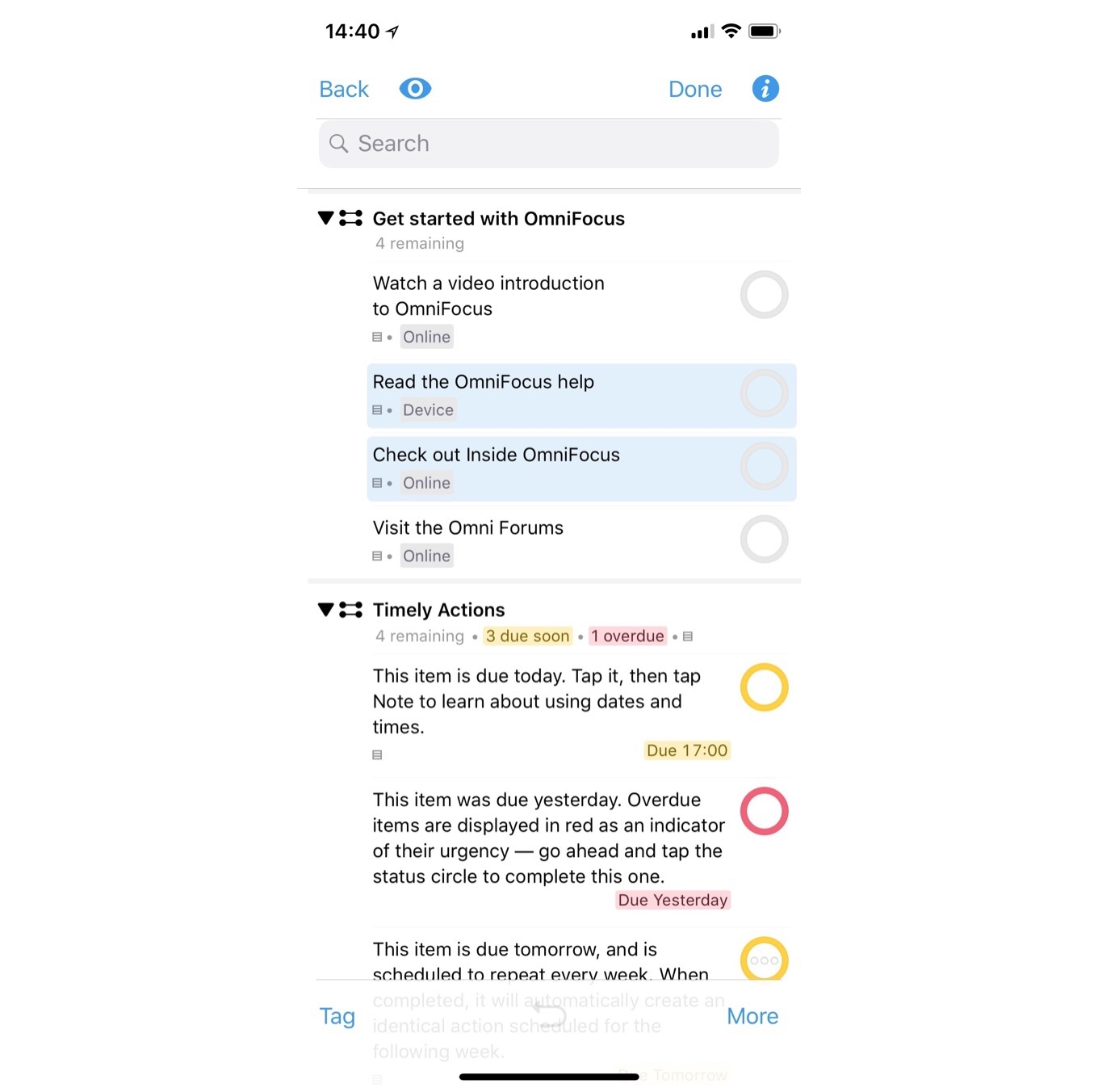
JavaScript-based automation, which is included in some of Omni’s other apps, is coming to OmniFocus as is collaboration, which will feature a system that lets multiple people share the same task by linking them. Omni says the system will allow everyone on a shared task to see its status, but place the task wherever they want within their task management setups. Finally, Omni plans a basic web version of OmniFocus that will allow users to access their tasks, though with a limited feature set.
Omni has changes in store for its other apps too. The first 2018 update to OmniGraffle for Mac will focus on the Stencil Browser, which users will be able to place in the left-hand sidebar. A later update will add improvements to SVG import and export support. Later in the year, another update is planned to improve diagramming.
OmniPlan for Mac will add a Project Summary Inspector that provides summary information about a project like its total cost and duration. OmniPlan Pro users will get a new timescale feature for customizing Dashboards too. Improvements to OmniPlan Pro’s publish and subscribe sync feature are planned for later in the year.
OmniOutliner 3 for iOS is scheduled for release in February 2018. The update will introduce Essentials and Pro versions of the app. Essentials offers a simplified outlining environment, while Pro includes advanced features like saved filters, encryption, and JavaScript automation.
It looks as though 2018 will be a busy year for Omni. Updates to apps like Things have raised the bar on task management apps, so it’s good to see Omni rethinking and redesigning some of the fundamental aspects of OmniFocus. I’m also looking forward to the OmniOutliner, an app that I’ve used on and off since it was first introduced on iOS.
Apple Animoji Karaoke Videos Showcase iPhone X Feature in Advance of Grammys
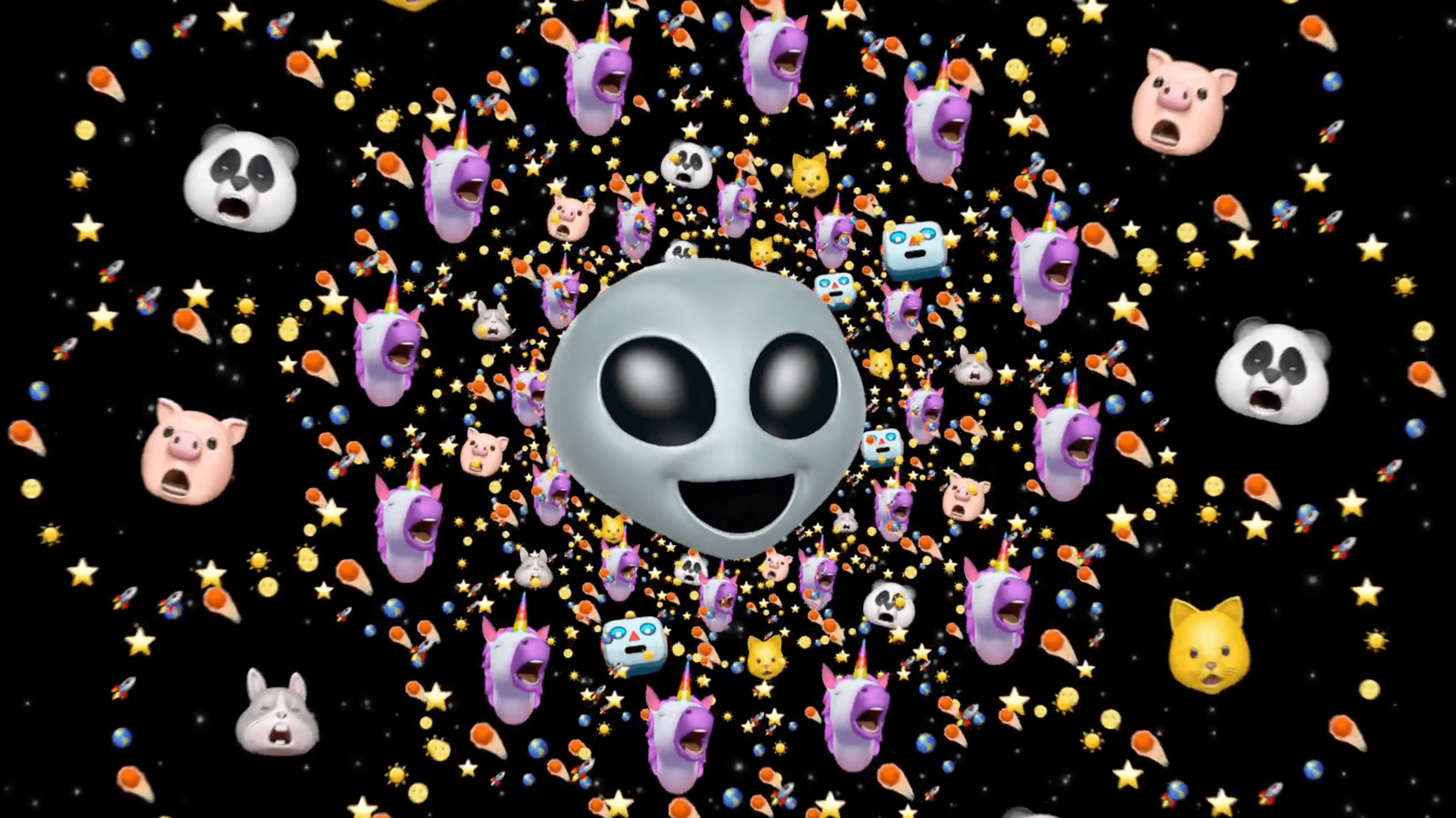
Apple has embraced the phenomenon of Animoji karaoke. Specifically called out in the iOS 11.3 preview press release earlier this week, Apple followed up today with two fantastic videos on its YouTube channel.
One video features Stir Fry by Migos sung by the dog Animoji backed by the smiling poo Animoji.
The other video features Redbone by Childish Gambino with the alien Animoji on lead vocals backed by the rainbow unicorn.
Both videos are fun pairings of Grammy-nominated artists and Animoji, the animated emoji feature that is exclusive to the iPhone X. Migos’ album, Culture, is nominated for Best Rap Album of 2017, and Redbone by Childish Gambino is up for Record of the Year. According to Ad Week, the two videos will air during the Grammys on Sunday, January 28th.
Almost as amusing as the videos themselves is the fine print at the end of each video that says ‘Animoji feature records up to 10 seconds. Professionally animated.’ I’d love to see Animoji recording extended beyond 10 seconds and added to an app like Clips, to make it easier for users to create karaoke videos of their own and eliminate the need for Apple to add a disclaimer to its videos.
 Q&A
Q&A
Question: I’ve run across a site that I would like to follow, but it doesn’t have an RSS feed. Have any of you had this problem and how do you deal with it? I don’t want to use Facebook, Twitter, etc. (Bill)
 Federico
I’ve come across this problem before and, fortunately, some of the modern...
Rocket

In Slack, you can add emoji to a message by typing a colon and the name of the emoji. It’s a handy feature that becomes second nature if you use Slack a lot. In contrast, using emoji on a Mac is frustrating. If you have a Touch Bar MacBook Pro the situation is a...
App Debuts
Blocky Racing There are many racing games on iOS, but there are a couple aspects of Blocky Racing that set it apart from the rest. First, the cars are built from Lego-like blocks that fall off when cars collide with each other and the walls of the track. At different points along the race...
Apple Signals Transition Away from 32-Bit App Support on the Mac
Apple hasn’t announced a date by which it will end 32-bit app support on macOS, but the beta release of macOS 10.13.4 includes notifications signaling to users that the transition to 64-bit apps has begun. Today, Apple told Jim Dalrymple of The Loop that it will begin alerting customers if they are using 32-bit apps. Dalrymple says:
At this point, the alert is more of a gentle reminder to users that their apps are out of date. You will receive an alert once per 32-bit app, so it won’t be an annoyance, but certainly something you should pay attention too.
Apple first signaled that support for 32-bit apps would be ending at WWDC last summer.
As Steve Troughton-Smith pointed out on Twitter today, the signs point to a swift deprecation of 32-bit apps:
Among the evidence he cites is a switch included in the Xcode 9.3 beta that lets developers turn off 32-bit support in macOS 10.13.4 when testing their apps, speculating that:
If Troughton-Smith is correct that macOS 10.14 may have no 32-bit app support other than via a virtual machine, the transition would be notable for its speed. On iOS, Apple spent three years suggesting in a series of escalating steps that developers transition to 64-bit apps.
Apple Releases Swift Playgrounds 2.0 with Third-Party Subscriptions
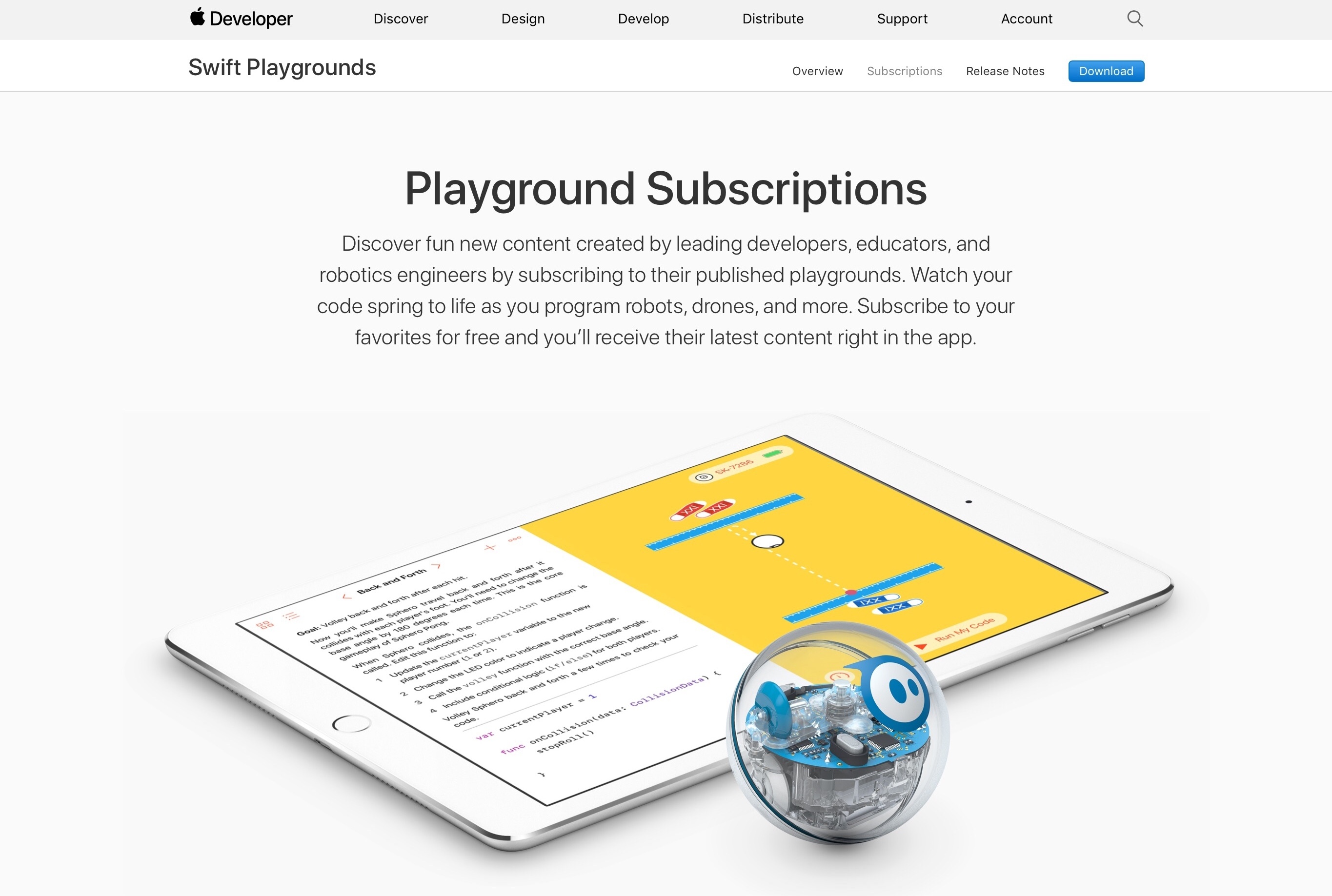
Apple has released version 2.0 of the Swift Playgrounds iPad app. The app provides an interactive learning environment for the Swift programming language. With version 2.0, Apple has introduced subscriptions to playgrounds from third-party creators. According to Apple’s developer news site:
You’ll automatically see new and updated playgrounds in your subscriptions, a content gallery that shows all playgrounds in a single view, new robots, and much more.
Subscriptions can be added by entering a URL or by browsing a gallery Apple has created, both of which are accessible from an ‘Add Subscription’ button in the top right-hand corner of the screen from which you add new playgrounds. As of publication, the buttons for adding subscriptions from the gallery do not work, but they should soon. When updated playgrounds are available, you can receive a notification too. Among the first third parties with subscription-based playgrounds are Sphero, Lego Mindstorms, UBTech, Parrot Drones, IBM, Mekamon, Wonder Workshop, and Skoog.
In addition to subscriptions, the update includes enhanced documentation for the Swift programming language and iOS SDK, and playgrounds can be opened from the Locations button in the Files app.