John Voorhees

5811 posts on MacStories since November 2015

John is MacStories' Managing Editor, has been writing about Apple and apps since joining the team in 2015, and today, runs the site alongside Federico. John also co-hosts four MacStories podcasts: AppStories, which covers the world of apps, MacStories Unwind, which explores the fun differences between American and Italian culture and recommends media to listeners, Ruminate, a show about the weird web and unusual snacks, and NPC: Next Portable Console, a show about the games we take with us.

This Week's Sponsor:

Crickets

The first alarm app for families.


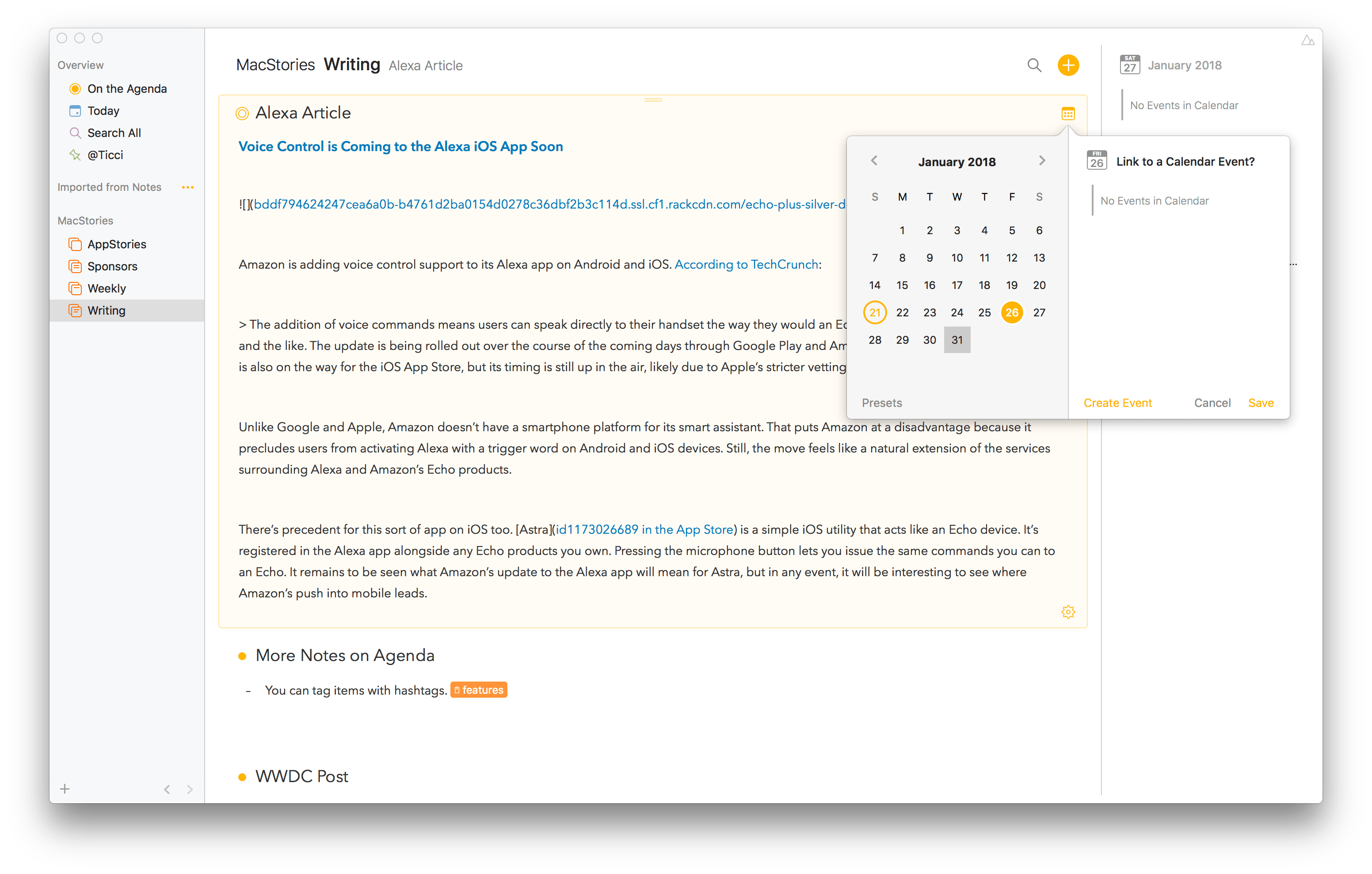
Agenda Review: Mac-Based Note Taking with a Calendar-Focused Twist

Agenda is an intriguing approach to note taking on the Mac that’s organized around dates and your calendar. The app is beautifully-designed and notably feature-rich for a 1.0 but lacks an iOS counterpart, which is still in the works, and collaboration features, which will limit its appeal to some users. There are also areas of the app that lack polish, but overall, Agenda shows a lot of promise and should be attractive to anyone who juggles multiple calendar events and deadlines.

Read more


The Mac App Store’s Problems

AppStories+ Deeper into the world of apps

AppStories Episode 39 - The Mac App Store’s Problems

0:00
35:03

↓

AppStories+ Deeper into the world of apps

The Mac App Store has fallen behind the iOS App Store. Federico and John discuss the Store’s problems and consider how Apple might address them.

Read more


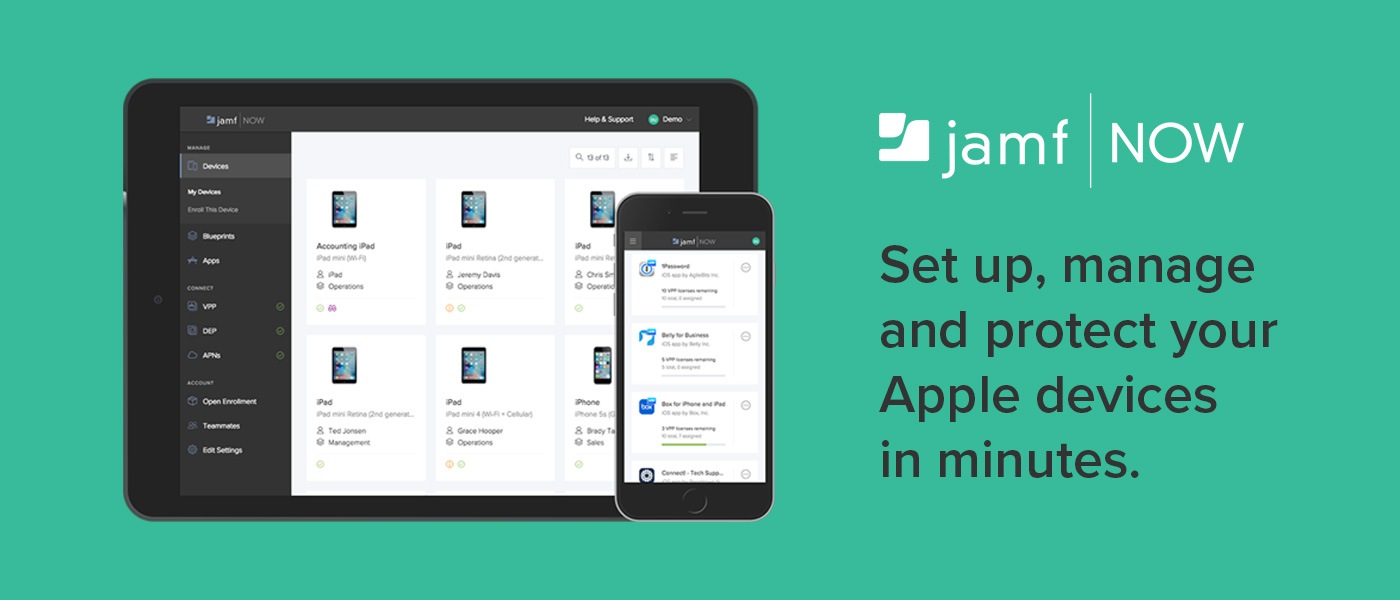
Jamf Now: Easily Set Up, Manage, and Protect Your Apple Devices [Sponsor]

For some people, IT is a task and not a career. Jamf Now helps you manage and secure your iPad, iPhone, and Mac devices at work.

For example, when a business is first starting out, it’s pretty easy to keep track of a couple of Apple devices. But as the company grows and they start to buy more tech for employees, it gets harder to keep track of everyone’s Mac, iPhone, and iPad. Figuring out how to secure an iPad that an employee lost can be tough — especially if they work remotely.

Jamf Now makes that, and much more, easier. You can check real-time inventory, configure Wi-Fi and email settings, deploy applications, protect sensitive company data, and even lock or wipe a device from anywhere. Jamf Now helps manage your devices so you can focus on your business. There’s no IT experience needed.

MacStories readers can start securing their business today by setting up the first 3 devices for free. Add more, for just $2 a month, per device. Create your free Jamf Now account today.

Thanks to Jamf Now for supporting MacStories this week.


Voice Control is Coming to the Alexa App Soon→

Amazon is adding voice control support to its Alexa app on Android and iOS. According to TechCrunch:

The addition of voice commands means users can speak directly to their handset the way they would an Echo — to play music, trigger Alexa skills and the like. The update is being rolled out over the course of the coming days through Google Play and Amazon’s own Appstore. A similar update is also on the way for the iOS App Store, but its timing is still up in the air, likely due to Apple’s stricter vetting process.

Unlike Google and Apple, Amazon doesn’t have a smartphone platform for its smart assistant. That puts Amazon at a disadvantage because it precludes users from activating Alexa with a trigger word on Android phones and iOS devices. Still, the move feels like a natural extension of the services surrounding Alexa and Amazon’s Echo products.

There’s precedent for this sort of app on iOS too. Astra is a simple iOS utility that acts like an Echo device. It’s registered in the Alexa app alongside any Echo products you own. Pressing the microphone button lets you issue the same commands you can to an Echo. It remains to be seen what Amazon’s update to the Alexa app will mean for Astra, but in any event, it will be interesting to see where Amazon’s push into mobile leads.

Permalink

Q&A

Question: I received an Apple 29W power adapter for Christmas to go with my iPad Pro (10.5”) and iPhone 8 due to my comments on how slow the chargers can be. Until now I’ve used solely the 12W adapter for the iPad. I know Apple says the 29W adapter is compatible, but will using it...


Zipped

Zipped is the kind of app that should be built into Apple’s Files app, but it’s not. Fortunately, developer Eytan Schulman has filled the gap with Zipped, a utility for packing and unpacking ZIP files that supports the latest iOS 11 features like drag and drop. Zipped is great to use in Split View...


App Debuts

Today The popular and well designed habit tracker has been updated this week with support for x-callback-url automation – a feature I wasn’t expecting to see in this kind of app. You can now build actions and launchers to check-in on specific habits in Today, open a habit’s page, or retrieve details about a...


Mac and iOS App Store Web Preview Pages Get a Makeover

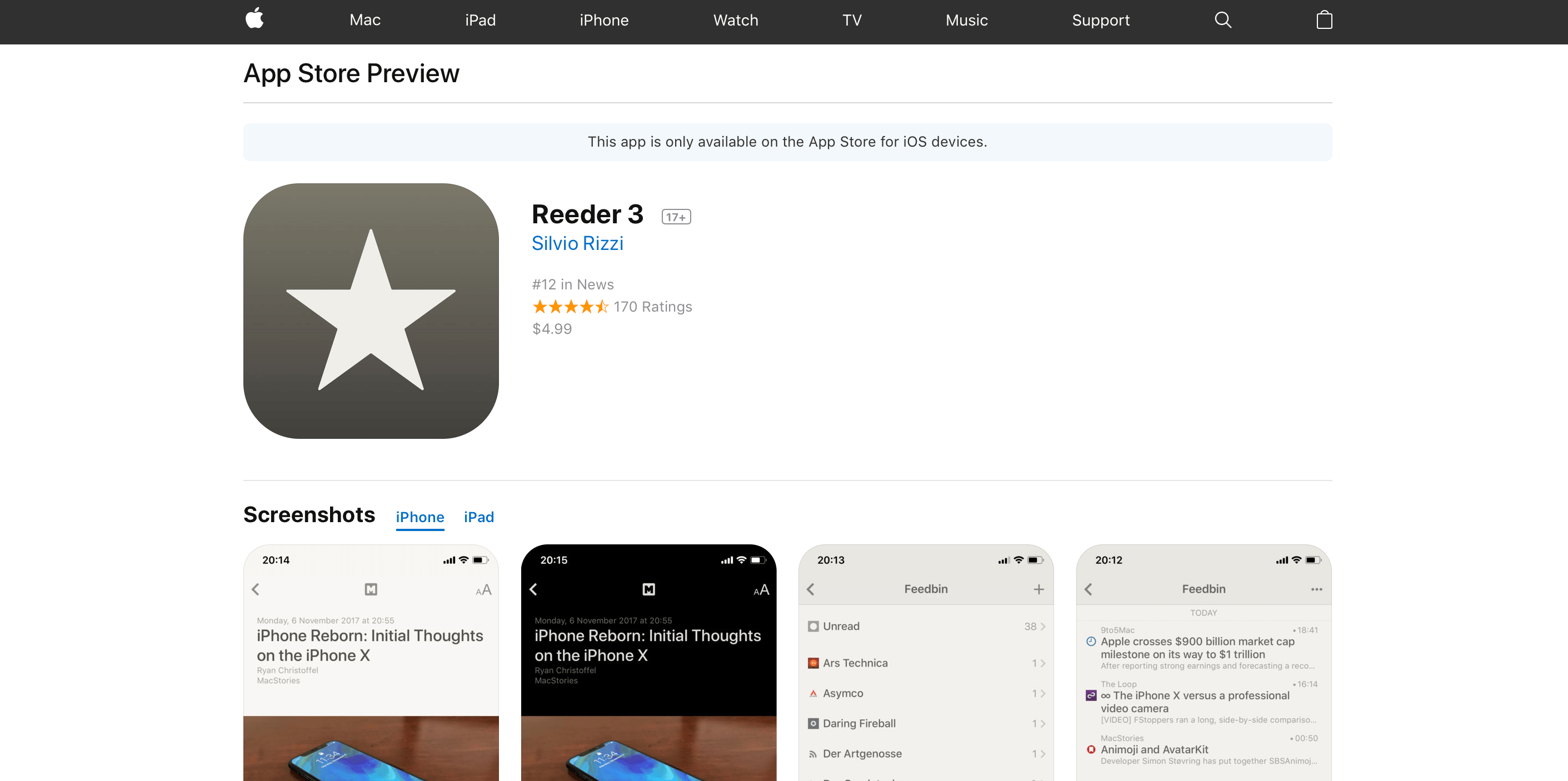
Apple has introduced new web preview pages for the App Store and Mac App Store. The new design more closely tracks the App Store changes debuted as part of iOS 11. Interestingly, the web previews for Mac apps share the same refreshed design despite the fact that the Mac App Store has barely changed since its introduction in 2011.

The new design features bigger images and more white space. Reviews are laid out horizontally as cards near the bottom of the page. Longer reviews open in a pop-over card that hovers above the page when the ‘more’ link is clicked. Mac apps include a ‘View in Mac App Store’ button near the top of the page too.

The new web previews are only accessible from search results loaded in the desktop version of Safari or another desktop browser. The mobile version of the browser offers to take you to the App Store when a link is tapped, even if you long press the refresh button and pick ‘Request Desktop Site.’ In my tests, the desktop search results that load in mobile Safari look more like their desktop counterparts, but DuckDuckGo and Bing still offer to open the App Store, whereas Google’s links are simply unresponsive.

I like the look of the new preview pages. The old ones were too closely tied to the design of the iTunes App Store, which was eliminated last fall.

The inclusion of Mac app previews is intriguing. It makes sense for both Stores to share a common design language, but the Mac App Store is in desperate need of love and attention for many reasons that extend beyond its design. Whether this is a sign that the Mac App Store will get that attention soon, Mac apps will be thrown in with iOS apps on the App Store, or something else will be interesting to watch.