
 Federico
Pure Paste This free Mac app by Sindre Sorhus does one thing: it sits in the menu bar and automatically clears formatting from text you copy so you don’t have to worry about “paste and match style” or having different colors and fonts in the text you paste. Pure Paste just lives in the...
 Interesting Links
If you’ve ever wondered what a portable Mac mini that used an iPad as a display would look like, you don’t want to miss Scott Yu-Jan’s video. (Link) Craftcuts does for Craft what our very own Obsidian Shortcut Launcher did for Obsidian: this is one of the first third-party Craft extensions I’ve seen, and...
MacStories Unwind: A.P. Bio and House by Shout Out Louds







This week, Federico updates us on the latest software changes to the Xbox Series X|S and recommends A.P. Bio, a TV comedy from Peacock and John discovers his favorite album of 2022 so far: House by Shout Out Louds.
Links and Show Notes
Follow-Up
Federico’s Pick:
John’s Pick:
The Shift in Apple’s Hardware Strategy→
John Porter writing for The Verge puts a finger on a strategic shift that has slowly been emerging at Apple for a while.
Summoning the era of butterfly keyboards and the Mac Pro’s infamous thermal corner, Porter says:
There was a time not long ago when it seemed like Apple spent more time telling its customers what they wanted rather than just giving it to them.
with yesterday’s announcements, which include the powerful and port-rich Mac Studio and a new monitor that costs a fraction of the price of Apple’s previous attempt, Apple is now consistently doling out consumer-friendly features its fans have been calling for.
Porter traces the roots of Apple’s shift in approach back to 2017 when the company gathered a small group of writers to announce that it was hitting reset on the Mac Pro. Two years later, Apple introduced a new Mac Pro, and ever since then, there’s been a steady stream of devices released that underscore the company’s new hardware approach.
Reading the tea leaves to discern strategic shifts like this is always fraught with peril, but I think Porter is onto something. As he lays out, there are plenty of signs of the shift stretching back five years, and no better evidence than the Mac Studio, which is bristling with utilitarian conveniences like ports and an SD card slot on the front of the computer and plenty of other I/O options tucked away on the rear of the machine.
Apple’s shift has left users with an abundance of excellent computing options. Next, I hope we see a similar shift in the company’s approach to its software, concentrating on taking better advantage of the devices now available to users.
Jason Snell on the Implications of Apple’s Major League Baseball Deal→
If you came away from yesterday’s Apple event with the impression that TV+ will be airing two Major League Baseball games every Friday, you wouldn’t be wrong. However, there’s a lot more to the story than meets the eye, as Jason Snell explains at Six Colors.
In addition to a two-games per week exclusive, TV+ will be adding a show called MLB Big Inning, which Apple says will feature “highlights and look-ins.” As Jason explains:
If you’re familiar with the NFL Red Zone product, in which a studio host zips the viewer around to different live games when interesting things are happening, it’s a little like that—but for baseball.
TV+ will also offer what’s known as linear programming, airing a 24/7 feed of “MLB game replays, news and analysis, highlights, classic games, and more.” The difference with linear programming is that instead of streaming individual shows on-demand, a steady stream of MLB content will be available allowing viewers to drop in and watch whatever happens to be playing.
This is not unprecedented for Apple. In 2020, the company debuted Apple Music TV, a TV+ channel that streams music videos 24/7. Like the music videos before it, 24/7 baseball content will help fill the gaps in TV+’s lineup for those times when subscribers don’t feel like picking something specific to watch.
The big picture implications of Apple’s deal with MLB provide an insight into where televised sports is heading. In the case of baseball, Jason says:
Right now, baseball is propped up by revenue from regional sports networks (RSNs) that have paid enormous amounts of money to sequester their product on cable so that it’s impossible for fans to cut the cord. The problem is, fans are like everyone else, and they are cutting the cord. At some point, the guaranteed revenue from RSNs will collapse, and leagues that rely on that revenue will be in deep trouble.
This isn’t the sort of transition that will happen overnight, but given the rise of streaming services, which has accelerated in recent years, I expect we’ll see even more deals like the one struck by Apple and MLB in the future.
Apple’s ‘Peek Performance’ Event: All The Small Things
Today, Apple covered a lot of ground quickly, and as usual, more details have emerged in the aftermath of the event. We’ve been combing apple.com, Twitter, and other sources to learn more about its new services, iPhones, iPads, Mac Studio, and Studio Display, which we’ve collected below:
Services

- Apple is adding live baseball (when the lockout ends) to TV+. Two games will be broadcast every Friday. The games will be available in United States, Canada, Australia, Brazil, Japan, Mexico, Puerto Rico, South Korea, and the United Kingdom initially, with more countries to come later.
- Apple will also be producing “MLB Big Inning,” a live show that will air every weeknight and include game highlights.
- Apple also said in its press release that fans in the US and Canada can enjoy a 24/7 livestream of game replays, news, and more.
iPhone 13, 13 mini, 13 Pro, and 13 Pro Max
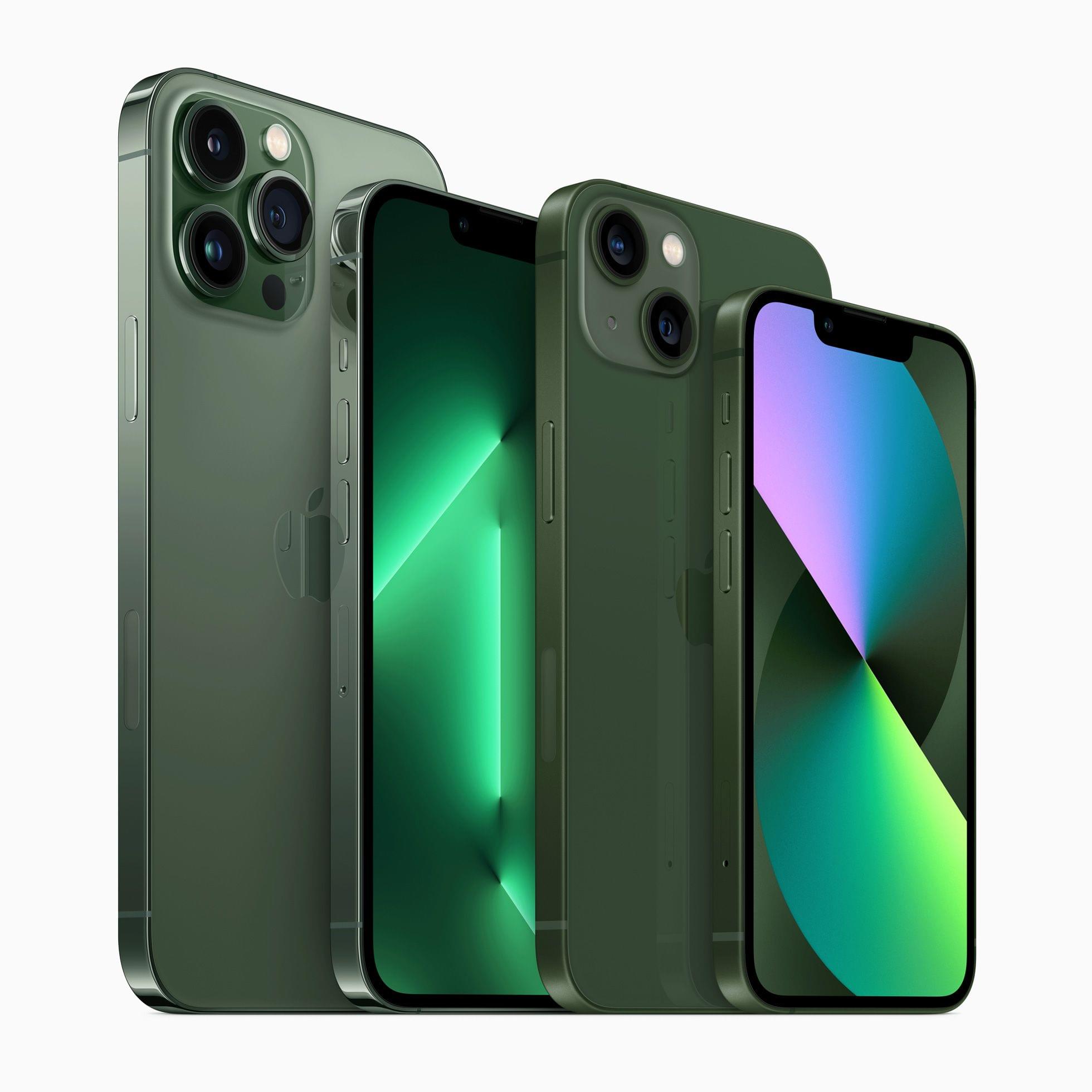
- Apple introduced two new colors of iPhones.
- The iPhone 13 and 13 mini’s new color is simply green.
- iPhone 13 Pro and Pro Max customers get a darker shade called alpine green.
Apple’s New iPad Air Adds the M1 Chip, Center Stage Support, and 5G Connectivity
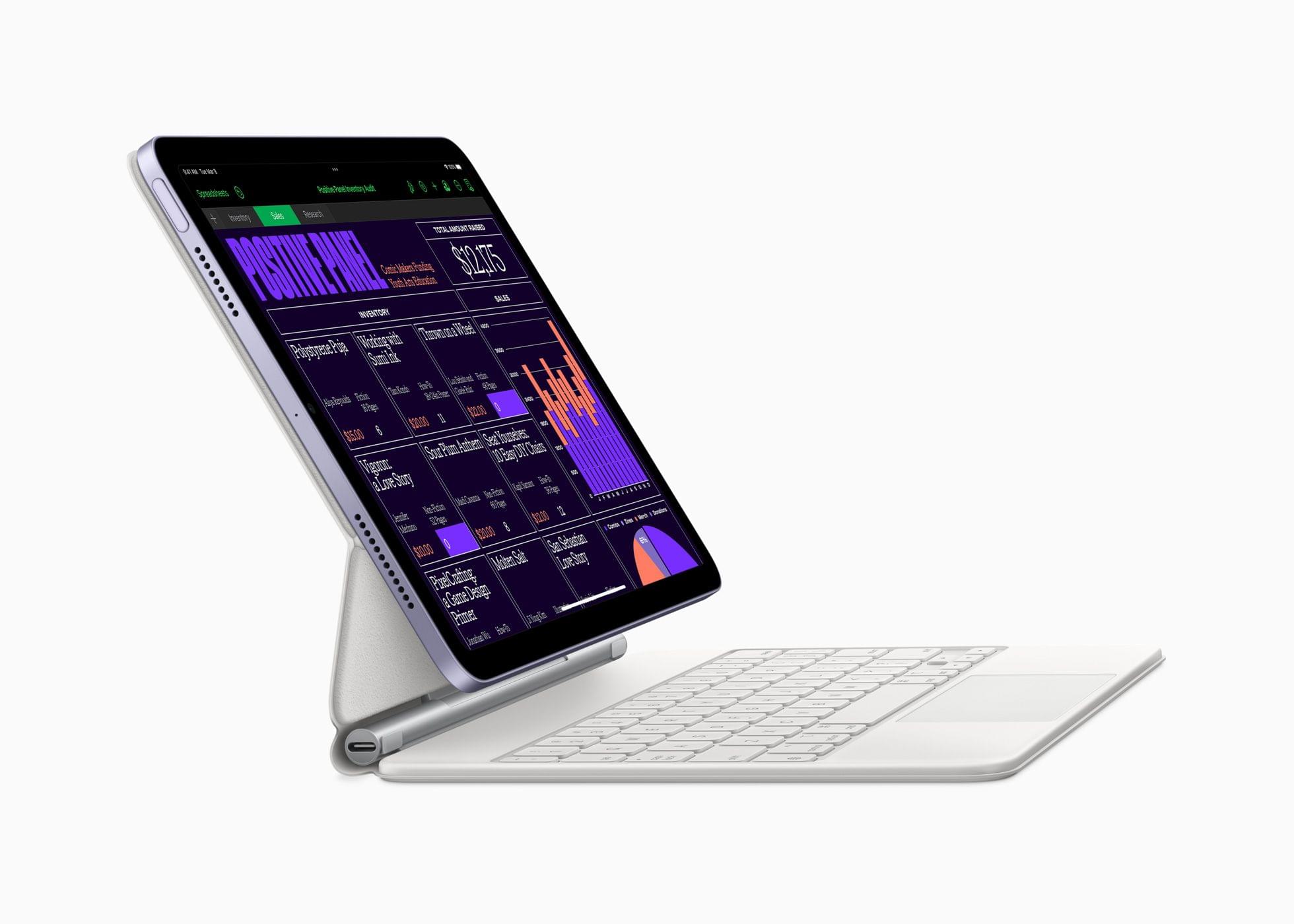
Today’s Peek Performance Apple event included a new iPad Air that replaces the model that was released in the fall of 2020 and features an M1 chip, 5G connectivity, and an Ultra Wide front-facing camera.
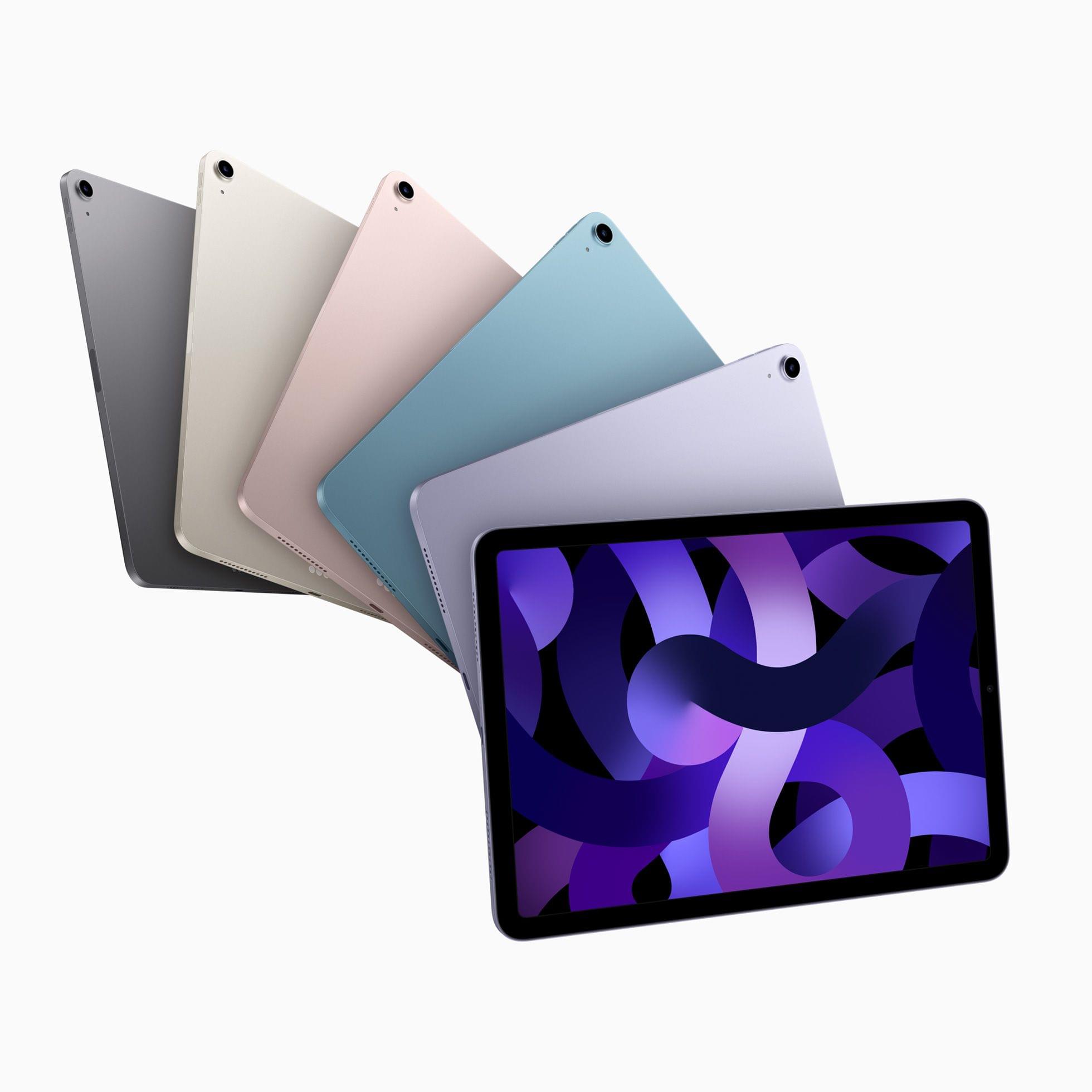
The new Air comes in five colors: Space Gray, Starlight, pink, purple, and blue. The chip has been upgraded from the A15 to the M1, bringing it in line with the chip used in the iPad Pro. Apple also upgraded the front-facing Ultra Wide 12MP camera, so it now supports Center Stage, allowing the camera to keep participants in the camera frame during FaceTime and other video calls. The Air adds 5G connectivity and a USB-C port that’s two times faster than before too.
Other than the new colors, the design of the iPad Air remains the same with a Touch ID top button, 10.9” diagonal Liquid Retina display that features 264 pixels per inch and Apple’s True Tone technology, but not ProMotion. The iPad Air comes in 64GB and 256GB storage configurations like the model it replaces too.
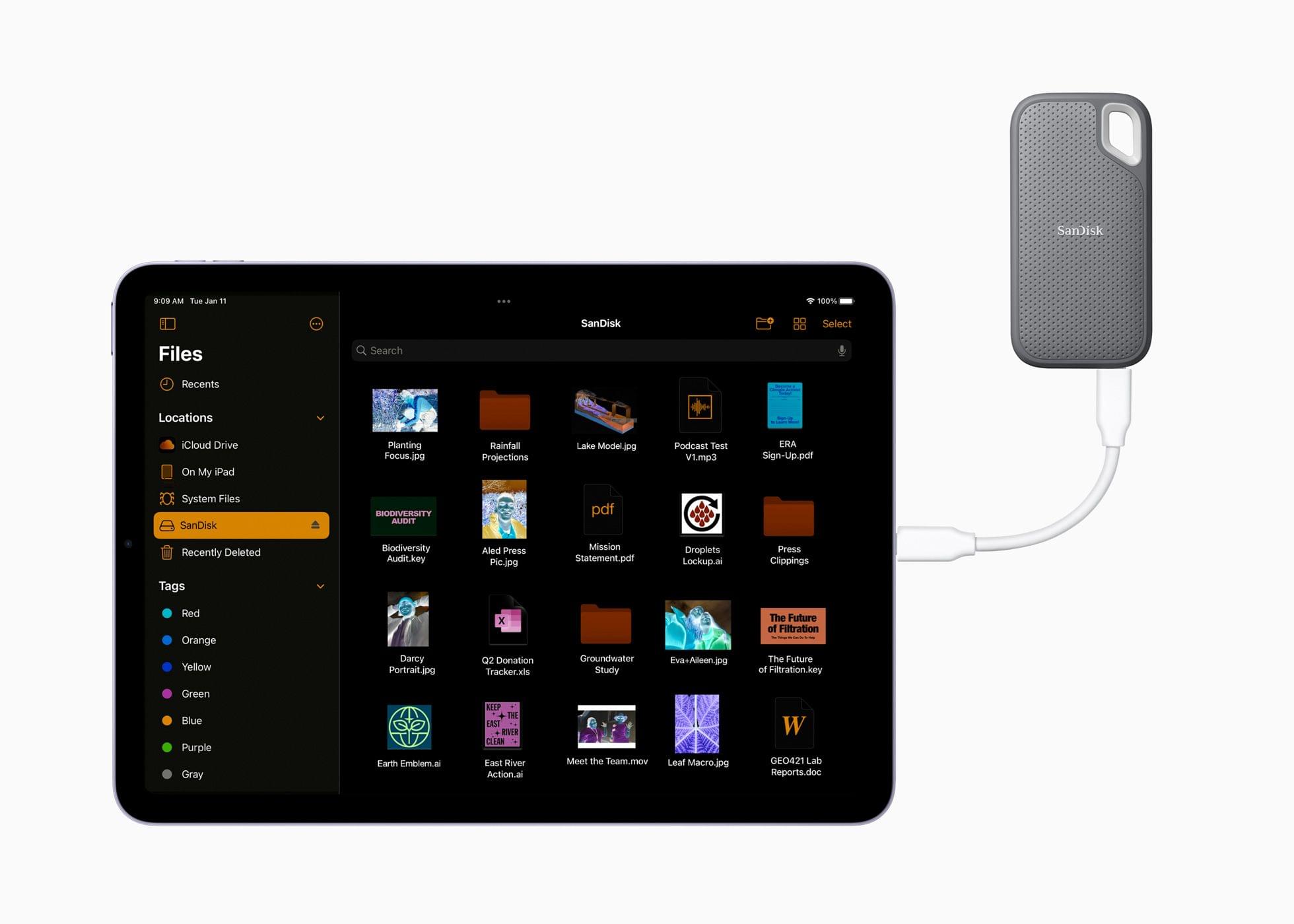
With the move to an M1 chip and support for Center Stage, the gap between the iPad Air and the 11” iPad Pro is smaller than ever. Perhaps the narrowing of the gap is temporary and we’ll see it widen again when the iPad Pro is next updated. However, the two iPads are so close in specs now that the new Air is probably the better choice for most users, especially if they can get by with 64GB of storage.
You can follow all of our ‘Peek Performance’ Apple event coverage through our event hub, or subscribe to the dedicated RSS feed.
Apple’s ‘Peek Performance’ Event: By the Numbers

As usual, Apple sprinkled facts, figures, and statistics throughout its presentation today. Here are highlights of some of those metrics from the event that was held online from Apple Park in Cupertino, California.
iPhone SE
- 5G connectivity
- 64, 128, and 256GB storage capacities
- 4 grams lighter than the iPhone SE it replaces
- An A15 Bionic chip with a 6-core CPU consisting of 2 performance cores and 4 efficiency cores
- A 4-core GPU
- A 16-core Neural Engine
- IP67 water resistance
- Up to 2 hours more battery life when watching video
- Support for Smart HDR 4 photography
Apple Unveils the Latest Iteration of iPhone SE with an A15 Bionic Chip and 5G
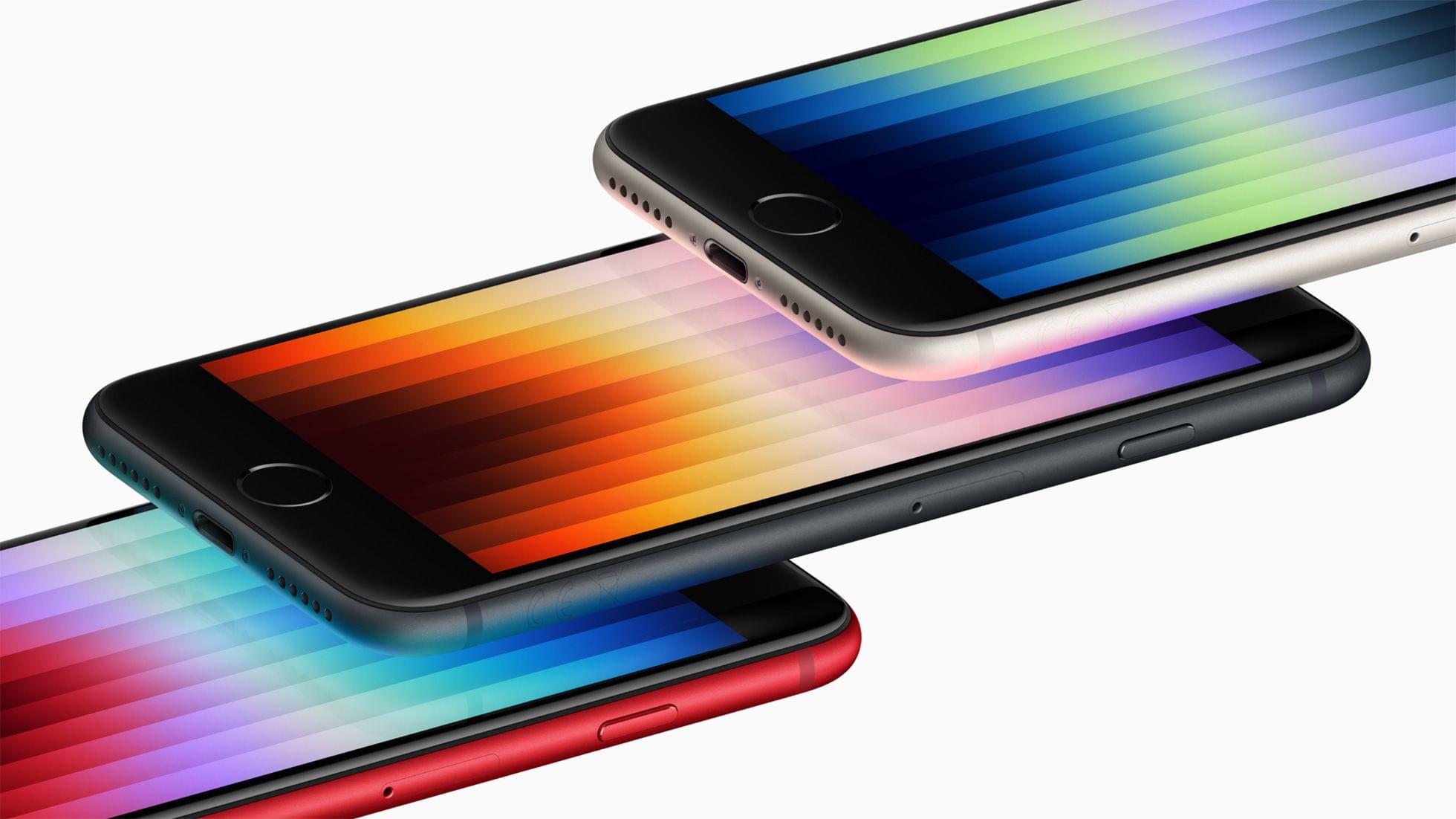
Today, Apple updated its budget-model iPhone SE with a new A15 Bionic chip, 5G connectivity, better battery life, and other modern iPhone features.
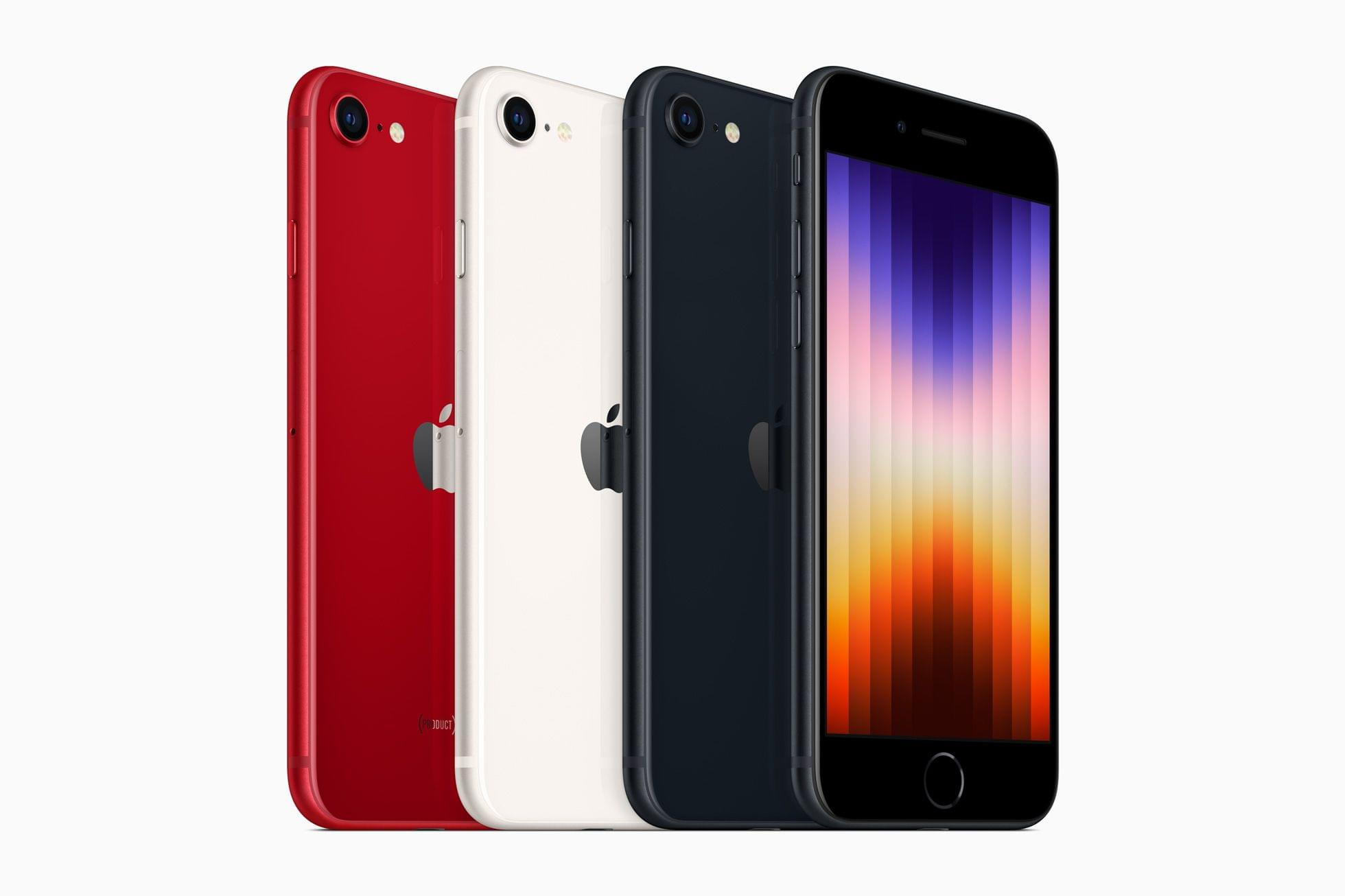
As with the previous model, the new SE comes in three colors: Midnight, Starlight, and (Product)RED. With the new A15 Bionic chip, Apple says the new SE’s graphics are 1.2x faster than the 2nd generation model it replaces. The addition of the A15 Bionic means iPhone SE users can enjoy advanced features like Live Text too.
A combination of the new chip, different battery chemistry, and changes to the design also allows the SE to run for up to 2 hours longer on its battery in video playback tests. With a 20W charger, the SE can fast charge from 0-50% in 30 minutes too.

The iPhone SE has a 12MP camera with a sensor that is capable of Apple’s Deep Fusion technology. The update also supports Smart HDR 4 and photographic styles, which first appeared on the iPhone 13. Although the camera’s sensor and the hardware that drives it makes this a new camera system, the lens hardware itself appears to be unchanged.
The iPhone SE’s glass has received an upgrade too. It uses the same shatter-resistant type of glass as the iPhone 13 and 13 Pro lines.
Finally, the iPhone SE carries a $429 starting price tag. That’s $30 more than the prior generation.
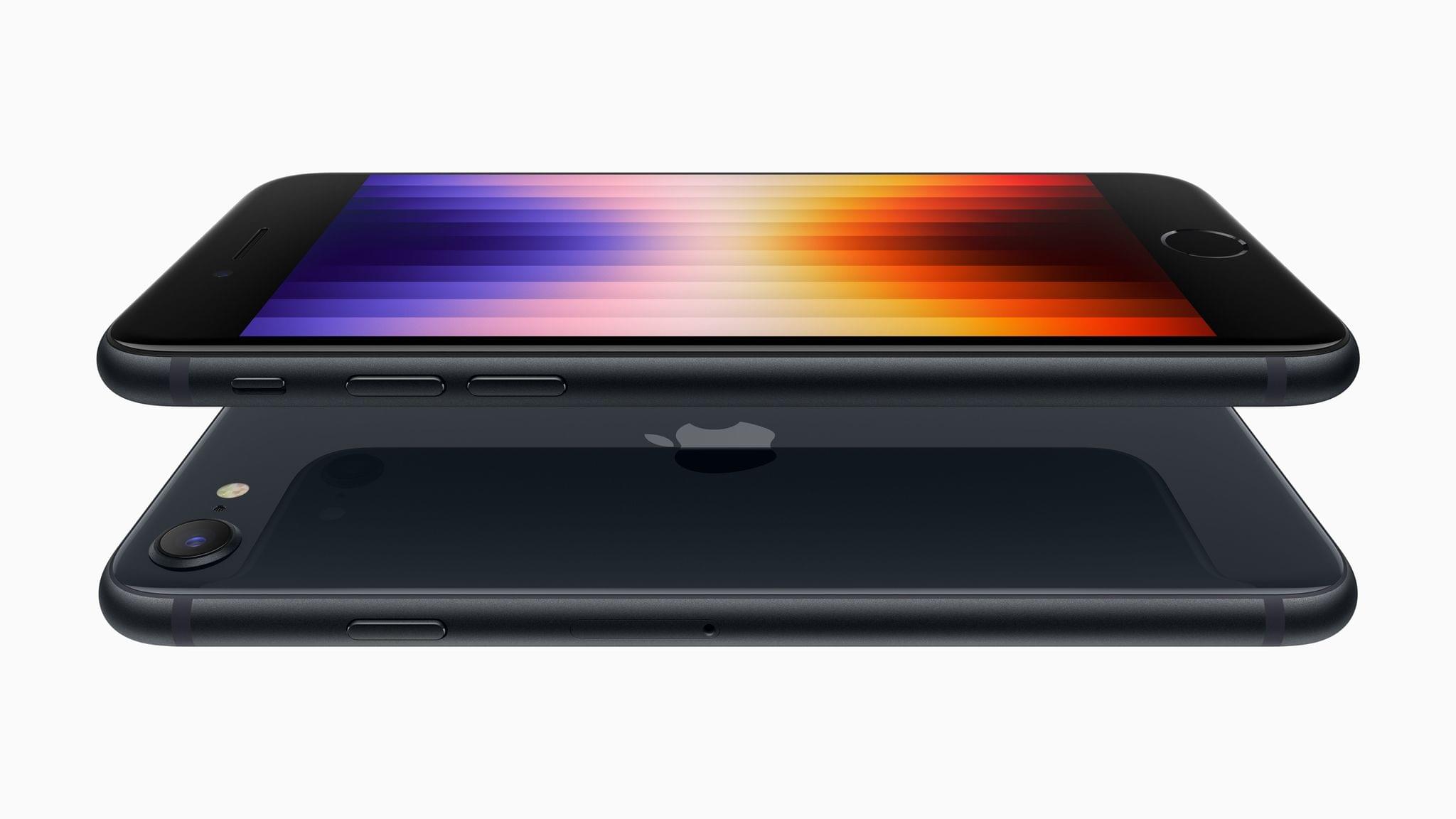
Other features of the iPhone SE remain the same. The model uses Touch ID embedded in its Home button and has the same 4.7” display as the model it replaces. Like the previous model, the new SE is also IP67 rated for water resistance. The new SE offers 64, 128, and 256GB storage capacities too.
With an A15 Bionic chip, which powered the previous-generation iPad Air, the new iPhone SE is an excellent choice for anyone who wants a smaller iPhone. It would have been nice to see it adopt Touch ID in the power button, as the iPad Air did, but regardless, today’s announcement is a nice refresh of Apple’s most affordable iPhone.
You can follow all of our ‘Peek Performance’ Apple event coverage through our event hub, or subscribe to the dedicated RSS feed.p