

 Federico
lire My default RSS reader on all platforms, lire, has added a native integration with the open-source read-later service Omnivore. Once you’ve logged in with your Omnivore account, you’ll be able to quickly save articles for later from the app’s context menus, toolbar shortcuts, and swipe actions. [[John]] Peak Peak has added a long...
 Interesting Links
[[John]] By all accounts, Teenage Engineering’s new EP–133 K.O.II synthesizer is a beautiful and capable device. (Link) Flipboard has abandoned Twitter, gone all-in on Mastodon, and started a podcast about decentralized social apps. (Link) A keyboard with a built-in DAC and headphone jack? Yes, please. (Link) Anil Dash is into webcams and covers a lot...
Organizing Tasks with Areas and Projects in Things
Things by Cultured Code is one of the best task management apps on any of Apple’s platforms, and its adoption of deep Shortcuts support this year makes it one of the most flexible too. However, the app’s design is also very opinionated, which is a double-edged sword. On the one hand, those strong opinions are...
MacStories Unwind: The Untold Story of Turkey Pardons







This week on MacStories Unwind, it’s Thanksgiving weekend in the US, which means it’s time for Federico to quiz me about American traditions and for us to share a couple of TV show recommendations.
Federico Has Questions About Thanksgiving
Federico’s Pick:
- Suburræterna on Netflix
- Trailer
- Previous Recommendation:Suburra: Blood on Rome on Netflix
John’s Pick:
MacStories Unwind+

We deliver MacStories Unwind+ to Club MacStories subscribers ad-free and early with high bitrate audio every week.
To learn more about the benefits of a Club MacStories subscription, visit our Plans page.
Introducing the New MacStories Setups Page
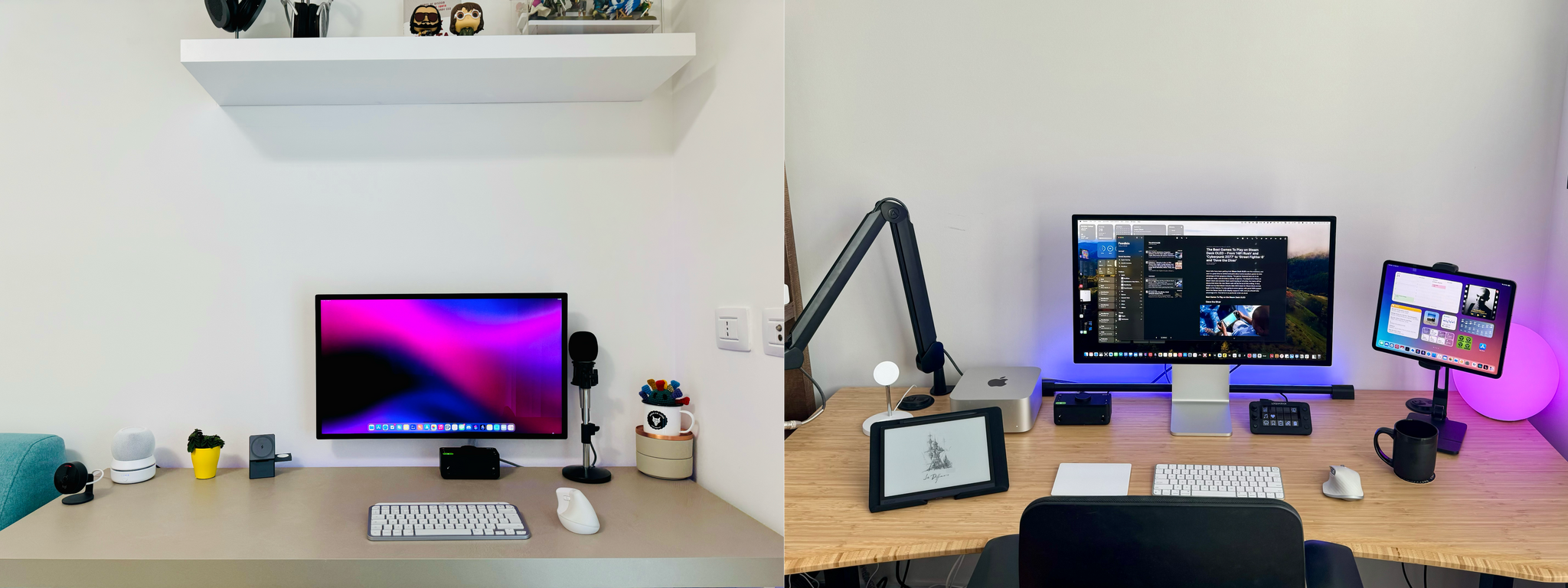
Setup optimization is a never-ending journey at MacStories. We’re always looking for the fastest, most efficient, and often, most portable way to do everything in our lives. The result is constant change. Hardware and apps are swapped in and out of our systems and workflows frequently.
We write or talk about our setups in a bunch of different places, which we realize can make it hard to keep up with the most current version of what we’re using. That’s why we’ve dedicated macstories.net/setups/ to our setups. That way, the next time you wonder, what was that pair of headphones Federico mentioned on AppStories or that giant battery pack John wrote about for Club MacStories, you’ll have a place where you can quickly find the answer. You’ll find a link to the new Setups page in the navigation bar at the top of the MacStories homepage, too.
Our new Setups page is what Apple might call ‘a living document.’ We’ll update it periodically throughout the year with changes we make with links to everything that’s still being sold somewhere.
Speaking of links, many of the ones you’ll find on the Setups page are affiliate links. If you buy something using those links, MacStories, Inc. will receive a small commission. You can learn more about how MacStories uses affiliate links in our privacy policy.
Also, if you have any questions about the gear and apps listed on the Setups page, feel free to reach out on Mastodon using @viticci or @johnvoorhees, or ping us on Discord.
Spotlight on Club MacStories+ and Club Premier App Discounts
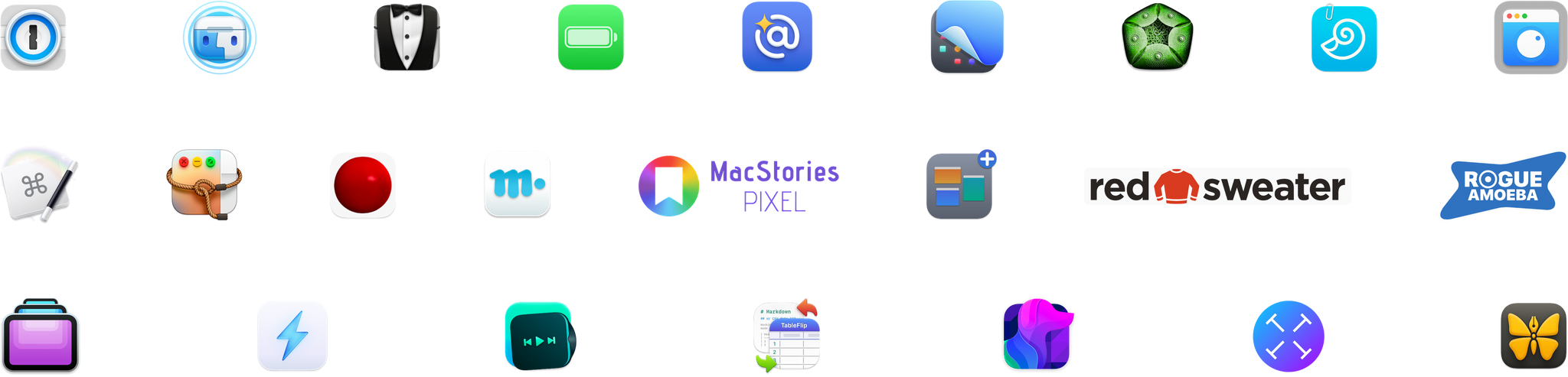
When we launched Club MacStories+ and Club Premier in 2021, we offered members exclusive deals on around a dozen of our favorite apps and services. In the two years since expanding the Club, our discount program has grown substantially. Now, thanks to the generosity of the developer community, Club MacStories+ and Club Premier members enjoy discounts on 34 apps and services from 24 developers.
To put the Club deals into context, taking advantage of them all would save you more than the cost of two years of Club Premier, the highest Club tier. That’s before you even consider the many other perks Club MacStories and Club Premier members enjoy, including:
- Weekly and monthly newsletters
- A sophisticated web app with search and filtering tools to navigate eight years of content
- Customizable RSS feeds
- Bonus columns
- An early and ad-free version of our Internet culture and media podcast, MacStories Unwind
- A vibrant Discord community of smart app and automation fans who trade a wealth of tips and discoveries every day
- Live Discord audio events after Apple events and at other times of the year
On top of all of that, Club Premier members get AppStories+, an extended, ad-free version of our flagship podcast that we deliver early every week in high-bitrate audio.
That’s a lot, but with Thanksgiving upon us here in the US, I wanted to take a moment to focus on just the discounts and thank the developers who work with us to bring Club members such great deals and spotlight each of them for all MacStories readers. Club MacStories+ and Club Premier members can access all Club deals by visiting //www.macstories.net/club/discounts.
The lineup changes regularly, but here are all the deals that Club MacStories+ and Club Premier members can take advantage of now:
Over 300 Indie Apps On Sale From Black Friday Through Cyber Monday
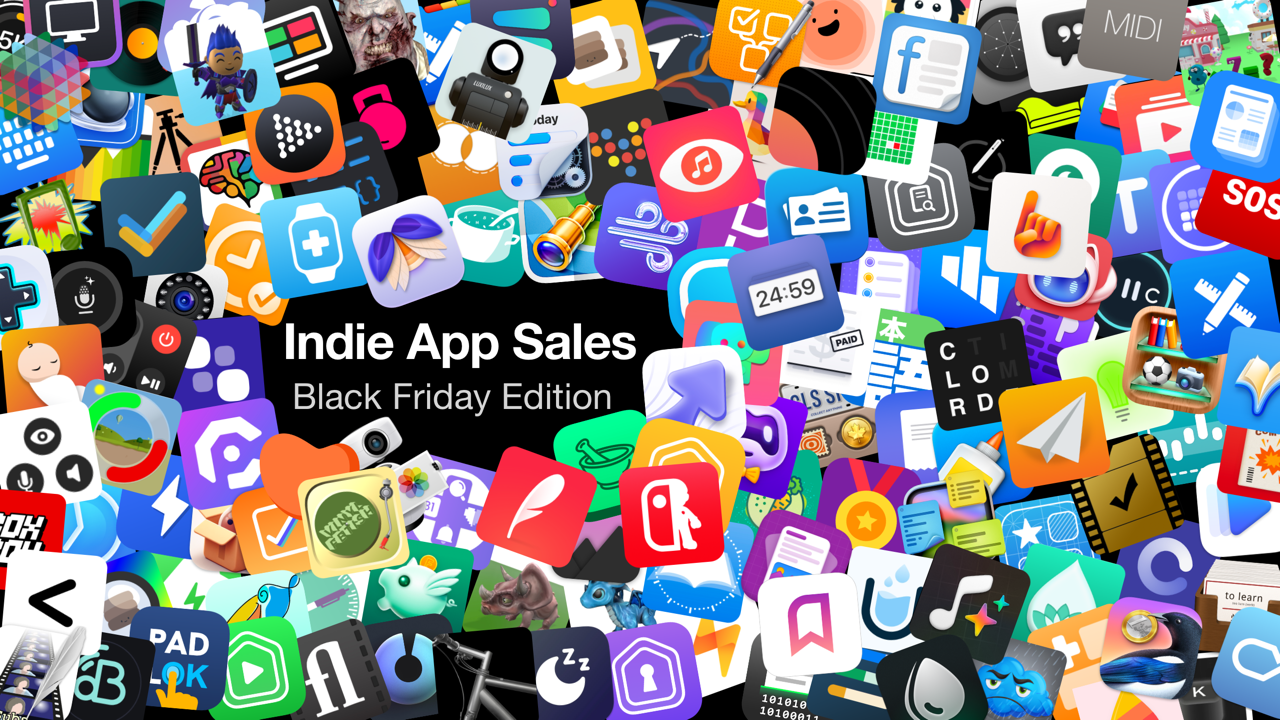
It’s almost Black Friday, and Matt Corey gathered indie developers to organize an app sale that runs from November 24 to November 28th, 2023. Corey, the maker of Bills to Budget, Signals, and other apps that are part of the sale, has put together a collection of over 300 apps that will be offered at a discount tomorrow and Wednesday. The list is too long to publish here but includes many we’ve covered here on MacStories and on Club MacStories in the past, including:
- Cardiobot
- ComicTrack
- Controller for HomeKit
- Countdowns
- DEVONthink To Go
- Dark Noise
- Drafts
- Focused Work
- GameTrack
- Gentler Streak
- HomeCam for HomeKit
- Longplay
- Mercury Weather
- Paku
- Peak
- Pestle
- Play
- SwitchBuddy
- Söka
- TV Remote
- Textastic
- TimeWave
- Tripsy
- Zenitizer
There are a lot of great deals, with many apps discounted by 50%, and what’s listed above is less than a quarter of the participating apps, so be sure to visit Indie App Sales for all the details, including discount codes for the apps that aren’t on the App Store, and support these great indie apps.
20% Off MacStories Shortcuts Icons (Classic and Color), Perspective Icons, and Club MacStories+ and Premier Memberships
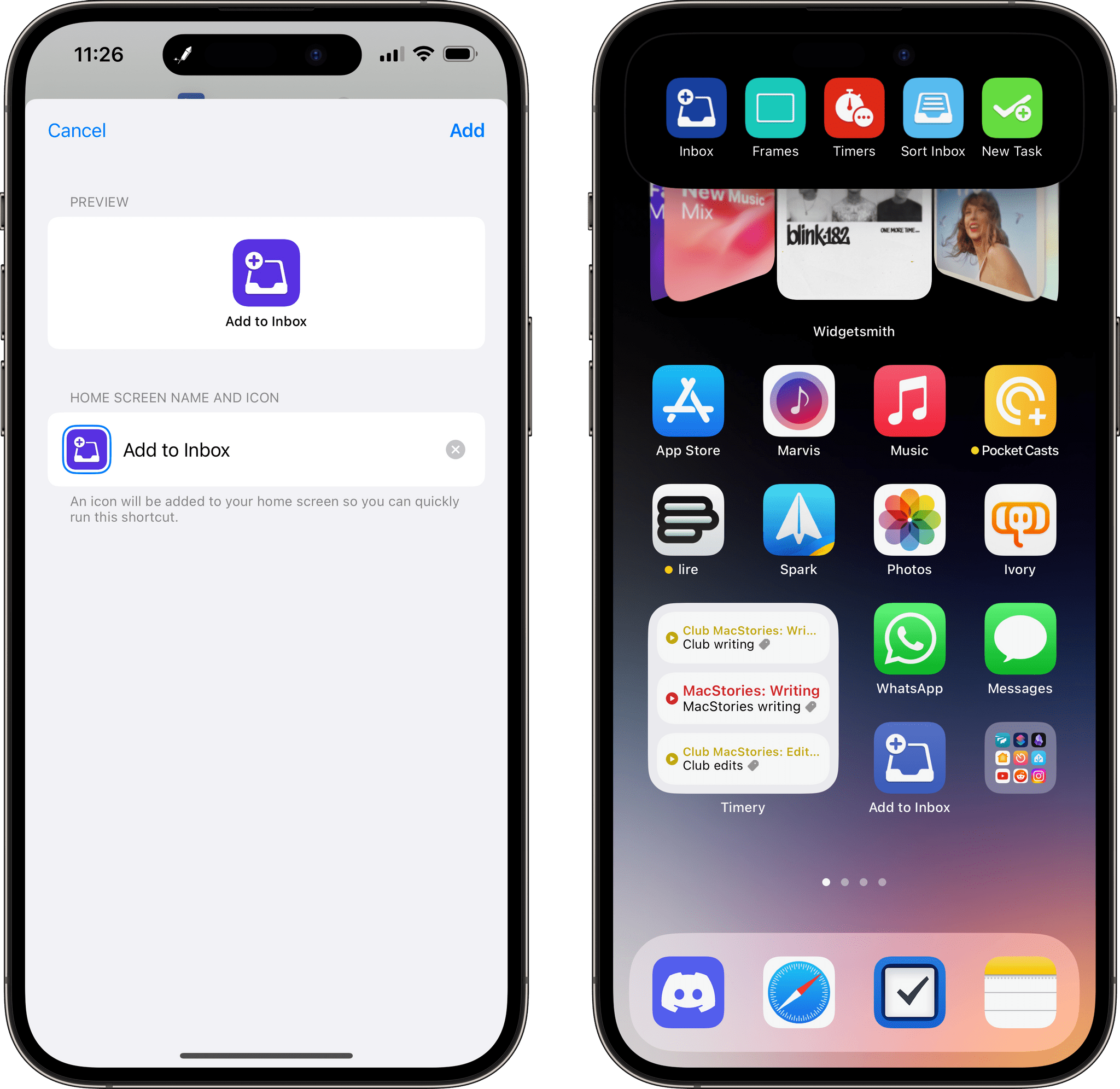
Black Friday and Cyber Monday are upon us, and we’ve prepared deals to celebrate the occasion at MacStories: starting today, November 22nd through Monday, November 27th with 20% off the regular prices on:
- Select MacStories Pixel Icon Sets:
- Select Club MacStories Subscriptions:
- Monthly and annual Club MacStories+ memberships
- Monthly and annual Club Premier memberships
MacStories Pixel Icons

MacStories Pixel is offering three fantastic sets of icons for 20% from today, November 22nd through Monday, November 27th. Just use the links below.
To purchase MacStories Shortcuts Icons (Classic) for $11.99 rather than the usual $14.99, click the ‘Buy’ button below beginning Friday:
To purchase MacStories Shortcuts Icons (Color) for $11.99 rather than the usual $14.99, click the ‘Buy’ button below beginning Friday:
To purchase our Perspective Icons for $19.99 rather than the usual $24.99, click the ‘Buy’ button below:
Club MacStories+ and Club Premier
Also, for anyone who missed our October Club Membership Event or who has been on the fence about trying Club MacStories+ or Club Premier, both monthly and annual memberships are 20% off from today through Cyber Monday. To sign up and take advantage of these deals use the buttons below and the coupon code CLUB20 at checkout starting today:
Join Club MacStories+:
Join Club Premier:
Procreate Dreams First Impressions
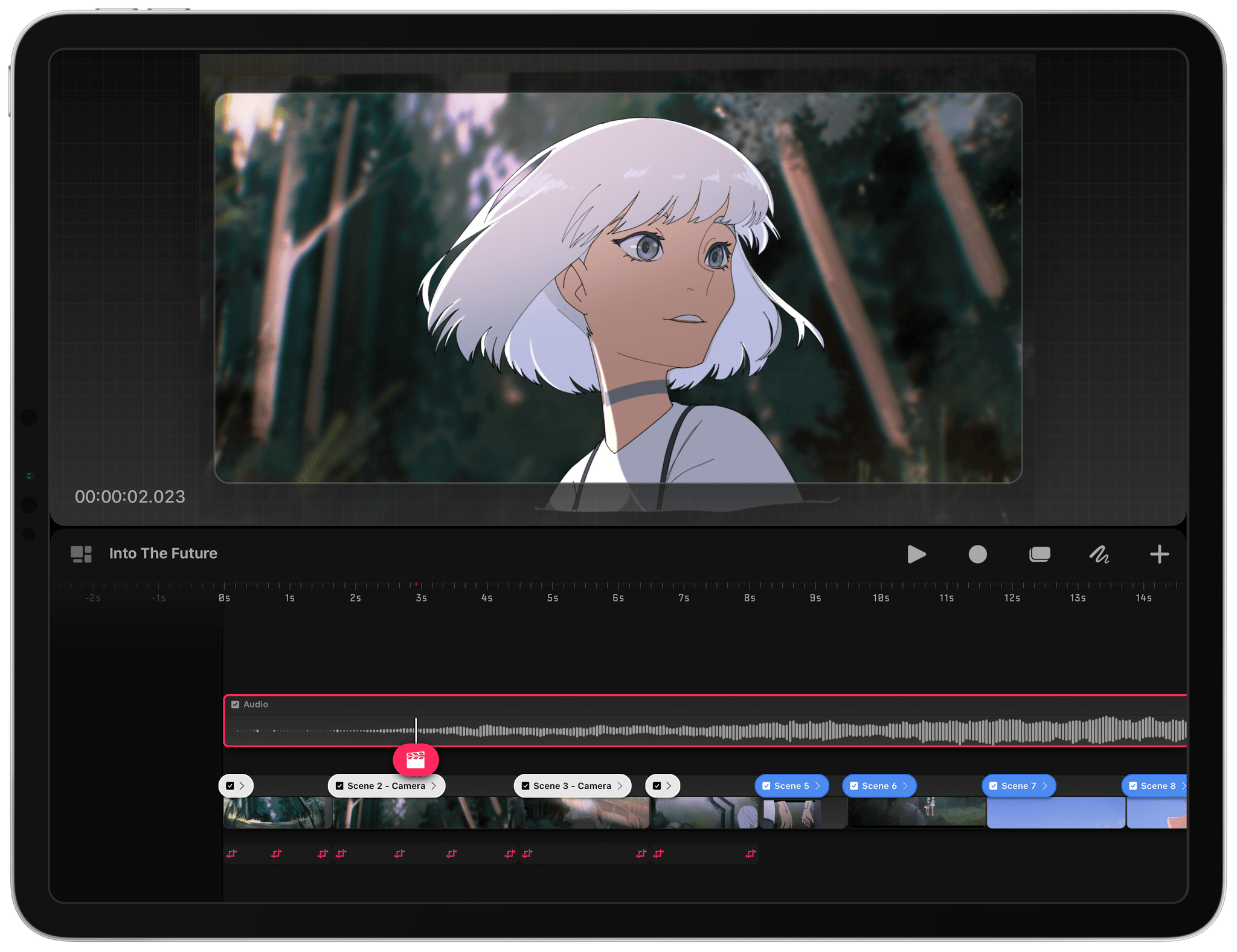
I’ve been playing with Procreate Dreams for about a week. The brand new animation app from Procreate shares a lot of DNA with the company’s flagship drawing and painting app. As a result, despite my limited time and scant artistic talents, I expect Procreate Dreams will be a hit.
Procreate made a name for itself with artists with its gesture-driven, hands-on approach to art. By focusing on gestures, the company’s first app puts your artwork front and center, providing the maximum context for what you’re working on and reducing distractions. The approach also encourages interacting with the app’s canvas in a natural, fluid way.
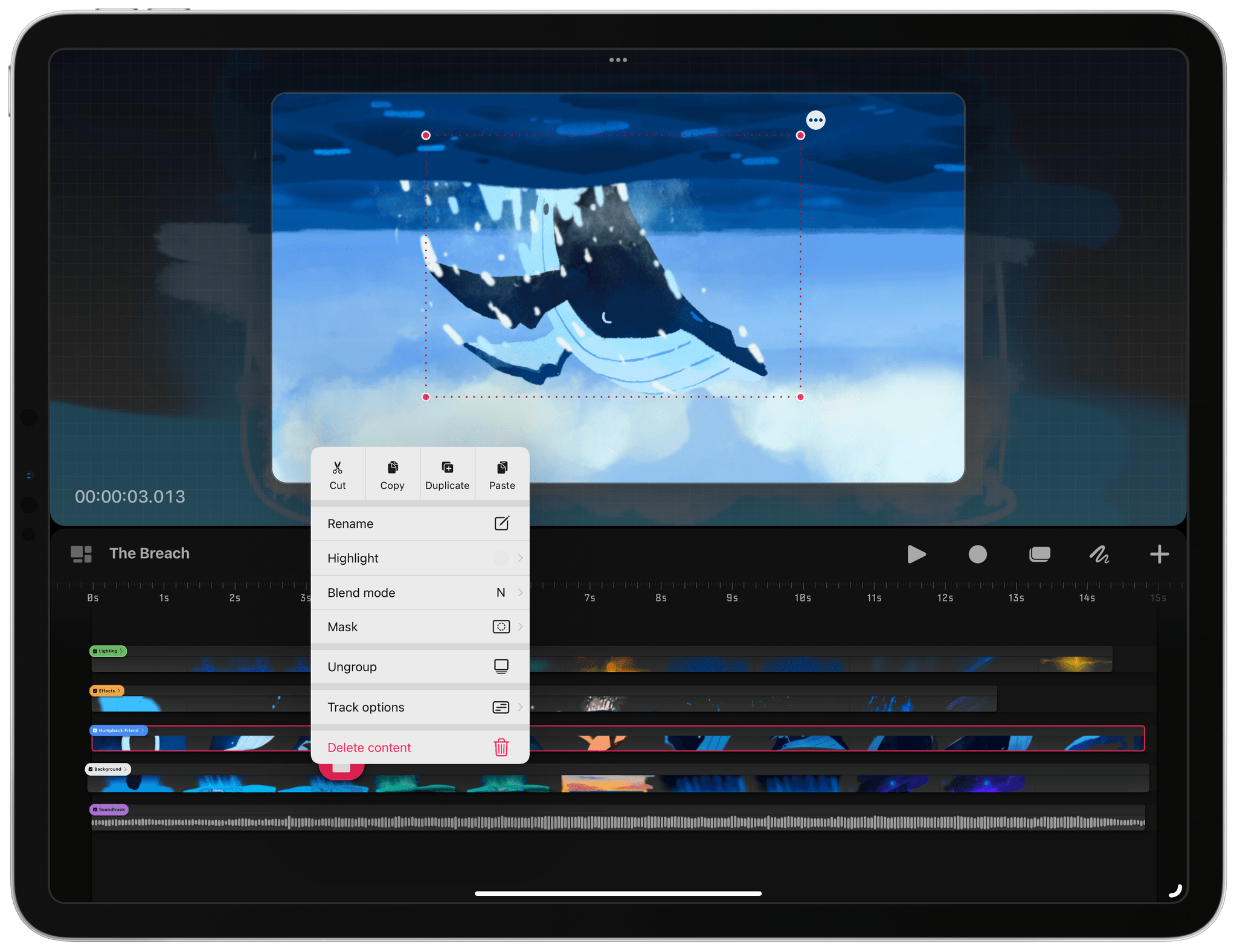
That same approach is the hallmark of Procreate Dreams. The app tackles animation in much the same way Procreate reimagined drawing and painting on an iPad. The tools at your fingertips are deep and sophisticated but get out of the way of your creation. At times, the discoverability of features suffers a little as a result, but after spending some time tapping UI elements, long-pressing to reveal context menus, and experimenting with multi-finger gestures, Dreams reveals itself, rewarding the curious who take the time to learn what it can do.
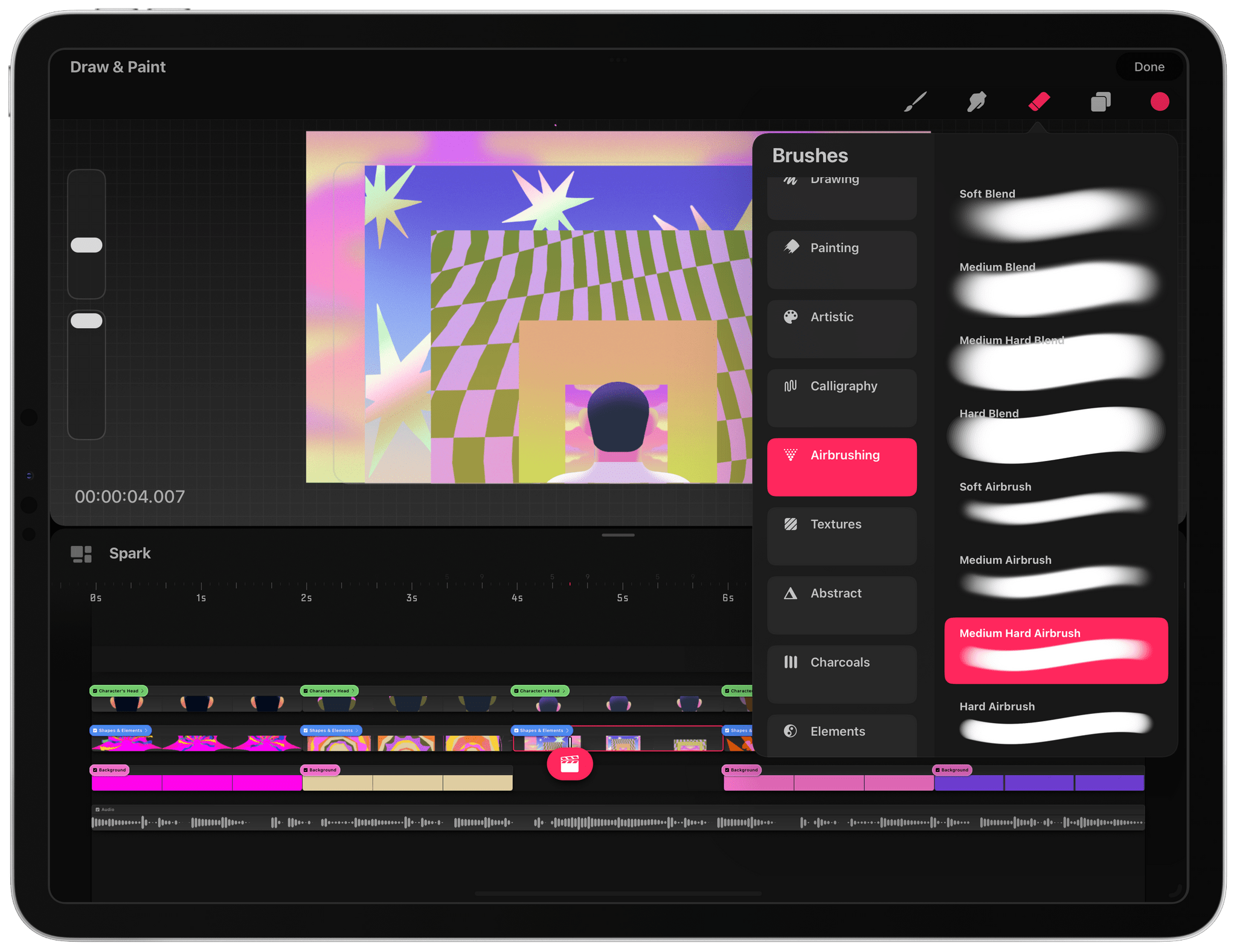
Procreate Dreams, which has been in development for five years, offers multiple ways to create 2D animation. The full suite of Procreate brushes and tools is available to artists. For anyone who has used Procreate before, this is the perfect place to start with Dreams because it will immediately feel like home. However, underlying those familiar brushes is a new and more powerful painting engine that allows for larger canvases and more complex artwork, giving the app room to grow into the future.
Dreams also introduces a new way to animate called Performing, which allows artists to record the movement of their creations using touch. Tap record and drag a selected item on the app’s stage, and Procreate Dreams will add keyframes and paths automatically, simplifying the process of bringing your artwork to life.
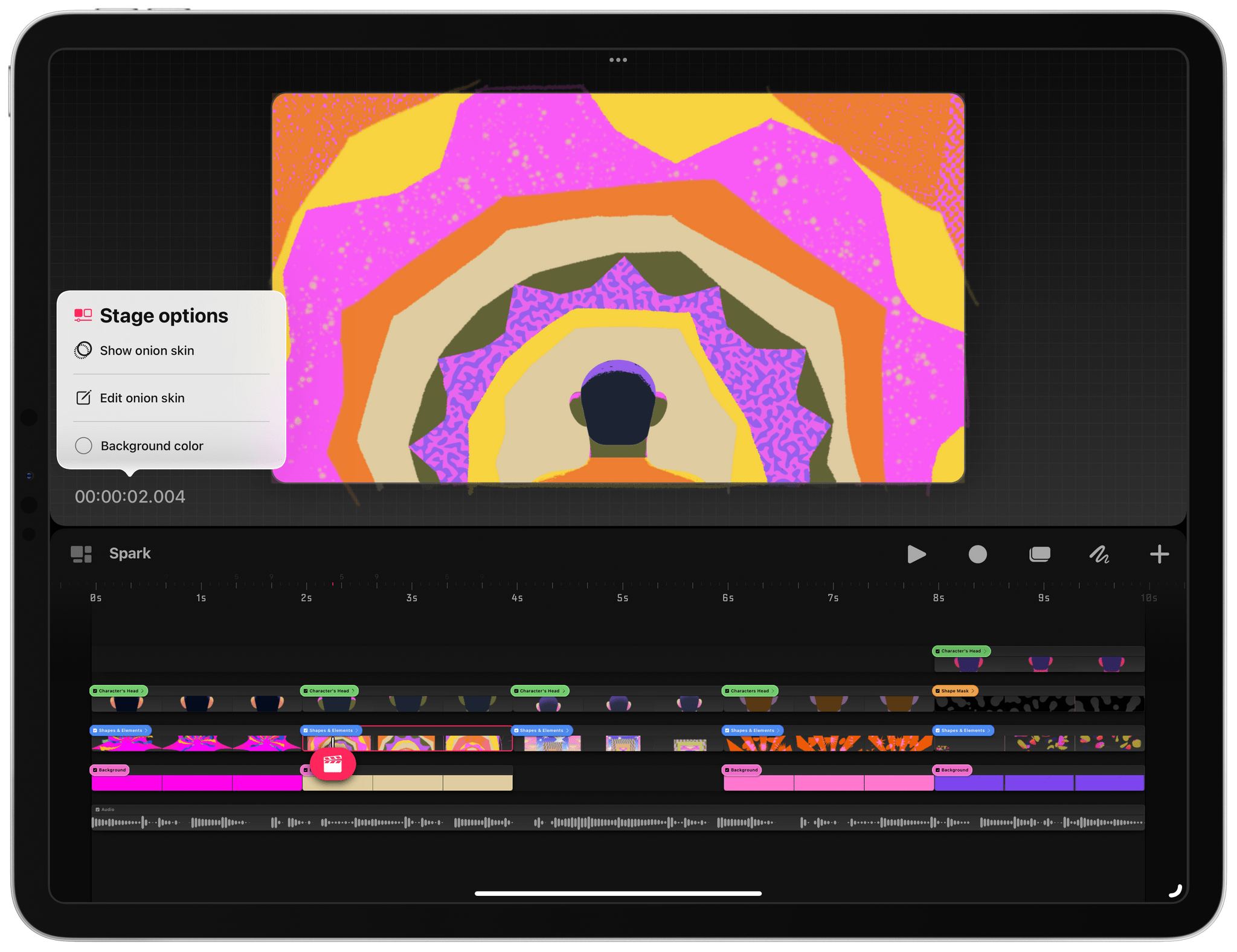
Other edits can be accomplished from the timeline, which supports multiple layers, manual keyframing, cel animation, video editing and compositing, and more, all using gestures to access features and select content. When you put it all together, there’s a lot going on, but it works smoothly thanks to Apple’s Metal framework running on Apple silicon.
You’re not limited to hand-drawn animation on a blank canvas, either. Dreams supports video, to which you can add an animation layer and edit, crop, zoom, pan, and more. Separate audio tracks can be added, too.
I plan to spend some quality time in Procreate Dreams over the holidays. Drawing apps has never been my forté, and drawing on a timeline adds an additional element of complexity. However, Dreams isn’t like any other animation app I’ve tried before. My familiarity with Procreate gave me a head start, easing me into unfamiliar territory. That’s a big advantage for the app and an even bigger one for anyone who has ever wanted to try their hand at animation.
Procreate Dreams is available on the App Store as a one-time purchase for $19.99.