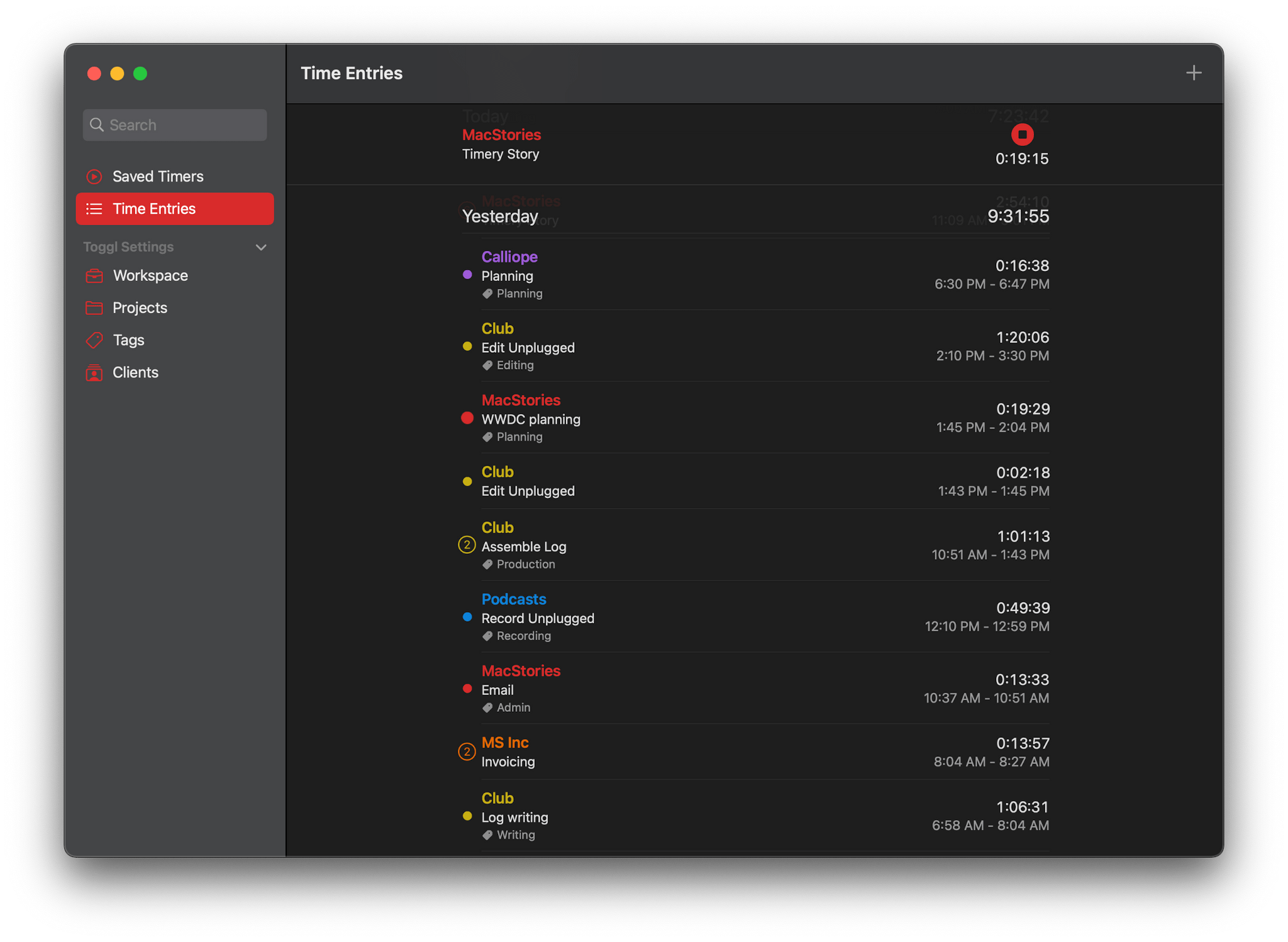
I don’t track my time because I enjoy starting and stopping timers; I do it because, over the long haul, it provides valuable insight into how I’m spending my time. As useful as it is to have data on how much a project or task takes or how much time a task consumes relative to other things I do, the act of tracking itself can be tedious, which is why it can be so easy to fall out of the habit of doing it.
The reason I’ve used Timery, the time tracking app for Toggl, on my iPhone and iPad since it was released, is because of developer Joe Hribar’s attention to making it as easy as possible to track your time without a lot of fuss. Features like saved timers, widgets, keyboard shortcuts, and Shortcuts actions for automating timers have made the app a delight to use since version 1.0.
In fact, the Timery experience has been so good that I used it even though it had no Mac app, which is something I rarely do with apps I use every day. However, with the release of version 1.2 of Timery today, I no longer need to use a different time tracking app on my Mac because Timery has been released as a Mac Catalyst app, complete with all the features Timery users already know and love from iPhone and iPad versions. Today’s update to Timery isn’t just a treat for Mac users, though. Version 1.2 also packs in a long list of new keyboard shortcuts and settings for all users, making this one of the biggest updates since the app was launched.