This Week's Sponsor:

SoundSource

New Year, New Audio Setup: SoundSource 6 from Rogue Amoeba


Posts tagged with "Smart Home"

My Favorite Gear From CES 2026 – and Some Weird and Wonderful Gadgets, Too

It’s CES time again, which means another edition of our annual roundup of the most eye-catching gadgets seasoned with a helping of weird and wonderful tech. I’m sure it will come as no surprise that robots, AI, and TVs are some of the most prominent themes at CES in 2026, but there’s a lot more, so buckle in for a tour of what to expect from the gadget world in the coming months.

AR Glasses

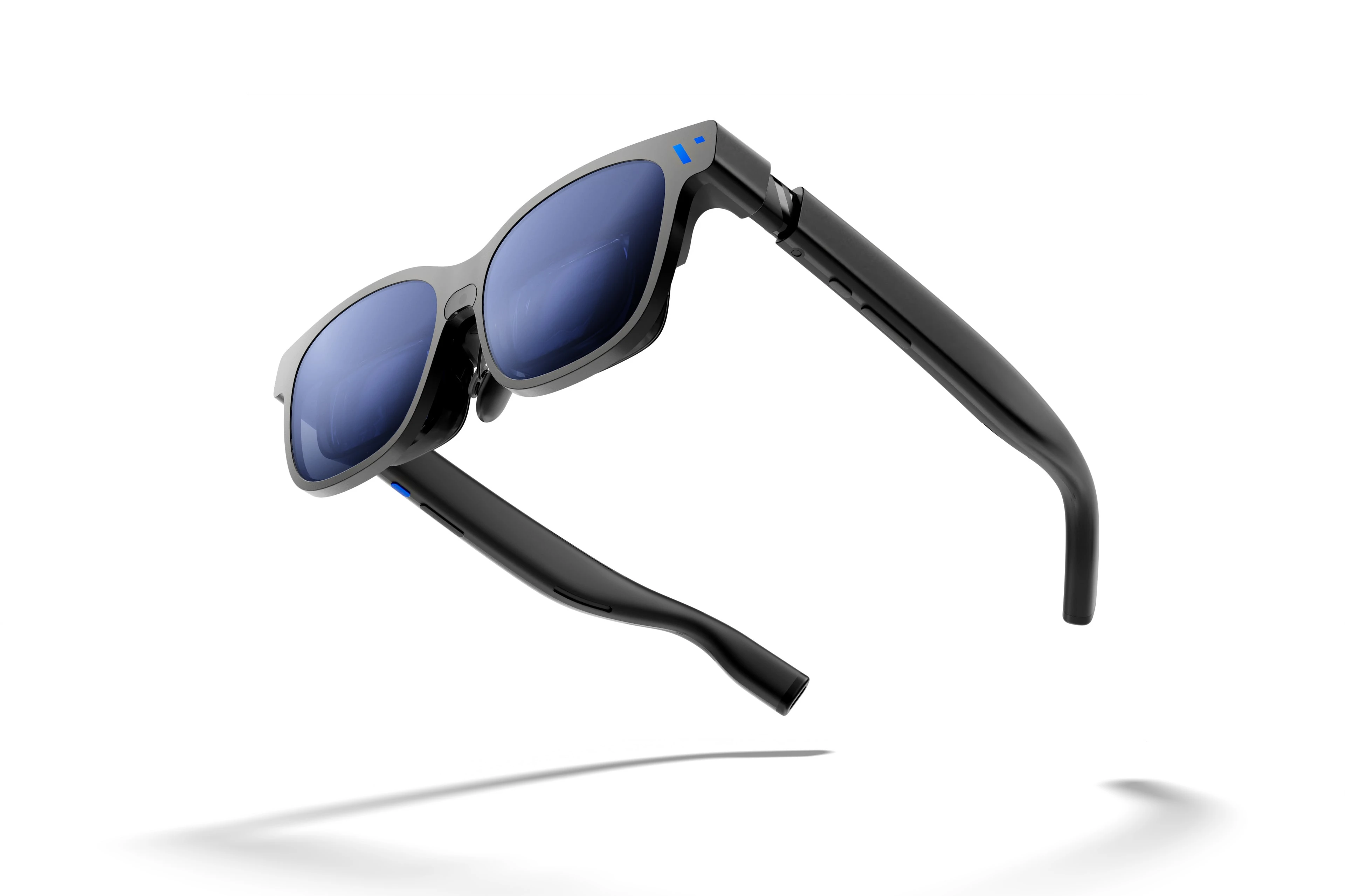
Viture encourages customers to both unleash and embrace The Beast. Source: Viture.

Viture encourages customers to both unleash and embrace The Beast. Source: Viture.

I first tried Xreal AR glasses shortly before the Vision Pro was released. The experience at the time wasn’t great, but you could see the potential for what has turned out to be one of the Vision Pro’s greatest strengths: working on a huge virtual display. There’s also a lot of potential for gaming.

It looks like the tech behind AR glasses is finally getting to a point where I may dip in again this year. Xreal updated and reduced the price of its entry-level 1S glasses, which will make the category accessible to more people.

The company also introduced the Neo dock, a 10,000 mAh battery that also serves as a hub for connecting a game console or other device to its AR glasses. Notably, the Neo is compatible with the Nintendo Switch 2, which caught my eye immediately.

Read more


Our Final 2025 MacStories Setups Update

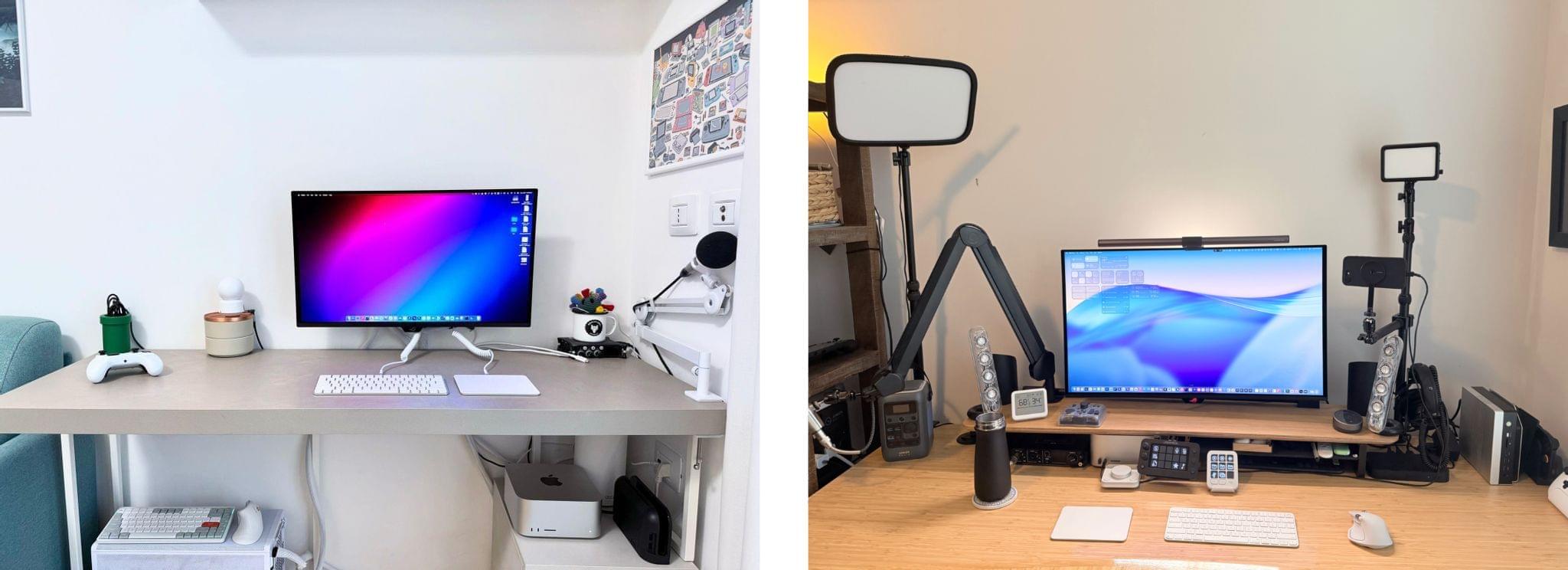
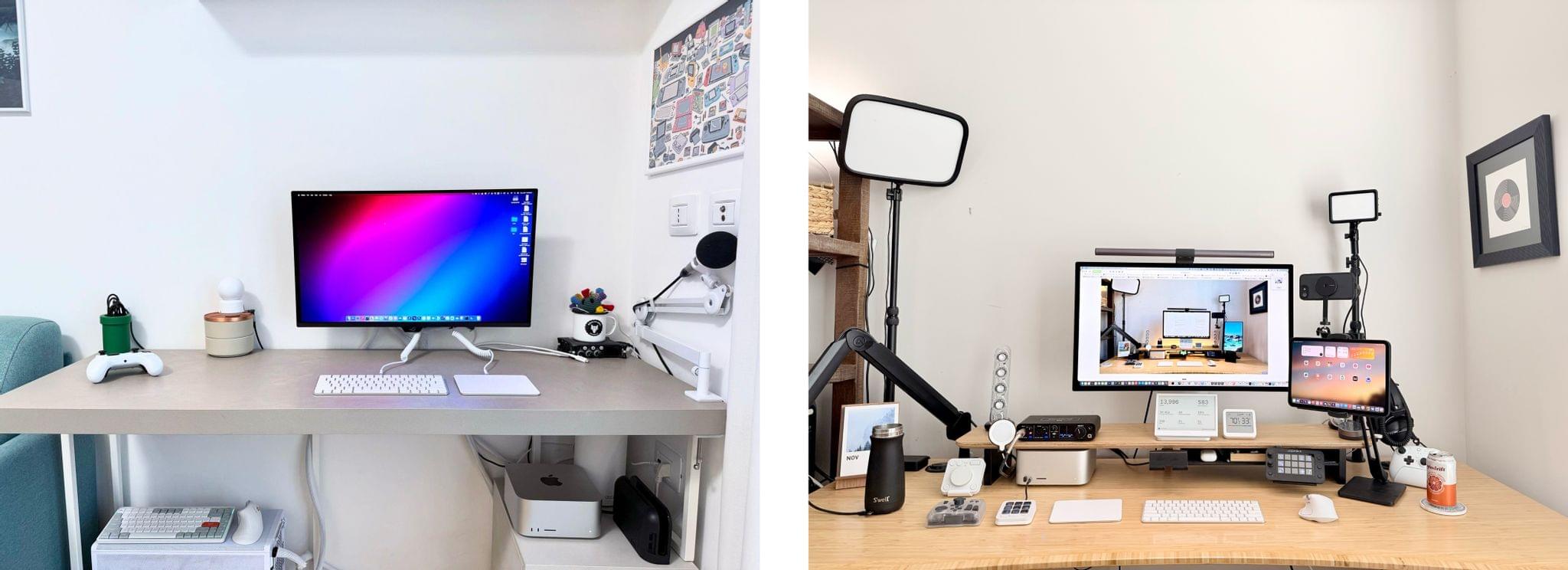
Our desk setups. Federico (left) and John (right).

Our desk setups. Federico (left) and John (right).

John: As 2025 comes to an end, Federico and I thought we’d cap off the year with a final update on our setups. We just went through this in November, but both Federico and I decided to take advantage of Black Friday sales to improve our setups in very different ways. Let’s take a look.

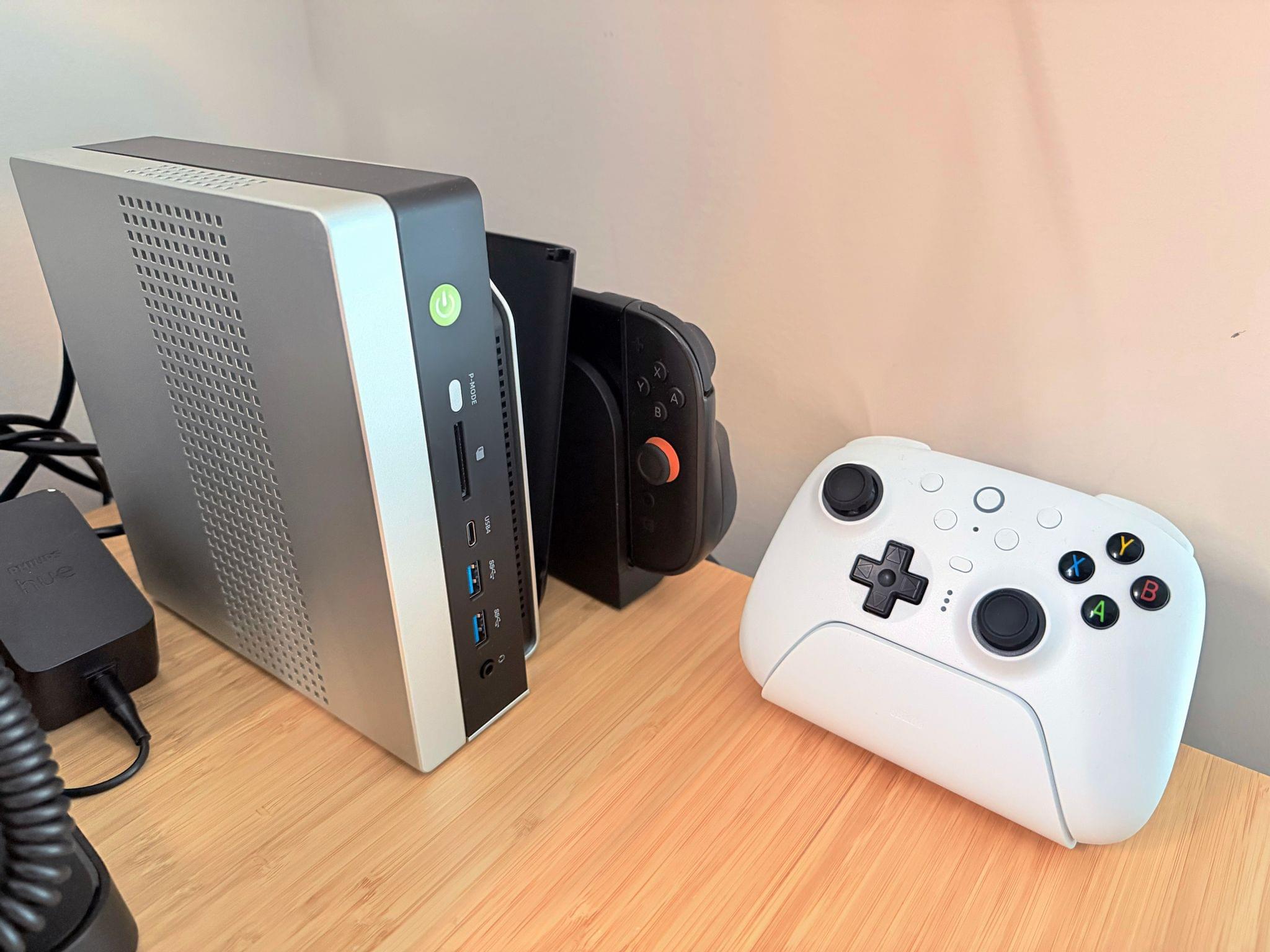
My changes were primarily to my office setup. I’ve wanted a gaming PC for a long time, but I never had a good place to set one up. The solution was to go with a high-end mini PC, the GMKtec EVO-X2, which features a Strix Halo processor, 64GB of RAM, and a 2TB SSD. It came with Windows installed, but after a few days, I installed Bazzite, an open-source version of SteamOS, which makes it dead simple to access my Steam videogame library.

Two things kept me from getting a PC earlier. The first was space, which the EVO-X2 takes care of nicely because it’s roughly the size of the Mac mini before its recent redesign.

The second and bigger issue, though, was my Studio Display. It’s an excellent screen, but it’s showing its age with its 60Hz refresh rate and 600 nits of brightness. Plus, with one Thunderbolt port for connecting to your Mac and three USB-C ports, the Studio Display is limiting. Without HDMI or DisplayPort, connecting it to other video sources like a PC or game console is nearly impossible.

The GMKtec EVO-X2 mini PC, Switch 2, and 8BitDo Ultimate 2 controller

The GMKtec EVO-X2 mini PC, Switch 2, and 8BitDo Ultimate 2 controller

So I also bought a deeply discounted ASUS ROG Swift 32” 4K OLED Gaming Monitor, which is attached to my desk using a VIVO VESA desk mount. I’d wanted a bigger screen for work anyway, and with its 240Hz refresh rate and bright OLED panel, the ASUS has been excellent. However, the ASUS display really shines when connected to my GMKtec and Nintendo Switch 2. As I covered on NPC: Next Portable Console recently, the mini PC combined with a great monitor, which also allows me to stream games to my handhelds over my local network, was the missing link in my setup, delivering a flexibility I just didn’t have before.

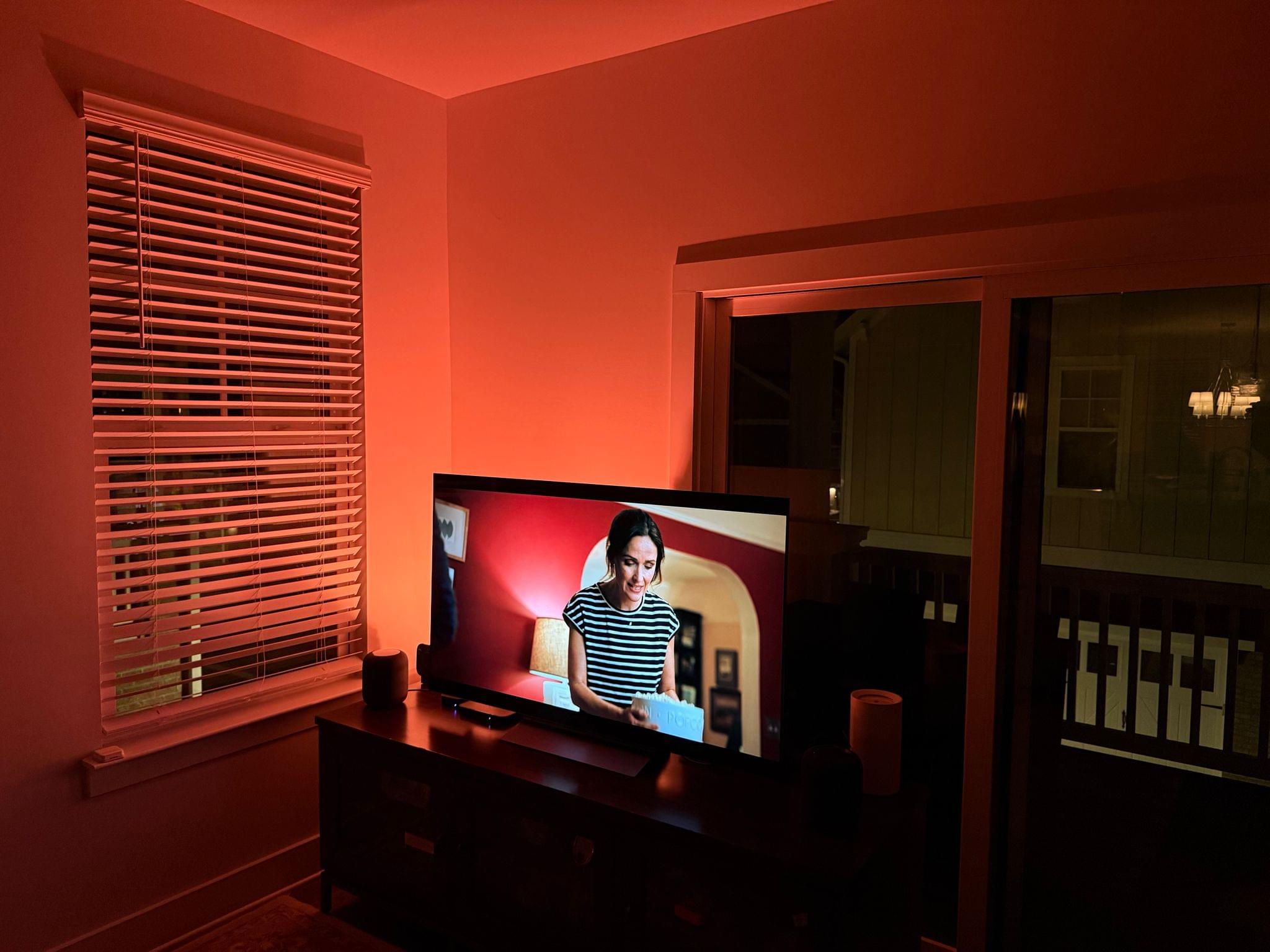
Along with the gaming part of my desktop setup, I updated my desktop lighting with two Philips Hue Play Wall Washer lights and a Hue Play HDMI Sync Box 8K, which casts light against the wall behind my desk that’s synced with what’s onscreen. In fact, the Sync Box 8K works with all the Hue lights in my office, allowing me to create a more immersive environment when I’m gaming.

I’ve been using a handful of other accessories lately, too, including:

That’s it from me for 2025, folks. Enjoy the holidays! Things will be a little quieter at MacStories over the next couple of weeks as we unwind and spend the time with family and friends over the holidays, but we’ll be back with lots more before long.

Federico: For this final update to my setup before the end of the year, I focused on two key areas: audio and my living room TV setup.

The biggest – literally – upgrade for me this month has been switching from my previous LG 65” TV to a flagship LG G5 77” model. I’d been keeping an eye on this TV for a while: it’s LG’s first model to use Tandem OLED technology, and it boasts higher brightness in both SDR and HDR with reduced reflections thanks to the new panel. I took advantage of an incredible Black Friday deal in Italy to buy it at 50% off, and we love it. The TV rests almost flush against the wall thanks to its compact design, but since it’s not completely flush, it allowed us to re-install our Philips Hue Gradient Light Strip behind it. Since I was in a renovation mood and I also wanted to future-proof my setup for the Steam Machine in 2026, I also upgraded to a Hue Bridge Pro and replaced my previous Hue Sync Box with the latest 8K edition that is certified for HDMI 2.1 connections. Speaking of gaming: as I discussed this week on NPC, I got a Beelink SER9 Pro mini PC and installed Bazzite on it to get a taste for SteamOS in the living room; this one will eventually be replaced by a more powerful Steam Machine.

The other area of improvement was audio. I recently realized that I wanted to fully take advantage of Apple Music and Spotify’s support for lossless playback with wireless headphones, which is something that, alas, Apple’s AirPods Max do not support. So after much research, I decided to treat myself to a pair of Bowers & Wilkins Px8 S2, which are widely considered some of the best Bluetooth headphones that you can buy right now. But you may be wondering: how do you even connect these headphones to Apple devices that do not support Qualcomm’s aptX Lossless or Adaptive codecs? That’s where the BT-W6 Bluetooth dongle comes in. In researching this field, I came across this relatively new category of small Bluetooth adapters that plug into an iPhone’s USB-C port (they work on a Mac or iPad, too) and essentially override the device’s built-in Bluetooth chip. Once headphones are paired with the dongle rather than the phone, wireless streaming from Apple Music or Spotify will use aptX Lossless instead of Apple’s legacy SBC protocol. The difference in audio quality is outstanding, and it makes me appreciate the Px8 S2 for all they have to offer.

While I was at it, I also took advantage of another deal for a Sonos Move 2 portable speaker; we’ll have to decide whether this one will be permanently docked on my desk or next to a record player that Silvia is getting me for Christmas. (We don’t like surprises for each other, especially when it comes to furniture-adjacent shopping.)

So that’s my update before we go on break for a couple of weeks. I can already feel that, when I’m back, I’ll have some changes to cover on the software front. But we’ll talk about those in 2026.

Permalink

Two Months with the Narwal Freo X10 Pro

In the depths of the pandemic, I bought an iRobot Roomba j7 vacuum. At the time, it was one of the nicer models iRobot offered, but it was expensive. It did a passable job in areas with few obstacles, but it filled up fast, had a hard time positioning itself on its base and frequently got clogged with debris, requiring me to partially disassemble and clean it regularly. The experience was bad enough that I’d written off robot vacuums as nice-to-have appliances that weren’t a great value.

So, when Narwal contacted me to see if I wanted to test its new Freo X10 Pro, I was hesitant at first. However, I’d seen a couple of glowing early reviews online, so I thought I’d see if the passage of time had been good to robo-vacuums, and boy has it. The Narwal Freo X10 Pro is not only an excellent vacuum cleaner, but a mopping champ, too.

Read more


Just the Best: MacStories’ Black Friday 2025 Picks

Black Friday deals started very early this year, and we’ve covered a lot of ground on the MacStories Deals Mastodon and Bluesky accounts since publishing our Early Black Friday Picks. A lot of those deals are ongoing, so it’s worth revisiting that story as you start your holiday shopping in earnest.

However, today, I wanted to hit the highlights of what we’ve covered over the past week on MacStories Deals and add some new deals to the mix that you probably haven’t seen yet, so buckle up, it’s time to go shopping.

MacStories Pixel Icons

All three MacStories Pixel Icon sets are 40% off until Monday, December 1.

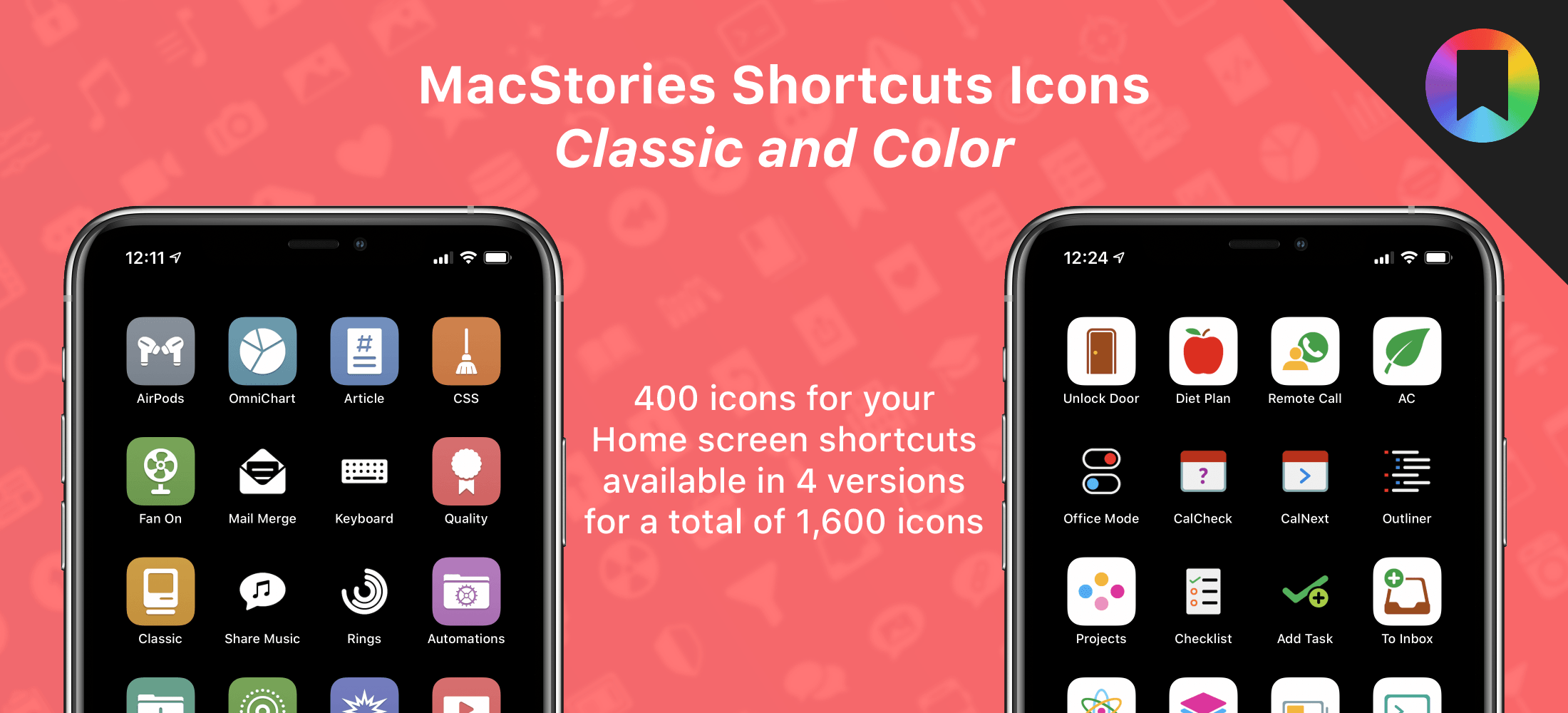
Two of the icon sets are specially-designed for Shortcuts. We’ve all been there. You work hard on a shortcut and want to give it the perfect icon, only to realize that Apple doesn’t offer what you want in the Shortcuts app. The MacStories Pixel Icons fill that gap with an extensive set of painstakingly hand-crafted icons with multiple color options created by MacStories’ long-time designer, Silvia Gatta. We also offer a set of Perspective icons that are perfect for OmniFocus Pro and other uses.

Visit our dedicated MacStories Pixel page today to preview all three icon sets and purchase them for 40% off until Monday, December 1.

Apple Hardware

There are a lot of Black Friday deals on Apple hardware, but most of them are good, not great. I’m picky, so I’m only going to focus on just the great deals.

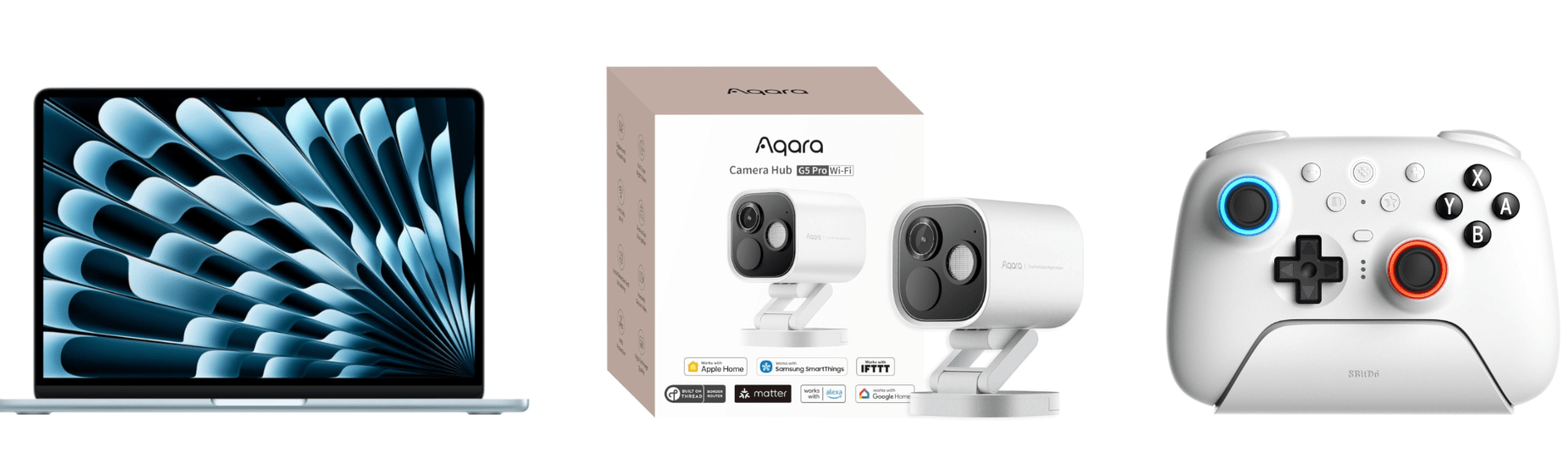
One of the best deals on Apple hardware during Black Friday is the M4 13” MacBook Air with 16GB of memory and 256GB of storage. If you want more memory or storage than that, you’ll have to settle for a smaller percentage discount, but even with more memory and more storage, you’re still doing better than any other deal this year. The 15” M4 MacBook Air with 16GB of memory and a 256GB SSD is a good deal, too.

Among the many iPad deals, the best is on the 128GB iPad mini with an A17 Pro chip. I’ve had a mini since they were released and love it. The size makes it an excellent reading and video-watching device.

AirPods 4 are also heavily discounted for Black Friday. Apple’s most affordable wireless earbuds come with active noise cancellation and without. The model with no active noise cancellation slightly edges out the model with ANC as far as the discounts are concerned, but both models are a bargain.

However, the very best deals available from Apple in terms of the percentage discount are a 4-pack of AirTags and the Apple Pencil Pro. If you need either, now is the perfect time to buy them.

Smart Home

The holiday season is a great time to catch up on projects and start new ones. For me, that’s often tuning up my smart home setup and setting up some new devices thanks to Black Friday sales. Here are the best ones I’ve seen:

Aqara already makes some of the most affordable smart home devices out there, so you really can’t go wrong with their Black Friday deals. One of my favorites is the FP2 Presence Sensor. It’s far more sophisticated than a simple motion sensor. To start with, it can tell when you’ve left a room, which motion sensors can’t do. I’ve used an FP2 Sensor in my office to control lighting for a couple of years, wrote about it for Club members, and have been really happy with it.

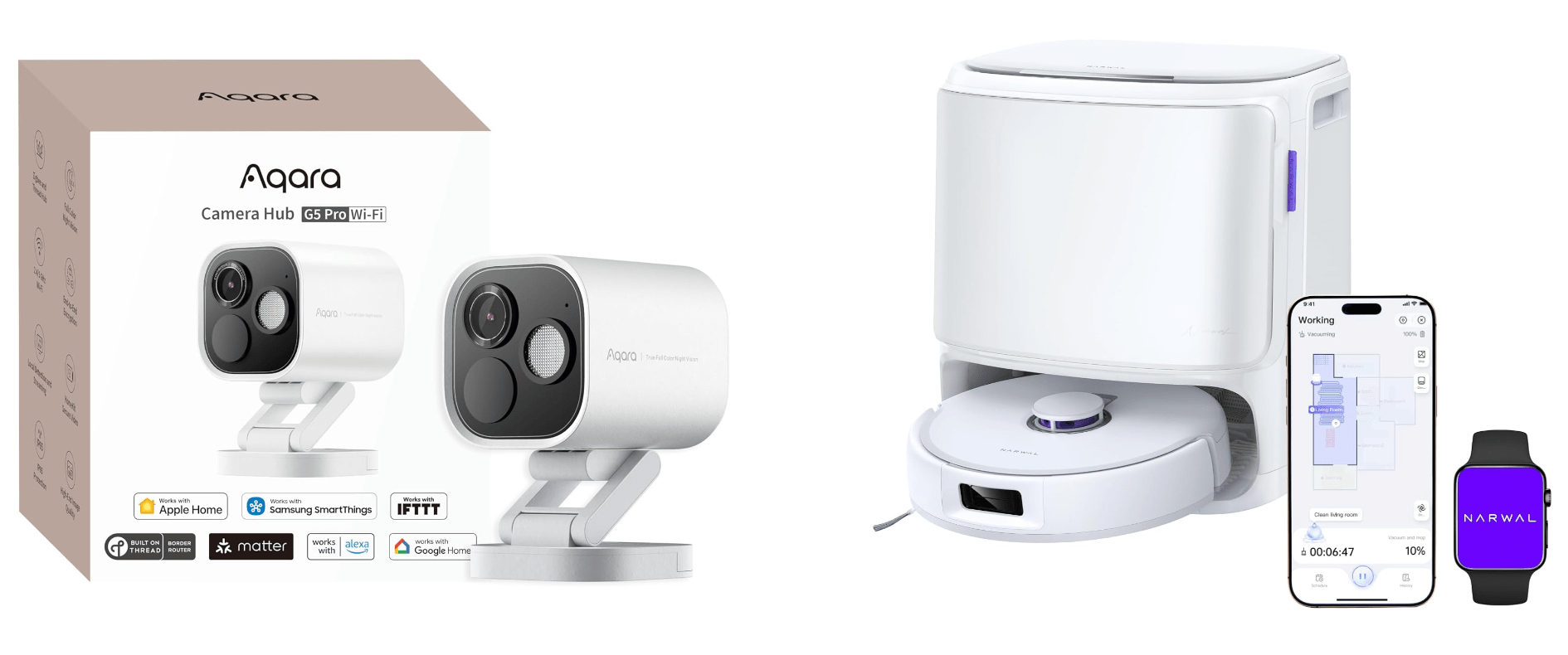
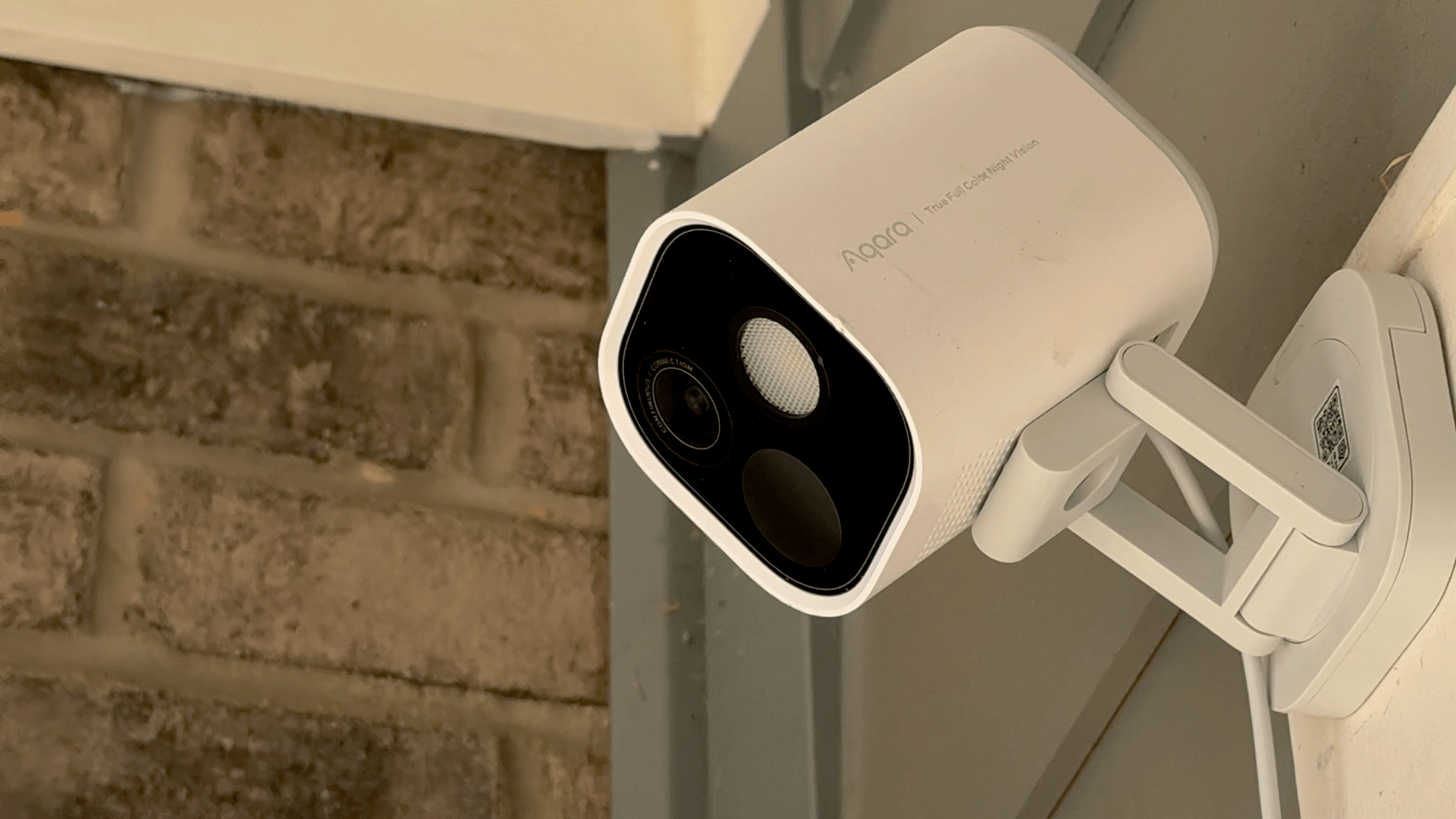
Other great deals from Aqara include its U100 Smart Lock that works with Apple Home Key and HomeKit, the Aqara M3 Home Hub that I recently set up at home and love, and 4MP Camera Hub G5 Pro, an outdoor HomeKit camera that I reviewed earlier this year.

My Aqara 4MP Camera Hub G5 Pro is paired with an Ecobee Smart Video Doorbell, which is also on sale for Black Friday. I’ve used various Ecobee smart home products for years and have never been disappointed. The same goes for its smart doorbell. I’ve had it installed for over a year, and it’s been reliable despite facing the sun on some very hot summer days.

Black Friday is also a great time to buy a robot vacuum and mop. There are lots of deals, but the model I’ve tested for the past couple of months and love is the Narwal Freo X10 Pro. It handles vacuuming and mopping, navigating via LiDAR and does an excellent job compared to other robot vacuums I’ve tried. I’ll be reviewing the Freo X10 Pro about it soon, but now’s the time to get it at a steep discount.

Read more


MacStories Setups Update: An Apple Gear Refresh, Dual-Screen Gaming, and HomeKit

Our desk setups. Federico (left) and John (right).

Our desk setups. Federico (left) and John (right).

As we head into the final weeks of 2025, Federico and I figured it would be a good time to update the MacStories Setups page. There’s an ebb and flow to the gear and apps we test each year, and as the fall OS update season fades into the past, it’s not unusual for one or both of us to take stock of our setup and make changes. That’s been very true for both of us this year, but in different ways.

Federico has been focused on simplifying his hardware setup and testing a long list of apps and services. In contrast, I’ve made fewer gear cuts, focusing more on strategic changes to the gadgets I use and settling on a core set of work apps.

The result is that Federico’s hardware setup changes have primarily been updates to his Apple and portable gaming gear. He made the transition from the iPhone 16 Pro Max to the iPhone Air, and couldn’t be happier with the result. He also replaced the M4 iPad Pro with the latest M5 model and moved from the AirPods 4 to the AirPods Pro 3.

Both of us ditched our previous Apple Vision Pro head strap solutions for the Apple Dual Knit Band, which has been a big upgrade. It’s comfortable, and having one dial to adjust both bands is both clever and far simpler than other solutions I’ve tried.

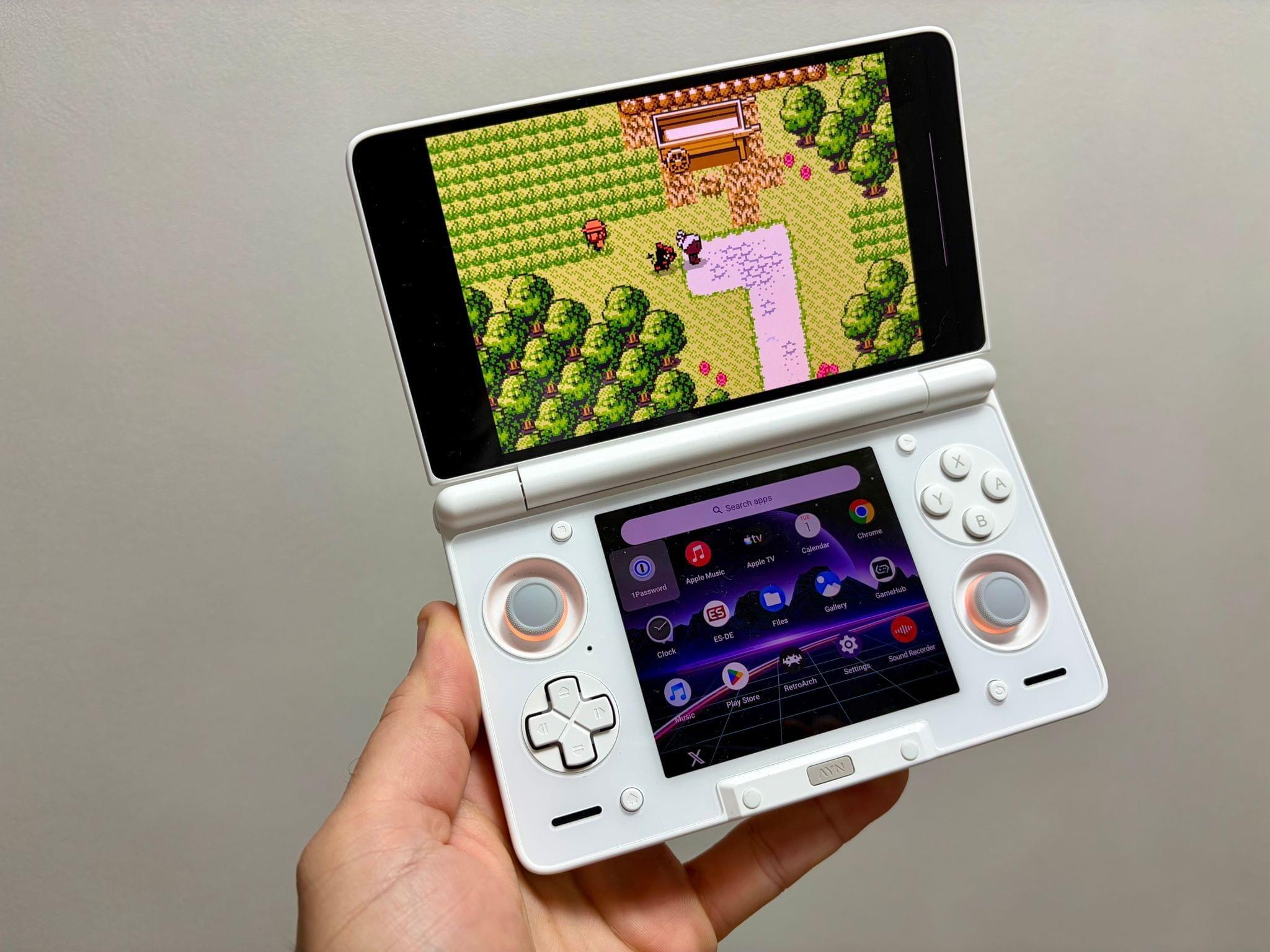
Ayn Thor.

Ayn Thor.

Federico also added the Ayn Thor to his handheld gaming lineup. The Thor, which I also bought this fall, is a dual-screen OLED gaming handheld that runs Android. It’s perfect for emulating dual-screen systems like the Nintendo DS and 3DS, but it has also been excellent for game streaming and testing the emerging world of emulating SteamOS on Android. If game tinkering is your thing and this sounds intriguing, we have two episodes of NPC: Next Portable Console that go in-depth on the Ayn Thor.

Read more


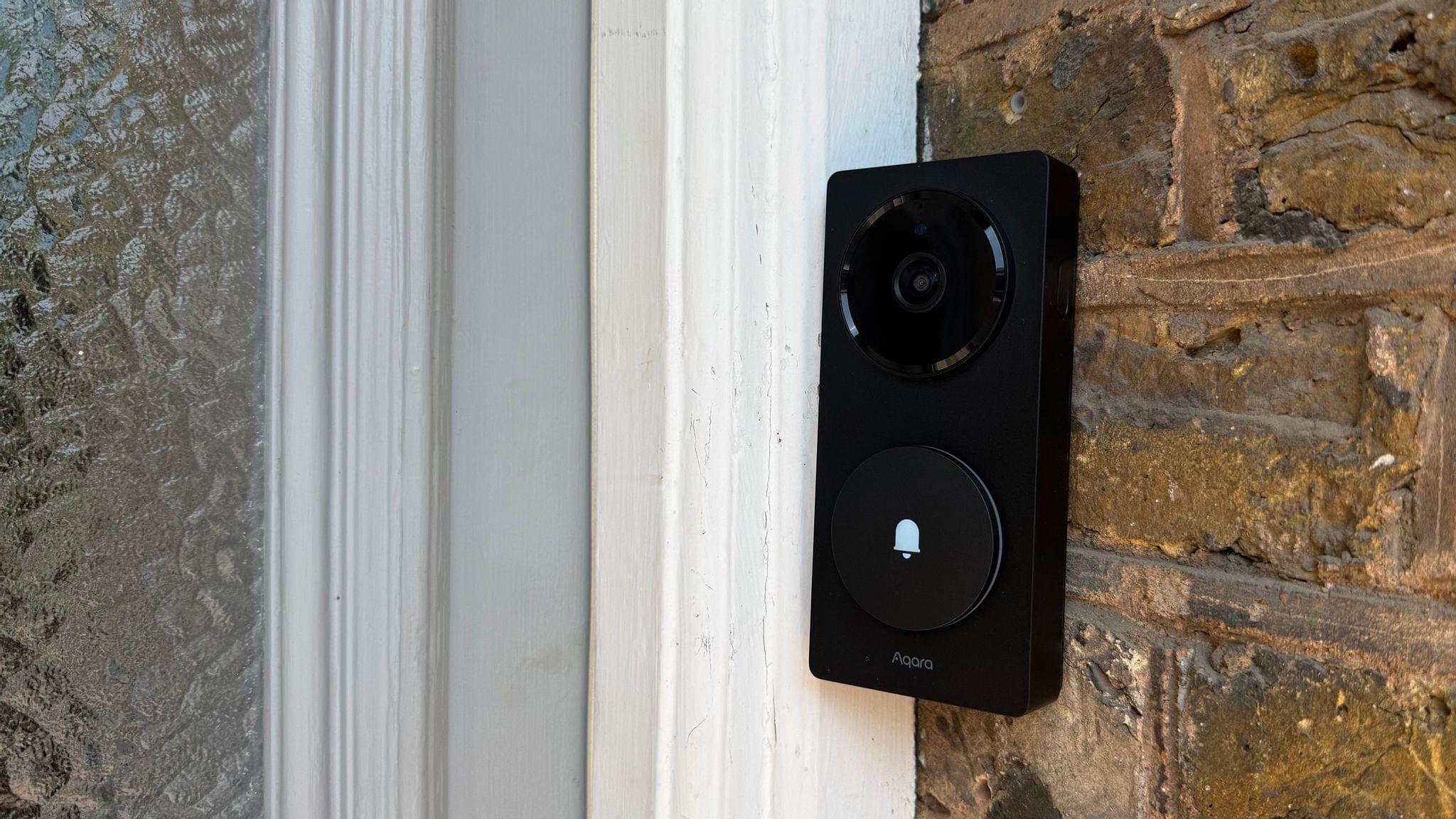
One Month with the Aqara G410 Video Doorbell

Last month, after an advanced preview at CES back in January, Aqara released an update to its G4 smart video doorbell dubbed the Doorbell Camera Hub G410 Select. I had been keeping my eye out for this release ever since its announcement, and it just so happened to coincide with the passing of my existing smart doorbell from Netatmo. That was more than enough reason to purchase the G410, and over a month of daily usage, I’ve been enjoying several of the camera’s excellent new features while also wishing for some improvements in other areas.

Read more


Philips Hue Adds Flexibility to the Play Line with New Wall Washer Lights

For the past couple of weeks, I’ve been testing a pair of Philips Hue Play wall washer lights along with a Play HDMI sync box 8K that the company sent me to test. The wall washer lights are a new and interesting approach to accent lighting for the Hue Play line that I like a lot, but they also come with a premium price tag, so it’s worth taking a close look at what they offer.

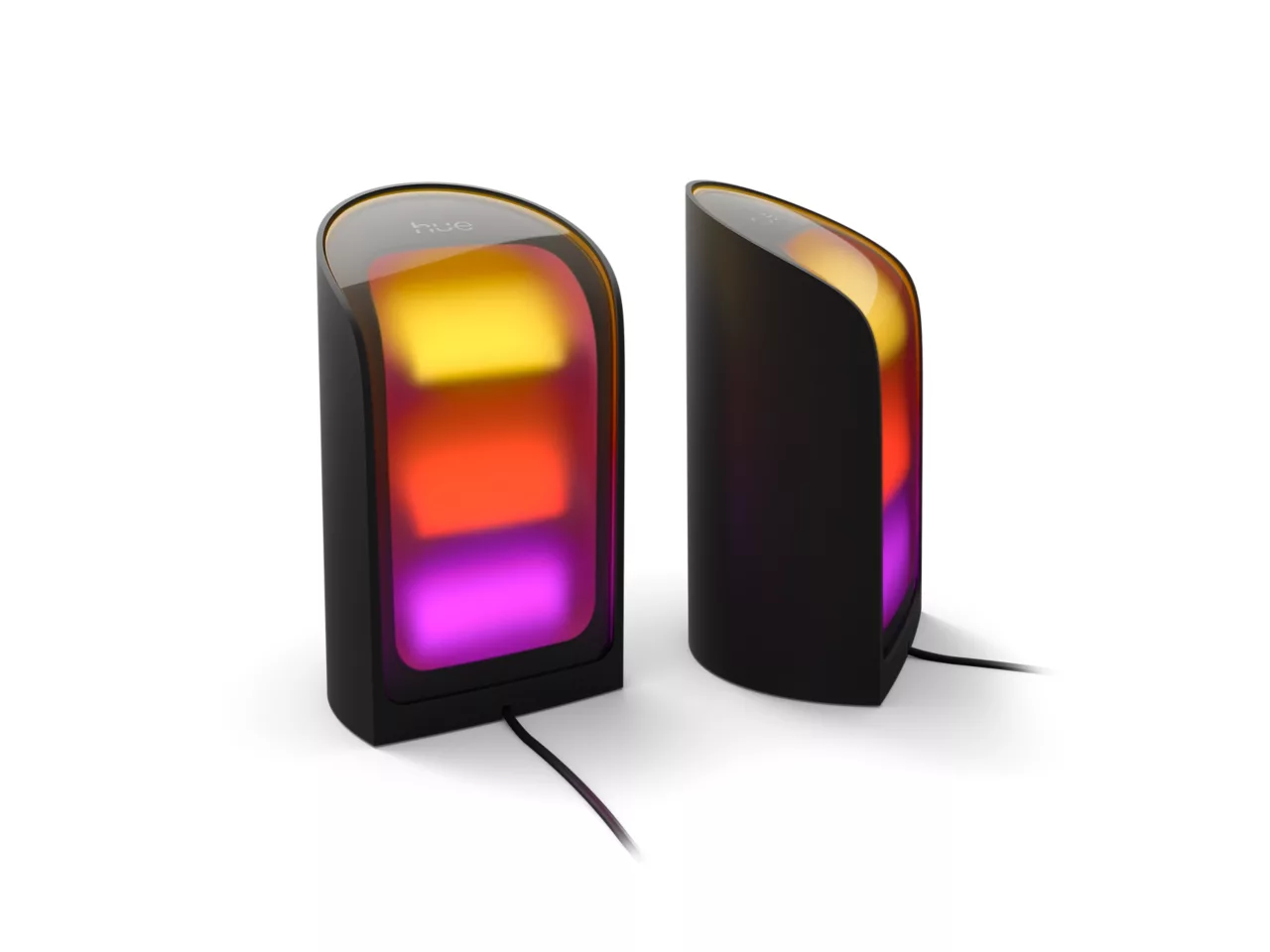
Philips Hue's Play wall washer lights. Source: Philips Hue.

Philips Hue’s Play wall washer lights. Source: Philips Hue.

I’ve been using Philips Hue Play lights for a while. I have two Play gradient light tubes in my office; one sits behind a shelf on my desk, providing a backlight to my work environment, while the other is on the top of a tall bookshelf, illuminating what would otherwise be a dark corner of the room. I typically set them to a natural light color using Adaptive Lighting in Apple’s Home app, but they can do fancy gradient colors, too, which can be a fun way to mix things up.

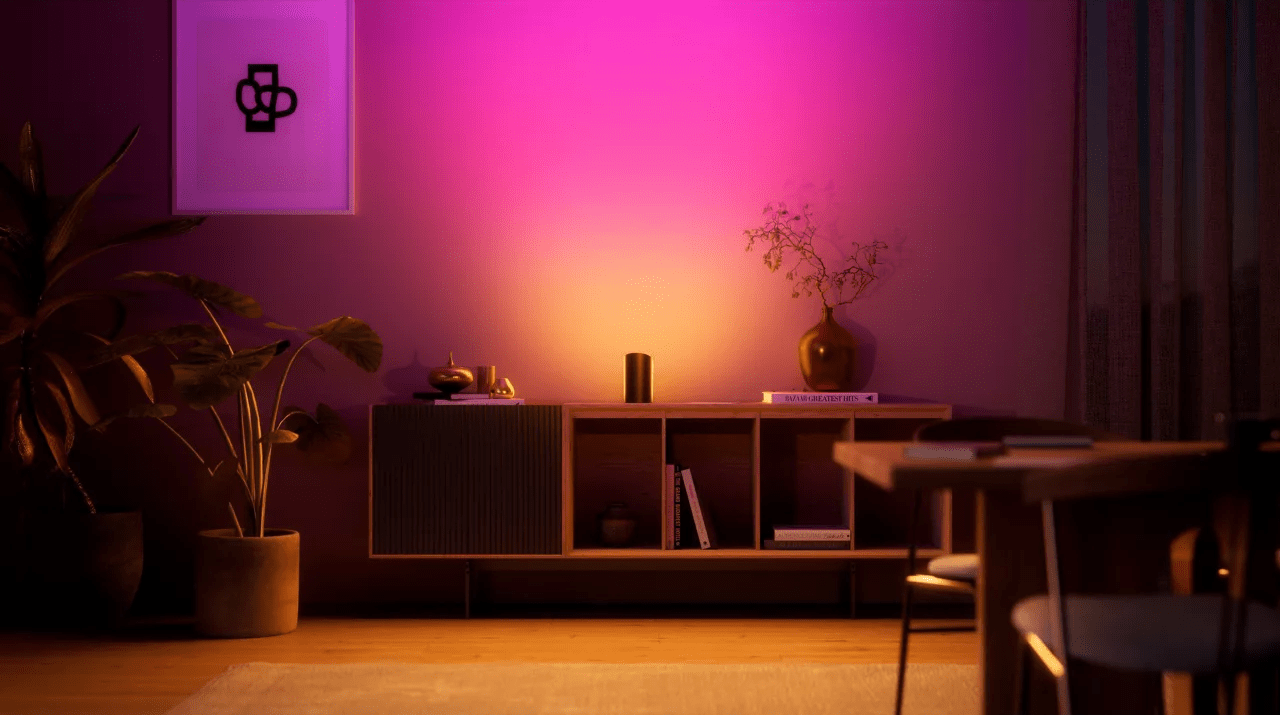
A more traditional Play wall washer setup than mine. Source: Philips Hue.

A more traditional Play wall washer setup than mine. Source: Philips Hue.

But the downside of tube lights is that they take up a lot of horizontal space. That’s where the new wall washer lights come in. They’re cylindrical with a vertical and angled slice taken out of one side, which is where the LEDs are located. Most notably, though, at around six inches tall by a little more than three inches wide, the wall washers work in a much wider variety of places than tube lights. That compact footprint has been perfect for fitting behind my TV, where I’ve already crammed gaming consoles, a Wi-Fi router, and other gear.

Other highlights of the Hue Play wall washers include:

  • ColorCast, Philips Hue’s term for the way the wall washers generate highly saturated multi-colored gradients,
  • 1035 lumens of light, which is impressive for such a small device, and
  • the ability to display white light in a wide 2000–6500 Kelvin range.

The Play wall washers require a Hue Bridge and are compatible with HomeKit, allowing you to use either the Hue app or the Home app to turn them on and off, dim them, and change their colors.

Read more


A Firmware Update that Promises to Turn Smart Lights into Motion Sensors

Jennifer Pattison Touhy has a story on The Verge today about a technology debuting soon that turns existing smart lights into motion sensors:

Sensify is a proprietary technology based on wireless network sensing (WNS) that works with Zigbee-based smart devices, like Hue smart lights. According to Pattison Touhy:

WNS works by detecting disturbances in radio frequencies and can also be applied to Wi-Fi, Bluetooth, and Thread technologies. McKinney says Sensify requires three or more devices positioned around a detection area to detect motion and occupancy in the space. The tech also allows for precise detection zones based on where the devices are situated. “The devices send messages to each other, look at underlying network diagnostic information, and process it to provide occupancy sensing decisions,” says McKinney.

The story goes on to explain the performance of the technology:

Performance-wise, McKinney says Sensify is “equivalent or superior” to passive infrared sensing (PIR) tech, which is traditionally used for motion sensing. It also doesn’t need line of sight, as PIR does. However, it’s not as precise as technologies like mmWave sensing, which can determine if someone is in a room through as slight a movement as breathing. “The lights will still likely turn off if you’re still, even if you’re in the space,” he says.

That’s great to hear and something I hope is enabled by manufacturers without charging an additional fee or subscription. I know that may be wishful thinking, but even if there is a fee, it may be worth it to not litter your home with less accurate motion sensors everywhere and could give Hue and other Zigbee-based device makers an advantage over other companies.

Permalink