
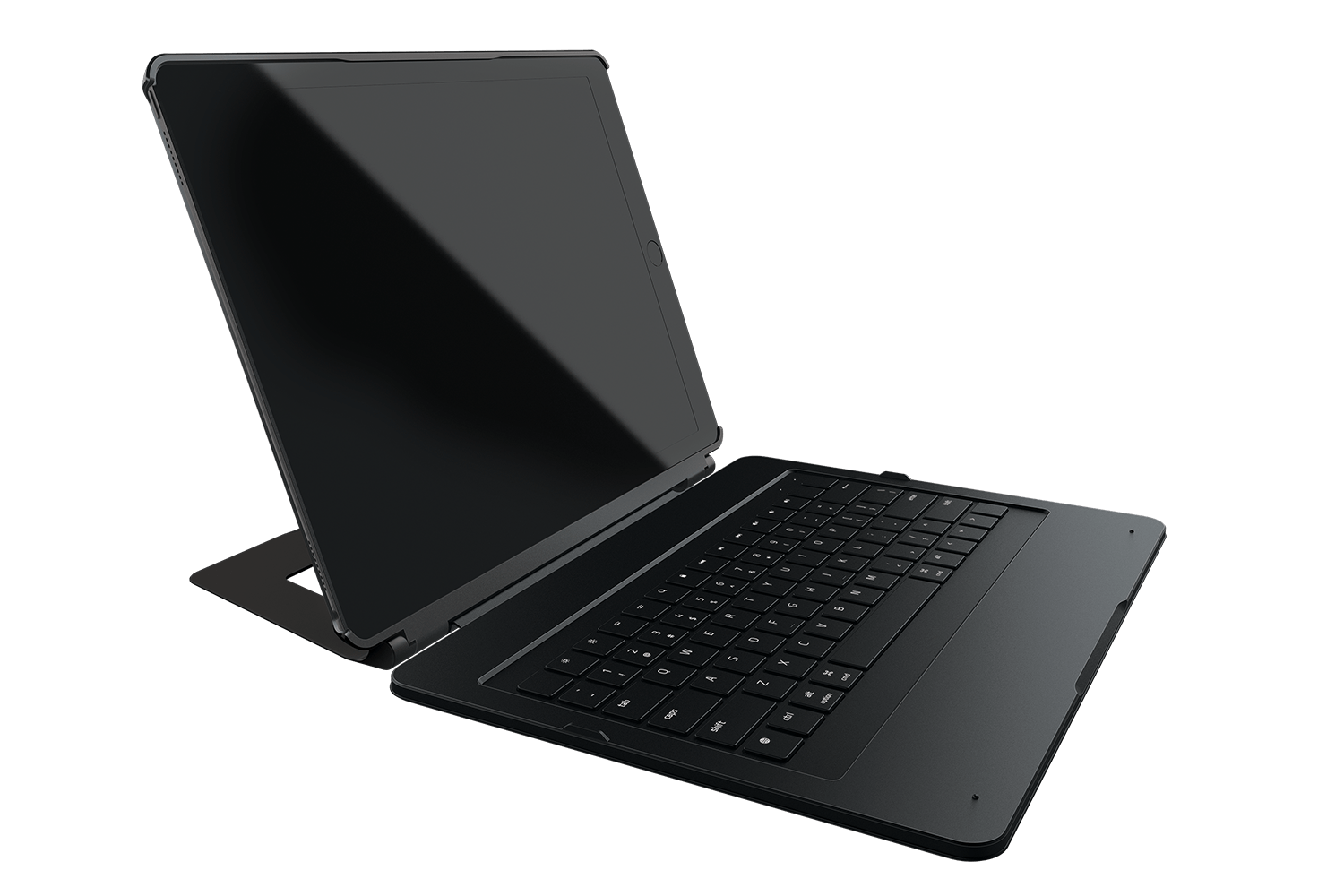
Razer, best known for making mice and keyboards for gamers, announced a keyboard case for the 12.9” iPad Pro that features mechanical backlit keys with twenty levels of brightness and a kickstand that allows for multiple viewing angles. Razer’s keyboard, dubbed the Razer Mechanical Switch Keyboard, connects over Bluetooth and includes what Razer calls an Ultra-Low-Profile Mechanical Switch that it says delivers ’the exact same performance and feel as a full-fledged mechanical keyboard.’ With backlighting enabled, Razer estimates you will get 10 hours of battery life. With backlighting turned off, however, Razer says its keyboard will last a whopping 600 hours. Razer’s keyboard is available for purchase in the US for $169.99 with other countries to follow.
Posts tagged with "iPad Pro"
Razer Launches Mechanical Switch Keyboard for iPad Pro

Access Extra Content and Perks
Founded in 2015, Club MacStories has delivered exclusive content every week for nearly a decade.
What started with weekly and monthly email newsletters has blossomed into a family of memberships designed for every MacStories fan.
Club MacStories: Weekly and monthly newsletters via email and the web that are brimming with apps, tips, automation workflows, longform writing, early access to the MacStories Unwind podcast, periodic giveaways, and more;
Club MacStories+: Everything that Club MacStories offers, plus an active Discord community, advanced search and custom RSS features for exploring the Club’s entire back catalog, bonus columns, and dozens of app discounts;
Club Premier: All of the above and AppStories+, an extended version of our flagship podcast that’s delivered early, ad-free, and in high-bitrate audio.
Building a Photography Workflow with the iPad Pro→
Perhaps it should have been obvious to me — and maybe it’s always been obvious to you — but I’m just now realizing that the more and more I embrace each creative process, the less time I want to give to anything but the act of creating. Over time I begin to build negative associations with each creative act, mentally, but it’s not because of the ‘art’ itself; it’s because of all the work I put into a thing after the component I love most is over and done with.
These realizations have led me to try and create ‘less workflow’ in my life, not just in writing, but across the board. For photography, that means if I innately desire more than anything else to just shoot, then I need to learn more about composing and ‘editing’ in camera, and being happy with the result.
So, I’ve begun building a new way of processing photos using only the device I love — the iPad Pro — but it’s been a challenge.
Drew Coffman has been trying to rebuild his established photography workflow on an iPad Pro. His post has a good rundown of photo editing apps (with a final pick I didn’t know), but, more importantly, it highlights how iOS still needs improvements for basic tasks such as bulk editing and exporting.
My Tablet Has Stickers→
Great piece by Steven Sinofsky, who has replaced his laptop with an iPad Pro. There are several quotable passages, but I particularly liked this one:
Most problems are solved by not doing it the old way. The most important thing to keep in mind is that when you switch to a new way of doing things, there will be a lot of flows that can be accomplished but are remarkably difficult or seem like you’re fighting the system the whole time. If that is the case, the best thing to do is step back and realize that maybe you don’t need to do that anymore or even better you don’t need a special way of doing that. When the web came along, a lot of programmers worked very hard to turn “screens” (client-server front-ends) into web pages. People wanted PF-function keys and client-side field validation added to forms. It was crazy and those web sites were horrible because the whole of the metaphor was different (and better). The best way to adapt to change is to avoid trying to turn the old thing into the new things.
This paragraph encapsulates what I went through for the past two years since I switched to the iPad as my primary computer. To this day, I still get comments from a few people who think “I’m fighting the system”. And we don’t have to look too far back in our past to find the opinions of those who thought the iPad Pro was a platform for people who “jump through more hoops than a circus elephant”.
I’ve been enjoying the wave of iPad enthusiasm that the iPad Pro caused, and I still believe we’re just getting started.
On the 9.7” iPad Pro’s Color Gamut→
I’ve been waiting for someone to explain the practical benefits of the new Retina display in the 9.7-inch iPad Pro. Craig Hockenberry has done the hard work and wrote about it with clear examples to understand the differences:
After using this iPad for a couple of weeks, I’ve realized it’s like the advances of Retina in an important way: I never want to use a lesser display again. And as with higher density, I think it’s obvious that Apple will eventually update all its products to use this improved screen technology. I can’t wait!
It also wouldn’t surprise me to see these wider color gamuts coming to the cameras in our devices. All iOS devices currently create images in the sRGB gamut, while professional gear can produce images in ProPhoto or AdobeRGB. High dynamic range (HDR) photos need a wider range of color, too.
He’s also writing a book about color management for developers. It sounds like this is going to be an important area for iOS developers to learn going forward.
The Astonishing File System→
I like how Ben Brooks describes going back to OS X after using an iPad Pro as his primary computer:
It’s like going home to your parents house for the holiday. It’s home and that’s really nice. But it’s also home and that is really chaotic for most of us. So while it is always nice to visit home, you never want to really stay at home. You want to be back at your home.
That’s what the Mac feels like to me now. I really like Mac OS X, and the MacBook, and would have no problems using them, but knowing what it is like to be on iOS only now — with that knowledge — there’s no way I don’t want to be on iOS.
Testing Apple’s 29W USB-C Power Adapter and iPad Pro Fast Charging
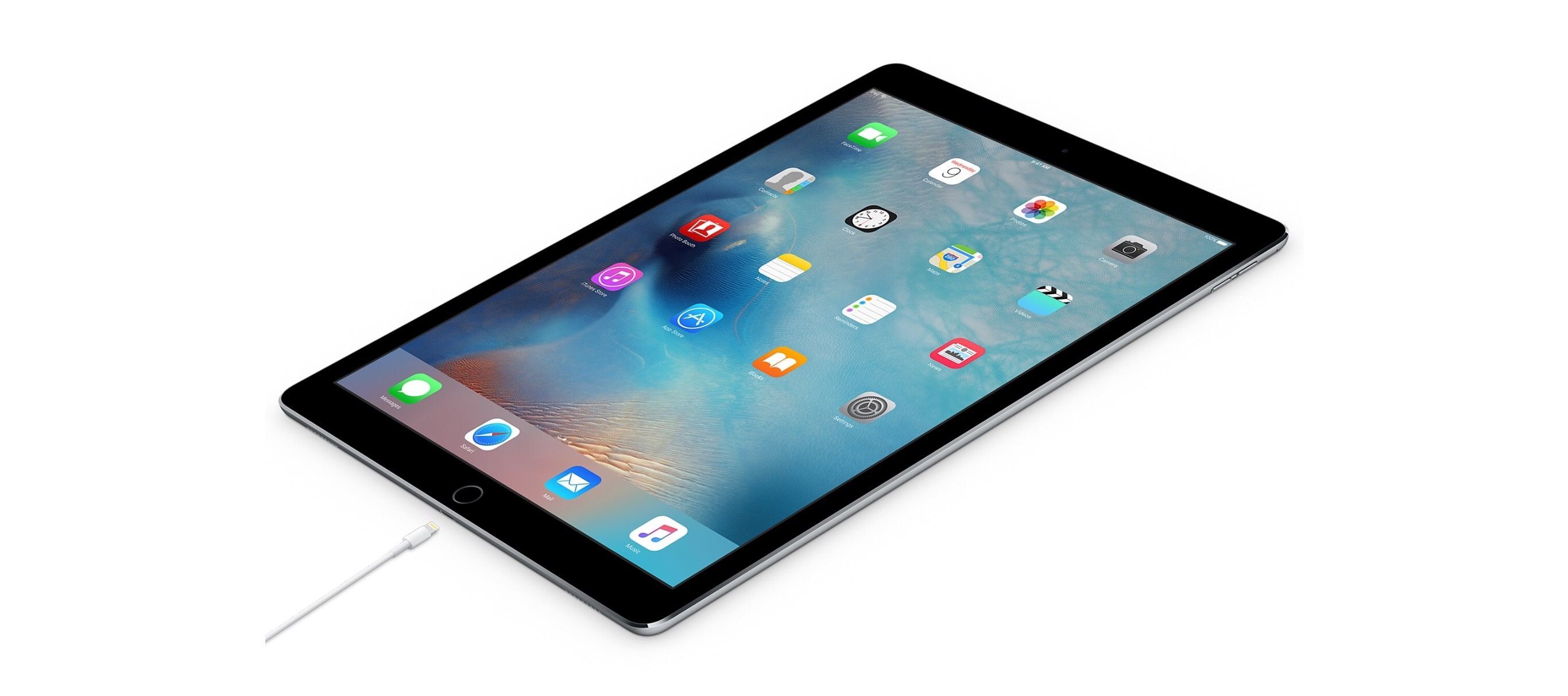
When Apple refreshed its online store with a new USB-C to Lightning cable with support for fast charging through a 29W power adapter on the 12.9-inch iPad Pro last week, the addition immediately caught my interest.
You can also use the cable with an Apple 29W USB-C Power Adapter to take advantage of the fast charging feature on the 12.9-inch iPad Pro. – Apple
Just as everyone was focusing on the smaller iPad Pro and its True Tone display and superior camera, Apple’s semi-hidden note on fast charging seemed to promise a fix for what is, in my opinion, the most annoying aspect of the big iPad Pro – it takes too long to charge.
As I noticed when I was reviewing the iPad Pro last year (and as reported by other publications), the 12W power adapter included in the iPad Pro box takes about four and a half hours to fully charge the device. While the 12W adapter is recommended for fast charging on the iPhone, it barely manages charge a 12.9-inch iPad Pro in under five hours if it’s not being used.
I use the iPad Pro as my only computer every day, and I often need to quickly charge it before going out so I know it won’t run out of juice when I’m using it for a few hours on 4G with music playing through the speakers. Fast charging on the iPad Pro is a big deal to me, though I understand why people who primarily use it at home and charge it overnight won’t see the appeal of it. As soon as we wrapped up our coverage of the March 21 event, I went ahead and splurged 98 Euros on a 29W adapter and a 2-meter USB-C to Lightning cable.
Access Extra Content and Perks
Founded in 2015, Club MacStories has delivered exclusive content every week for nearly a decade.
What started with weekly and monthly email newsletters has blossomed into a family of memberships designed for every MacStories fan.
Club MacStories: Weekly and monthly newsletters via email and the web that are brimming with apps, tips, automation workflows, longform writing, early access to the MacStories Unwind podcast, periodic giveaways, and more;
Club MacStories+: Everything that Club MacStories offers, plus an active Discord community, advanced search and custom RSS features for exploring the Club’s entire back catalog, bonus columns, and dozens of app discounts;
Club Premier: All of the above and AppStories+, an extended version of our flagship podcast that’s delivered early, ad-free, and in high-bitrate audio.
The iPad Pro Changed Zoe Olson’s Illustrating Career→
A remarkable story by talented illustrator Zoe Olson, who used an iPad Pro and Procreate to illustrate a children’s book. Nice to see Tim Cook acknowledging it, too.
(via John Gruber, who points out that she’s been saving for a year to afford an iPad Pro.)
The 9.7-inch iPad Pro and the Embedded Apple SIM→
Matthew Panzarino, after explaining how the embedded Apple SIM in the new iPad Pro works:
That might not sound like great news, but there is one very bright spot for anyone who wants to switch carriers later. All iPad Pro 9.7″ devices have a SIM slot right on the exterior and you can put another carrier’s SIM in that slot even if the iPad Pro itself has been locked to AT&T. In other words, the internal SIM may be locked, but you can “switch” carriers by using another physical SIM that you buy.
I was wondering how this worked. Good to know.
The 9.7-inch iPad Pro and the Missing USB 3 Speed→
Speaking of technical differences between the 9.7-inch iPad Pro and the 12.9-inch model, here’s Jeff Carlson on USB 3 transfer speeds:
If we were talking about laptops or desktops, this would be a bigger deal, because there are more occasions when you transfer data over USB. Looking at broader iPad usage, really not a lot of data passes through the Lightning connector other than if you sync to a computer using iTunes. Most people don’t need it.
But for photographers who want to transfer photos for review or editing from a camera to the iPad, this is almost crippling.
When I reviewed the 12.9-inch iPad Pro, I made a short comparison video showing import speeds using the old SD card adapter and the new USB 3-capable one. Transferring 1.5 GB of image files took 30 seconds via USB 3 and 2 minutes 20 seconds via USB 2. That’s the actual data transfer; just moving image thumbnails so I could preview the photos before importing took 23 seconds via USB 3 and 1 minute 16 seconds via USB 2.
He also mentions fast charging with the 29W USB-C Adapter. As soon as I took a break from our coverage yesterday, that’s the first thing I bought from the Apple Store.