Posts tagged with "featured"

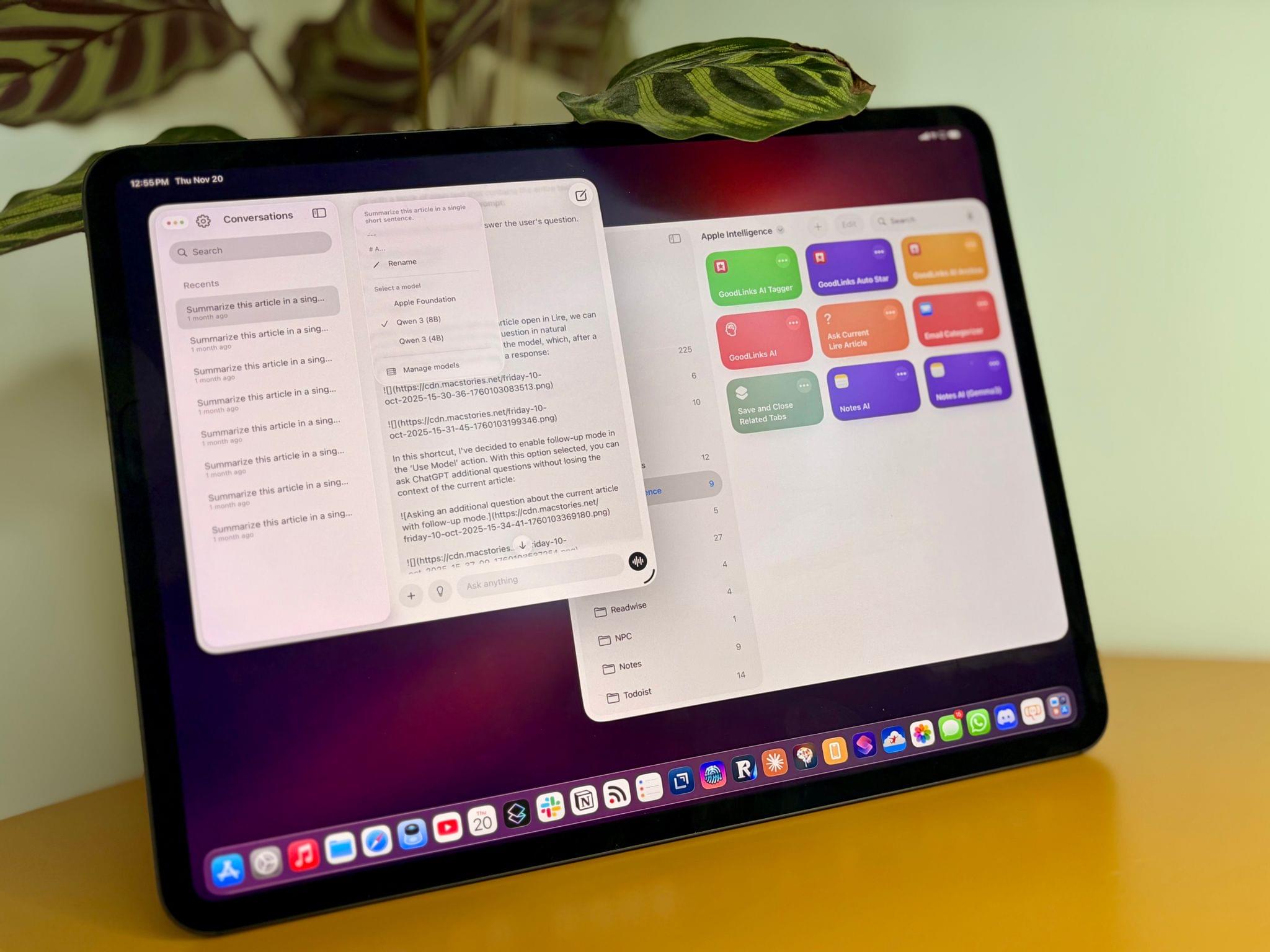
Jump Into the Liquid Glass Pool: A MacStories OS 26 App Roundup

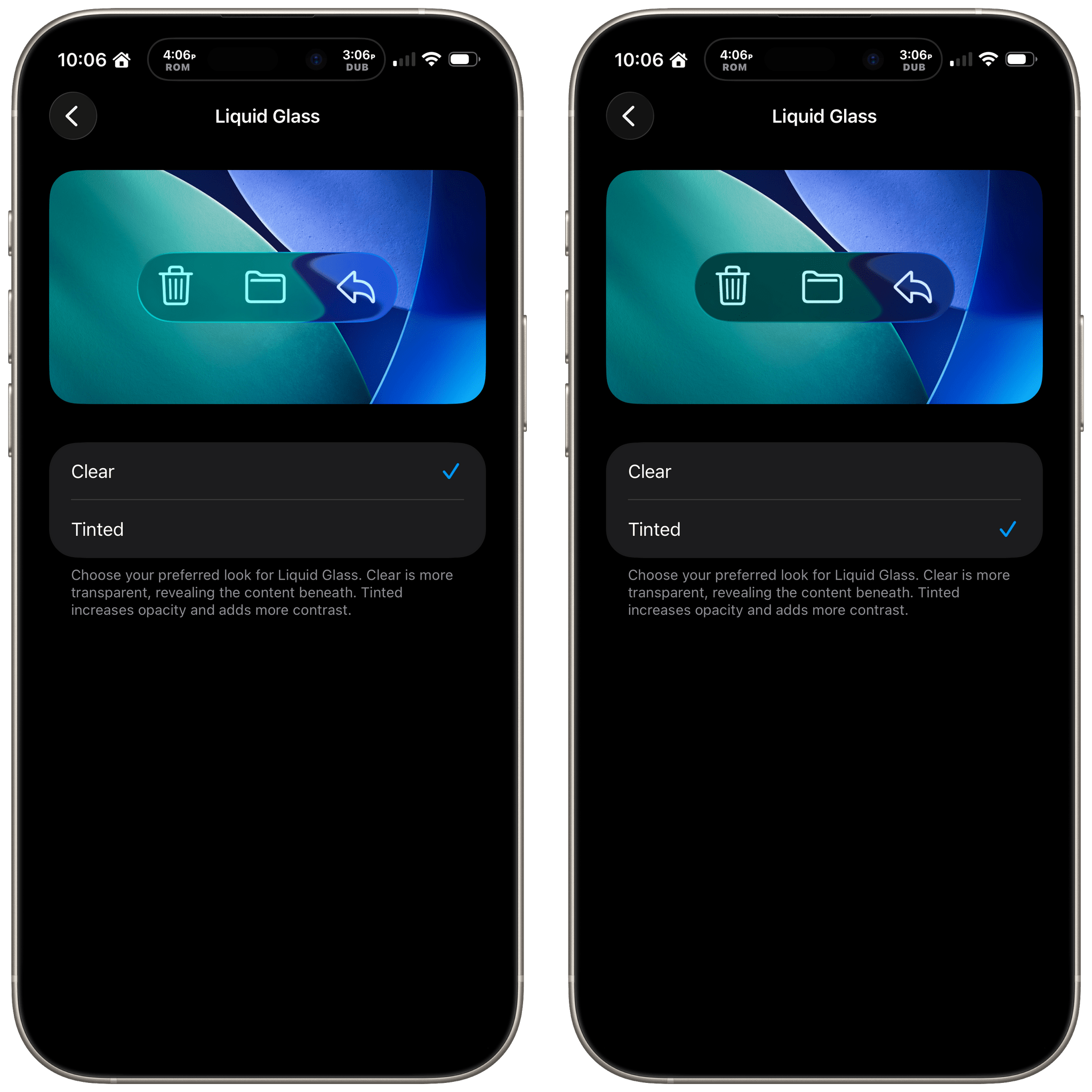
Liquid Glass is the sort of change that takes some getting used to from the perspective of both users and developers. The design language shifted a lot over the course of the summer beta season, which made developers’ lives tougher than in some years. This has resulted in a variety of Liquid Glass implementations across our favorite apps, which is a fascinating study in the range of designs Liquid Glass encompasses.

Today, we wanted to share some of our favorite implementations of Liquid Glass and other features debuted this fall by indie developers. We’ll have more coverage in the weeks ahead, but let’s dive into some of the best OS 26 updates we’ve seen so far.

Devon

Art of Fauna

From developer Klemens Strasser, Art of Fauna is a unique jigsaw puzzle game with a focus on accessibility and animal conservation. Each puzzle features a gorgeous wildlife illustration from the 18th or 19th century and can be solved either by aligning pieces of the picture or by rearranging written descriptions of the animal pictured phrase by phrase. Everything about the app, from the font to the colors to the complexity of the puzzle phrases, can be adjusted to fit each user’s needs. With its beautiful artwork, intuitive gameplay, ambient sound design, and adaptability, it’s no wonder the app won an Apple Design Award for Inclusivity this year.

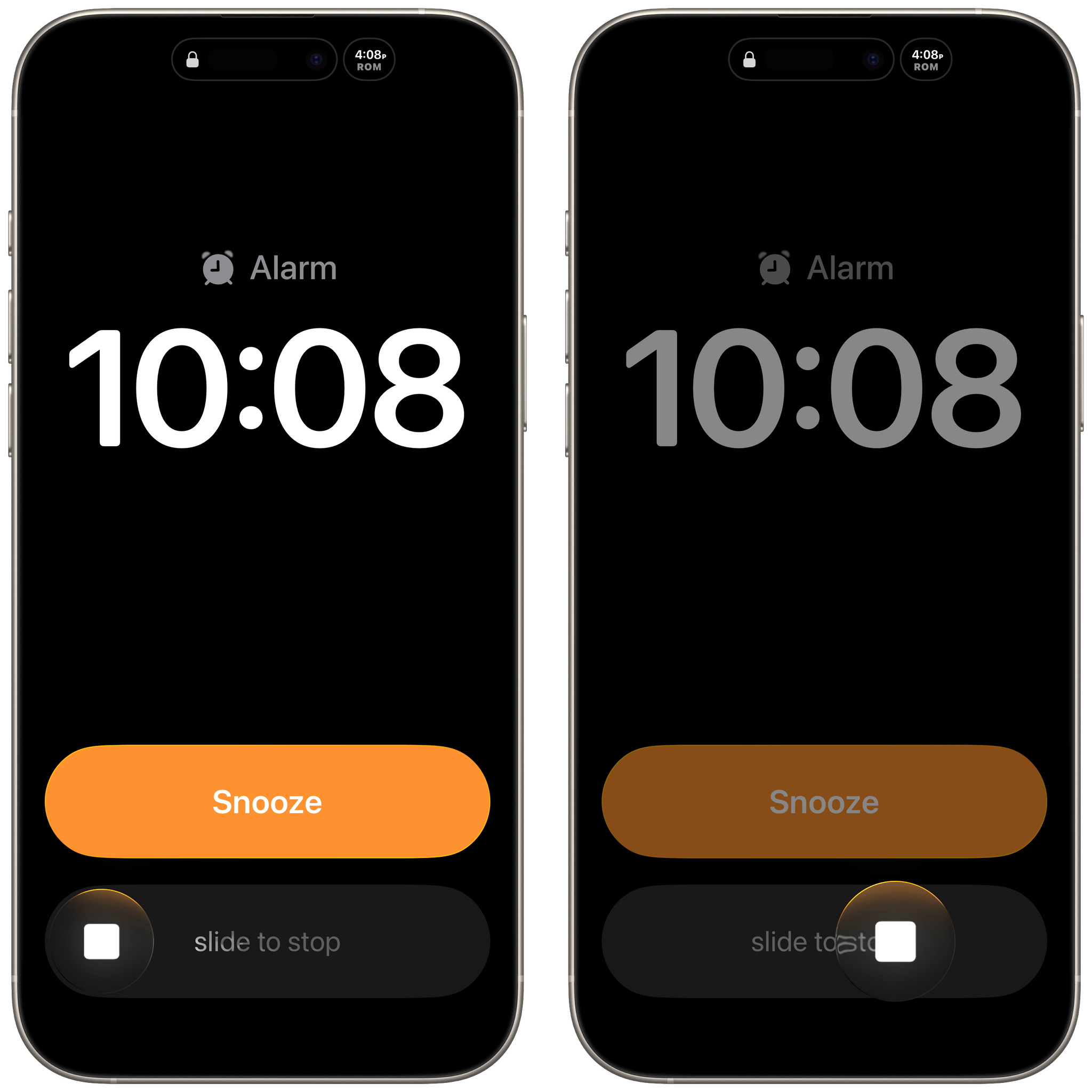
Version 1.8 of Art of Fauna came out alongside iOS 26 with Game Center integration and Liquid Glass design elements in its navigation buttons. But the most interesting new feature is integration with a new app from the team behind Structured called Awake. Put simply, Awake is an alarm clock app that helps you wake up by challenging you to accomplish a task before you can disable your alarm in the morning. With this integration, you can choose to make an Art of Fauna puzzle your morning mission, starting your day with some brain training and a beautiful puzzle. In Awake, you can select the difficulty level of the puzzle you’re presented with each morning, as well as whether you’d like the app to prefer unplayed puzzles over previously played ones.

Art of Fauna is available on iPhone and iPad. It can be downloaded from the App Store and includes ten puzzles for free. There are 100 other puzzles available from five different biomes that can be purchased all at once for $8.99 or in packs of 20 for $2.99 each. 20% of all proceeds from the app are donated to nature preservation causes, and you can learn more about the supported causes in the app’s Giving Back section.

Play

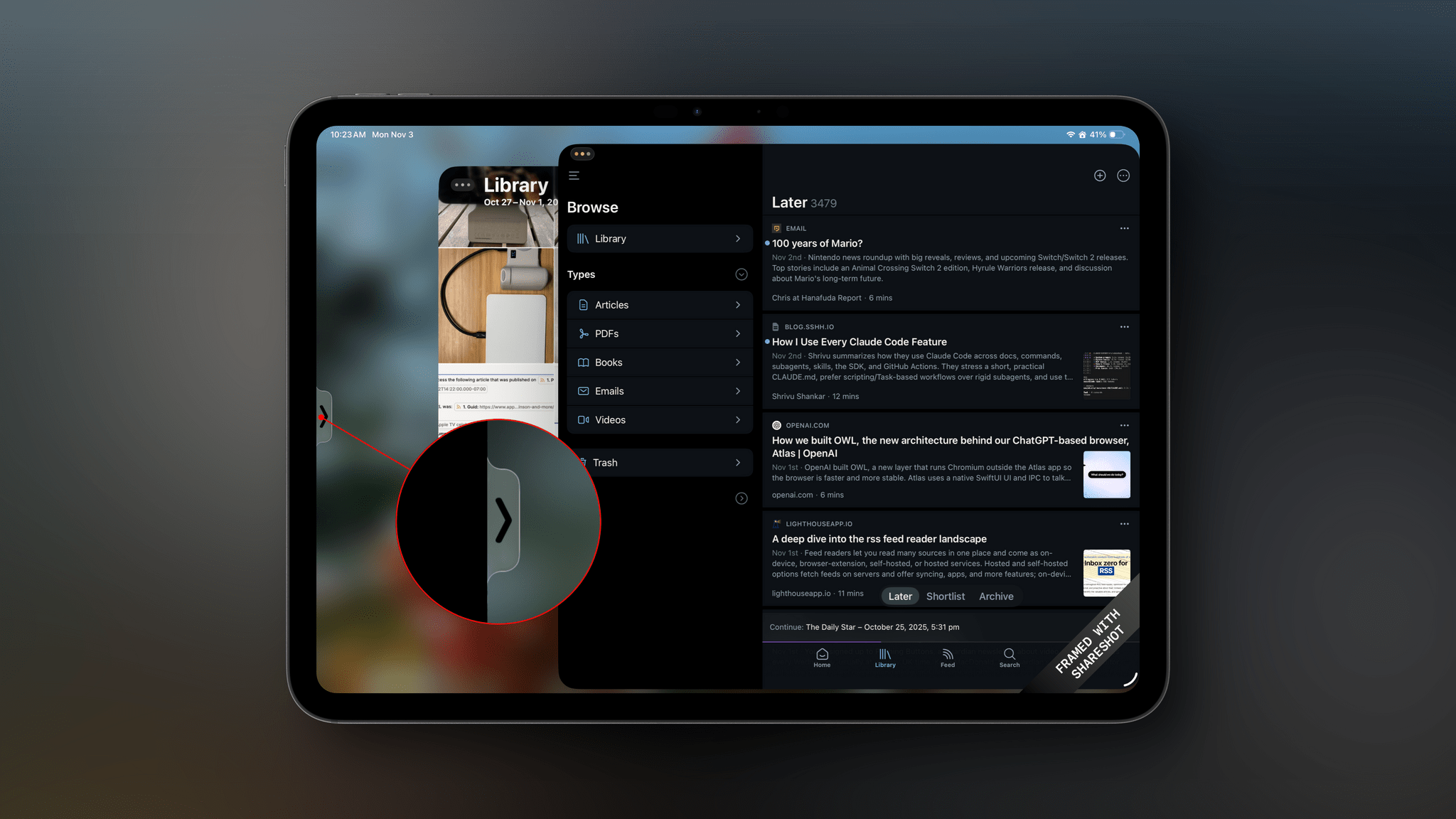
Marcos Tanaka’s watch later utility is a go-to for many – myself included – when it comes to saving, organizing, and watching YouTube videos. With its latest update, version 2.6, Play has added several features enabled by iOS 26.

First up is a Liquid Glass redesign. The sidebar, toolbar, and buttons are all elevated above the content and incorporate the transparent glass material. Buttons and view transitions now feature some fun animations, too, like when the ‘+’ button morphs into the Add Video popover once it’s tapped.

The on-device Apple Intelligence model has enabled Tanaka to add a couple of new AI features as well. Each video’s detail view now includes a ‘Generate’ button that will create and present a text summary of the video’s contents. For those who want to get an idea of what a video is about before watching it, or for those who want a quick refresh on a video they’ve watched before, this feature will come in handy, and it’s a clever application of the on-device model now available to developers. Also, when adding tags to a video, Play can now suggest tags based on a video’s contents, both existing tags and new tags that you can create.

Play is available on iPhone, iPad, Mac, Vision Pro, and Apple TV and can be purchased from the App Store for $2.99. Additional features, like subscribing to channels within the app and searching video transcripts, require a subscription to Play Premium, which costs $2.99/month, $19.99/year, or $99.99 for a lifetime subscription.

Read more


MacStories Deals Roundup: Amazon Prime Big Deal Days

Amazon’s Big Deal Days runs today and tomorrow (October 7–8), so I thought I’d share some of the best deals I’ve discovered so far. We’ll be keeping an eye out for other deals and posting them on the MacStories Deals accounts on Mastodon and Bluesky, too, so be sure to follow either for the very latest finds.

For prices, be sure to visit the MacStories Amazon storefront.

Portable SSDs: Samsung T9 and Lexar Armor 700

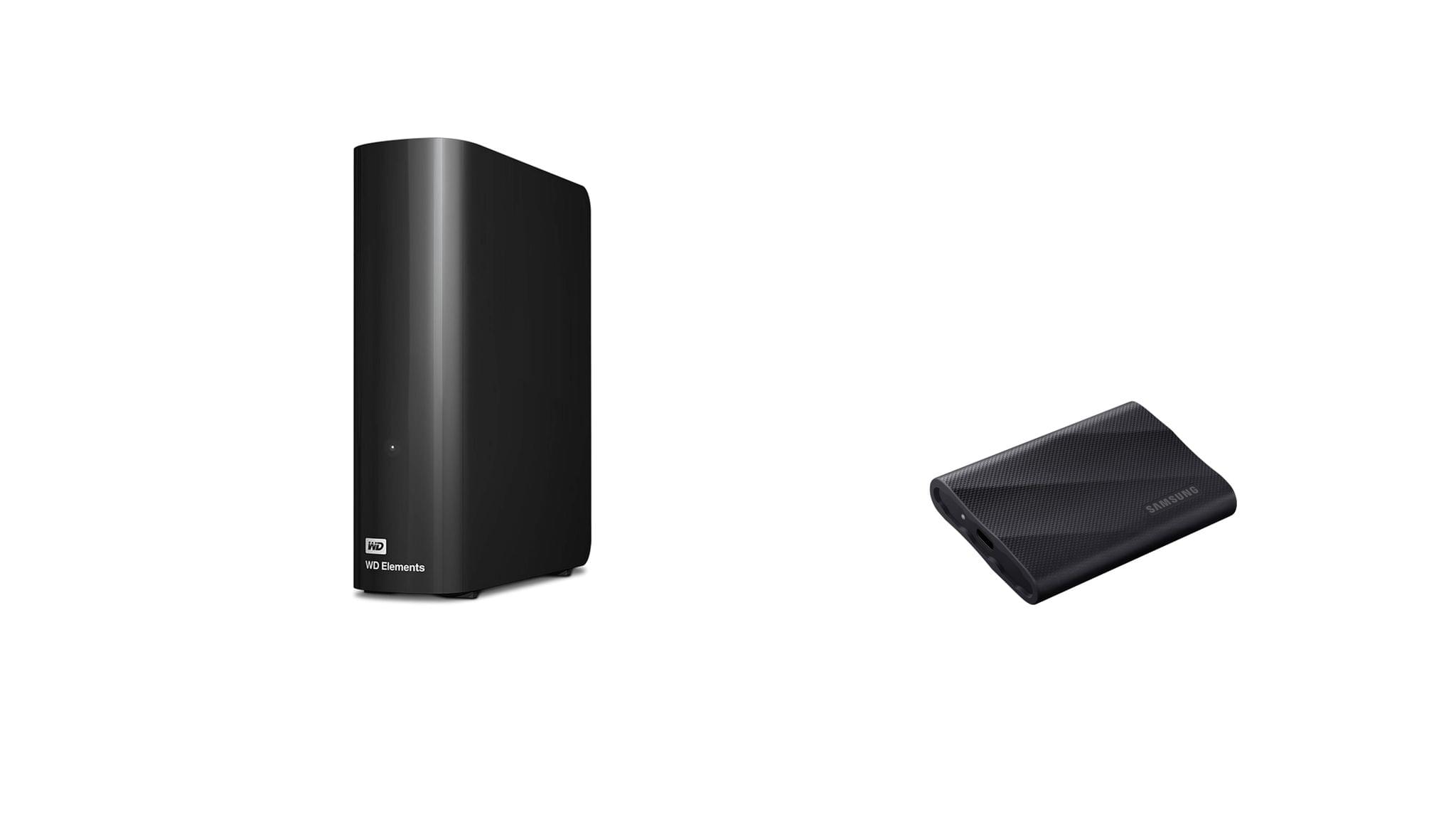
Events like Big Deal Days are always a great opportunity to pick up fast external SSD storage. I’ve used Samsung’s T line of external drives for years, starting with the T5. Lately, I’ve switched to the company’s T9 portable SSDs because they feature USB 3.2 Gen 2x2, which offers the fastest transfers you can get short of something like Thunderbolt 4 or 5, delivering 2,000 MB/s. That’s plenty fast for working with big files or moving a bunch of smaller files from one device to another. I’ve used the T9 for Carbon Copy Cloner backups, Time Machine backups, editing in Final Cut Pro and Logic Pro, and moving my ROM library from one handheld device to another, and it’s been reliable in every case.

During Big Deal Days, the biggest discount is on the 2TB model, with the 1TB model a close second. Depending on your storage needs, you can’t go wrong with either.

More recently, I also started using Lexar’s Armor 700 Portable SSD. In fact, it was one of these drives that we used to transfer huge video and audio files from Apple’s podcast studio at WWDC back to my hotel room for editing.

Like Samsung’s T9, Lexar’s drive features 2,000 MB/s transfer speeds, plus an aluminum case for heat dissipation, a rubberized exterior to help protect against drops, and IP66 water and dust resistance. I’ve been using the 1TB model of the Armor 700, but it’s the 4TB model that’s on the deepest discount during Big Deal Days.

For prices, visit the MacStories Amazon storefront.

Logitech: MX Keys S, Keys-to-Go 2, and POP Mouse

Logitech has gone all-in for Amazon’s big sales event, too. There are a bunch of keyboards, mice, and other accessories on sale, but I’d focus on these three:

The MX Keys S for Mac was my go-to keyboard for years. I’ve switched to Apple’s Magic Keyboard more recently, but if you’re looking for an alternative low-profile keyboard made for the Mac, this is a great pick.

Keys-to-Go 2 is the keyboard I throw in my bag when I need to connect to a handheld gaming device, or when I want a keyboard “just in case” but don’t want to carry my iPad’s Magic Keyboard case. The replaceable watch battery it came with is still going strong, and the integrated cover keeps it from getting damaged. It’s not the most ergonomic keyboard ever designed, but it’s perfect for lightweight travel.

I got a POP Mouse for the same reason I have Logitech’s Keys-to-Go 2 keyboard. It’s a good lightweight on-the-go mouse I can connect to multiple devices. I love that it comes in bright colors, too.

For prices, visit the MacStories Amazon storefront.

Read more


visionOS 26: The MacStories Review

As Apple’s newest and most cutting-edge platform, visionOS is also the hardest to nail down. Vision Pro as a product is still so nascent that people don’t quite know what to make of it. Is it a VR headset for gaming and watching movies? Is it a specialized tool for designers and doctors? Or could it be a computer that everyday people might one day be interested in using for both work and play?

The jury is still out. Although the Vision Pro is very much a product you can buy right now and visionOS is an operating system that users run every day, there’s still an intangible element surrounding the whole ordeal. Most people who aren’t enthusiasts or early adopters have no firsthand experience of what the platform is like. The current form factor limits the potential user base for visionOS to those willing to wear a bulky headset regularly. It’s simply not a platform that just anyone can easily pick up and try for themselves.

But for those who do take the plunge, there’s something about visionOS that’s undeniably compelling on a fundamental level. It just feels cool to see windows and objects within your real space and then be able to move them around freely using your eyes and hands. It’s an interaction model that’s long been dreamed about and speculated on, and it’s available in the here and now.

For some, the form factor tradeoffs and software limitations of the Vision Pro are enough to outweigh the novelty and magic of it all. But there are others who can’t get enough of visionOS as it stands today and can see its potential to be even more in the future. For them – well, I guess I should say for us – the Vision Pro feels like the future.

Based on the ways Apple is moving the platform forward this year, it seems that the company is listening to feedback from both parties. visionOS 26 includes flashy new features for Vision Pro superfans who want to get the most out of the platform’s unique immersive experiences, but it also packs in a bunch of quality-of-life improvements to bring it closer in line with Apple’s other platforms and make the system more approachable to everyday users. And at the same time, the platform is pushing further into areas of interest like gaming and collaboration where it can offer something truly unique from anything else in Apple’s lineup.

When I reviewed visionOS 2 last year, I was amazed at the progress that the platform’s development team had made in such a short time. That pace of growth has not let up over the past year, with enhancements like Apple Intelligence and a remade Guest User mode coming in the middle of the visionOS 2 cycle. And visionOS 26 keeps that rapid development going with a ton of new features, improvements, and capabilities that make Vision Pro even more powerful and enjoyable to use.

Let’s get into it.

Read more


    watchOS 26: The MacStories Review

    Last year was my first covering the watchOS beat with version 11. It turned out to be a trial by fire, with the annual software update for the world’s most popular smartwatch proving to be both sizable and significant.

    While controversy reigned over iOS, iPadOS, and macOS regarding new Apple Intelligence features, watchOS took an exit off of that highway to a more peaceful, focused road that contained real, tangible updates. There were long-requested customizations to Activity Rings, as well as added power and functionality in the Smart Stack. Brand new features like Training Load and the Vitals app started to hint that Apple was maybe, finally, getting serious about, well, serious athletes.

    If I’m being honest, I expected more of the same this year. The watchOS team seemed to be on a roll. Unfortunately, that hasn’t come to pass with watchOS 26, which – unlike watchOS 11 with Apple Intelligence – has been brought along for the ride with this year’s big controversy: Liquid Glass.

    Can watchOS 26 handle this big UI overhaul and still deliver some tangible additions in this, the year of the Apple Watch’s tenth anniversary? Let’s take a look.

    Read more


    macOS 26 Tahoe: The MacStories Review

    I’m going to cut to the chase – I like macOS 26 Tahoe a lot. No, it’s not perfect, and yes, I wish Apple had done even more, but that’s the case every year.

    What I love about Tahoe is its balance. It’s not the sort of thing you can draw up a set of specs or a table of pros and cons for. It just feels right.

    The heart of why Tahoe works is that it meets users where they are better than the typical annual release. If you’ve been using macOS for years and prefer to follow a beaten path through its features, you can. You may stumble across a new feature now and then, and you’ll notice visual differences thanks to Liquid Glass, but I’ve been moving between macOS Sequoia and Tahoe all summer long, and when I’m not seeking out what’s new, everything simply feels familiar and comfortable. That’s a good thing for an OS that’s relied upon by millions of people to get their work done.

    But you’re probably wondering how I can say that given the Liquid Glass design and online drama surrounding it over the summer. The thing is, whether you’re a Liquid Glass fan or foe, it’s just not as big of a deal on the Mac as it is elsewhere. I’ll explain what I like about Liquid Glass and what I don’t, but it hasn’t moved the needle at all when it comes to my daily work.

    What has moved the needle are the new features available in Tahoe. They won’t get in the way of your existing workflows, but if you’re interested iprn exploring new and better ways of getting things done, there’s a lot to like about this update. That’s why I’m such a big fan of macOS 26: it’s a release that walks a careful line between the familiar and the new. There’s no adjustment period, but there are plenty of new features to explore that I think will make a big difference in the way MacStories readers use their Macs.

    So join me for a tour off the beaten path to explore what you can expect to discover in macOS 26 Tahoe.

    Read more


    iOS and iPadOS 26 Review Extras: eBooks, Drafts Actions, Apple Intelligence Shortcuts, and a Special Edition of MacStories Weekly

    Today’s the day! This morning, Federico published his comprehensive review of iOS and iPadOS 26, covering the systems’ design, new app features, and more – including, of course, big changes to iPadOS. His review kicks off a really fun week here at MacStories, and we’re making it extra special with exclusive perks for Club MacStories members. Here’s what’s in store.

    For Club MacStories members, we’ve got some exciting perks to help you dive deeper into Federico’s review:

    • An eBook edition of iOS and iPadOS 26: The MacStories Review that you can download and read on your favorite device or app
    • A behind-the-scenes making-of story in the next MacStories Weekly with details on how Federico researched, wrote, and compiled the review

    If you’re not already a member, you can join Club MacStories for $5/month or $50/year using the buttons below:

    Read more


    iOS and iPadOS 26: The MacStories Review

    Old and new through the liquid glass.

    My first job, I was in-house at a fur company with this old pro copywriter, Greek, named Teddy. And Teddy told me the most important idea in advertising is “new”. Creates an itch. You simply put your product in there as a kind of calamine lotion. But he also talked about a deeper bond with the product: nostalgia. It’s delicate, but potent.

    – Don Draper (Mad Men Season 1, Episode 13 – “The Wheel”)

    I was reminded of this Don Draper quote from one of my all-time favorite TV scenes – the Kodak Carousel pitch – when reflecting upon my contrasting feelings about iOS and iPadOS 26 a few weeks ago. Some of you may be wondering what I’m doing here, starting my annual review of an operating system with a Mad Men reference. But here we are today, with an eye-catching iOS update that, given the circumstances, is betting it all on the glittering allure of a new visual design, and a tablet operating system that comes full circle with old, almost nostalgic functionalities repurposed for the modern age.

    I’ve spent the past three months using and working with iOS and iPadOS 26, and there’s this idea I keep coming back to: the old and new coexist in Apple’s software strategy this year, and they paint a hyperrealistic picture of a company that’s stuck in a transition phase of its own making.

    Read more


    Apple Introduces AirPods Pro 3

    Source: Apple.

    Source: Apple.

    During today’s Awe Dropping event, Apple announced AirPods Pro 3, the next generation of the company’s high-end wireless earbuds. Coming three years after the debut of their predecessors, AirPods Pro 3 feature a rethought design, increased battery life, improved Active Noise Cancellation, and a heart rate sensor, alongside several new software features.

    Apple says they have re-engineered the shape of AirPods Pro to make them a better fit for more users. The buds themselves are smaller with a more center-aligned ear tip to improve stability. They now boast IP57 dust, sweat, and water resistance to better hold up to weather and workouts, and the tips now come in a new XXS size. They continue to support the same pressing and swiping gestures for playback control, as well as the new camera remote capabilities coming to AirPods this fall.

    While AirPods Pro 3 feature a smaller form factor, their case has increased slightly in size over the previous generation, growing a bit taller and wider. The case offers up to 24 hours of battery life, with the buds capable of playing audio for up to eight hours on a single charge with ANC enabled and up to ten hours with Transparency mode enabled. The case also includes the updated U2 chip for improved Precision Finding in Find My.

    Transparency mode is more personalized to make voices sound more natural. Meanwhile, ANC is vastly improved, with Apple saying AirPods Pro 3 are capable of cancelling twice as much noise as the previous generation and four times as much as the original AirPods Pro, thanks to a combination of ultra low-noise microphones, advanced computational audio, and a new foam infusion in the ear tips. In terms of sound quality, the buds incorporate a new multiport acoustic architecture for better airflow, bass response, and clarity, as well as a wider soundstage.

    Read more


    Apple Takes the Wraps Off iPhone Air

    Source: Apple.

    Source: Apple.

    As expected, Apple revealed the iPhone Air today. The stats are impressive: the Air is just 5.6 mm thick and weighs 165 grams, with a 6.5-inch ProMotion screen and the A19 Pro chip.

    The back of the device is protected with Ceramic Shield, while the front uses the new Ceramic Shield 2, which Apple says is three times more scratch-resistant. In addition to the A19 Pro chip, the internals of the Air include a new Apple-designed N1 chip that controls Wi-Fi, Bluetooth, and Thread connectivity. Apple says the N1 will improve features like Personal Hotspot and AirDrop. The phone features Apple’s new C1X 5G modem, too.

    Apple says the A19 Pro’s 6-core CPU improves both the performance and efficiency of the chip. It also includes a 5-core GPU with each core sporting a Neural Accelerator for a claimed 3× boost in performance.

    Read more