Posts tagged with "apple watch"

Apple Watch Support Removed from Major Apps

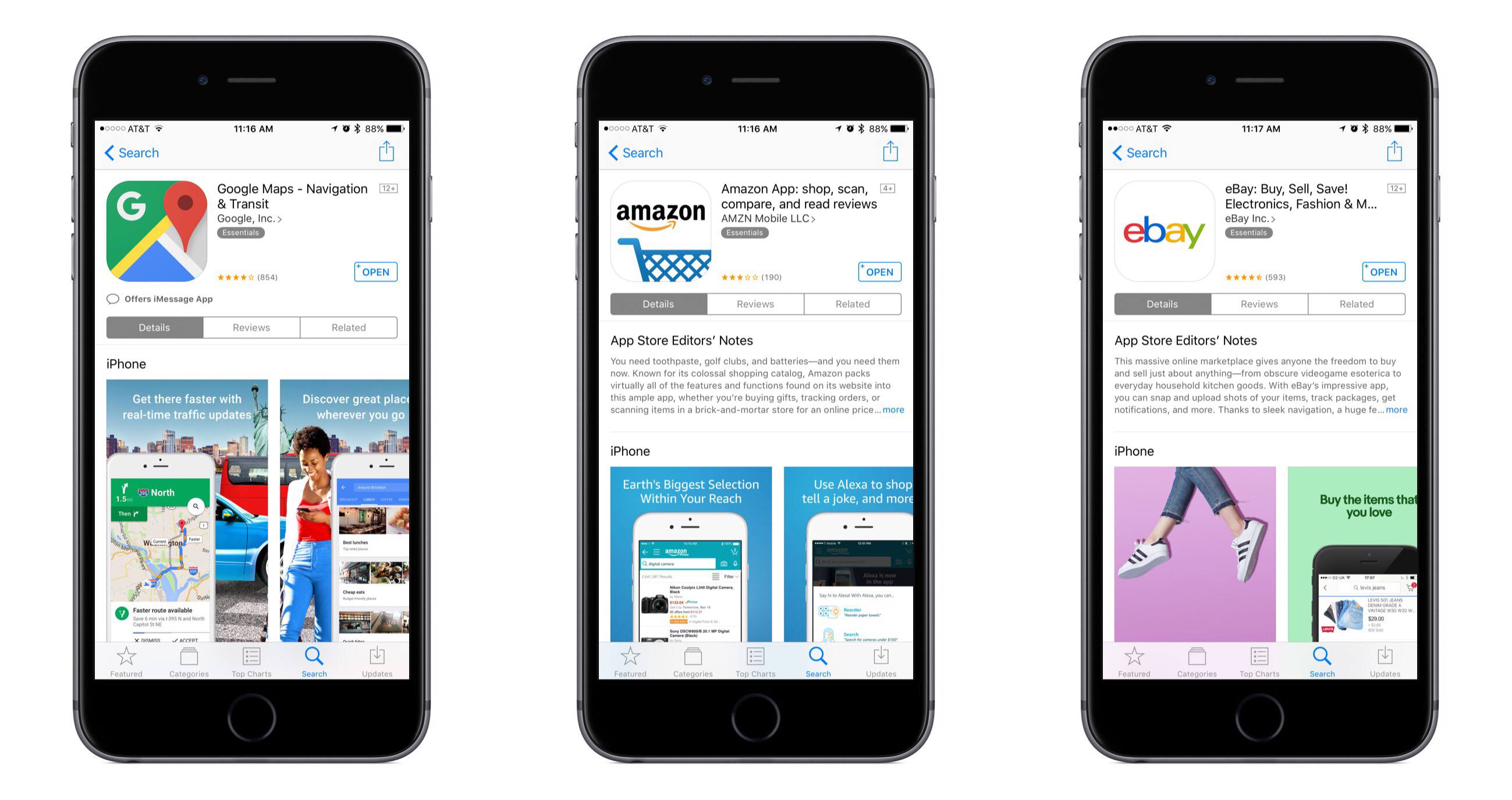
Neil Hughes of AppleInsider reports that major apps like Google Maps, Amazon, and eBay have all quietly removed support for the Apple Watch.

Google released a comment on the story stating their intention to reinstate Watch support in the future.

While apps like Amazon and eBay may not be well-suited for the Apple Watch to begin with, the bigger story here is how long it took for anyone to notice that the Watch apps were removed. Hughes writes:

The fact that these high-profile removals have gone largely unnoticed could be a sign that the apps simply were not widely used. In contrast, removing iPad support from an iOS app, for example, would likely be noticed immediately and generate headlines.

The Apple Watch has proven to be a challenging platform for developers to find success on. Initially that could be attributed to slow hardware and limited developer tools, but Apple has made significant improvements with watchOS 3 and its 2nd-generation hardware. Perhaps part of the challenge is that not every app belongs on the Apple Watch, and for the ones that do, the implementation has to be just right.

Permalink

Nike Announces New, Limited Edition Apple Watch Dubbed ‘NikeLab’

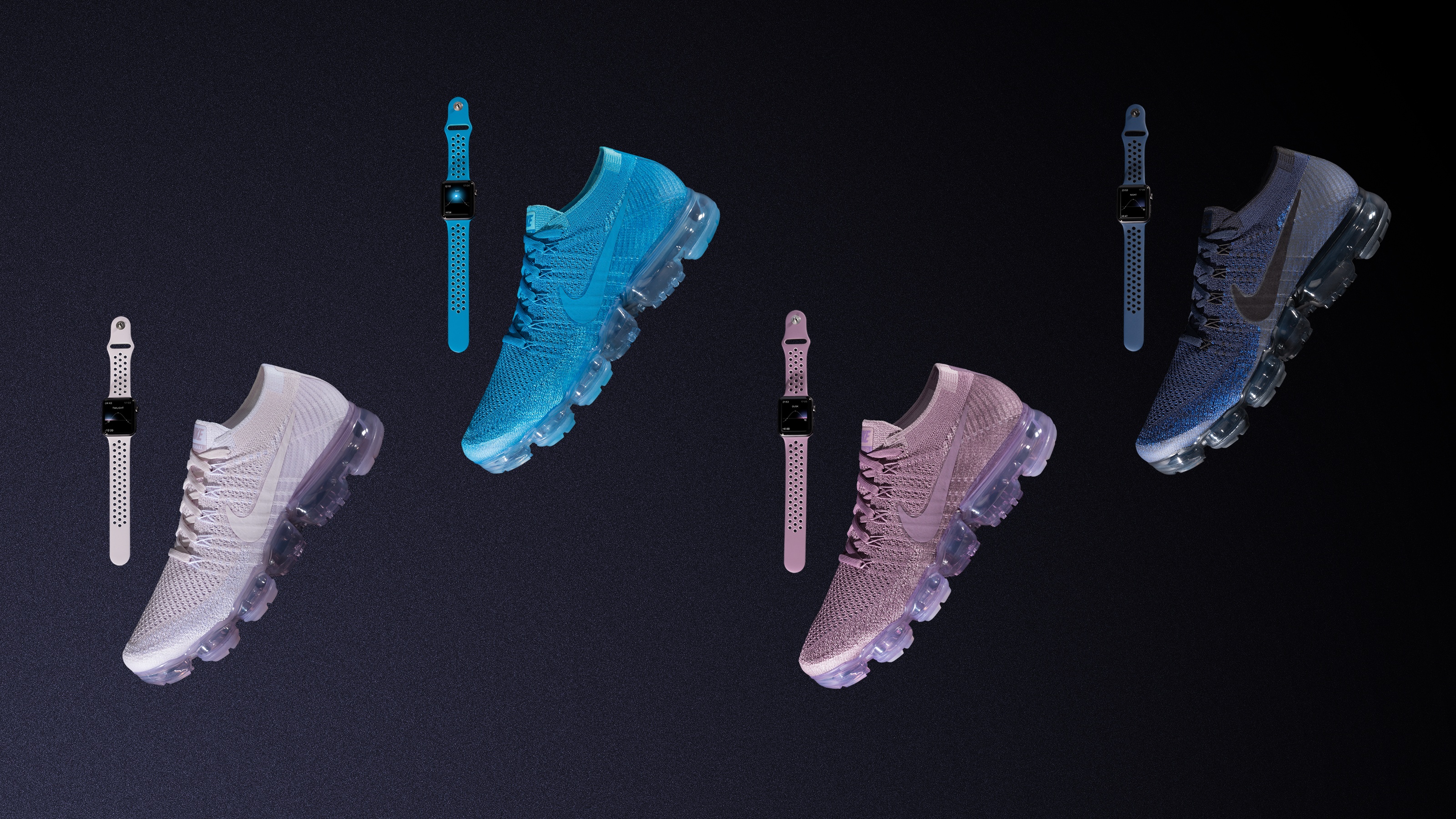
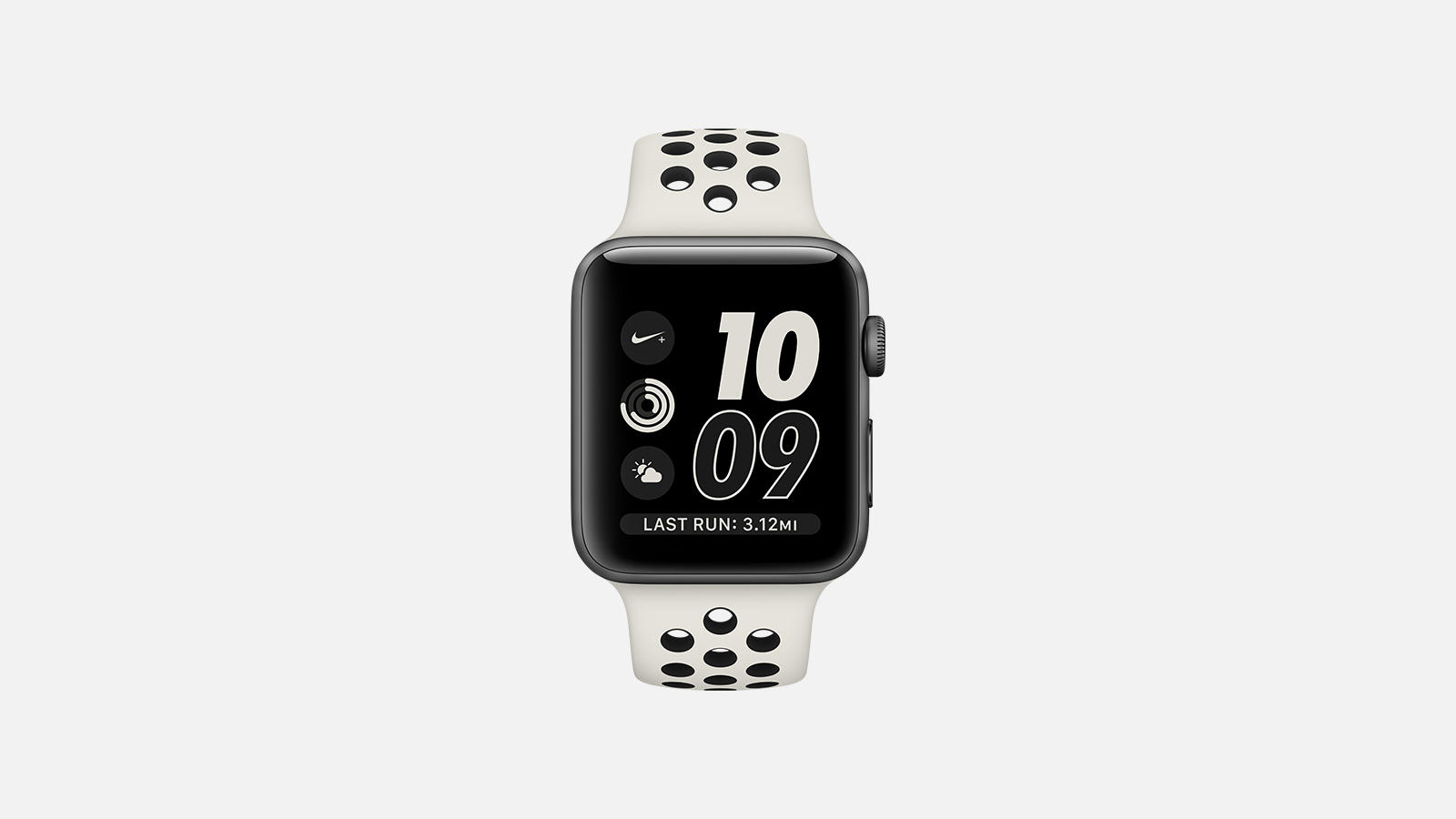
Nike has news out today concerning the latest fruits of its partnership with Apple. A new model of Apple Watch called ‘Apple Watch NikeLab’ is coming soon:

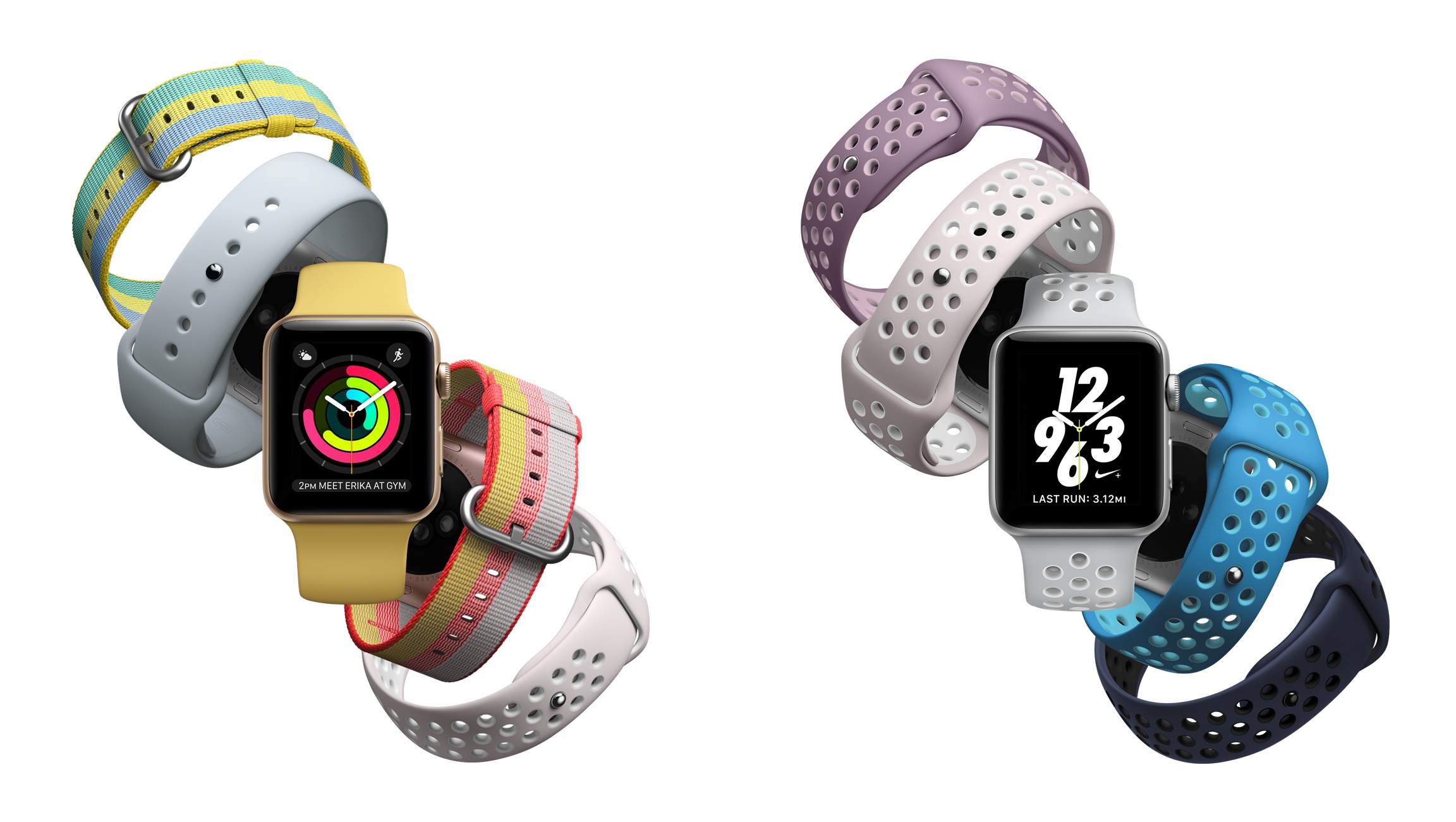
The limited edition, neutral-toned Apple Watch NikeLab maintains the beloved features of its predecessor: deep integration with the Nike+ Run Club app, exclusive Siri commands, GPS, a two-times-brighter display and water resistance to 50 meters, all made possible by a powerful dual-core processor and watchOS 3. ​

I don’t understand why Nike felt the need to give this Watch a new name rather than releasing it as an extension of the Nike+ line. Perhaps it’s simply a marketing angle, as they are presenting the NikeLab as a limited edition model.

If you’d like to get your hands on the Apple Watch NikeLab, it goes on sale April 27th on nike.com, at NikeLab stores, and at an Apple Tokyo pop-up in Isetan. Assuming this is a comprehensive list of sellers, it means you won’t be able to get the Watch from the Apple Store. It also appears unlikely that the band will be available for separate purchase, though that remains unclear.


Apple Announces New Activity Challenge for Earth Day

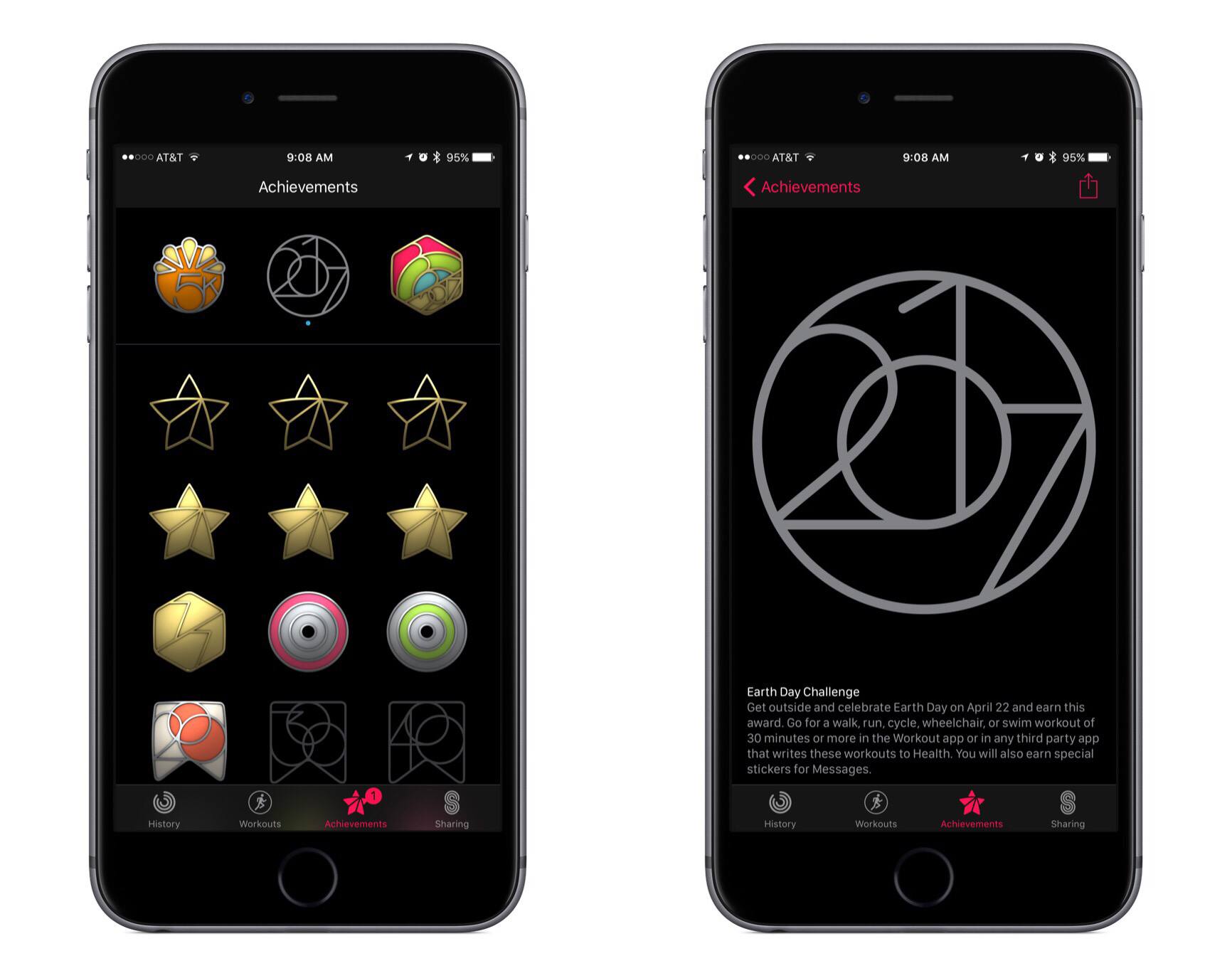
This morning Apple notified Apple Watch users that the company’s third activity challenge was coming up soon. Following challenges for Thanksgiving (U.S. only) and the start of the new year, the latest challenge is in celebration of Earth Day on Saturday, April 22nd.

This new challenge encourages Apple Watch owners to complete a 30-minute or longer walk, run, cycle, wheelchair, or swim workout on Earth Day. Doing so will earn a special Achievement in the Activity app, as well as unlock a few new iMessage stickers.

My wife and I are two-for-two on prior activity challenges, so I’m sure we’ll aim for the trifecta and complete the Earth Day challenge as well. If Apple pushed these challenges more frequently, they might be less motivating, but so far I think the company has struck a healthy level of frequency by centering challenges around special occasions.


AutoSleep 4.0

AutoSleep, my favorite sleep tracking app for Apple Watch, has received a major update to version 4.0 earlier this week, which has brought a complete redesign that makes the app more intuitive and informative.

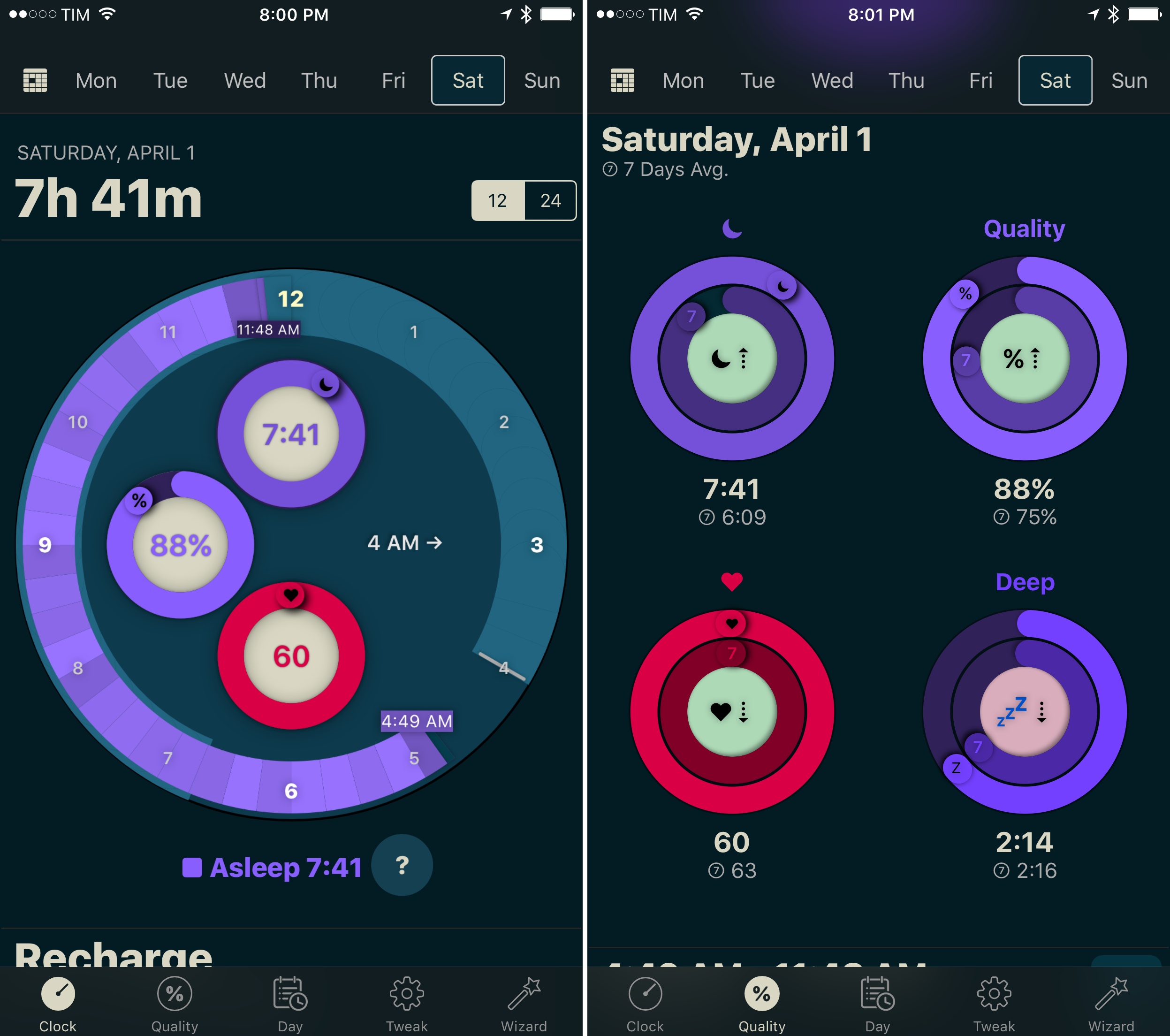
Developer David Walsh has been busy with AutoSleep’s development: version 3.0 was already quite a departure from the original app released in December 2016, but AutoSleep 4.0 feels like something else entirely. The app is finally beautiful to look at, with a clever visualization of sleep times and quality based on rings. In the main clock UI, you can now easily see how much you’ve slept and the quality of your sleep; at the bottom of the same page, another set of rings displays ‘Today’s Sleep’ alongside an arguably more useful 7-day average. This use of rings is reminiscent of Apple’s Activity app, and I think it’s a perfect match for sleep tracking. If Apple ever adds native sleep tracking to watchOS, I wouldn’t be surprised to see an implementation similar to AutoSleep.

There’s a lot more to explore in AutoSleep 4.0 – the app now has a dark interface (which makes the colored rings truly pop), every chart has been redesigned and reworded for clarity, and browsing an individual day’s timeline is faster than before. I continue to be impressed with Walsh’s ability to listen to feedback and iterate without drifting away from AutoSleep’s underlying goal, which is to help you form better sleep habits by seeing what you’re doing wrong.

AutoSleep makes me appreciate wearing the Apple Watch more. I highly recommend taking version 4.0 for a spin if you haven’t tried the app in a while.

AutoSleep 4.0 is available on the App Store.


AutoSleep 3.0

I first reviewed AutoSleep by David Walsh in December, noting how his idea of an automatic watchOS sleep tracker could bring one of the best Fitbit features to the Apple Watch. I’ve been wearing my Watch to bed every night, and AutoSleep has successfully logged sleep data with impressive accuracy.

As I wrote in my original review, however, AutoSleep needed an easier setup process and a cleaner design to help users understand and edit logged data. Walsh has been working hard on AutoSleep since launch, and version 3.0, released today on the App Store, addresses several of my complaints from the original app.

The setup wizard has been completely redesigned with a series of questions that make it easy to configure the app for your habits. Instead of cramming information on a single page, Sleep Quality and Day now have their own tabs in the app; the Day section is particularly handy to view a timeline of your day as logged by sensors on the iPhone and Apple Watch. Generally speaking, everything feels cleaner and better organized, and while some menus and symbols could still be explained differently, the overall app is more intuitive and accurate in its measurements.

Thanks to the fantastic battery life of the Apple Watch Series 2, wearing the Watch at night for sleep tracking isn’t a problem, and AutoSleep makes automatic tracking a reality with features I can’t find in any other app. If you tried the app and abandoned it at version 1.0, now’s a good time to check it out again.

AutoSleep 3.0 is available on the App Store.

Upcoming watchOS 3.2 Includes New Theater Mode and Siri Improvements

Alongside beta versions of iOS, macOS, and tvOS, Apple today announced the release of the first beta of watchOS 3.2. The beta has yet to appear on Apple’s developer portal, but it should be available soon. Besides the standard bug fixes and performance improvements, this update includes a couple new features, one of which is called Theater Mode. From Apple’s developer release notes:

Theater Mode lets users quickly mute the sound on their Apple Watch and avoid waking the screen on wrist raise. Users still receive notifications (including haptics) while in Theater Mode, which they can view by tapping the screen or pressing the Digital Crown.

This sounds like an interesting new option that could be useful in scenarios besides being at the movie theater. Personally, I’m likely to use Theater Mode when I wear my Apple Watch overnight for sleep tracking. My normal practice is to turn off Raise to Wake in the Settings app before going to bed, but this could prove an easier method.

Besides Theater Mode, the most significant update in 3.2 is enhancements to Siri. Last year iOS 10 improved Siri by enabling it to handle queries from third-party apps that fit into specific categories:

  • Messaging
  • Payments
  • Ride booking
  • Workouts
  • Calling
  • Searching photos

Though all of those areas could be handled by Siri on iOS 10, Siri on Apple Watch was previously only able to direct you to your iPhone to perform those actions. But with watchOS 3.2, that is longer the case, as Siri on the Watch is now able to perform these third-party requests.

watchOS 3.2 will likely see a public release this spring, after a couple months of beta testing is complete.


Twelve South Introduces ActionSleeve for Apple Watch

Having an Apple Watch on your wrist is not ideal for some activities. Twelve South introduced an interesting solution at CES today. The ActionSleeve is an armband for the Apple Watch. Slide your Apple Watch out of its band, pop it into the ActionSleeve, and you’re ready to go.

The ActionSleeve is already available to order on TwelveSouth’s website for $29.99. For anyone who participates in an activity where having something on your wrist is an issue, the ActionSleeve could enable fitness tracking that wasn’t possible before. For others, the fact that the ActionSleeve makes it hard (if not impossible) to glance at real-time statistics while you are exercising may be a nonstarter.

Personally, I’m intrigued. I like collecting fitness data while out on a run or walk, but I sometimes find the availability of glanceable information a distraction. Putting my Apple Watch in an armband has the appeal of enabling me to collect data that I can review later without the distraction of real-time statistics.

We’ll have more on the ActionSleeve soon. In the meantime, here is TwelveSouth’s promo video for the product:

Permalink