Posts tagged with "apple watch"

Apple to Celebrate Heart Month in February with Activity Challenge and Today at Apple Sessions

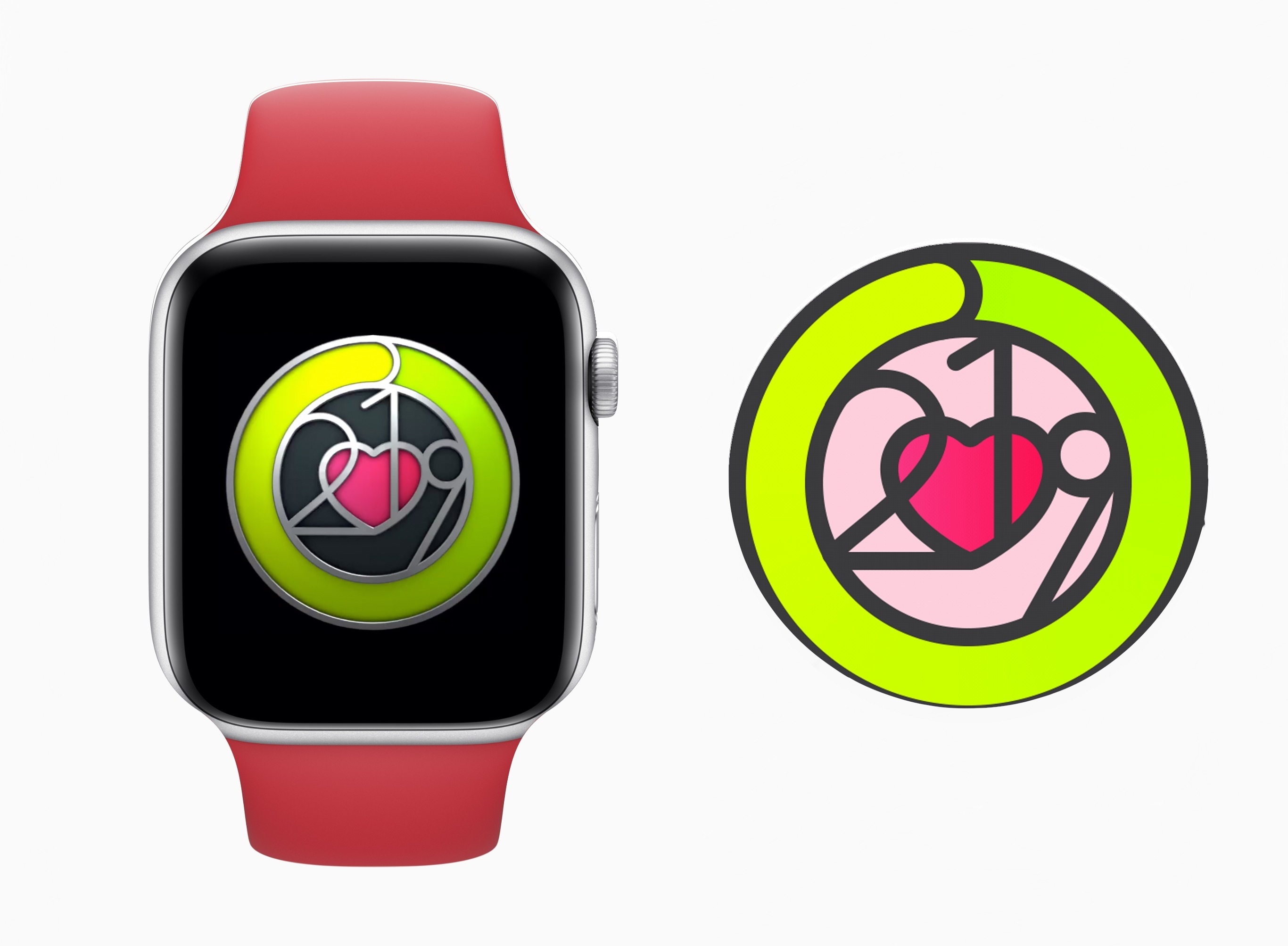
Apple announced this morning two ways it plans to celebrate Heart Month in February. First, a new Activity Challenge for Apple Watch users will run from February 8-14, rewarding those who close their Exercise ring each day of that week-long period with a special badge and iMessage stickers. Second, Apple will be utilizing its retail Today at Apple sessions to educate consumers on their heart health.

In recognition of Heart Month, Apple will host special Today at Apple sessions, “Heart Health with Apple,” in stores in New York, Chicago and San Francisco with celebrity fitness trainer Jeanette Jenkins, Sumbul Desai, MD, Apple’s vice president of Health, Nancy Brown, CEO of the American Heart Association, Jay Blahnik, senior director of fitness for health technologies, and Julz Arney and Craig Bolton from the Apple Fitness Technologies team. Attendees will hear a discussion about heart health and participate in a new Health & Fitness Walk, which was co-created with Jeanette for participants to take a brisk walk with Apple Watch around their community.

These special sessions will be limited to a single session each in the three listed cities, with Apple Union Square hosting on February 11 at 6:00pm, Apple Williamsburg on February 21 at 4:30pm, and Apple Michigan Avenue hosting the final session on February 27 at 6:00pm.

Health is an area of growing importance to Apple, as the evolution of the Apple Watch over its life has shown. Because of that, educating users on heart health via Today at Apple seems like a natural move for the company. And it’s a safe bet we’ll start seeing more health-focused sessions introduced in the future.
Apple Frames Shortcut, Now with Support for the 11” iPad Pro and Apple Watch Series 4 40mm

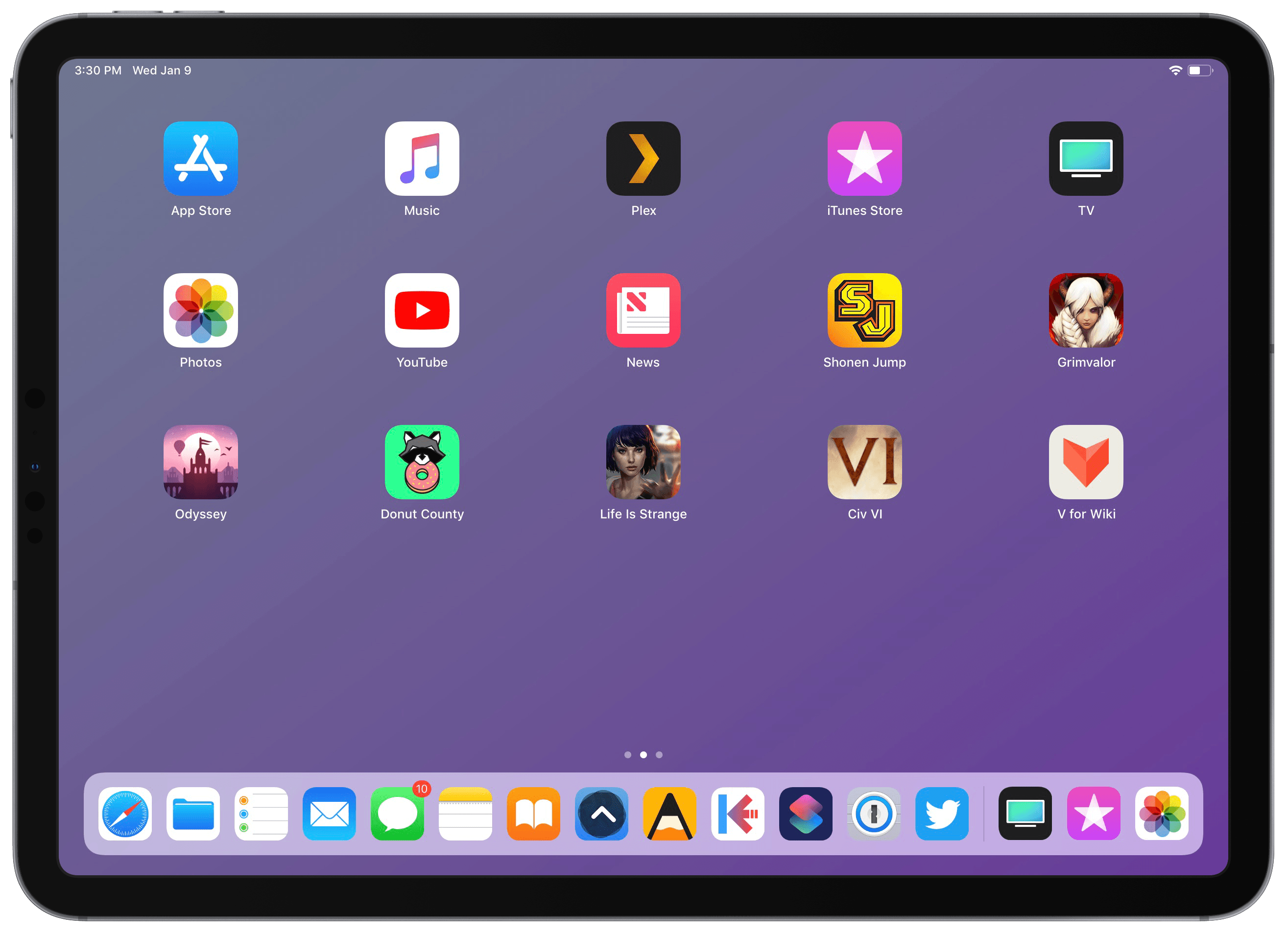
Apple Frames, my shortcut to add device frames to screenshots taken on modern Apple devices, has been updated with support for the 11” iPad Pro and 40mm Apple Watch Series 4. This marks the second major update to Apple Frames, which now supports the following Apple devices:

  • iPhone 6, 7, 8, and X
  • iPhone XS and XS Max
  • iPad Pro 11” and 12.9” (2018 models)
  • Apple Watch Series 4 (44mm and 40mm)
  • MacBook Pro (Retina 13”)
  • iMac 5K

Read more


AutoSleep 6: Effortless Sleep Tracking More Accessible Than Ever

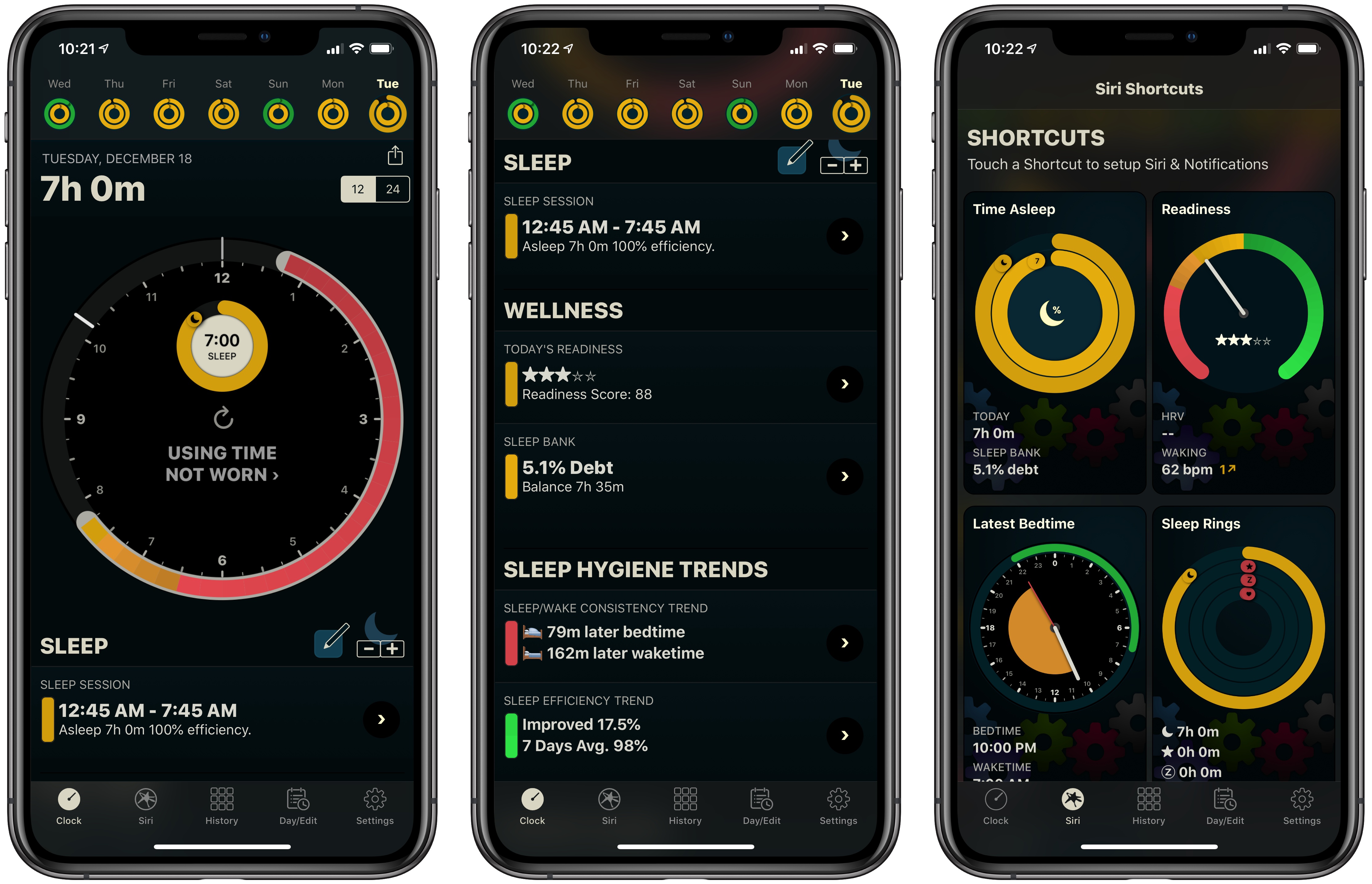
If you’ve followed MacStories for long, you probably already know that AutoSleep is one of our favorite sleep tracking apps on iOS. The app stands out for offering a frictionless, effort-free experience. Where other sleep trackers may require you to start and stop sleep tracking manually, AutoSleep takes the burden of remembering those tedious tasks off your plate. If you wear an Apple Watch to sleep, the app will automatically detect your sleep patterns even without a separate Watch app installed. If you don’t have a Watch, or simply don’t wear it to bed, the app will track your sleep through other methods. Whatever your habits are, AutoSleep has you covered.

Today marks the debut of AutoSleep’s latest major iteration: version 6.0, which introduces new wellness features, refined graphs and color schemes, sleep hygiene trends, Siri shortcuts, an improved Watch app, and more. It’s an extensive update that simplifies some aspects of the app while branching out into fresh, innovative areas of health tracking.

Read more


The Electrodes Used by Apple’s ECG Watch App Enable Faster, More Accurate Heart Rate Measurements

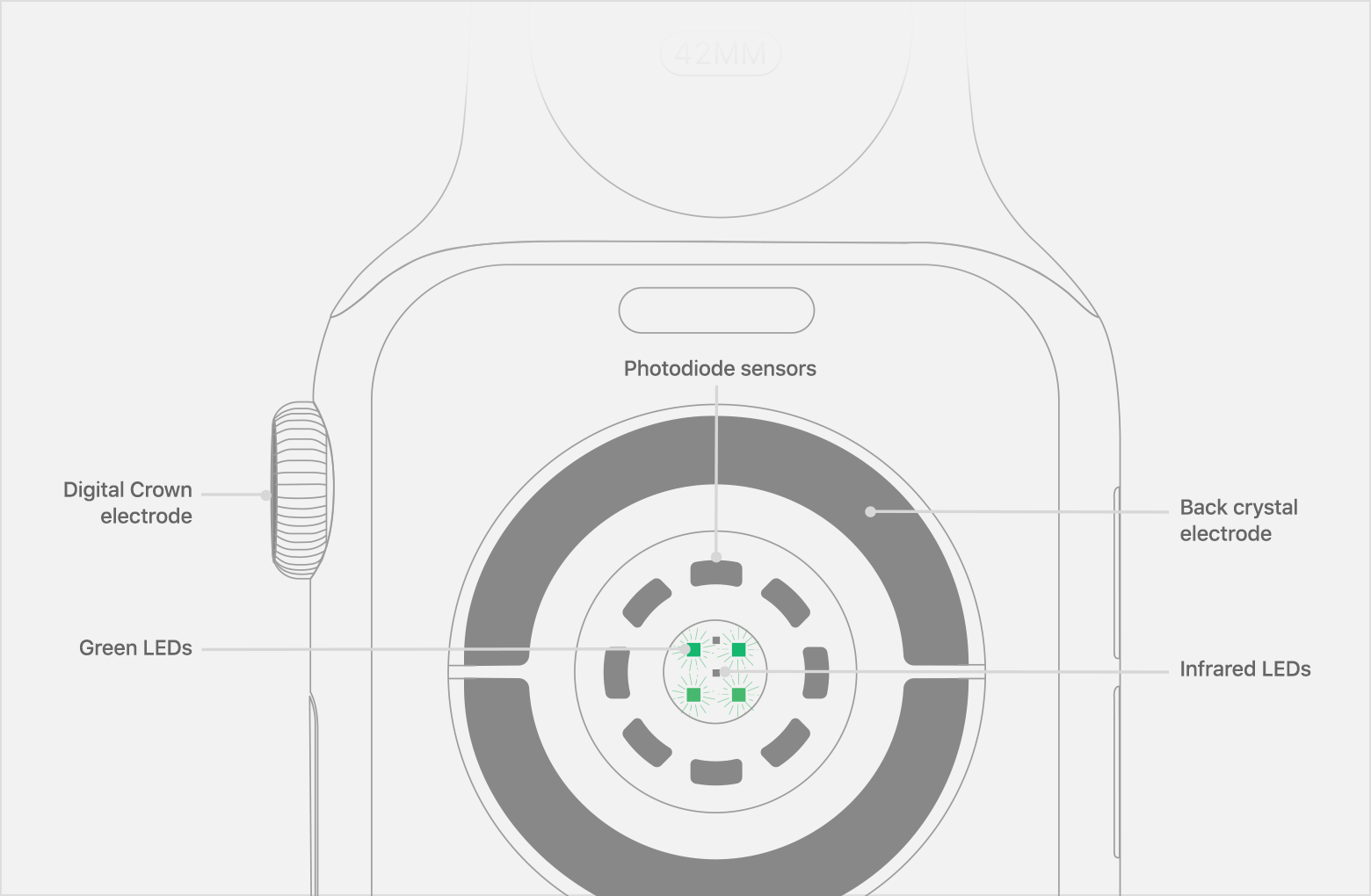
On 9to5Mac, Zac Hall breaks down how the new electrodes work in the Apple Watch Series 4 based on details published by Apple when it updated watchOS last week with the new ECG app. For now, the ECG app is only available in the US, but that doesn’t mean that others can’t benefit from the hardware that it uses. As Hall explains:

According to Apple, putting your finger on the Digital Crown to capture a heart rate reading also measures faster and with more accuracy as it updates every second versus every five seconds while the measurement is active.

That’s because placing your finger on the Digital Crown completes a circuit between your heart and arms that allows the Watch to record electrical impulses across your chest.

It will take time for the ECG app to gain the approval of regulators worldwide. However, in the meantime, it’s nice to know that the hardware that makes the ECG app possible is enhancing heart rate capture for everyone.

Permalink

Electrocardiogram App and Irregular Heart Rhythm Notifications Available Today

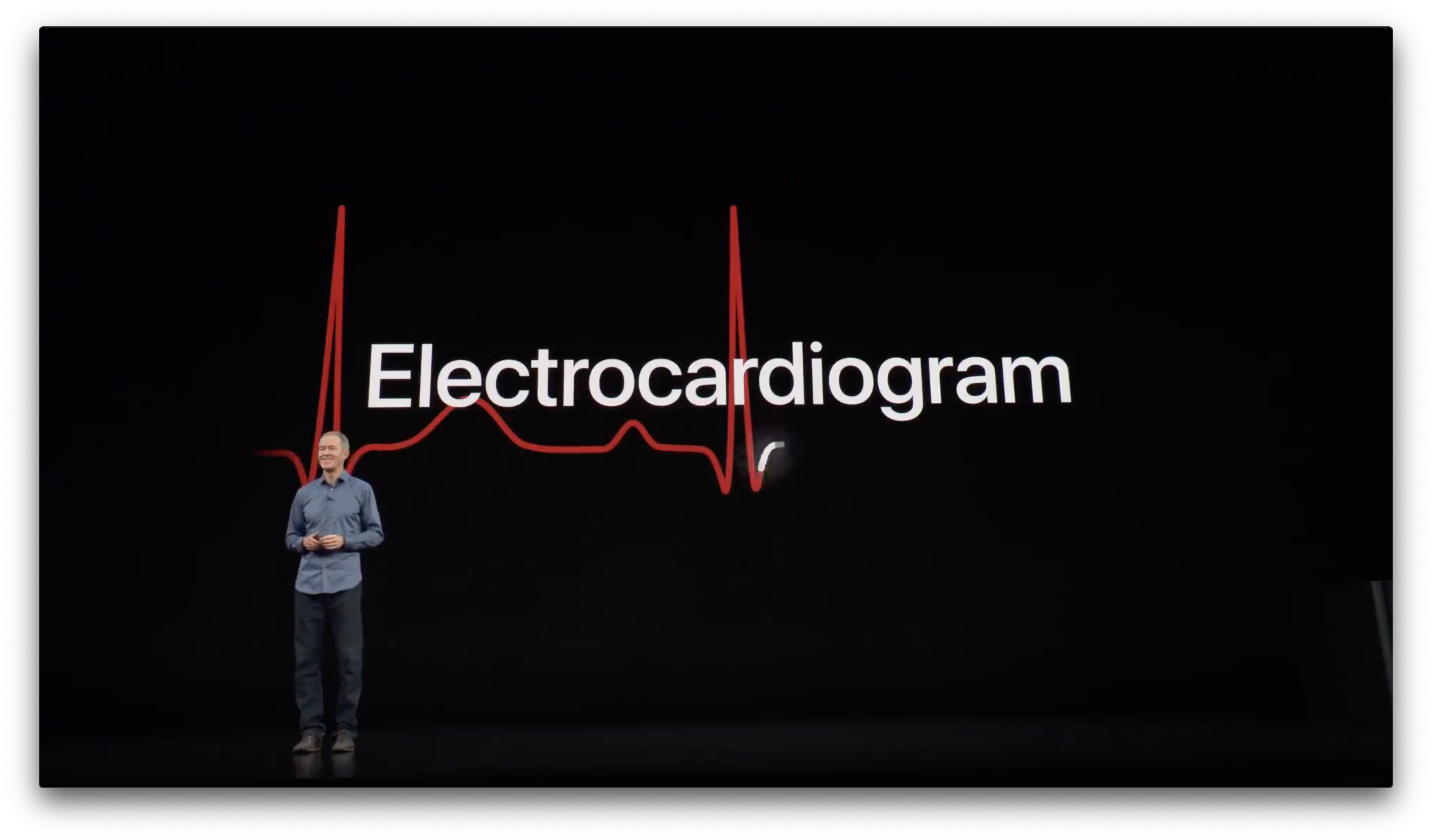
At Apple’s September keynote the company introduced the Series 4 Apple Watch. Among the features announced was a preview of the ability to generate an electrocardiogram or ECG within thirty seconds by placing a finger on the Digital Crown. At the time, Apple said the ECG functionality would ship in a software update ‘later this year.’

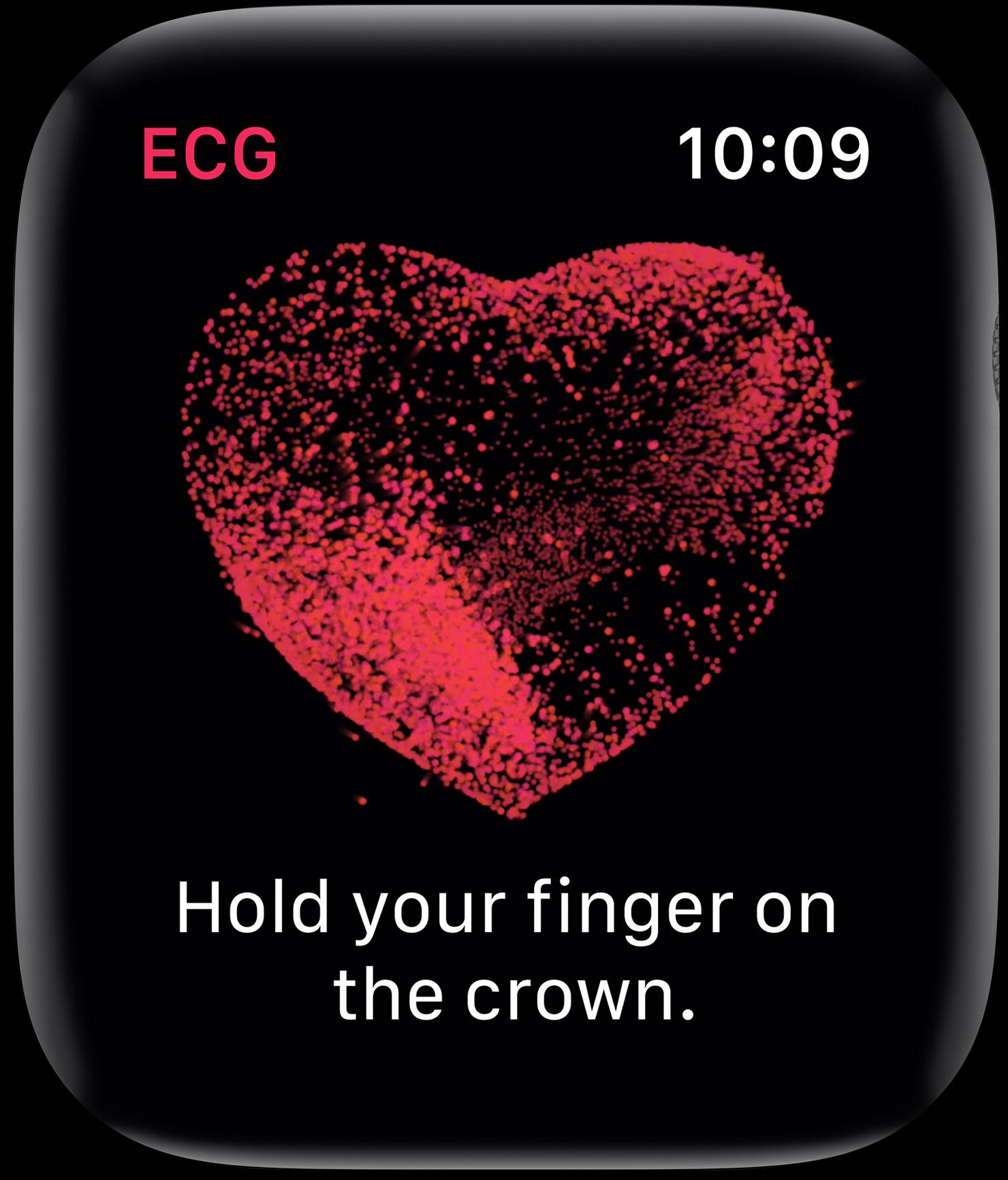
Today, with the release of watchOS 5.1.2, Apple has shipped the ECG app. As we explained in the MacStories Series 4 overview, the ECG functionality is enabled by new hardware including a new titanium electrode built into the Digital Crown:

This electrode pairs with another electrode built into the bottom of the Series 4’s new sapphire crystal back. When you place your finger over the top of the crown you form a closed circuit between your finger and the wrist of your other arm – where the back electrode is making contact.

Apple’s ECG sensor is notable because it’s the first of its kind available over the counter to consumers. ECG results taken with the Apple Watch are stored in the Health app, from which they can be exported as a PDF for sharing with your physician.

According to Apple’s press release:

The ECG app’s ability to accurately classify an ECG recording into AFib and sinus rhythm was validated in a clinical trial of around 600 participants. Rhythm classification from a gold standard 12-lead ECG by a cardiologist was compared to the rhythm classification of a simultaneously collected ECG from the ECG app. The study found the ECG app on Apple Watch demonstrated 98.3 percent sensitivity in classifying AFib and 99.6 percent specificity in classifying sinus rhythm in classifiable recordings. In the study, 87.8 percent of recordings could be classified by the ECG app.

watchOS has also been updated to notify users of irregular heart rhythms:

the irregular rhythm notification feature will occasionally check the user’s heart rhythm in the background for signs of an irregular heart rhythm that appears to be AFib and alerts the user with a notification if an irregular rhythm is detected on five rhythm checks over a minimum of 65 minutes.

The irregular heart rhythm notification feature, which is available for the Series 1 Watch and later, was likewise tested in clinical studies:

In that sub-study, of the participants that received an irregular rhythm notification on their Apple Watch while simultaneously wearing an ECG patch, 80 percent showed AFib on the ECG patch and 98 percent showed AFib or other clinically relevant arrhythmias.

The new Apple Watch ECG app and irregular heart rhythm notification feature are available as part of watchOS 5.1.2, which can be downloaded from the Software Update section of the Watch app on your iPhone.


Developers Show What They Could Make if Apple Opened Up Watch Face Development

Last week we linked to Marco Arment’s article critiquing Apple’s watch faces and calling for Apple to open up watch face design and development to third parties. By the next day, Steve Troughton-Smith had an Xcode project up and running that uses SpriteKit to simulate custom watch faces. Troughton-Smith posted pictures of the watch faces he created on Twitter, which drew a lot of interest from other developers.

Troughton-Smith uploaded his watch face project to GitHub, and in the days that followed, developers, including David Smith, who’s been making Apple Watch apps for his health and fitness apps since the Series 0 was introduced, began playing with Troughton-Smith’s code. Writing about the experience on his website Smith said:

There is something delightful about solving a problem that is superficially so simple and constrained. The constraint leads to lots of opportunities for creative thinking. Ultimately you just need to communicate the time but how you do that can take countless different forms. It reminds me of the various ‘UI Playgrounds’ that have existed in app design. For a while it was twitter clients, then podcast players and weather apps.

I spent the weekend following along as Troughton-Smith, Smith, and others designed all manner of personalized watch faces. The experience reminds me of the flurry of activity and excitement during the first months after the iPhone was released when developers reverse-engineered Apple’s APIs to create the first jailbroken apps even before there was an App Store. Let’s hope that history repeats itself and Apple opens up watch face development to third parties like it did with apps.

Below and after the break, we’ve collected tweets following Troughton-Smith’s work and showing off some of the designs that have been created over the past several days.

https://twitter.com/stroughtonsmith/status/1049733933175369729
https://twitter.com/stroughtonsmith/status/1049739746967203840
https://twitter.com/stroughtonsmith/status/1050010561151475712
https://twitter.com/stroughtonsmith/status/1050022867738484736

Read more


Apple Watch Face Legibility

In a post on Marco.org, Overcast developer Marco Arment critiques the design of many of the current Apple Watch faces. Using a variety of analog watches as references, Arment highlights the design elements that make them legible, few of which are followed by Apple’s faces:

Across a wide variety of brands, styles, and price points, a few key design principles are clear:

  • The hour markers for 12 (and often 3/6/9) are more prominent.
  • The hour indices are much larger than the minute markings.
  • The hour hands nearly touch the hour indices.

These all improve legibility by making it as fast and easy as possible to know which hour is being indicated (and minimize the chance of an off-by-one error), first by orienting your eyes to the current rotation with the 12 marker, then by minimizing the distance between the hour hand and the indices it’s between.

Arment is especially critical of the Infograph face, which is so hard to read that many people have resorted to using a digital time complication with it. He concludes that it’s time for Apple to allow third parties to create watch faces.

We covered our Apple Watch faces on AppStories this week, and both Federico and I noted that we use a digital time complication with the Infograph watch face because the hands are so hard to read. As Arment’s piece points out, that isn’t uncommon, but it shouldn’t be necessary and is a pretty clear indication that the design is flawed. I’ve been happy with the Series 4 Watch’s support for more complications, but I also want more face options and flexibility across watch faces. It’s time for Apple to re-evaluate its current watch faces and reconsider letting developers create faces of their own.

Permalink