

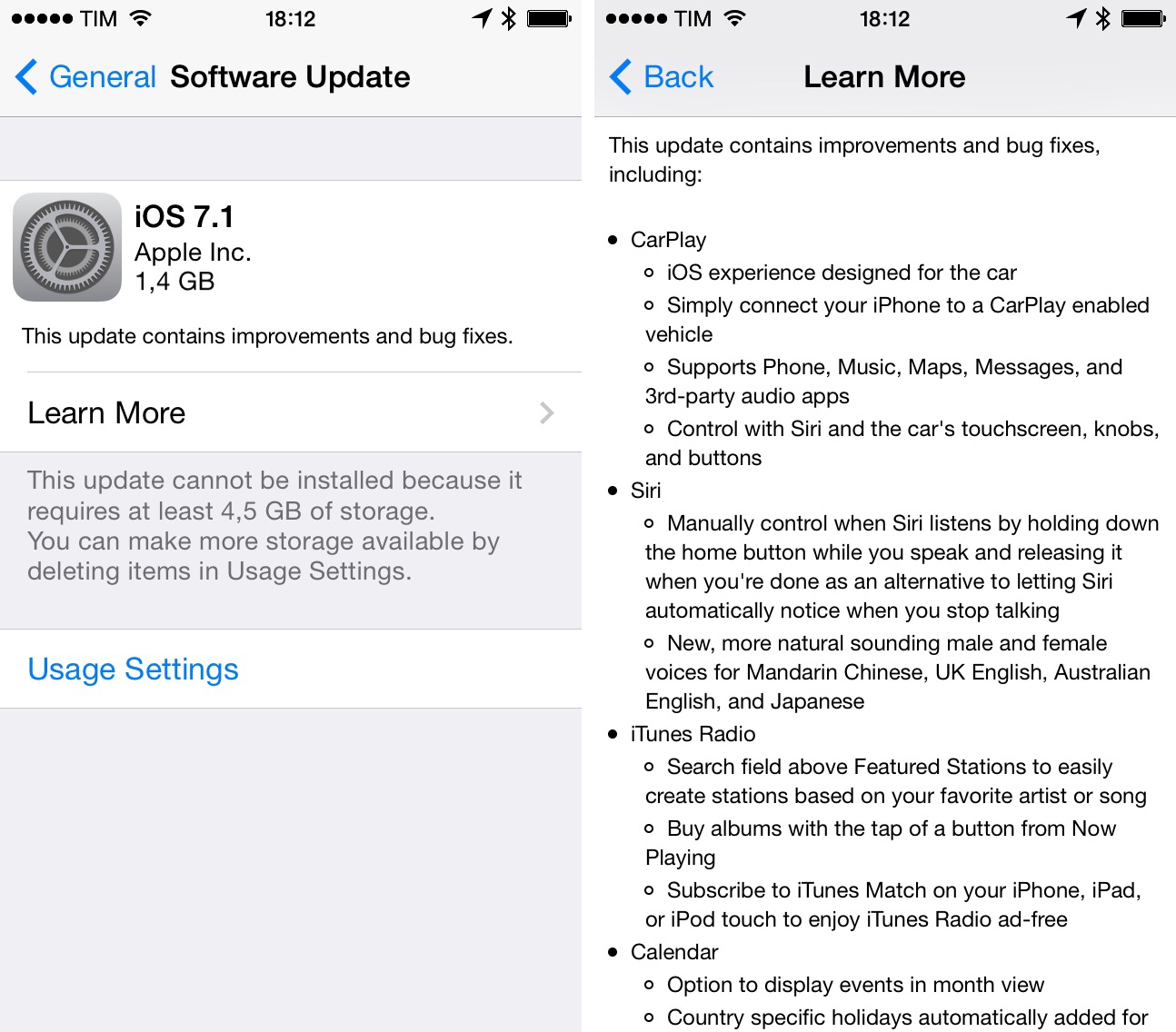
Apple today released iOS 7.1, the company’s first major update to iOS 7, which was released in September 2013. iOS 7.1 has been in testing with registered iOS developers since November, and it brings a variety of bug fixes, performance improvements, faster animations, CarPlay, user interface changes, and minor tweaks.
Apple Releases iOS 7.1
Use The Hidden iTunes Store Power Search→
The iTunes Store used to have a Power Search link in its page footers. You could choose to search specific types of content, and enter search terms in appropriate fields, such as Artist for music; Author for books; Actor for movies; etc. With iTunes 11, this link disappeared, but there’s still a way to get to it.
I had forgotten about this tip shared by Kirk McElhearn. If you want a faster way to access Power Search in iTunes using AppleScript, Doug Adams shows you how.
Tweetbot 3.3 Adds Avenir Font Option, Large Thumbnails
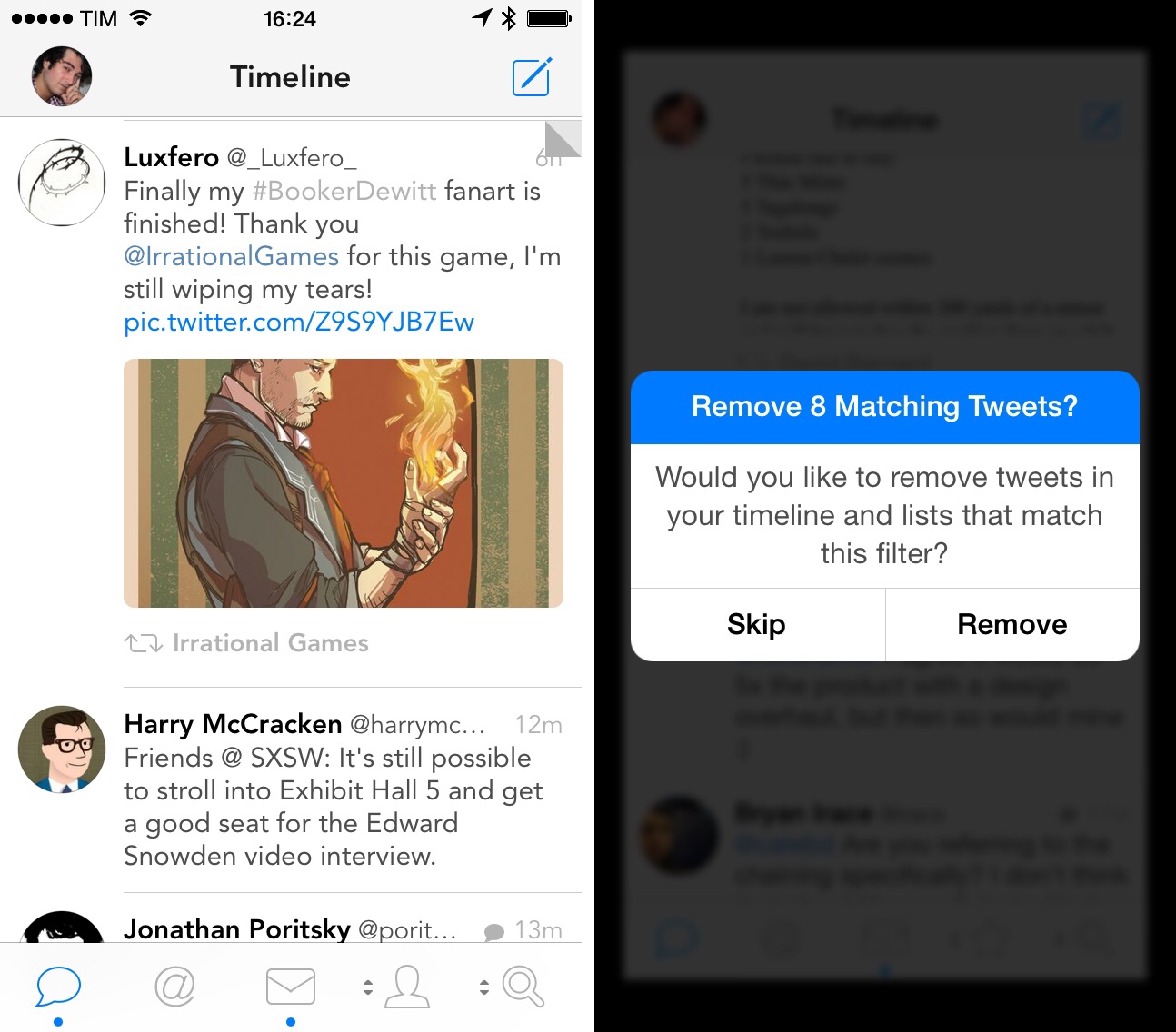
Tweetbot, Tapbots’ Twitter client for iPhone that was relaunched in October for iOS 7, has been updated today with new display options and the possibility to remove tweets that match a filter.
For the past few months, Tapbots has been working on improvements to Tweetbot’s presentation and text size controls, adding new settings in version 3.1 and a night theme in 3.2 alongside additions to account management and reordering. In today’s update, Tweetbot gets a new font option in the Preferences to enable Avenir as the app’s primary typeface, as well as a new setting to enlarge thumbnails in the timeline. The latter makes Tweetbot more akin to the official Twitter app for iPhone in that it displays large photos (and app icon previews for iTunes links) that give a better idea of a media item inline without having to show the tweet detail view.
Just like Tweetbot for Mac, Tweetbot for iPhone can now remove tweets that match a mute filter as soon as the filter is added. Through a dialog box, the app will offer to remove matching tweets that have already been loaded in the timeline. The option is particularly welcome if you, for instance, wake up in the morning and realize you don’t want to scroll through hundreds of tweets about an event that happened overnight.
Tweetbot 3.3 further refines Tapbots’ vision for Tweetbot 3 on the iPhone, and it’s available now on the App Store.
Beats Music Launches API For Third-Party Developers
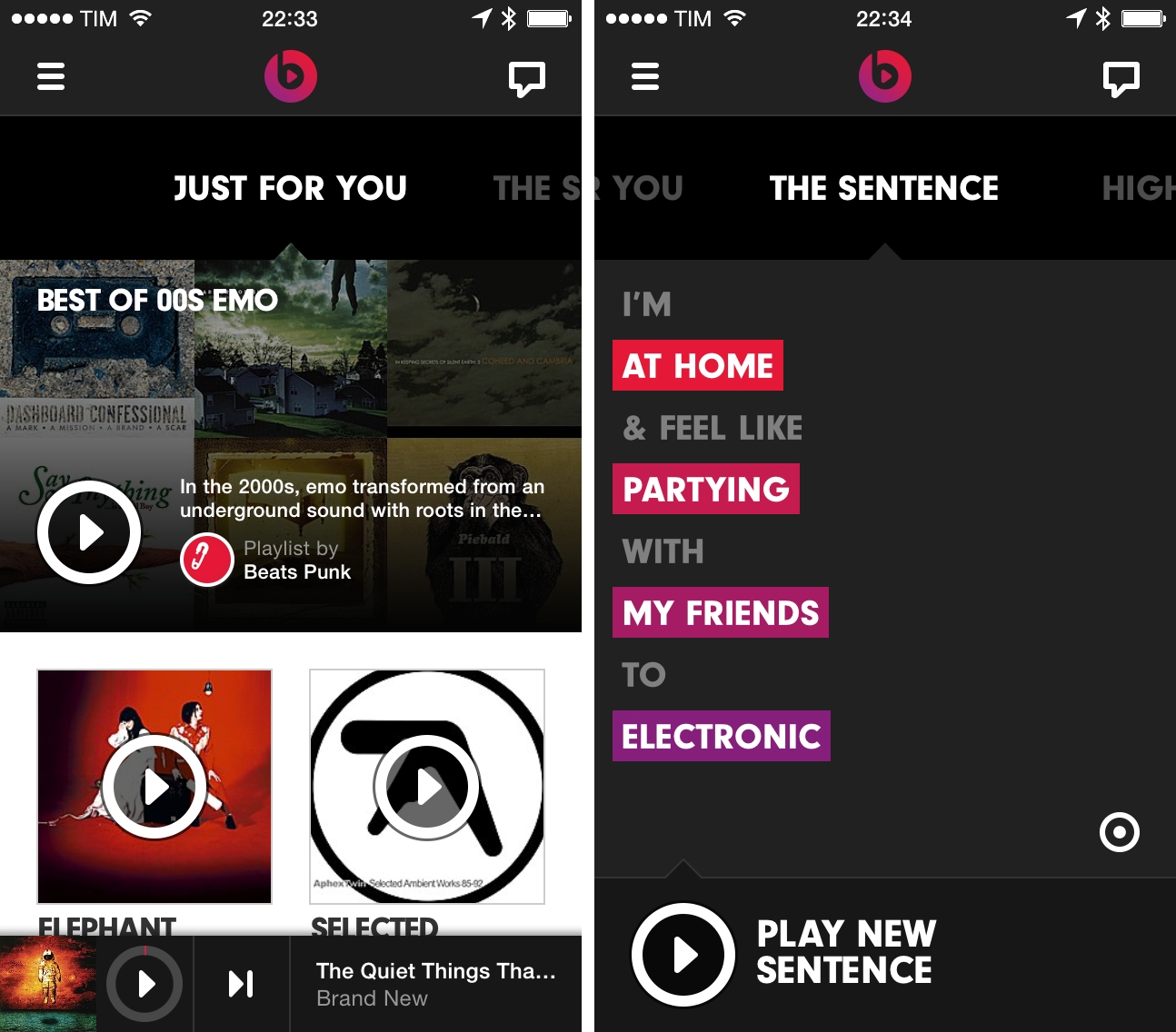
As reported by CNET, Beats Music, the music steaming service that launched two months ago as Beats Electronics’ sister company, has introduced an API today. Available here, the Beats Music API will allow third-party developers to integrate their apps with Beats Music to access a catalogue of over 20 million songs and, more importantly, other features such as search, recommendations, playlists, and curated content.
If you’re willing to pay $100 a year for music, which in my experience for all the world’s music is a tremendous bargain, you should have access to music anywhere you might want it, in your car, house, anywhere,“ Beats Music Chief Executive Ian C. Rogers told CNET in an interview.
A new entry in the music streaming space, Beats Music launched to a substantial marketing campaign that saw a Super Bowl ad and various celebrity endorsements; unlike the major players in the field (Spotify and Rdio), Beats Music comes with a single paid tier that allows for unlimited, high-quality streaming at 320 kbps for $9.99 per month. Beats Music doesn’t have ads, and, this point, it has an iPhone app, a somewhat limited web app, and it lacks native apps for the desktop and tablets.
What differentiates Beats Music are the curation efforts that CEO Ian Rogers – a longtime music industry personality – wants to put at the center of the Beats Music experience. Over the course of the past year, the company has built an editorial team of music experts and critics who curate songs and albums in playlists and collections that are then automatically suggested to users. On top of curation, Beats Music allows listeners to receive songs based on their current mood and activity through a feature called “The Sentence”.
All these features are exposed in the API that Beats Music made public today. As the company writes:
Beats Music believes in being as open as possible, because we think the best ideas come from you. This is why we’ve decided to open up nearly all of our REST resources, which we use ourselves, to everyone.
The Beats Music API comes with fairly common functionalities such as artist and track lookup, audio playback (with two bitrate settings), search, metadata retrieval, and library management, but it also enables developers to access more specific aspects of Beats such as individual options for The Sentence, artist popularity, personal recommendations for “Just For You” items, featured Highlights and Editor Picks, new releases, and playlist subscriptions.
Beats Music’ API appears to offer a solution to, effectively, access all the functionalities of the official Beats Music app. Documentation (including terms of service) can be viewed here.
This week, Apple showed Beats Music among the list of initial partners for their CarPlay initiative. With Beats Music entering the crowded space of music streaming and radio services, an API may help the company gain traction among third-party developers quickly, enabling them to feature the service’s library and editorial aspects on a variety of devices and platforms. Just yesterday, music steaming service Spotify reported the acquisition of The Echo Nest, a music data company used by hundreds of online music services, including Rdio and MOG, which was acquired by Beats in 2012.
iCloud Tabs In Alfred→
Yesterday, I wrote about CloudyTabs, a free Mac app that lets you open iCloud tabs from the OS X menu bar instead of Safari. Kevin Marchand pointed me to his iCloudTabs project, which allows you to view iCloud tabs from other devices using Alfred on the Mac. You can view tabs, open all tabs at once, and even write the URLs of all tabs to a Markdown file on the desktop. It’s a neat idea and available on GitHub.
Apple Releases iTunes Festival 5.0 with New iOS 7 Design, SXSW Streaming
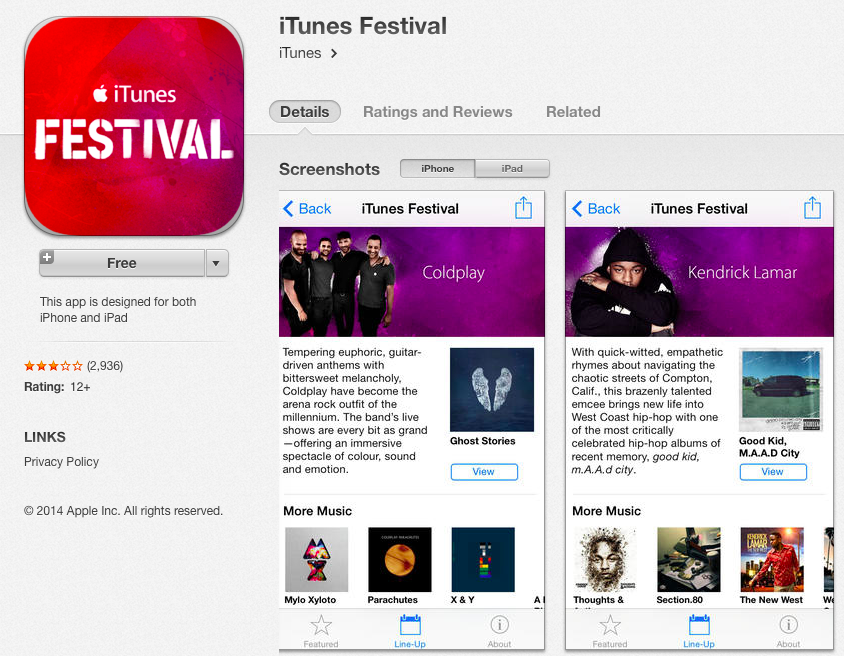
Apple pushed version 5.0 of its iTunes Festival app on the App Store today, updating the app’s UI for iOS 7 and the upcoming iTunes Festival at SXSW, which starts next week on Tuesday, March 11.
The app, which can be opened on iTunes or the App Store through this link, isn’t however available for download at the moment. While the link redirects to the app’s iTunes page that shows updated screenshots, icon, and changelog, the app can’t be downloaded, as iTunes returns an error that says that the item is “temporarily unavailable”.
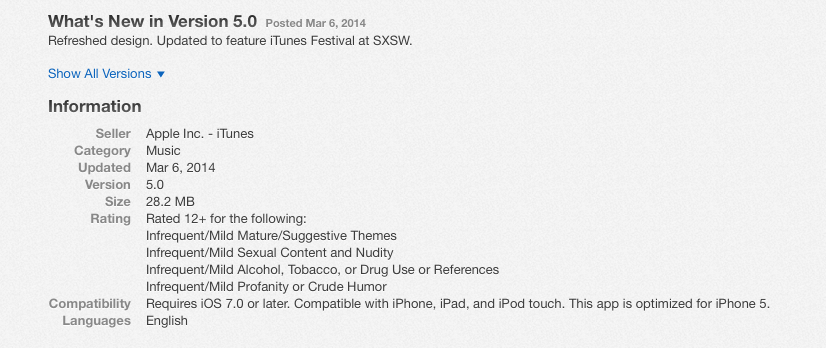
According to recent speculation by Daring Fireball’s John Gruber, Apple was preparing an update to the iTunes Festival app to launch alongside iOS 7.1, which, according to his sources, will be required to run the updated app. On iTunes, technical requirements for iTunes Festival 5.0 don’t mention iOS 7.1 and report that “iOS 7.0 or later” is required, though the fact that the app can’t be downloaded may indicate an early release by Apple.
Update: According to initial reports via Twitter, it appears that the updated iTunes Festival app can be downloaded on some international App Store and run using the current version of iOS – iOS 7.0.6.
Retro Game Crunch Collection Released, Includes Seven Games
In November 2012, Shaun Inman, Rusty Moyher, and Matt Grimm launched a Kickstarter campaign for Retro Game Crunch, a project to develop and release six games in six months. As we wrote when the campaign was launched:
Each month backers (of $15 or more) will submit and vote on a theme and Shaun and his team will build the game that gets the most votes… in 3 days. Based on player feedback and Shaun and his team’s original aspirations, they will then polish and perfect the game for thirty days. Backers will then get to download a complete version of the game. This will happen each month for 6 months.
For each thirty days, or each game being developed, the Retro Game Crunch team will document the game process and progress with posts, screenshots and podcasts. Backers that contribute $25 or more will also get to download the entire Super Clew Land, which is a great game, when this project ends.
This week, the Retro Game Crunch team released their first official collection, made of 7 games created during the course of the initiative and based on feedback and input from the Kickstarter backer community. The games, heavily inspired by the 8-bit videogame era and chiptune music style, are Super Crew Land (the game that started Retro Game Crunch), End of Line, GAIAttack, Paradox Lost, Wub-Wub Wescue, Brains & Hearts, and Shūten. While the games were released separately during Retro Game Crunch, the new unified release brings smaller file sizes, a single download for all games, an app launcher to easily switch between games, and support for the Xbox 360 and PlayStation 4 controllers.
The Retro Game Crunch Collection is available now for $11.99 (20% off) on the Humble Store and through the Retro Game Crunch website, it’s DRM-free, and made for both Mac and Windows (a Steam Greenlight campaign has also been launched to help make the collection available on Steam). For those who didn’t follow the original Retro Game Crunch initiative, a journal with details on the development of the games is publicly available here.
Sampling Images in the OS X Color Picker→
I’ve been using a Mac for several years now, and I had no idea that the Color Picker built into OS X could accept image files. A recent Bjango blog post covers some clever uses for sampling images and swatches from Photoshop.