This Week's Sponsor:

BetterTouchTool

Now with a Powerful Launcher for Your Mac


Instagram Adds Tools to Organize Saved Posts into Collections

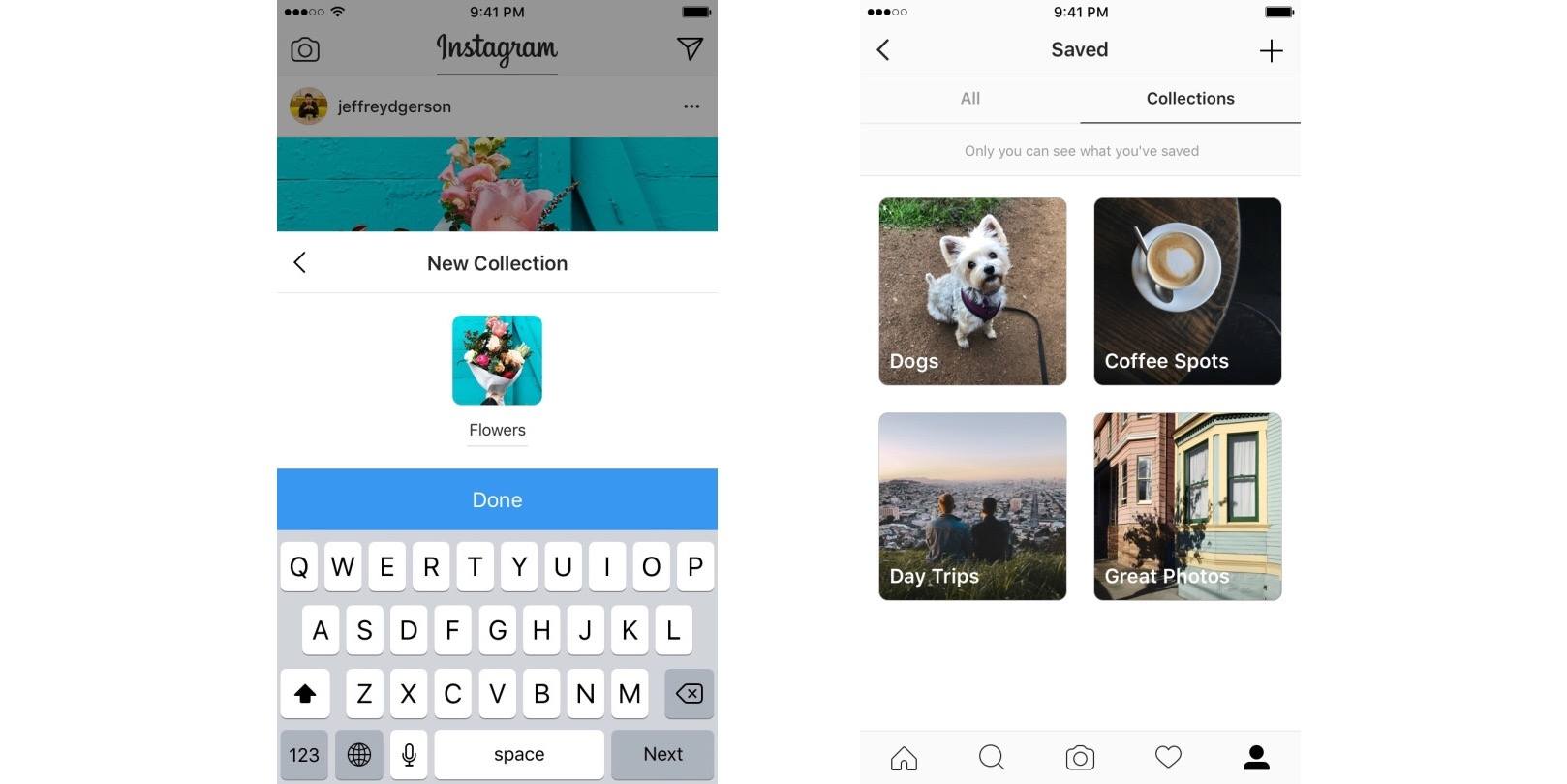
Instagram has a new feature rolling out this week to enhance the current tool that enables saving other users’ posts:

Starting this week, you can save posts into private collections. Tap and hold the bookmark icon underneath any post to save it directly to a collection. You can create and name a new collection when you save a post, or you can add it to one you’ve already created. You can also create a collection out of your existing saved posts. Tap the plus icon in the top right corner, give your collection a name and select the saved posts you’d like to add.

You can find your collections on the saved posts tab on your profile. Just like all saved posts, your collections are private — only you can see them.

While some of Instagram’s biggest new features of late have appeared focused on targeting Snapchat, the ability to save and organize posts into collections brings Instagram closer into Pinterest’s space. Although all collections of saved posts are private at the moment, it wouldn’t be too surprising to see a future option to make select collections public.
Permalink

Clean Up Your Inbox Today (and Keep It That Way Forever) with SaneBox [Sponsor]

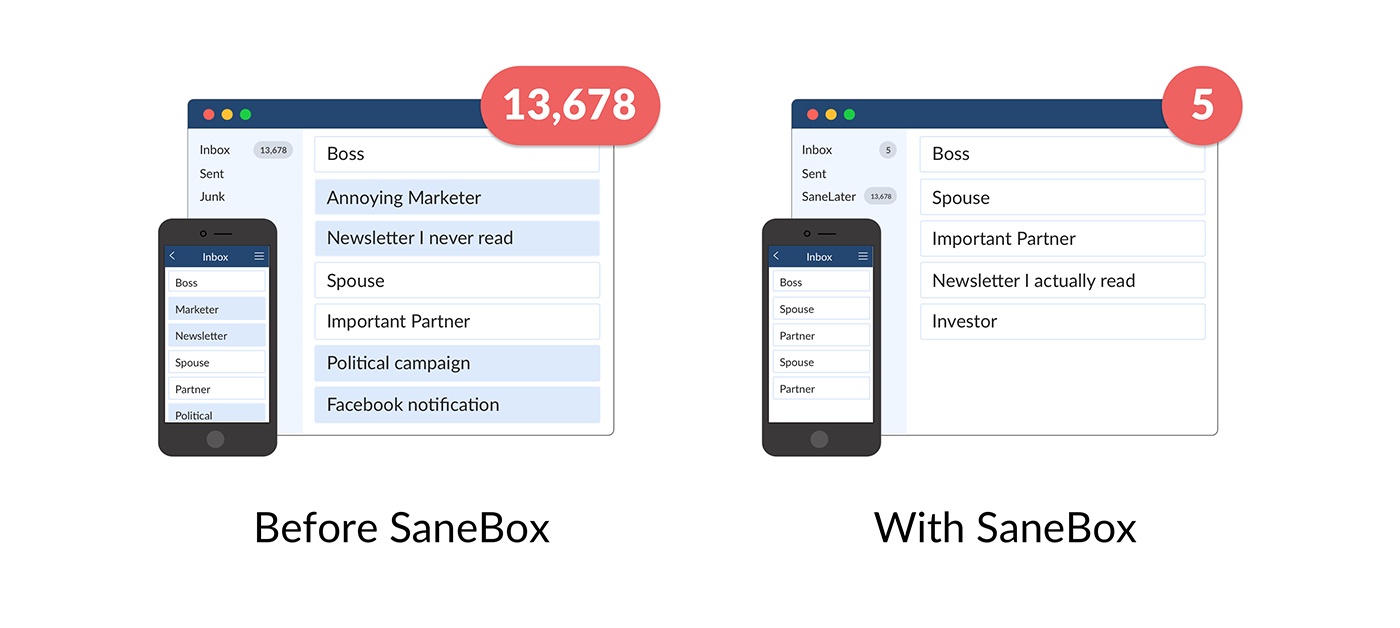
What if you had someone to go through your email and find just the important messages? SaneBox does exactly that. Once set up, it leaves your important messages in your inbox and moves the rest to a SaneLater folder for reviewing later. That initial inbox purge is powerful because it reduces your inbox to a manageable number of messages. With additional training to tell SaneBox what’s important to you, it only gets better at dealing with your daily deluge of messages.

There’s much more to SaneBox than shuffling unimportant messages into a designated folder, though. If there’s something you never want to see ever again, send it to the SaneBlackHole, which is much easier than unsubscribing to unwanted messages.

You can also set up SaneReminders by sending messages to an address that sends a reminder to you at a later date if the recipient of your message hasn’t responded after a certain amount of time. Or forward a message to SaneReminders to have it pop back into your inbox at a later date when you are ready to deal with it.

SaneBox works on top of your existing email setup. There’s no particular app to download or new email account to set up. It all works server-side so you can use any email client you want.

Sign up today for a free 14-day SaneBox trial to take back control of your email. MacStories readers can receive a special $25 credit automatically by using this link to sign up.


Internet Archive Adds Early Macintosh OS and App Emulation

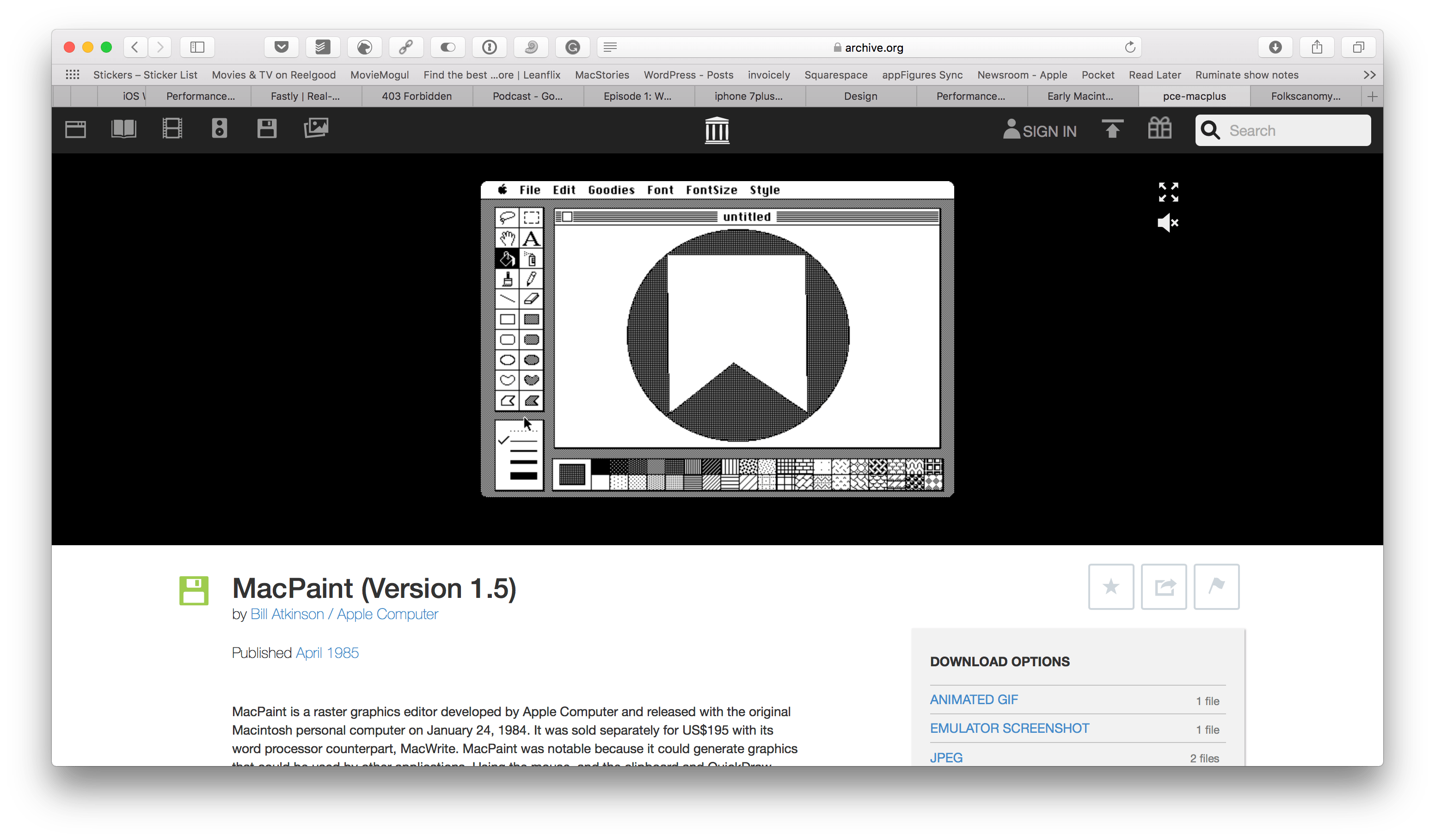
Over the weekend, the Internet Archive introduced a curated collection of Mac operating systems and software from 1984 through 1989. The Internet Archive already hosts browser-based emulators of early video games and other operating systems, but this is its first foray into Mac software.

The collection includes classic applications like MacPaint, programming tools such as MacBasic, and many games including Dark Castle. Each app can be run in an in-browser emulator and is accompanied by an article that chronicles its history. It’s fun to play with the apps in the collection and realize just how far apps have come since the earliest days of the Mac. It’s also remarkable how many computing conventions used today were introduced during those earliest days.

I’m happy to see the Internet Archive start this collection. These operating systems and historically-significant apps may still run on old hardware maintained by a handful of people, but it’s emulation efforts like these that make those apps accessible to a broader audience.


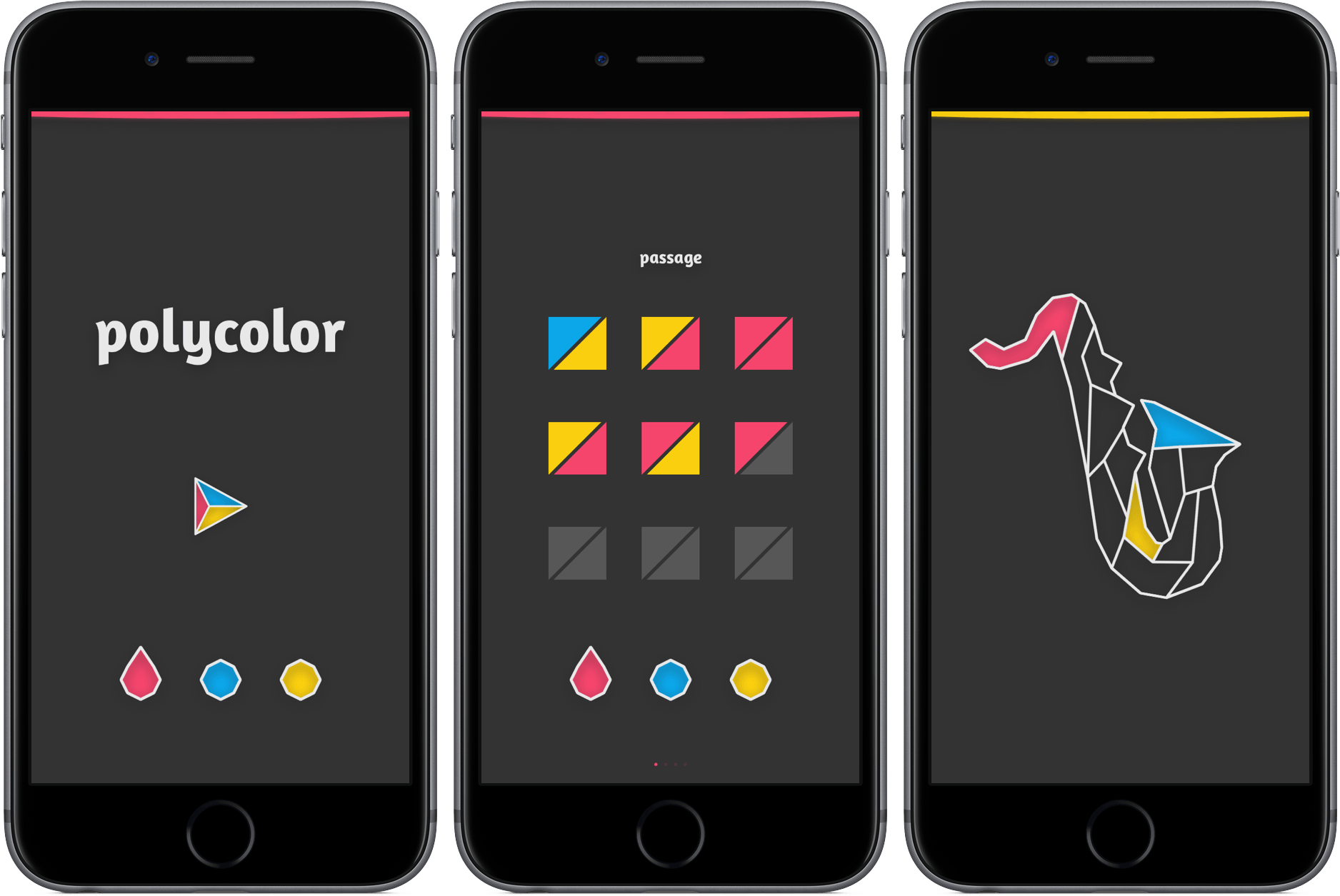
Fill in the Gaps with Polycolor

Some games don’t require a manual. They won’t bring out your inner rage, send you searching for answers online, or require you to ask your friend for help. Instead, they challenge you quietly, providing a gaming experience that’s equal parts difficult and soothing.

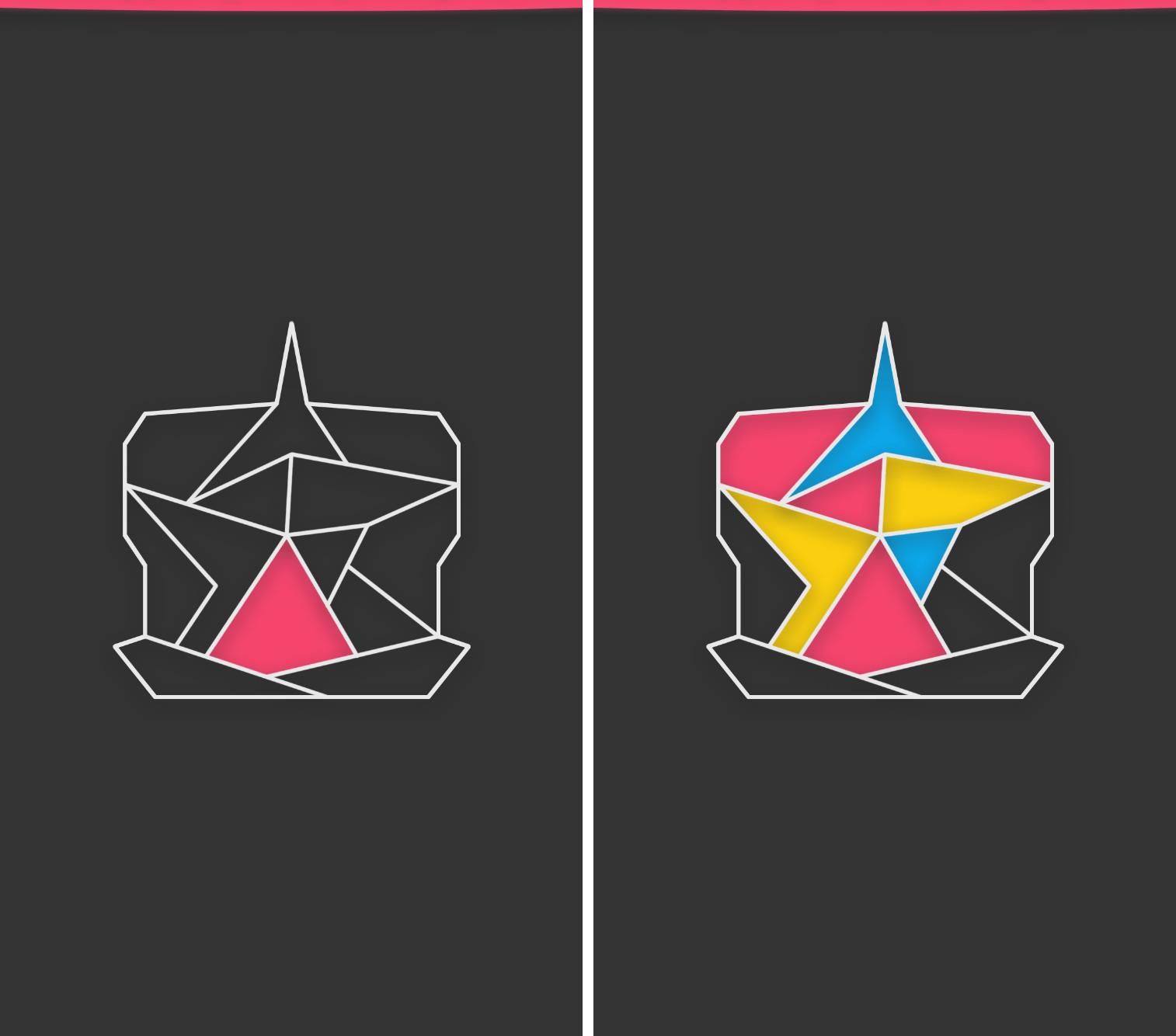
Polycolor is the epitome of the relaxed puzzle genre, a game so basic that it requires almost no explanation. Here’s why: all you have to do is fill in a pattern so that none of your three colors touch one another, yet the picture is fully colored. You select either red, blue, and yellow, assign it to a shape, and work your way toward a piece of art that signifies your accomplishment. As you continue in the game, you’ll be restricted to only a couple of moves to complete the task.

For an example, take a look below.

Although the premise is simple and early levels don’t pose much of a challenge, polycolor has grown on me as I continue to work through its 70+ levels. It’s a game that requires little physical effort, but increased mental exertion while progressing. Still, I’ve found that it’s perfect for tapping away during moments of boredom or peace.

If you’d like to give polycolor a try, you can download it in the App Store for $0.99 (universal).


Canvas, Episode 33: iOS Device Security

This week, inspired by true events, Fraser and Federico look at the user-facing security technologies available in iOS.

On the latest Canvas, we go over the best practices to set up an iOS device with security in mind and to make it easy to lock everything and retrieve data when things go wrong. You can listen here.

Sponsored by:

  • Pingdom: Start monitoring your websites and servers today. Use offer CANVAS to get 20% off.
Permalink