Explaining the Roles of the iMac Pro’s T2 Chip

Jason Snell, writing for Macworld:

Before the iMac Pro was released, there was a lot of speculation that it was part of a trend toward creating a “hybrid Mac” that is driven by both an Intel processor and an Apple-designed ARM chip like those found in other Apple devices. The iMac Pro is definitely a hybrid of a sort, but probably not the one people were expecting. With the T2, Apple is using its chip-design prowess to take more control over parts of the Mac hardware that were previously outsourced to other controllers, and reaping the benefits of integrating them all together.

The iMac Pro isn’t running iOS apps, but it does get to take advantage of most of the work Apple has done to bolster the security of iOS devices and enhance the quality of photos and video taken by iPhone cameras. Apple will almost certainly continue to push this technology into more future Mac models, because it allows Apple to use the work it’s already done on iOS to improve the features and security of the Mac.

For years, the advancement of the Mac has been tied closely with the evolution of iOS. Many of the hallmark macOS features dating back to Lion originated on the iPhone and iPad, and came to the Mac – in part – to provide greater feature parity between the differing platforms.

While the iPhone’s influence on the Mac has previously played out primarily in the realm of software, that influence is clearly extending to hardware now. The 2016 MacBook Pro took the first step with its T1 chip powering the Touch Bar, but the T2 is another significant step forward. Though its benefits are largely invisible to the average user, Snell’s overview of the T2 and its extensive reach throughout the system makes clear that the Touch Bar was just the beginning of ARM-enhanced Macs.
Permalink


Connected, Episode 174 – 2017 In Review: I’ve Been Sitting on That Joke for Months

We grade our predictions for 2017 before setting off on a trip down memory lane of the last twelve months of Apple news.

In the annual ‘year in review’ episode of Connected, we go through all the most important Apple and tech news from 2017 and discuss how they played out. This was a fun one to record. You can listen here.

Sponsored by:

  • Hover: Show the world what you’re passionate about with 10% off your first purchase
  • Casper: Start sleeping ahead of the curve. Get $50 off with the code ‘CONNECTED’.
  • Pingdom: Start monitoring your websites and servers today. Use offer code CONNECTED to get 30% off.
Permalink

Remote Control for Mac: An iOS Controller for Your Mac [Sponsor]

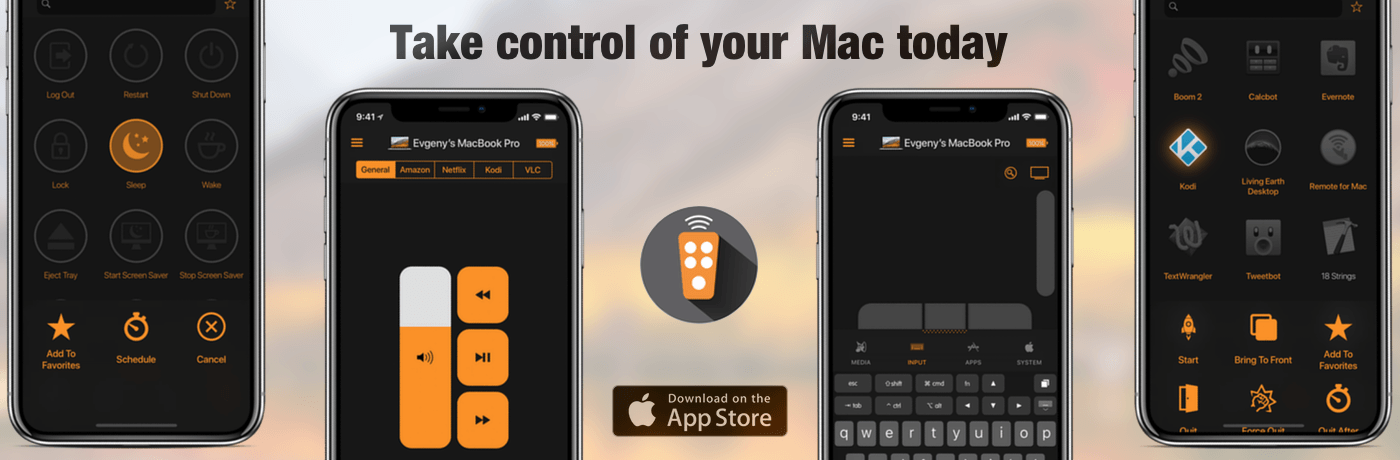
Remote Control for Mac is an iOS app that lets you use your Mac whether you’re sitting in front of it or not. Whether you’re running a Mac as a media center or just want to launch apps or control system settings on your Mac when you’re doing something else, Remote Control for Mac makes the process simple.

One of the greatest use cases for Remote for Mac is controlling a Mac that serves as a media center. A Mac mini makes a great media server, but it’s not comfortable to sit on the couch with a keyboard and trackpad or mouse. Remote Control for Mac cuts through the complications making it easy to control your media center. Just install a helper app on your Mac and use Remote Control for Mac to control system settings like volume and apps and services like iTunes, Amazon Prime Video, Netflix, YouTube, Plex, Kodi, SoundCloud, Spotify, and VLC.

Remote for Mac isn’t just for Mac media centers though. The uses are only limited by your imagination. You can just as easily use the app to browse the web or read email on a Mac connected to your TV. Using the app’s keyboard and virtual trackpad makes navigation a breeze. When you’re finished, Remote for Mac can turn off your display or shut down your Mac too.

Remote has a special giveaway for MacStories readers. The first 20 readers who visit this link will get a free copy of Remote for Mac.

Take control of your Mac today. Download Remote Control for Mac from the App Store.

Our thanks to Remote for Mac for supporting MacStories this week.


Pythonista 3.2 Syncs Scripts with iCloud, Supports Open-in-Place via iOS 11’s Files App

For a long time, Apple’s App Store review guidelines prohibited apps from downloading executable code from the Internet. The company’s original stance resulted in IDEs that couldn’t sync scripts and programs across multiple devices – a serious limitation for the emergent movement of programmers embracing the iPad Pro as a portable workstation.

Fortunately, Apple started relaxing their rules earlier this year, allowing “apps designed to teach, develop, or test executable code” to download and run code. Pythonista, the popular Python IDE for iOS (and one of the best pro apps for iOS, period), has been updated this week with the ability to sync scripts with iCloud and edit external scripts in-place using Files’ document picker.

As someone who used Pythonista heavily for years and remembers previous rejections based on old App Store guidelines, this is fantastic news. I moved my existing script library to iCloud, which means all my code is now shared between the iPhone and iPad – no workarounds required. Pythonista now supports the iPhone X and drag and drop for importing scripts, but, even better, the app can open scripts and edit them in-place (saving changes back to the original location) just by opening them with the built-in Files picker. This feature makes it possible to, say, use Pythonista as an editor for script files stored in GitHub repositories and managed by Working Copy – all entirely on iOS, and natively integrated with Files.

Version 3.2 of Pythonista gets rid of the most annoying limitations imposed by the old Apple, another sign that the company’s approach to professional iOS software has changed over the years. While I don’t use Pythonista nearly as much as I did a few years ago (you can imagine why), I plan on playing around with Pythonista 3.2 over the next couple of weeks.

Permalink

Apple Apologizes for Poor Communication About iPhone Throttling and Reduces Battery Replacement Price

In an open letter to customers, Apple has addressed how it handles the CPU performance of iPhones with older batteries.

We’ve been hearing feedback from our customers about the way we handle performance for iPhones with older batteries and how we have communicated that process. We know that some of you feel Apple has let you down. We apologize. There’s been a lot of misunderstanding about this issue, so we would like to clarify and let you know about some changes we’re making.

First and foremost, we have never — and would never — do anything to intentionally shorten the life of any Apple product, or degrade the user experience to drive customer upgrades. Our goal has always been to create products that our customers love, and making iPhones last as long as possible is an important part of that.

Since iOS 10.2.1 the CPU performance of iPhones with older batteries has been reduced by iOS to prevent device shutdowns. The CPU throttling was not communicated to customers, however, which led to accusations of planned obsolescence.

In response, Apple is taking two steps:

To address our customers’ concerns, to recognize their loyalty and to regain the trust of anyone who may have doubted Apple’s intentions, we’ve decided to take the following steps:

• Apple is reducing the price of an out-of-warranty iPhone battery replacement by $50 — from $79 to $29 — for anyone with an iPhone 6 or later whose battery needs to be replaced, starting in late January and available worldwide through December 2018. Details will be provided soon on apple.com.

• Early in 2018, we will issue an iOS software update with new features that give users more visibility into the health of their iPhone’s battery, so they can see for themselves if its condition is affecting performance.

In addition to the open letter to customers, Apple added a new support article called iPhone Battery and Performance, which explains how lithium-ion batteries chemically age and how this can lead to device shutdowns. The support article also lists some of the changes users can expect to experience if their iPhone’s CPU is slowed down.

It’s unfortunate that the kind of clear, reasonable explanation of why device CPUs are throttled wasn’t communicated to customers when it was first introduced in iOS 10.2.1. Battery chemistry and device shutdowns are not the easiest topics to explain to customers, but today’s letter shows Apple is capable of it and hopefully will be more likely to do so in the future.


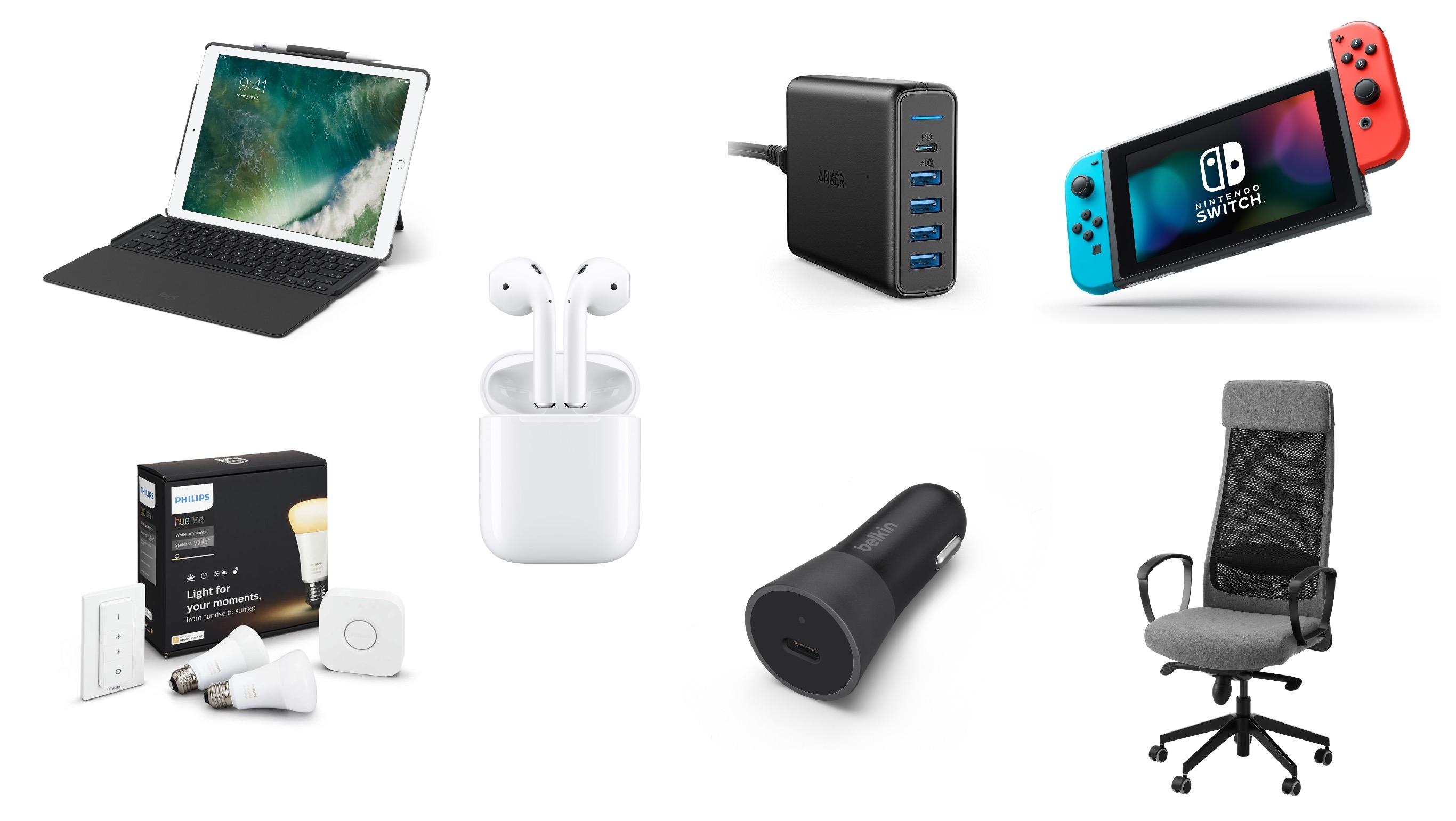
Our Favorite Gear and Accessories of 2017

For each of us, iOS devices or Macs dominate our day-to-day computing, but they don’t tell the full story. Whether it’s a battery pack to keep a device charged, the latest game console for kicking back and relaxing, or a comfortable chair for sitting at a desk while writing, we use a wide variety of other products for work and play. So, with 2017 coming to a close, we compiled a list of our favorite gear and accessories that we used this past year.

Read more


iOS 11 X and iOS 11 Classic

In his review of the iPhone X, John Gruber astutely points out that the device effectively runs a fork of iOS 11:

There were always two things and only two things on the front face of an iOS device — the touchscreen display and the home button. In fact, the iPhone X changes iOS in more fundamental ways than even the iPad did. In terms of the role between the display and the home button, the iPad really was — and remains today — “just a big iPhone”.

The iPhone X, however, creates a schism, akin to a reboot of the franchise.

Apple hasn’t called attention to this, but effectively there are two versions of iOS 11 — I’ll call them “iOS 11 X”, which runs only on iPhone X, and “iOS 11 Classic”, which runs on everything else.

The fundamental premise of iOS Classic is that a running app gets the entire display, and the home button is how you interact with the system to get out of the current app and into another. Before Touch ID, the home button was even labeled with a generic empty “app” icon, an iconographic touch of brilliance.

This is a great way to think about the evolution of iOS going forward. As I noted last month, the iPhone X will reshape the entire iOS ecosystem over the next few years. Consequently, it’ll also make it more challenging to review a new version of iOS, as we’ll have to account for deeply different variations of the same features.

Permalink