


Today at the Steve Jobs Theater, Apple detailed a variety of services it plans to launch from now through the end of the year. In addition to the expected services for video, news, and an iOS-integrated credit card, perhaps the event’s biggest surprise was Apple Arcade, a gaming subscription service debuting this fall. Apple Arcade will feature no games currently on the App Store, but will instead serve as the only way you can play 100+ new games on iOS.
Apple Arcade: Our Overview of Apple’s New Gaming Subscription Service
Apple Announces Apple News+ Service for Magazines: Our Overview and First Impressions
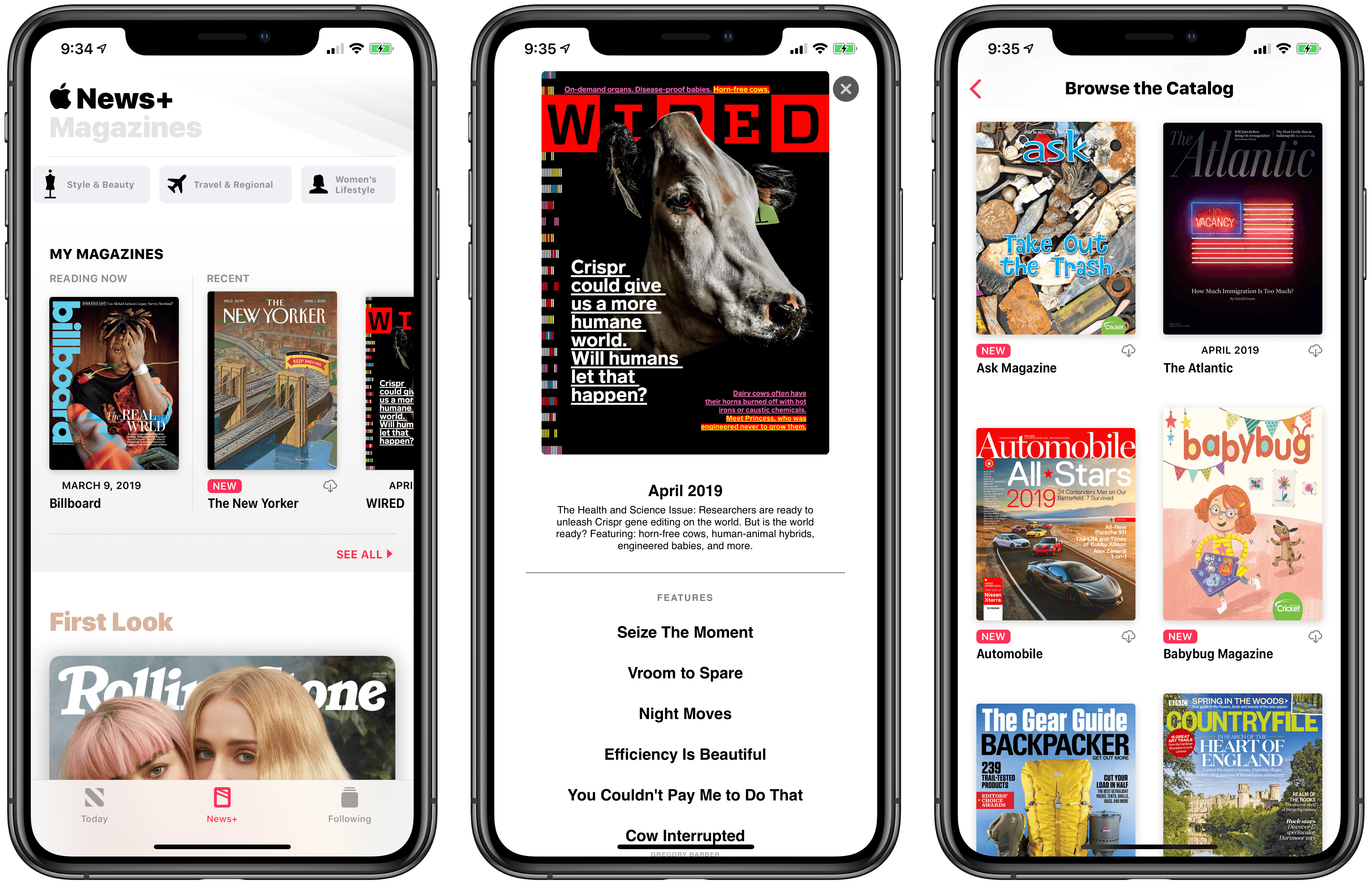
At the “It’s Show Time” media event held earlier today at the Steve Jobs Theater in Apple Park, Cupertino, Apple took the wraps off the highly anticipated Apple News+ subscription service, which will allow users to gain access to over 300 magazines inside Apple News for a single monthly fee of $9.99. Unlike the other services announced by the company at the event, Apple News+ is available now in the United States and Canada as part of the iOS 12.2 and macOS 10.14.4 software updates.
Apple’s March 25 Keynote: By the Numbers

Every time Apple holds a keynote event, a host of interesting numbers are shared related to the products announced. Although today’s event at the Steve Jobs Theater was unique in many ways, with no hardware announced and a focus entirely on new services, there were still plenty of metrics announced, which we’ve rounded up below.
Apple Publishes March 25 Keynote Video→

Today at the Steve Jobs Theater, Apple held an event like no other in highlighting its new services in a variety of areas like TV, news, games, and even personal finance. There were no hardware announcements, but it was a fun event in its own right.
If you didn’t manage to catch the livestream of the keynote, Apple has now published the video in its entirety on its website.
You can follow all of our Apple event coverage through our March 25 hub, or subscribe to the dedicated March 25 RSS feed.
Apple TV+, Channels, and the Redesigned TV App: Our Complete Overview

Today during Apple’s “It’s Show Time” event, the company took the wraps off its long-brewing new efforts in the realm of TV. There was a sneak peek at Apple’s own video streaming service launching this fall, Apple TV+, as well as a newly redesigned TV app that’s coming in May, and a new component being added to that app alongside the redesign: Channels.
Apple Releases iOS 12.2 with Apple News+, AirPlay 2 TV Controls, New Animoji, and More
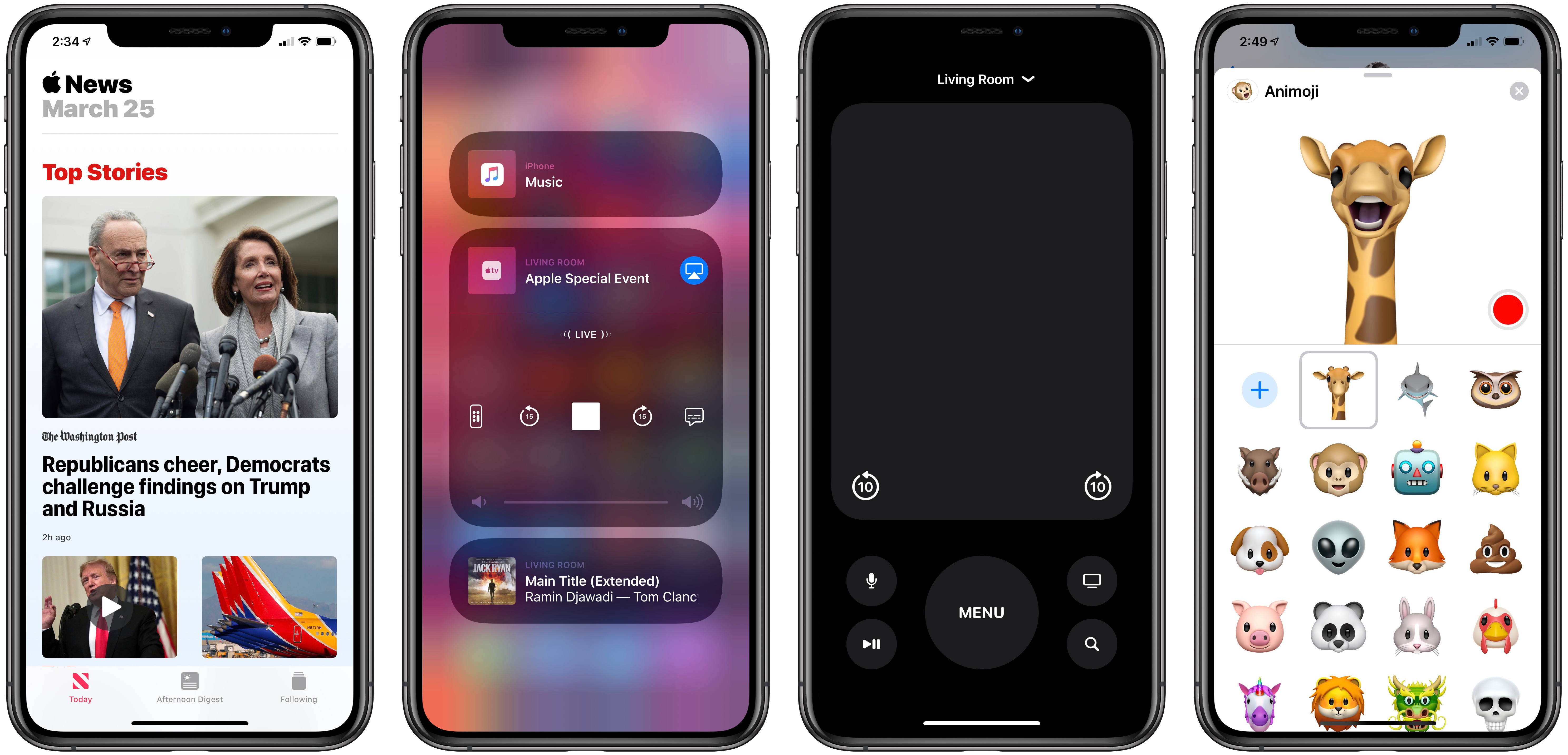
Today following its event at the Steve Jobs Theater, Apple released the latest major update for iPhones and iPads: iOS 12.2. This version of iOS launches Apple’s just-debuted subscription service for News, includes support for enhanced AirPlay 2 controls on compatible TV devices, plus it brings four new Animoji, and more.
Apple Shares Videos from “It’s Show Time” Event
Today Apple hosted an event wherein a variety of new services were introduced, from Apple News+ to Apple Card, Apple Arcade, and Apple TV+. Here are the videos sharing during the course of the show:
CleanMyMac X: Your Mac, as Good as New [Sponsor]
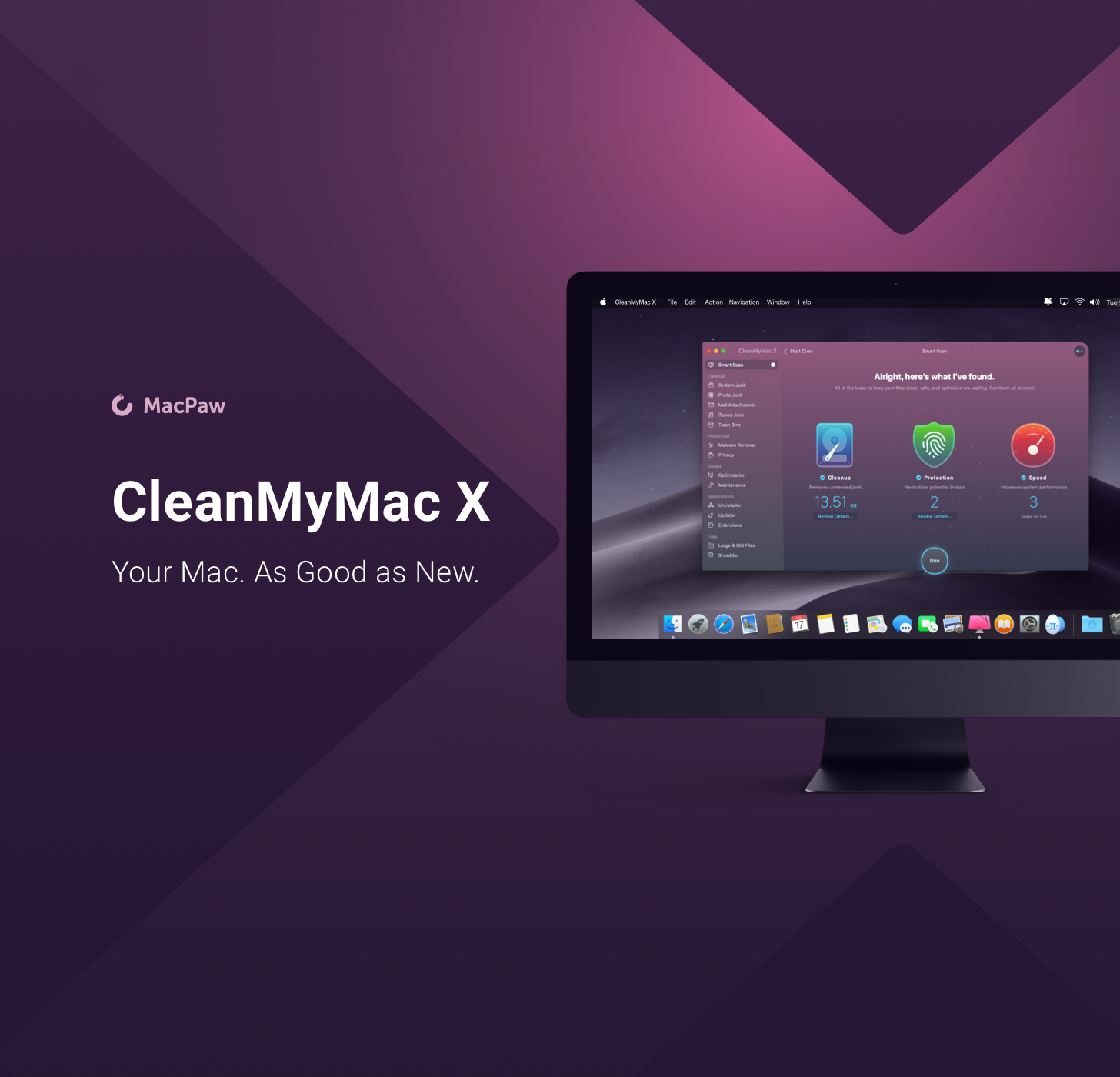
CleanMyMac X by MacPaw is your complete Mac maintenance solution. Redesigned with a beautiful, intuitive interface that makes it a pleasure to use, CleanMyMac X frees up wasted storage space, protects against malware, optimizes your Mac’s performance, and more.
It all starts with Smart Scan, the all-in-one center for analyzing, optimizing, and protecting your Mac. Here you’ll find sections to clean up unwanted and unnecessary files that are cluttering up your Mac’s drive. CleanMyMac also scans for malware, protecting your Mac against malicious third-party code and vulnerabilities like cryptocurrency miners, browser hijackers, and adware. There’s an optimization section that can free up RAM and manage login items, launch agents, and memory-hungry apps too.
At each step of the process, you’ll have CleanMyMac Assistant at your side. It’s an intelligent advisor providing explanations of everything CleanMyMac does and recommending courses of action.
CleanMyMac X has an app update module that scans your installed apps for available updates too. It’s a fantastic, centralized way to see all the apps on your Mac that have updates whether or not you bought them on the Mac App Store. When you want to uninstall an app, CleanMyMac X is there to help, deleting hidden files and any other cruft that an app would otherwise leave behind when you delete it.
You owe it to yourself to make sure your Mac is running smoothly and safely with enough storage to get your work done, so don’t wait. Go check out CleanMyMac X today. There’s a free trial waiting to help you get make your Mac as good as new.
Our thanks to CleanMyMac X for sponsoring MacStories this week.
Zane Lowe on Why Apple Music Is in the Storytelling Business→
Speaking of Apple Music and Billie Eilish, Tim Ingham, writing at Music Business Worldwide, has an interview with Zane Lowe. It’s a good interview that covers a range of topics from how Lowe builds relationships with artists to what differentiates Apple Music and what they see in Billie Eilish.
An artist like Billie Eilish thinks in sounds, she thinks in colors, she thinks in visuals, she thinks in collaborations, she thinks in all kinds of different forms of creativity. When you’re dealing with an artist like that, it opens all these other areas that you can help build things around.
With Billie, there’s color everywhere, this attitude and it’s like, ‘Wow, this is really interesting.’ At Apple, because of where we’ve all come from, we understand streaming, but [we’re thinking], ‘How can we make a streaming service that is deeper and more layered and speaks to the aspects of music we grew up loving?’
I don’t ever want to look back on my time in the streaming era and think, ‘Yeah man, great job at just building a utility.’
Functionality is so important; [a service] needs to work and it needs to be intuitive. But there should 100% be room for creative discovery and it should be 100% driven by the artists, or at least in collaboration with artists.
See also: this interview with Billie Eilish and her brother/co-writer Finneas and Zane Lowe from last month. It was originally posted on Beats 1 but you can also watch the YouTube video below.