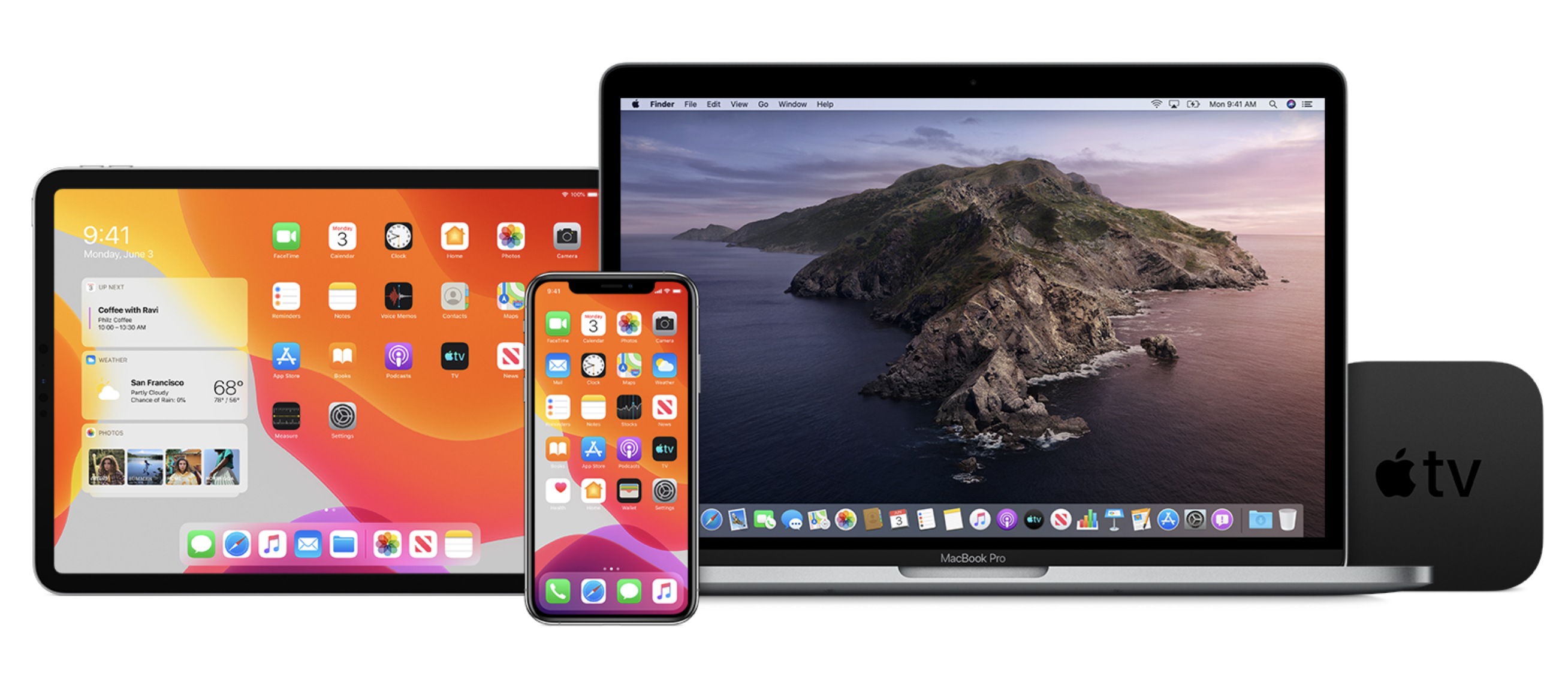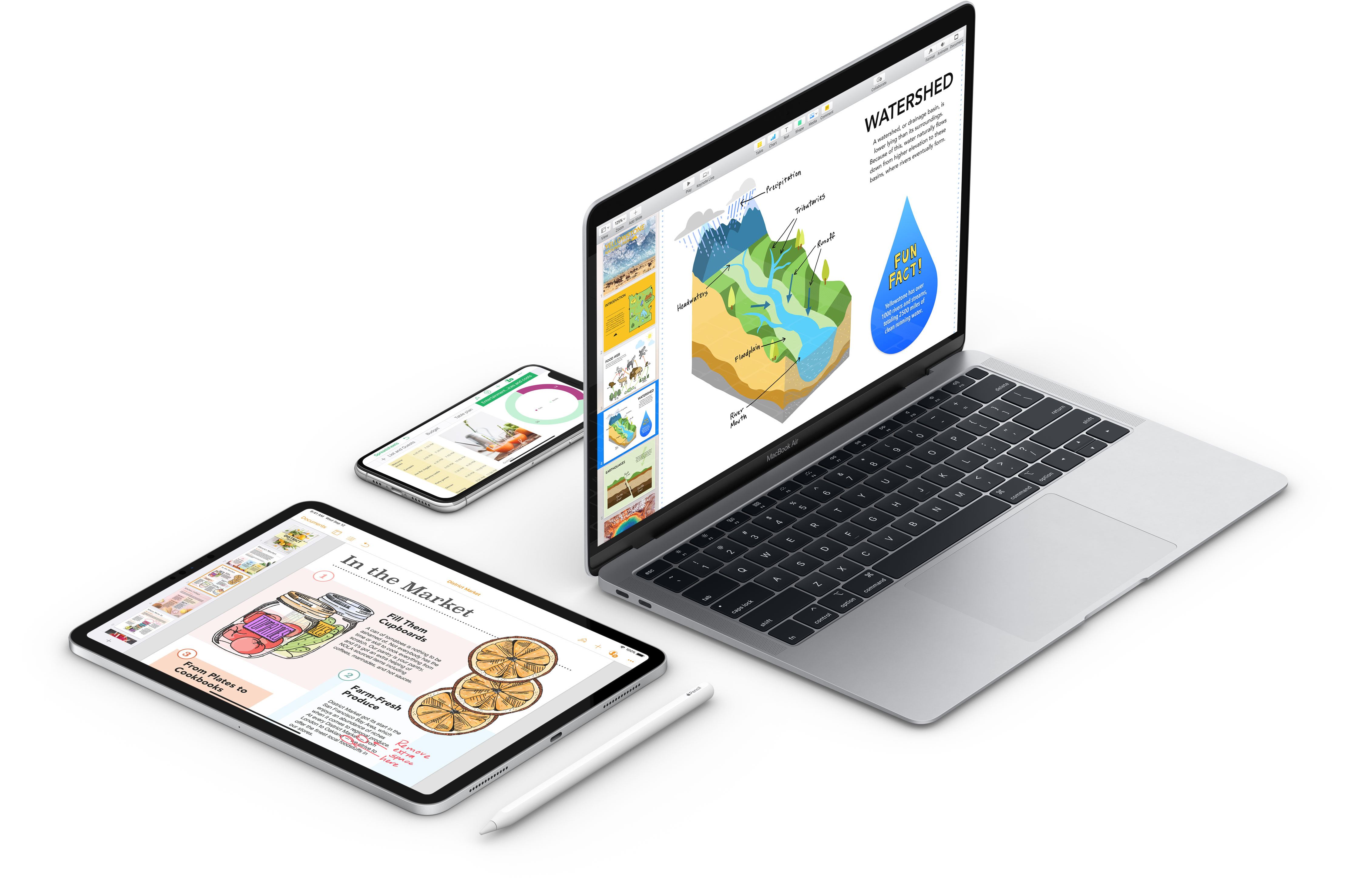
Pages, Numbers, and Keynote for the Mac and iOS Updated with Styling, Apple Pencil, and Other Features

All three of the apps in Apple’s iWork productivity suite received a substantial update this week. Changes varied by app and across platforms, but the lion’s share of the revisions improved the apps’ flexibility, text styling, and image handling capabilities, and, on iOS, Pencil integration.

The Mac versions of Pages, Numbers, and Keynote and their iOS counterparts now allow text to be styled with gradients and images. There are also new outline styles. Images, shapes, and equations can be placed inline in text boxes, which allows them to move with the text box when it’s moved, and the apps use face detection when photos are added to a document to determine where they should go intelligently.

In Pages, Numbers, and Keynote for iOS, a double-tap of the Apple Pencil toggles it between two modes: scrolling and selection, and drawing. The apps’ dictionaries can also be modified now using a new ‘Learn Spelling’ function. Altering the size and color of bullets, adding custom bullets, and changing indentation levels for bulleted lists is available in all three apps as is changing the borders of cells in tables. Finally, all three apps have new chart editing functionality for styling series, adjusting the spacing between columns, and adding trend lines, among other things.

Most of the remaining changes are to Pages and Numbers. Both iOS and Mac versions of Pages and Numbers have added the ability to link text to other pages of a Pages document or sheets in Numbers. Also, on both platforms, Pages can copy and paste pages of a document or sections of one between two different documents and reapply a master page to return a document to its default style state. There’s an English-language template for creating novels in Pages on iOS and the Mac too.

Finally, both versions of Numbers use a new, more powerful 128-bit calculation engine in its spreadsheets and add the ability to insert rows into filtered tables.

It’s great to see all versions of the iWork apps getting an update. I don’t use Pages or Keynote regularly, but Numbers has become an app that I rely on most days, and I appreciate the fact that Apple has kept the functionality of both the Mac and iOS versions close to each other even if it means maintaining two separate sets of code.


Apple News Debuts Candidate Guide for 2020 Democratic Hopefuls

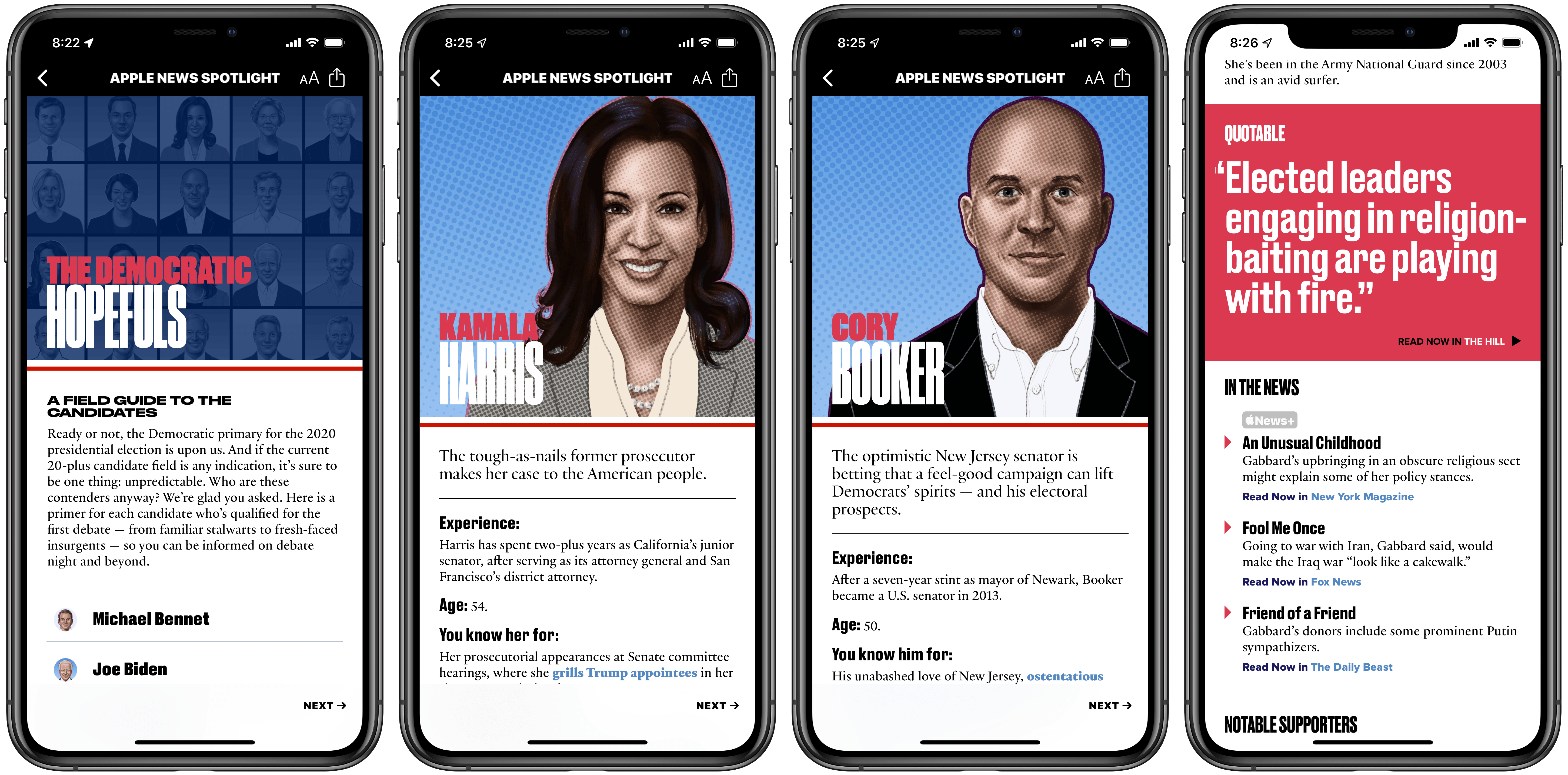
Ahead of the first 2020 Democratic debates, which take place over the next couple days, Apple News has launched a dedicated candidate guide pooling information about each presidential hopeful from a wide variety of sources. News has offered similar election-related hubs in the past, but nothing near as extensive as the candidate guide debuting today.

20 Democratic contenders are profiled in the candidate guide, and with each the News editorial team has assembled a swath of facts, key stances, quotes, and other relevant information meant to ensure future voters are informed amidst a crowded field of prospects.

One of the greatest values of News’ approach is that it summarizes key data in a brief, easy to read format. With minimal time investment you can find out a candidate’s experience, what they’re best known for, their breakout moment, and more. I especially appreciated the straight to the point “You’ll love her/him if you…” and “You’ll leave him/her if you…” factoids.

While there’s certainly a strong dose of editorial work done by Apple’s team in this guide, the key driving force behind each candidate profile is stories from other news sources. In Apple’s press release announcing the candidate guide, the following sources are referenced:

ABC News, Axios, CNN, Fox News, NBC News, Politico, The Hill, The New York Times, The Wall Street Journal, The Washington Post, TIME, USA Today, Vox and others

Each candidate profile is filled with links to stories from these sources and more, with practically every detail listed about a candidate tied directly to an outside link. This approach allows Apple’s editors to summarize key facts and make them easily digestible, all while putting news sources front and center so readers can go deeper on topics they’re interested in.

Besides the general profile information for candidates I’ve already outlined, Apple News also shares which issues are at the core of a candidate’s platform, how the fundraising landscape currently looks among candidates, recent standout news appearances, notable supporters, and more.

Apple News is positioning itself, with features like this candidate guide and other forthcoming 2020 US election coverage, as a trusted source for voters. Laura Kern, the Apple News editor-in-chief, wrote, “we want to offer Apple News readers a trusted place to learn more about candidates…The candidate guide in Apple News is a robust and reliable resource”. The message is clear: while pervasive fake news across other major news platforms was evident in the 2016 election, Apple believes it can offer a news source that’s trusted and reliable leading up to November 2020.

The Democratic candidate guide can be accessed in Apple News via the included link using an iPhone, iPad, or Mac.


Hey Siri, Open the Garage

Last weekend, I dove into my first HomeKit project in a while, installing two Insignia Wi-Fi Garage Door Controllers. That’s quite a mouthful, so I’m just going to call it the Insignia Controller.

I sat on this project for months before getting started. I love playing with new gadgets and setting up automations using HomeKit, but the reality is that I live in a home with other people who aren’t as enthusiastic about my HomeKit projects. Not all of my projects have turned out well either, which has left me cautious.

Read more


I Won’t Sit Down: Songwriting with Frank Turner (Part 2)

Today on Dialog, we published the conclusion of our interview featuring musician and songwriter Frank Turner.

To wrap things up with speak to Turner about the democratization of the creation, access, and distribution of music and other media, the role of hard work and luck, the songwriting process, when to listen to feedback and from whom, editing your work, the role of technology in songwriting, the state of albums today, and a whole lot more. It was a fantastic way to finish up, so be sure to check it out.

You can find the episode here or listen through the Dialog web player below.

Sponsored by:


Next Tuesday, we’ll have the first part of a two-part interview with screenwriter and director John August, who has written screenplays for movies like Big Fish, Charlie and the Chocolate Factory, Frankenweenie, and many others. August is also a podcaster and is behind the variant of Markdown for screenwriters known as Fountain, the Highland 2 text editor, the Courier Prime typeface, and the Arlo Finch series of books. Join us the next two weeks for a fantastic wide-ranging discussion of screenwriting, productivity, apps, typefaces and lots more.


Apple Launches First Public Betas for iOS 13, iPadOS 13, macOS Catalina, and tvOS 13

Today Apple has released its first public beta versions of its forthcoming software updates. iOS 13, iPadOS 13, macOS Catalina, and tvOS 13 are all available as public betas. As in years past, there is no public beta available for the Apple Watch or HomePod.

Users interested in trying out the latest versions of Apple’s software platforms can enroll in the beta program at beta.apple.com. However, this should only be done with appropriate caution and a willingness to endure buggy, unreliable software. These first public beta releases come a mere three weeks following the initial wave of developer betas, which themselves were especially unstable; as such, these releases are likely to be less reliable than even the public beta versions of years past.

If you’re wondering what all is new in these beta releases, you can read our full overviews of iOS 13, iPadOS 13, macOS Catalina, and tvOS 13. We’ll have continuing coverage of all the new features coming to Apple’s software platforms throughout the summer, leading up to their release this fall.


Catalyst Can Rescue the Mac and Grow the iPad

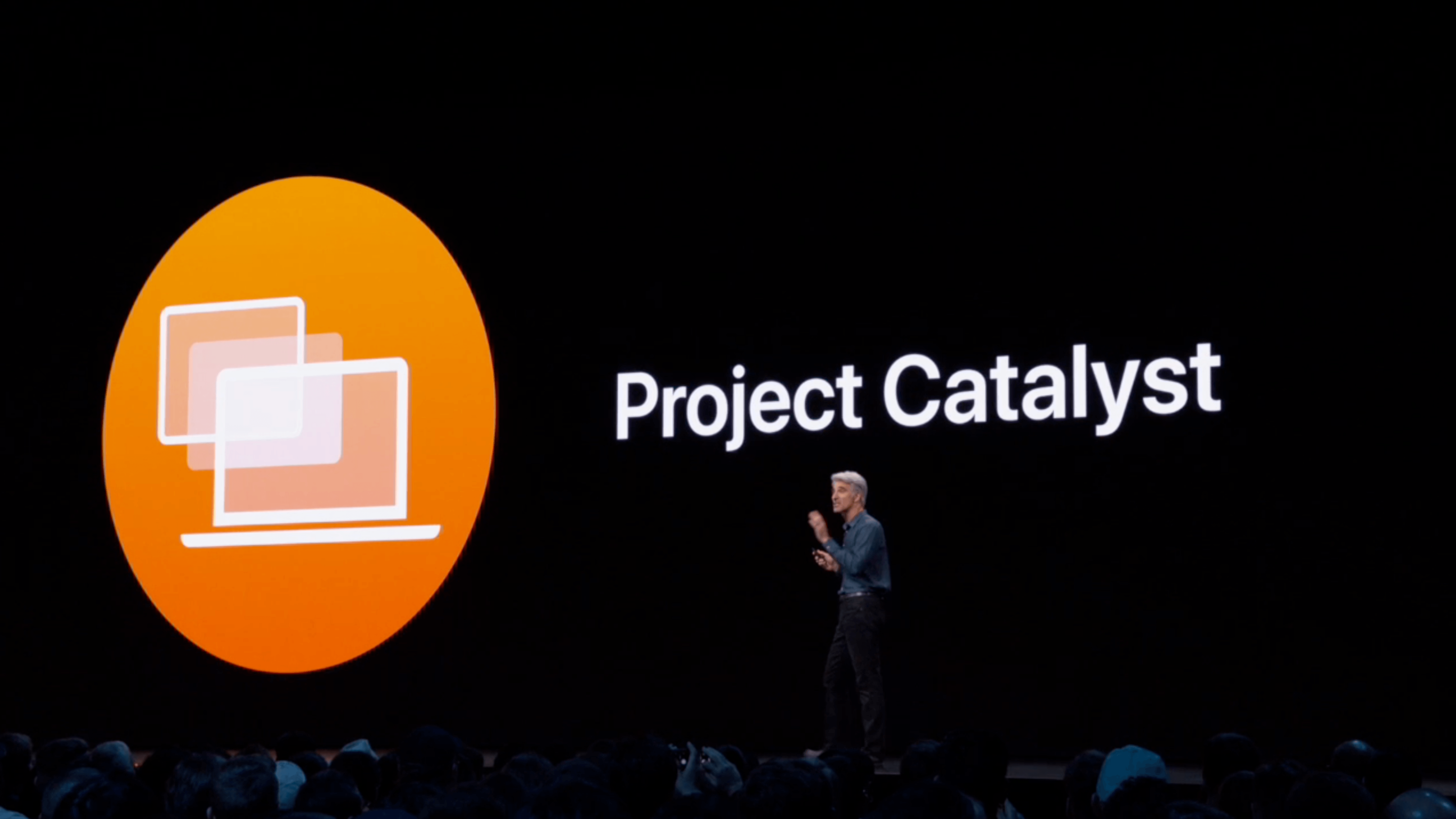
At WWDC 2018, Craig Federighi provided a sneak peek at what everyone was calling Marzipan: an as-yet-unnamed way for iPad app developers to bring their apps to the Mac. So, it came as no surprise when Federighi retook the stage in 2019 and revealed more details about the project and its official name: Catalyst.

What caught a lot of developers off guard though was SwiftUI, a declarative approach to building user interfaces that was also announced at WWDC this year. SwiftUI, known before the conference as Amber, its rumored project name, was on developers’ radar almost as long as Catalyst, but it’s fair to say that few anticipated the scope of the project. The purpose of SwiftUI is to allow developers to build native user interfaces across all of Apple’s hardware platforms – from the Apple Watch to the Mac – using highly-readable, declarative syntax and a single set of tools and APIs. If that weren’t enough to get developers’ attention, using SwiftUI carries the added advantage of providing features like dark mode, dynamic type, and localization automatically.

The message from WWDC was clear: SwiftUI is the future, a unified approach to UI development designed to simplify the process of targeting multiple hardware platforms. It’s a bold, sprawling goal that will take years to refine, even if it’s eagerly adopted by developers.

AppStories+ Deeper into the world of apps

AppStories Episode 117 - Catalyst to the Rescue

0:00
39:37

AppStories+ Deeper into the world of apps

However, SwiftUI also raises an interesting question: what does it mean for Catalyst? If SwiftUI is the future and spans every hardware platform, why bother bringing iPad apps to the Mac with Catalyst in the first place? It’s a fair question, but the answer is readily apparent from the very different goals of the two technologies.

SwiftUI serves the long-term goal of bringing UI development for all of Apple’s platforms under one roof and streamlining it. It won’t take over immediately though. There’s still work to be done on the framework itself, which Apple will surely expand in capability over time.

By contrast, Catalyst is a shorter-term initiative designed to address two soft spots in Apple’s lineup: the stagnation of the Mac app ecosystem, and the slow growth of pro iPad apps. The unstated assumption underlying the realignment seems to be that the two app platforms are stronger tied together than they are apart, which ultimately will protect the viability of their hardware too.

The impact of Catalyst on the Mac and iPad remains murky. It’s still too early in the process to understand what the long-term effect will be on either platform. There’s substantial execution risk that could harm the Mac or iPad, but despite some troubling signs, which I’ll get to in due course, I’m convinced that Catalyst has the potential for meaningful improvements to both platforms, especially the Mac. Let’s take a closer look at what those could be.

Read more


Tumult Hype Professional 4.0: Create Stunning Web Animations Without the Code [Sponsor]

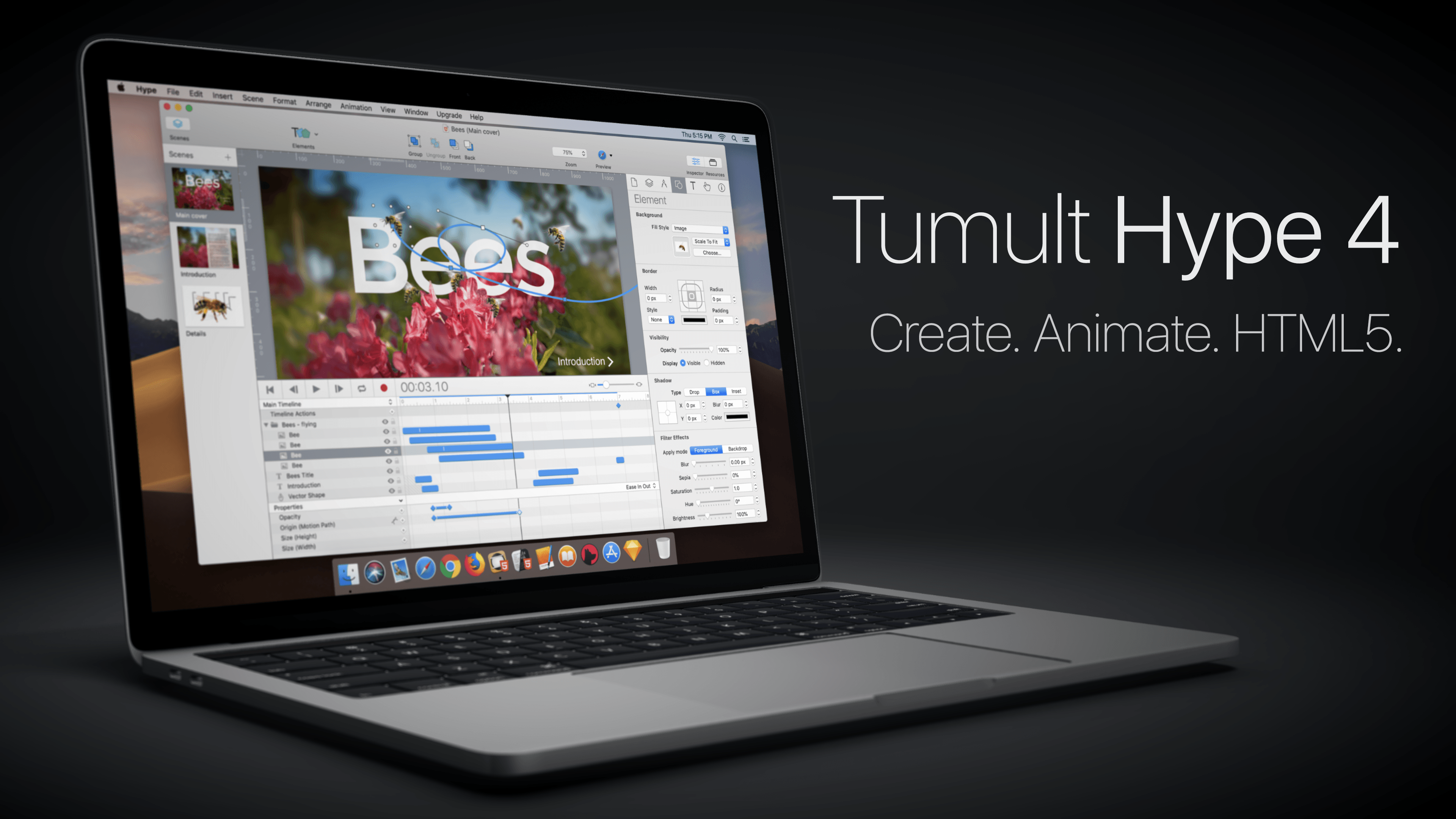
The web is a visual medium, so it pays to make the most of what it has to offer with beautiful, interactive animations. With Tumult Hype Professional 4.0 for the Mac, you can create stunning animations without writing a single line of code.

The app uses a powerful key-based animation system combined with an easy-to-use record button that couldn’t be simpler. That’s because under the hood of Tumult Hype’s elegant UI is a sophisticated interactivity system that can trigger symbols and multiple timelines.

With the recent release of version 4.0, Tumult Hype introduced vector shapes with shape morphing for more advanced animations. You can also incorporate physics into animations, ease into and out of animations, bring line drawings to life, create snapshots to use with browsers where JavaScript is disabled, and use Hype with external editors and tools like BBEdit, Photoshop, Affinity Photo, and Astropad.

Tumult Hype’s visual environment the perfect way to create animations because it eliminates the guesswork letting you see exactly what the visitors to your site will see. Whether you’re building ads, which require a small export footprint, infographics, banners, animated lessons, interactive experiences, or books, Tumult Hype has you covered. Then when you’re finished, the app outputs state-of-the-art HTML5 and CSS3 driven by JavaScript, which is compatible with everything from IE 6 to the latest Chrome, iOS, and Android browsers.

To get started making responsive, flexible documents that accommodate all device layouts, download and try Tumult Hype today. For a limited time, MacStories readers can buy Tumult Hype Professional for 20% off on the Tumult store by using this link or the coupon code ‘MACSTORIES’ at checkout.

Our thanks to Tumult Hype Professional for supporting MacStories this week.


CNBC Reports New Details About Apple’s App Review Team

App Review has been a black box for over a decade now, with virtually no details leaking out of Apple. That’s begun to change in 2019. Earlier this year, Mark Gurman interviewed Phillip Shoemaker, a former head of App Review, on Bloomberg’s Decrypted podcast where Shoemaker described what app review was like before he left the company around 2016.

Now, CNBC has additional and more recent details about App Review from unnamed sources within the organization. Many of the tidbits in CNBC’s report were previously shared by Shoemaker, but there are new details sprinkled throughout the piece about the organization and how apps are reviewed. For instance, CNBC reveals that:

Apple recently opened new App Review offices in Cork, Ireland, and Shanghai, China, according to a person familiar with the matter. The department has added significant headcount in recent years, they added.

CNBC also learned that:

The department has more than 300 reviewers and is based out of a pair of offices in Sunnyvale, California….

The report contains new details about the review process too:

Reviewers have daily quotas of between 50 and 100 apps, and the number of apps any individual reviewer gets through in an hour is tracked by software called Watchtower, according to screenshots seen by CNBC. Reviewers are also judged on whether their decisions are later overturned and other quality-oriented stats.

App Review is part of Apple’s developer relations organization run by Phil Schiller, the company’s Senior Vice President of Worldwide Marketing. Like other developer problems raised with front-line developer relations personnel, App Review decisions are escalated through the organization when an appeal is made:

Developers who disagree with a decision made by App Review can appeal to a board called the App Review Board, which can change the decision from a lower-level reviewer and is partially composed of reviewers with good track records, people who worked as reviewers said. Sustained appeals can bring an app in front of the Executive Review Board.

CNBC reports that the Executive Review Board, of which Schiller is a member, also handles sensitive app decisions like the decision to reject the Infowars app in 2018.

It’s curious that after years of almost no information about the App Review, details are beginning to emerge now. However, other than the size of the organization, which is smaller than I would have guessed, and revelation that App Review now operates in Ireland and China, the review process is about what I thought it was given that Apple has said in the past that each app is reviewed manually.

Permalink