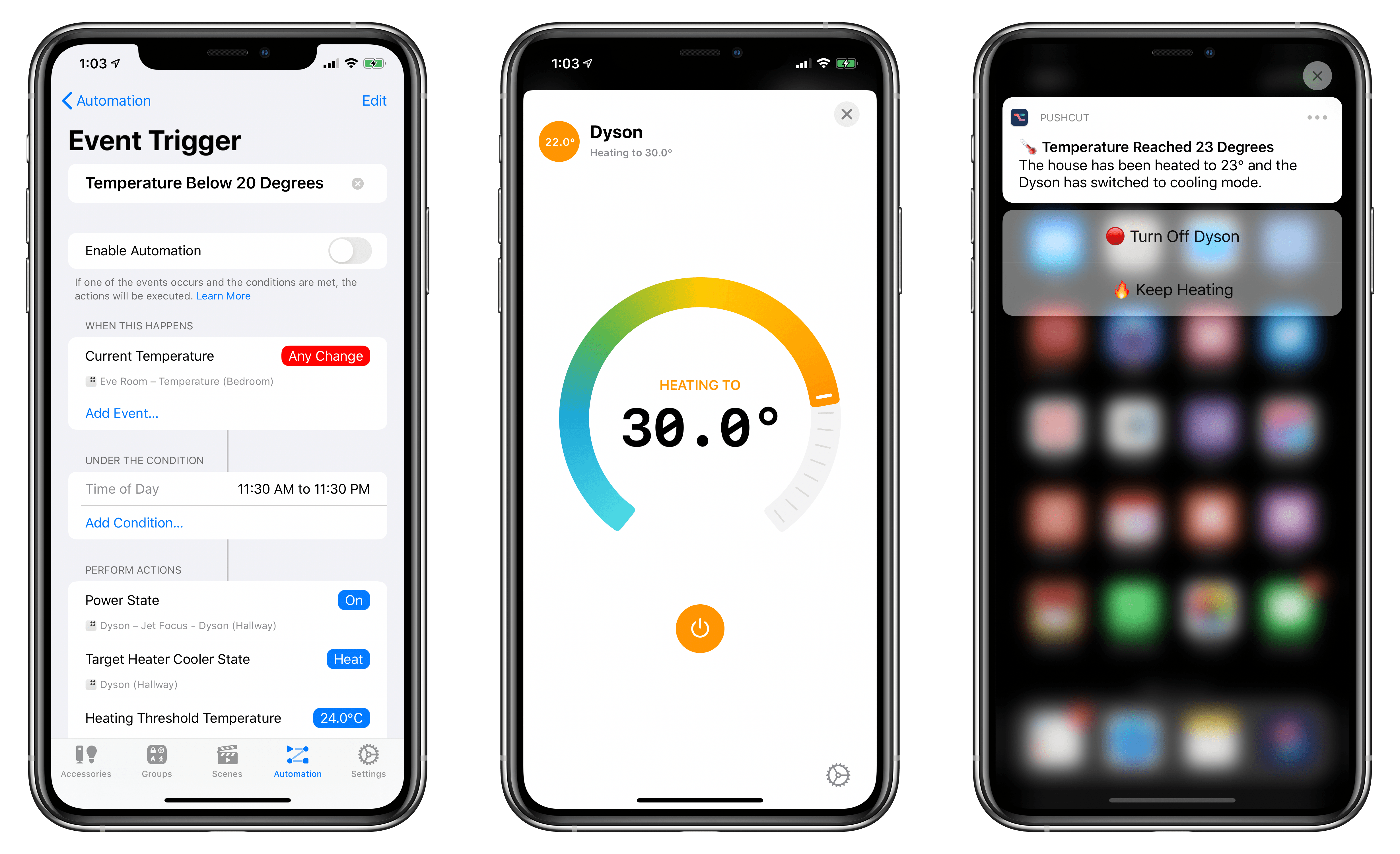
A few weeks ago, following a long research process, my girlfriend and I finally decided to buy a Dyson fan for our apartment – specifically, the Pure Hot + Cool model. We’ve been keeping an eye on this product for a while as a potential solution to purify air as well as heat our (small) apartment; unlike other Dyson fans, this one combines cooling and heating modes in a single compact, good-looking product that we’ve placed on top of an IKEA BESTÅ cabinet in our hallway. So far, we’re liking it a lot.
Whenever I buy a new appliance these days, one of my priorities is to ensure that it can become part of our HomeKit setup, either via native HomeKit support, custom integration via homebridge, or, if all else fails, a smart plug. As far as native HomeKit fans are concerned, I couldn’t find anything here in Italy that combined cooling and heating functions in a single product. Modern Dyson fans do not come with official HomeKit support either, but they can communicate over Wi-Fi using a proprietary service called Dyson Link. This service can be controlled via an iPhone app (which comes with a virtual remote and stats collected by the fan’s built-in sensors) or Amazon’s Alexa assistant. As I was researching the Pure Hot + Cool, I discovered a homebridge plugin that, with minimal configuration, allows you to add a Dyson fan along with its sensors and different modes to your Home setup as a series of accessories and sensors. And since I’m already using homebridge to bring HomeKit compatibility to various devices around the house (including two TVs), adding a new one wasn’t a hard decision at all.