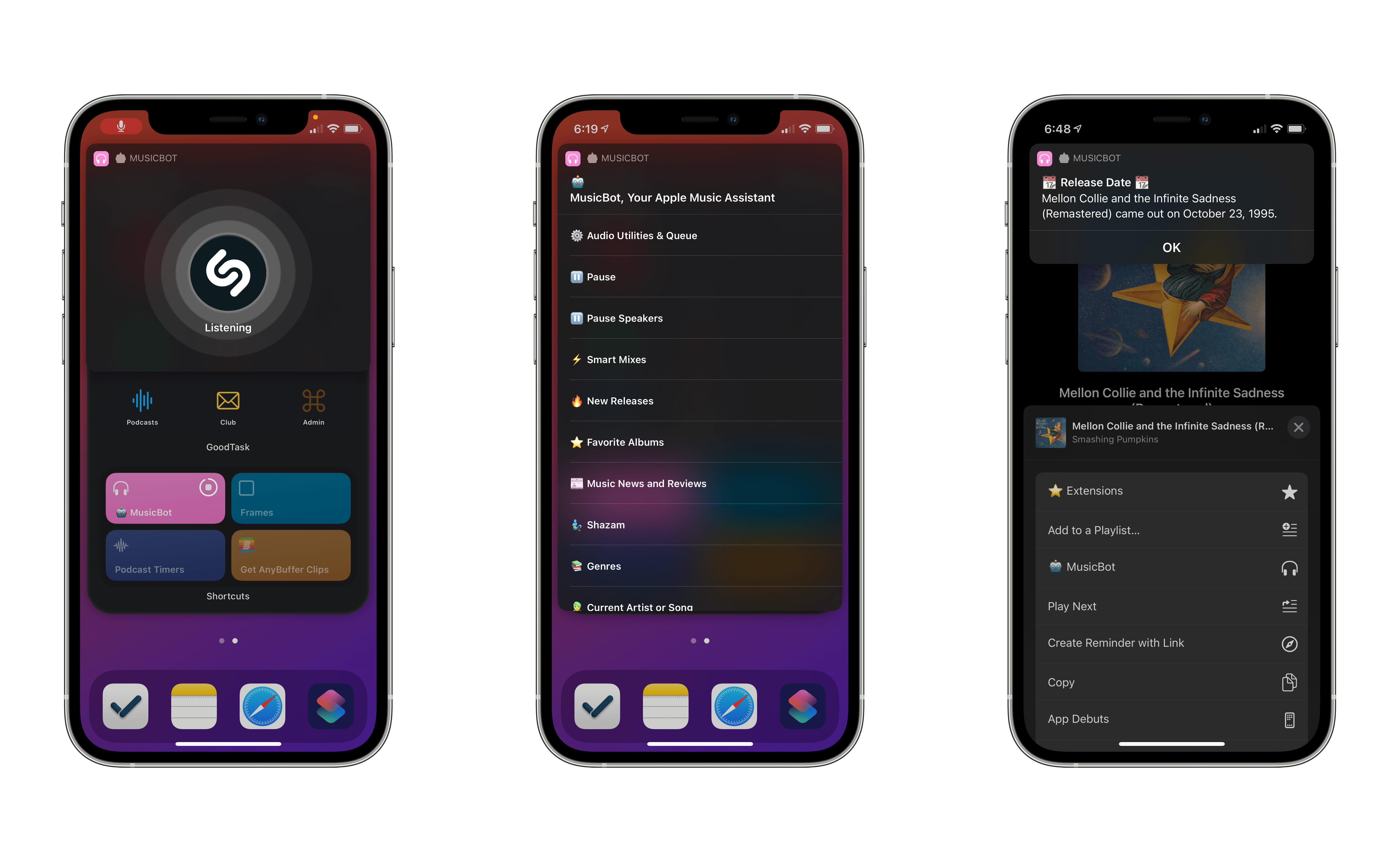
This summer, when Apple detailed iOS 14 and the Home screen changes it would bring, the company highlighted personalization as one of the key features of the new widget-populated Home screen. Rather than just containing an assortment of apps, iOS 14 Home screens can feature the information that matters most to you. Whether that’s your Activity rings so you can stay on top of your health, the current weather forecast, your task list, a memory from the Photos app – there are an abundance of options for personalizing your Home screens now.
I’ve tried a ton of Home screen widgets from third parties over the summer, and developers are doing lots of creative things with their apps’ widgets. One of the most exciting trends I’ve seen is the emergence of a new category of apps entirely centered around widgets. While most widgets will come built in to the apps you already know and love, some developers have built brand new apps for the sole purpose of enabling users to create and customize widgets in a hyper-personalized way. The best widgets I’ve tried offer configuration settings so you can tailor them to your exact needs, and these new apps take that idea even further, offering widget creation tools relating to a variety of traditional app categories – like weather, photos, health and fitness, productivity, and more – but in a single centralized app.
Leading the pack in this regard is Widgetsmith from David Smith, which not only covers one of the widest array of different widget types, but also features a power user-friendly scheduling option that sets it apart. The App Store hosts a growing number of other widget creation tools too, such as Widgeridoo, Widget Wizard, Glimpse, and Health Auto Export.
Because each app specializes in providing its own custom set of options, there’s no limit to the number of apps worth trying. Widget needs can be highly personalized, so it’s no surprise that the apps designed for creating widgets all offer their own takes too.
Get ready to upgrade your Home screens.