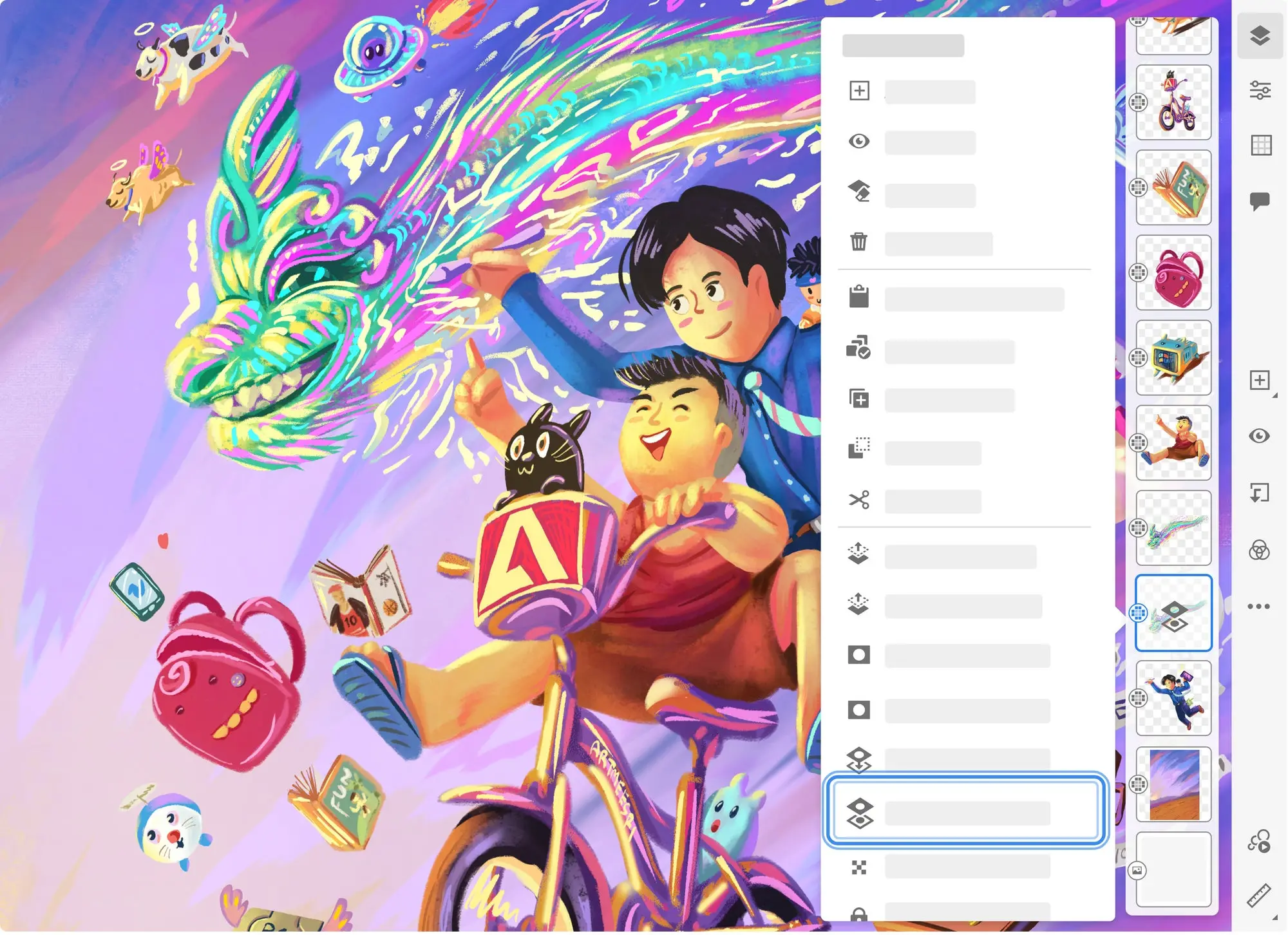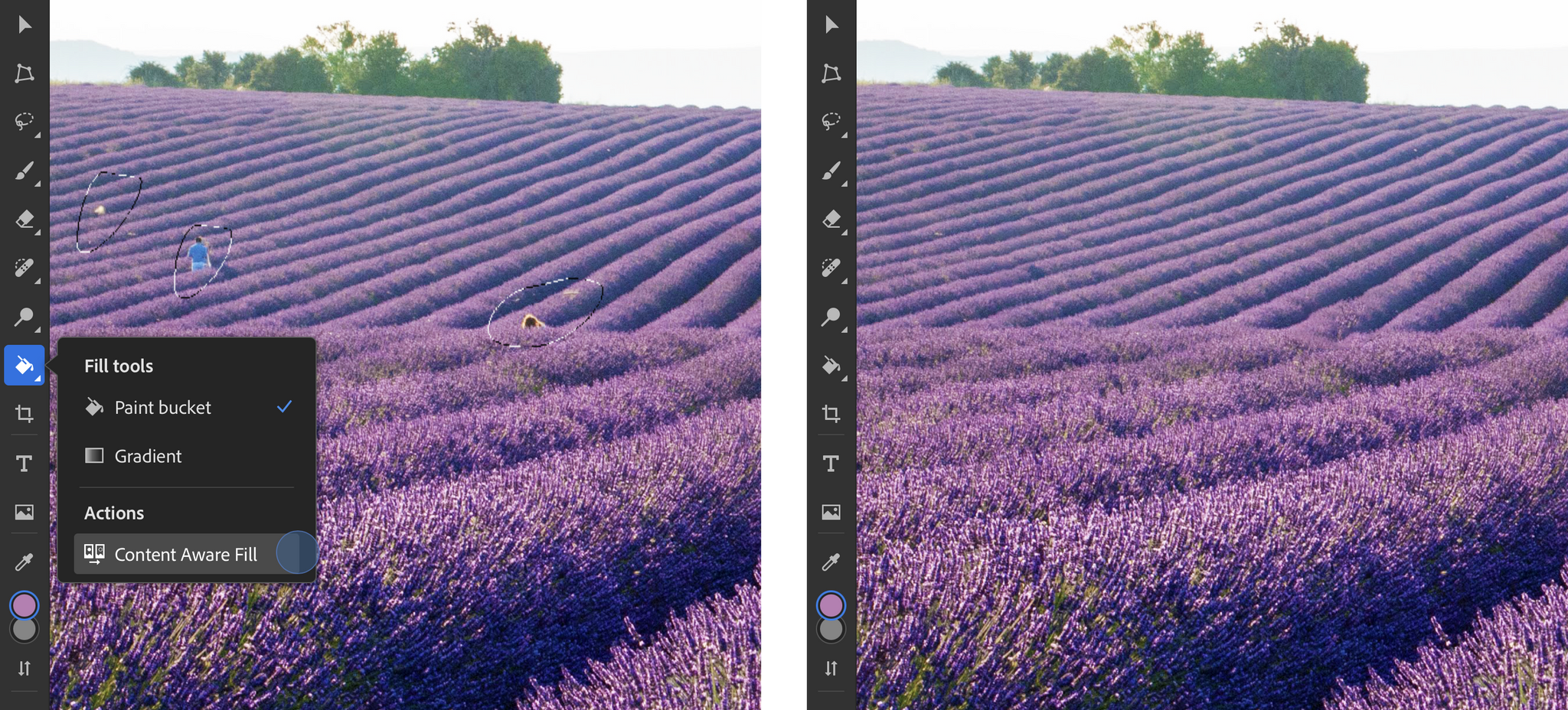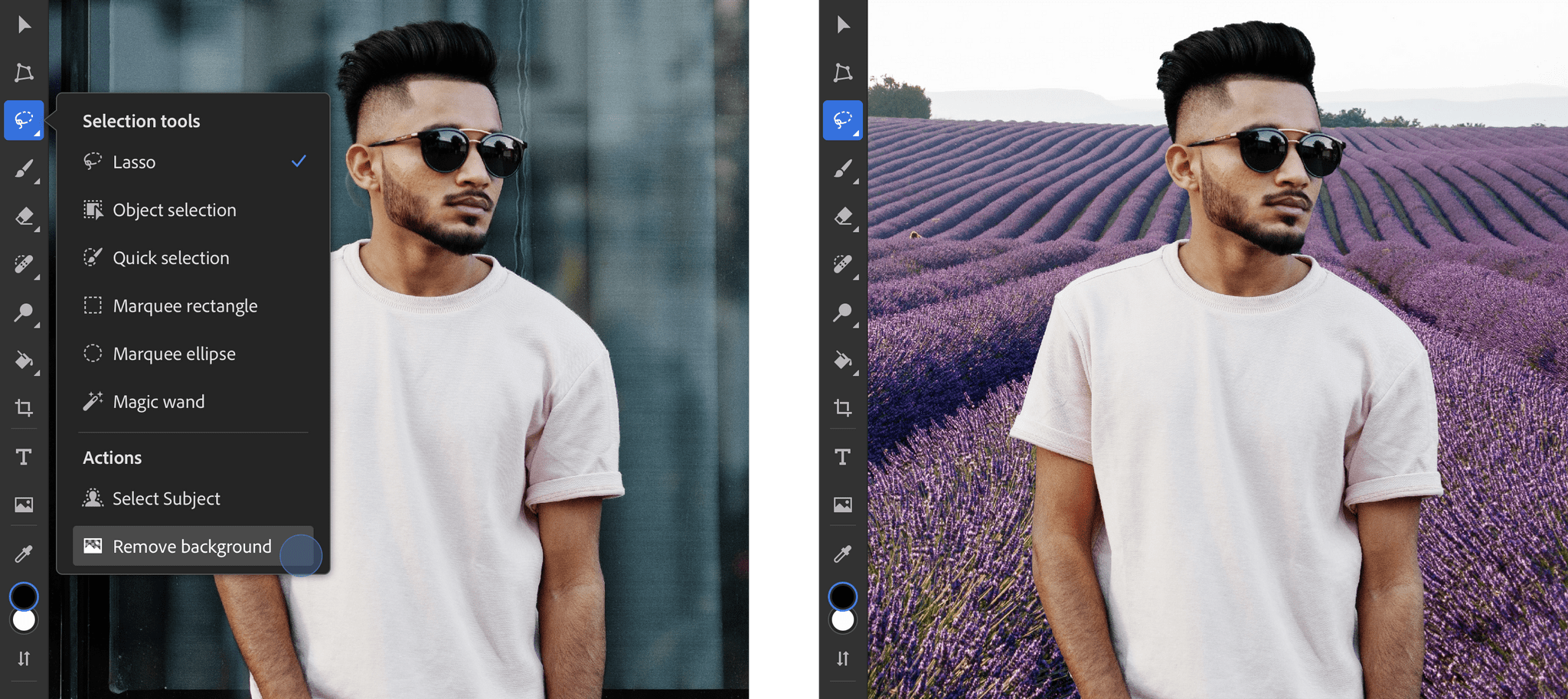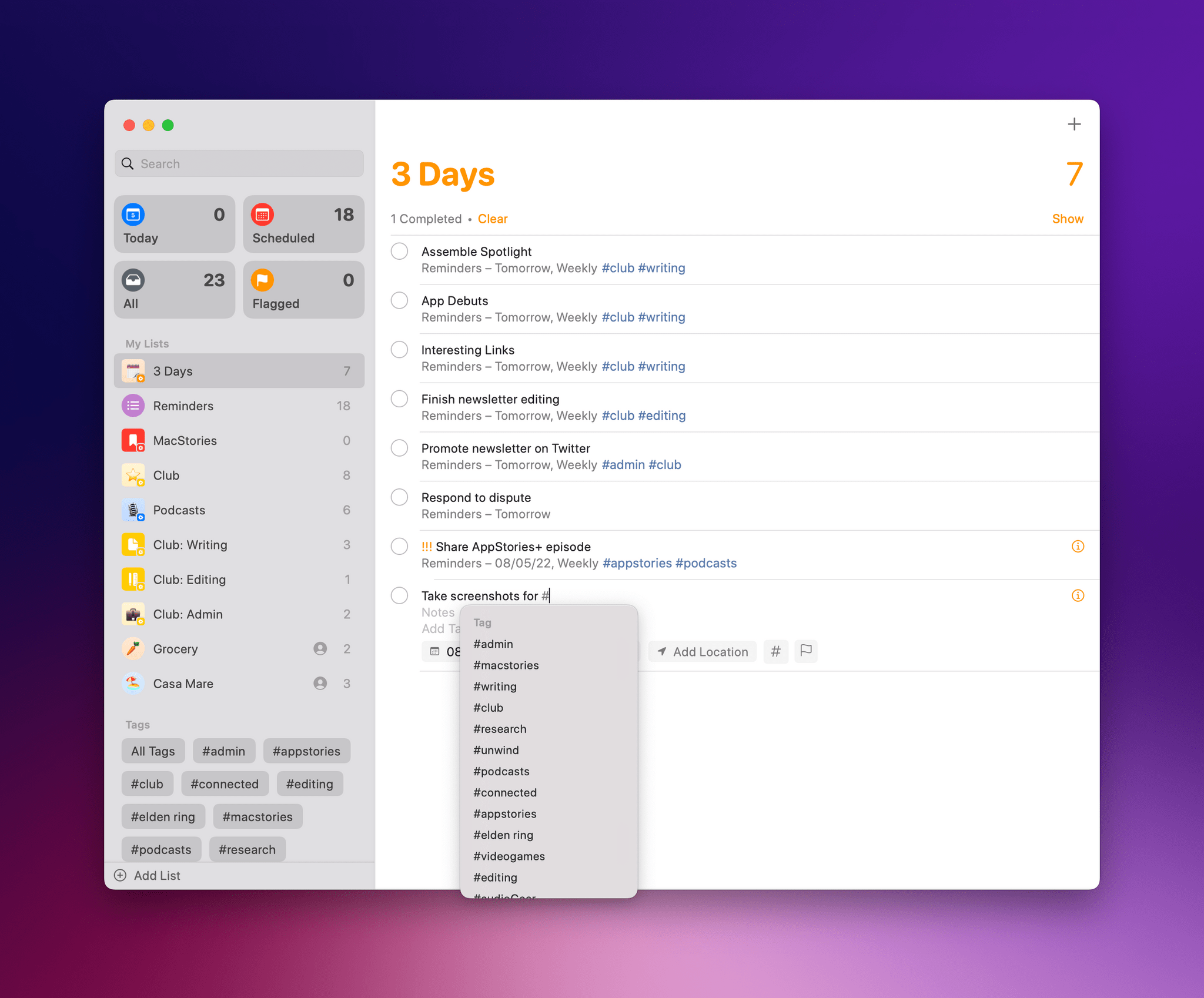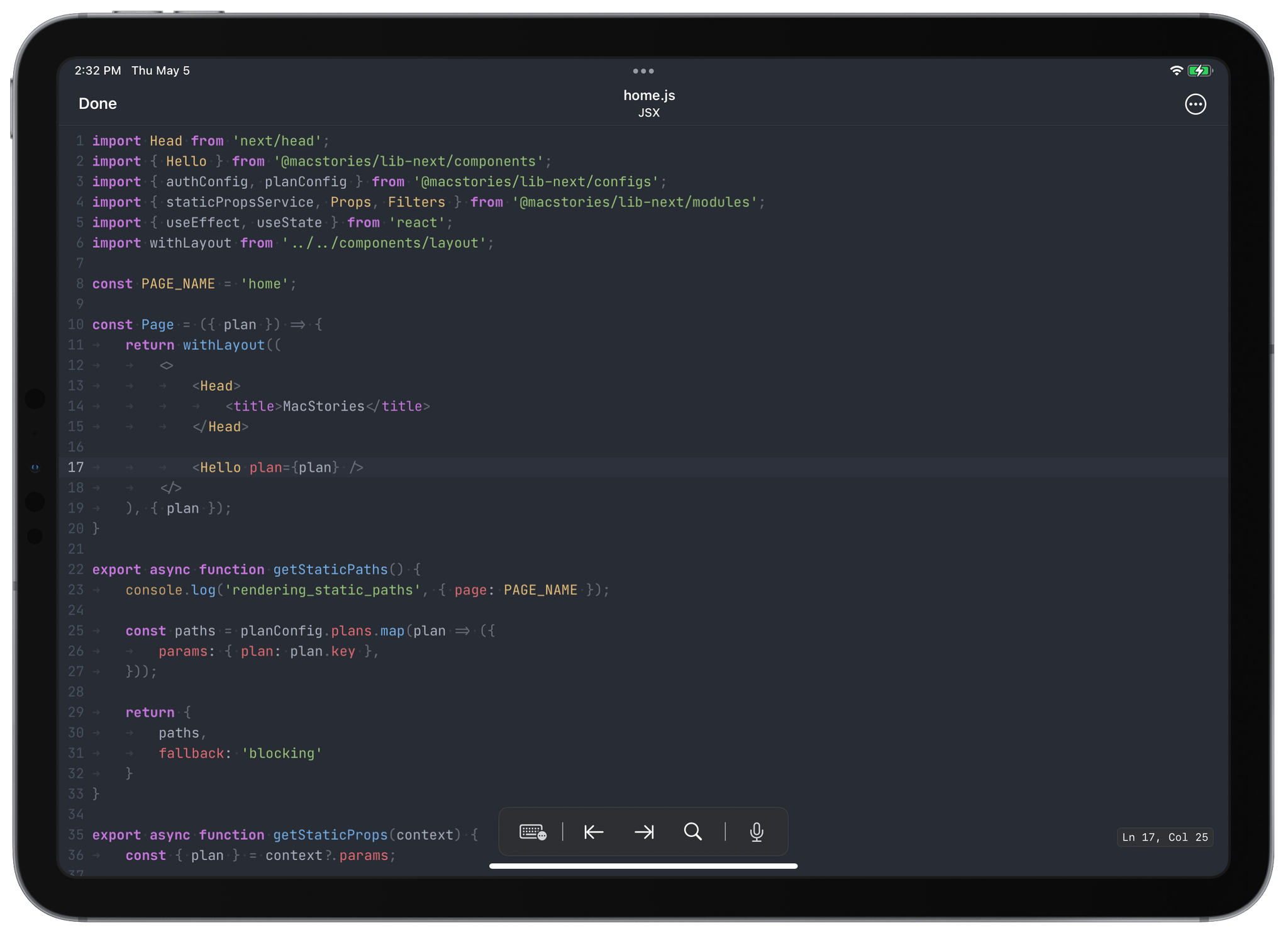
One of my earliest MacStories reviews was of OutlineEdit 1.0, a Mac-only outlining app that caught my eye with its attention to the kind of details that are a must for creating carefully structured outlines quickly. Version 3.0 recently landed on the Mac App Store and at its core, OutlineEdit is just as capable as ever at effortlessly turning ideas into outlines. The changes introduced with version 3.0 include refinements to existing features, as well as a handful of new features that extend OutlineEdit’s capabilities. Let’s take a look.
OutlineEdit 3 Offers a Fast, Keyboard-Driven Way to Outline Your Thoughts
AppStories, Episode 262 – 2022 Apple Hardware Predictions→
This week on AppStories, we survey the many Apple hardware rumors circulating and take a stab at predicting the new hardware we’ll see in 2022.
On AppStories+, Federico and John share their favorite features of the Mac launcher app Raycast, which John recently reviewed for Club MacStories+ members.
Monthly Log: February 2022
Last Week, on Club MacStories: Voting on the Next AV Club Pick, a Tip for Avoiding Accidental Lock Screen Activations, Utility Shortcuts for Mac, and a New Episode of Unplugged
Because Club MacStories now encompasses more than just newsletters, we’ve created a guide to the past week’s happenings along with a look at what’s coming up next:
AV Club Voting Begins
Don’t forget to vote for the latest AV Club pick in the Club MacStories+ Discord. Head to the Announcements channel for the details and to vote for one of the following four choices:
We’ll discuss the videogame or show selected as a community with a live Discord Town Hall event that is tentatively set for March 15th. For those unable to join live, we’ll publish the conversation to the Club MacStories Town Hall podcast feed after the event, as we did earlier this month for the Matrix movie series.
AV Club is a monthly event held in the Club MacStories+ Discord community. Club members vote on a movie, TV show, videogame, book, or music to enjoy as a group. It’s like a book club, but for all kinds of media. Our Discord community is one of the many perks for Club MacStories+ and Club Premier members.
MacStories Weekly: Issue 309
- Federico shared a tip on how to prevent accidental Lock Screen activations.
- John shared a collection of alternative read-later actions.
- John also explained why simple shortcut utilities are so powerful on the Mac, using a shortcut for adding date stamps to text files system-wide on the Mac as an example.
- An all-new episode of MacStories Unplugged in which Federico and John look forward to the end of winter, Federico on his trips to the local dog park, plus John gets some Pokémon Legends: Arceus tips and is upset about Nintendo closing its eShop for 3DS and Wii U.
- Plus:
- App Debuts
- Highlights from the Club MacStories+ Discord
- Interesting links from around the web
- A sneak peek at what’s next on MacStories’ podcasts
- and more
New Club MacStories+ and Club Premier Discount
Typefully is a beautifully designed Twitter utility for writing, scheduling, and publishing tweets and threads from the makers of Mailbrew.
Club MacStories+ and Club Premier members can get 30% off on their first year’s subscription to Typefully by visiting the Club Discounts page.
Tweetbot 7.1 Adds Background Notifications for Follows, Quotes, and User Tweets→

A tweet notification from Tweetbot. This one took about four minutes to arrive – not too bad considering they’re not based on push notifications.
We’ve been keeping an eye on Tapbots’ rapid development pace for Tweetbot on iPhone and iPad over the past few months (we gave Tweetbot 6 a MacStories Selects award in December), and I continue to be impressed by how Tweetbot is growing and adding new features thanks to its new business model and Twitter’s new API.
In today’s 7.1 update, Tweetbot has gained support for background notifications. These notifications, unlike push notifications, are managed by iOS/iPadOS’ background app refresh system, which comes with some benefits and limitations that Tapbots has outlined here. In terms of why this matters for users, background notifications alllow Tweetbot to support notifications for more types of activities: you can now enable notifications for new followers, people who quote one of your tweets, and – my favorite – new tweets from a specific user. The latter can be enabled on a user’s profile page (pictured below) or by long-pressing someone’s profile picture in the timeline.
Being notified when a specific user tweets was one of the features I was missing from the official Twitter app, so I’m glad Tapbots figured out a way to add it to Tweetbot. Since Tapbots’ system is based on Apple’s background app refresh technology and they can’t control the timing of notifications, Tweetbot’s version of these alerts won’t likely be as immediate as the Twitter app, but that’s fine as long as I get a list of new tweets from specific users.
I look forward to testing these notifications over the next few days. Tweetbot 7.1 is available on the App Store for iPhone and iPad; hopefully, we won’t have to wait much longer for Tweetbot 7 to arrive on macOS too.
Prizmo: Pro Scanner App with OCR, Pencil Annotation, PDF & DOCX Export [Sponsor]
Prizmo is a fully-featured scanner app for iOS and Mac that lets you capture documents and receipts, turning them into professional PDFs that you can share, archive, annotate, fill out as forms, or sign with the Apple Pencil or your finger. The app is perfect for scanning business cards to add people to your contacts too.
The capture workflow on iOS has been streamlined in Prizmo’s latest release as a tap-free multi-page scanning process with the ability to review pages as you scan. Text recognition starts immediately in the background, and the PDF is auto-uploaded into your shared folder immediately without any user action.
Prizmo also offers some of the deepest editing tools available in any scanning app, such as page curvature flattening, edge repair, background cleanup, user-editable OCR layout, and much more. Prizmo edits are non-destructive, meaning you can reverse any operation at any time without the need of rescanning, so even your Apple Pencil annotations from a week ago can be edited at any time.
Among Prizmo’s output formats, PDF gets many customizable options, including image compression level and a JBIG2 encoder for extremely lightweight black and white scans of just 40KB per page, useful for archiving large amounts of data. It also comes with image and text exports and can create fully-formatted DOCX documents that you can edit further in Apple Pages or Microsoft Word.
Prizmo offers not one but three OCR engines to handle the variety of languages and document styles too. And its most advanced one, Cloud OCR, is about to get an important update in the coming weeks with new, breakthrough capabilities.
Prizmo is localized in many languages, and it offers specific accessibility features for blind and vision-impaired users, including VoiceOver support and a dedicated text reader.
Through Sunday, March 6th, Prizmo’s Premium Pack, which is a one-time payment, is 30% off on the App Store, so be sure to download it today for just $/€13.99. Prizmo for Mac is on sale, too, for 33% off ($/€39.99) on the Mac App Store.
Our thanks to Prizmo by Creaceed for sponsoring MacStories this week.
MacStories Weekly: Issue 309
MacStories Unwind: Horizon Forbidden West
This week, Federico and John share a joint pick, Horizon Forbidden West, a beautiful new game for PlayStation 4 and PlayStation 5.
Federico and John’s Joint Pick:
The Game
Reviews and Analysis
The Macintosh Desktop Experience: Raycast’s Modern Take on Launcher Apps
Keyboard-driven app launchers have been a staple of the Mac for a long time. Like a lot of people, my first exposure to these apps was via Quicksilver, an app that was popular in the early 2000s and is still available today. In the years since, I’ve switched between LaunchBar and Alfred, both of which...
Read more


](https://cdn.macstories.net/banneras-1629219199428.png)